

Who doesn't know about the spelunkering heroine Lara Croft? This game gets back to the roots of the series by incorporating actual tomb raiding in various exotic locations with the buxom protagonist.
Support Summary
Game Information
Screenshots Comparison
Solutions & Issues
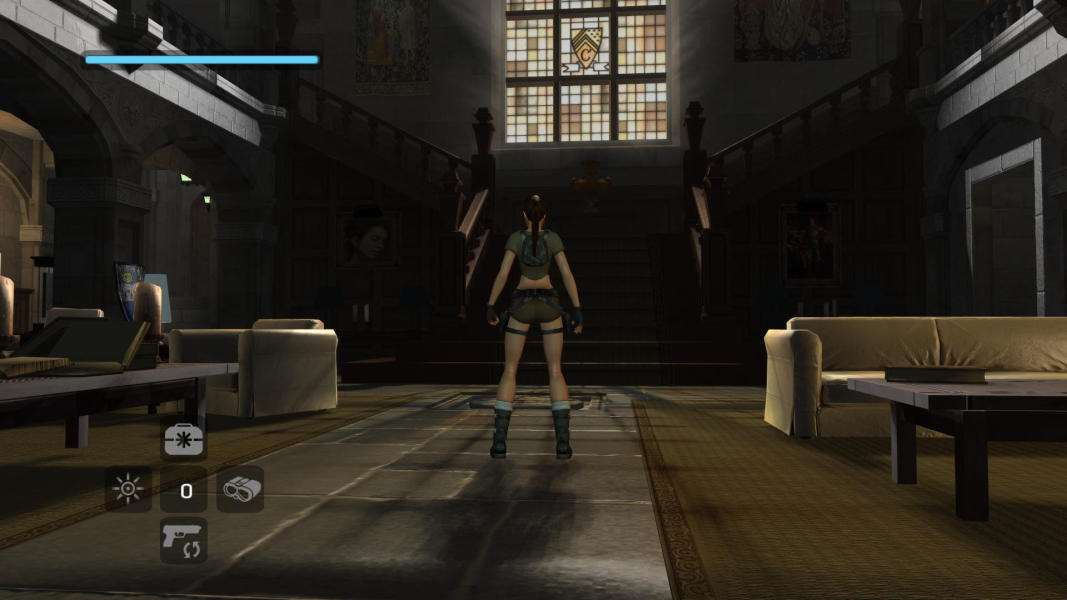
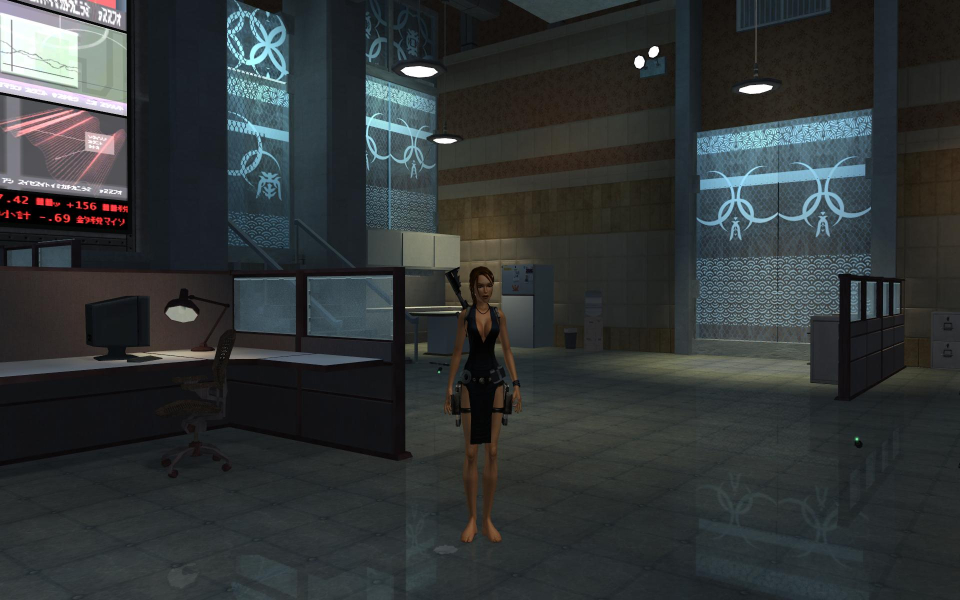
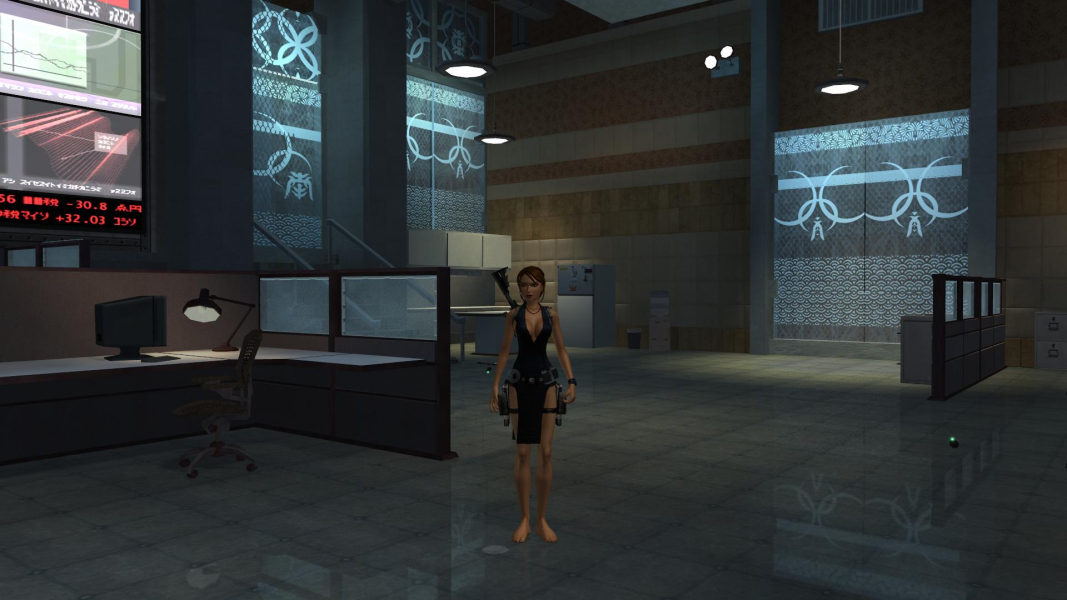
Native widescreen support. Just be sure to choose "widescreen" in the "Display" options.
The game grants more visibility horizontally. True widescreen HOR+.
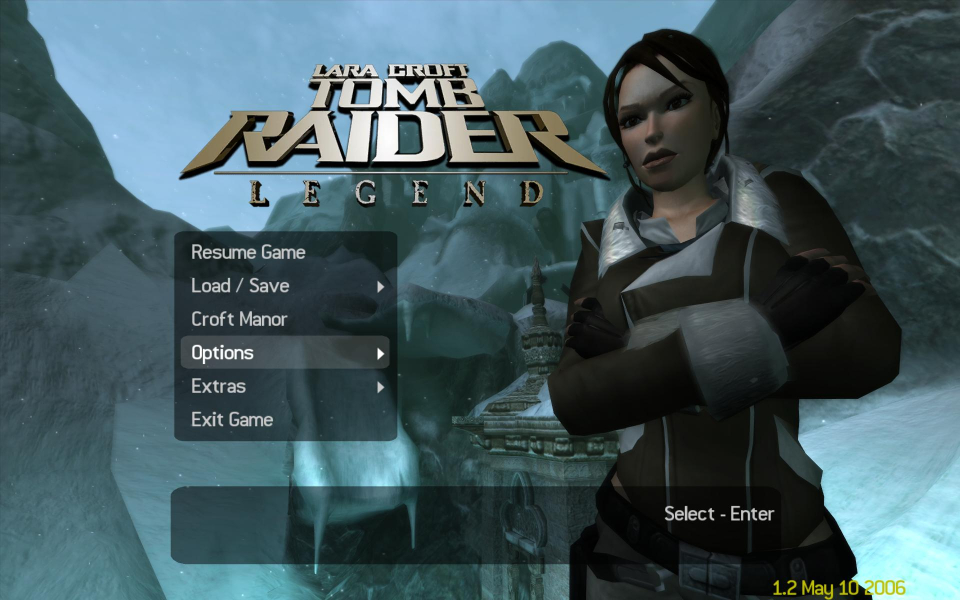
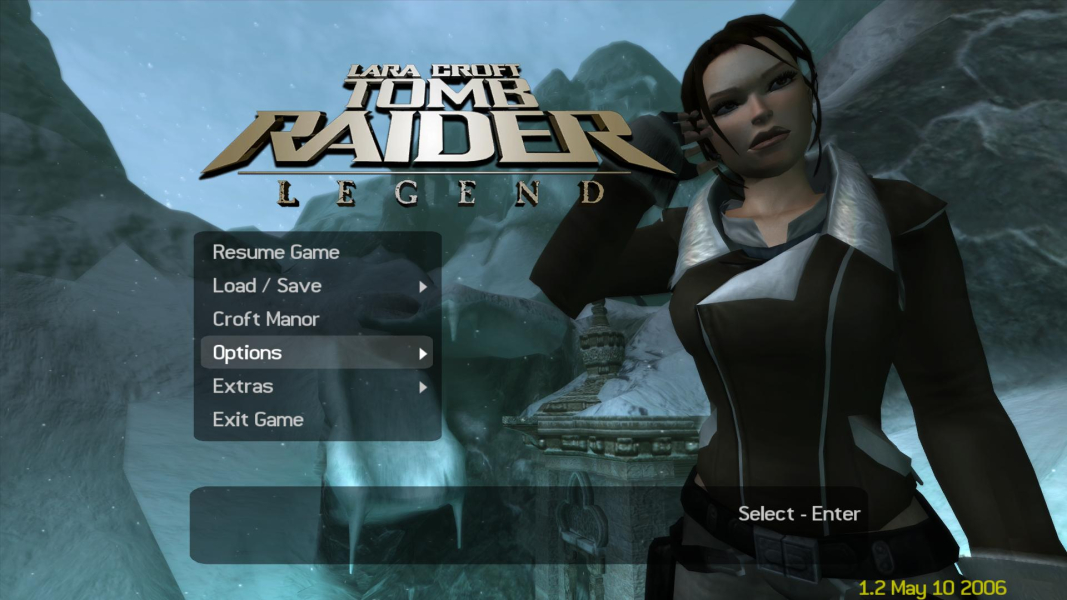
The game only supports 2 aspect ratios: 4:3 and 16:9. The game allows you to run the game with either aspect ratio in any resolution. You can run 16:9 aspect ratio at 4:3 resolutions and vice versa. The game does not support 16:10 ratio, but still looks good. People are a little bit skinnier in 16:10.
The hud does not stretch.
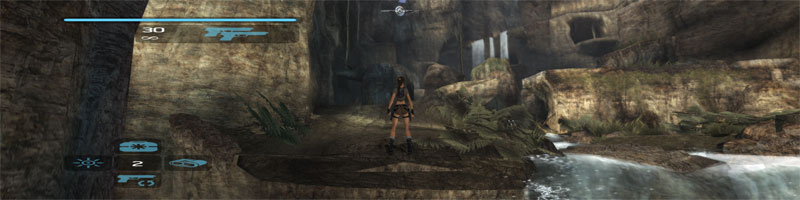
NOTE: If playing on a 16:10 monitor, it will, like the 3D world, be very slightly stretched vertically as it is rendering a 16:9 aspect ratio on a 16:10 monitor. This stretching is not too noticable. (Shown below)
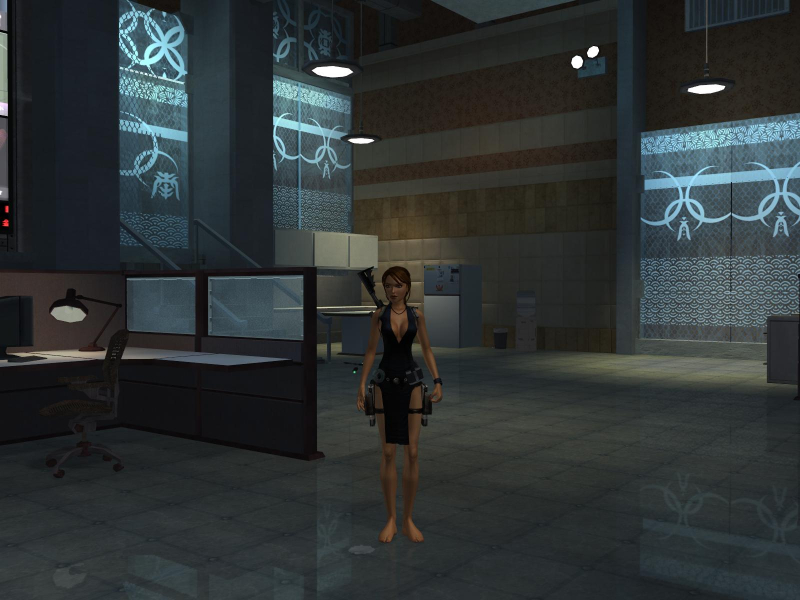
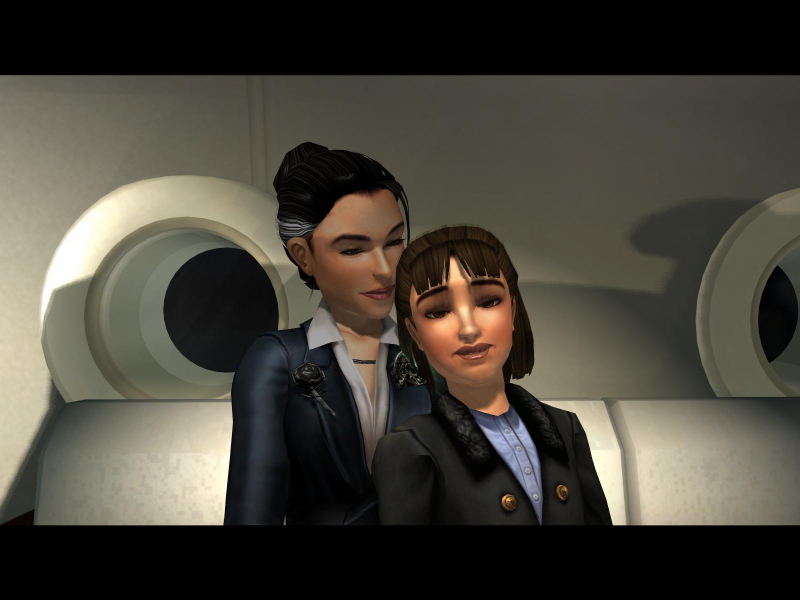
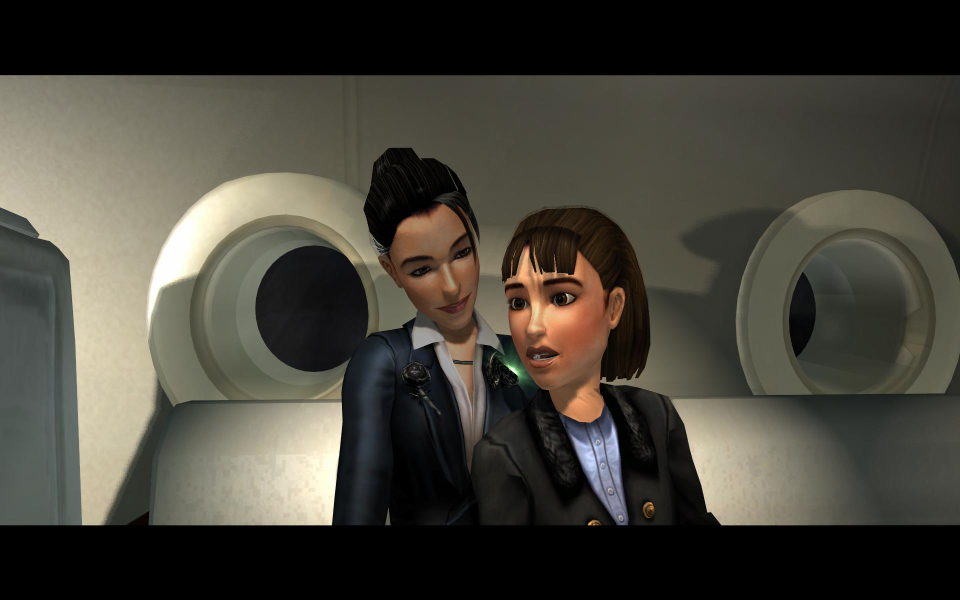
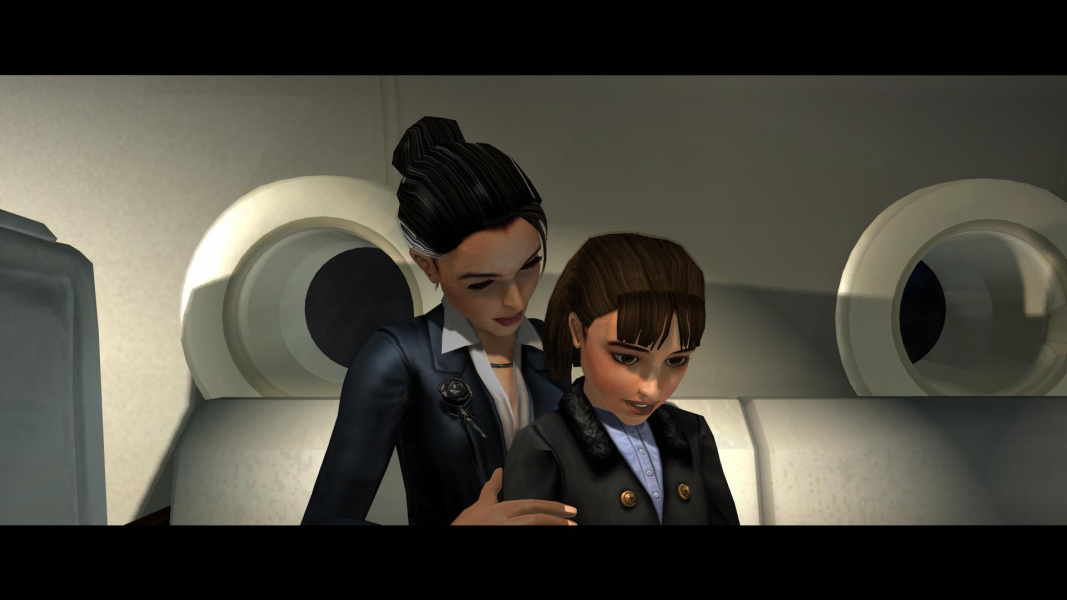
Cutscenes are handled with the ingame 3D engine and are also HOR+
As cranky stated, the forced aspect ratio hurts the overall score in an otherwise perfect implementation of widescreen support
edit:
for correct 16:10 -> 1920x1200 use Racer_S Fov tool and set the values to
Aspect: 0,822
Fov: 1,082
But mind you, as you will encounter some misaligned sprites if you will use this FOV hack. This tool does not work with the Steam version.
Download available from the PC Gaming Wiki Community Files (search there).
While you can set any resolution your system supports, the game will stretch 16:9 image to 21:9. To workaround this use the Racer_S Fov tool and adjust the values to
Aspect: 1,593
Fov: 1
But mind you, as you will encounter some misaligned sprites if you will use this Fov hack. This tool does not work with the Steam version.
Download available from the PC Gaming Wiki Community Files (search there).
Download available from the PC Gaming Wiki Community Files (search there).
Gameplay Screenshots


In-Game (Rendered) Cutscenes
Menu Screenshots

Additional Screenshots