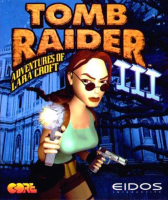


" Thousands of years ago a meteor crashed into Antarctica and the shockwaves of its impact are being felt in the modern age. Lara Croft will follow clues leading to a deadly secret, boldly leaping chasms and blasting monsters that no one has leaped or blasted before. This time she faces a mystery that's from way out of this world. Tomb Raider III is a complex adventure that combines puzzles with high-speed action. " - Steam store page
Support Summary
Game Information
Screenshots Comparison
Solutions & Issues
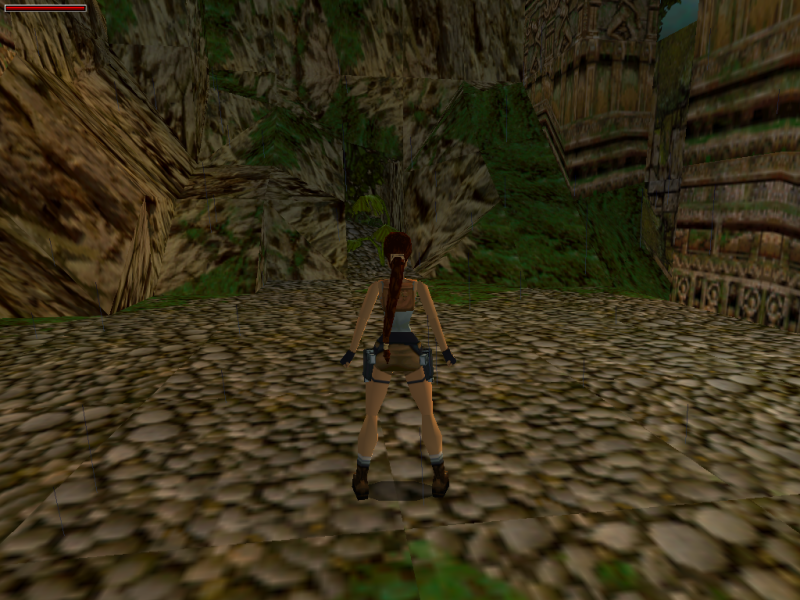
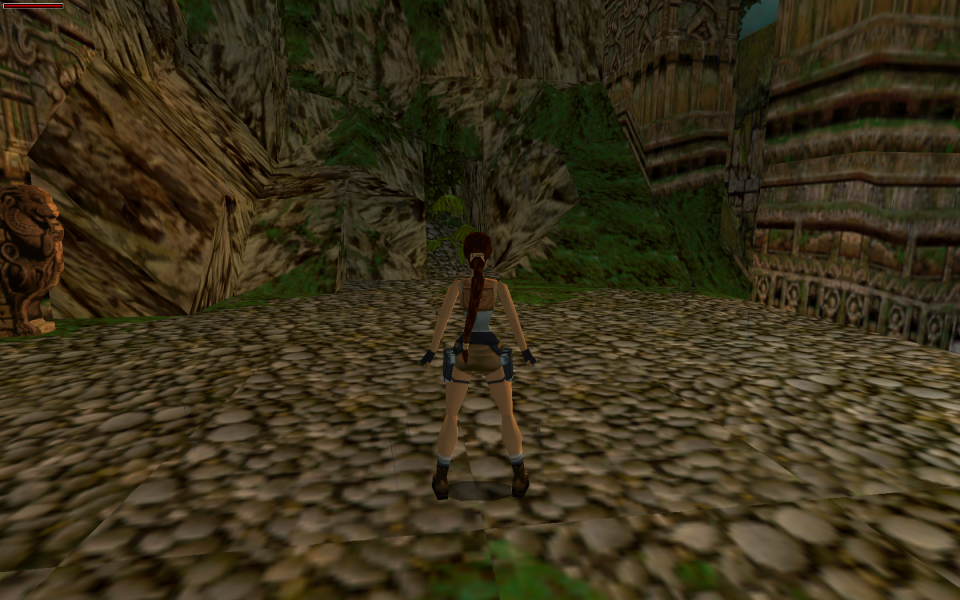
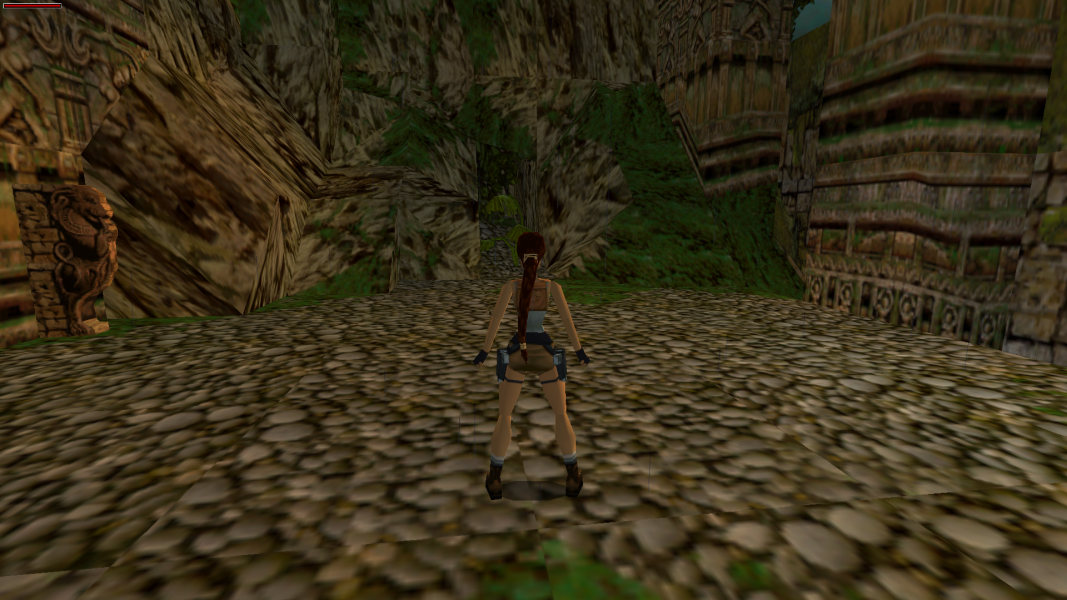
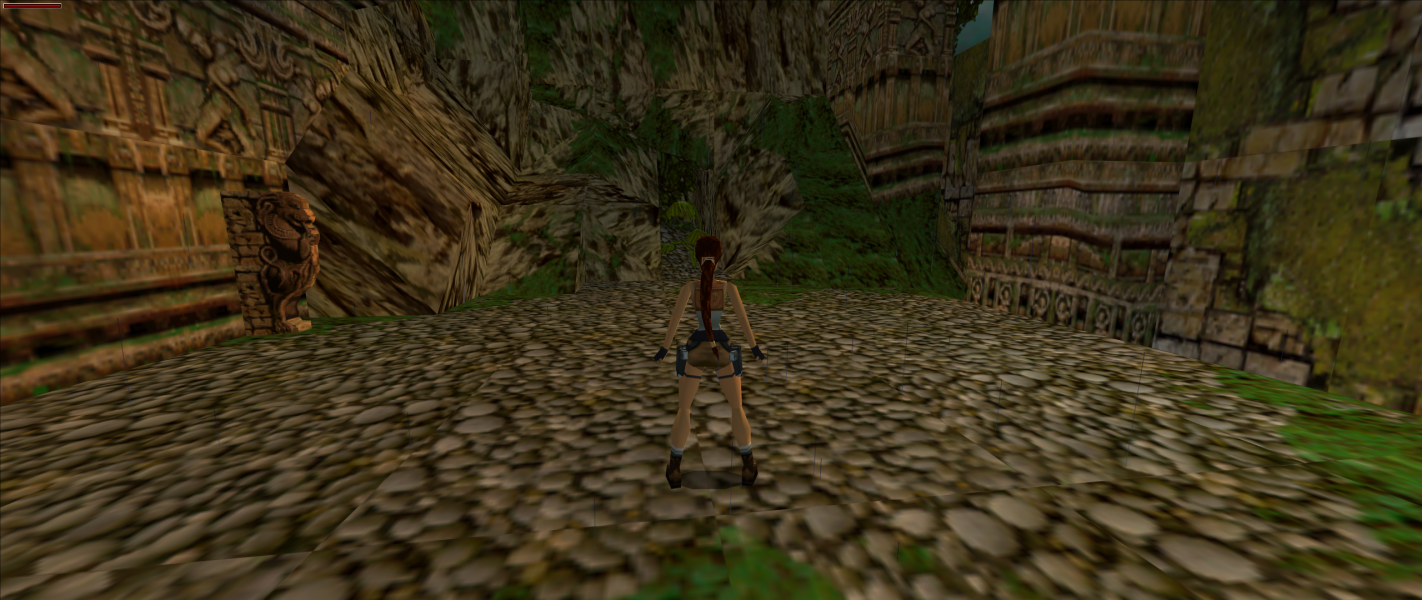
Widescreen resolutions stretch from 4:3 by default. Use Tomb Raider 2,3,4 Widescreen Patch to set aspect ratio, camera distance, and FOV. The aspect ratio list in the patcher may produce the wrong aspect ratio. Enter the resolution's dimensions manually if this happens.
FMV cutscenes always run at 640x480. 2D and 3D elements shown during gameplay have the correct aspect ratio (2D elements do not increase in size at higher resolutions).
Some higher resolutions crash the game if used ("Error: Tomb Raider 3 Failed to Initialise, Please Run Setup"). Use dgVoodoo 2 to remove the resolution limit.
Same as widescreen. Use dgVoodoo 2 to remove the resolution limit.
Same as widescreen. Use dgVoodoo 2 to remove the resolution limit.
Gameplay Screenshots