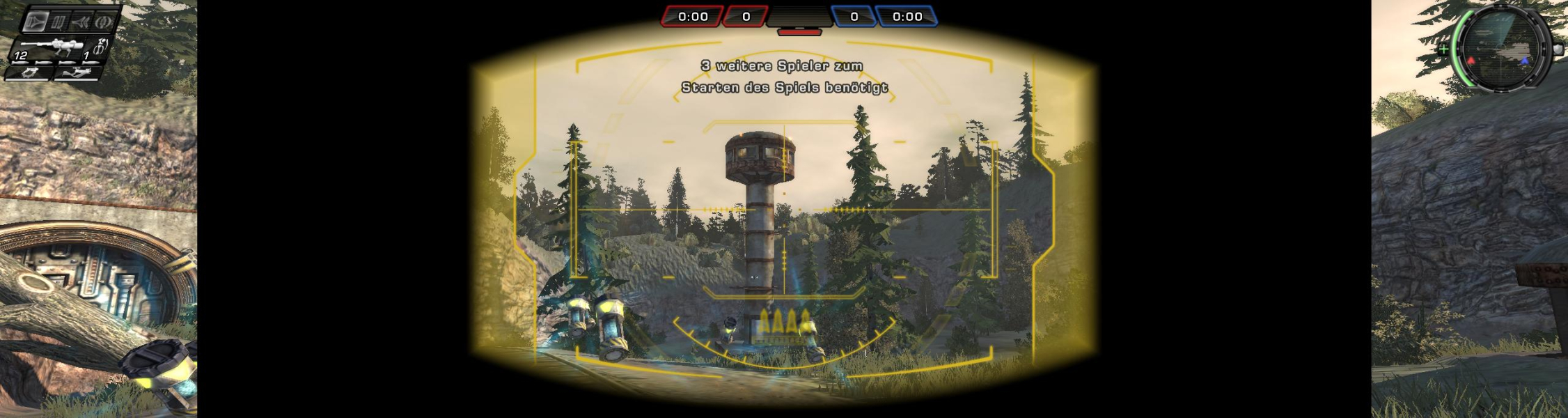


TimeShift is a FPS created by Saber Interactive released in 2007. This game is noteable for allowing the player to manipulate time. It also received mostly above average review scores.
Support Summary
Screenshots Comparison
Solutions & Issues
The video resolution can be changed in-game from the main screen via "Options->Video->Resolution"). This game also includes the option to adjust the FOV ("Options->Game->FOV"). I left this at the default 80. Interestingly, if you look at the 'user.ini' file in the game folder:
'..\TimeShift\UserConfigs\Default"
the FOV entries for the default 80 shows something entirely different:
FOV = 56.250000
WPN_FOV = 56.250000
Menu_FOV = 56.250000
I set everything ingame to max (or "best" as the game calls it). My old system could barely run this game.
This game supports (lists ingame) every resolution for my card. And yes, it supports 2560x1600, yay! Saber, you guys are the best.
The game is Hor+.
None, all menu items and HUD elements scale correctly.
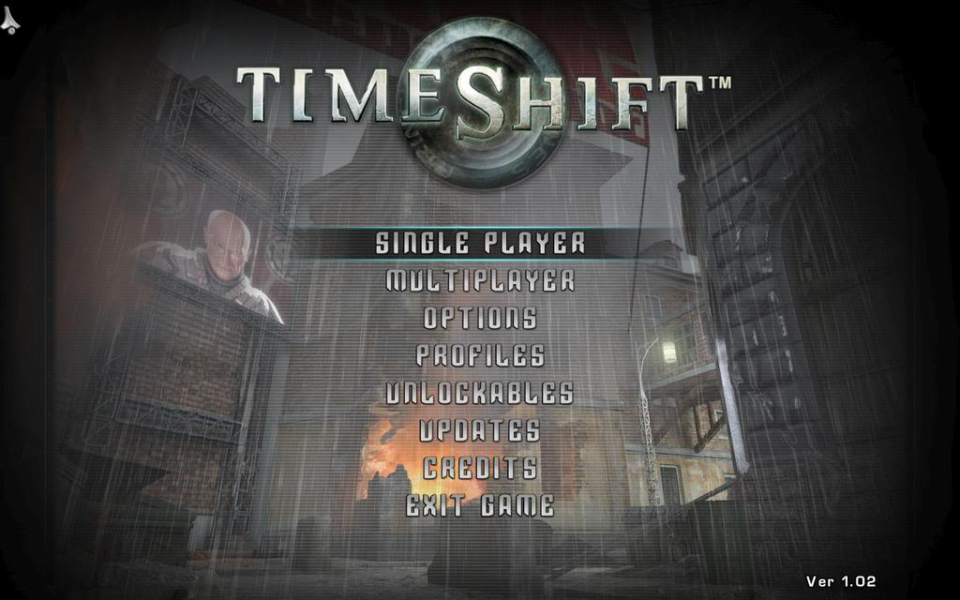
However, when you change your in-game resolution to a new aspect ratio, you need to exit and restart the game before they look right. (Default resolution upon first run is 800x600, so all non-4:3 resolutions you set the game to will have a stretched HUD until the second time the game will be launched.) My messy brain and poor english make it sound much more complicated than it is, really.
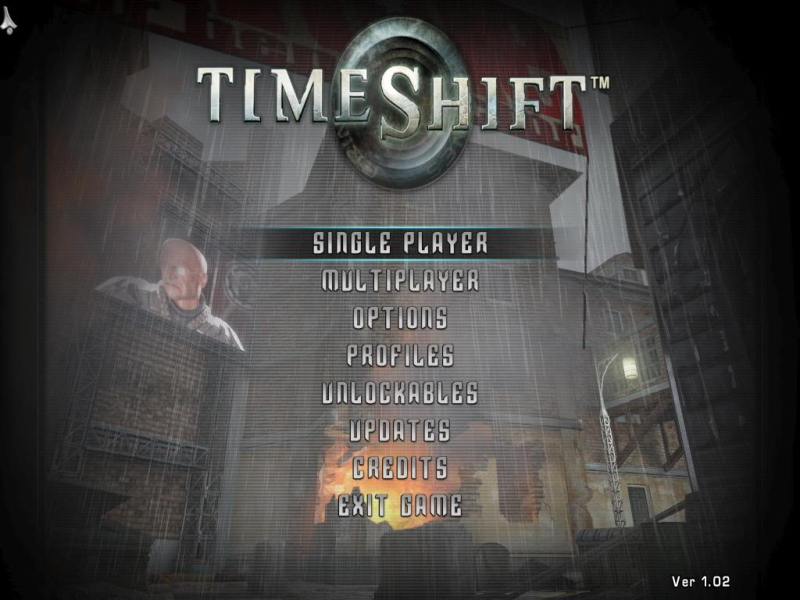
The main menu's background is not a "video loop" but a real-time 3D scene and it is Hor+. It is the only "3D" place where the FOV doesn't always adjust automatically upon setting a new AR, so it may stretch until the game is restarted but it is Hor+ really.
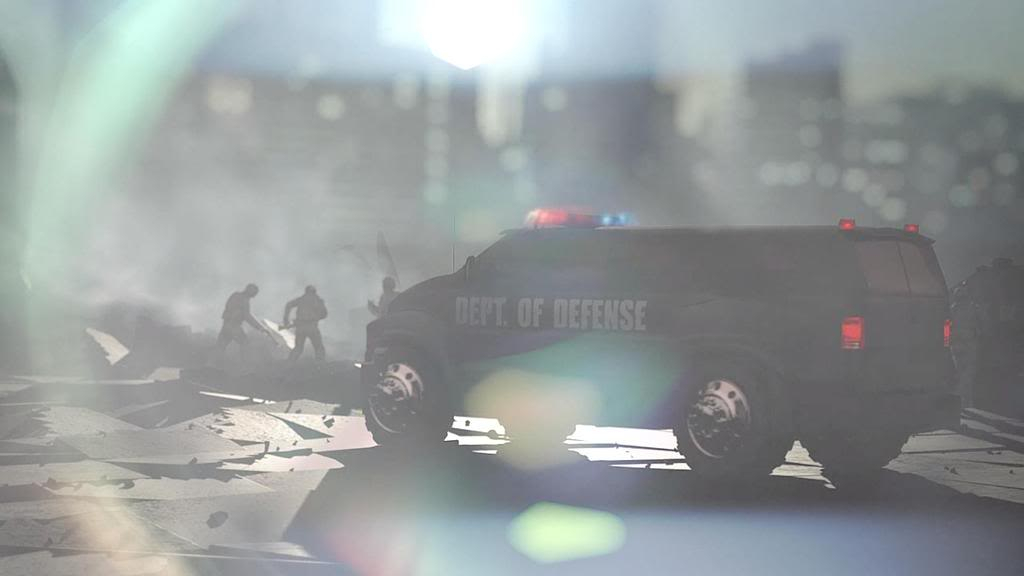
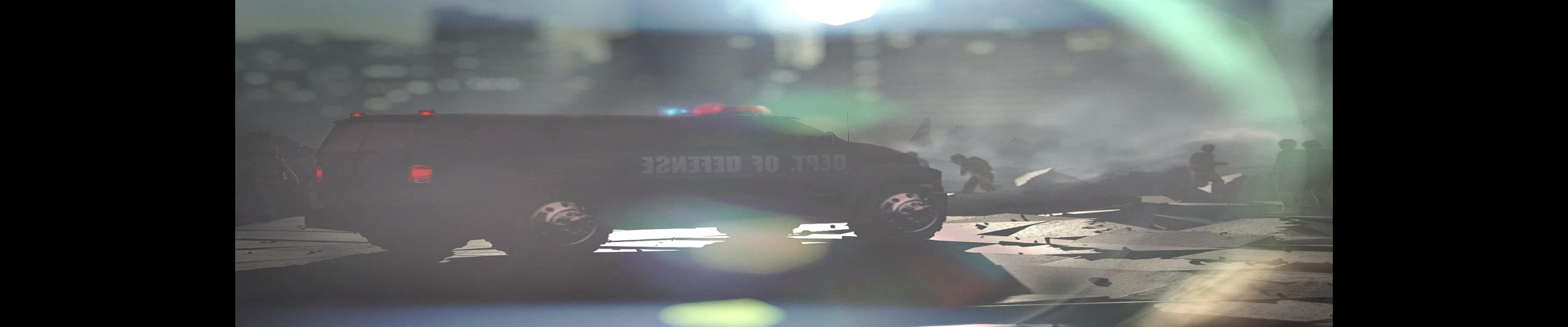
The 'new game' video looks anamorphic.
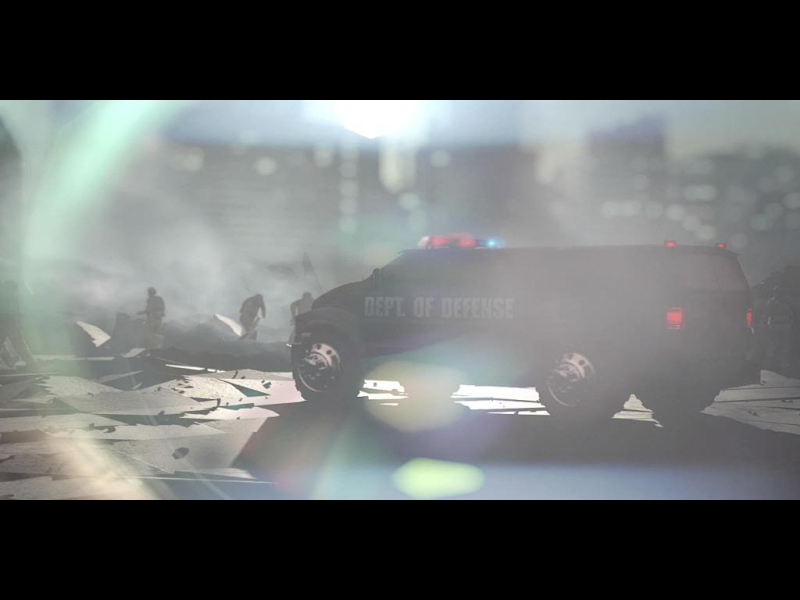
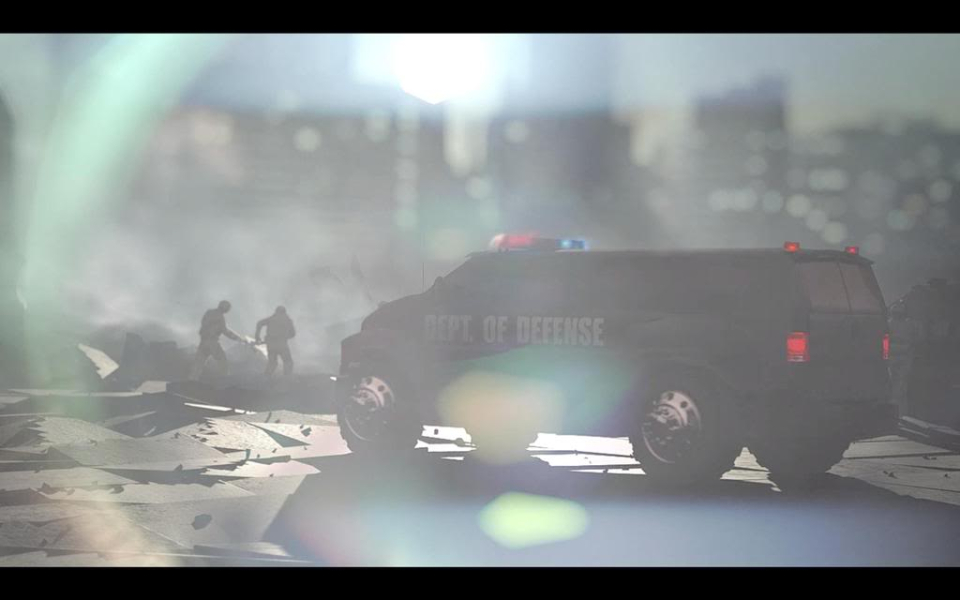
FMVs gets squashed
Just choose your TripleHead resolution in the games video option ...
FMVs gets squashed
Gameplay Screenshots


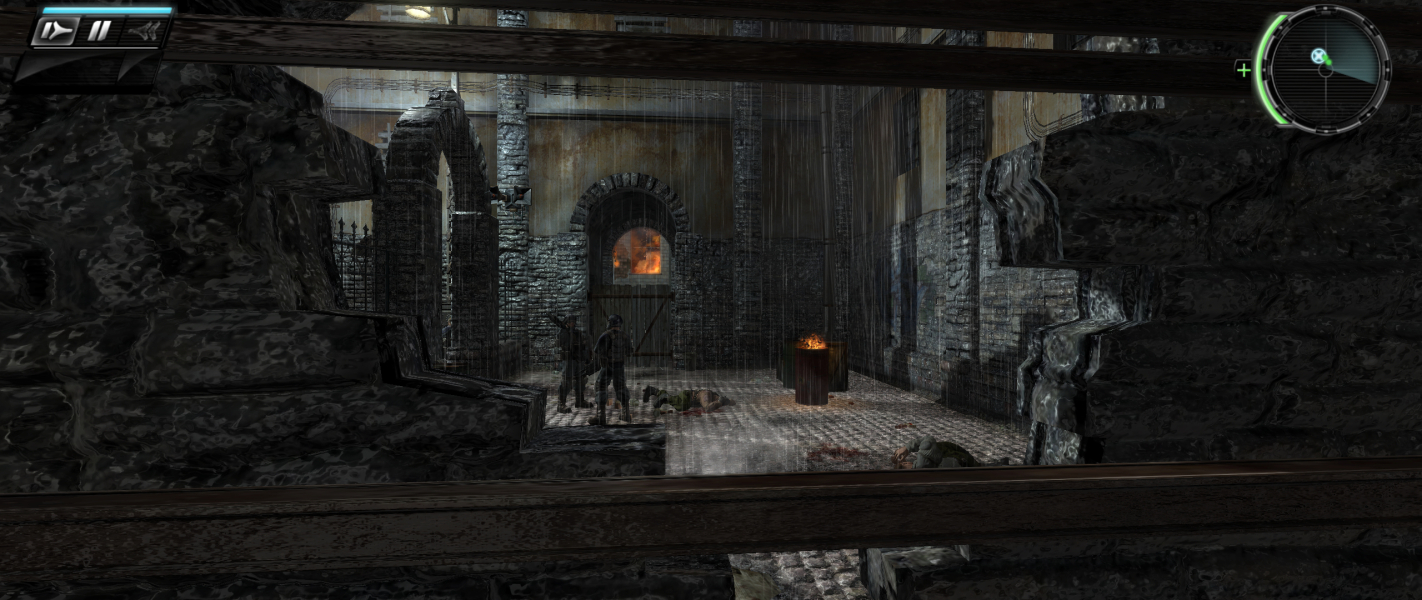


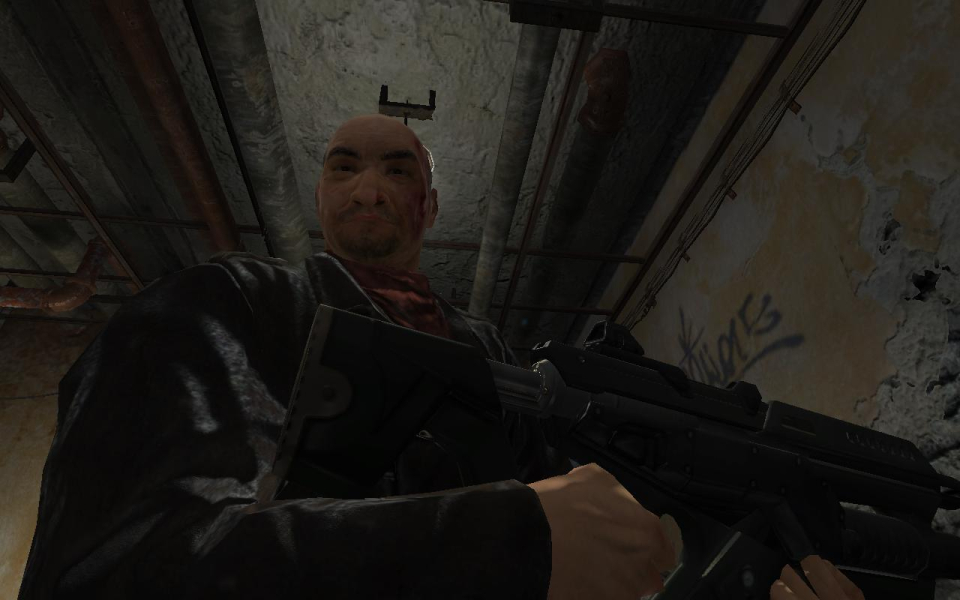
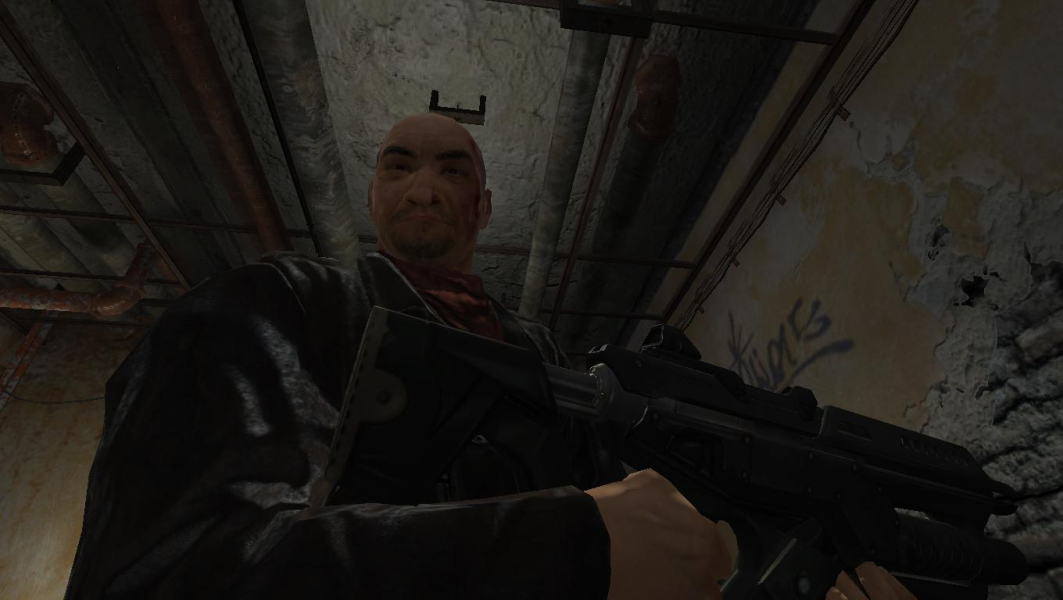
In-Game (Rendered) Cutscenes
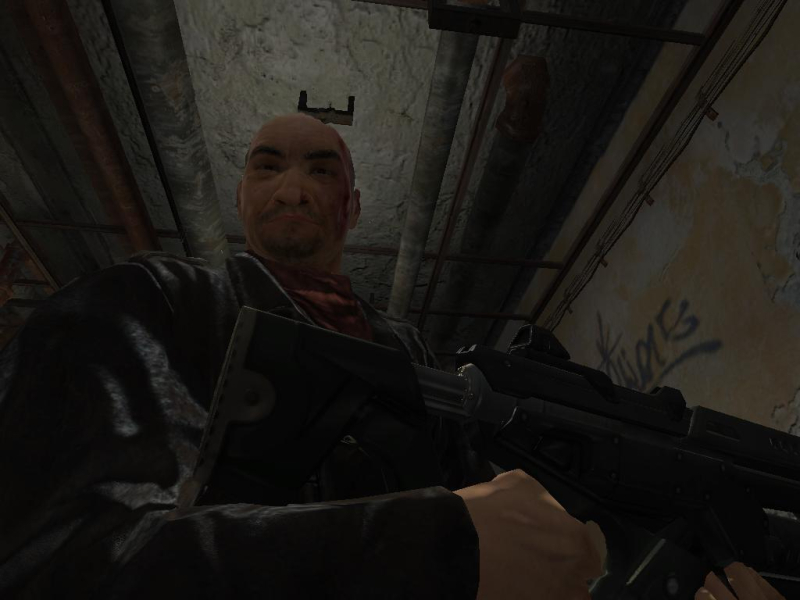
FMV Cutscenes
Menu Screenshots
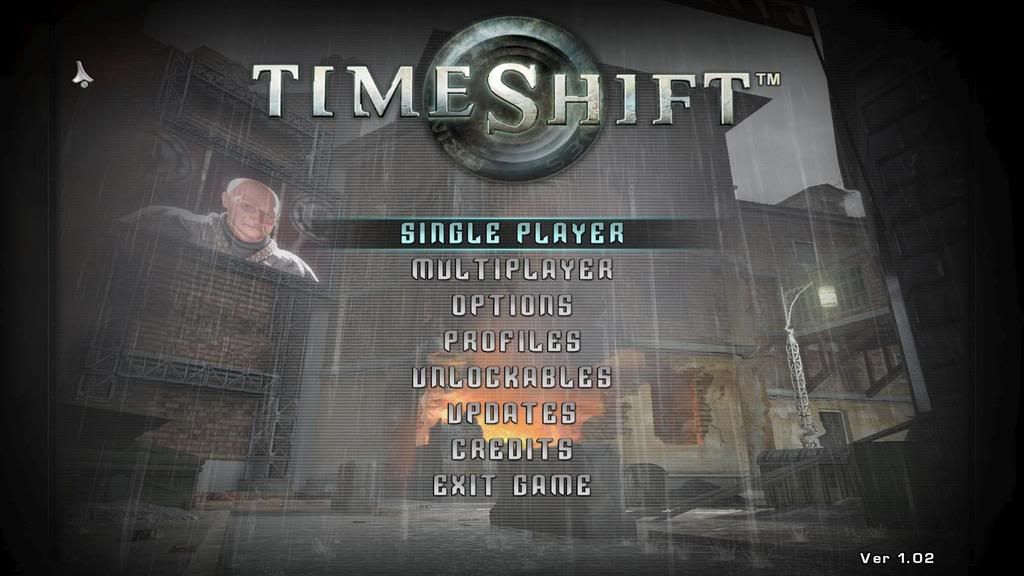
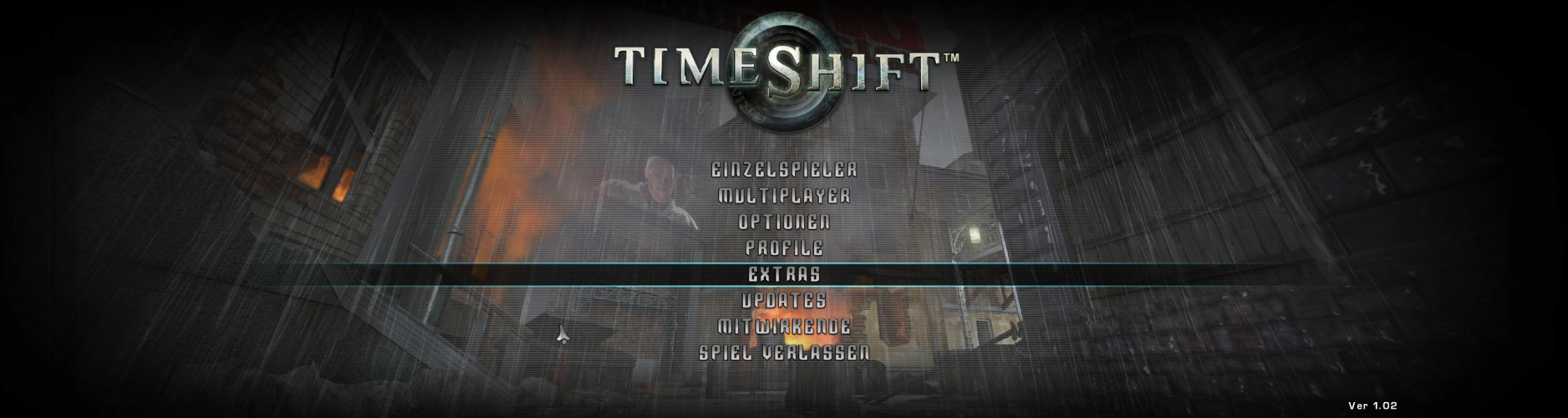
4K UHD Screenshots
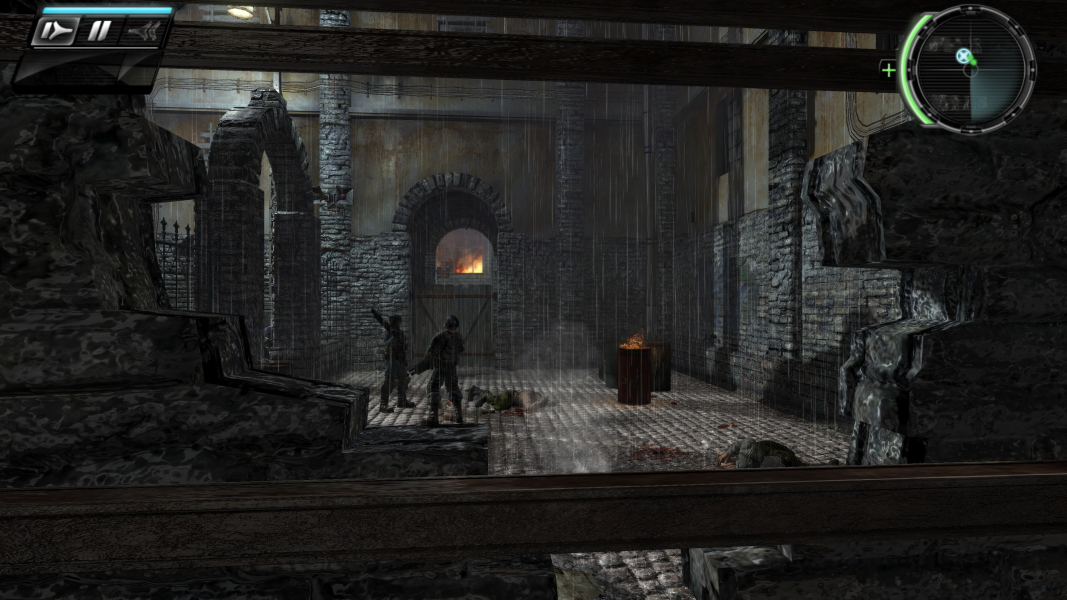
Additional Screenshots