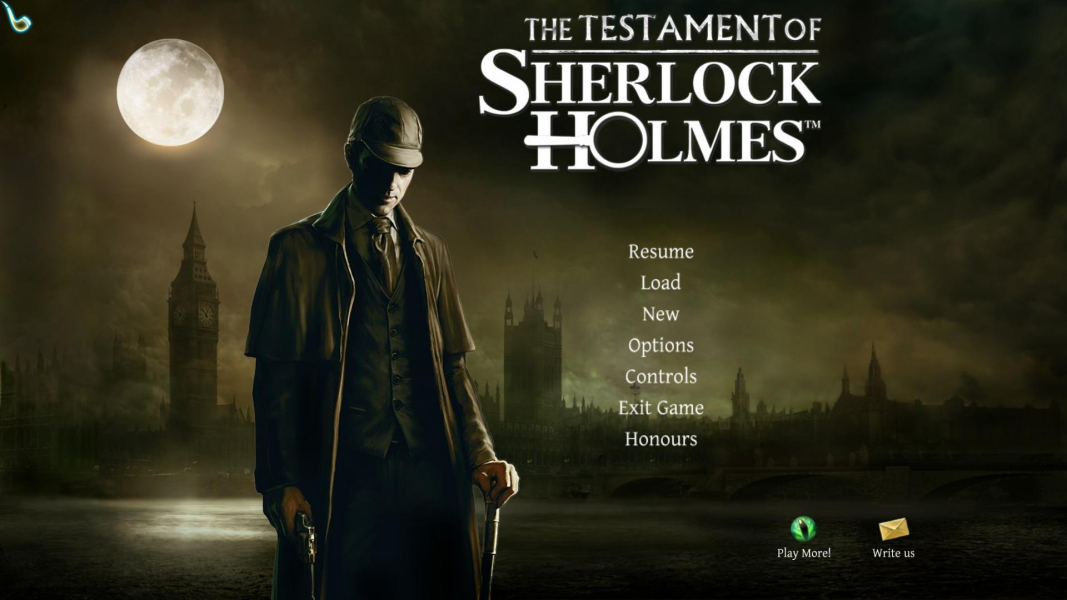
The Testament of Sherlock Holmes

Investigating a petty theft, solving a gruesome murder case, forestalling a sinister plot to overthrow the government: it's all in a day's work for London's most famous clue-sniffing eccentric.

The Testament of Sherlock Holmes features classic point-n-clickery, puzzles and a new "deduction board" textual interface to re-create the most complex cases. The explorative part of the game can be played from a first- or third-person perspective, or a "fly on the wall" camera. This is also the last Sherlock Holmes game to use Frogwares' in-house engine, since the next title in the series will be built with Unreal Engine 3.

Support Summary

Widescreen
Ultra/Super‑Wide
Multi-Monitor
4K Ultra HD
Support
Method
HUD
Cutscenes
FMVs

Game Information

Game Status:Released
Release Date:
Tested Version:Steam
Play Styles:Single-Player
Setting:Crime
Developer:Frogwares

Screenshots Comparison

4:3 Screenshot
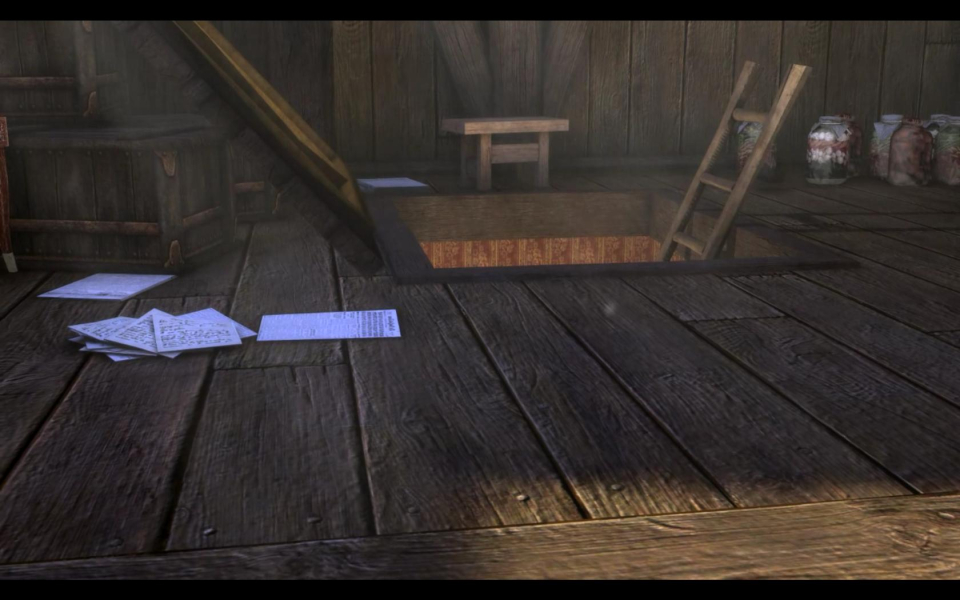
16:10 Screenshot
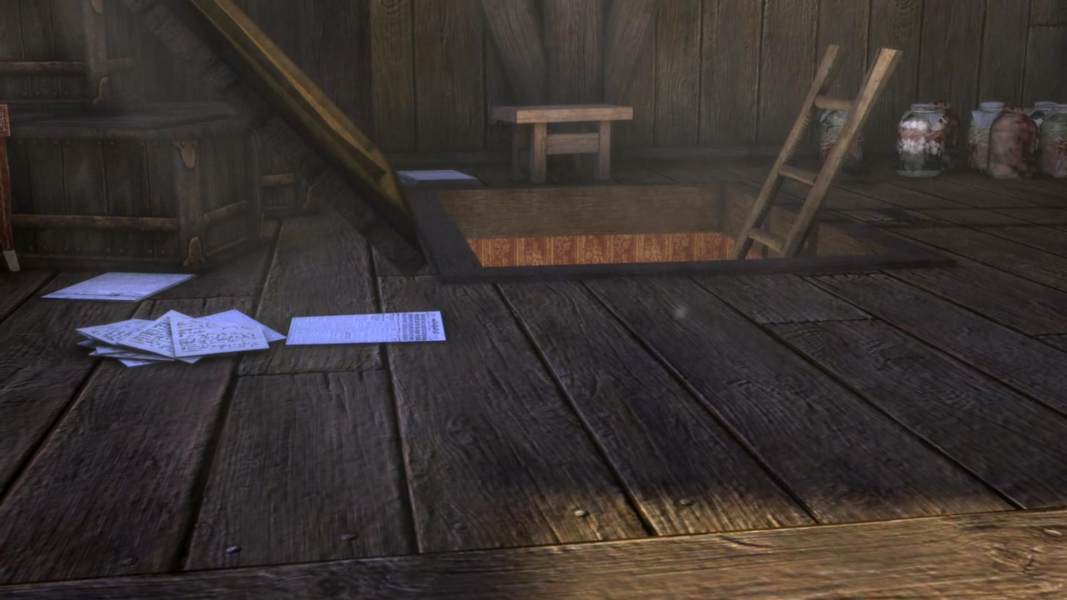
16:9 Screenshot
21:9 Screenshot
A monitor with a question mark on it. The text above it reads "There is currently no image uploaded for this field." There is a semi-transparent WSGF logo in the background, while the main background is white. The image aspect ratio is 21:9.
32:9 Screenshot
Eyefinity / Surround Screenshot
Solutions & Issues
Widescreen Solution & Issues:

Native support of all the resolutions available on your system.

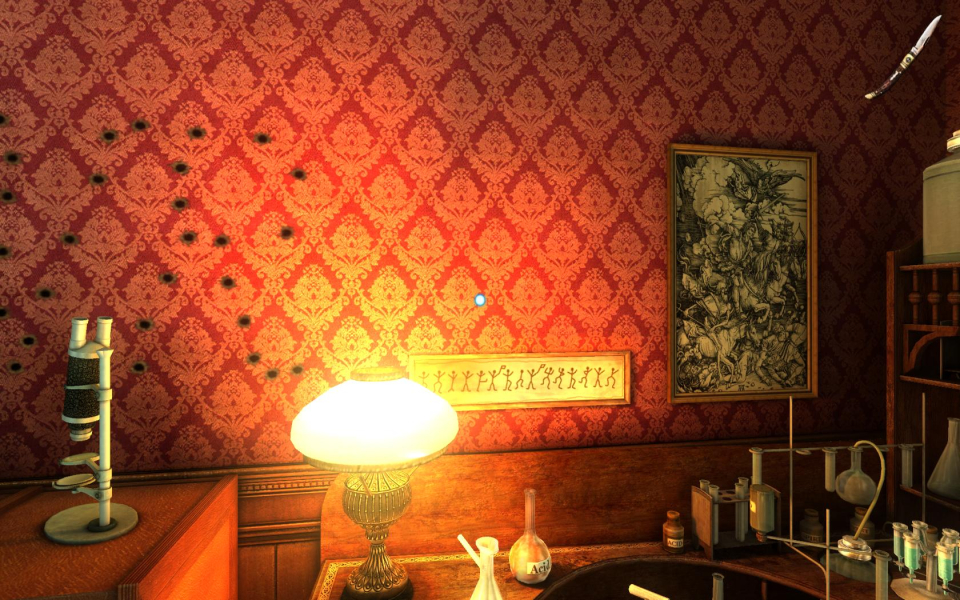
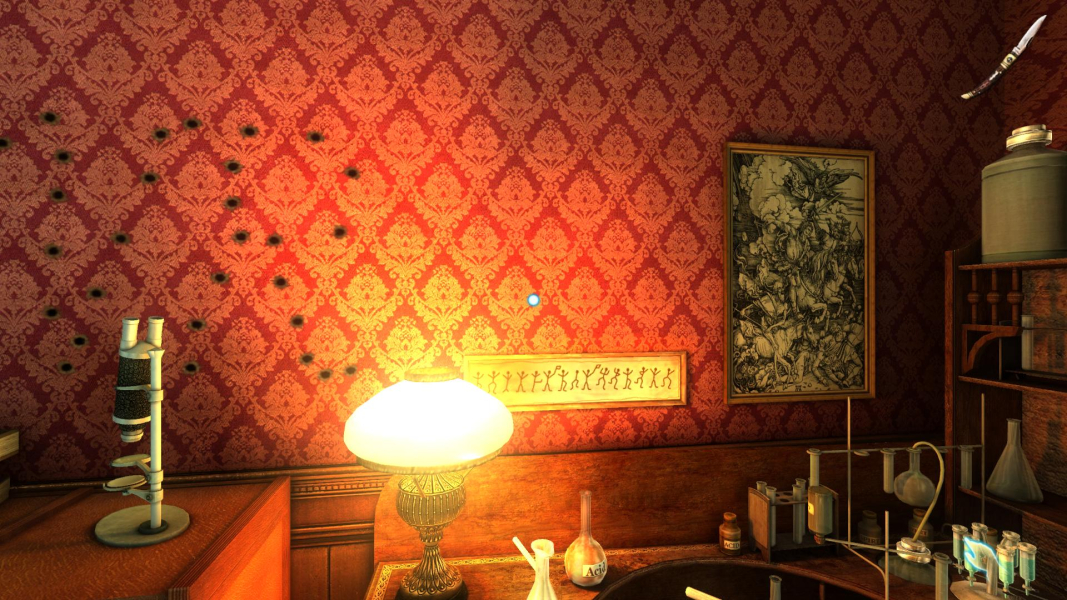
Default FOV is Vert- but can be easily edited:
%APPDATA%\Frogwares\The Testament of Sherlock Holmes\setup.ini
[camera]
fov = 80

Use FOVCalc to get a proper value for your display. The game doesn't keep decimals.

Can't test 21:9 but I included a resized 16:9 screenshot of a 2D puzzle: stretched, but apparently playable. All 2D elements (UI, subtitles, puzzles, inventory, loading screens...) are 16:9 designs that get squished/stretched in other ARs . (However in 4:3, 2D screens are cropped and interface scales correctly.)

Eyefinity / Surround Specific Solution & Issues:

Fixing the FOV only makes half of the game playable in TripleWide: text clues are hard to read, and 2D puzzles quite tedious to solve.
Multi-mon: FMVs are Vert-.

4:3 Screenshot
FOV = 80 (default)
16:10 Screenshot
FOV = 90
16:9 Screenshot
FOV = 96
21:9 Screenshot
A monitor with a question mark on it. The text above it reads "There is currently no image uploaded for this field." There is a semi-transparent WSGF logo in the background, while the main background is white. The image aspect ratio is 21:9.
32:9 Screenshot
Eyefinity / Surround Screenshot
FOV = 146
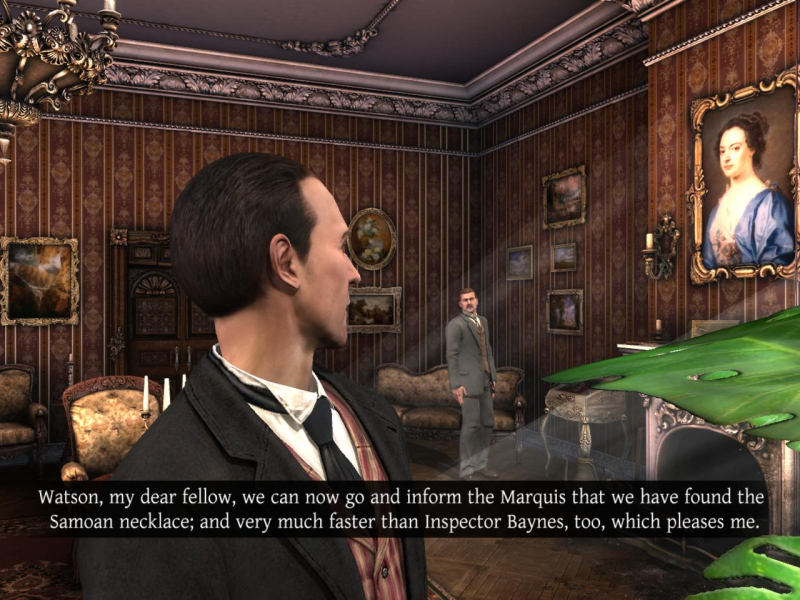
4:3 Cutscene
16:10 Cutscene
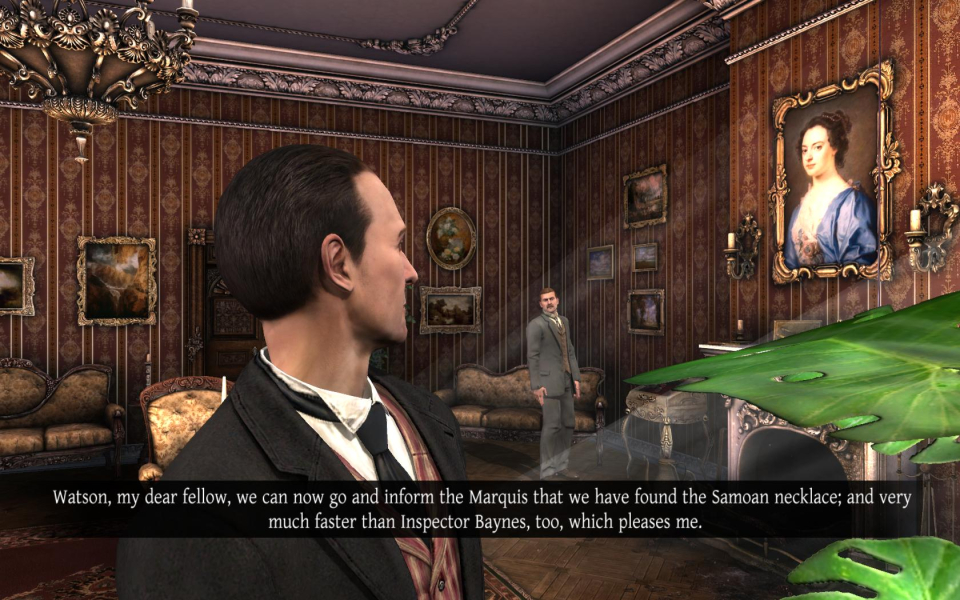
16:9 Cutscene
Eyefinity / Surround Cutscene
4:3 FMV Cutscene
16:10 FMV Cutscene
16:9 FMV Cutscene
Eyefinity / Surround FMV Cutscene
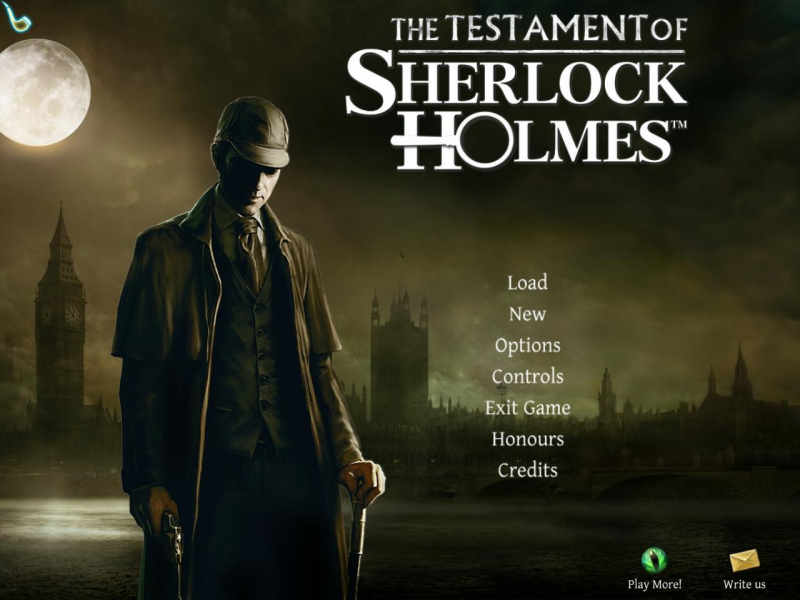
4:3 Menu
16:10 Menu
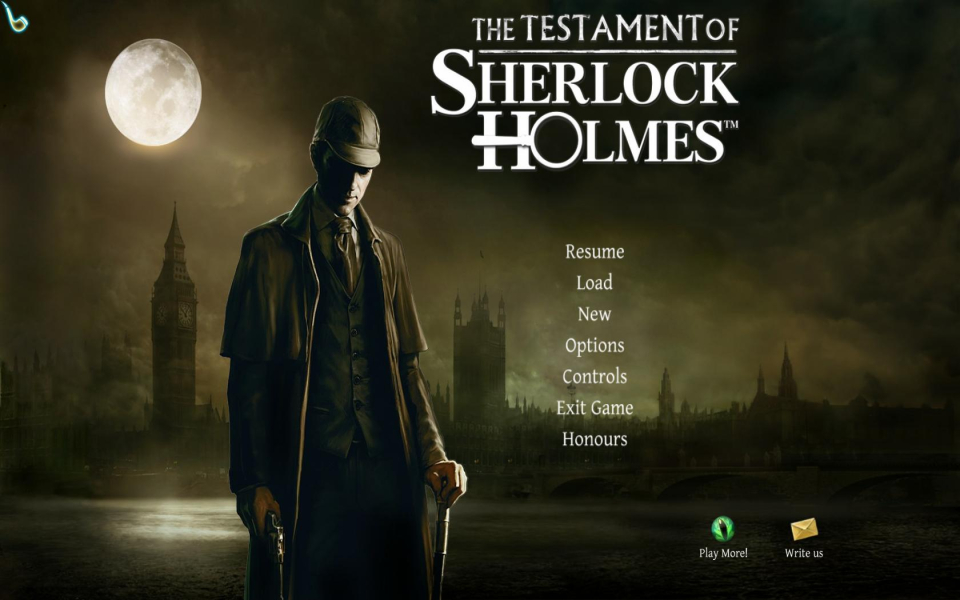
16:9 Menu
Eyefinity / Surround Menu
Uploaded by: Rose
2D Puzzle (Analysis), 4:3
Uploaded by: Rose
2D Puzzle (Analysis), 16:10
Uploaded by: Rose
2D Puzzle (Analysis), 16:9
Uploaded by: Rose
2D Puzzle (Analysis), 21:9 mock-up
Uploaded by: Rose
2D Puzzle (Analysis), 48:9
Uploaded by: Rose
3D Clue Search, 4:3
Uploaded by: Rose
3D Clue Search, 16:10
Uploaded by: Rose
3D Clue Search, 16:9
Uploaded by: Rose
3D Clue Search, 48:9
Uploaded by: Rose
RPG-Style Camera View, 4:3
Uploaded by: Rose
RPG-Style Camera View, 16:10
Uploaded by: Rose
RPG-Style Camera View, 16:9
Uploaded by: Rose
RPG-Style Camera View, 48:9
Uploaded by: Rose
Inventory, 4:3
Uploaded by: Rose
Inventory, 16:10
Uploaded by: Rose
Inventory, 16:9
Uploaded by: Rose
Inventory, 48:9
15:9 Resolutions:1280x768
Eyefinity / Surround Resolutions:5760x1080
Multi-Monitor Types:Nvidia Surround
Multi-Monitor Layouts:3x1-L