




You awaken, a synthetic creature at odds with this decrepit place. The voice of your maker urges you to find Sigils, the geometric artefacts locked behind seemingly impenetrable mechanisms in rooms and passageways opening all around you. There will be devices to jam, laser beams to redirect, contraptions to activate or put to sleep. You now have a purpose. What more could you want ?
The Talos Principle is a puzzle game played indifferently from a first- or third-person view. The open game world consists of independent challenge rooms connected to plazas linked to a hub. Gameplay involves carrying several types of objects with unique capabilities and placing them so as to modify other devices in the environment. Once enough Sigils have been retrieved, they can be assembled in more traditional Tetris-like puzzles to unlock new tools and places. Throughout the game, failure results in nothing more than a rewind to the last checkpoint. Besides that, the atypical savegame system only stores progress when a new Sigil is collected, and you may go up to 10 Sigils back in time to... reconsider some of your decisions ? Probably not. Forget it. Be obedient, and you shall be rewarded.
Support Summary
Game Information
Screenshots Comparison
Solutions & Issues
Native Hor+ support. An FOV slider is present (default 75, range 60-120, vertical FOV).
Sigil lock puzzles are "Vert+".
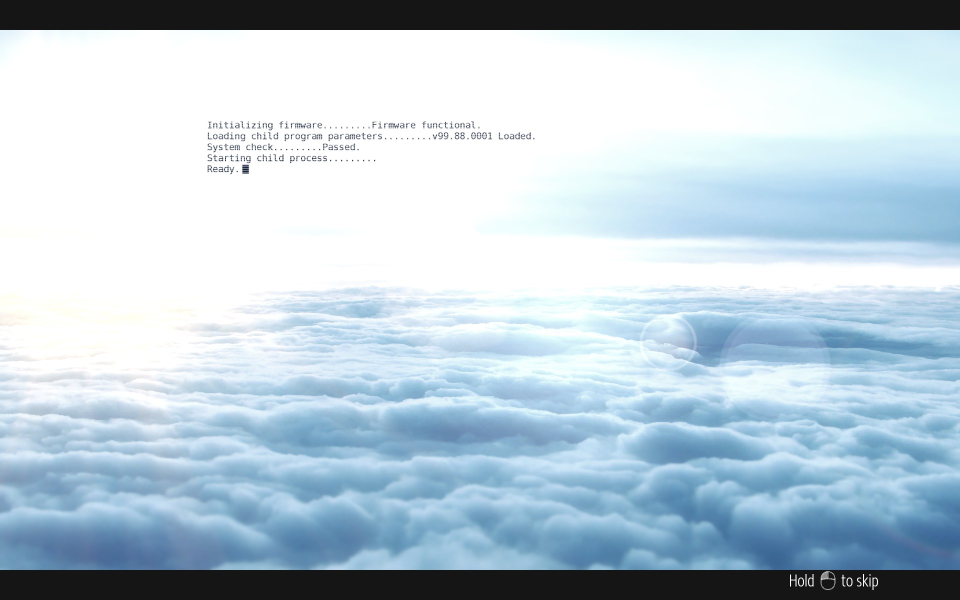
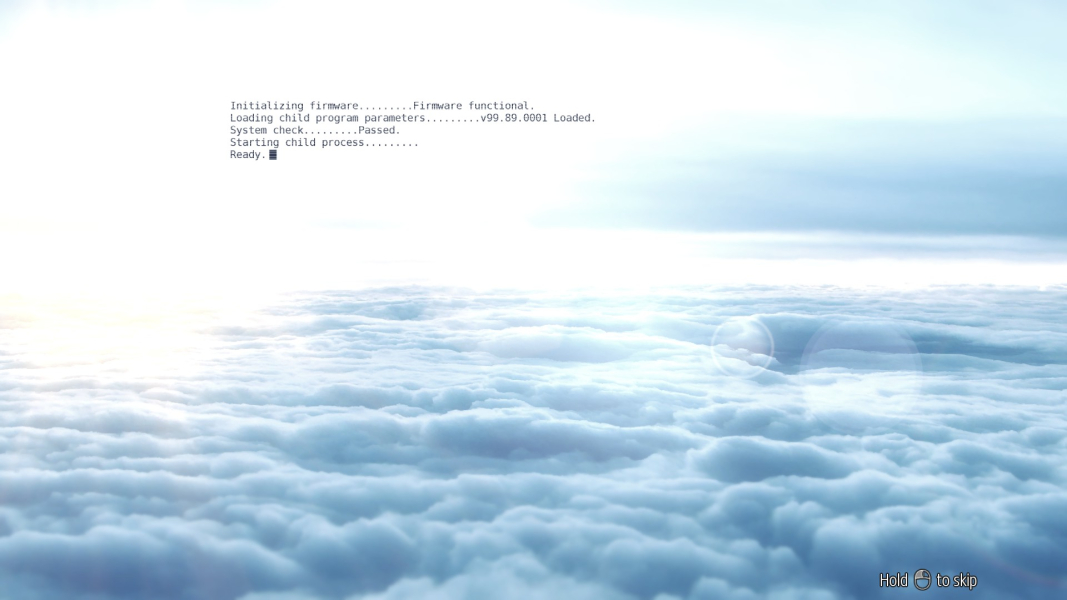
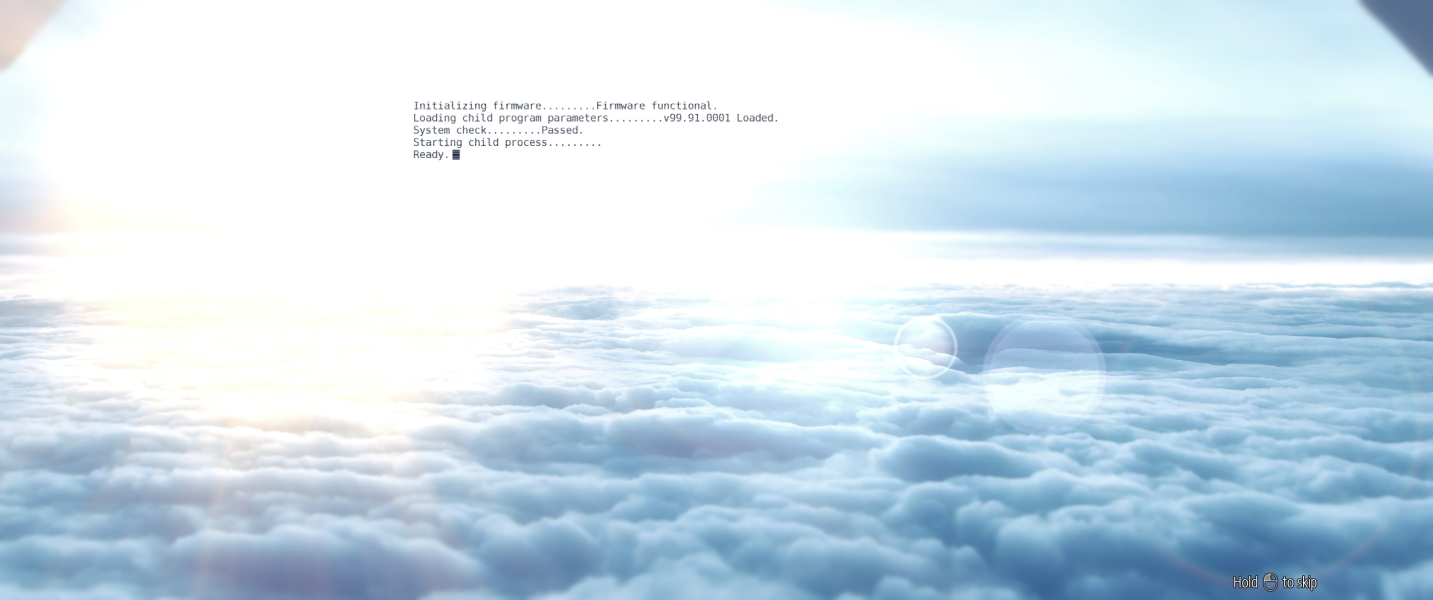
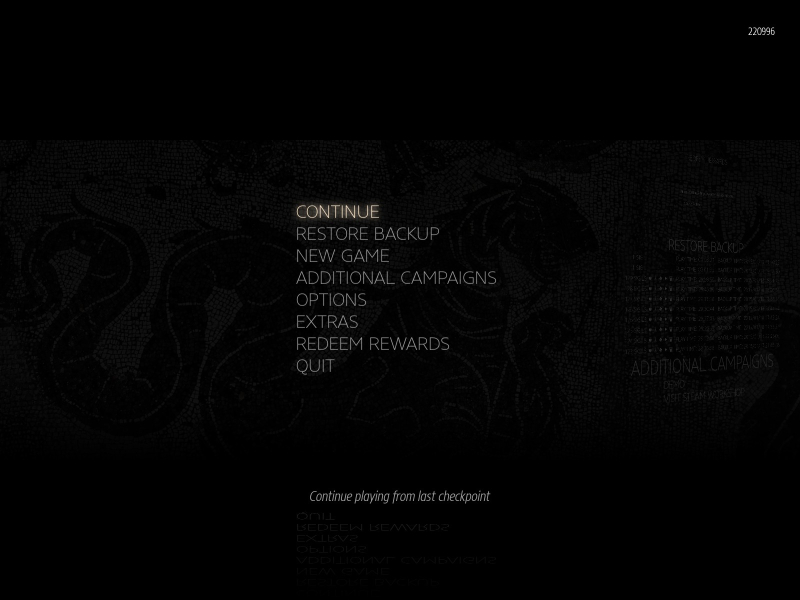
Real-time rendered cut-scenes are 16:9 anamorphic. Start screen and menu backdrops are 2.5:1 anamorphic.
Native Hor+ support.
Native Hor+ support.
- If the game looks blurry, make sure Max 3D Rendering MPix is set to Unlimited under Graphics Options.
- To center the HUD, lower Screen Width under Graphics Options; the HUD will not adjust until a game is loaded. Screen Width may be set as low as 4:3, so the HUD can be perfectly centered on pretty much any Multi-monitor setup.
- Light sources are brighter than in standard resolutions. If you find it distracting, set Lens Flare Quality to None under Performance, GPU Speed, Customize.
- Cloudscapes in cut-scenes are glitched on the sides.
Screen Width also affects the scaling of all floating "system output" texts.
Some UI elements are unaffected by the Screen Width setting and always span, e.g the list of QR-coded messages that can be painted on walls.
Native support. If the game looks blurry, make sure Max 3D Rendering MPix is set to 8.4 (4K 2160p) (or Unlimited) under Graphics Options.
Gameplay Screenshots
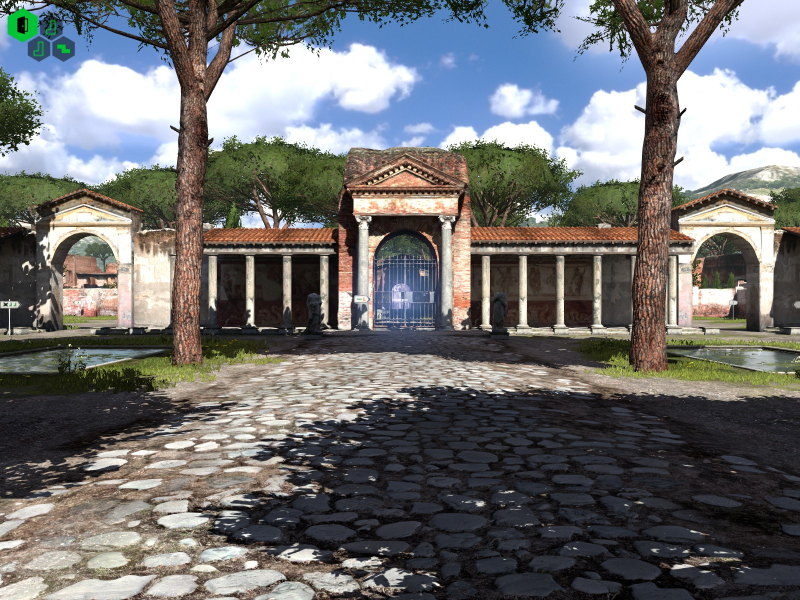
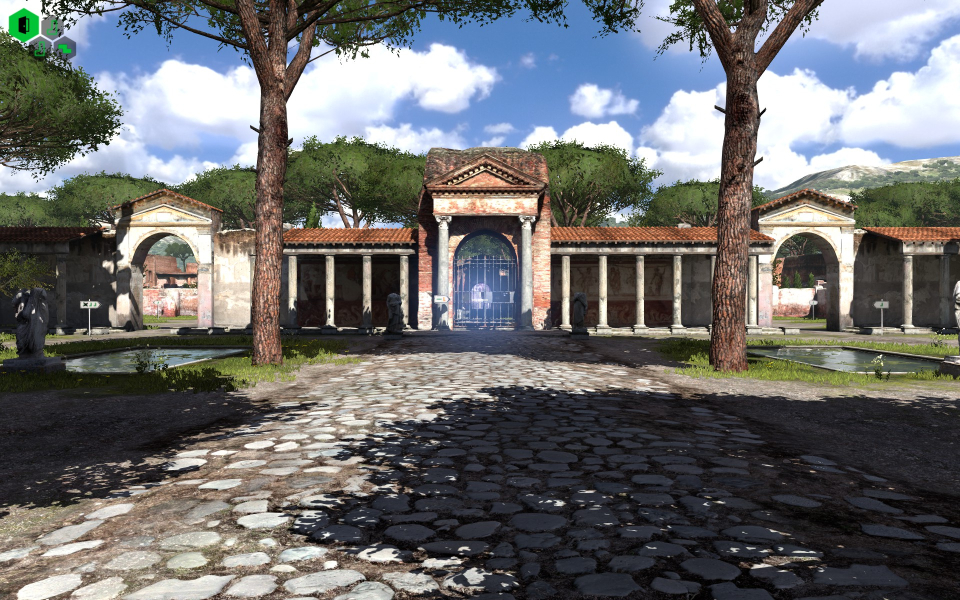

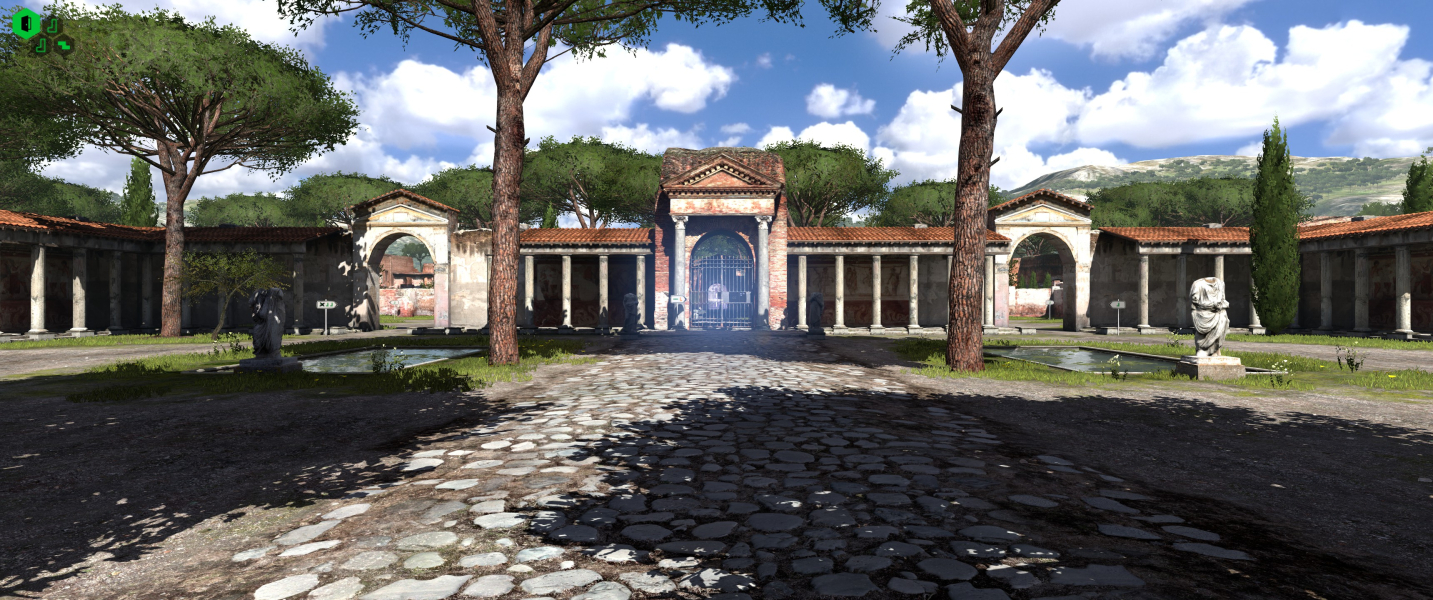


In-Game (Rendered) Cutscenes


Menu Screenshots
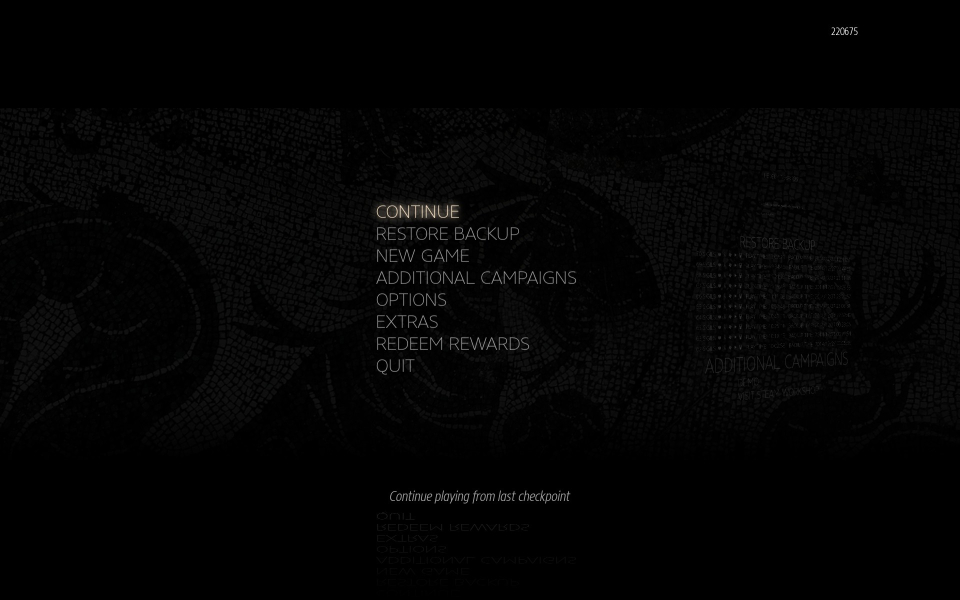
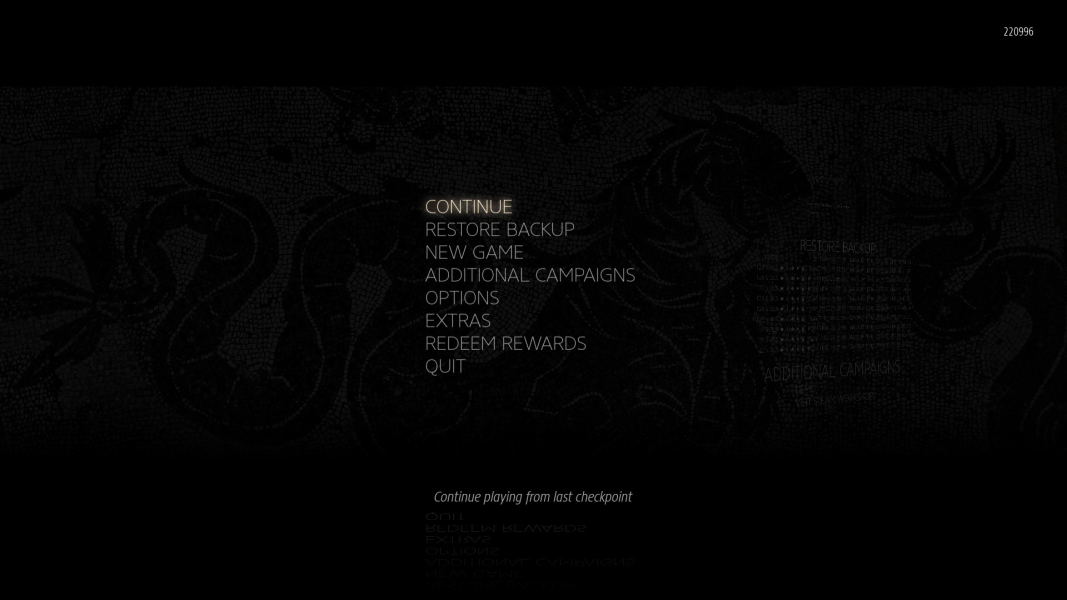
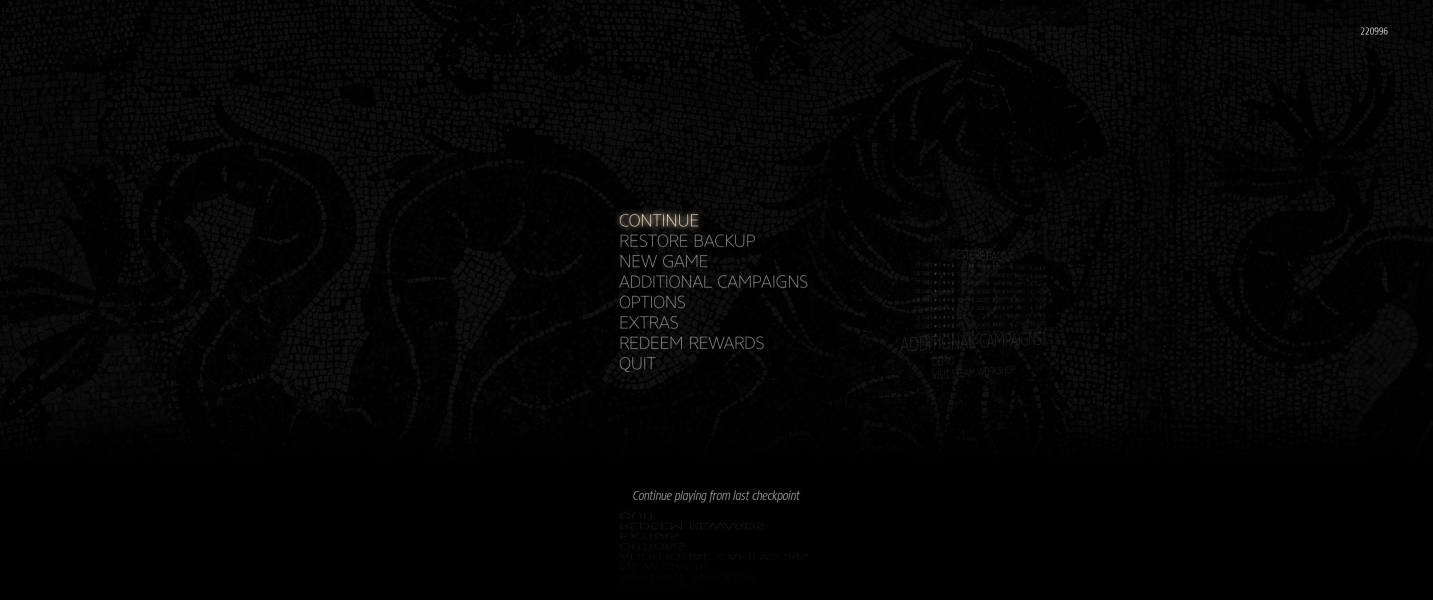

4K UHD Screenshots

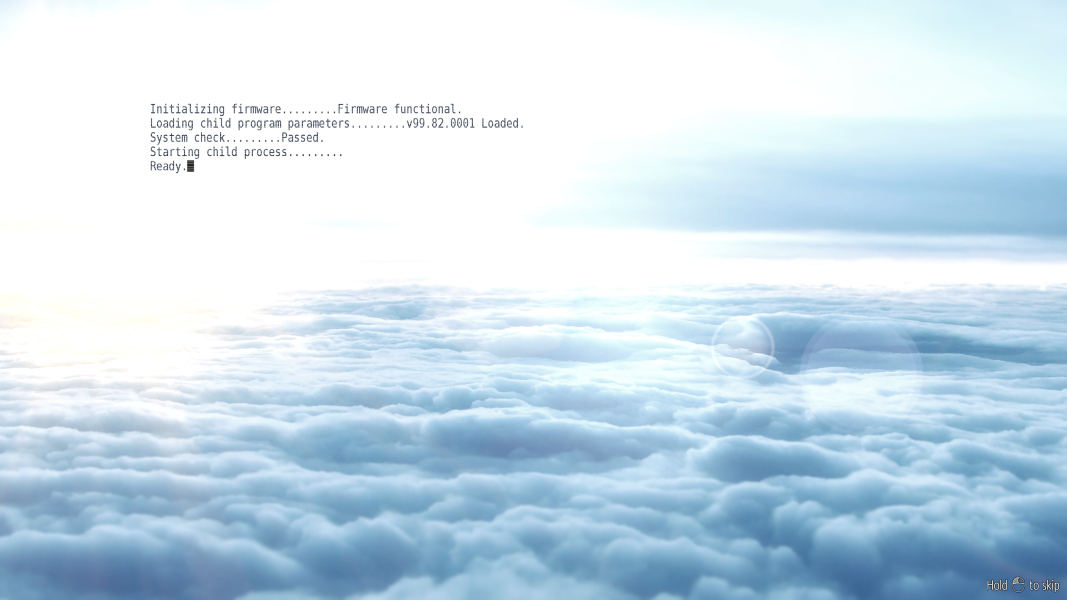

Additional Screenshots


