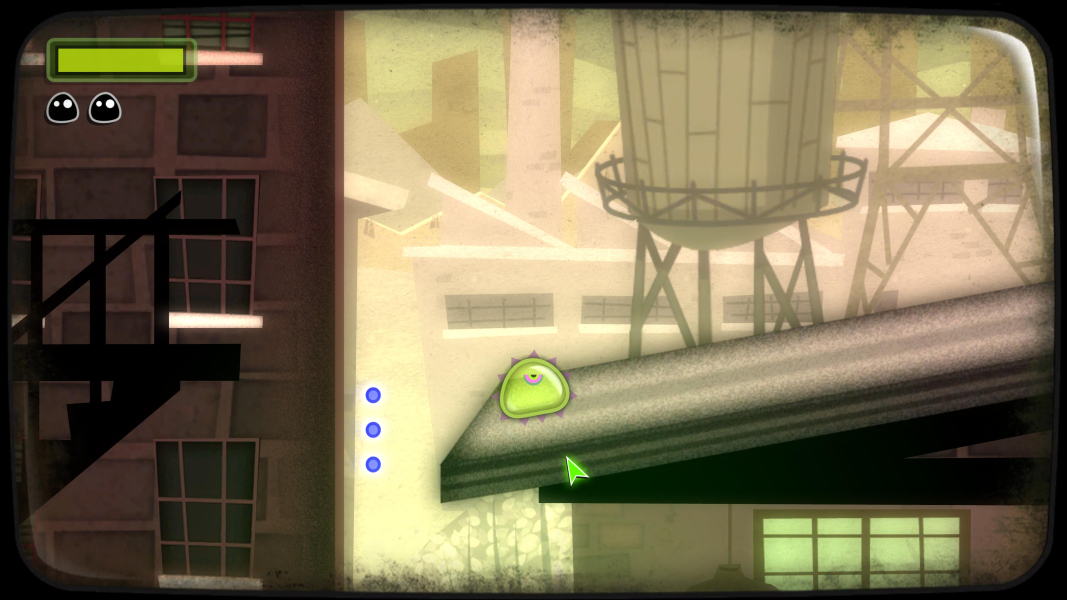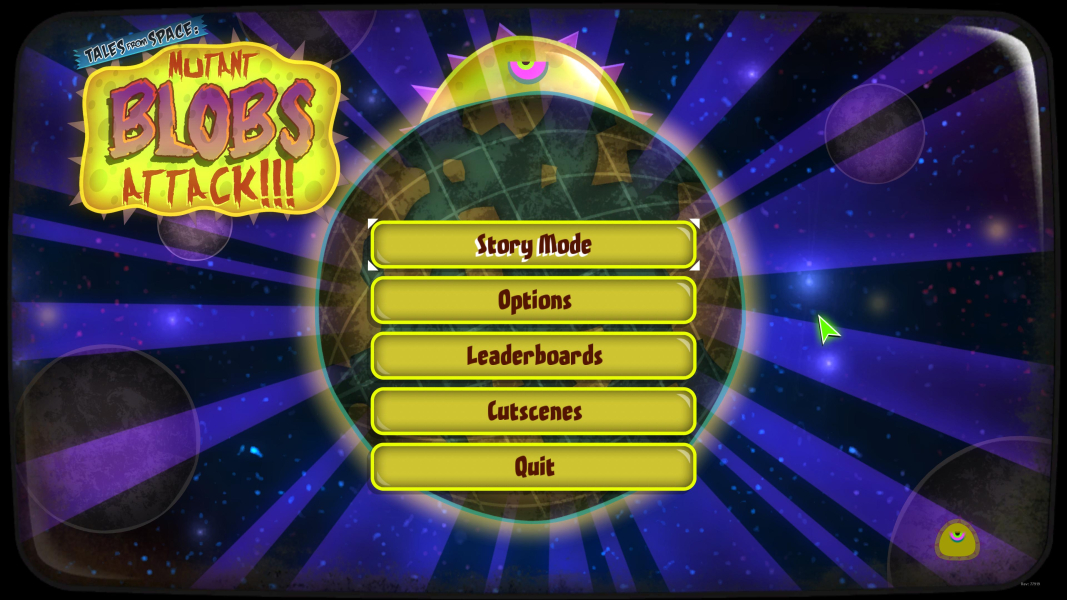


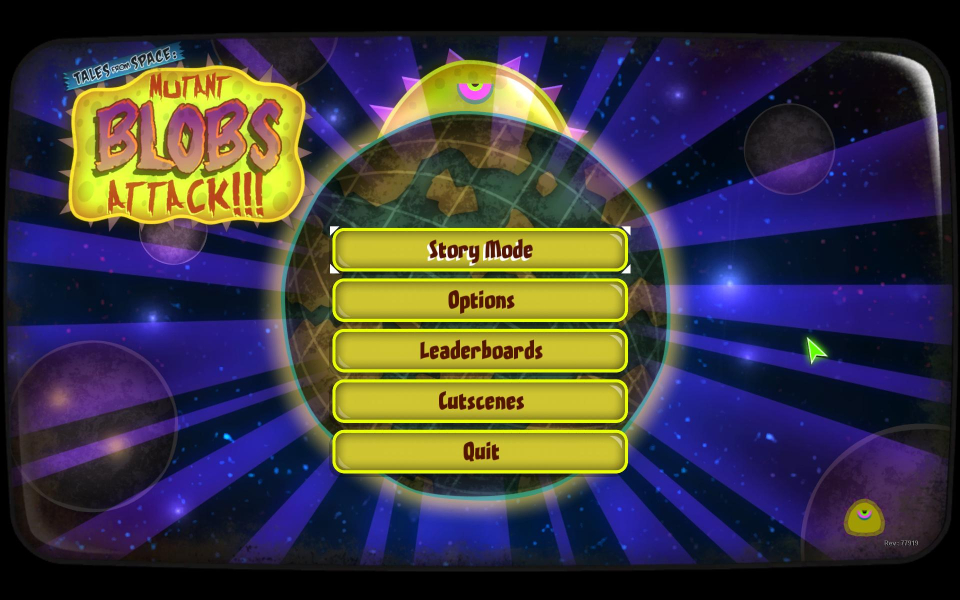
Tales from Space: Mutant Blobs Attack is a 2D puzzle platformer about an alien, mutant blob who manages to escape from a store where they are sold to humans. Through six large worlds (College, Town, Moon, Badlands, Army Base and Metropolis), with multiple levels each, the blob needs to complete levels and optionally free captured blobs along the way. The game has a bright visual style inspired by 50's art and corresponding music, and uses a lot of B-movie-inspired humor with many references to other indie games in the background environment.
Support Summary
Game Information
Screenshots Comparison
Solutions & Issues
Native Anamorphic
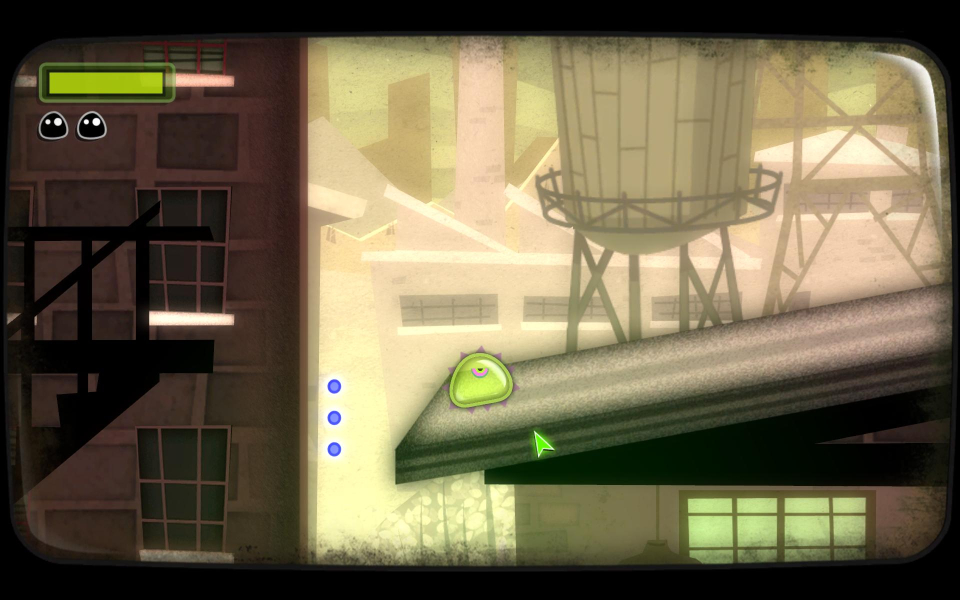
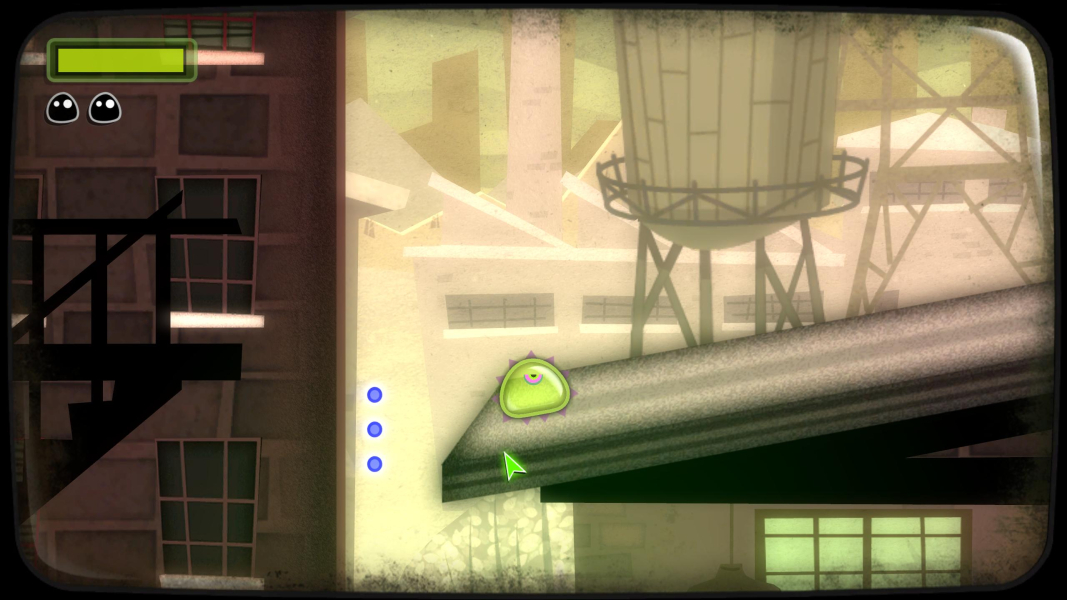
I made a Cheat Engine FIX to get rid of the BBars - Use files available from the PC Gaming Wiki Community Files (search there): Tales from Space Mutant Blobs Attack - Aspect Ratio.7z
Short Version: Run the Game, Alt Tab, bind CheatEngine Fix to the Game and press F1.
Long Version: (thx scavvenjahh)
1) Cheat Engine is an app that needs to be installed for Cheat Table (CT) files to work. Once CE is installed, double-click the CT file to load it.
2) Now you need to launch the game. Alt Tab then back to the CE window, click the flashing "computer search" button to select a process. Find the one ending with -Game.exe, Open it and click Yes on the next pop-up window.
3) The CT is loaded, the process is hooked, time to go back to the Game.
4) That's it ! Press F1 to activate the aspect ratio fix. You need to do all this every time you play.
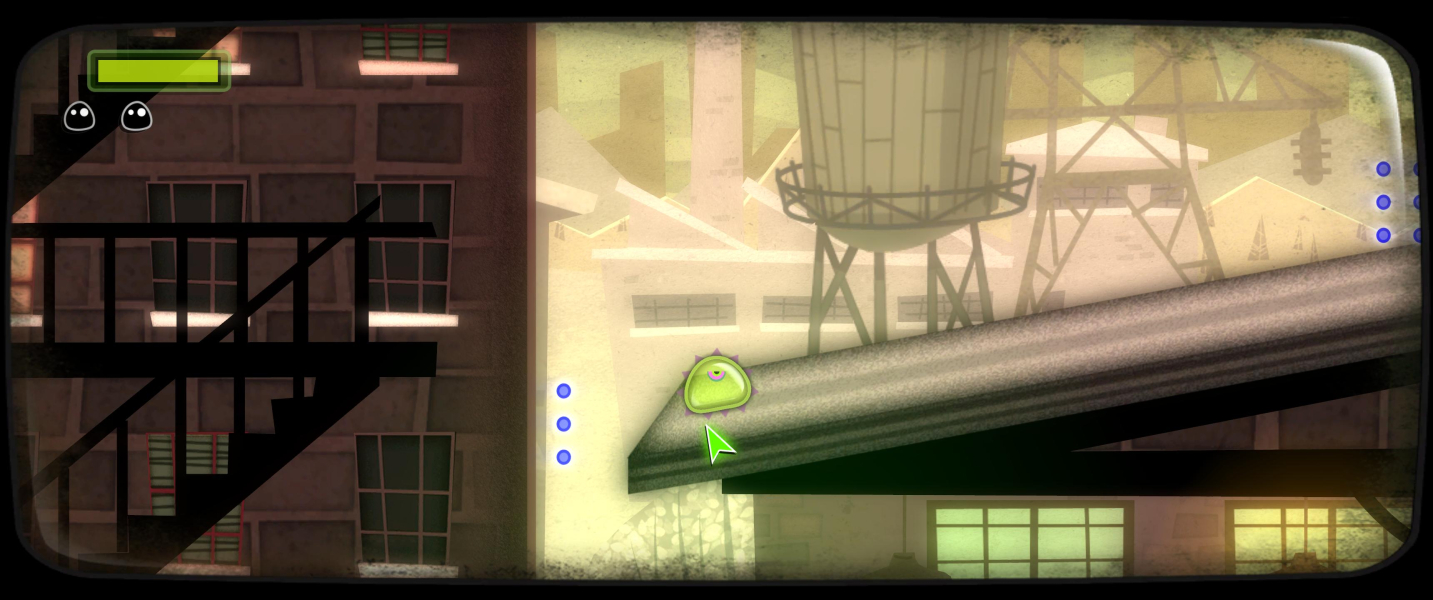
Same Solution as in Ultra-Widescreen - Use files available from the PC Gaming Wiki Community Files (search there): Tales from Space Mutant Blobs Attack - Aspect Ratio.7z
Run the Game Alt Tab, bind CheatEngine Fix to the Game and press F2.
Native
Gameplay Screenshots


In-Game (Rendered) Cutscenes





FMV Cutscenes





Menu Screenshots

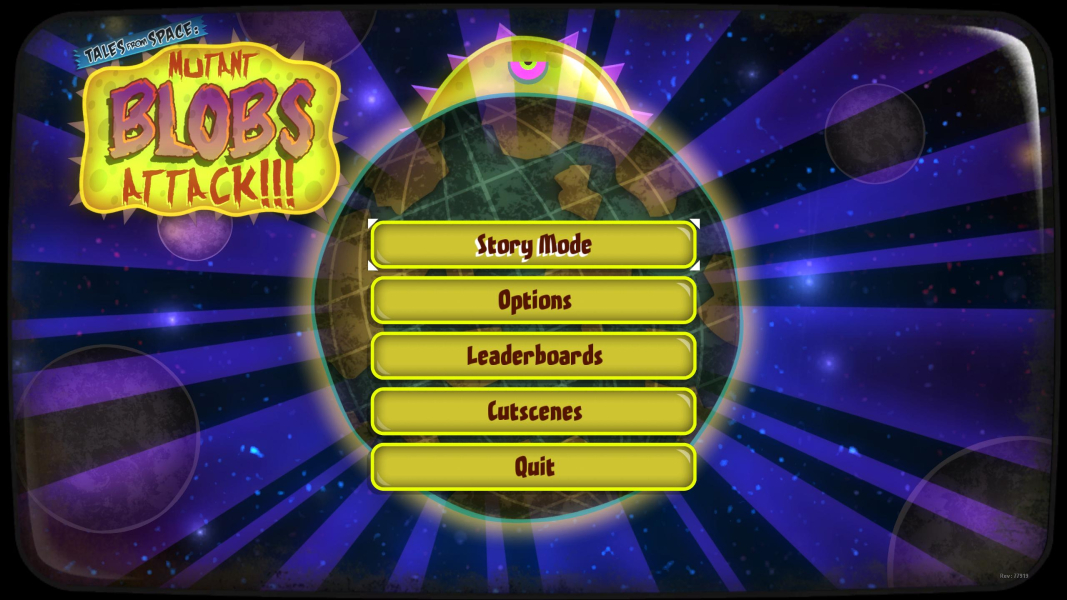
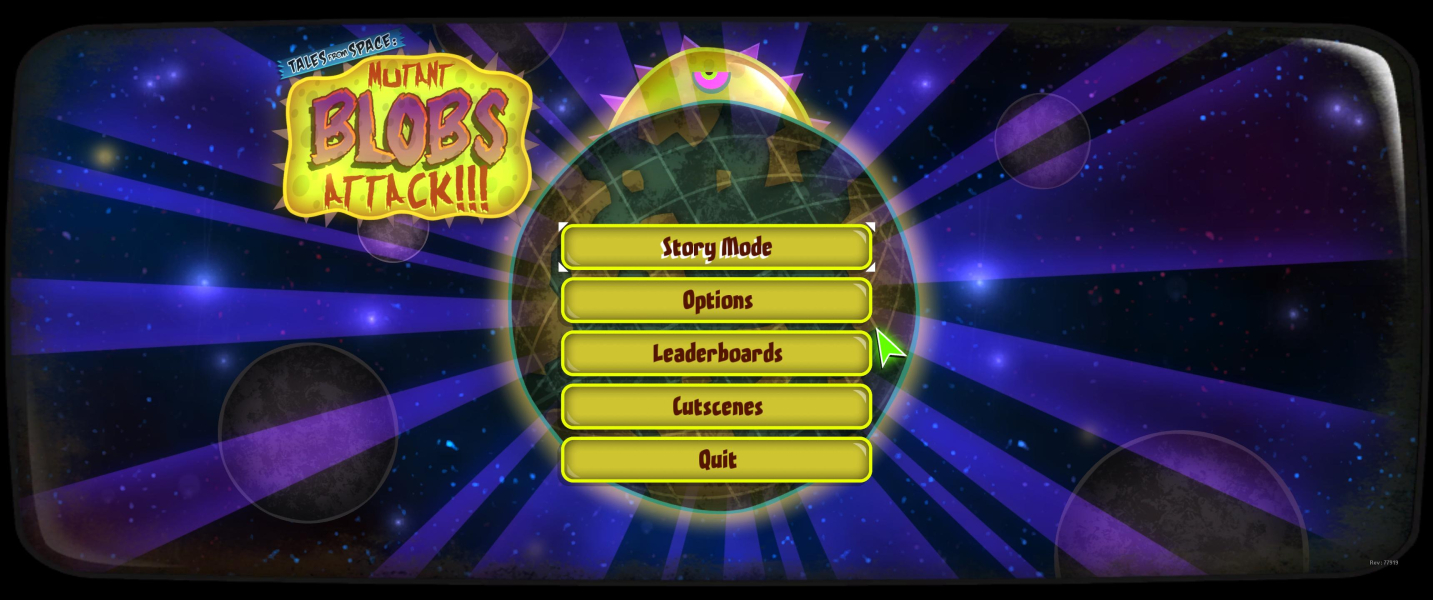

4K UHD Screenshots