





Styx returns in a new stealth adventure! Explore and master huge open environments, sneak past or assassinate new enemies and bosses, and experiment with the new array of lethal abilities and weapons in our goblin assassin's arsenal.
Support Summary
Widescreen | Ultra/Super‑Wide | Multi-Monitor | 4K Ultra HD | |
Support | ||||
Method | ||||
HUD | ||||
Cutscenes | ||||
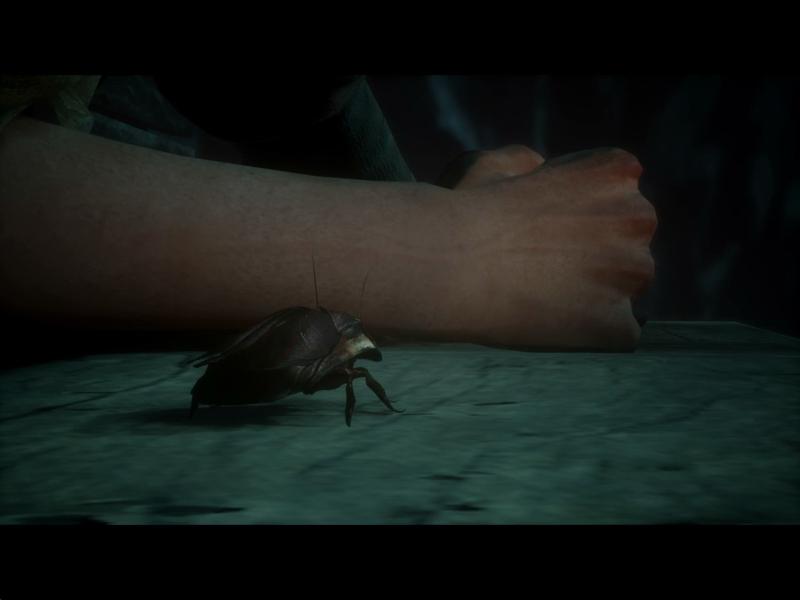
FMVs |
Screenshots Comparison
Solutions & Issues
Native "Vert+" support. FOV slider available in Options, Display.
Tech: Unreal Engine 4. Patch #1 (v1.04) added the FOV slider.
Native support. Push the FOV cursor ~4 notches to the right for basic Hor+ screen change.
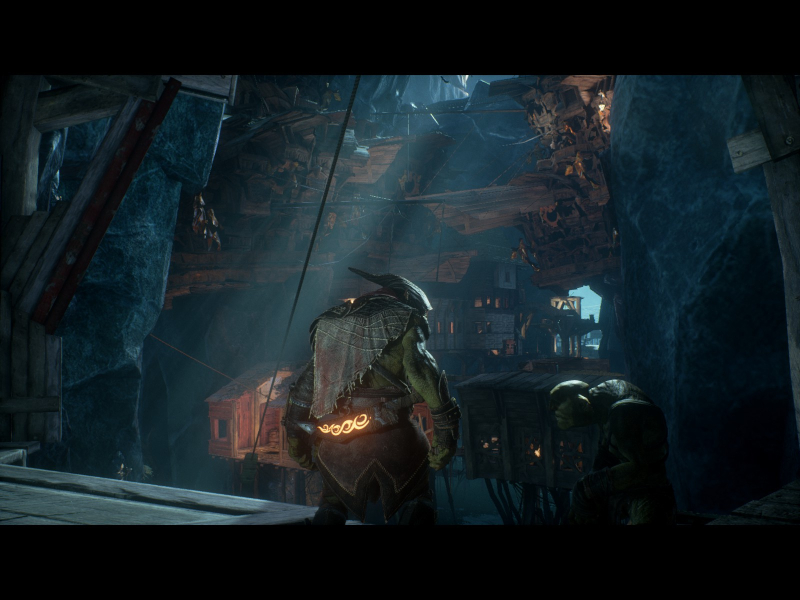
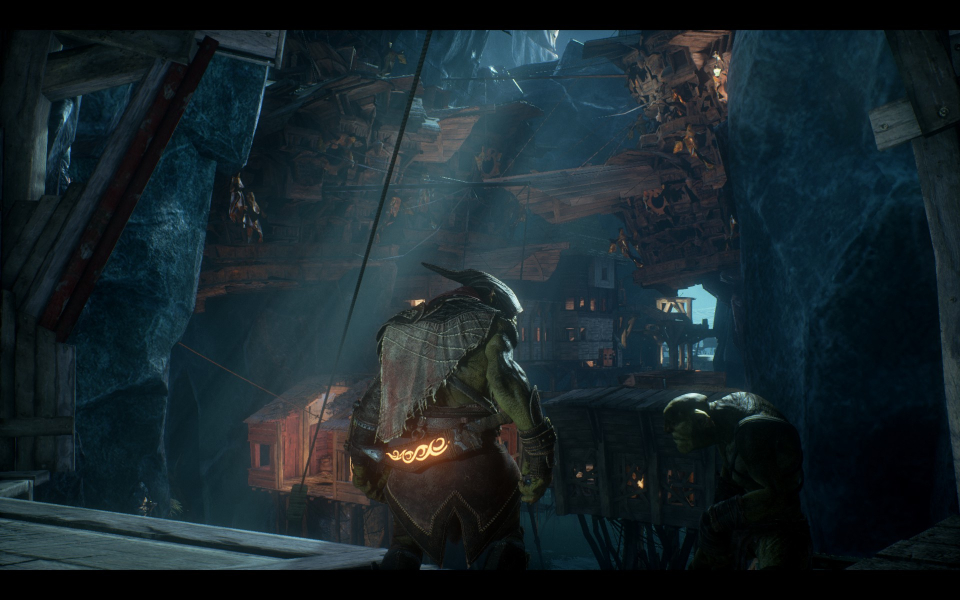
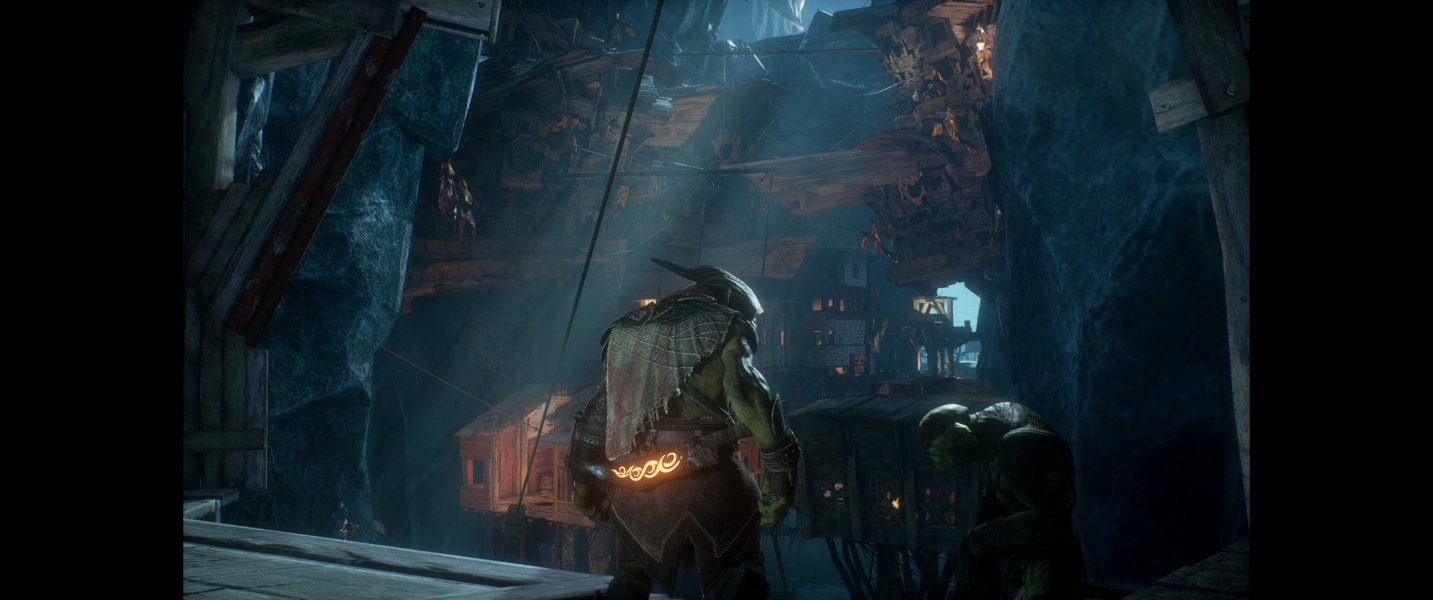
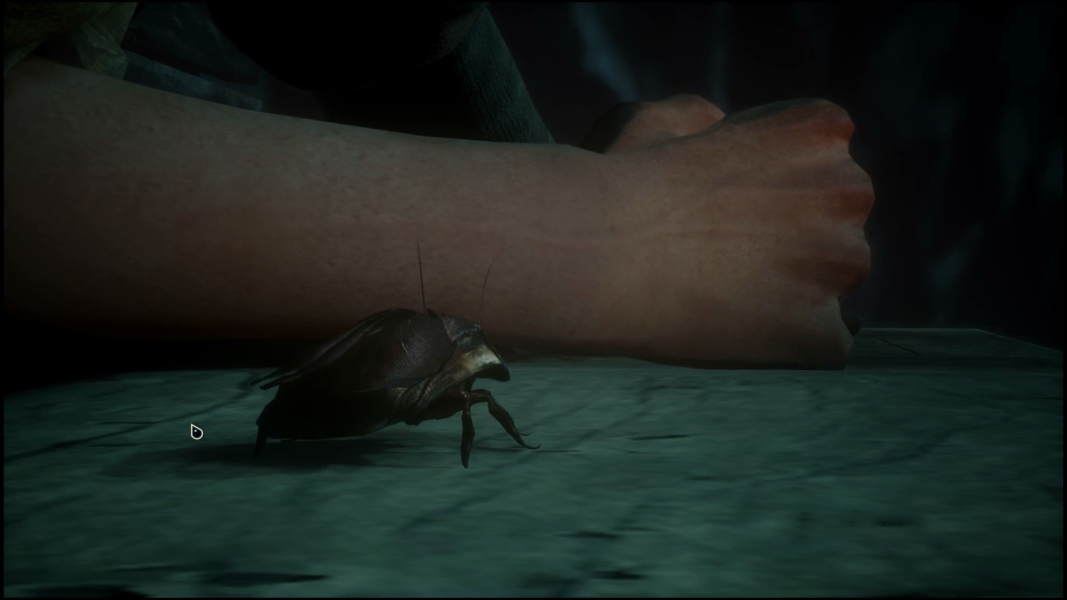
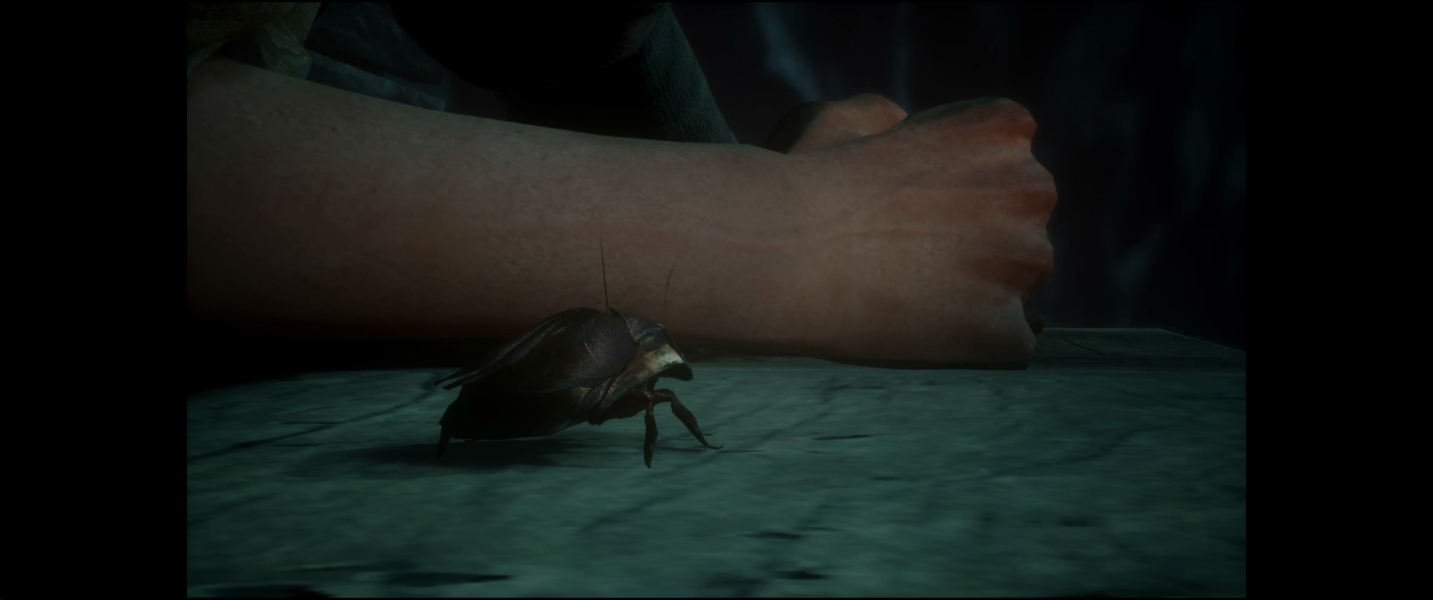
- Real-time rendered cutscenes are pillarboxed.
Despite the FOV slider's comfortable range the max FOV in TripleWide is still slightly too low compared to default 16:9. For improved support an .ini edit is required:
%LOCALAPPDATA%\Styx2\Saved\Config\WindowsNoEditor\Engine.ini
Add these lines...[/Script/Engine.LocalPlayer]
AspectRatioAxisConstraint=AspectRatio_MaintainYFOV
Now lower the in-game FOV to about 3 notches above the minimum.
- The HUD spans.
- Real-time rendered cutscenes are pillarboxed.
Native support.
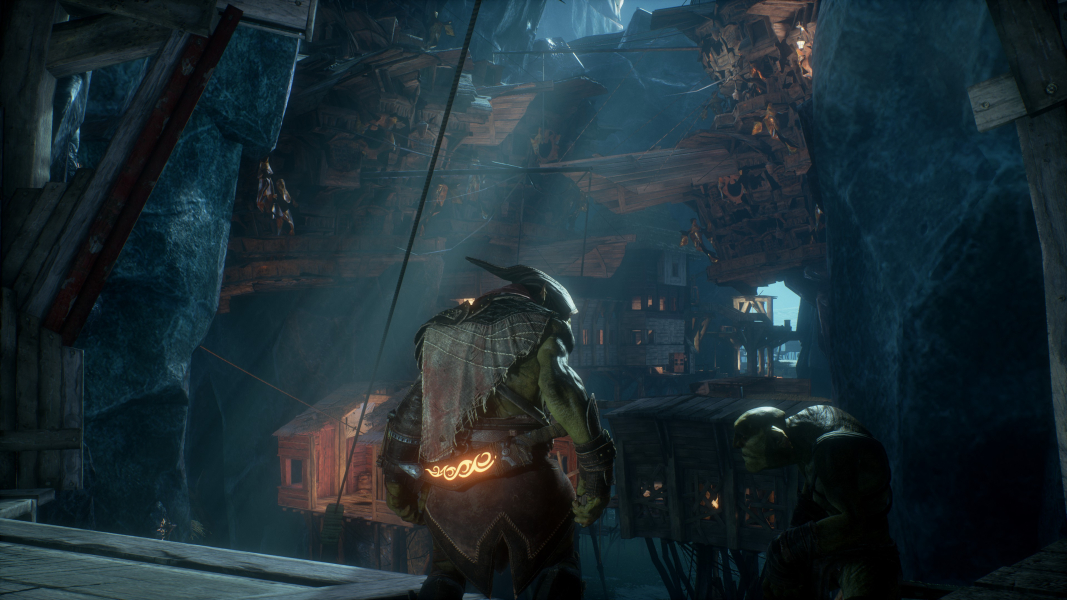
Gameplay Screenshots
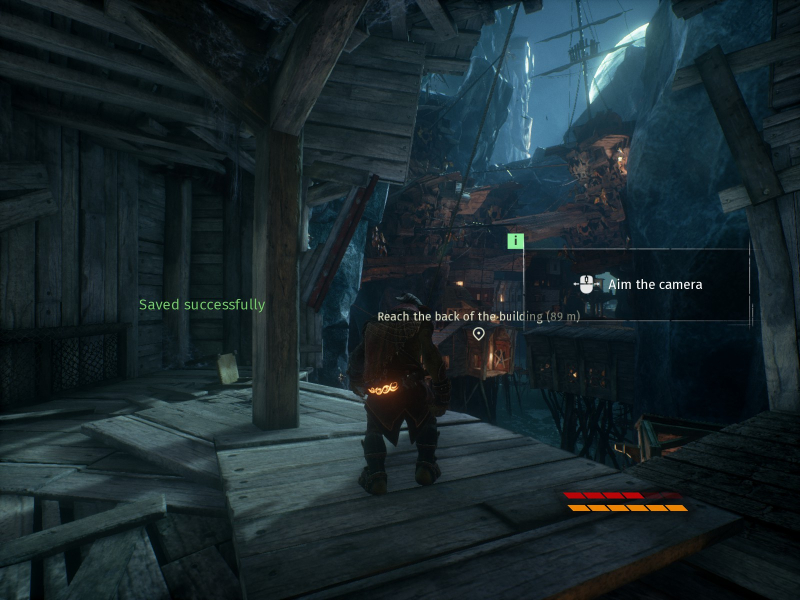
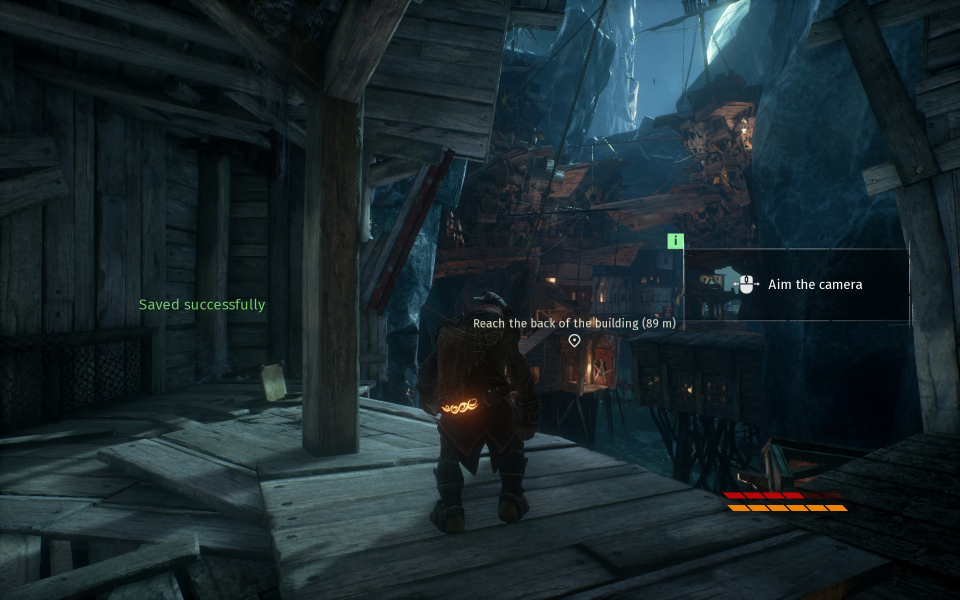
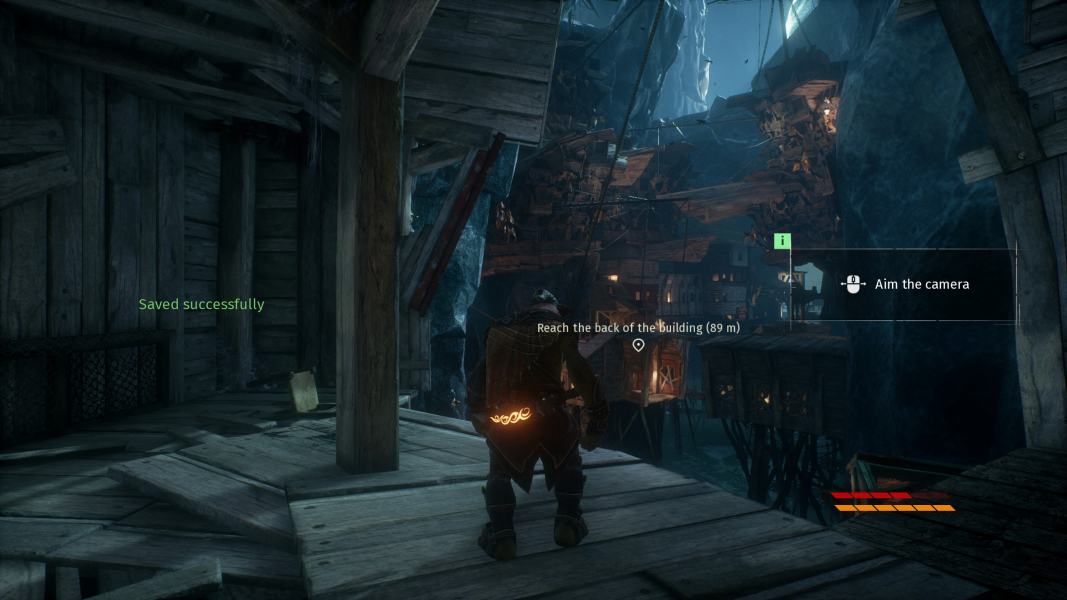
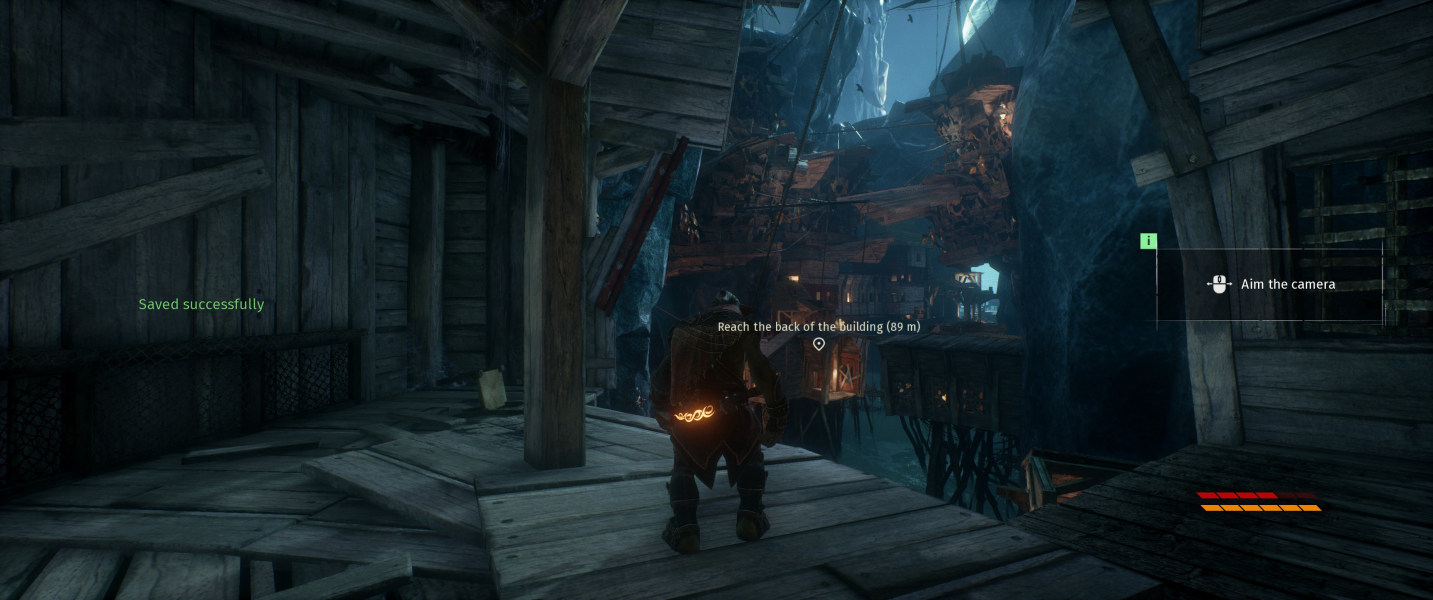


In-Game (Rendered) Cutscenes


FMV Cutscenes


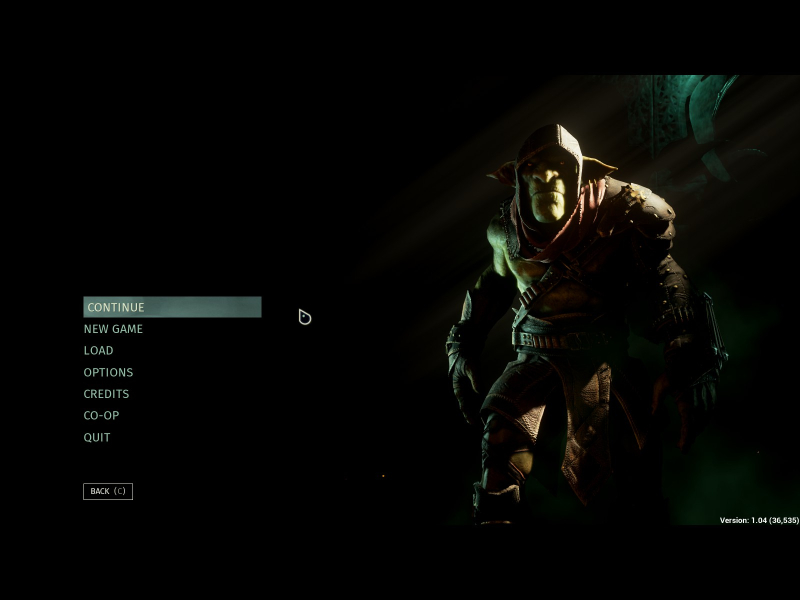
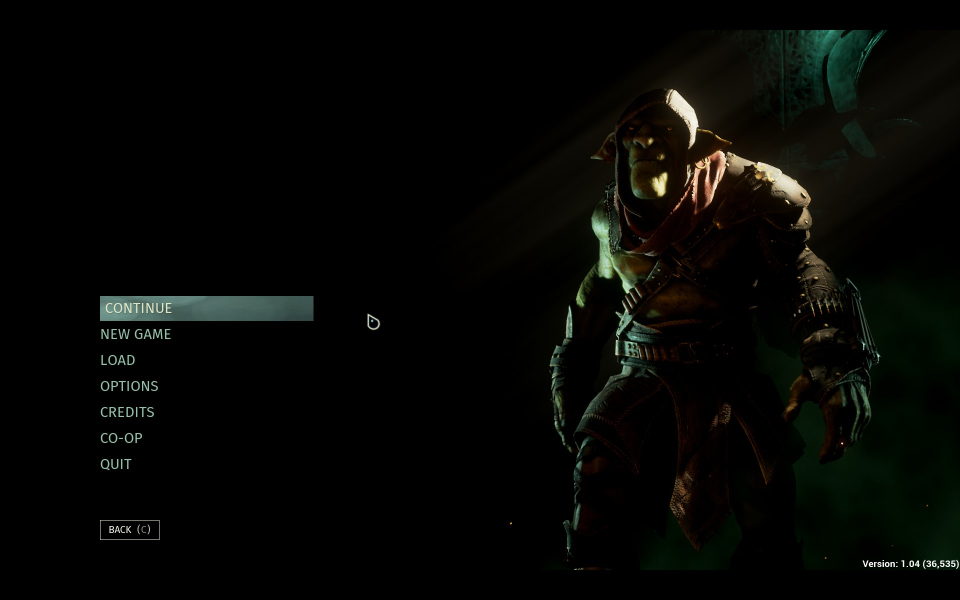
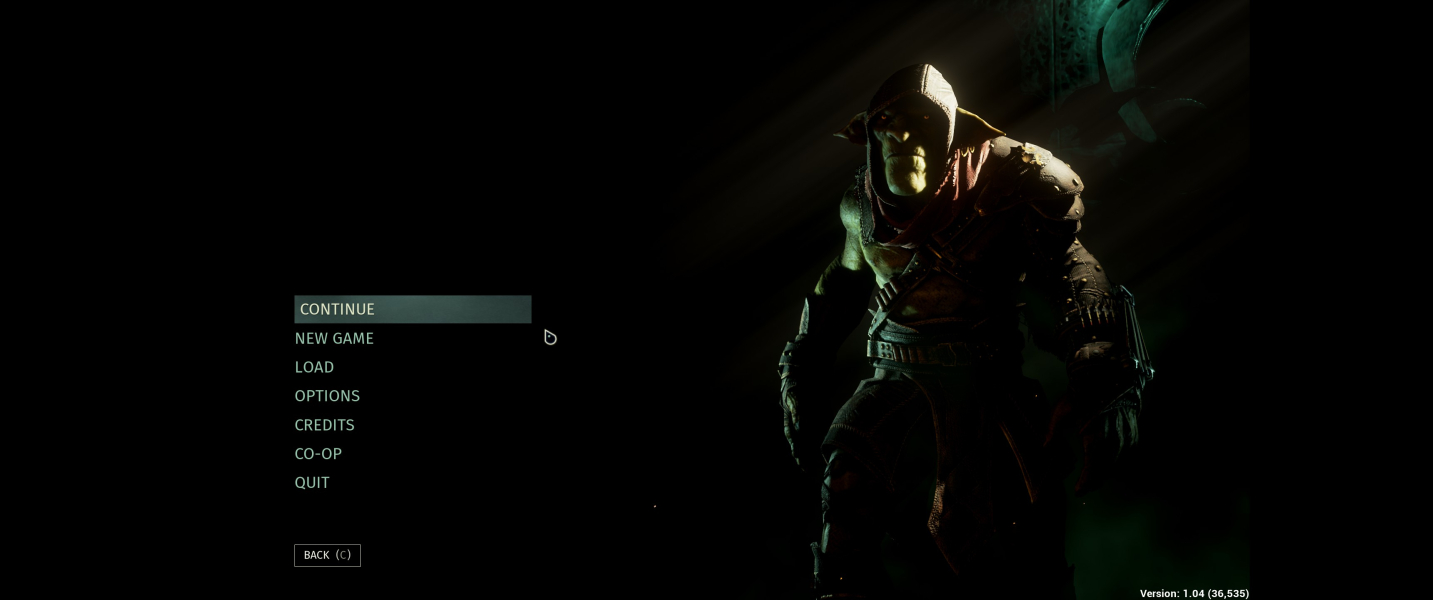
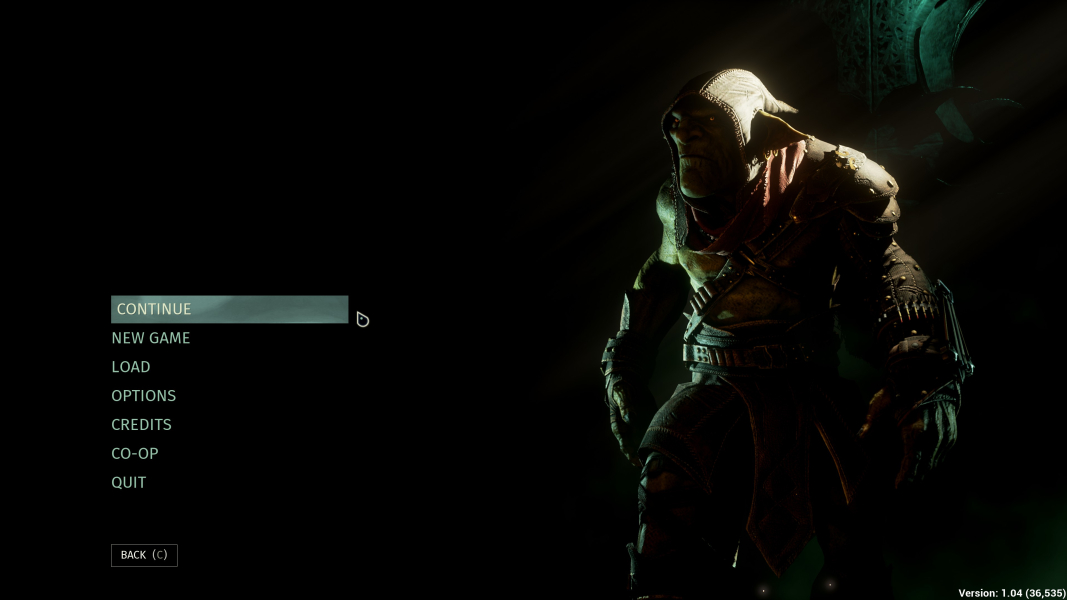
Menu Screenshots


4K UHD Screenshots

Additional Screenshots


