


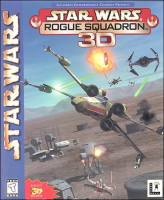


Hop into the cockpit of an X-wing as Luke Skywalker, leader of the Rogue Squadron, in a series of missions against the Empire.
Support Summary
Widescreen | Ultra/Super‑Wide | Multi-Monitor | 4K Ultra HD | |
Support | ||||
Method | ||||
HUD | ||||
Cutscenes | ||||
FMVs |
Game Information
Game Status:Released
Release Date:
Tested Version:Steam release
Play Styles:Single-Player
Genre:Space Combat
Screenshots Comparison
Solutions & Issues
Widescreen Solution & Issues:
This fix is a combination of 2 wrappers - Sui's Rogue Squadron DLL wrapper, which fixes some issues with corrected aspect-ratio and dgVoodoo 2 wrapper, which is used to upscale menus etc.
- Firstly, download the DLL wrapper and extract it.
- Copy DSOUND.dll and PlayerProfiles folder to [game folder]\ROGUE.
- Edit PlayerProfiles\extconfig.cfg with a text editor to specify the rendering resolution.
- Download the latest dgVoodoo 2 wrapper and extract it.
- Copy the DLL files from dgVoodo's MS directory to [game folder]\ROGUE.
- Start '''dgVoodooSetup.exe''', go to DirectX tab and adjust the rendering resolution there.
Eyefinity / Surround Specific Solution & Issues:
Unknown
Gameplay Screenshots
4:3 Screenshot
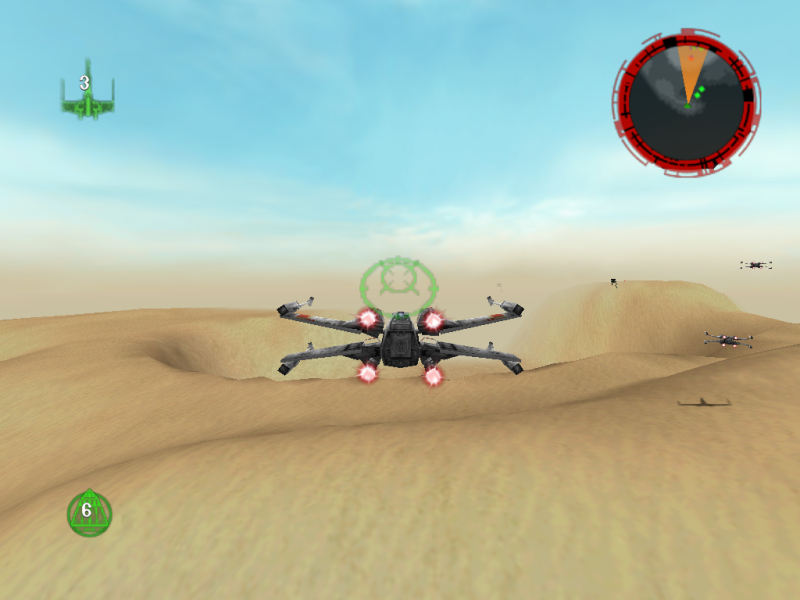
16:10 Screenshot

16:9 Screenshot
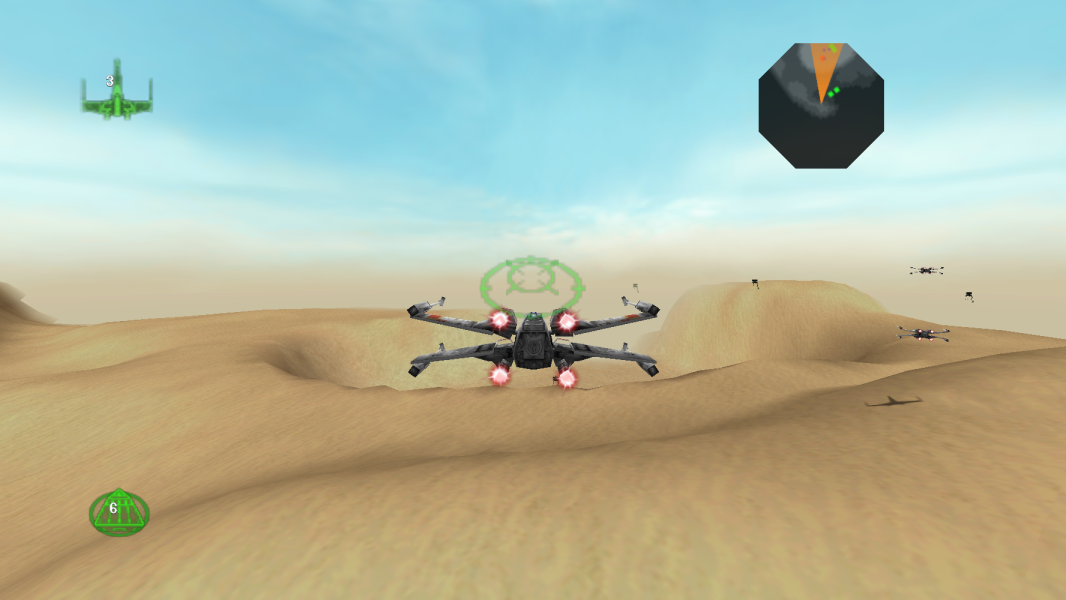
21:9 Screenshot

32:9 Screenshot

Eyefinity / Surround Screenshot


