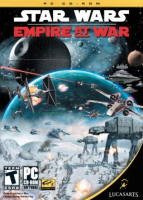


Star Wars: Empire at War is a 2006 real-time strategy (RTS) game developed by Petroglyph Games and published by LucasArts. Set between Episode III and Episode IV, it focuses on the fledgling struggle between the Empire and the Rebels. It uses Petroglyph's game engine Alamo. In October 2006, an expansion entitled Star Wars: Empire at War: Forces of Corruption was released.
There are three game modes: storyline-based Campaign, Galactic Conquest and Skirmish. Battles can take place on a planet (land battle) or above the planet (space battle). Land battles are fought with infantry and ground vehicle units, while space battles are fought with starfighter squadrons and large spacecraft.
Support Summary
Game Information
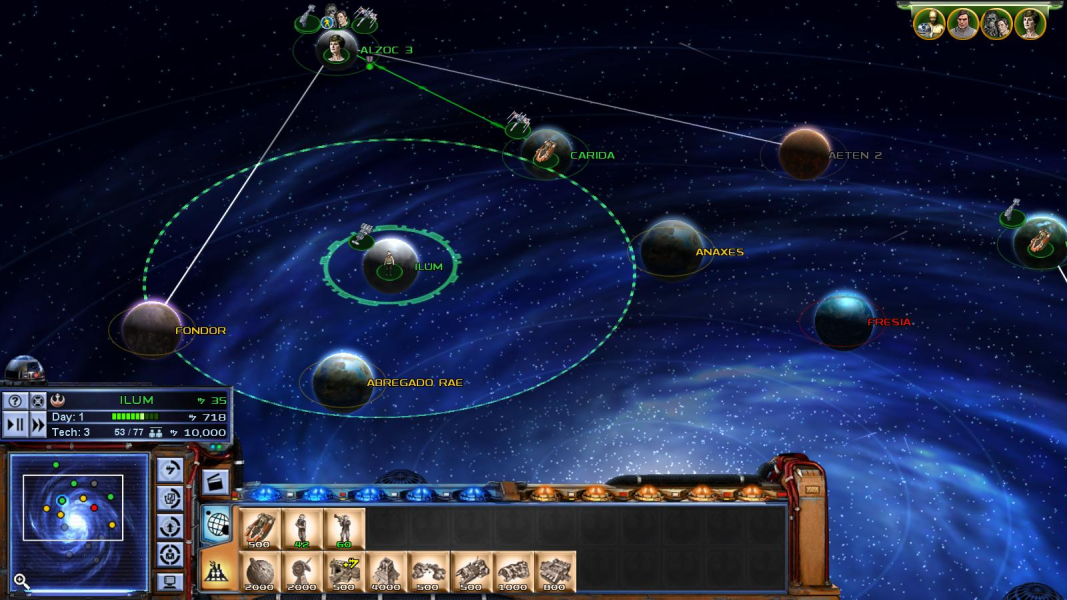
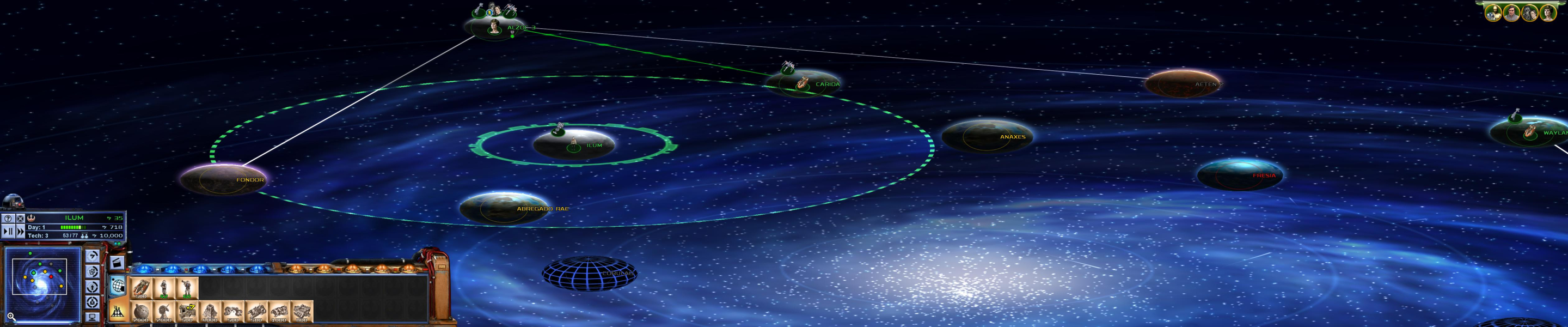
Screenshots Comparison
Solutions & Issues
The game supports all res's natively, simply select your desired resolution and tick the Widescreen checkbox.
Screen change:
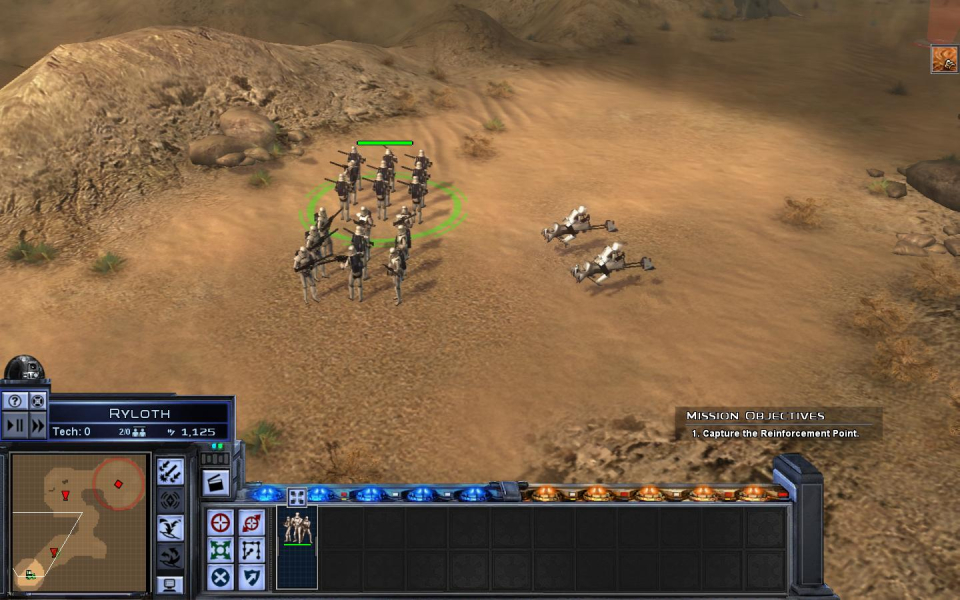
Land mode: 16:9 is Hor+, all other ARs are 16:9 squished/stretched.
Space mode: 16:9 is vert-, all other ARs are 16:9 squished/stretched.
Display settings are saved in the registry under HKCU\Software\Petroglyph\StarWars\Profiles\Profile0\Player\
Some limited modding of the cameras is possible, but will not really improve support. All moddable FOV values refer to a vertical FOV, so all you can do is "dolly out" and make the game look even worse...
To fiddle with the VFOV, open the following file in FinalBIG 0.4+:
C:\Program Files\LucasArts\Star Wars Empire at War\GameData\Data\Config.meg (make a backup copy!)
and edit DATA\XML\TACTICALCAMERAS.XML
In the registry, there's a WidescreenAspectRatio key in
HKCU\Software\Petroglyph\StarWars\Profiles\Profile0\Player\
but even if some genius can find the right value for 16:10 or Surround, it will only help in land combat mode... The rest will remain Vert-.
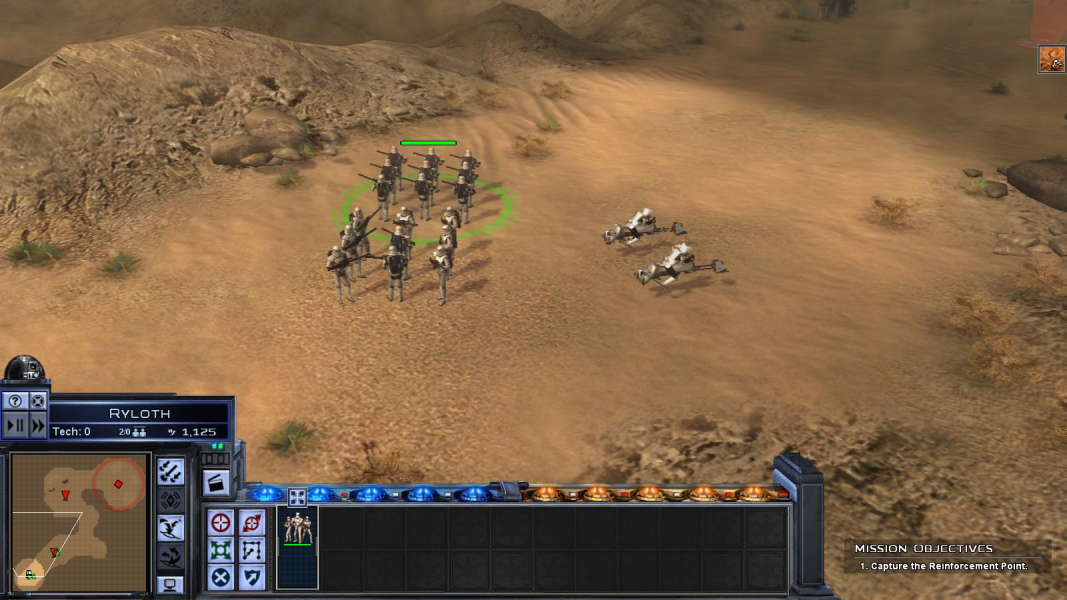
Gameplay Screenshots



Additional Screenshots