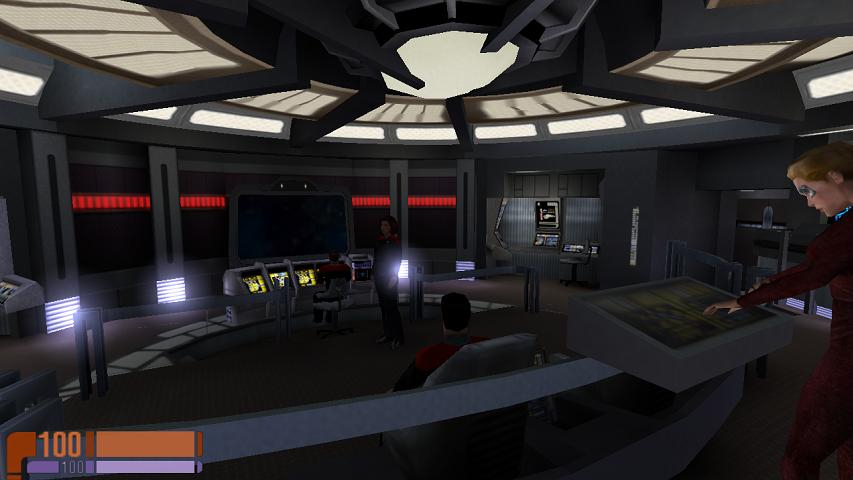



Star Trek: Voyager – Elite Force is a first-person shooter video game developed by Raven Software and published by Activision. The game is set in the Star Trek universe, specifically relating to the fourth Star Trek television series, Star Trek: Voyager. The dates in the game place Elite Force's plot late in Voyager's sixth season.
Support Summary
Game Information
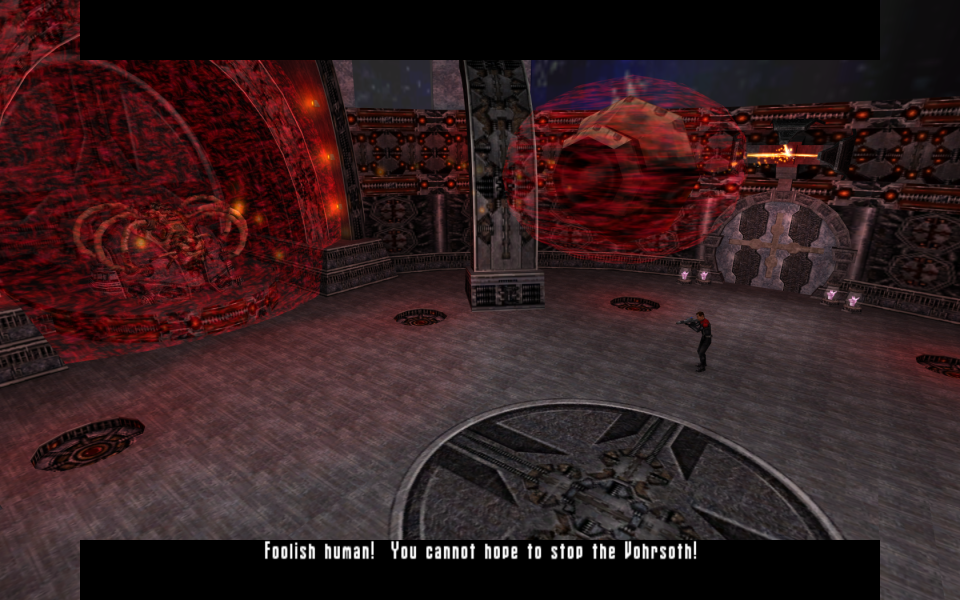
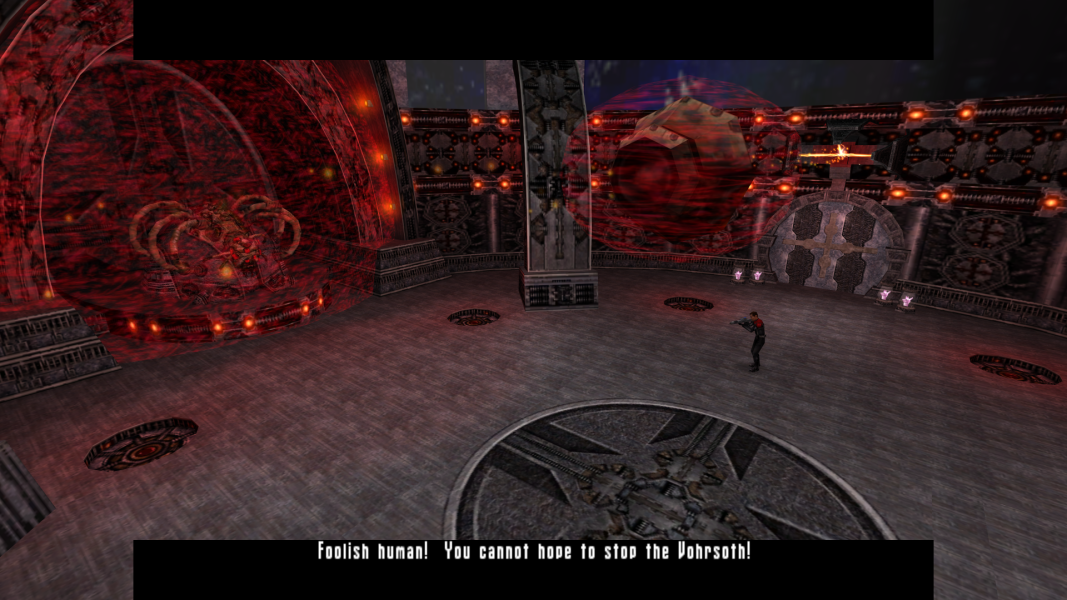
Screenshots Comparison
Solutions & Issues
New solution, fully Hor+:
Copy all content from archive in the game folder, depending on the desired resolution.
For game version 1.10 without Expansion Pack:
1_10_StarTrek_Voyager_Elite_Force_Centred_HUD.7z - Centred HUD
1_10_StarTrek_Voyager_Elite_Force_Stretched_HUD.7z - Stretched HUD (may be useful for 16:10 and 16:9)
For game version 1.20 with Expansion Pack:
1_20_StarTrek_Voyager_Elite_Force_Centred_HUD.7z - Centred HUD
1_20_StarTrek_Voyager_Elite_Force_Stretched_HUD.7z - Stretched HUD (may be useful for 16:10 and 16:9)
Custom resolution:
Open autoexec.cfg file in the game folder (Star Trek Voyager Elite Force\BaseEF\) and change resolution in these lines:
seta r_customwidth "1920"
seta r_customheight "1080"
Old solution with Vert- cut-scenes:
Use INI edit to get the Game HOR+
INI Edit the Resolution & FOV: Go to --> ...\BaseEF\efconfig.cfg
Change these lines:
seta r_mode "-1"
seta r_customwidth "2560"
seta r_customheight "1440"
seta cg_fov "90"(16:10) or "97" (16:9)
Issues: FMV videos only show a white screen with the sounds from the FMVs video.
Cutscenes are VERT- and the Weapon gets smaller the higher the FOV.
New solution, fully Hor+:
Same as widescreen
Old solution with Vert- cut-scenes:
Solution : Same as in Widescreen - Use a FOV 113
Issues: FMV videos only show a white screen with the sounds from the FMVs video.
Cutscenes are VERT- and the Weapon gets smaller the higher the FOV.
New solution, fully Hor+:
Same as widescreen
Old solution with Vert- cut-scenes:
Solution : Same as in Widescreen - Use a FOV 140
Issues: FMV videos only show a white screen with the sounds from the FMVs video.
Cutscenes are VERT- and the Weapon gets smaller the higher the FOV. HUD is not centered.
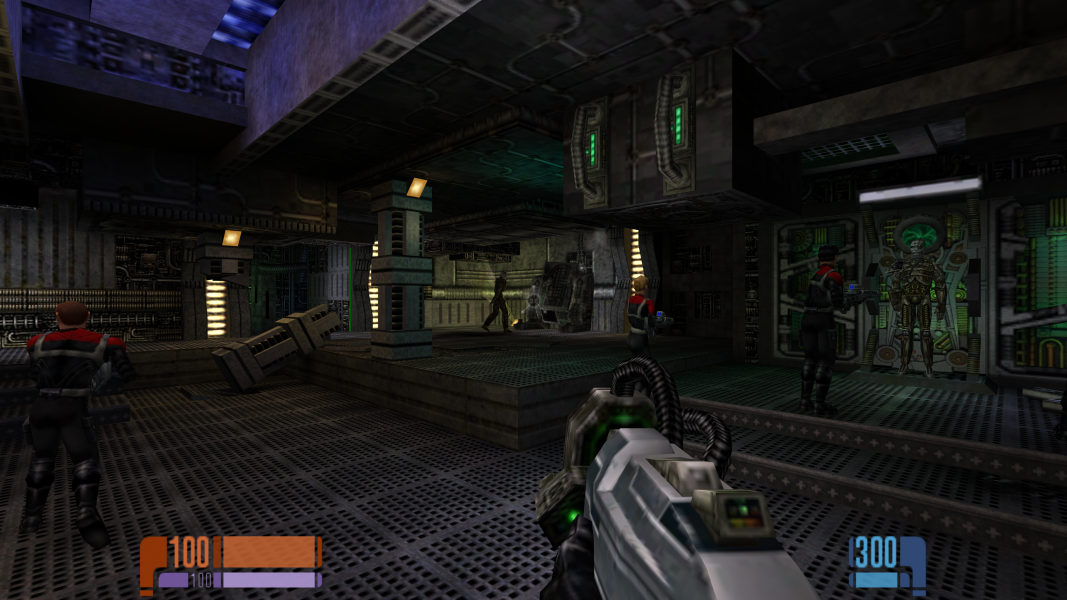
Gameplay Screenshots
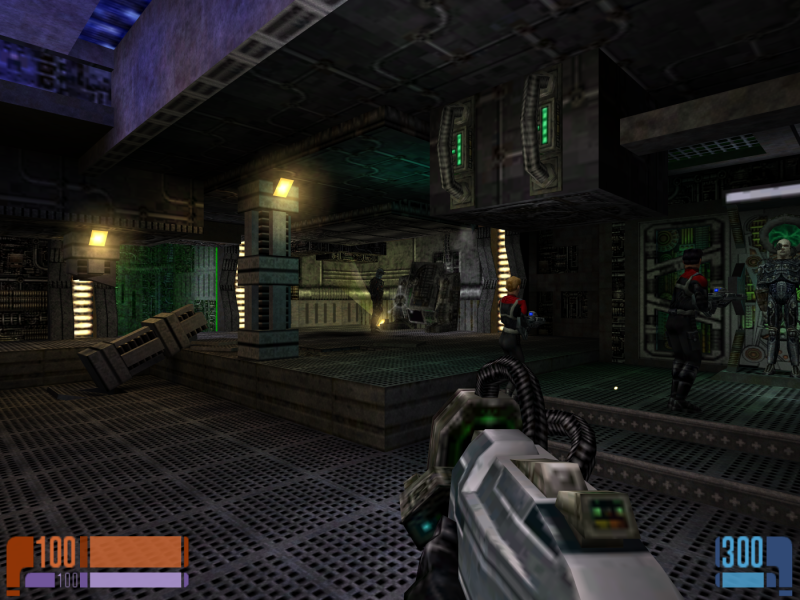
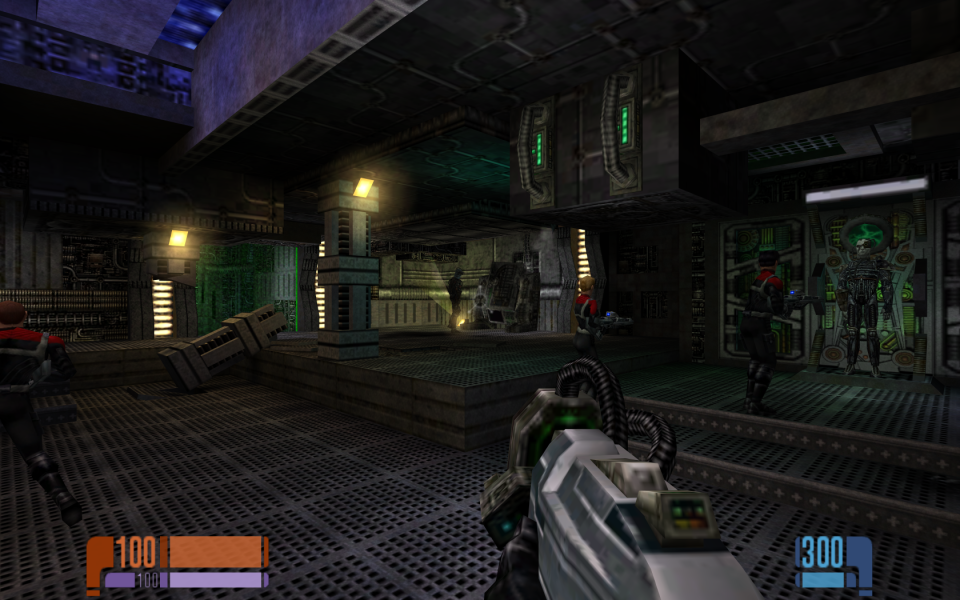
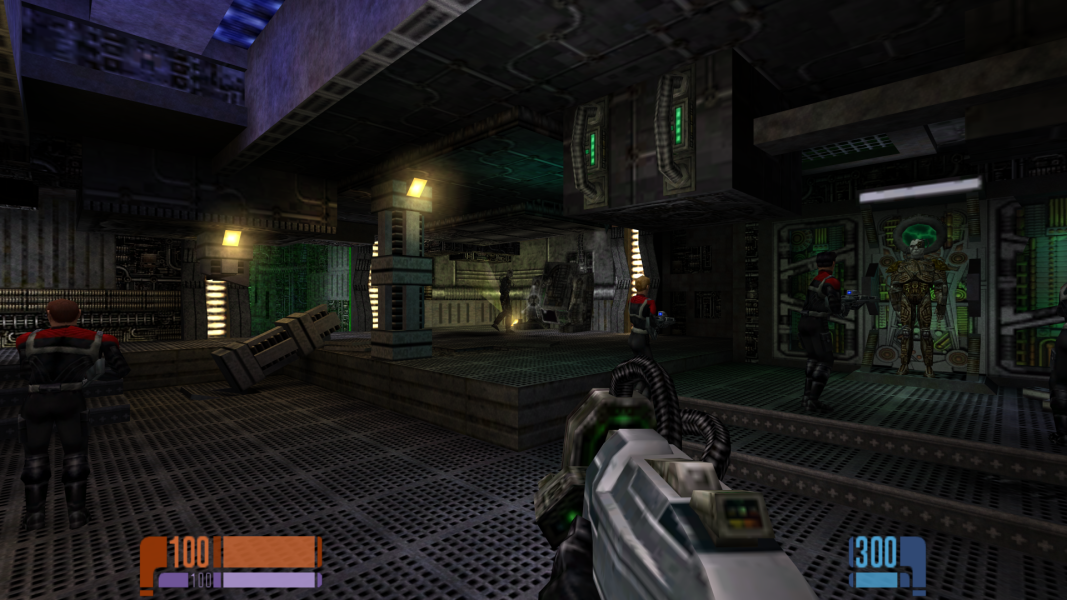
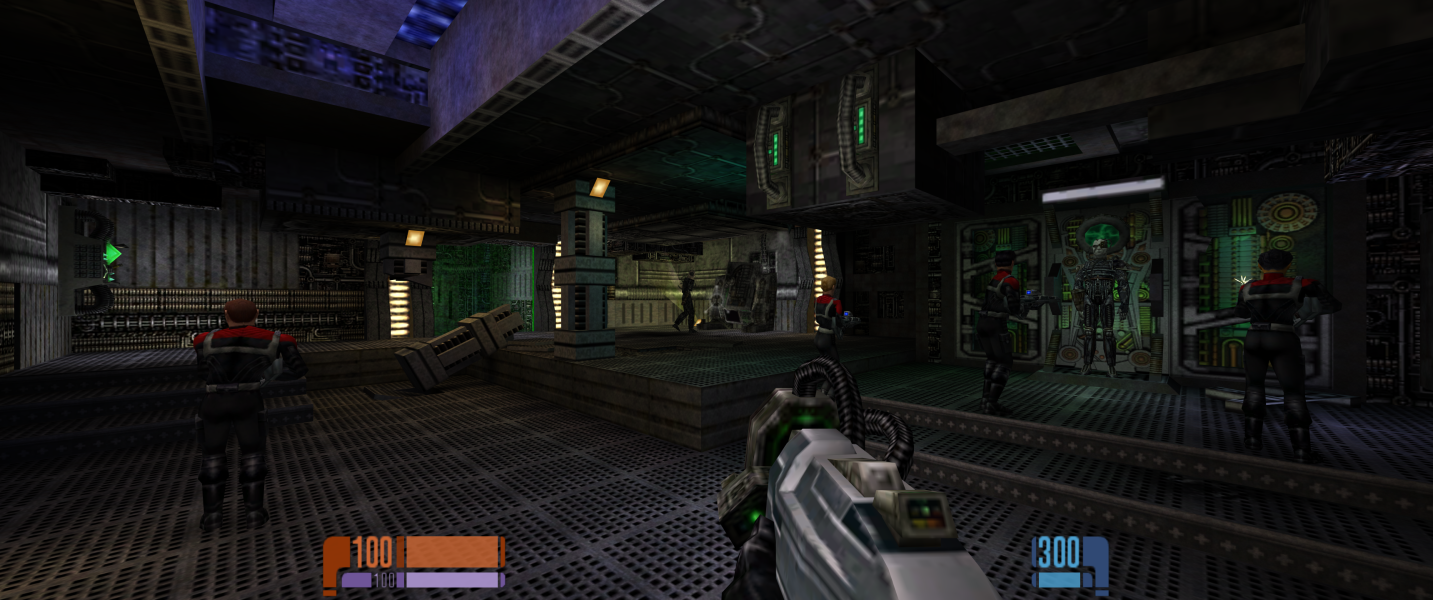


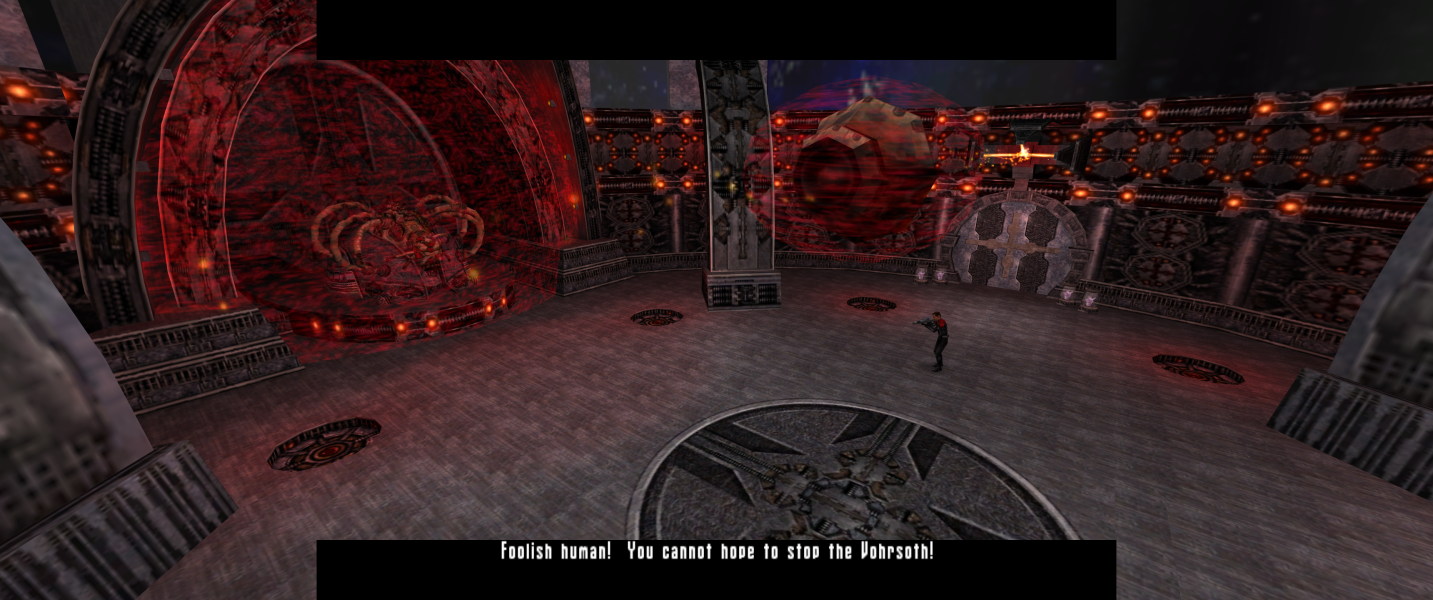
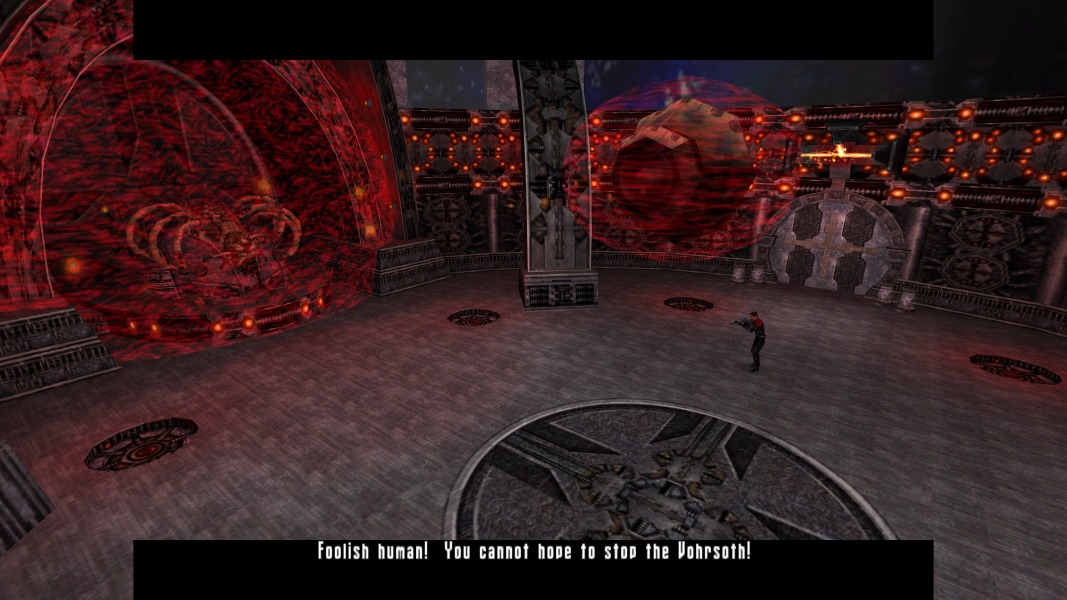
In-Game (Rendered) Cutscenes


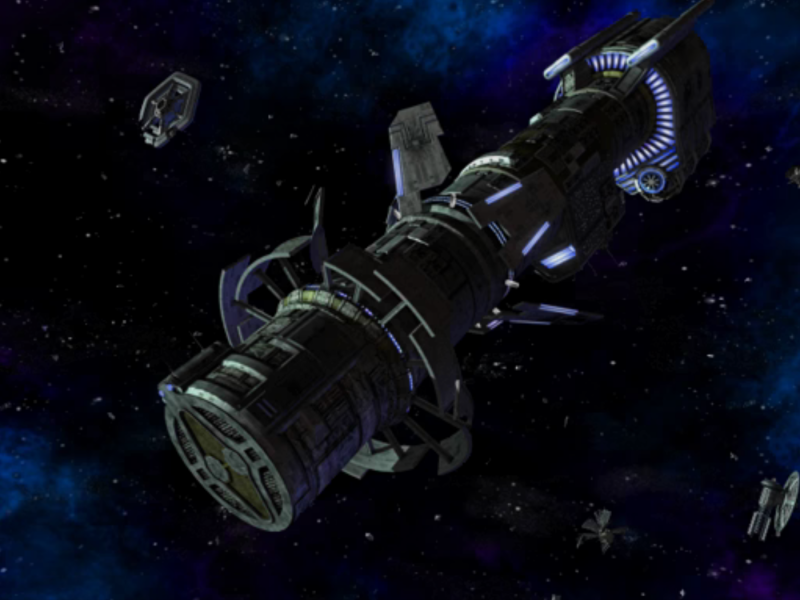
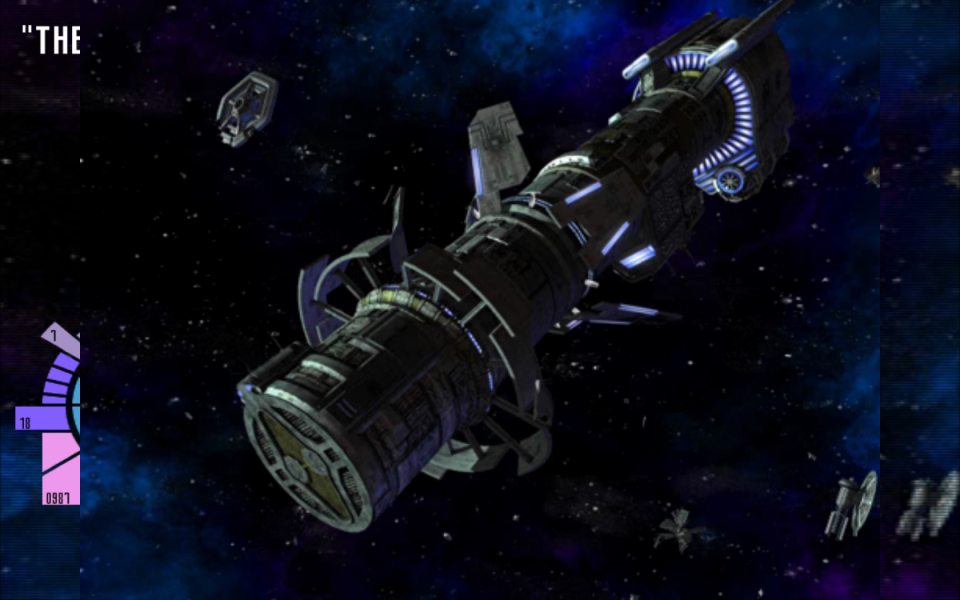
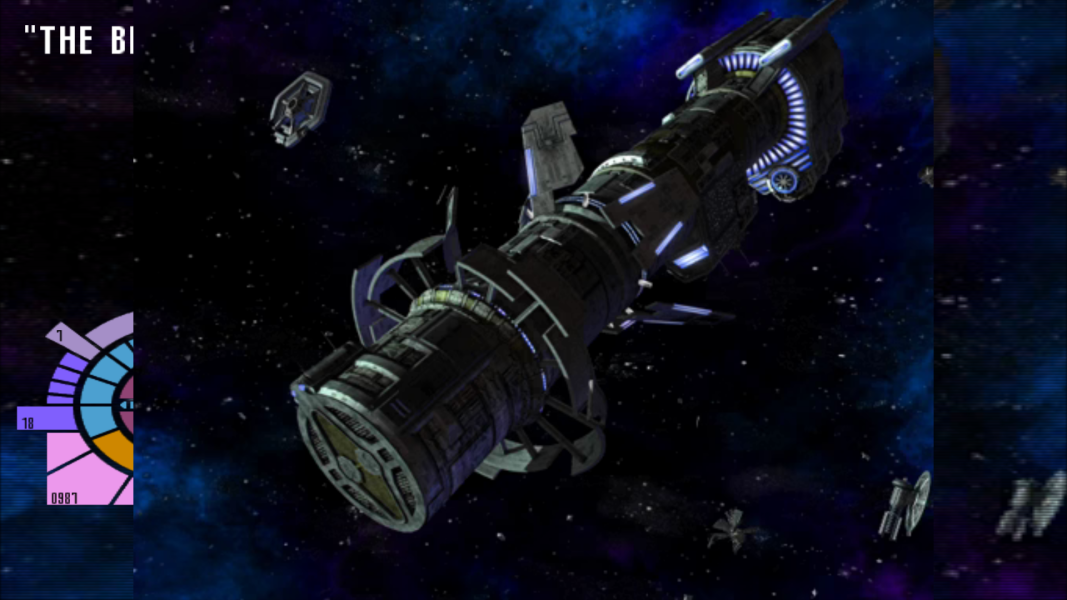
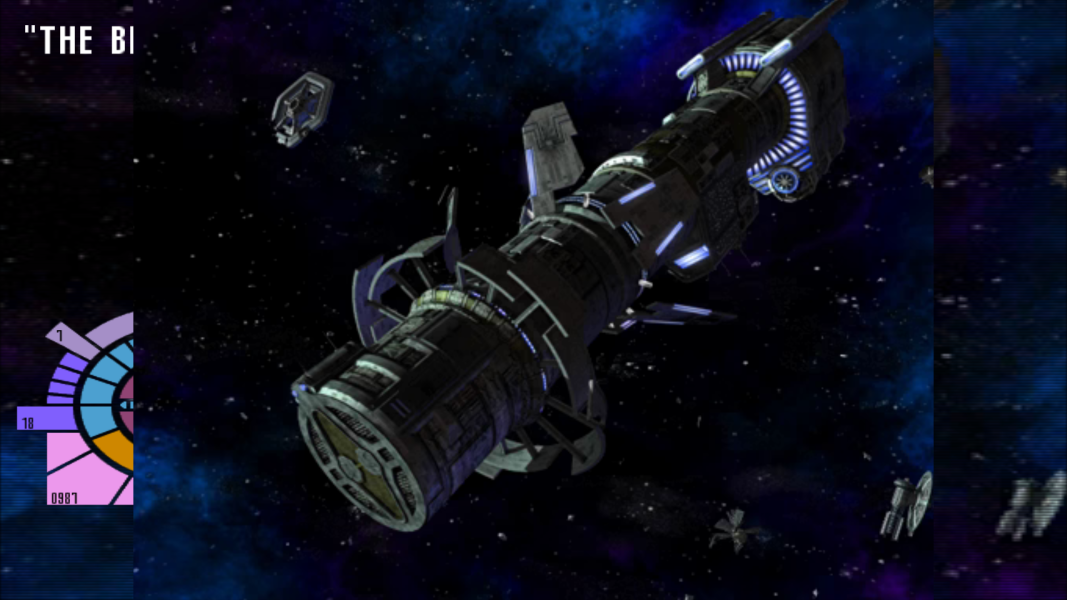
FMV Cutscenes
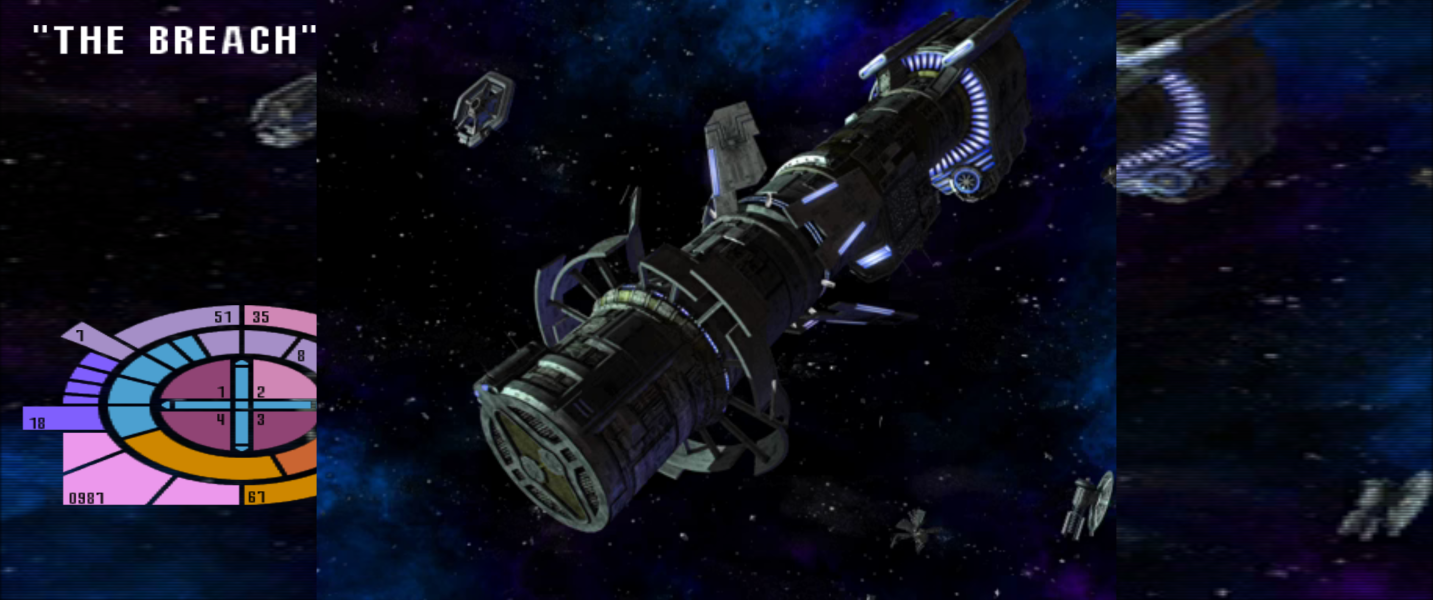

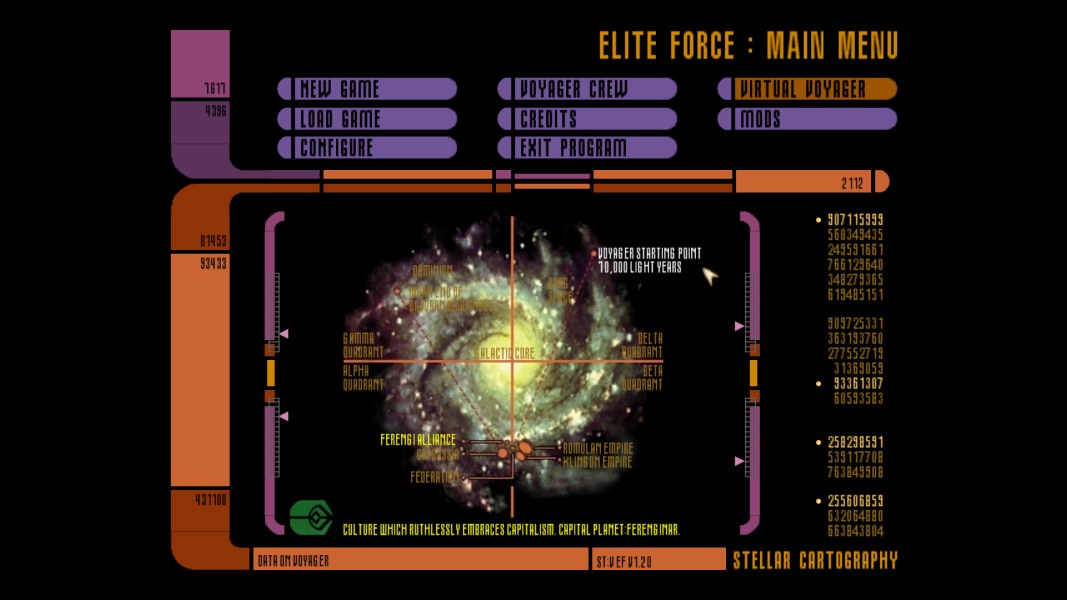
Menu Screenshots
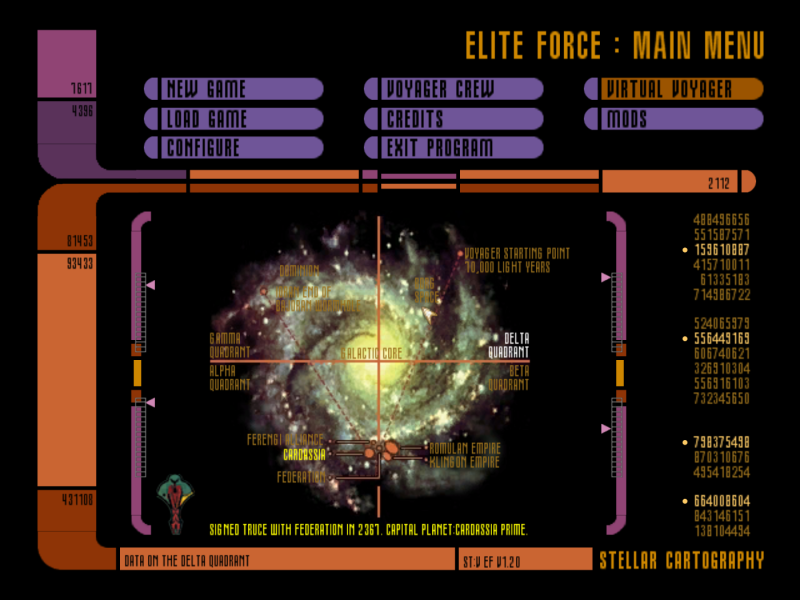

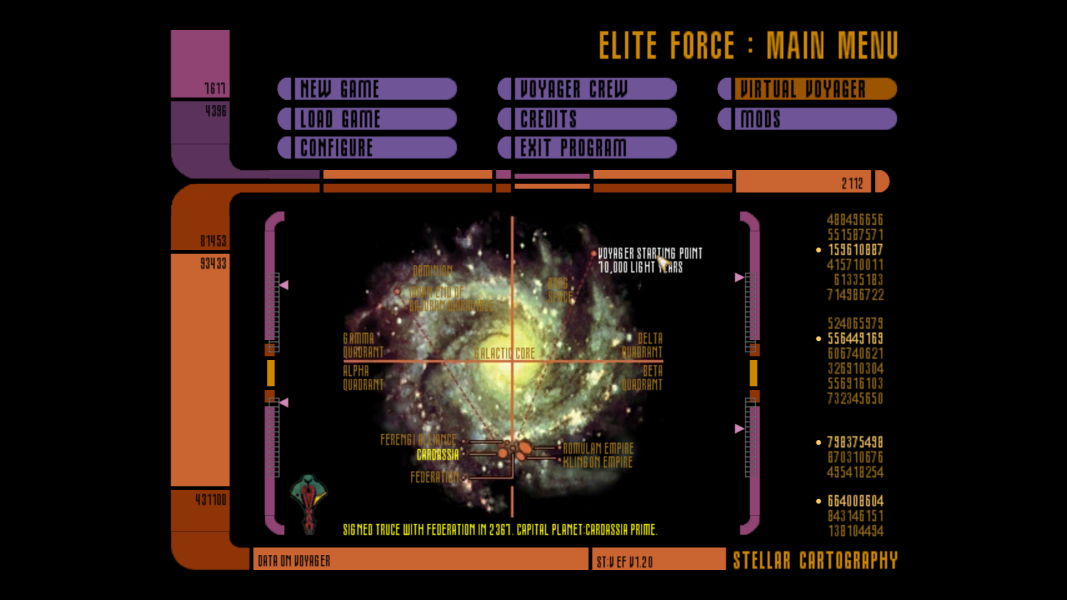
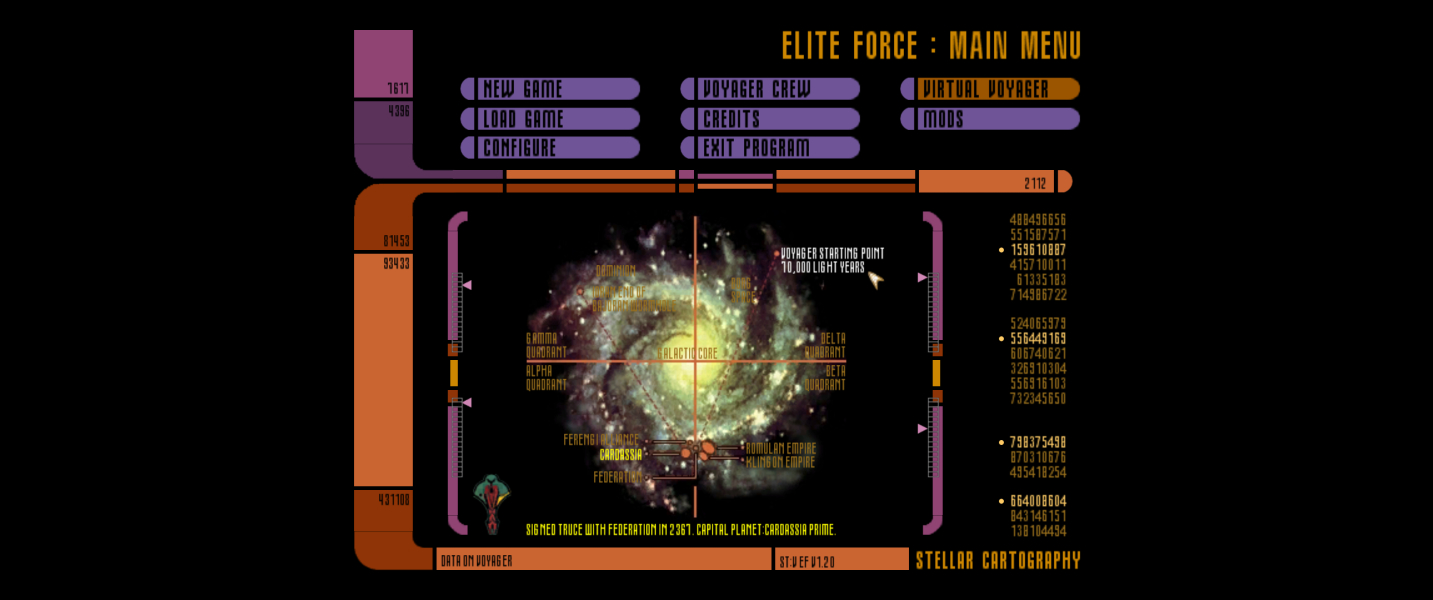

4K UHD Screenshots
Additional Screenshots