


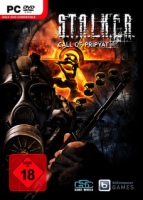


S.T.A.L.K.E.R.: Call of Pripyat is the sequel to S.T.A.L.K.E.R.: Shadow of Chernobyl, a first-person shooter computer game by Ukrainian developer GSC Game World. Call of Pripyat is the third game in the survival FPS S.T.A.L.K.E.R. series.
The game takes place soon after the events of S.T.A.L.K.E.R.: Shadow of Chernobyl. After Strelok disables the Brain Scorcher, many Stalkers rush to the center of the Zone, hoping to find artifacts and treasure. The military decides this is the perfect time to take control of the Zone, and launch "Operation Fairway," a large scale helicopter recon mission intended to scout the area by air. Unfortunately, the mission goes horribly wrong, and all five STINGRAY helicopters crash. The player, Degtyarev, is sent into the Zone to investigate the crash sites.
Support Summary
Game Information
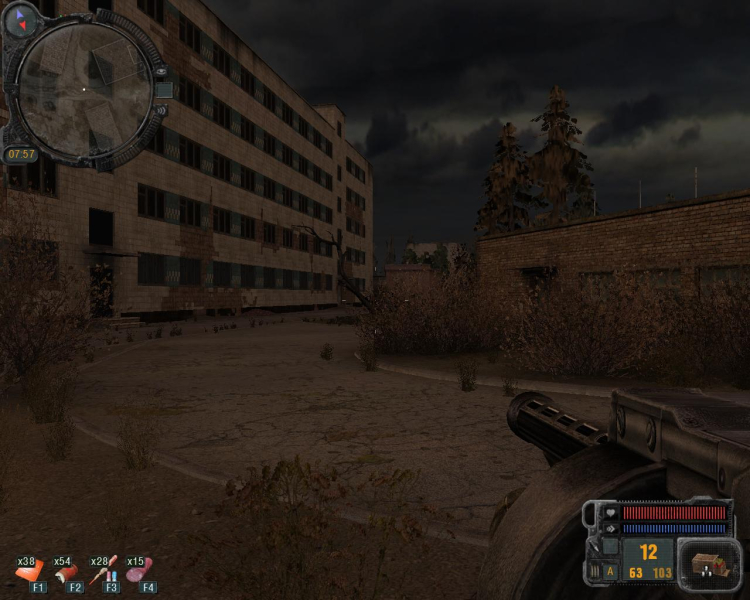
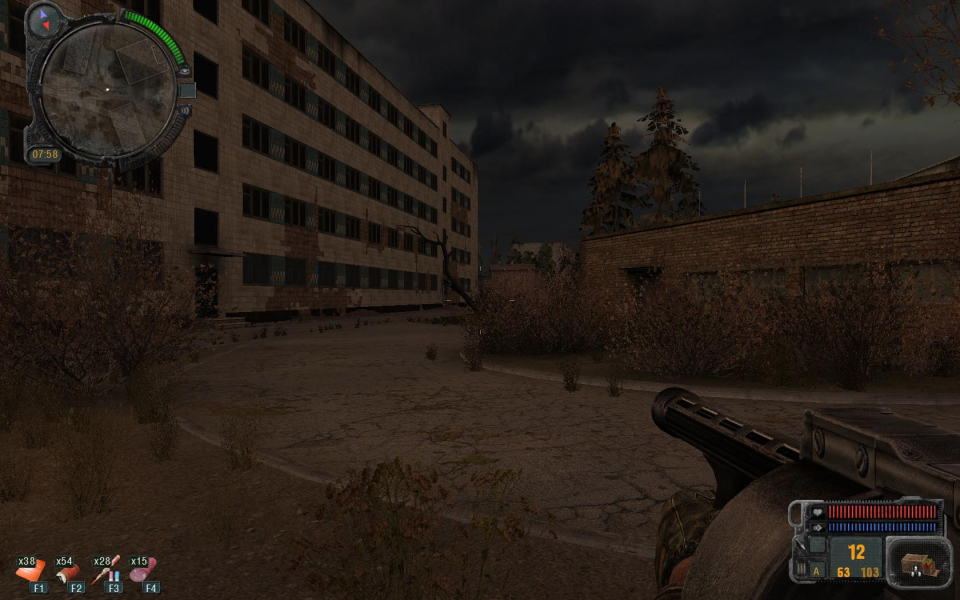
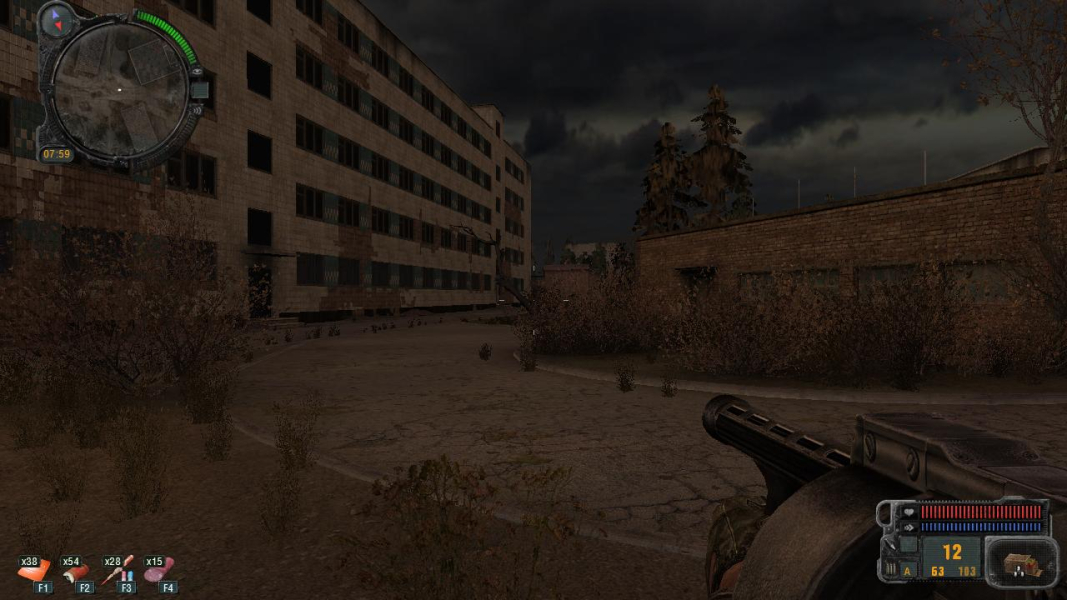
Screenshots Comparison
Solutions & Issues
Field of view is playable and appropriate, but can be changed to higher values through the use of a third-party program - FOV switcher (MacroN).
At 4:3 and 16:9 scope/binocular overlays are stretched and distorted, 16:10 seems fine.
1) Centered HUD + Dialogue Text :
Firstly to set things up for the mods ...
Go to ... C:\Program Files (x86)\bitComposer Games\S.T.A.L.K.E.R. - Call of Pripyat ... (this is for Win 7 but basically the root folder of wherever you installed the game)
Make a backup of the file ... fsgame.ltx ... just in case you need to put things back as default.
Now ... open the file ... fsgame.ltx ... with WordPad or NotePad ...
Change the line ...
$game_data$ = false| false| $fs_root$| gamedata\
To ...
$game_data$ = false| true| $fs_root$| gamedata\
and save.
Copy the folder called ... gamedata ... from the RAR file to ... C:\Program Files (x86)\bitComposer Games\S.T.A.L.K.E.R. - Call of Pripyat ... (this is for Win 7 but basically the root folder of wherever you installed the game)
2) Fixed scopes + binoc masks :
Running STALKER CoP Complete Mod with fixed binoc / scope masks, download available from the PC Gaming Wiki Community Files (search there), unzip to your CoP main folder, overwrite (always backup first the original), and youll have all scopes + binoc unstretched (3 x 16:10 was used).
Gameplay Screenshots


Additional Screenshots


