

Splinter Cell is a third-person action-adventure set in Tom Clancy's world of Splinter Cell. The game follows the exploits of covert operative Sam Fisher, who utilizes stealth and impressive gadgetry to dispose of his enemies and accomplish his objectives.
Support Summary
Game Information
Screenshots Comparison
Solutions & Issues
Splinter Cell Widescreen Fix: http://thirteenag.github.io/wfp#sc
Old solution:
A note: If you want hor + gameplay, you must create a new profile *after* applying this solution. This solution changes the FOV, and if you have created a profile prior to changing the FOV, then the old profile will still use the old FOV setting for gameplay.
Tom Clancy's Splinter Cell. Runs on Unreal Engine. Does not follow usual Unreal/Deus Ex .ini methods.
No native widescreen support; maximum in-game resolution is set at 1600x1200.
.ini change
To change to a higher resolution you must edit splinter cell/system/SplinterCellUser.ini
Go to this section:
[Engine.EPCGameOptions]
AnimatedGeometry=True
ShadowLevel=0
LightMapsLevel=0
TextureLevel=0
Resolution=1920x1200
FOV change is implemented here in the same file:
[Engine.PlayerController]
DesiredFOV=85
DefaultFOV=85
(If you put decimal places in with the FOV it will crash the game upon launch)
=====
FMV videos play at 640x480.
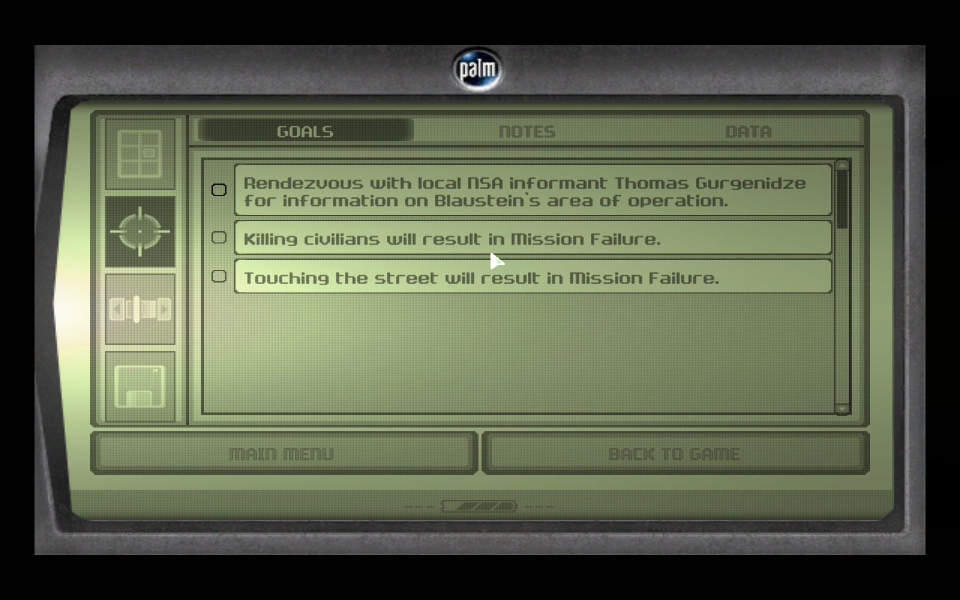
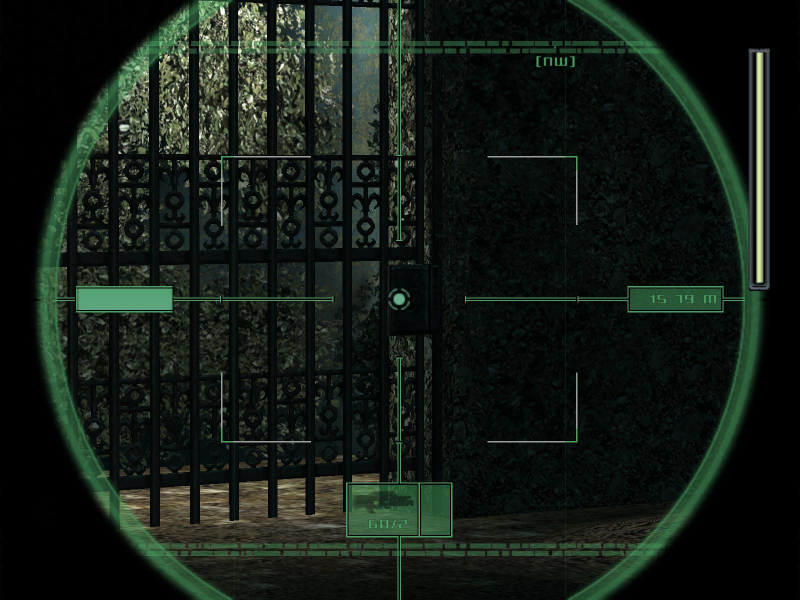
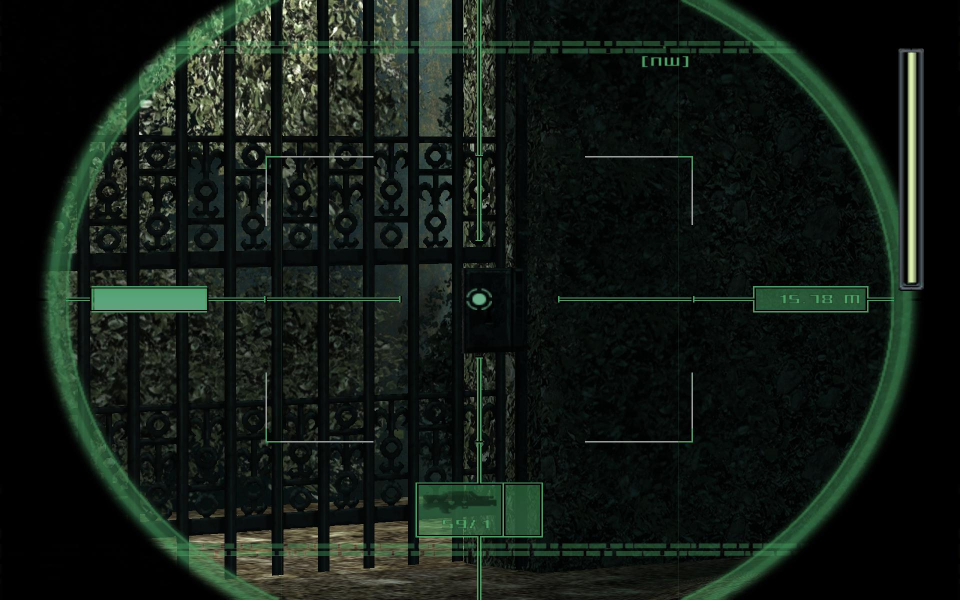
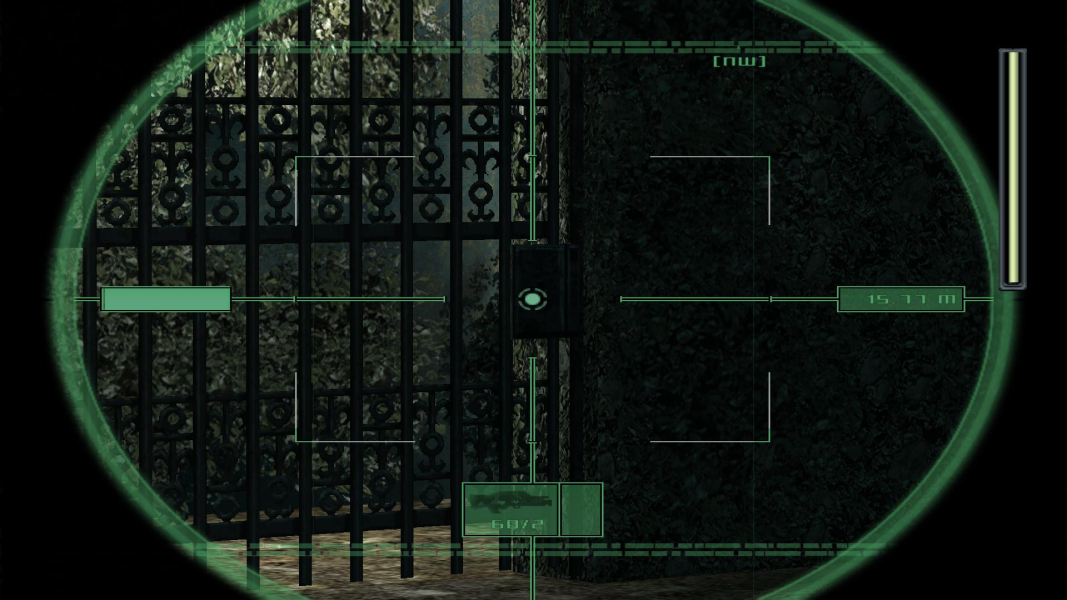
The in-game HUD stretches depending upon FOV.
The scope-zoom and camera views are Vert - in widescreen resolutions.
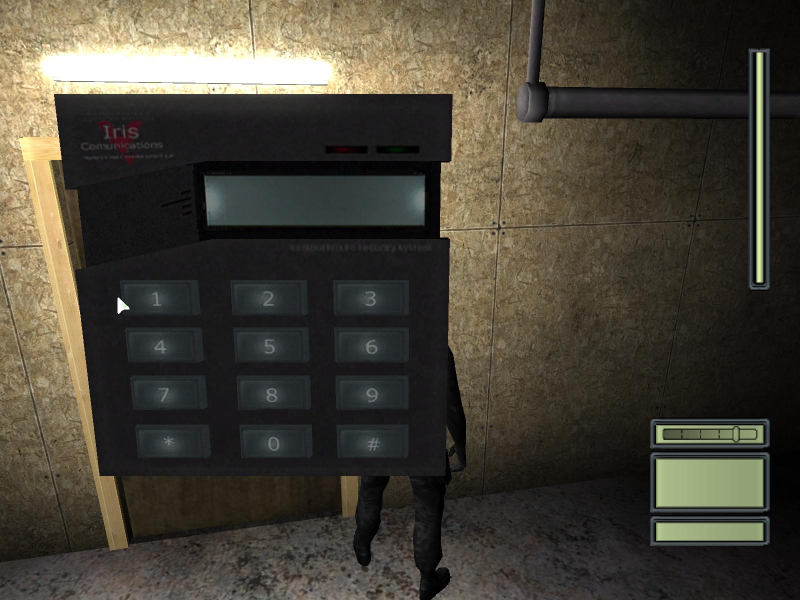
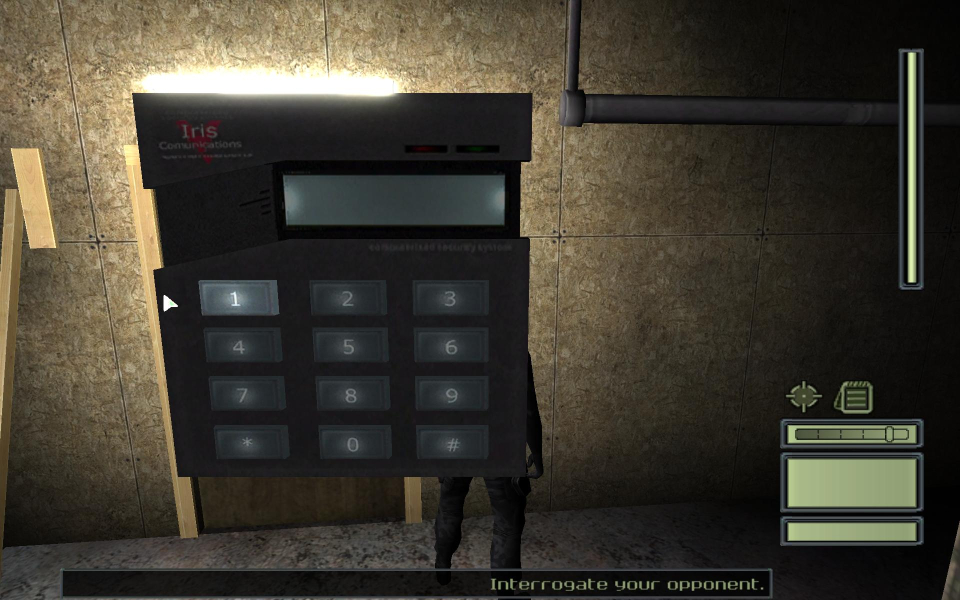
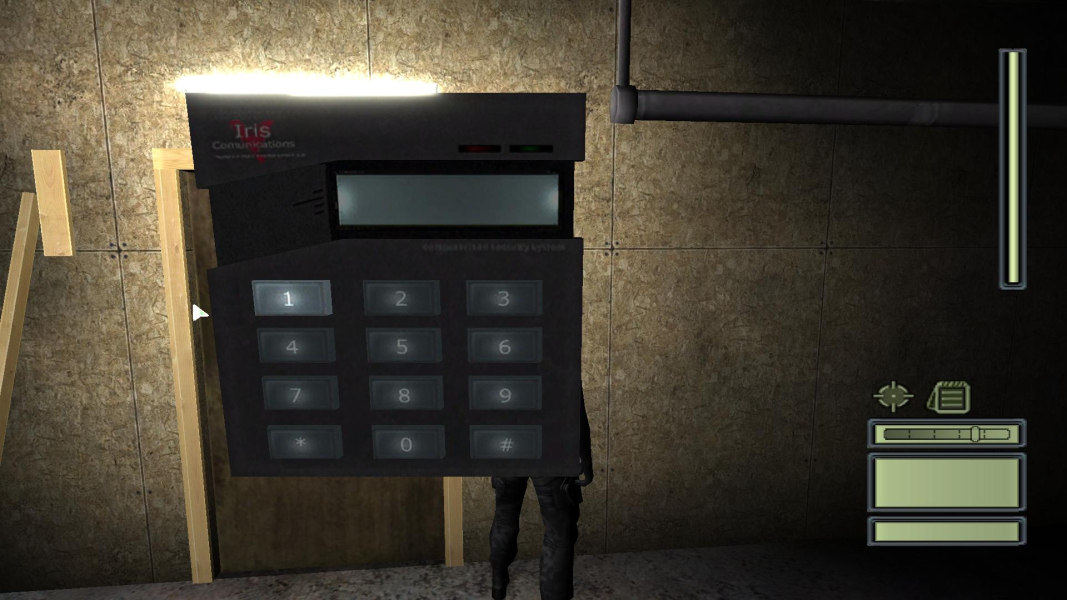
The keypad mouse-click detection areas are misaligned with a left shift in widescreen resolutions. The detection width is the same so if a button will only detect a click on the left half of the button the remaining detection area will have been shifted to the left of the button. All coverage stats listed start from the left side of the button.
Button Coverage
100% - Normal coverage. The entire button has mouse-click detection.
75% - Normal mouse-click detection except for the right quarter of the button.
50% - The left half of the button is selectable.
0% - There is no mouse-click detection on the button. You must click the left area beside the button.
First column
4:3 - 100%
16:9 - 0%
16:10 - 50%
Second column
4:3 - 100%
16:9 - 50%
16:10 - 75%
Third column
4:3 - 100%
16:9 - 100%
16:10 - 100%
The keypad mouse-click detection areas are misaligned with a left shift in widescreen resolutions. The detection width is the same so if a button will only detect a click on the left half of the button the remaining detection area will have been shifted to the left of the button. All coverage stats listed start from the left side of the button.
Button Coverage
100% - Normal coverage. The entire button has mouse-click detection.
75% - Normal mouse-click detection except for the right quarter of the button.
50% - The left half of the button is selectable.
0% - There is no mouse-click detection on the button. You must click the left area beside the button.
First column
4:3 - 100%
16:9 - 0%
16:10 - 50%
Second column
4:3 - 100%
16:9 - 50%
16:10 - 75%
Third column
4:3 - 100%
16:9 - 100%
16:10 - 100%
Gameplay Screenshots

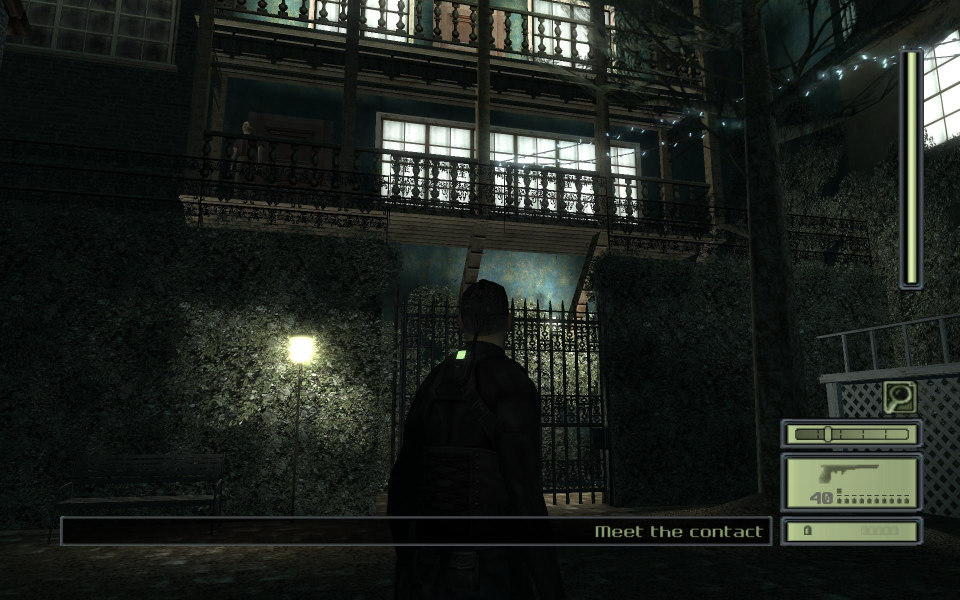


In-Game (Rendered) Cutscenes
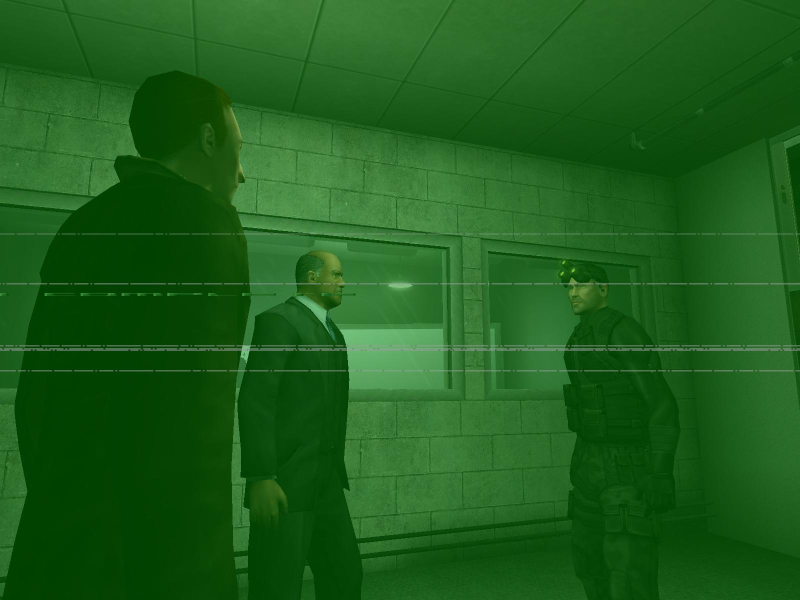
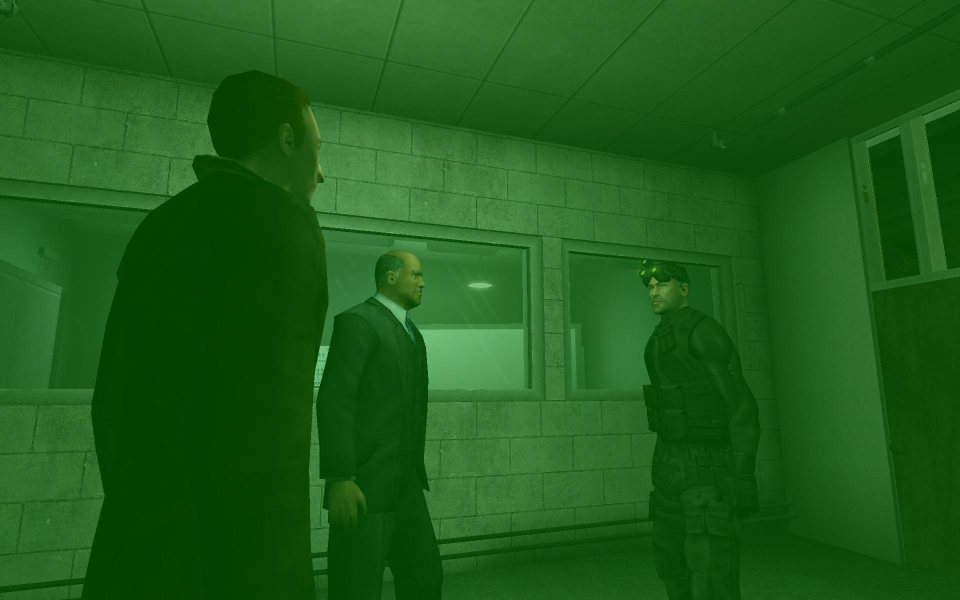

FMV Cutscenes

Additional Screenshots