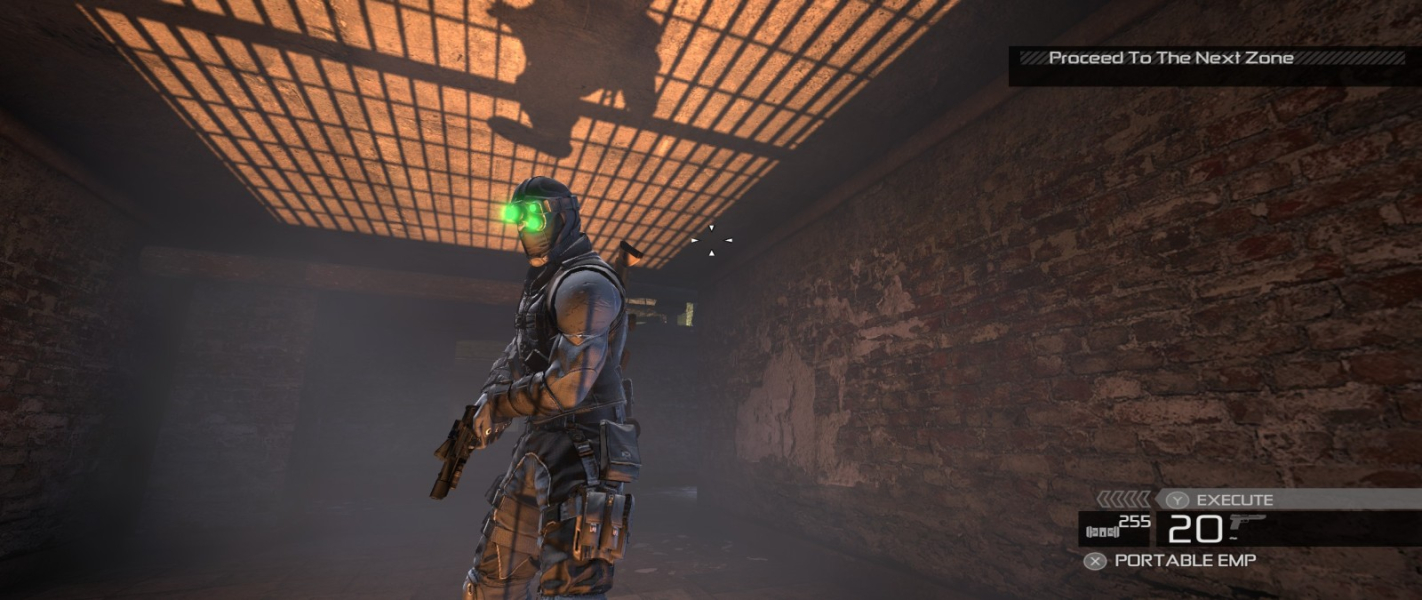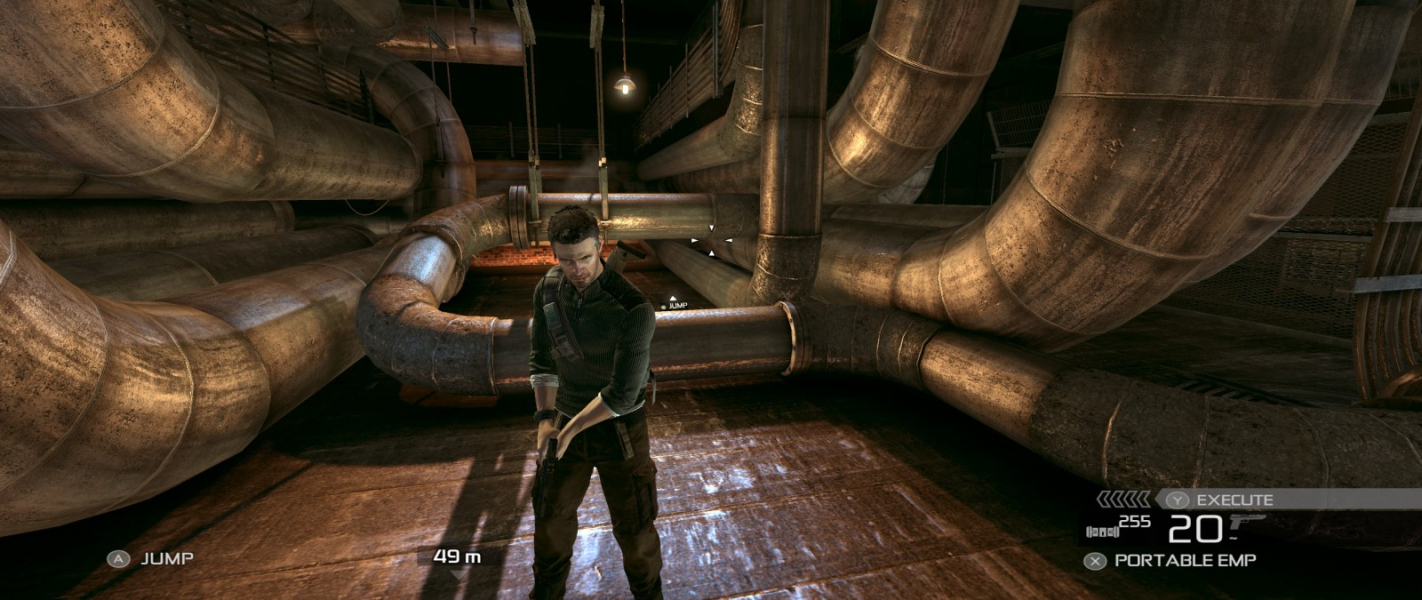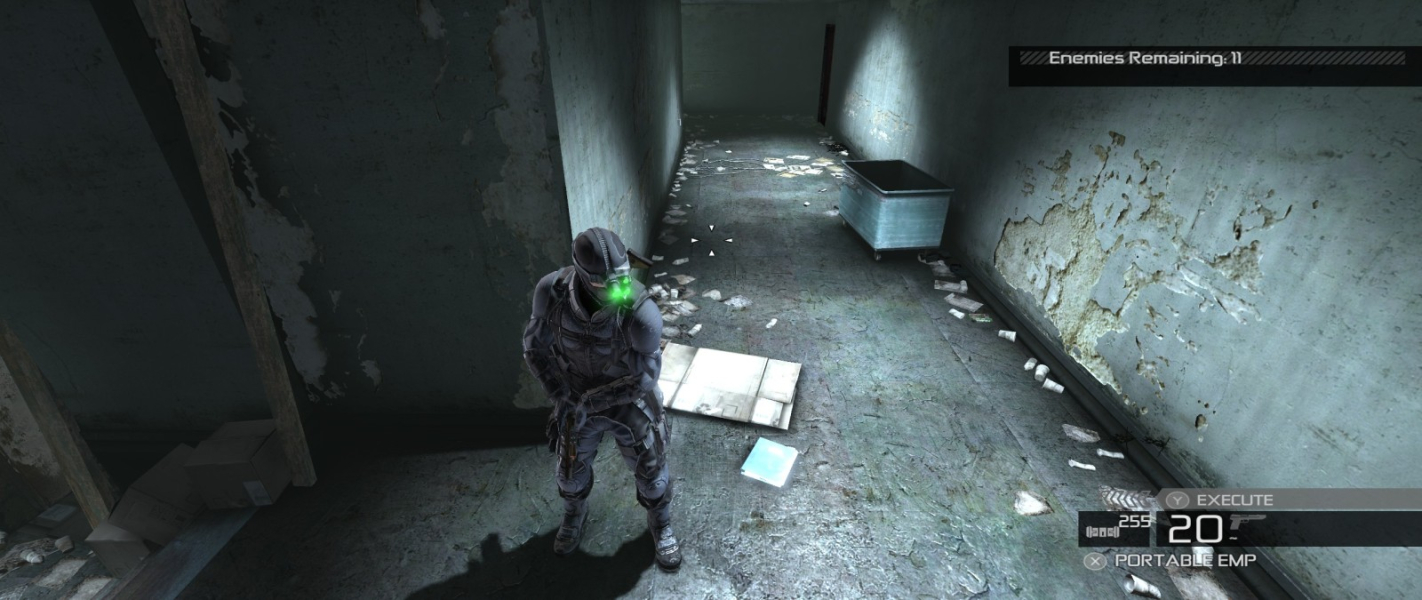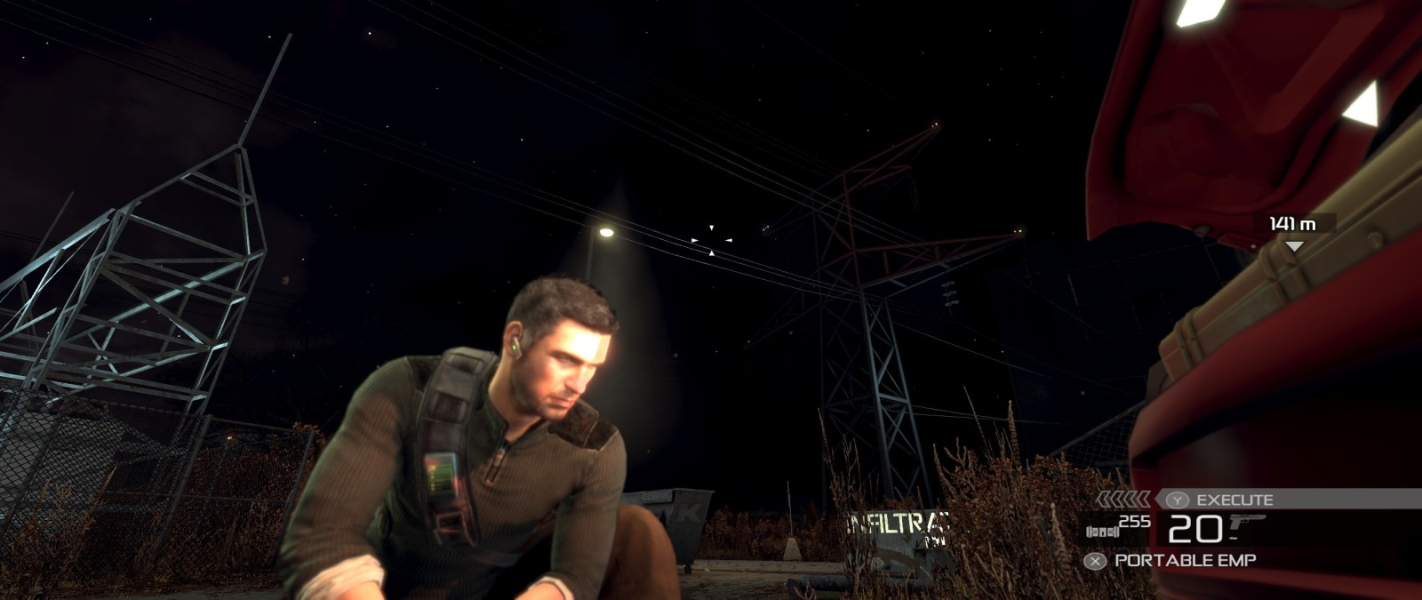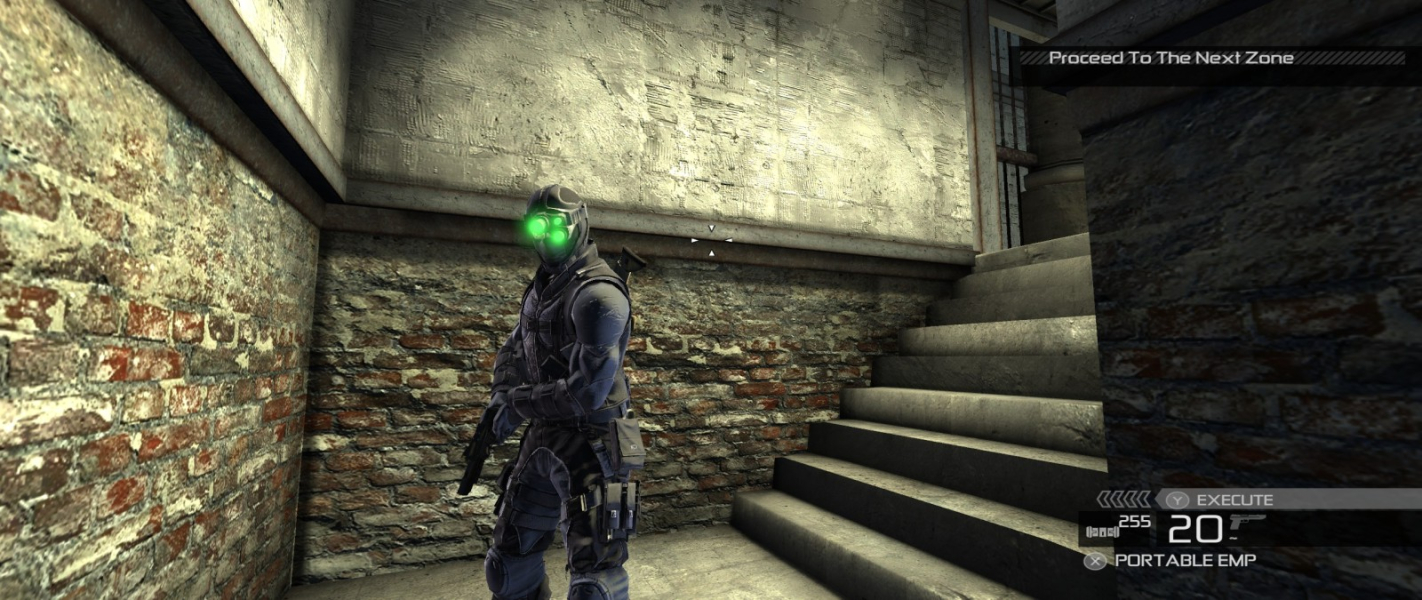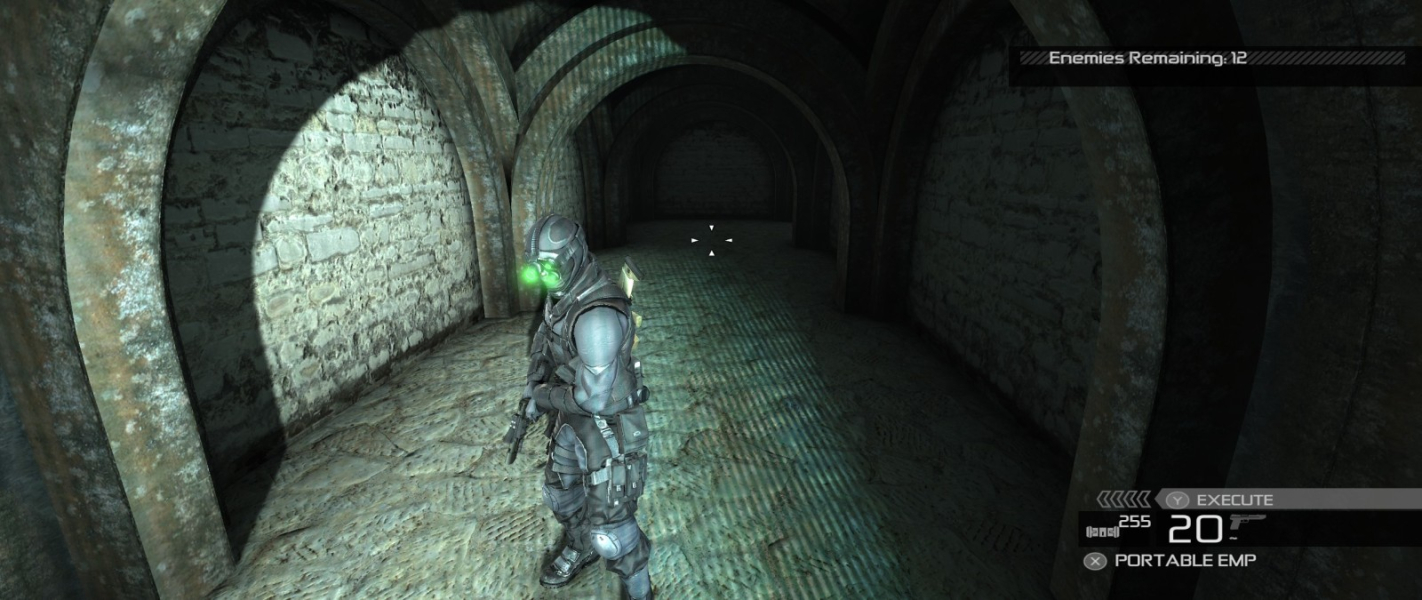


Tom Clancy's Splinter Cell: Conviction is the fifth installment (released in April 2010) in the Splinter Cell series of video games. The game was developed by Ubisoft Montreal, developers of Tom Clancy's Splinter Cell, Splinter Cell: Chaos Theory and the sixth generation versions of Splinter Cell: Double Agent. The game introduces a number of new gameplay features to the series, one of which is the "Mark & Execute" feature, which allows the player to mark specific targets, such as enemies or objects, and shoot them when they burst through a door or window.
The player can choose to prioritize these targets, so that, for example, he could distract one guard by shooting out a light in his vicinity and then take out another guard. Another new feature is the "Last Known Position", which occurs when the player breaks the line of sight of an alerted guard. This creates a visual silhouette of where the guard thinks Sam is, allowing the player to flank his enemies. Main target subjects can use the player's abilities against them. The player can be taken hostage by the subject in co-op mode; the hostage's partner can neutralize the subject by shooting them or pulling them off his teammate.
Support Summary
Widescreen | Ultra/Super‑Wide | Multi-Monitor | 4K Ultra HD | |
Support | ||||
Method | ||||
HUD | ||||
Cutscenes | ||||
FMVs |
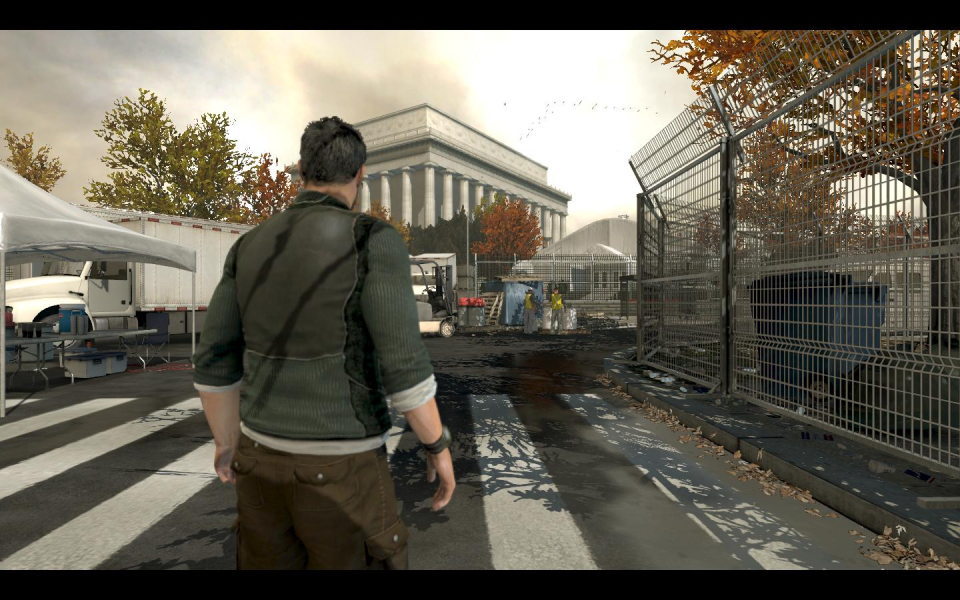
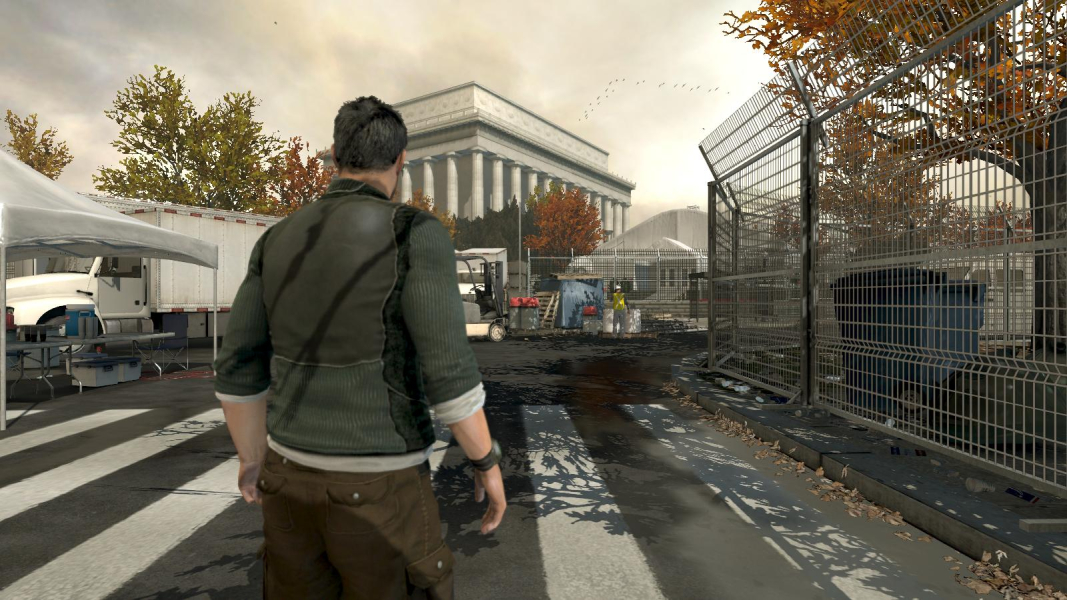
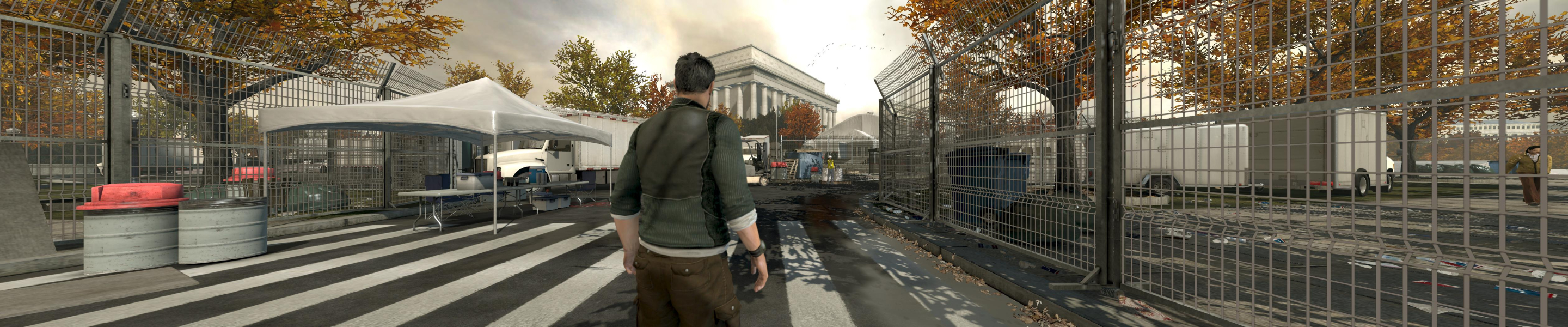
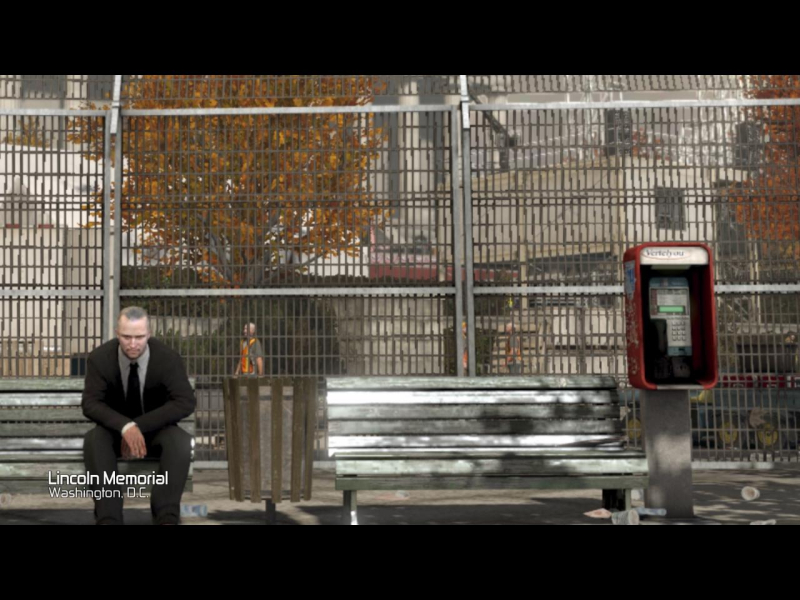
Screenshots Comparison
Solutions & Issues
Native.
Simply select your desired resolution and monitor aspect ratio from the Video Settings menu.
Settings are saved in C:\ProgramData\Ubisoft\Conviction\ConvictionUserPC.ini
An extra note on MinTripleDispRatio.
It can also be used in non-16:9 widescreen ARs, if you really can't stand the black bars. What you'll get is a full-height picture with no distortion, a Vert+ FOV and massively squeezed HUD/crosshair/mouse cursor/FMVs. Not exactly a better solution than the default anamorphism, so I don't think we'll endorse it, but here goes.
C:\ProgramData\Ubisoft\Conviction\ConvictionUserPC.ini
[Engine.Display]
MinTripleDispRatio=3.9
Edit the value so that it is not higher than your AR.
Managed to fix this for 21:9 last summer but could not register here to post the info until now!
1: Goto C:\ProgramData\Ubisoft\Conviction
2: Edit the following part of ConvictionUserPC.ini
[Engine.Display]
AdapterNumber=0
DisableShaderOptims=True
UseTripleBuffering=False
ForceGpuCount=0
MaxFPS=120
EyefinityMode=0
ForceMultiMon=True
MinTripleDispRatio=2.3
Old default values:
EyefinityMode=2
ForceMultiMon=False
MinTripleDispRatio=3.9
MinTripleDispRatio must = less than your aspect ratio so for me my aspect ratio is 21:9 which = 2.3
FMV's are slightly stretched now but at least the main game fills the screen otherwise you have to play with large black pillowboxes either side which look dumb @ 2560x1080. You can also re-encode these bink video files with the free Rad Video Tools so they are not stretched anymore just resize & re-encode them to fit your display with black borders some are actually 2.3 aspect ratio already but some are stretched badly.
If you own the Steam version the path is:
Program Files\Steam\steamapps\common\Tom Clancy's Splinter Cell Conviction\src\system\ConvictionUserPC.ini
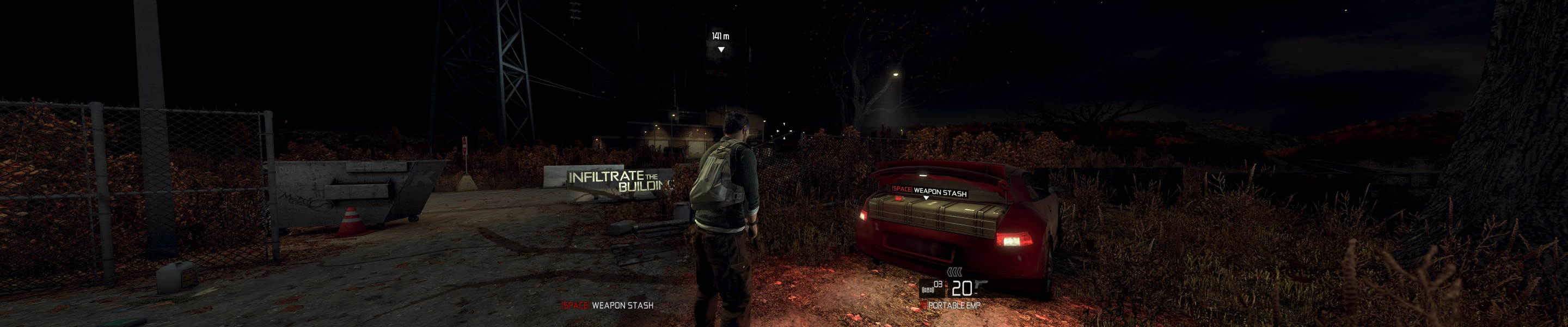
3840x1024 users, you need to edit one setting in C:\ProgramData\Ubisoft\Conviction\ConvictionUserPC.ini :
Code:
[Engine.Display]
MinTripleDispRatio=3.9 //make it 3.75 or lower
This is the minimum AR before anamorphism is dropped in favor of Hor+. 3.9 is simply too high for classic 3x 5:4 TripleHead. Note that by changing this, you will also get squished FMVs.
Gameplay Screenshots


In-Game (Rendered) Cutscenes

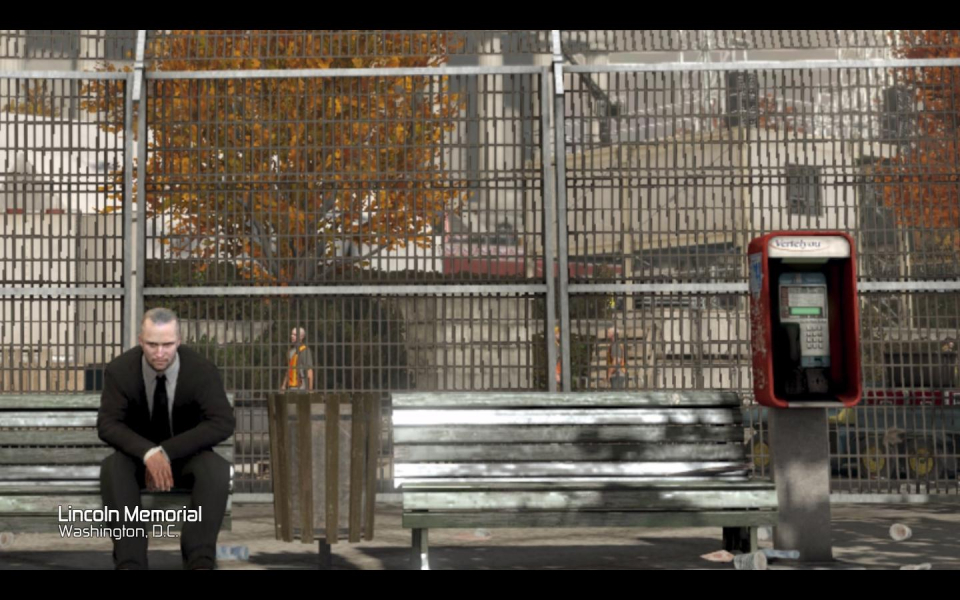
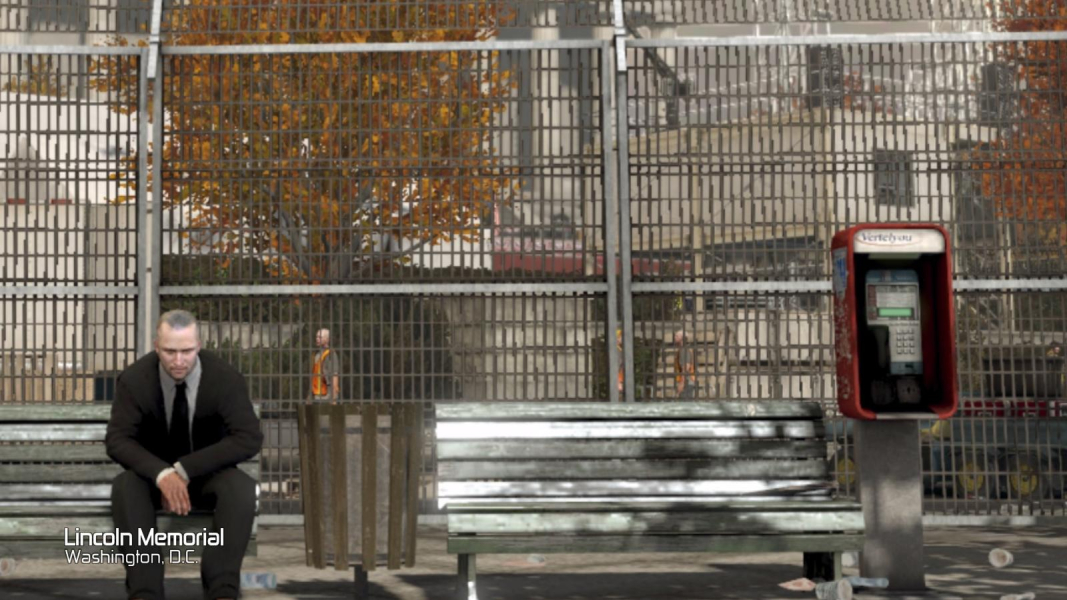
FMV Cutscenes

Additional Screenshots