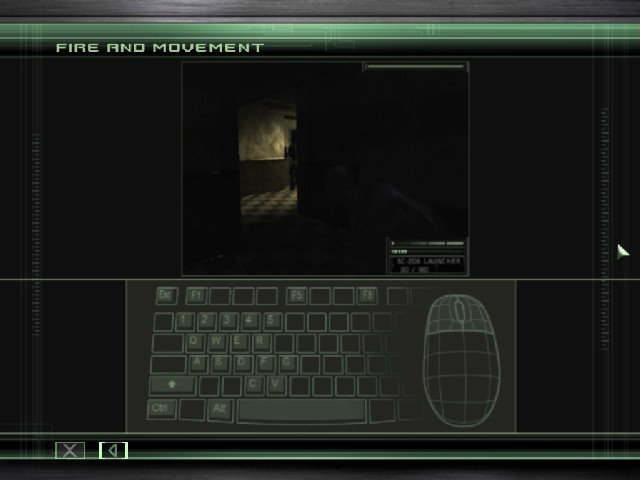


Tom Clancy's Splinter Cell: Chaos Theory is a critically acclaimed third-person stealth-based video game developed and published by Ubisoft. Chaos Theory is the third game in the Splinter Cell series endorsed by writer Tom Clancy. The game follows the covert activities of Sam Fisher, an agent working for a black-ops branch within the NSA called "Third Echelon".
The graphics in Chaos Theory feature a number of improvements, including the addition of normal mapping, HDR lighting, and parallax mapping. The game also features a number of major changes and improvements to the series' basic gameplay. Chaos Theory is also the first game in the Splinter Cell series to use ragdoll physics.
Support Summary
Screenshots Comparison
Solutions & Issues
Splinter Cell Chaos Theory Widescreen Fix: http://thirteenag.github.io/wfp#scct
Old solution:
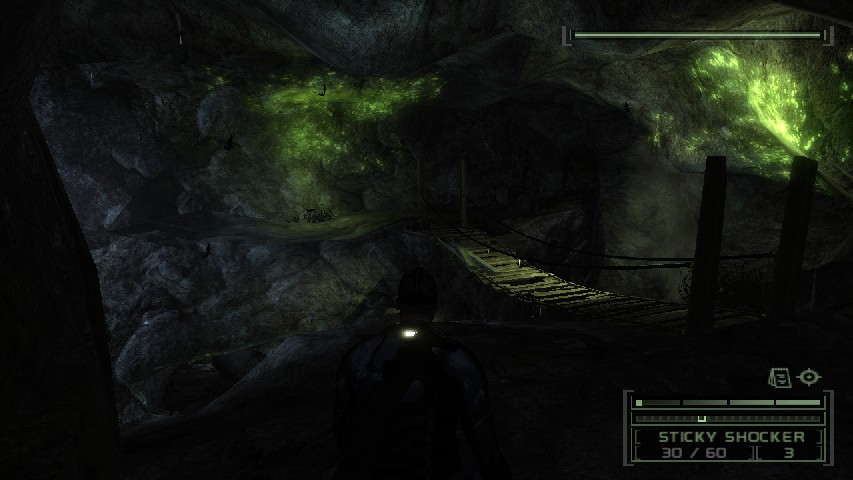
It is strongly recommended that you do this *before* beginning a new game. You need to set your FOV, but if you saved your game previously, loading this game will reset the FOV to whatever it was when you saved it. This can be corrected by zooming in and out (that's how I got the screenshots in the caverns), but it's easier to get it right the first time and not have to do this every time you quickload.
Start the game, and set your graphics options. You may be able to set your resolution manually, but if not, just set it to 1024x768. Save the options, and quit.
Go to this directory (you may need to enable viewing of hidden files first):
\Documents and Settings\All Users\Application Data\Ubisoft\Tom Clancy's Splinter Cell Chaos Theory
In Vista and Windows 7 the correct folder for the .ini file is:
C:\ProgramData\Ubisoft\Tom Clancy's Splinter Cell Chaos Theory\SplinterCell3User.ini
(you may need to enable viewing hidden files, folders and drives for this)
Edit the file "SplinterCell3User.ini." Look for these lines:
[Engine.PlayerController]
DesiredFOV=75.0
DefaultFOV=75.0
Change them to set your FOV. I recommend 85.28 for 16:10 resolutions, and 91.31 for 16:9 resolutions.
If you were able to set your resolution natively, you can skip the rest. Otherwise, keep reading.
Edit the file "SplinterCell3.ini." Look for these lines:
FullscreenViewportX=1024
FullscreenViewportY=768
Change them to set your resolution.
I did this following the WSGF solution but with the correct res and FOV for Triplehead ... I believe it is also included in the surround Gaming Utility ...
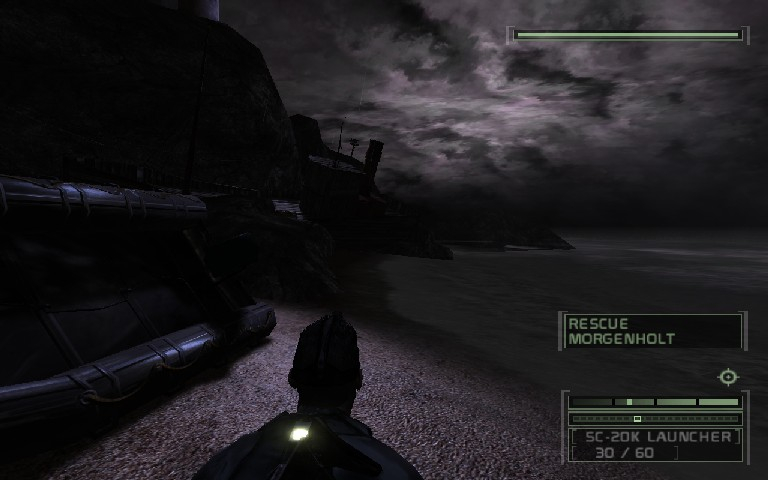
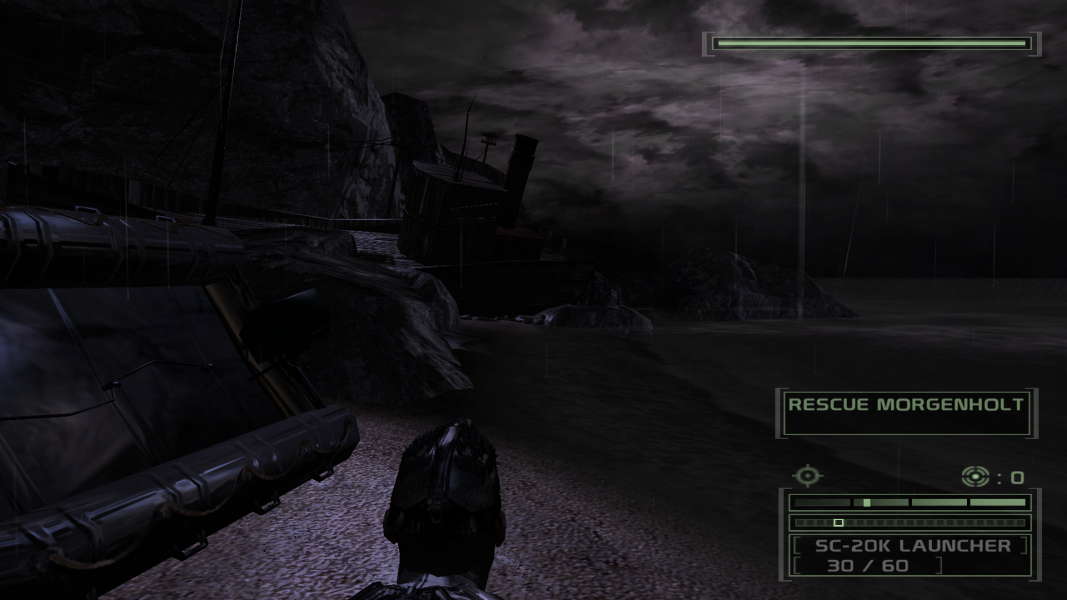
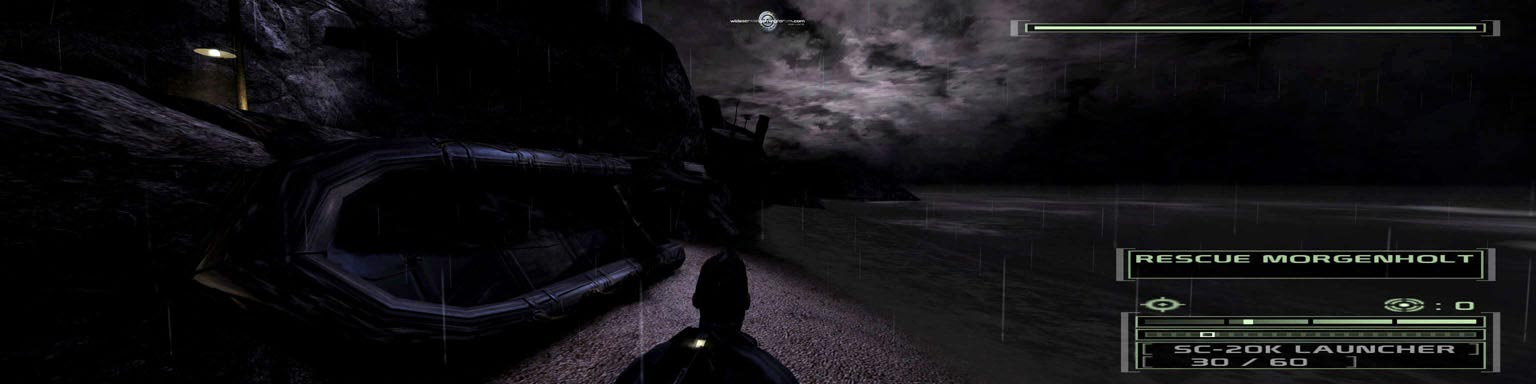
Gameplay Screenshots



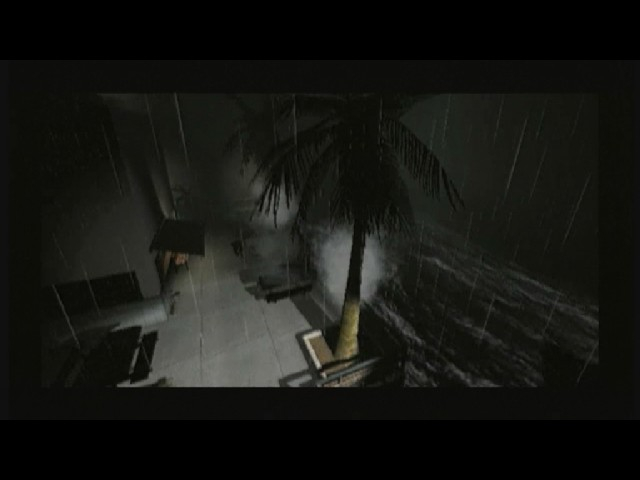
FMV Cutscenes

Additional Screenshots