




Investigate the cause of the spaceship Xanadu becoming stranded during a research mission.
Support Summary
Game Information
Screenshots Comparison
Solutions & Issues
All resolutions are detected both in-game and in the external launcher. Gameplay and FMV cutscenes are Hor+.
Font size and positioning for subtitles and menus varies slightly depending on the resolution and aspect ratio. Collectible pages always have the same font positioning with the whole page being zoomed proportionally to fit the available screen height.
The FOV change between aspect ratios is Vert-. The FOV can be set under Options (does not affect weapon FOV). The FOV range is 70-120 (default is 90). Higher FOV values can be set in the registry:
- Convert your desired FOV by using an IEEE-754 calcualator (e.g. this one) and reversing the pairs, e.g. an IEEE-754 FOV of 150 is 43 16 00 00, so the value to use becomes 00 00 16 43.
- Go to HKEY_CURRENT_USER\SOFTWARE\allen\Spirits of Xanadu
- Edit CamFOV_h2716319413
- Enter your reversed IEEE-754 pairs from the first step.
Viewing the in-game options menu will not reset the custom FOV.
Default FOV range is restricted due to the Vert- aspect ratio behaviour. See the widescreen instructions for setting FOV above 120.
Most text and prompts are centred, but the text shown for inventory collectible progress and when listening to an audiolog is displayed at the far side of the output.
Gameplay Screenshots


In-Game (Rendered) Cutscenes
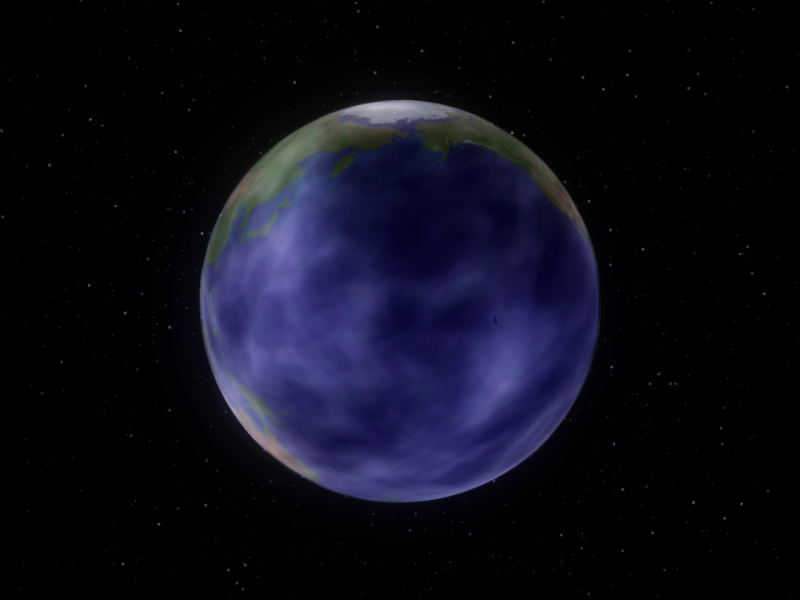
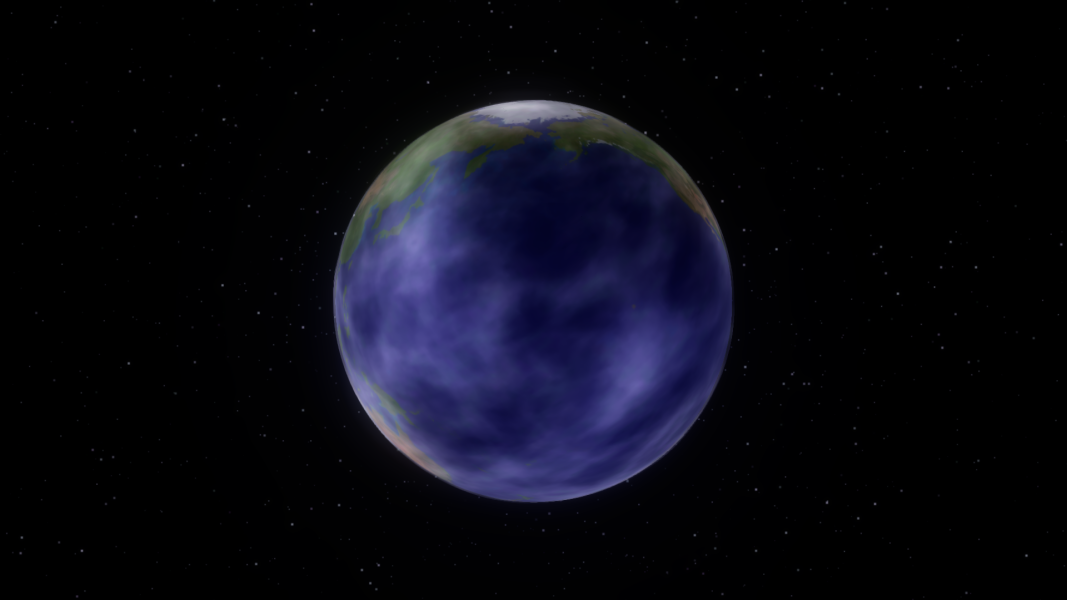

Menu Screenshots
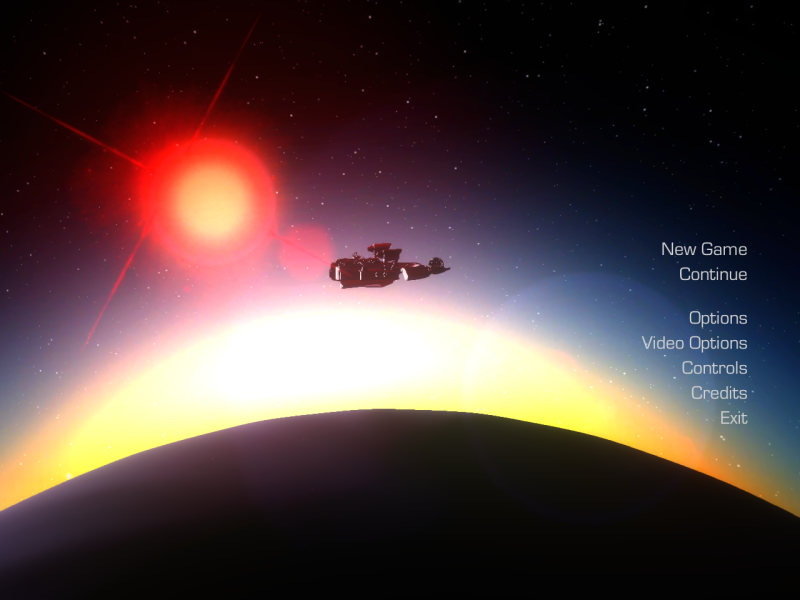
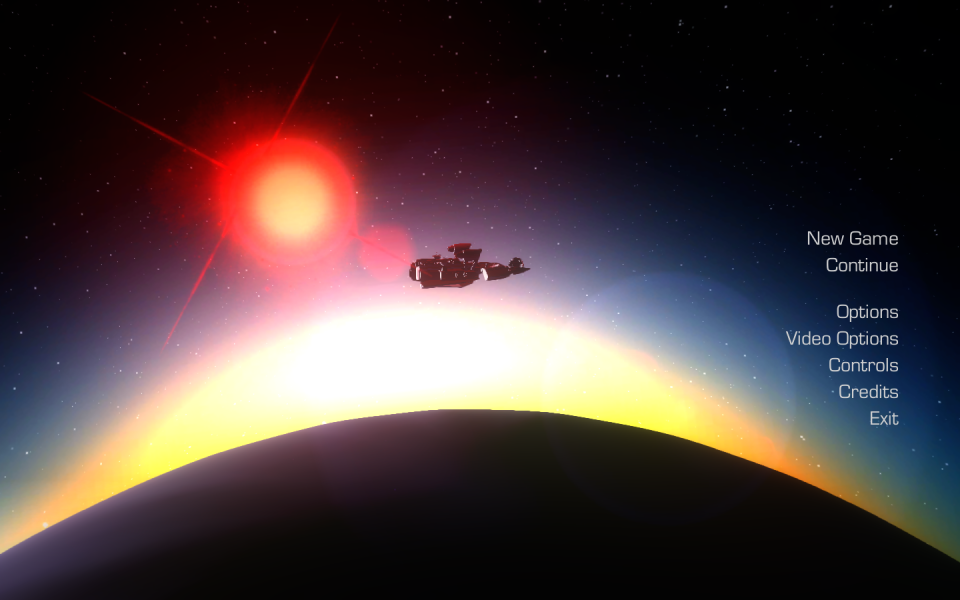
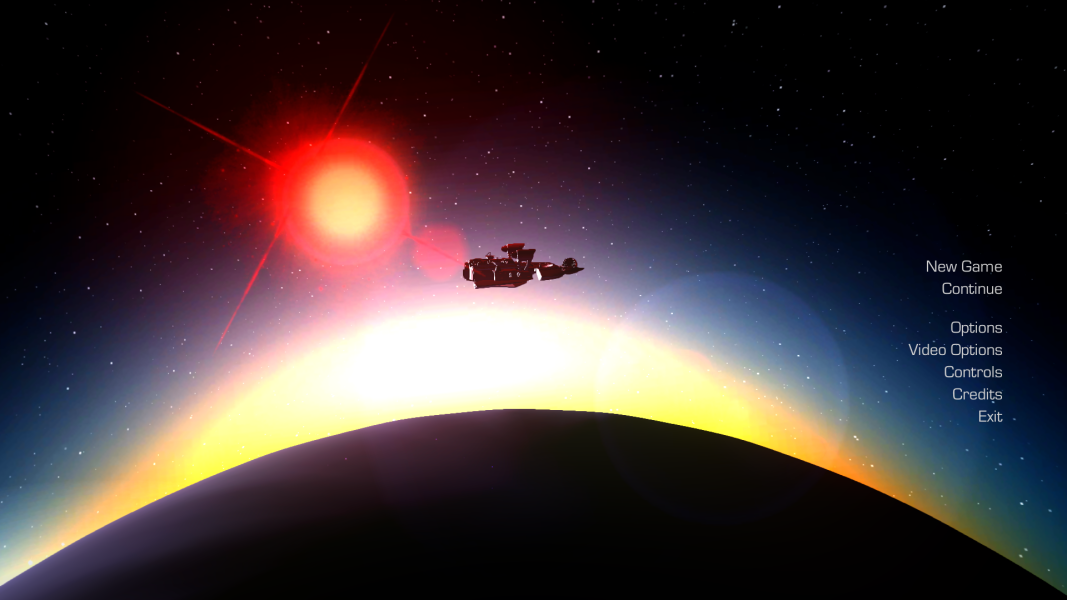
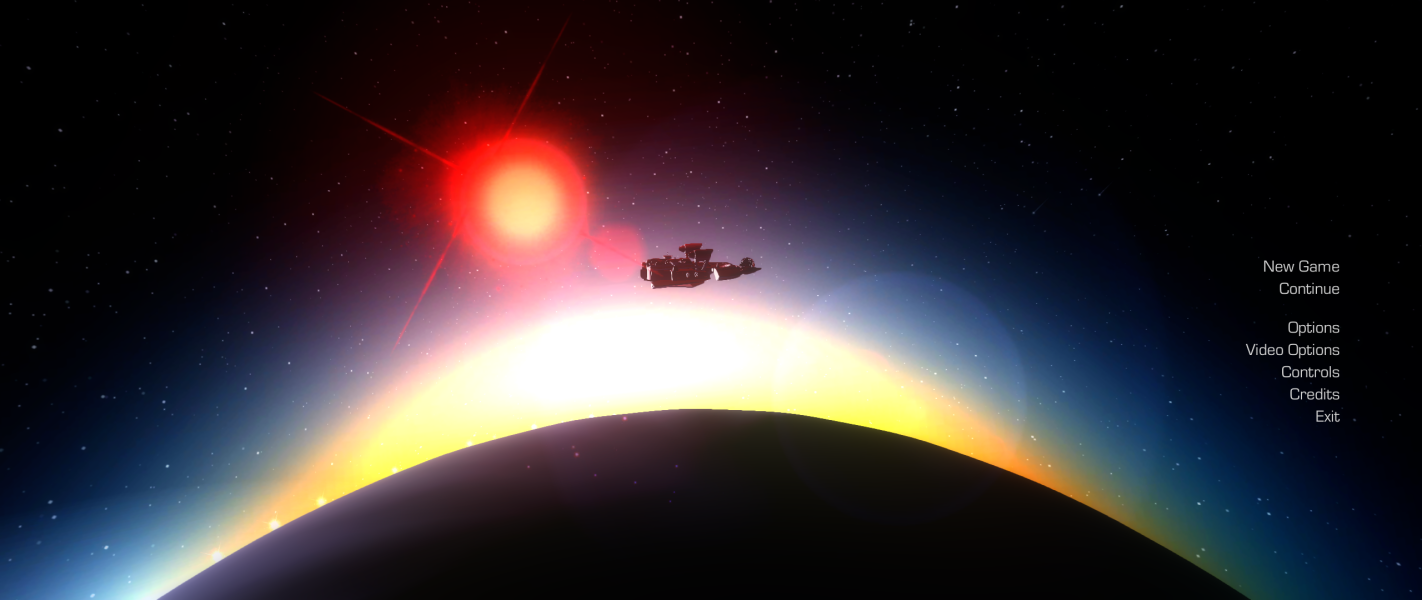

Additional Screenshots


