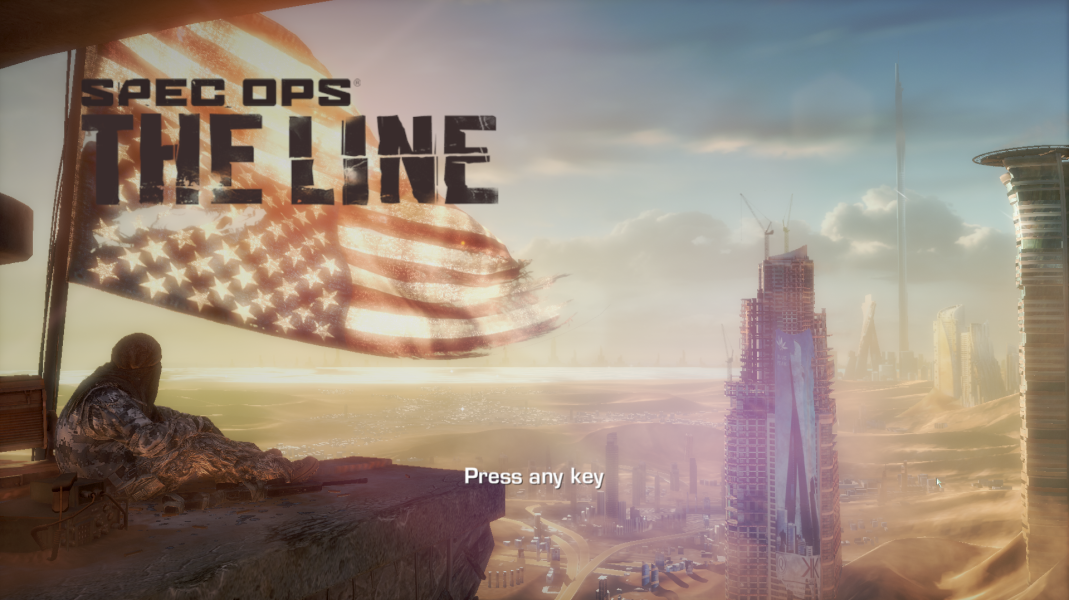


The Line is primarily a third-person shooter with emphasis on utilizing cover and squad-based tactics. The player controls Captain Martin Walker, who is accompanied by a Delta Force team to rescue a U.S. Army Colonel Konrad, who remained behind in Dubai after contact with the city was lost. To accomplish this goal, players must traverse the city to neutralize enemy threats, braving natural disasters and hallucinations.
Various new weapons and equipment become available as play progresses, some dropped by downed enemies. These include several different rifles, handguns, and machine guns, some with alternate firing modes, like attaching a suppressor or using a scope; as well as grenade launchers and hand grenades. Single-player squad commands include focusing fire on a particular target and ordering medical attention to an injured squad member.
A multiplayer mode is also included, with six competitive game types across 7 maps, loadout customization, and community leaderboards and challenges. Yager describes the multiplayer as a campaign that expands the single-player experience. In addition, there will be multiple mode types with at least a few focusing on terrain deformation and expansion.
Support Summary
Widescreen | Ultra/Super‑Wide | Multi-Monitor | 4K Ultra HD | |
Support | ||||
Method | ||||
HUD | ||||
Cutscenes | ||||
FMVs |
Screenshots Comparison
Solutions & Issues
This game restricts the viewport to a 16:9 aspect ratio and is VERT-, this is a Unreal Engine title so it is to be expected to some degree, it also letterboxes on any resolution that is not 16:9 - the fix listed below will also correct standard resolutions unlocking the full viewport.
Use Flawless Widescreen to correct the FOV and Aspect ratio for multi monitor resolutions and removing letterboxing, this should be running _before_ you launch the game.
Gameplay Screenshots