


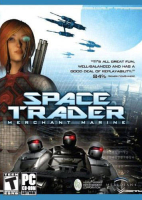


Cut trade deals and hunt bounties on the side in this sci-fi trading game.
Support Summary
Game Information
Game Status:Released
Release Date:
Tested Version:Steam
Setting:Sci-Fi
Developer:HermitWorks Entertainment
Store Links:
Screenshots Comparison
Solutions & Issues
Widescreen Solution & Issues:
Resolutions are detected in-game but FOV must be set manually.
- Play a bounty mission (if you have not done so already) to generate the FOV options.
- Edit %USERPROFILE%\Documents\st\st\stxp.cfg
- Change seta cg_fov "90" to the FOV you want.
- Optionally, change seta cg_zoomfov "22.5" to the FOV you want for scoped weapons.
Higher FOV values will move the player weapon model downwards (this is visual only; the gun will still function normally).
Cutscenes are not affected by the FOV setting (camera is always Vert-).
Ultra/Super-Wide Specific Solution & Issues:
See widescreen. Main HUD is centered for 4:3 while conversations are spanned.
Eyefinity / Surround Specific Solution & Issues:
See widescreen. Main HUD is centered but conversations are spanned across the entire resolution.
Gameplay Screenshots
4:3 Screenshot
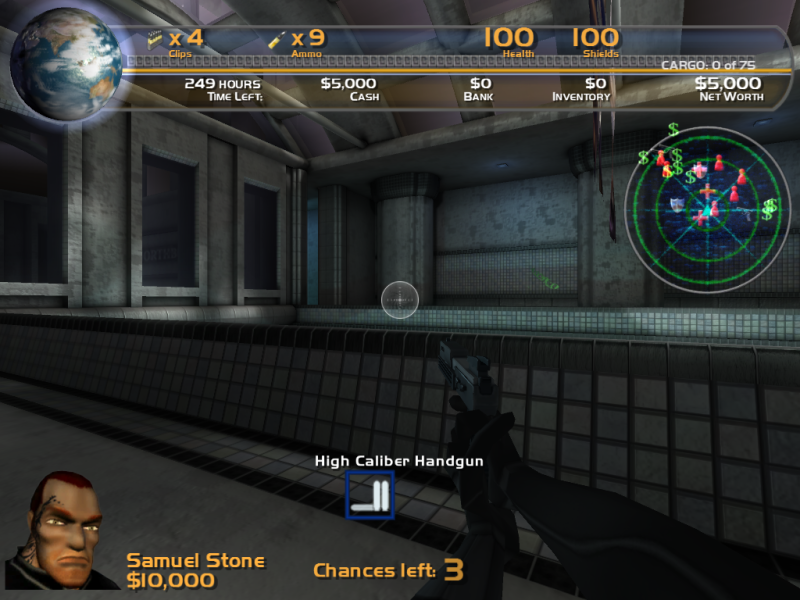
16:10 Screenshot
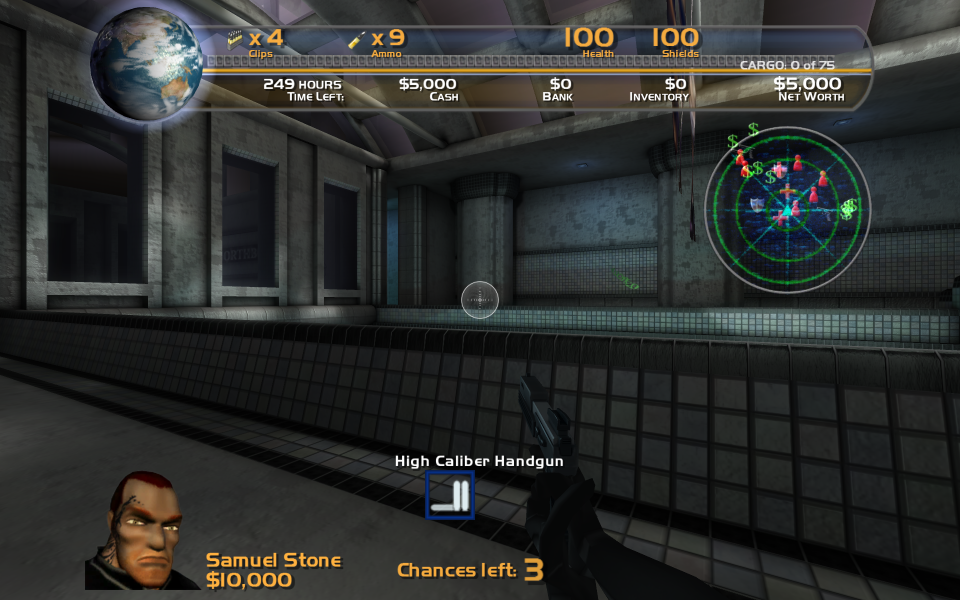
16:9 Screenshot
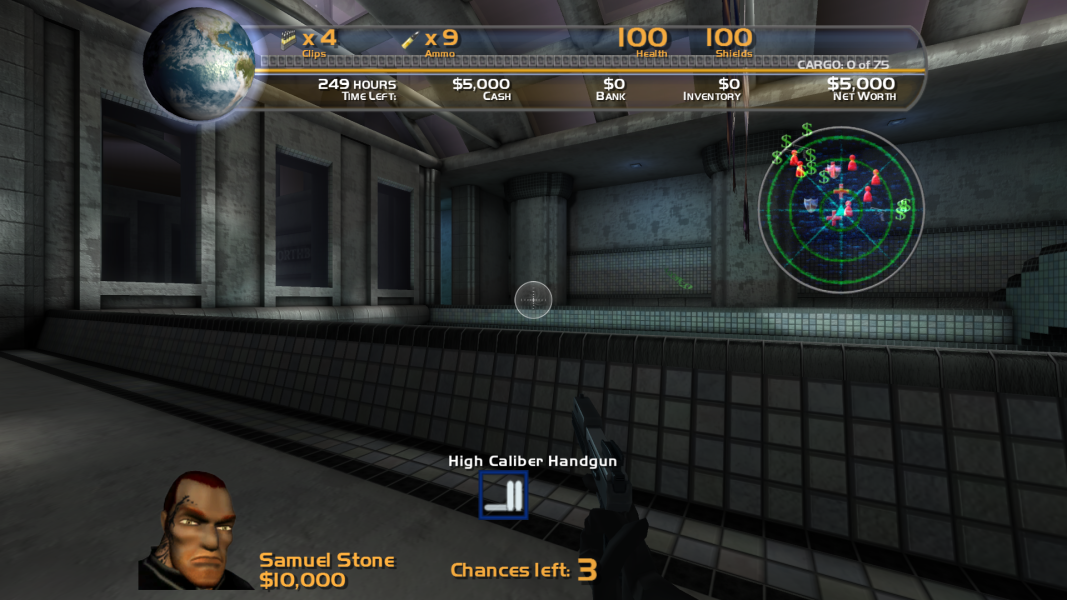
21:9 Screenshot

32:9 Screenshot

Eyefinity / Surround Screenshot

In-Game (Rendered) Cutscenes
4:3 Cutscene
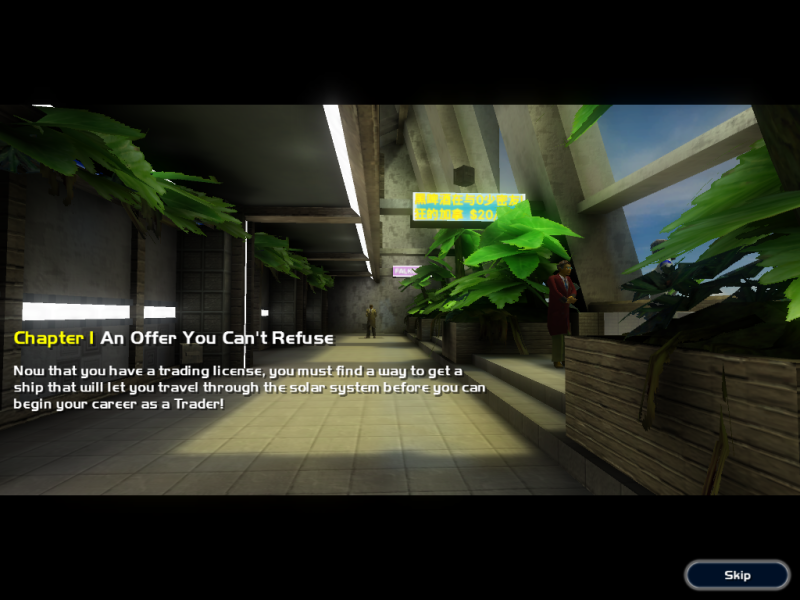
16:10 Cutscene
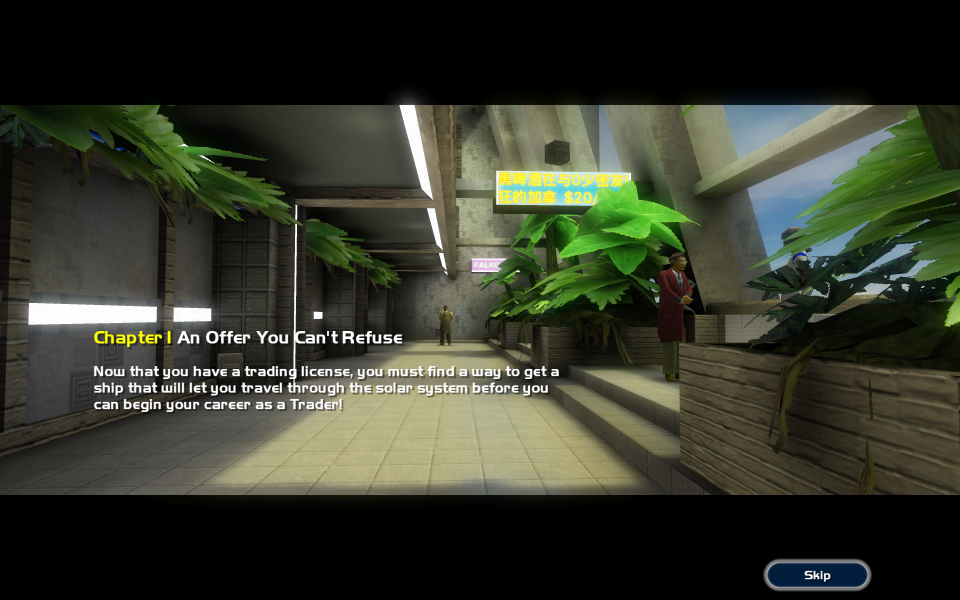
16:9 Cutscene
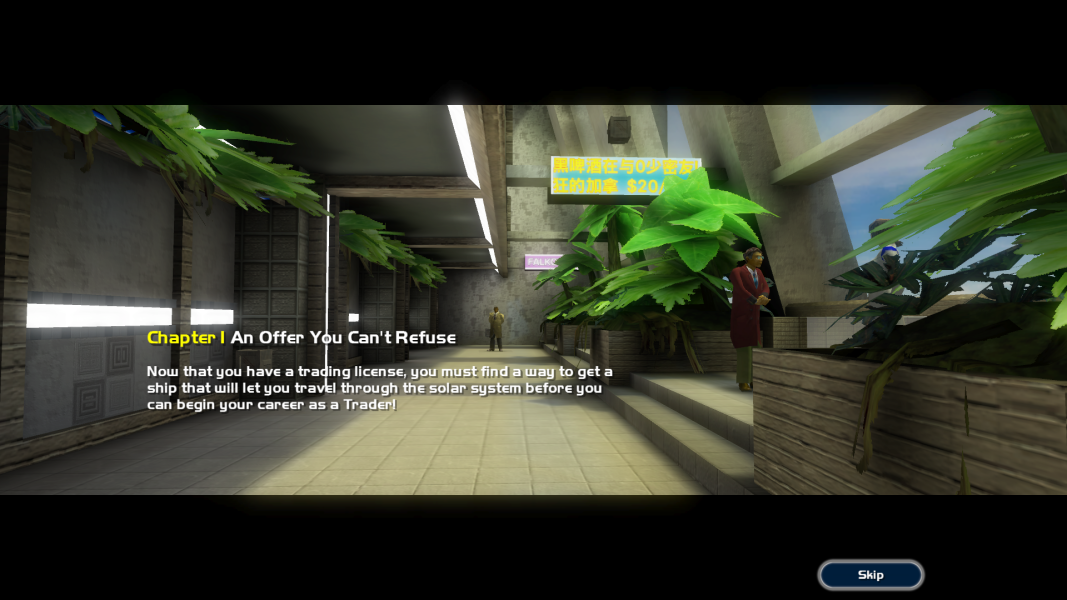
21:9 Cutscene
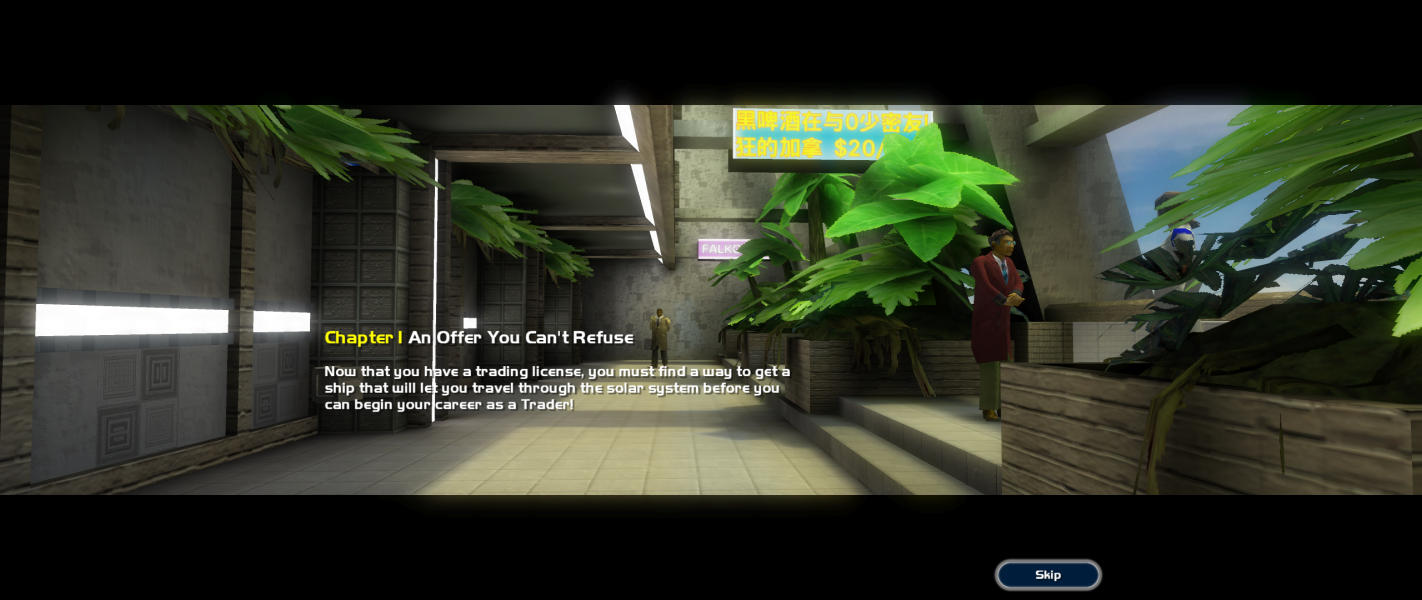
Eyefinity / Surround Cutscene

Menu Screenshots
4:3 Menu
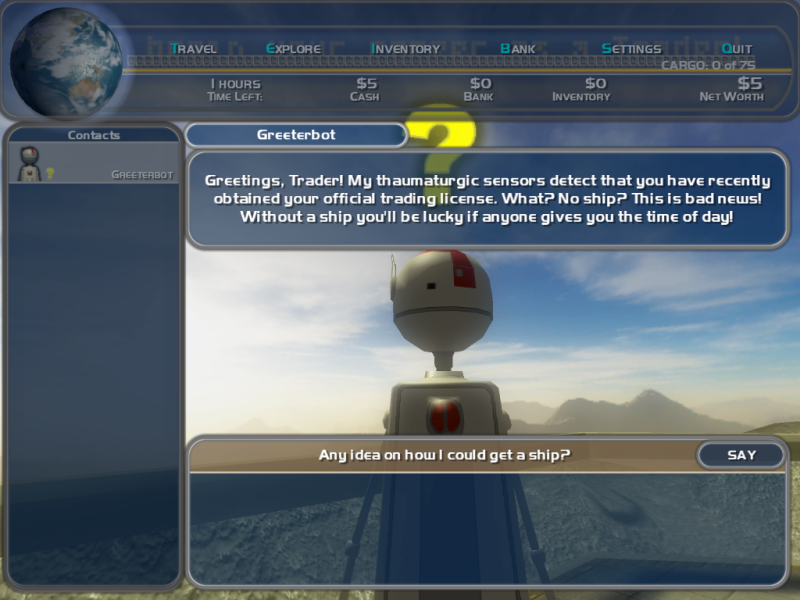
16:10 Menu
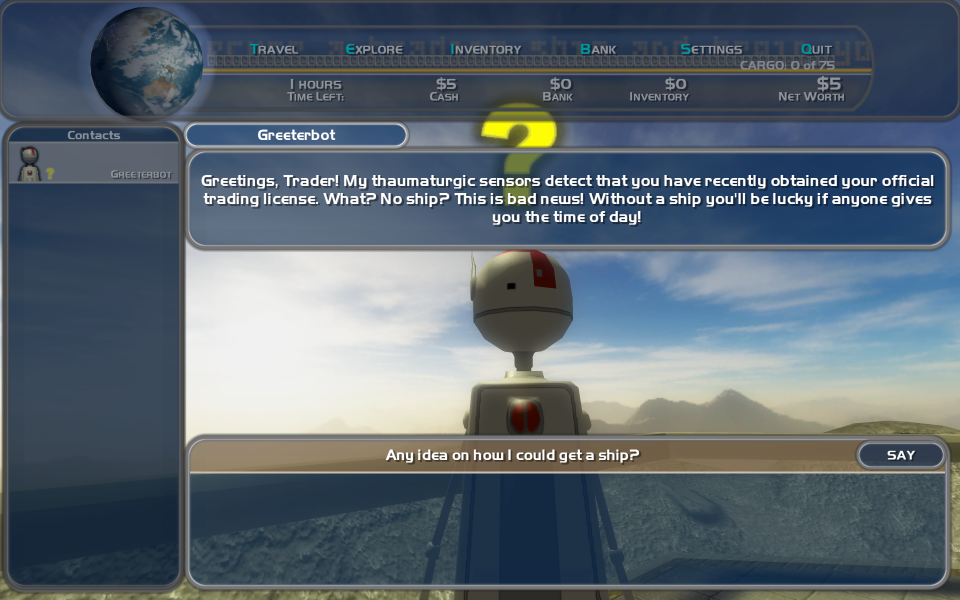
16:9 Menu
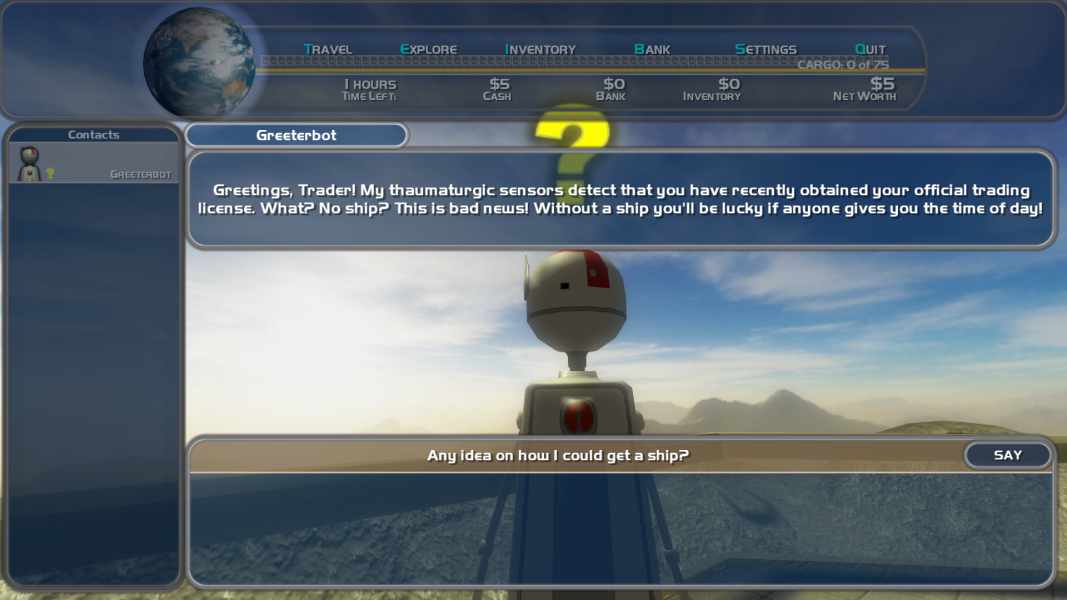
21:9 Menu
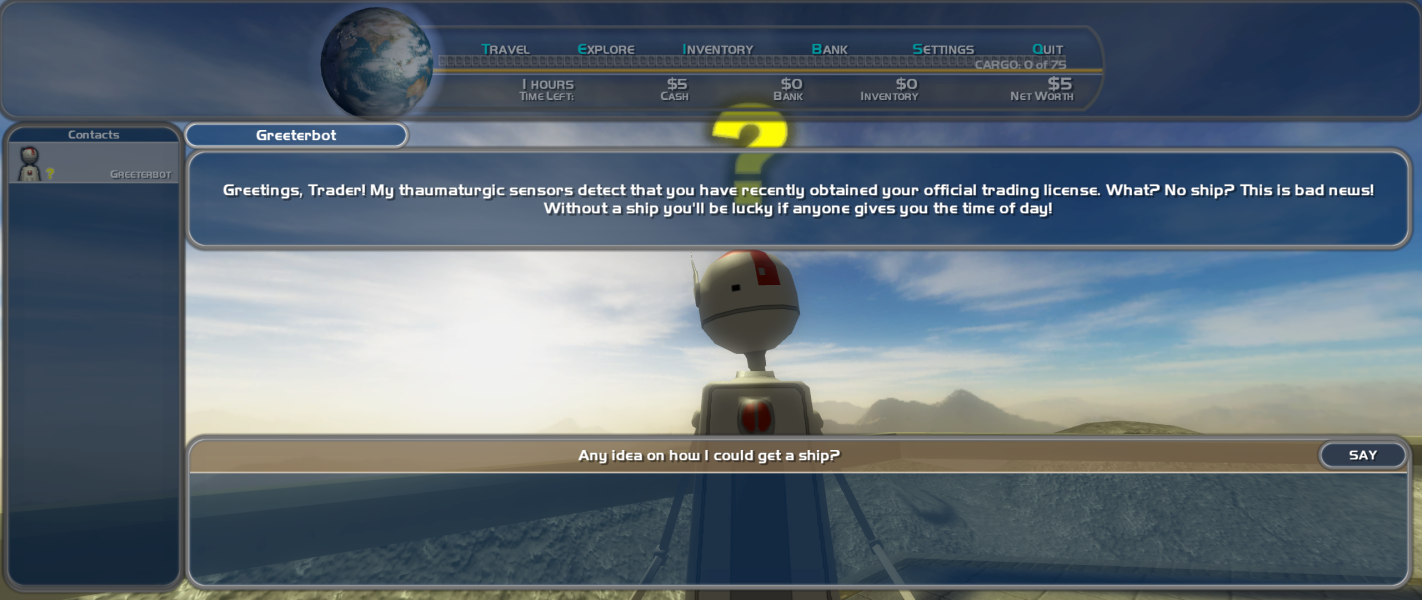
Eyefinity / Surround Menu



