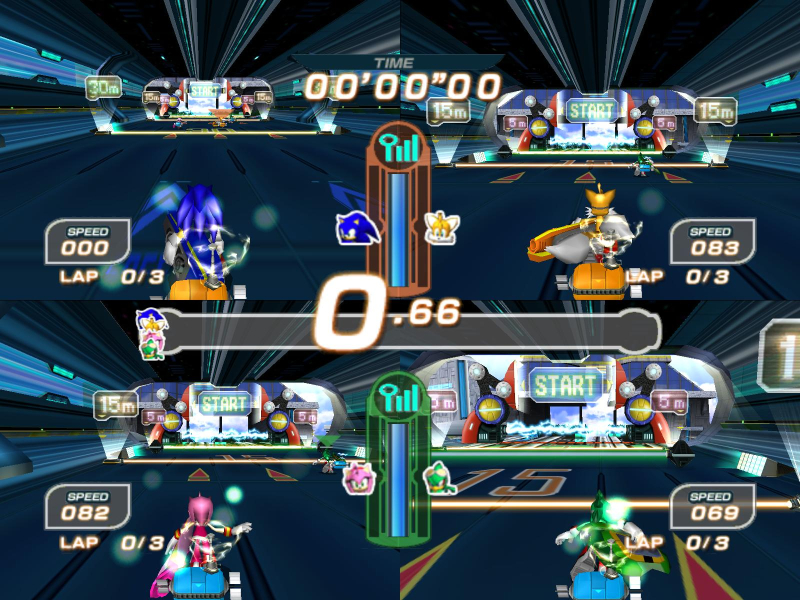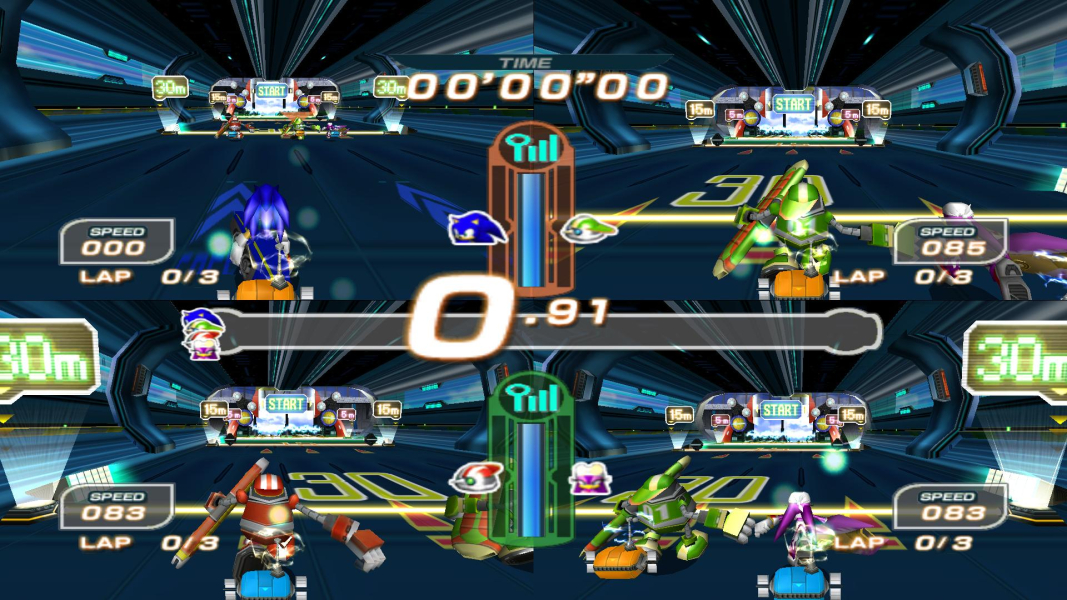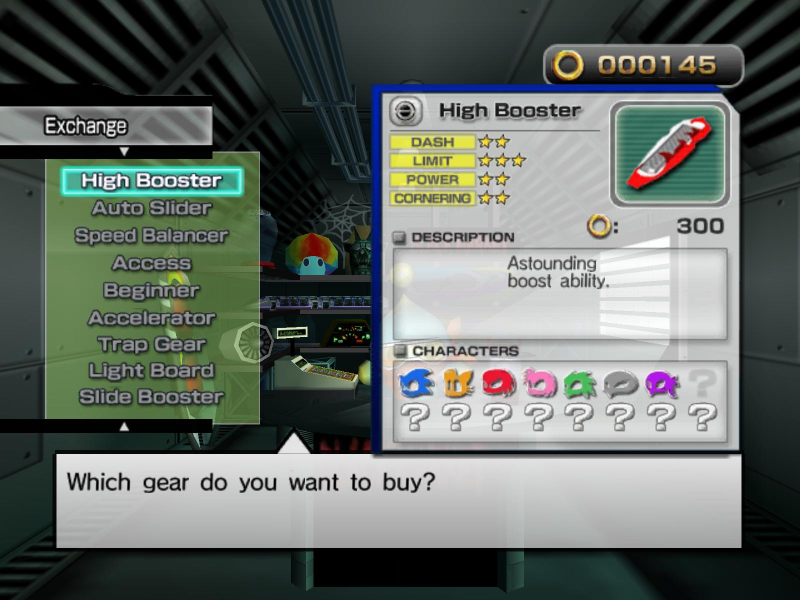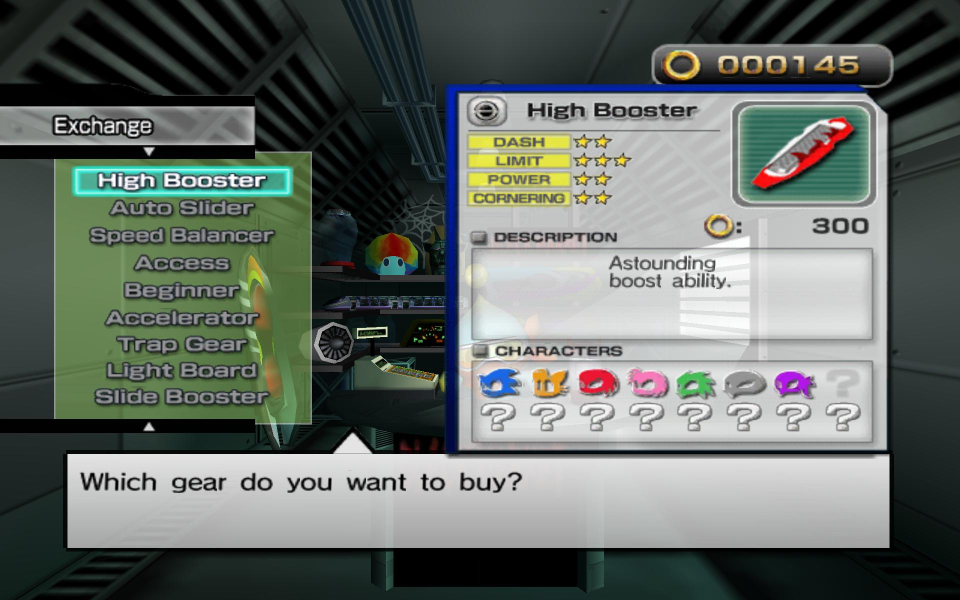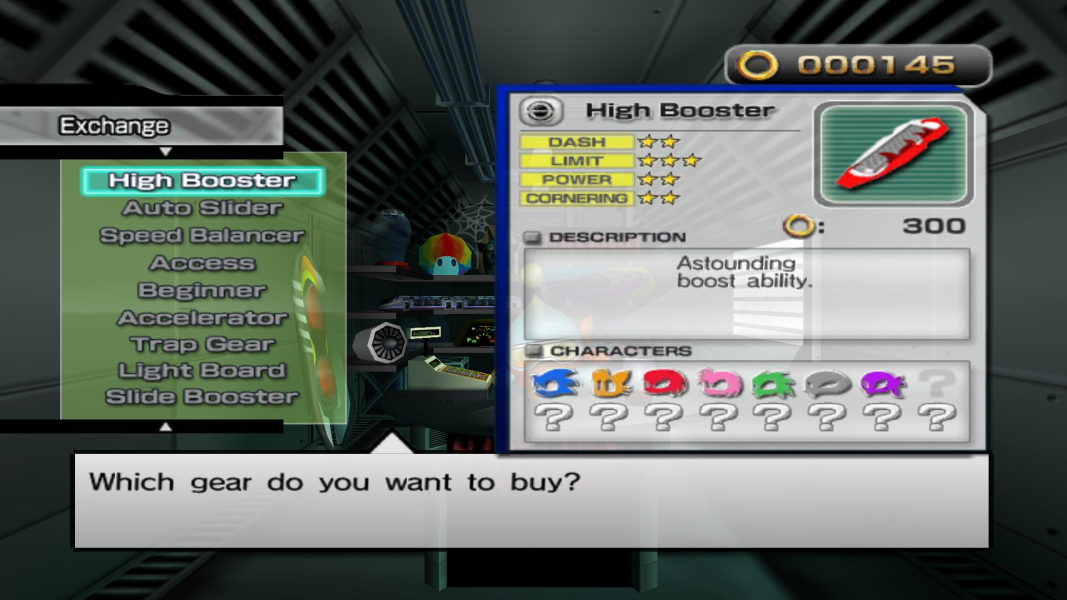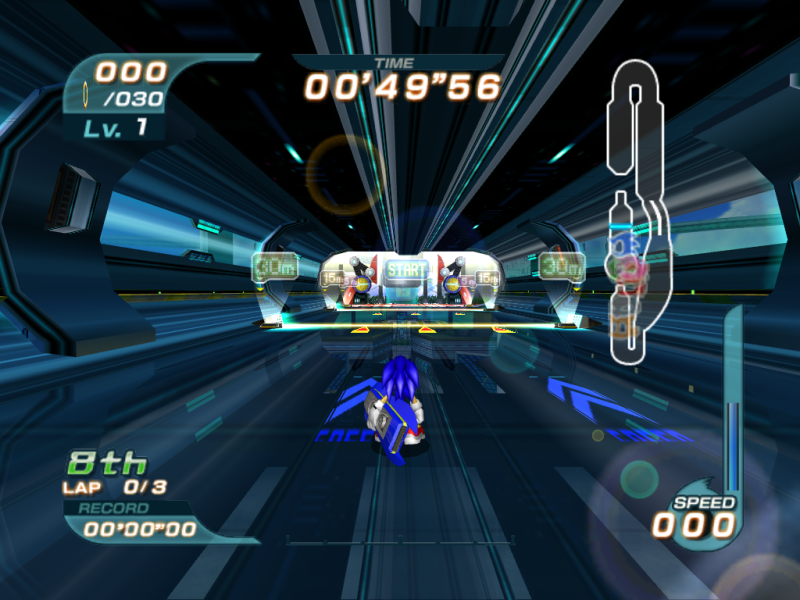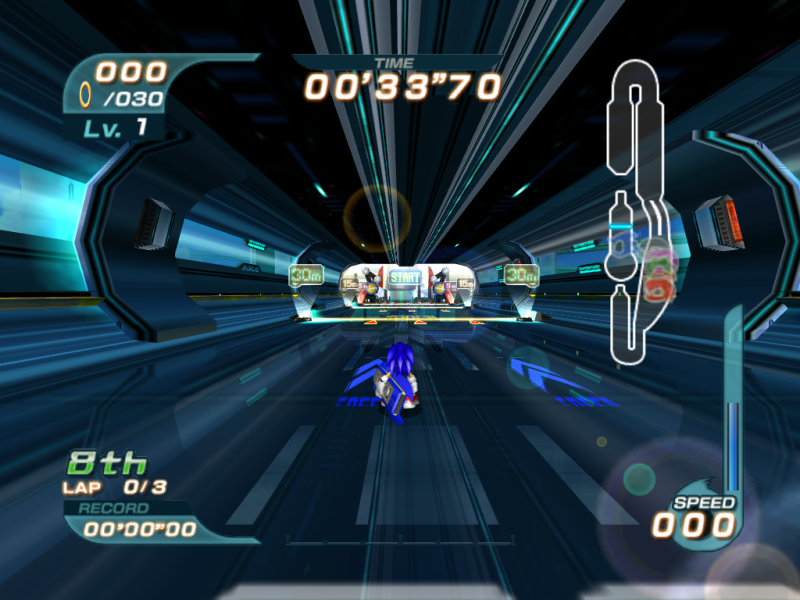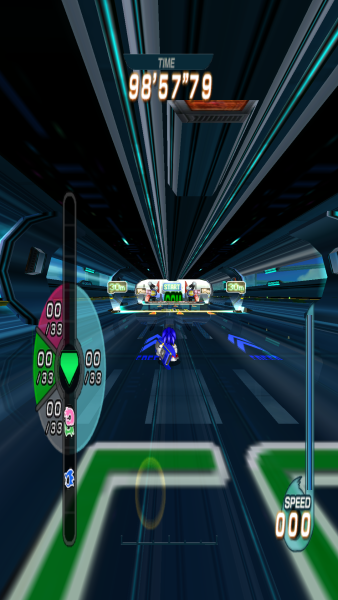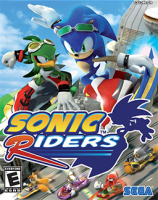


Players follow the exploits of a blue hedgehog and his vast array of humanoid-animal friends and rivals. There are multiple game modes including story, normal race, tag, and survival. Characters race on several variants of hoverboards that are powered by "air". When a player's character runs out of "air" they must hoof it on foot, claw, or whatever. There are several pit stations scattered throughout courses that allow players to refill their "air" gauge.
Tricks performed on jumps also refill the "air" gauge which allow players to skip pit stops. There are several characters available initially to play from with additional characters unlockable through achievements. Now go out and impress the pink hedgehog with your board.
Support Summary
Game Information
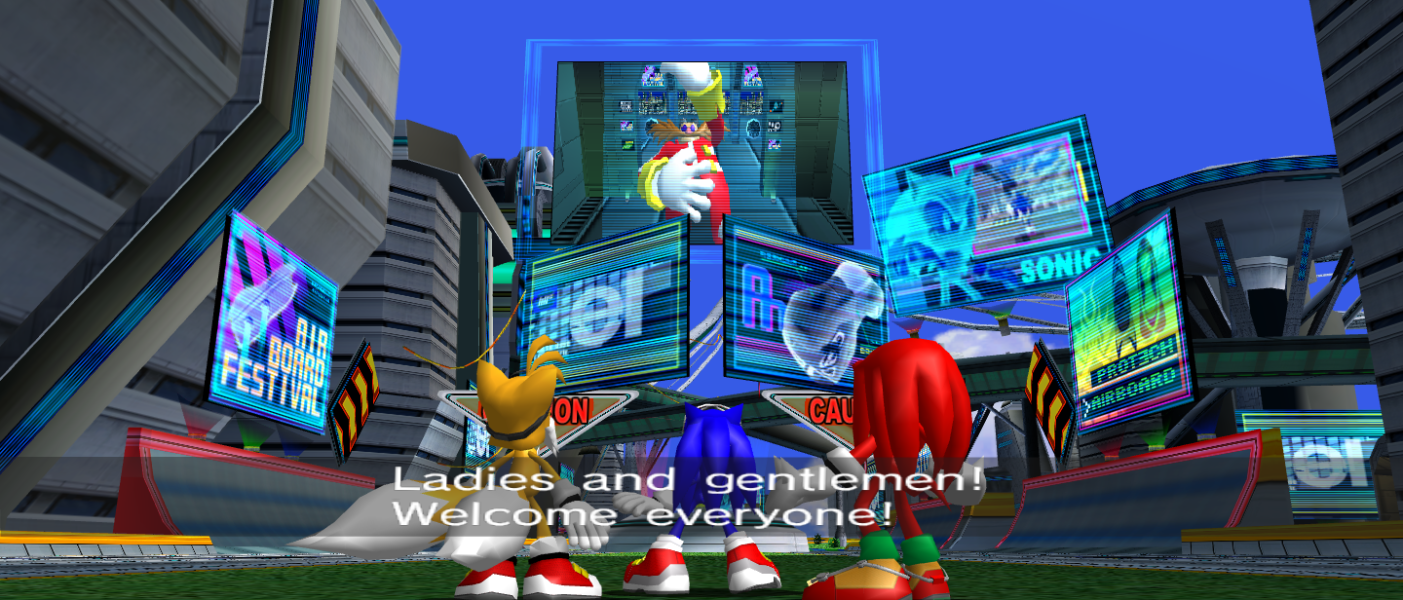
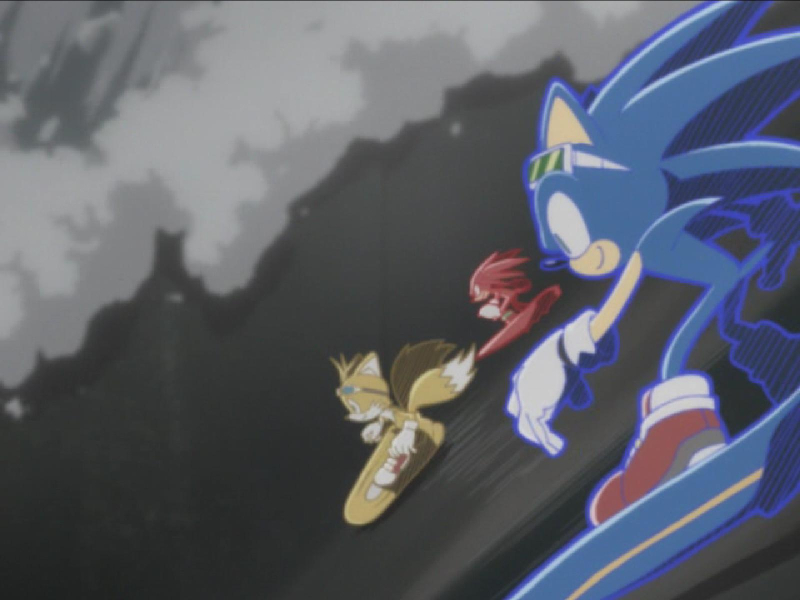
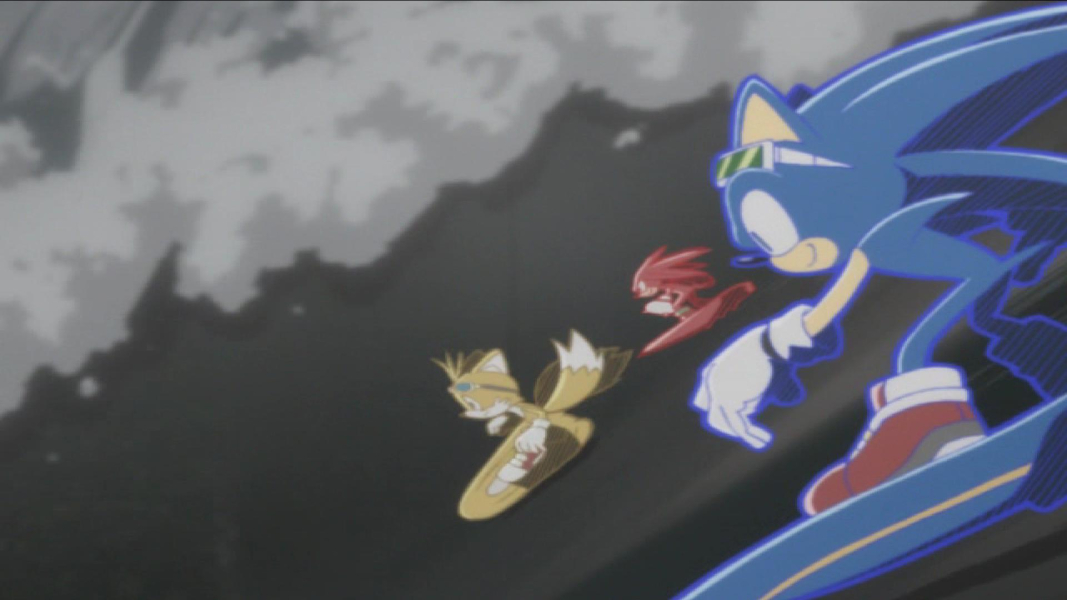
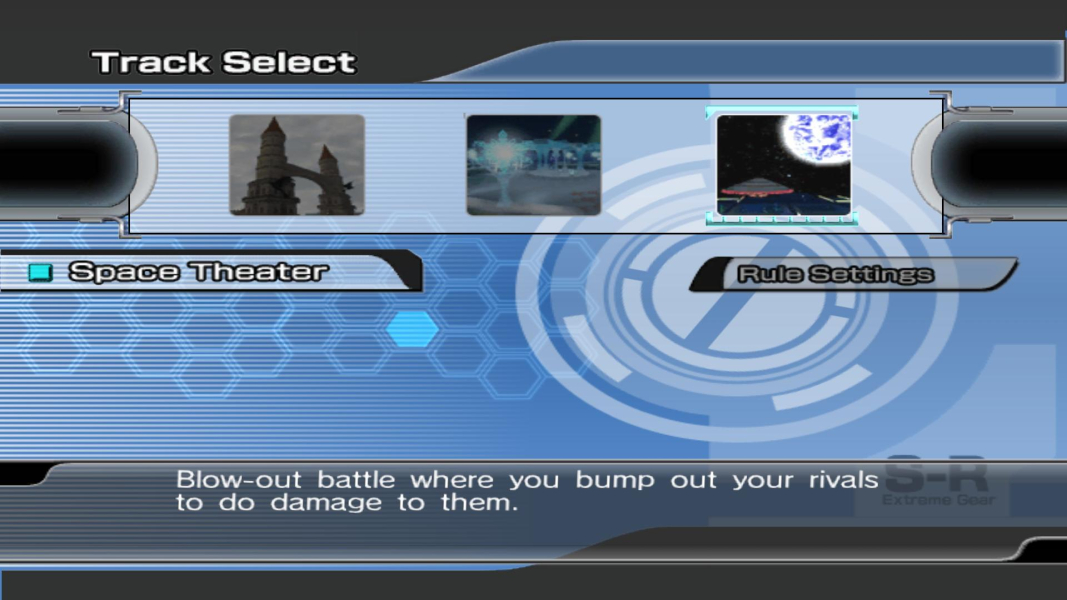
Screenshots Comparison
Solutions & Issues
No native widescreen support. You can add custom resolutions through a HEX edit.
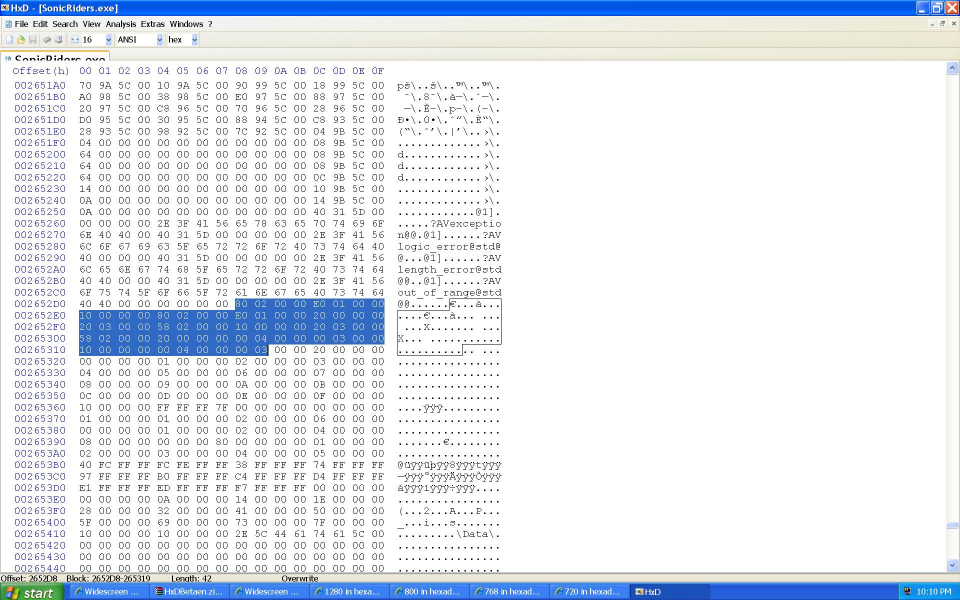
Open the file "SonicRiders.exe" with a HEX editor. Look for all or part of this list of HEX values..
80 02 00 00 E0 01 00 00 10 00 00 00 80 02 00 00 E0 01 00 00 20 00 00 00 20 03 00 00 58 02 00 00 10 00 00 00 20 03 00 00 58 02 00 00 20 00 00 00 00 04 00 00 00 03 00 00 10 00 00 00 00 04 00 00 00 03
The bolded pairs are the in game resolutions of 640x480, 800x600, and 1024x768. Change the values of the resolution you have selected in game.
8002 E001 = 640x480
2003 5802 = 800x600
0004 0003 = 1024x768
Change the second bolded pair to your custom resolution. If that does not work try the first pair or both of them. You may have a different color depth which may use a different resolutiion location in the file.
Remember to flip the 4 digit HEX values when you enter them. For example..
1920 in hexadecimal is 0780
Entered in the file 1920 is 8007
..that should do it.
If you decide to play in taller resolutions such as 1280x1024 or higher, download the attachment above. Then copy "d3dx9_25.dll" to the program directory and replace that with this dll hack. This edited dll wil also allow the rendered cut-scenes to use HOR+ scaling on wider resolutions without being stretched.
There is also a FOV modifier cheat engine tables if you want to decrease or increase it during gameplay.
Copy all EXEs in the 16:9 fix to the install directory of the game for an unstretched UI in 16:9. Then run the EXE for your desired resolution. Hex edit one of the EXEs if the 16:9 fix doesn't have your desired 16:9 resolution.
Copy all EXEs in the 21:9 fix to the install directory of the game for an unstretched UI in 21:9. Then run the EXE for your desired resolution.
Gameplay Screenshots
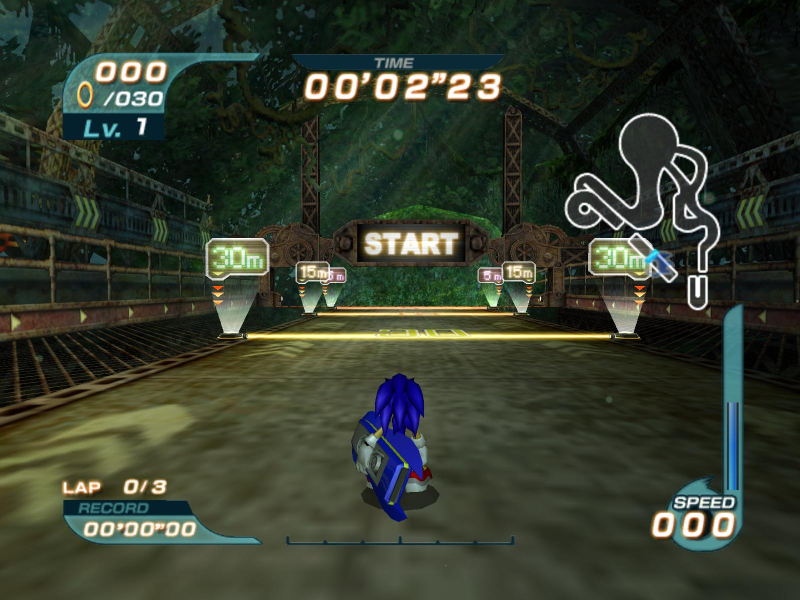
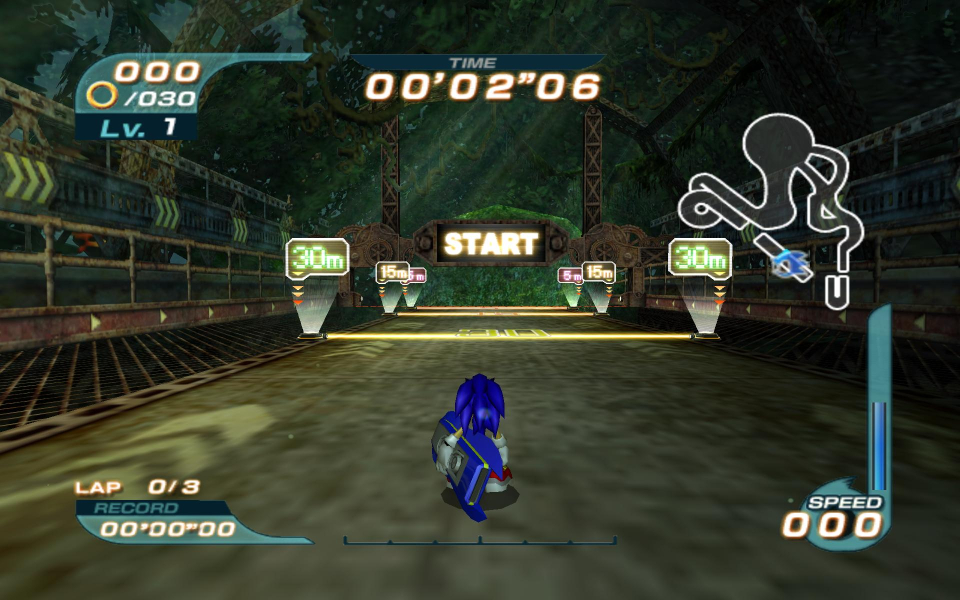
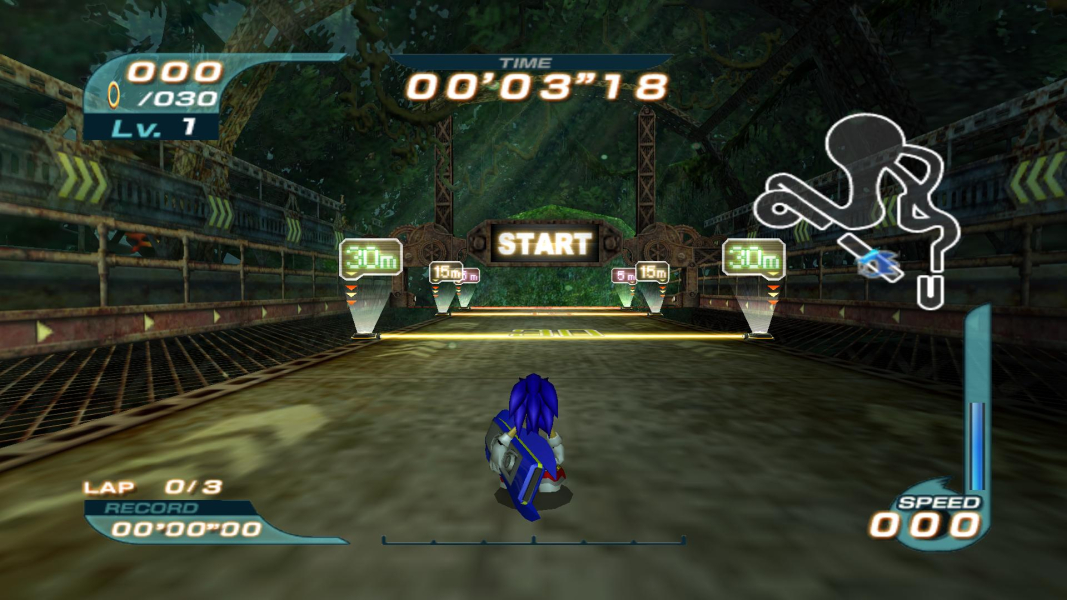
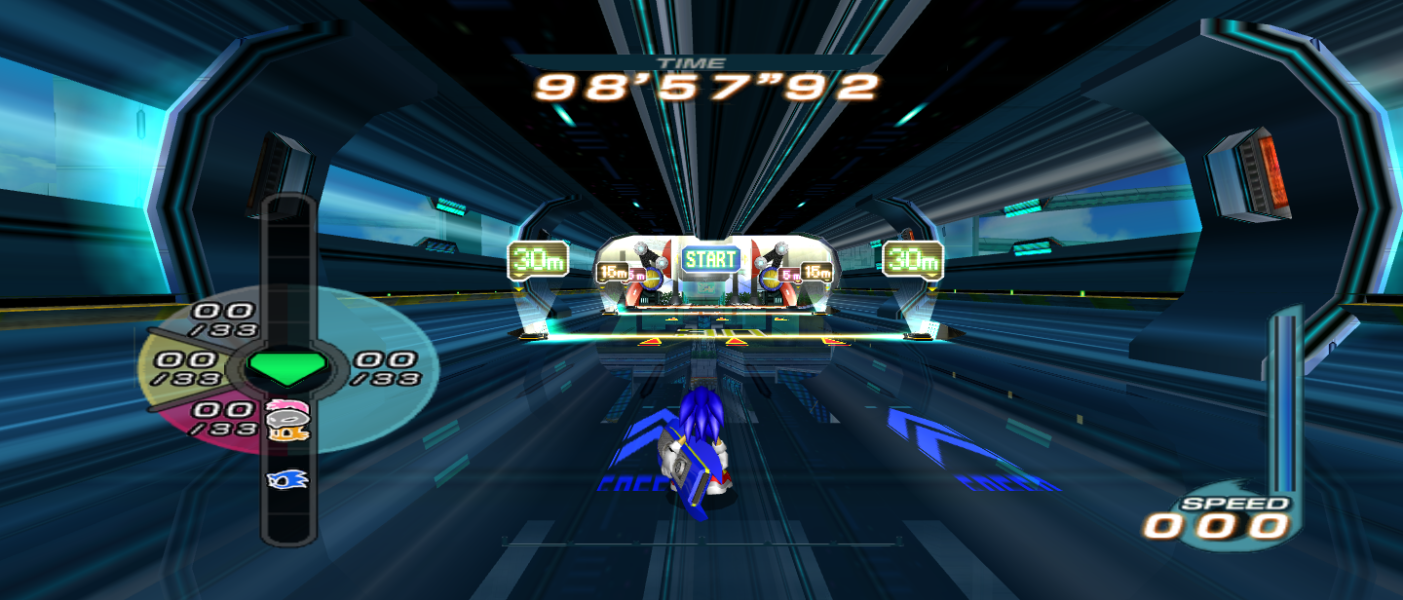


In-Game (Rendered) Cutscenes

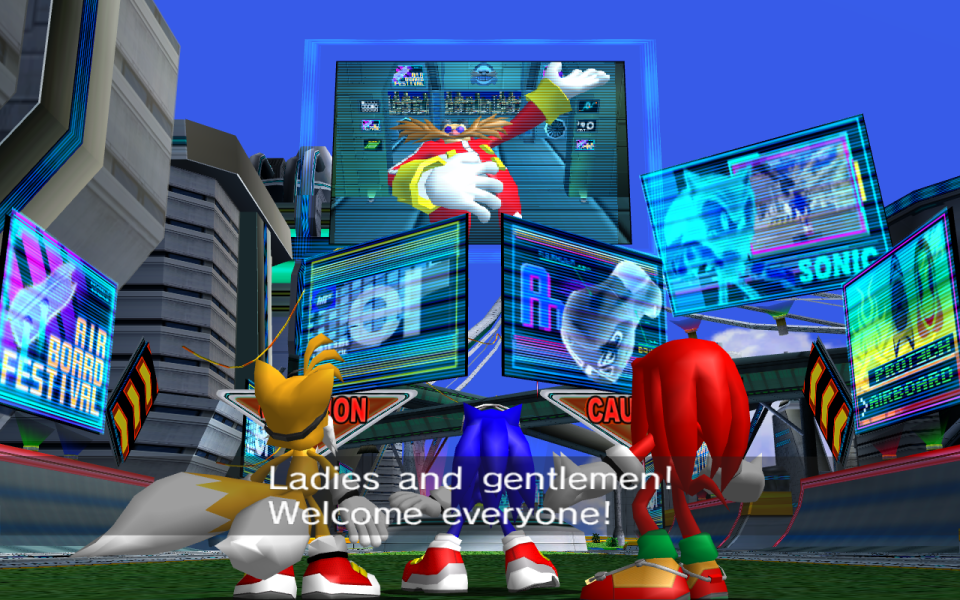
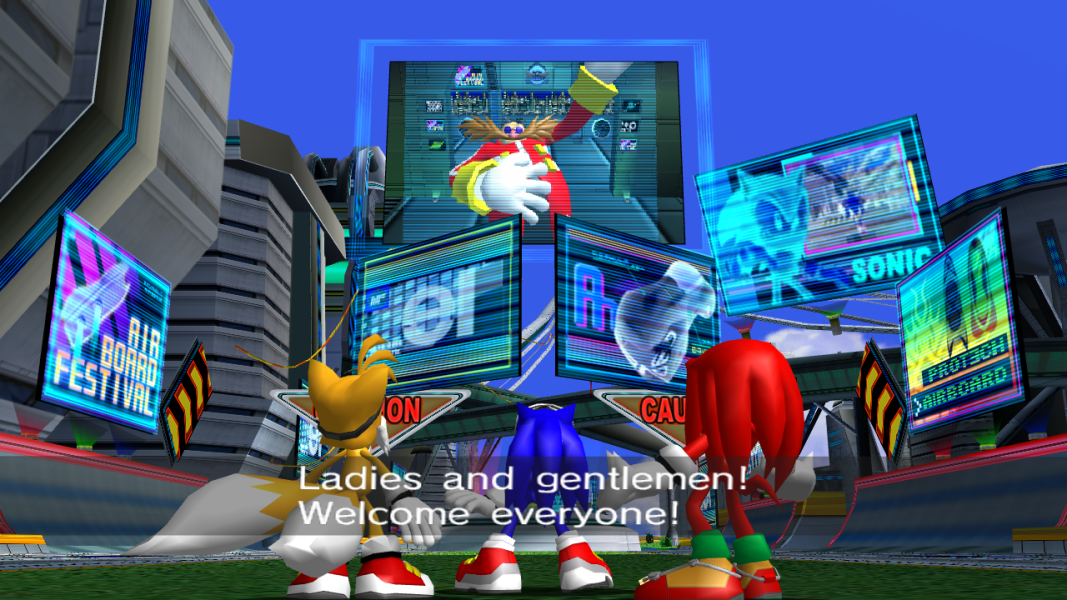

FMV Cutscenes

Menu Screenshots


Additional Screenshots