Sol: Exodus

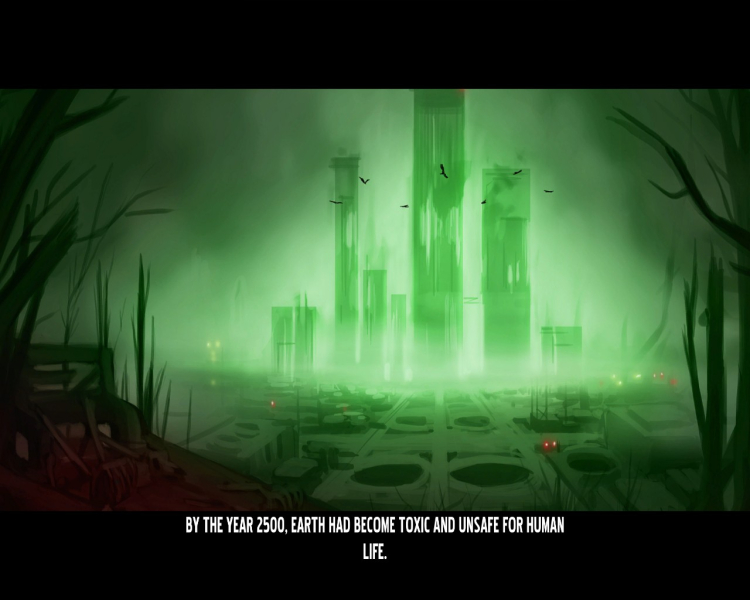
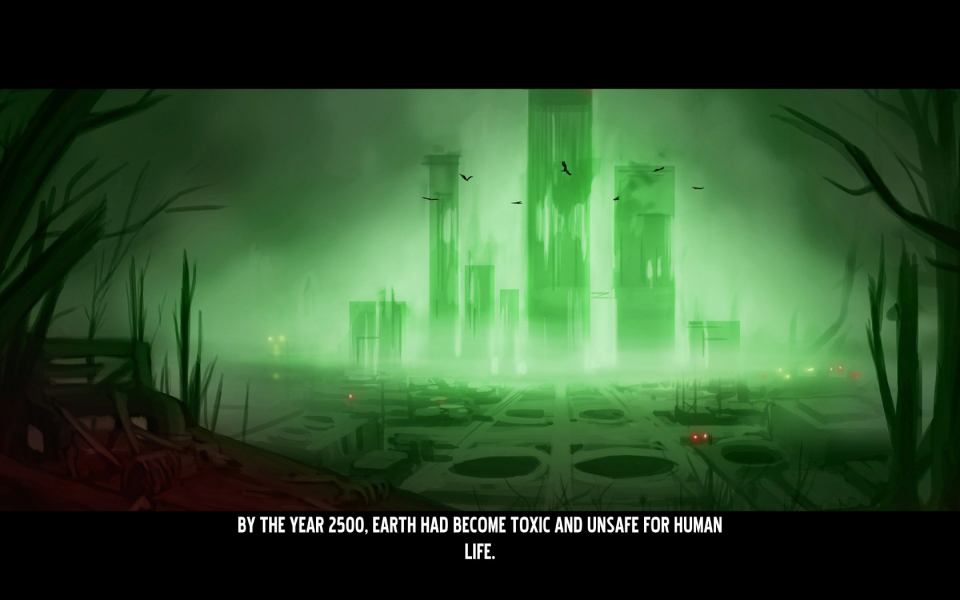
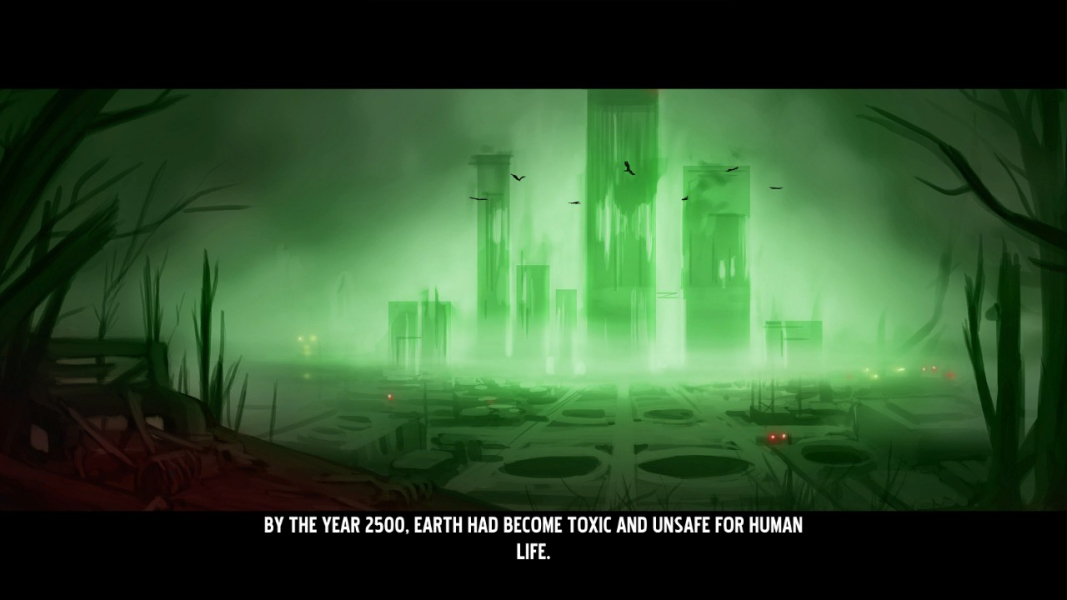
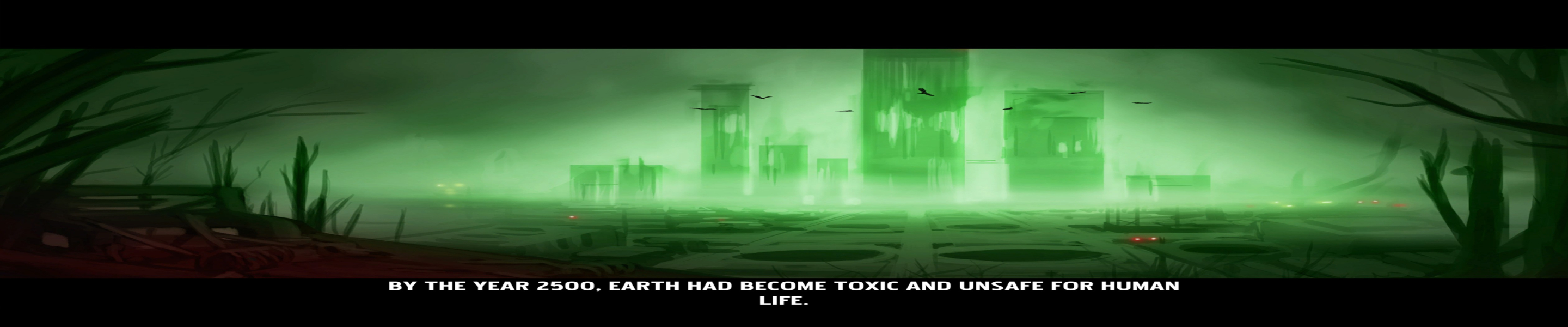
SOL: Exodus is a space combat simulator running on the UE3 engine and set in the year 2500, Earth has become toxic and unsafe for human life after years of pollution and overpopulation. Humanity has turned to the stars and colonies and settlements soon sprung up across the solar system, but man had not left its thirst for war behind. Then, they learned their sun was dying, and everything changed.

You take the role of a Lieutenant Commander who is a fighter pilot and 2nd in command of the UCS Atlas, you are tasked with searching for a new home, and saving humanity from a fiery end.

Support Summary

Widescreen
Ultra/Super‑Wide
Multi-Monitor
4K Ultra HD
Support
Method
HUD
Cutscenes
FMVs

Game Information

Game Status:Released
Release Date:
Tested Version:Steam Version 1.7
Play Styles:Single-Player
Setting:Space

Screenshots Comparison

4:3 Screenshot
16:10 Screenshot
16:9 Screenshot
21:9 Screenshot
A monitor with a question mark on it. The text above it reads "There is currently no image uploaded for this field." There is a semi-transparent WSGF logo in the background, while the main background is white. The image aspect ratio is 21:9.
32:9 Screenshot
Eyefinity / Surround Screenshot
Solutions & Issues
Widescreen Solution & Issues:

The because the game game runs the UE3 engine it renders vertical minus, however this version of the engine comes with a really hand ini flag that changes that behaviour. To make the game render horizontal plus:

  1. Open the following folder: steam/steamapps/common/SOLExodusGame/Config/SOLExodusEngine.ini
  2. Find the following line: AspectRatioAxisConstraint=AspectRatio_MaintainXFOV
  3. And change it to: AspectRatioAxisConstraint=AspectRatio_MaintainYFOV

The devs have said that in the next patch they will change the default value of this setting, which will make the game natively horizontal plus.

Eyefinity / Surround Specific Solution & Issues:

As of the games very first patch (patch 1.7) the devs have fixed an issue that forced the need for a clumsy hex edit to get multi-monitor resolutions to work, instead it can now be done via the same .ini file as the aspect ratio fix above. To use a multi-monitor resolution:

  1. Open the following folder: steam/steamapps/common/SOLExodusGame/Config/SOLExodusEngine.ini
  2. Find the following lines: ResX=... and ResY=..., they should be next to each other
  3. And change it to your decided resolution.

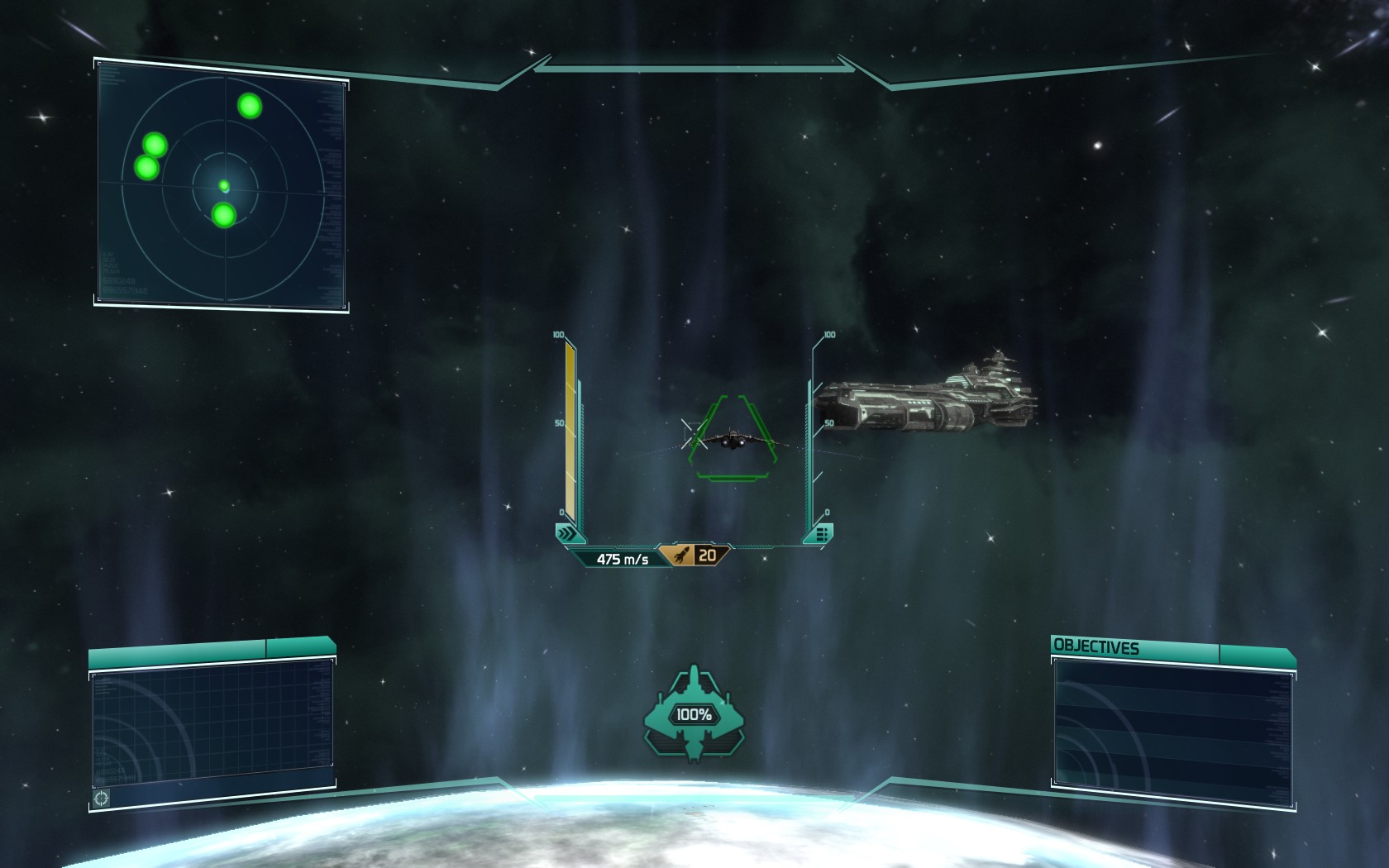
1680x1050 no FoV fix
http://www.skid-inc.net/stuff/wsgf/SolExodus/a5.jpg
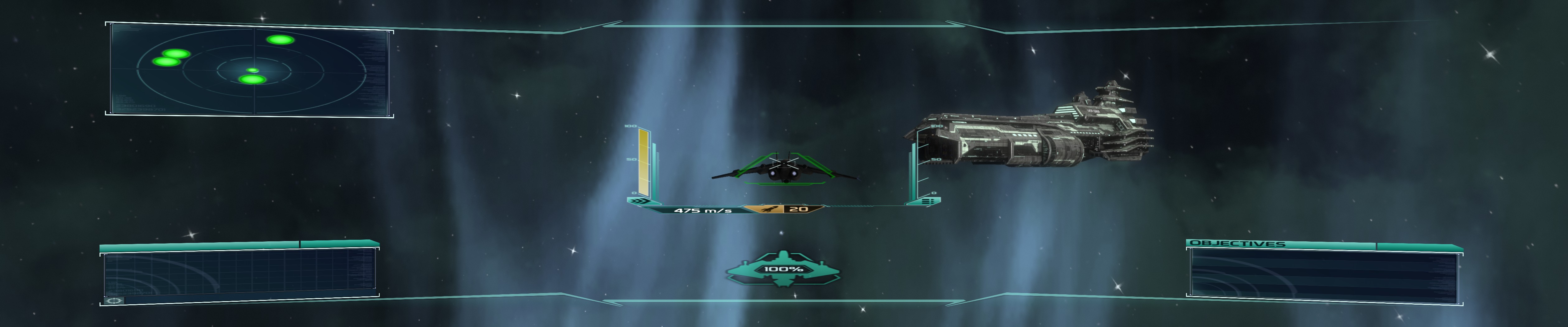
5040x1050 no FoV fix
http://www.skid-inc.net/stuff/wsgf/SolExodus/b5.jpg
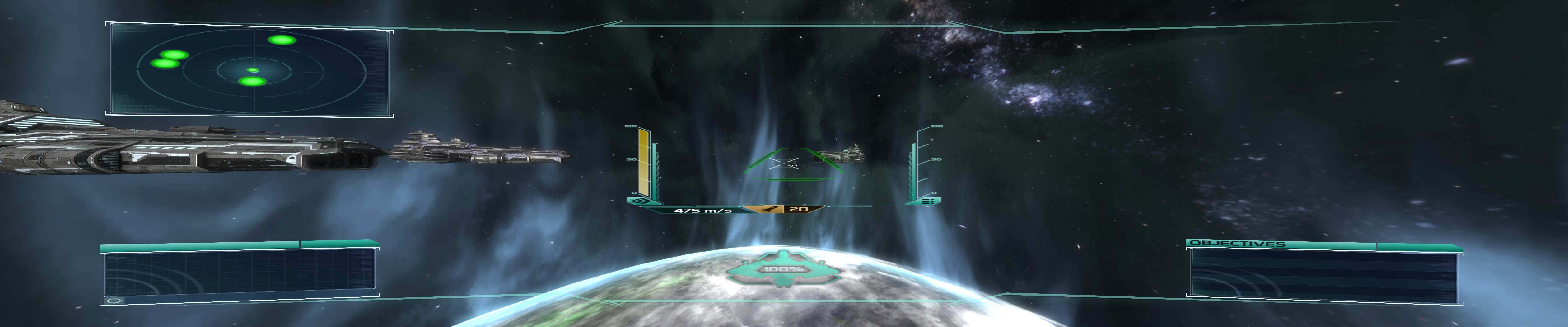
5040x1050 with FoV fix
http://www.skid-inc.net/stuff/wsgf/SolExodus/c5.jpg

4:3 Screenshot
4:3 Ingame Screenshot Without FoV Fix
16:10 Screenshot
16:10 Ingame Screenshot Without FoV Fix
16:9 Screenshot
16:9 Ingame Screenshot Without FoV Fix
21:9 Screenshot
A monitor with a question mark on it. The text above it reads "There is currently no image uploaded for this field." There is a semi-transparent WSGF logo in the background, while the main background is white. The image aspect ratio is 21:9.
32:9 Screenshot
Eyefinity / Surround Screenshot
48:10 Ingame Screenshot Without FoV Fix
4:3 Cutscene
4:3 Ingame Cutscreen Screenshot Without FoV Fix
16:10 Cutscene
16:10 Ingame Cutscreen Screenshot Without FoV Fix
16:9 Cutscene
16:9 Ingame Cutscreen Screenshot Without FoV Fix
Eyefinity / Surround Cutscene
48:10 Ingame Cutscreen Screenshot Without FoV Fix
4:3 FMV Cutscene
4:3 FMV Screenshot Without FoV Fix
16:10 FMV Cutscene
16:10 FMV Screenshot Without FoV Fix
16:9 FMV Cutscene
16:9 FMV Screenshot Without FoV Fix
Eyefinity / Surround FMV Cutscene
48:10 FMV Screenshot Without FoV Fix
4:3 Menu
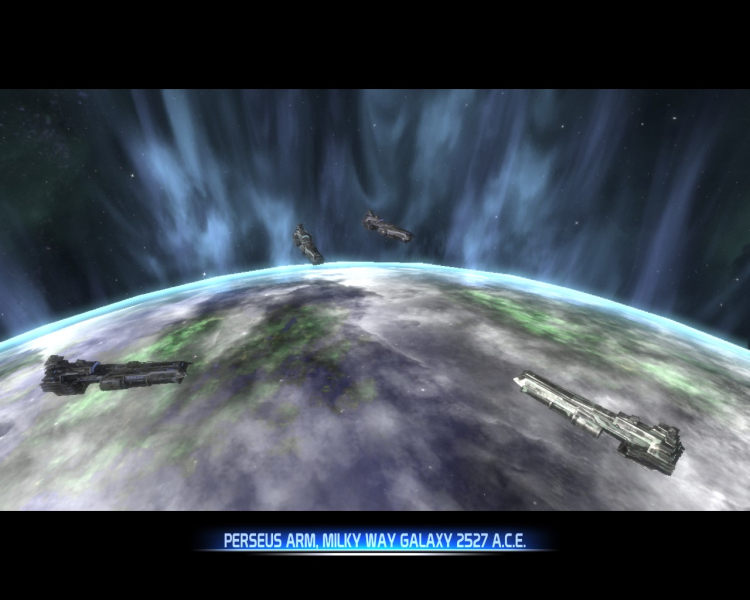
4:3 Menu Screenshot Without FoV Fix
16:10 Menu
16:10 Menu Screenshot Without FoV Fix
16:9 Menu
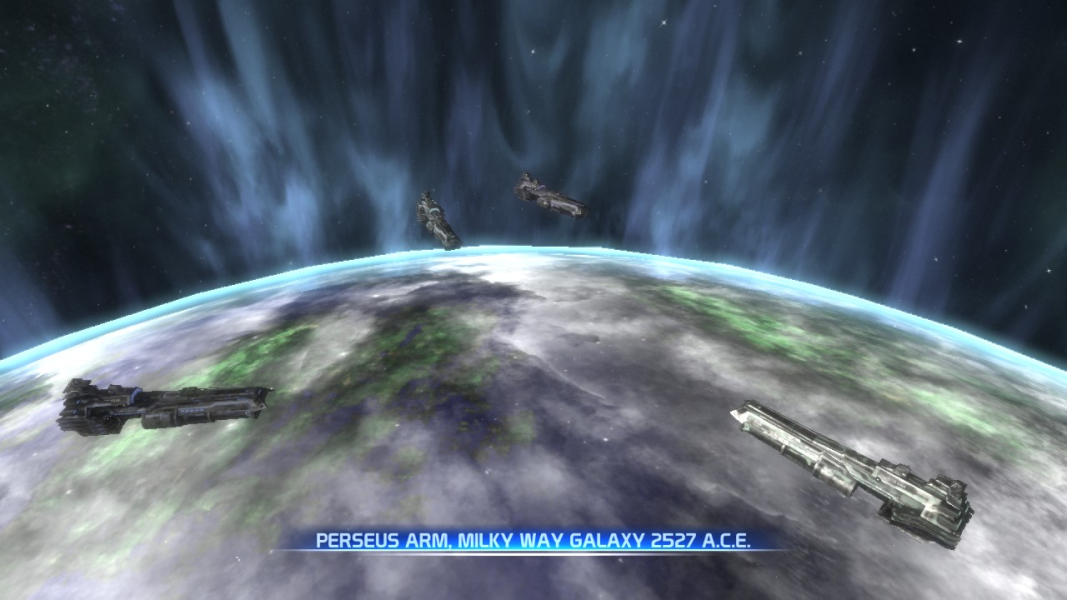
16:9 Menu Screenshot Without FoV Fix
Eyefinity / Surround Menu
48:10 Menu Screenshot Without FoV Fix
Uploaded by: skipclarke
4:3 Ingame Screenshot 2 Without FoV Fix
Uploaded by: skipclarke
16:10 Ingame Screenshot 2 Without FoV Fix
Uploaded by: skipclarke
16:9 Ingame Screenshot 2 Without FoV Fix
Uploaded by: skipclarke
48:10 Ingame Screenshot 2 Without FoV Fix
Uploaded by: skipclarke
48:10 Ingame Screenshot 2 FoV Fixed
Uploaded by: skipclarke
48:10 Ingame Screenshot FoV Fixed
Uploaded by: skipclarke
48:10 Menu Screenshot FoV Fixed
Eyefinity / Surround Resolutions:5040x1050