

The successful "suburban life simmer" returns... again. The Sims 3's most striking new feature is a seamless world design that lets players follow their Sims into their neighbours' houses and throughout the whole city.
Support Summary
Game Information
Screenshots Comparison
Solutions & Issues
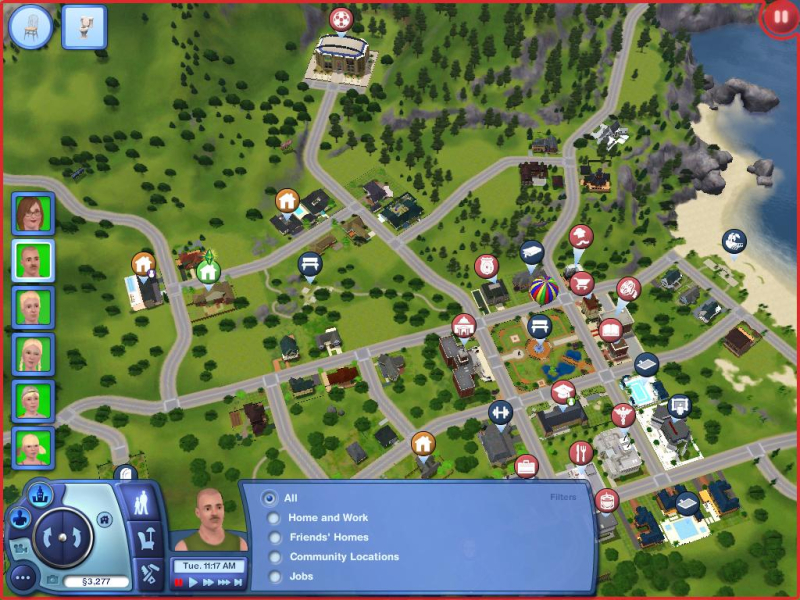
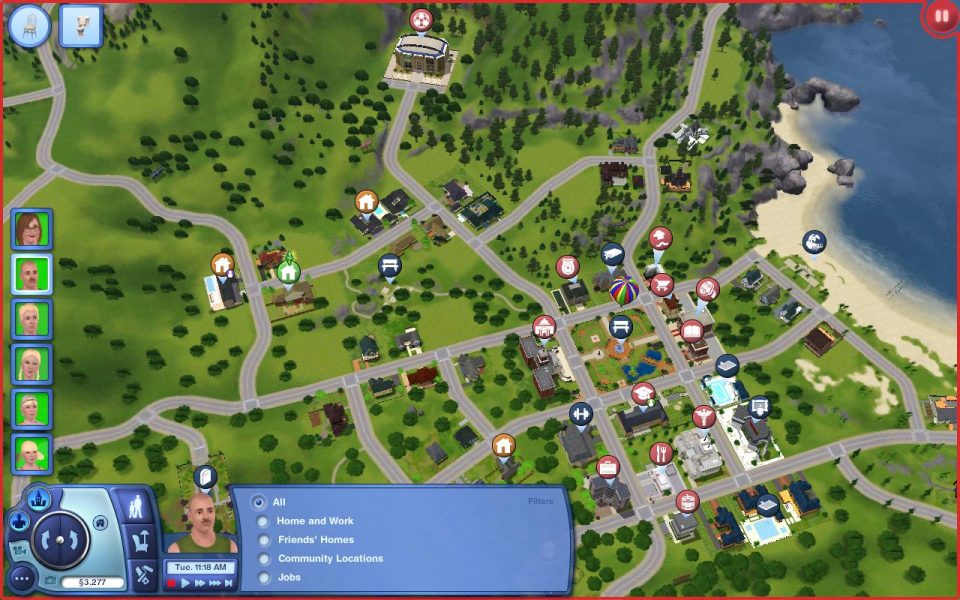
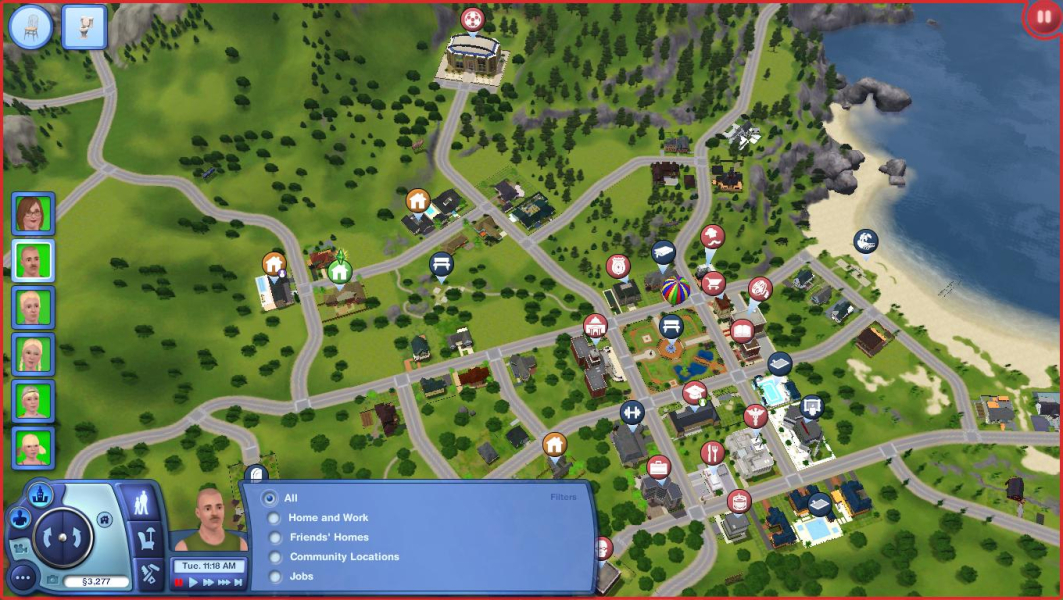
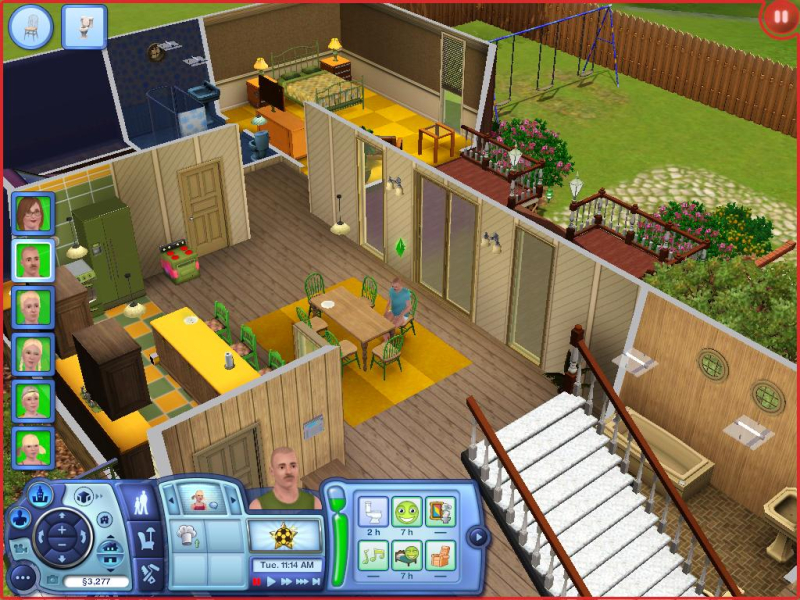
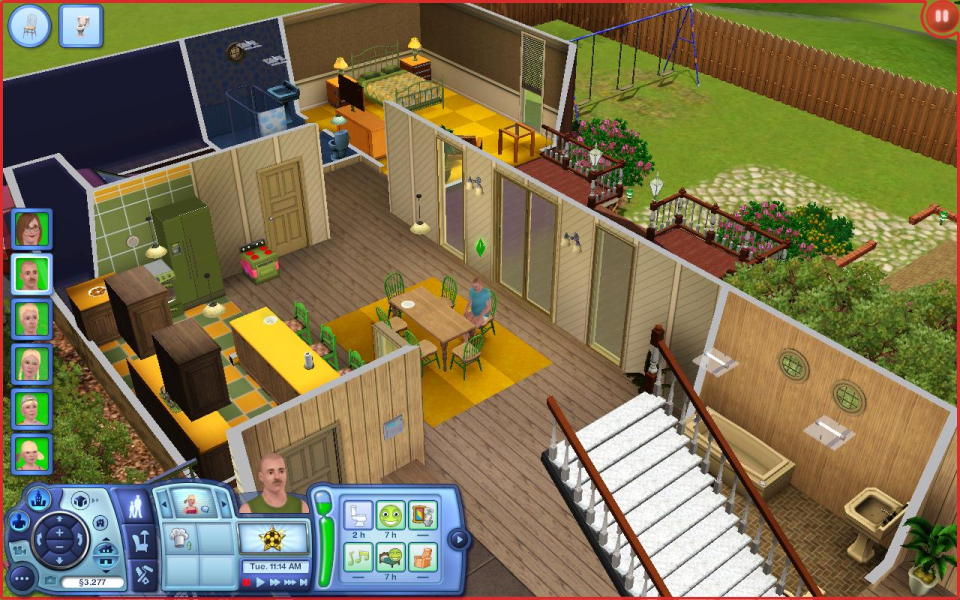
16:10, 15:9 and 16:9 are natively supported with Vert- gameplay, the FOV Hack makes it Hor+.
By default The Sims 3 is Vert-, which does not hurt the gameplay in widescreen really.
However, Racer_S designed a FOV Hack for TripleHead that also works for widescreen. Check the Racer_S Hacks & Mods page for the download (check Links for URL).
Extract ts3FOV.exe to any folder and run it. Check Auto Enable and move the FOV slider to one of the following values, assuming 860 is the game's stock FOV for 4:3 (I think it should be 825, but that's negligible) :
1030 for 16:10
1075 for 15:9 (1280x768)
1140 for 16:9
Run the game, enjoy. Be sure to use the mouse wheel to zoom in and out while the Hack is active, not the Numpad + and - keys !
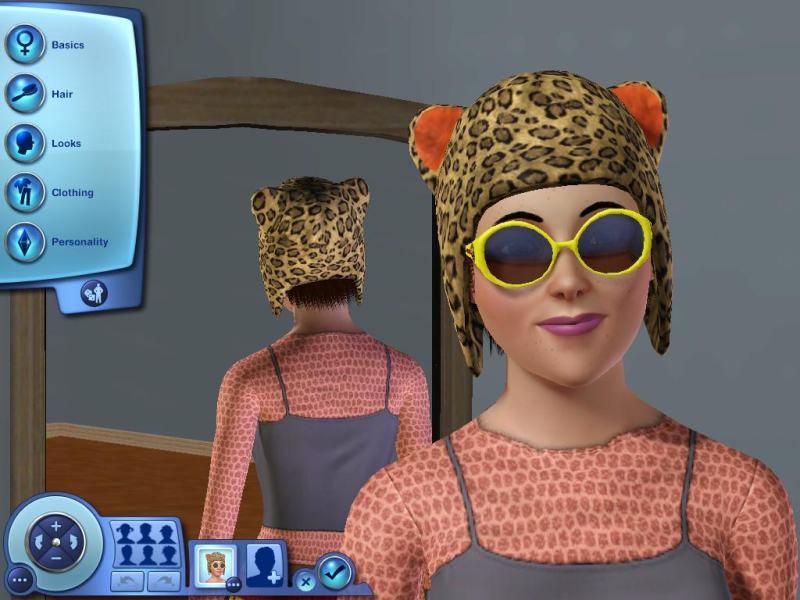
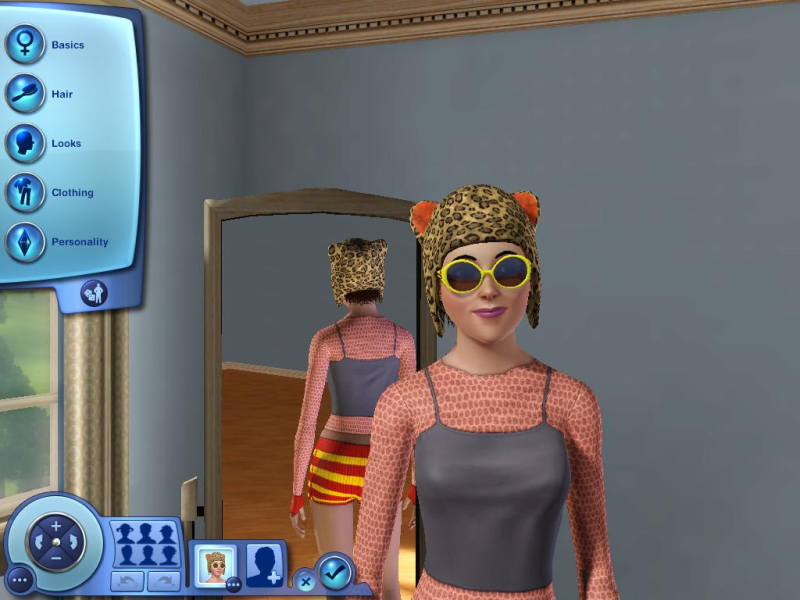
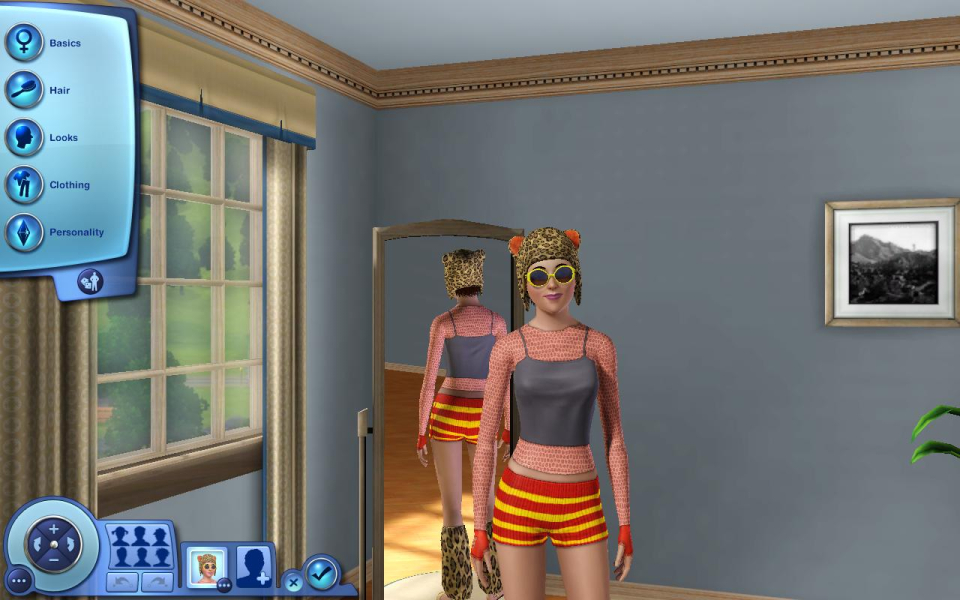
Due to the way the camera works in Create-A-Sim mode, a single FOV value is not enough to achieve real Hor+. The far view's a bit Vert- while close-ups are Hor+/Vert+. So feel free to disable the FOV Hack in CAS mode. Either way, everything is always functional and visible in widescreen.
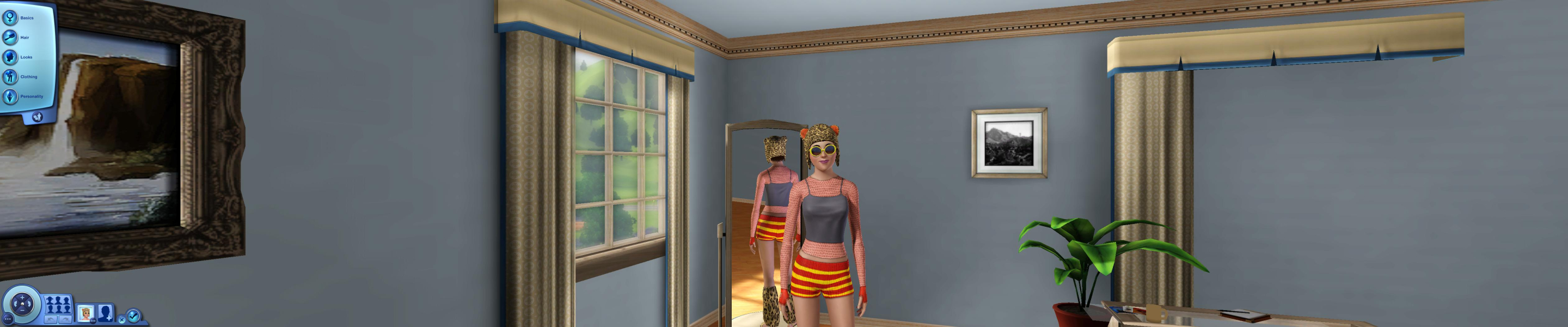
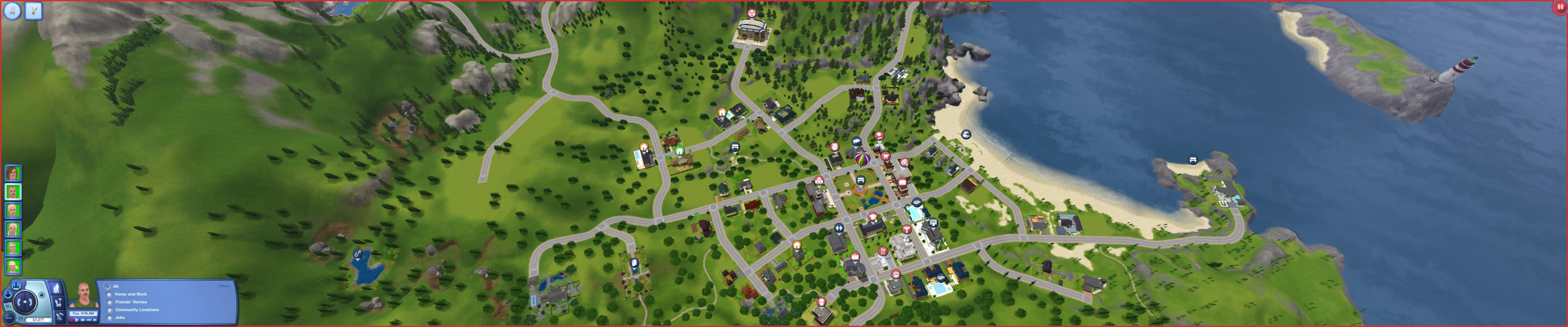
Out of the box the game is badly vert- in TripleHead, and that's where the FOV Hack really shines. Use these values :
2420 for 3x 5:4 TripleHead
3090 for 3x16:10 Wide TripleHead
Gameplay is Hor+, no HUD stretch. (Some UI hack to stick it to the center screen would be great btw...)
Gameplay Screenshots


Additional Screenshots