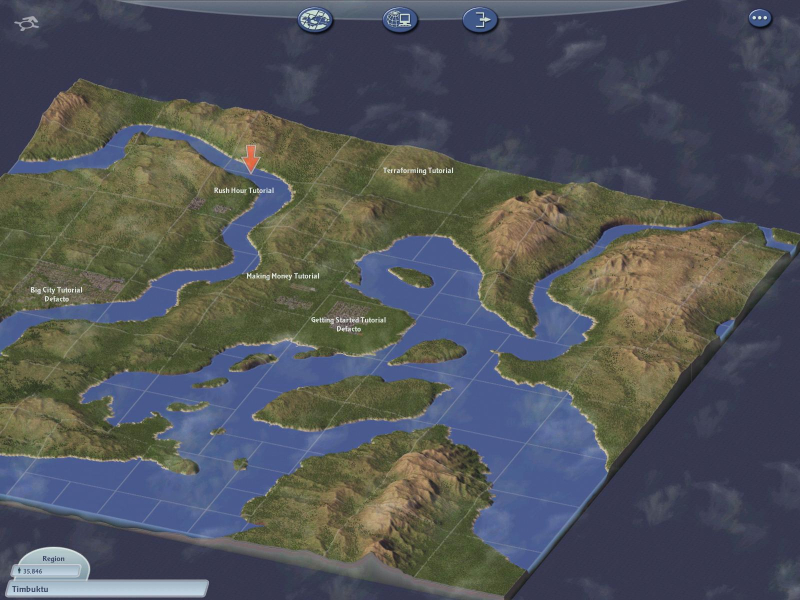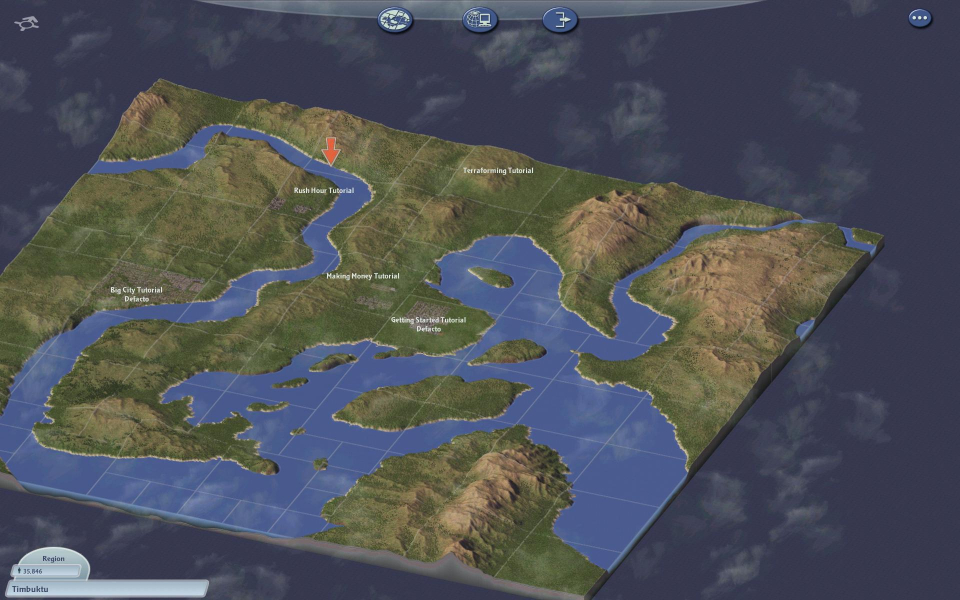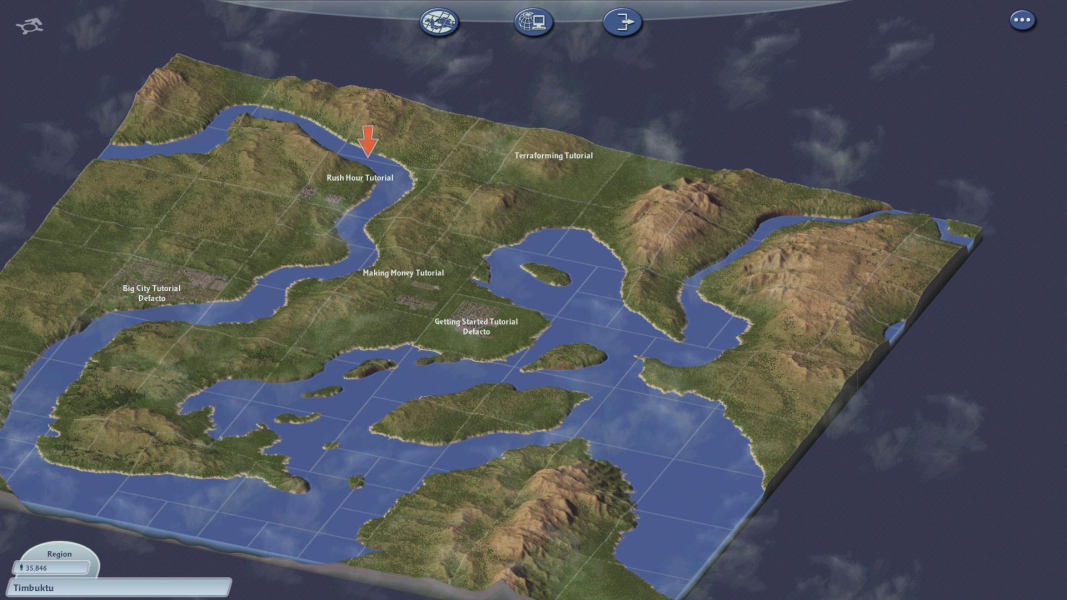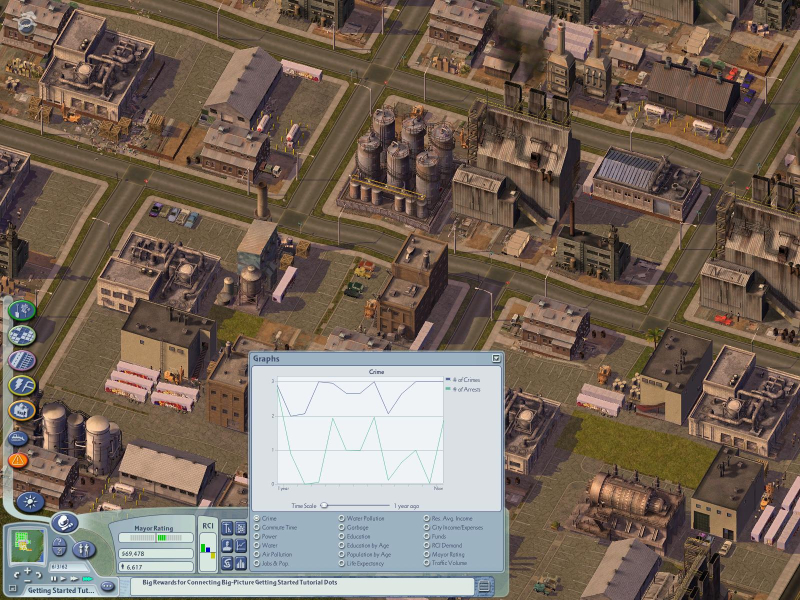



Developed by Maxis, Sim City 4 Deluxe continues the famous series of city simulations originally created by renowned game designer Will Wright. The deluxe version includes the expansion SimCity 4: Rush Hour. Players take over as mayor of a city which can be fictional or based upon a real-world counterpart. The player controls how the city grows using many methods that include building public facilities, zoning land, and manipulating budgets and taxes.
There are several in-game advisors who can help the novice player keep their city in the black. City buildings and homes change appearance over time depending on the wealth of the city and their location. As time passes more options are available for the player which include special civic buildings and revenue-generating facilities like military bases. Random disasters can befall a city or they can be triggered by the more evil among us. Build your sandbox empire and then make it crumble under your sadistic eye.
Support Summary
Widescreen | Ultra/Super‑Wide | Multi-Monitor | 4K Ultra HD | |
Support | ||||
Method | ||||
HUD | ||||
Cutscenes | ||||
FMVs |
Game Information
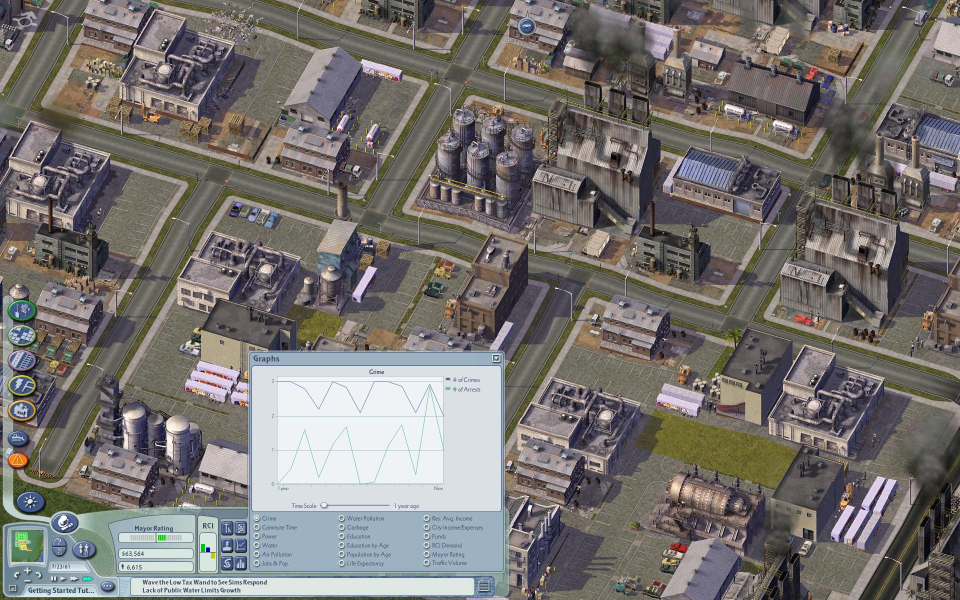
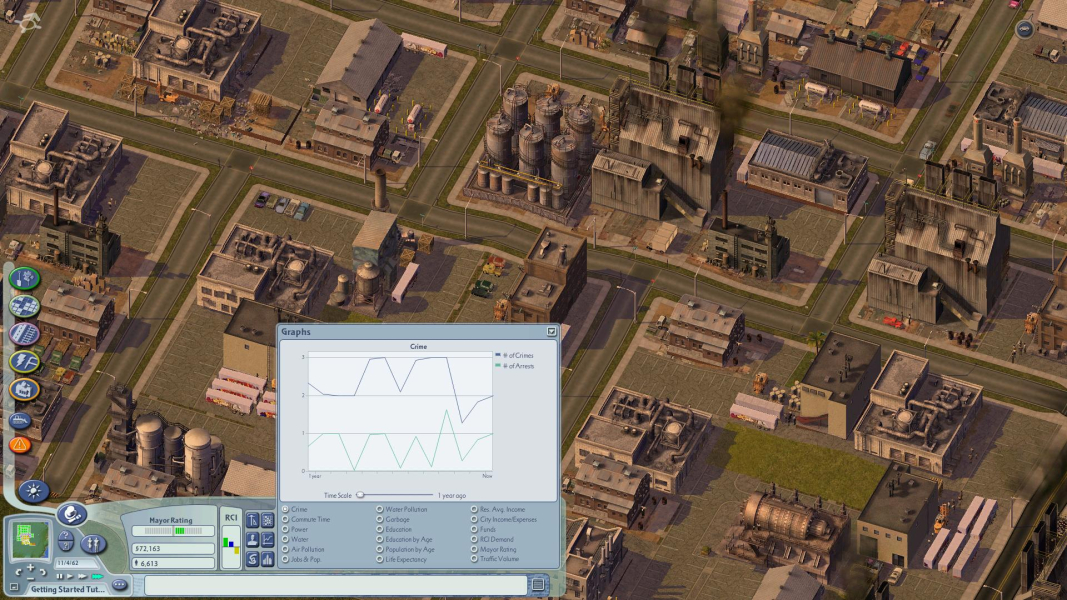
Screenshots Comparison
Solutions & Issues
Right-click the shortcut to the executable file and select properties. Add the following line to the target field...
-CustomResolution:enabled -r****x****
..where **** is the custom resolution. This will add your desired custom resolution.
------
Also supported by UniWS, but not the Rush Hour expansion pack.
------
have finally figured out how to get SC4 with the Rush Hour expansion pack to run on a custom resolution!
It is actually very simple, here is a step by step on what to do
1. Find the Rush Hour shortcut, right click it, and click properties
2. In the TARGET box, go to the very end of the text (Text should be the location of the game)
3. At the end of the target, PUT A SPACE!
4. Copy and paste the below code after the space, delete the words RESOLUTION, and put your monitors native resolution where the words were.
-CustomResolution:enabled -rRESOLUTIONxRESOLUTION
As an example, here is everything in my target box:
"C:\Program Files\Maxis\SimCity 4\Apps\SimCity 4.exe" -CustomResolution:enabled -r1680x1050 -introff
Hardware rendering (DirectX/OpenGL) only supports resolutions up to 2048x1152. Any resolution that exceeds this will result in crashing upon launch. Software rendering is not affected by this.
Able to run on dual 1920x1200 monitors with Eyefinity for combined resolution of 3840x1200.
You need to switch the rendering mode to "software" mode. And add the following command-line:
-CustomResolution:enabled -r3840x1200x32 -CPUCount:2 -CPUPriority:high
There is some tearing / refresh issues when panning up and down.
I tried 5760x1080 (3x1920x1080) and 5120x1440 (2x2560x1440), but the game will not start up.
Hardware rendering (DirectX/OpenGL) only supports resolutions up to 2048x1152. Any resolution that exceeds this will result in crashing upon launch. Software rendering is not affected by this.
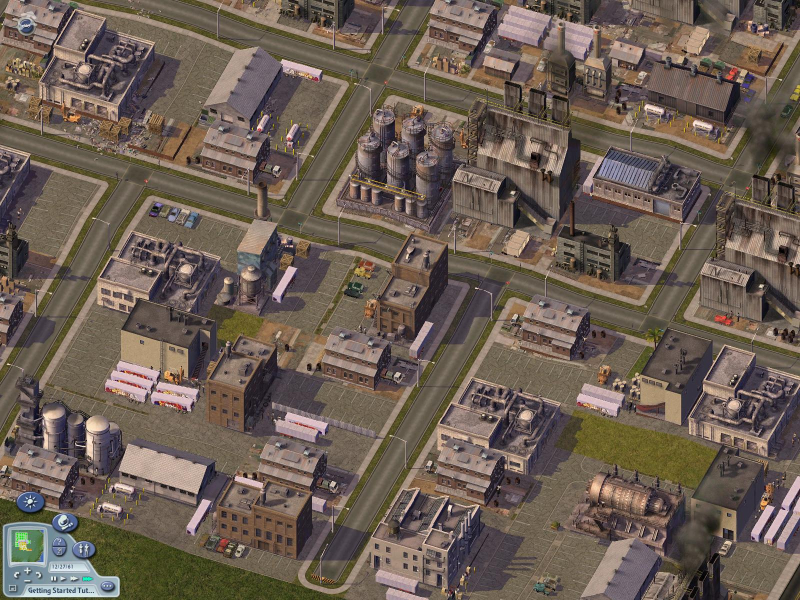
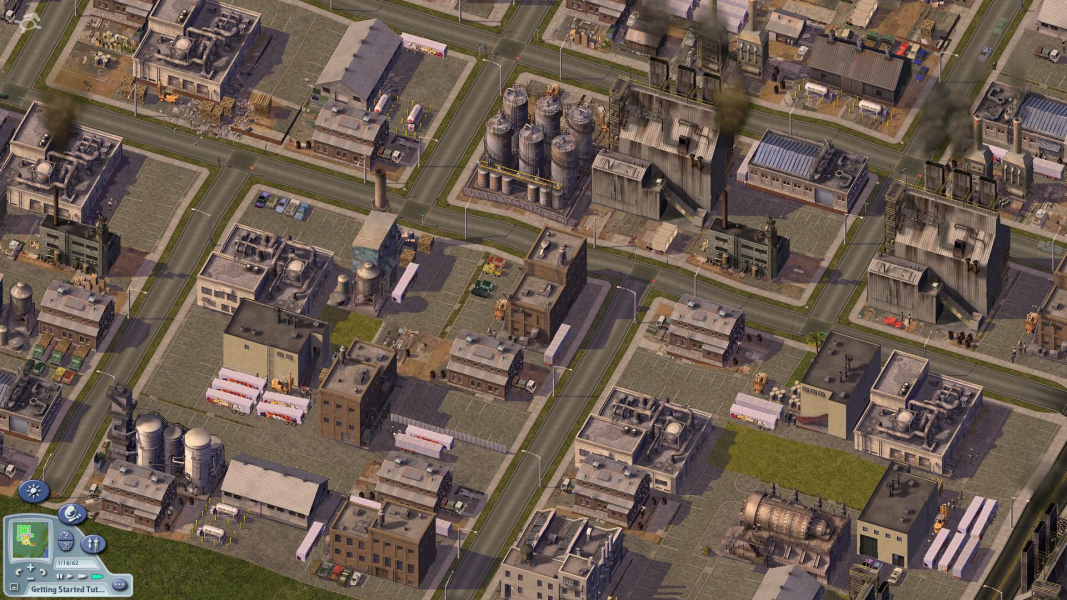
Gameplay Screenshots



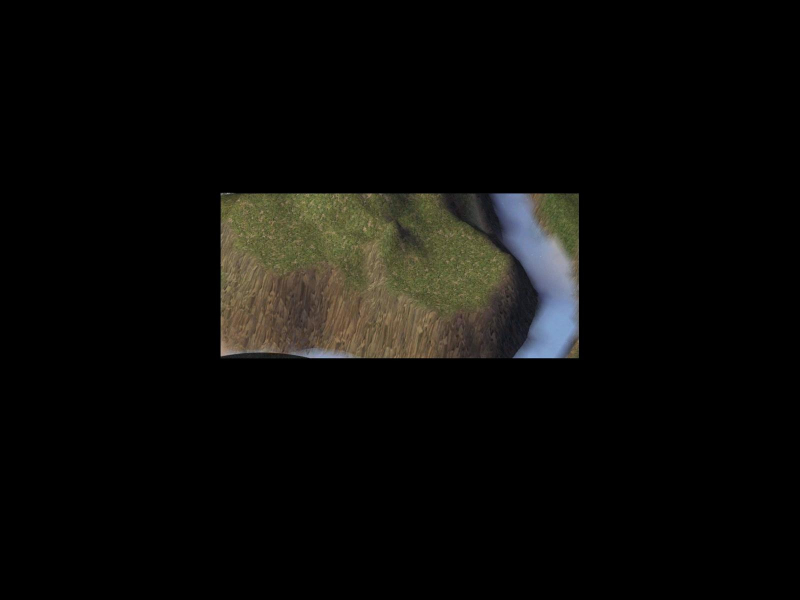
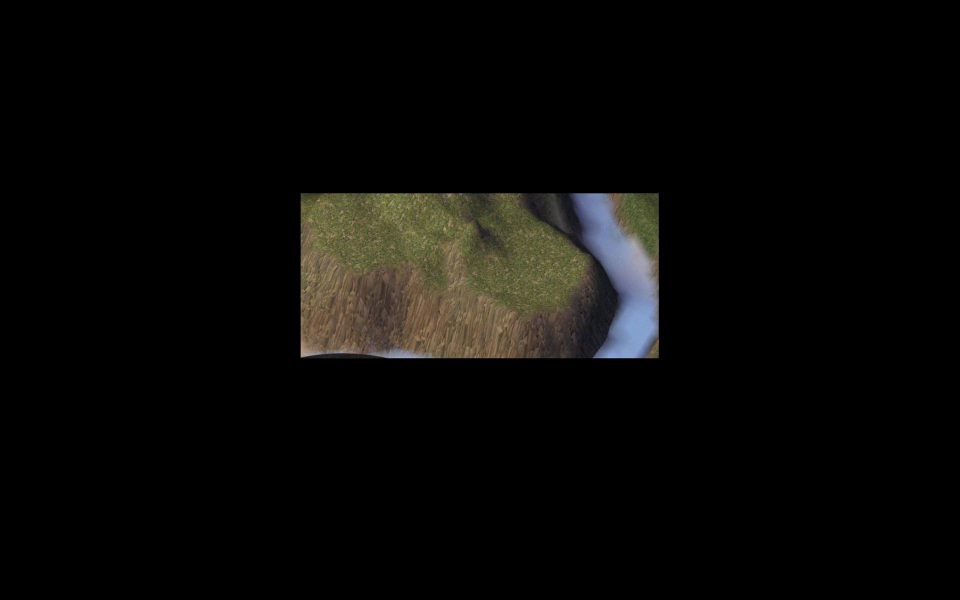
FMV Cutscenes

Additional Screenshots