

Silent Hunter 5: Battle of the Atlantic
From PCGamingWiki, the wiki about fixing PC games
Support Summary
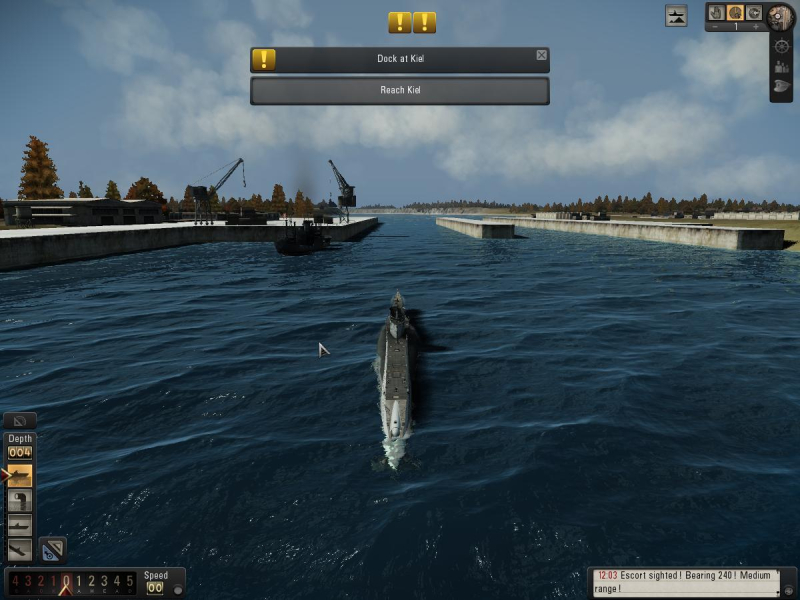
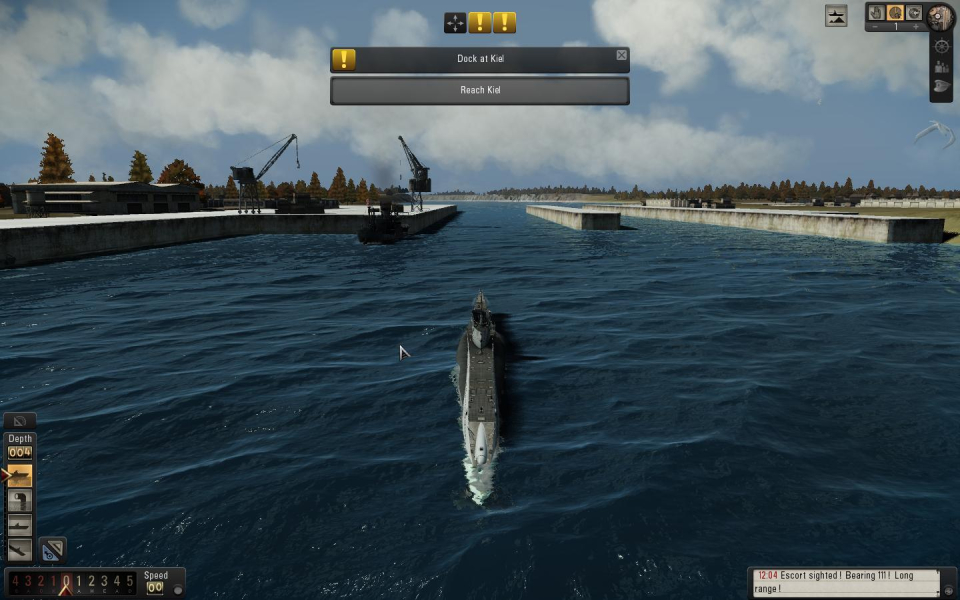
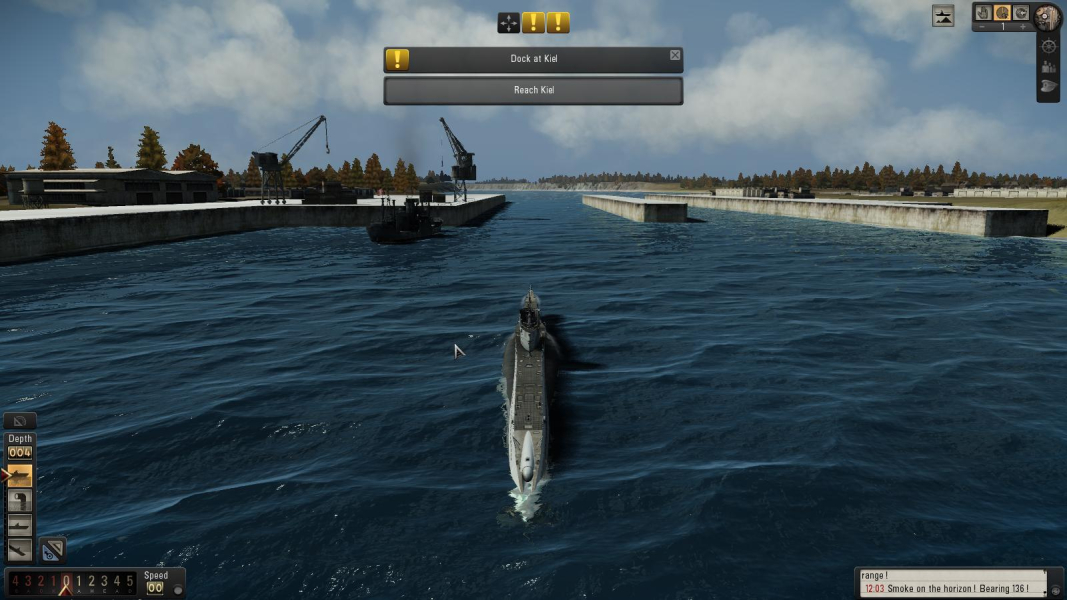
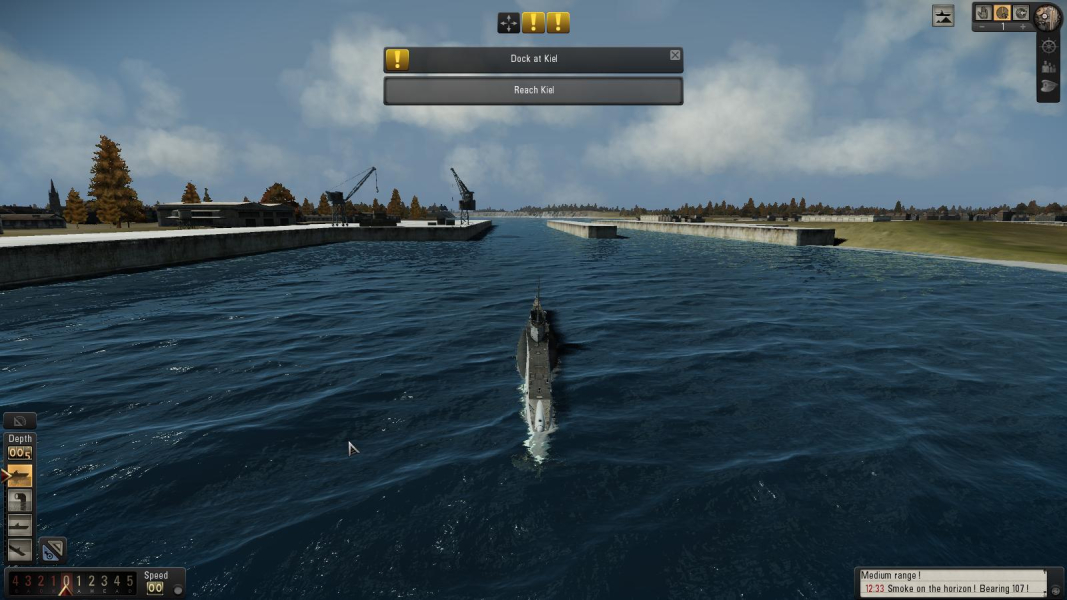
Screenshots Comparison
Solutions & Issues
SH5 will initially run at your native resolution. To use a different res, simply select it from the options menu and restart the game.
You can also edit the [VIDEO] section of: My Documents\SH5\data\cfg\main.cfg (minimum supported resolution: 1024x720).
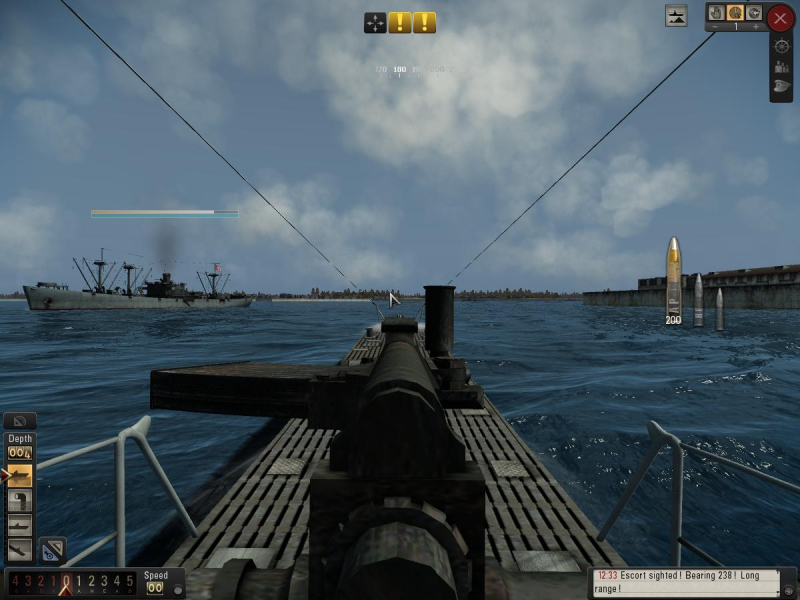
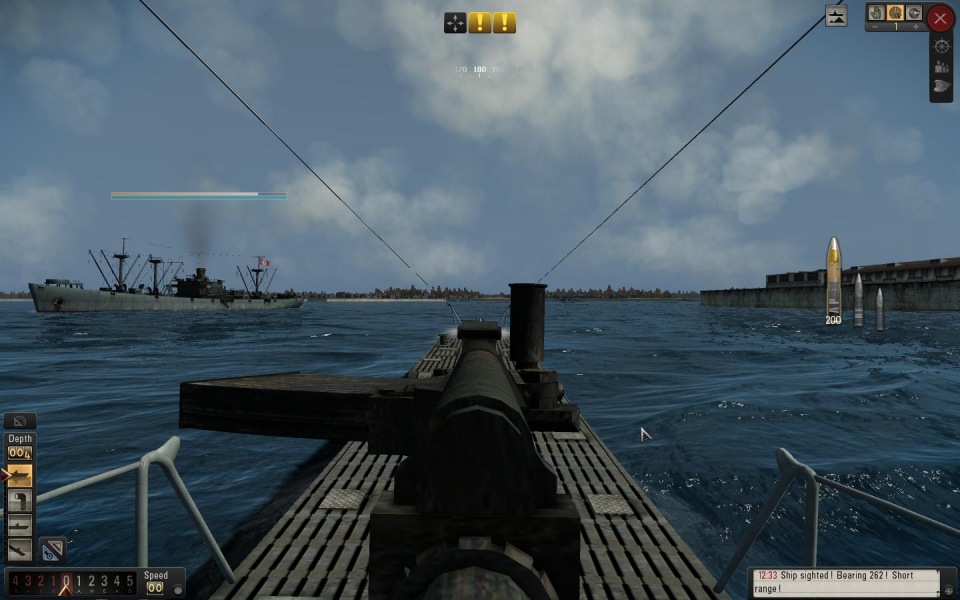
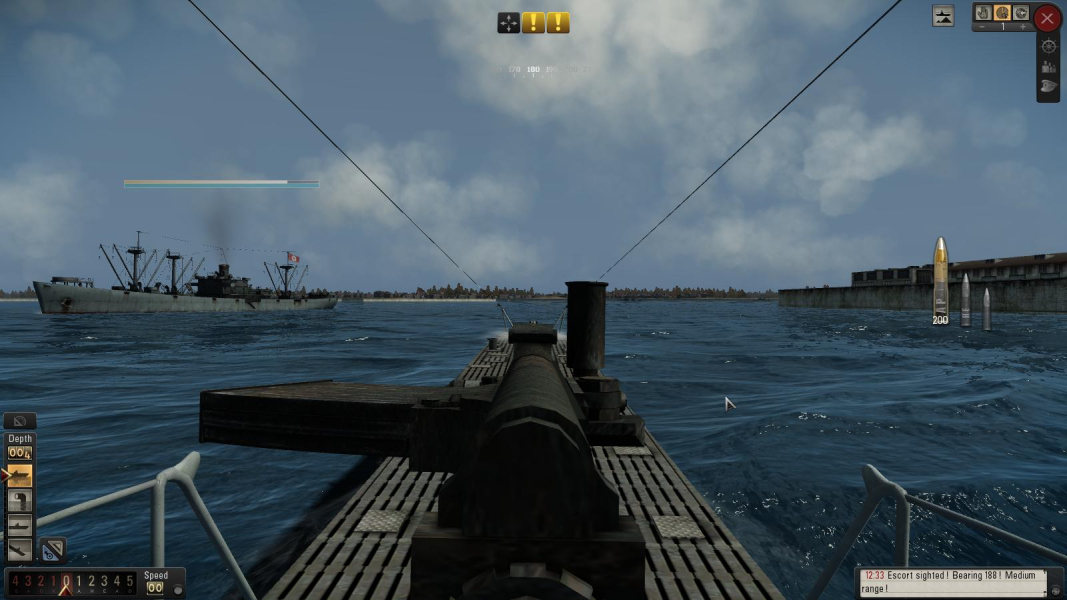
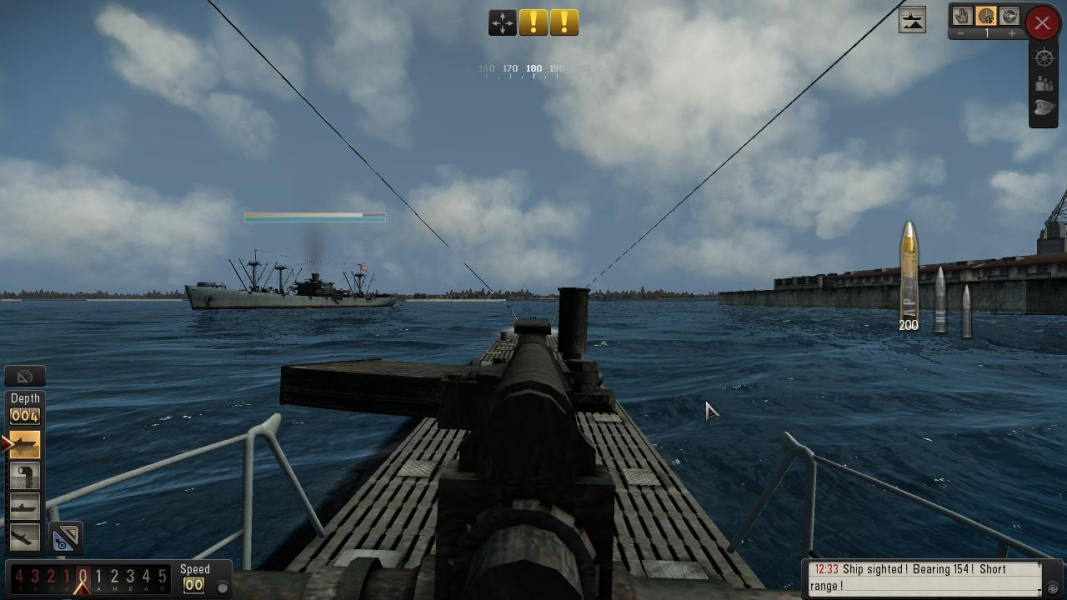
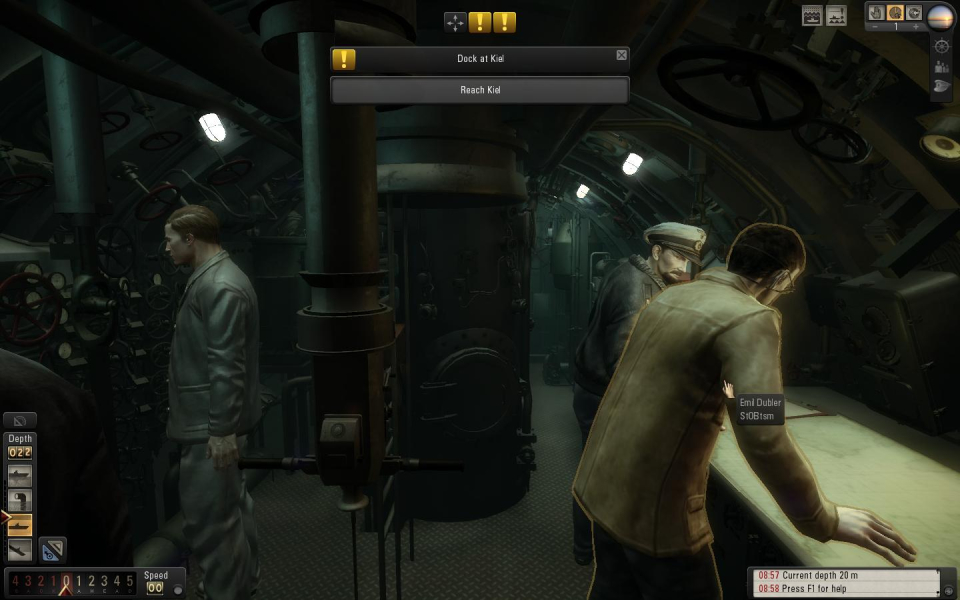
Most of the game is played through a first-person perspective that is Hor+/Vert+.
The numerous other camera viewpoints are Vert-, but some can be modded using Silent 3ditor:
Open C:\Ubisoft\Silent Hunter 5\data\Library\cameras.cam and look for the 'AngularAngle' value under CameraParams.
Use FOVCalc to get the proper value for your desired AR.
For example, to alter the VFOV of the free (external) cam:
-navigate to index 19
-on the Property tree, click the line AngularAngle = 75.0
-edit the Value at the bottom.
The external cam ('Free', CameraParams #19) and gunner views ('A01 Gun' & 'A02 Gun', CameraParams # 183 & 195) seem to be the only ones that can effectively be modded that way, though. There are countless other distinct camera viewpoints in the game that can't be fixed so easily, so this is hardly a real solution.
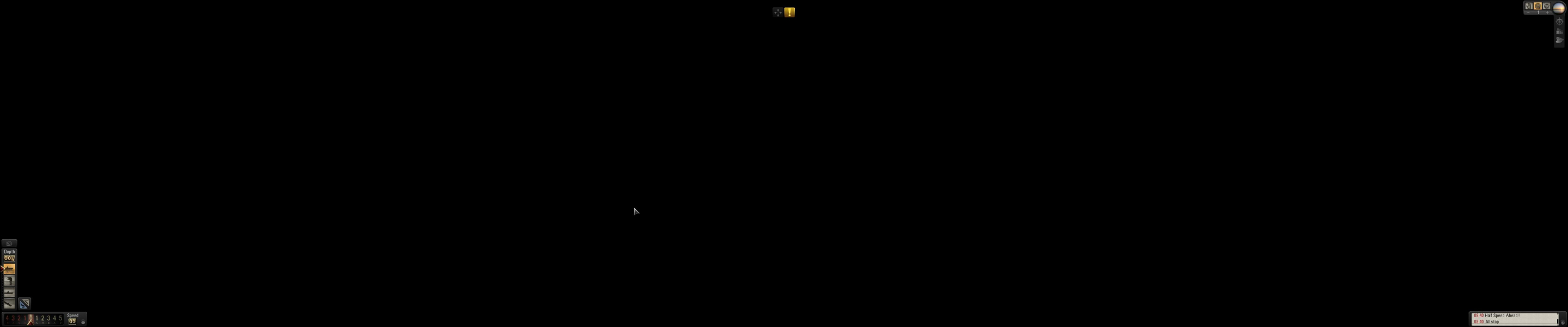
Multi-monitor support: broken.
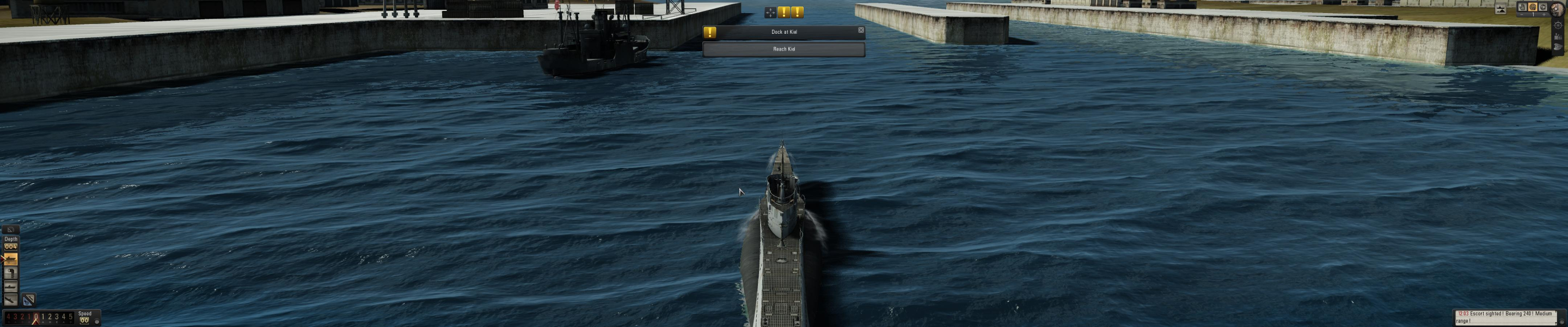
Although SH5 will run at multi-mon resolutions no problem, the Hor+/Vert+ first-person view shows only solid black. Since most of the gameplay relies on this perspective, this is a terminal flaw.
The free cam is simply Vert- though.
Gameplay Screenshots


Additional Screenshots