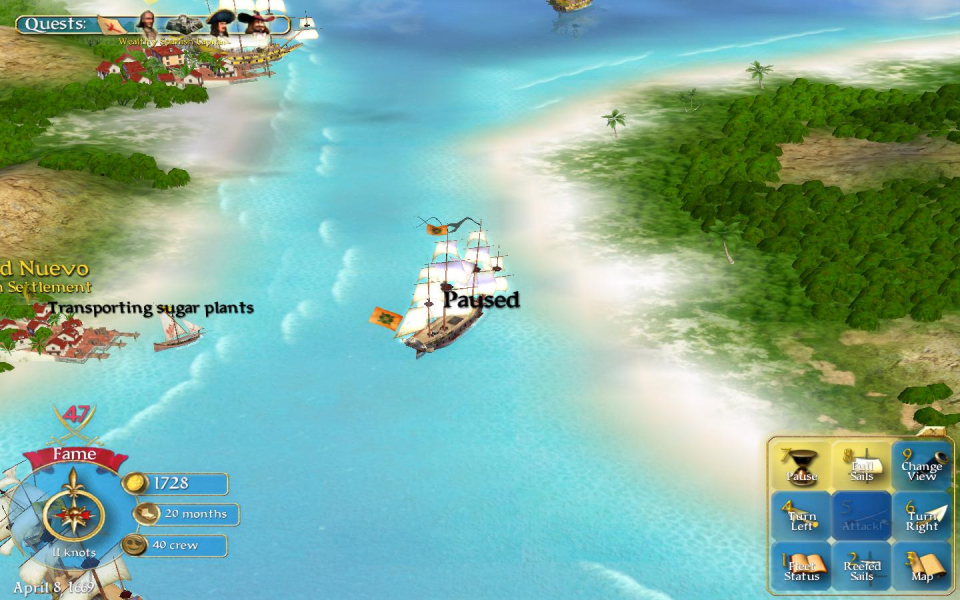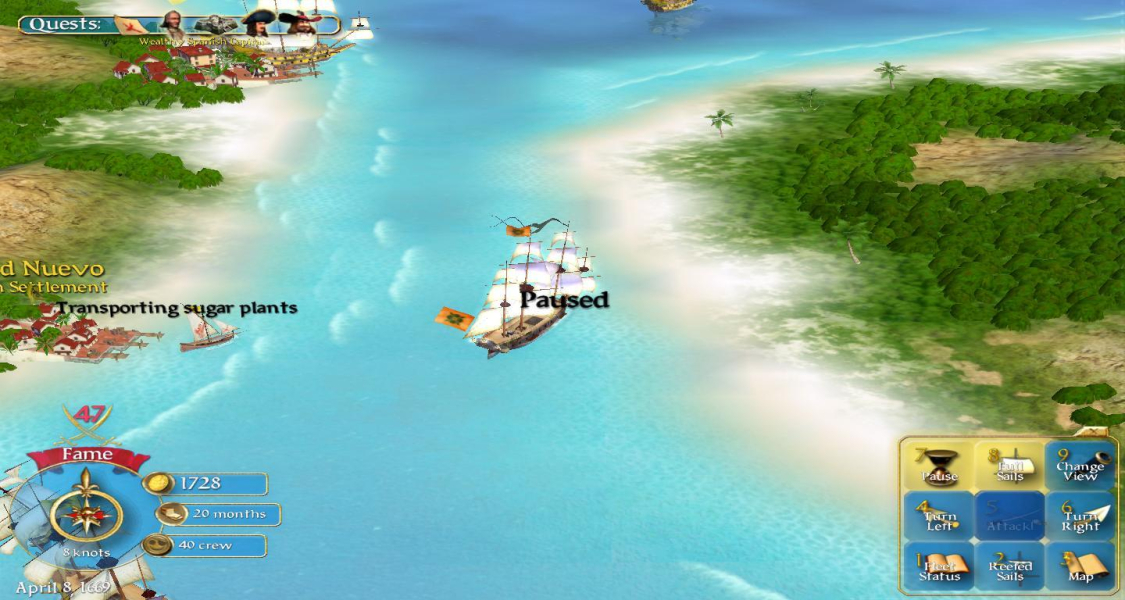


Sid Meier's Pirates is a remake of a classic strategy game from 1987 (Sid Meier's Pirates), featuring an intoxicating blend of action, strategy, role-playing, and fun. Pirates is separated into several mini-games requiring different skills, as well as an overall "sailing map" mode where the player navigates around the Caribbean, looking for things to do. Sailing technique, evasion (running from guards), naval gunnery, turn-based strategy, dancing with the governor's daughter, fencing and strategic planning are all skills needed to succeed in Pirates.
During the game, players can acquire items and special crew members which make some mini-games less skill-dependent, but must also choose one of five different skills at the start, which the game will give them an advantage in.
Support Summary
Game Information
Screenshots Comparison
Solutions & Issues
There is no native support for widescreen in game settings, but you can edit config.ini file (located in My Documents/My Games/Sid Meier's Pirates!/ in Windows Vista) and set the game to any desired resollution.
Changing the resolution in config.ini file (i.e. 1680x1050):
[User Settings]
Gamma = 1.000000
KeypadStatus = 1
DisplayShadows = 1
TrilinearFiltering = 1
DisableShaders = 0
AdvancedLighting = 1
WindowWidth = 1024 -> 1680 (instead of 1024)
WindowHeight = 768 -> 1050 (instead of 768)
WaterDetail = 3
WorldDetail = 5
ObjectDetail = 2
MasterVolume = 1.000000
MusicVolume = 1.000000
SFXVolume = 1.000000
DanceVolume = 1.000000
IsSlowMachine = 0
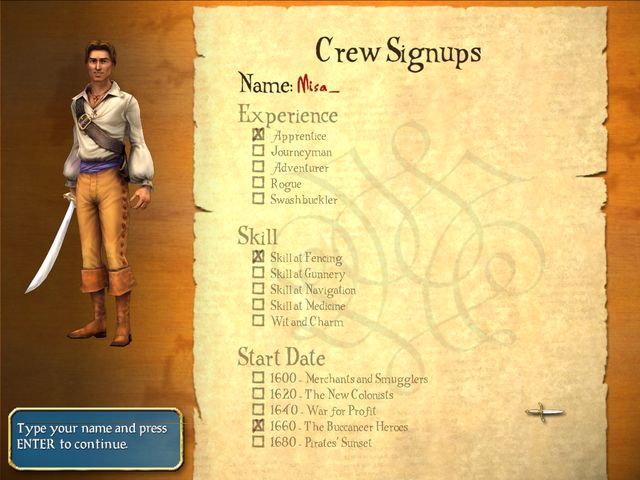
MyName = Misa
3DAudioDriver = Creative Labs EAX (TM)
CustomSail =
CustomFlag =
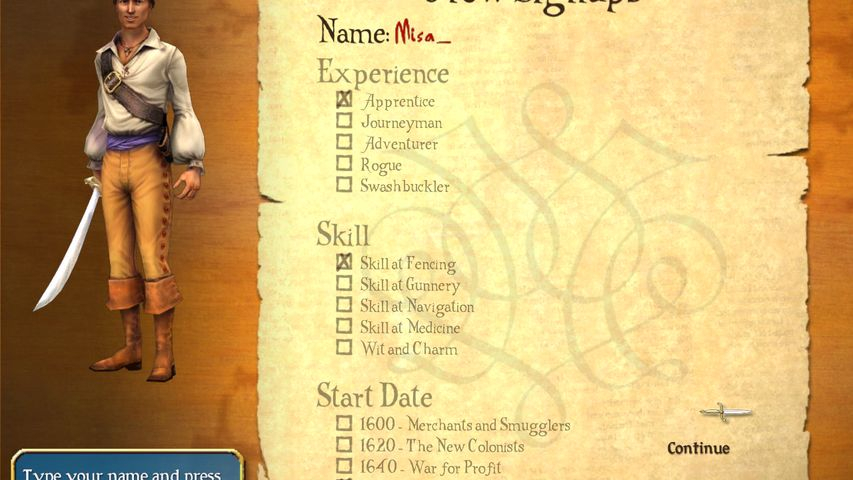
Using Racer_S's universal resolution changer (version 2) and keeping the configuration .ini file at a 4:3 aspect ratio resolution, the HUD will stay onscreen. Changing the configuration .ini file to the aspect ratio of the desired resolution will cut off the HUD.
(check the Additional In-Game Shots below)
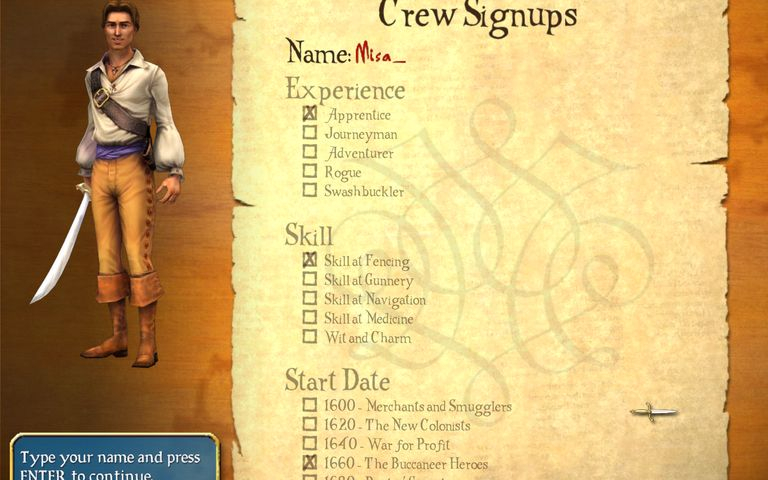
Game hud and game menus become partly invisible after resolution change. This affects the gameplay negatively. After the top and bottom of ingame menus has been cut off, viewing game menus becomes little bit tricky - you need to click little bit below the option in game menu to make a choice. The same happens when you want to click on game hud, you need to click little bit above the ordinary place on game hud to make a choice.
When you enter the town or when you are just about to enter battle with another ship, the picture strangely changes display mode, and you notice menu flickering for half a second as it adjusts itself for this "new display mode"..
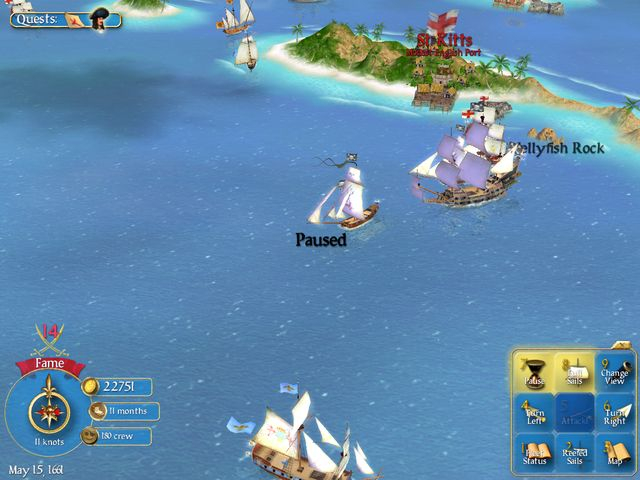
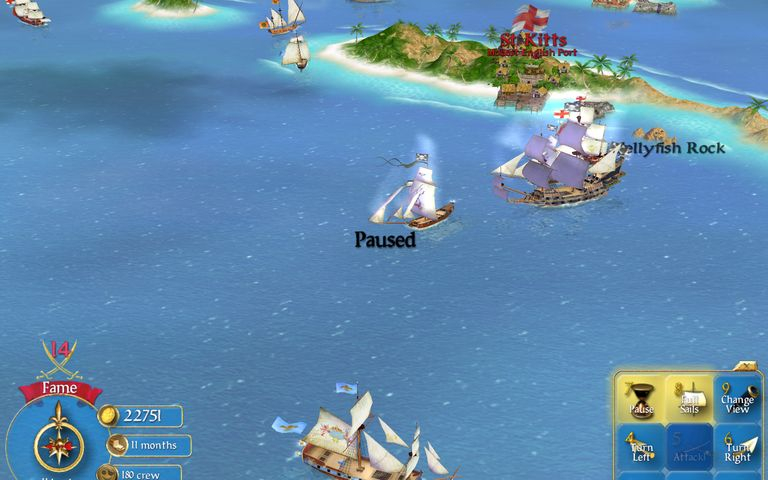
Gameplay Screenshots


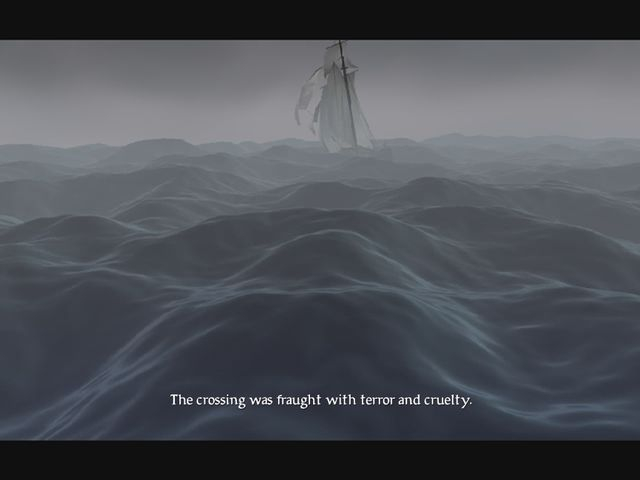
FMV Cutscenes

Menu Screenshots
Additional Screenshots