

Sid Meier's Alien Crossfire is the expansion pack to Sid Meier's Alpha Centauri, a sci-fi themed turn based strategy game. It depicts human colonists of several different factions attempting to populate a planet in the Alpha Centauri system, struggling to survive the planet's harsh conditions, building new cities, discovering new technologies, and often clashing with eachother. The expansion pack adds many new features, most notably doubling the number of factions including two powerful alien factions that are perpetually at war with eachother and have little regard for the safety of the humans in the way. Gameplay is comparable to the Civilization series, and is a logical evolution of Civilization II.
This report is based on Sid Meier's Alpha Centauri with Alien Crossfire installed. It does *not* apply to Alpha Centauri without the expansion pack. Attempting to play Alpha Centauri in widescreen without the expansion pack will create all kinds of GUI problems that renders the game nearly unplayable, not to mention difficult to exit.
Support Summary
Widescreen | Ultra/Super‑Wide | Multi-Monitor | 4K Ultra HD | |
Support | ||||
Method | ||||
HUD | ||||
Cutscenes | ||||
FMVs |
Game Information
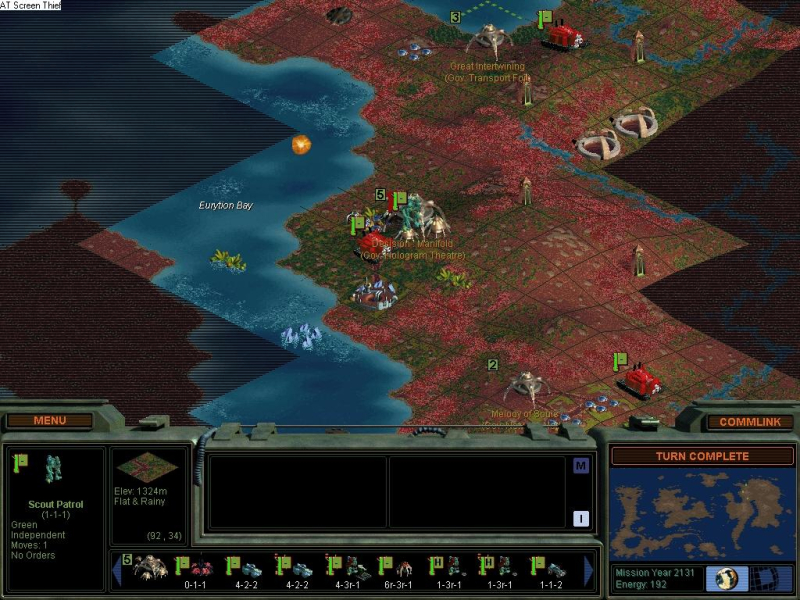
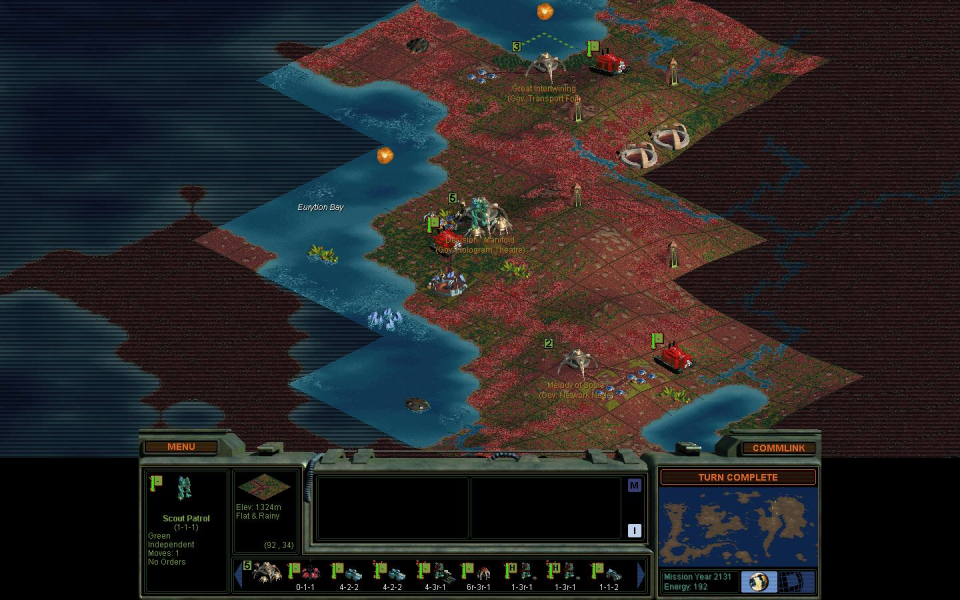
Screenshots Comparison
Solutions & Issues
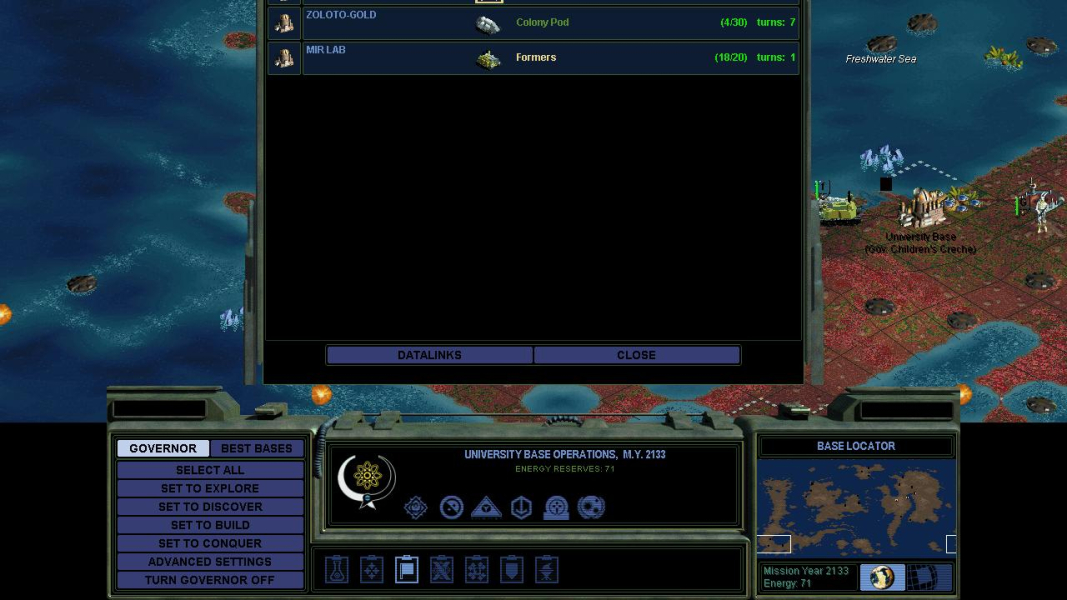
Go to the gameDir and edit "Alpha Centauri.ini". Insert this line below the [Alpha Centauri] header (*NOT* below the [PREFERENCES] header):
DirectDraw=0
Then, launch the game, and once you are in the game proper, it will use your desktop resolution. Do *not* attempt to play the game in Classic Mode. That will create the same problems that result from not having the expansion pack. If you want to play Classic Mode, you should first change DirectDraw to 1, which forces the game back to its default resolution of 1024x768.
1280x720 is not recommended. Some of the widgets are taller than 720px and will become misaligned and/or have parts of them cropped off, reducing their functionality.
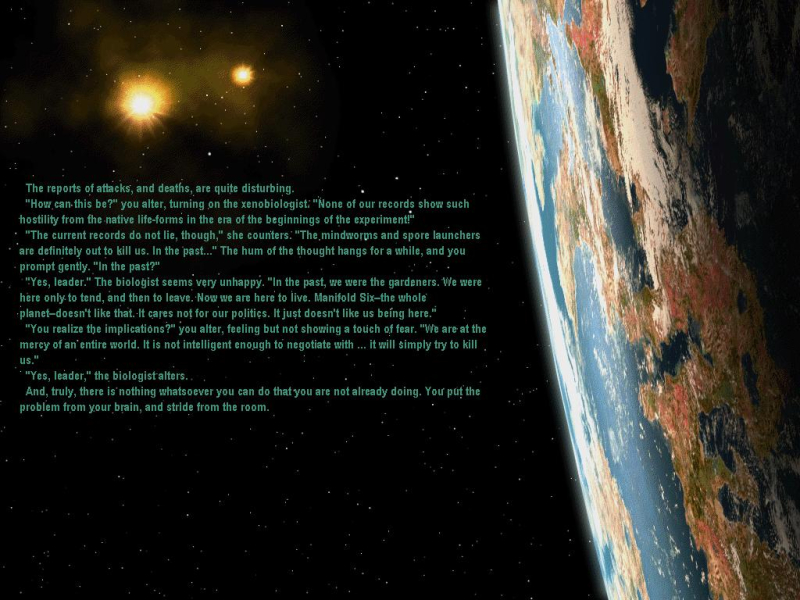
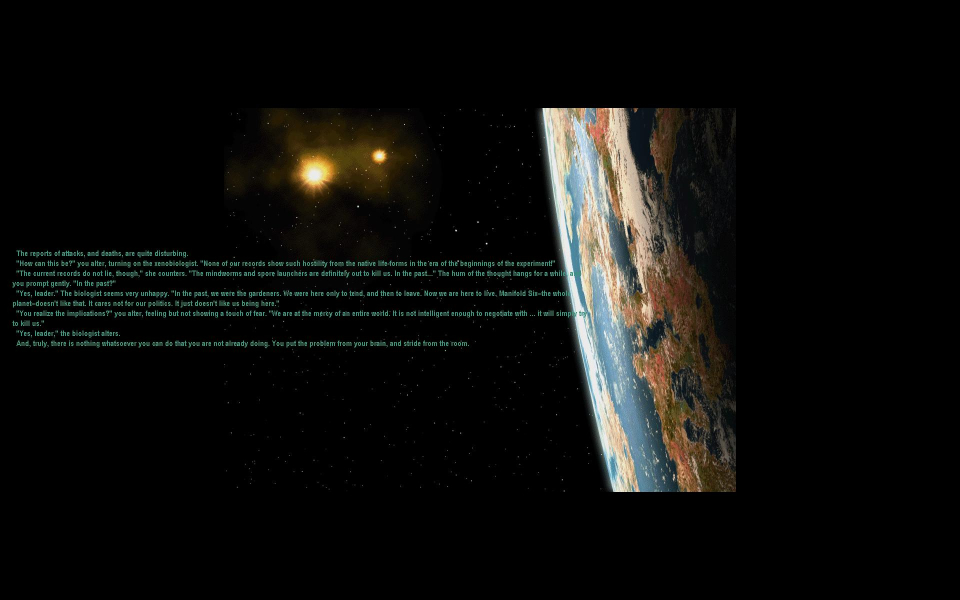
The game has a couple of "fullscreen" items, and there are some minor problems in widescreen. For example, the "Book of Planet" screen becomes windowboxed, and the text is misaligned.
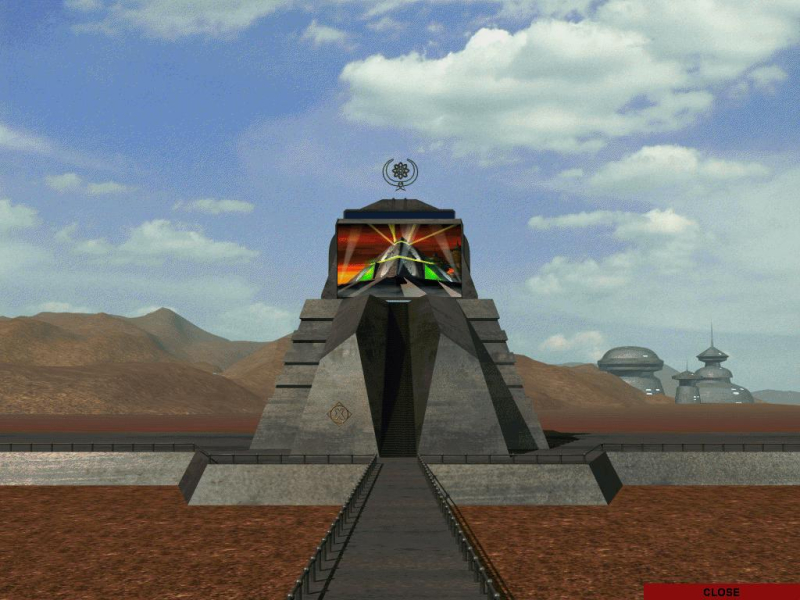
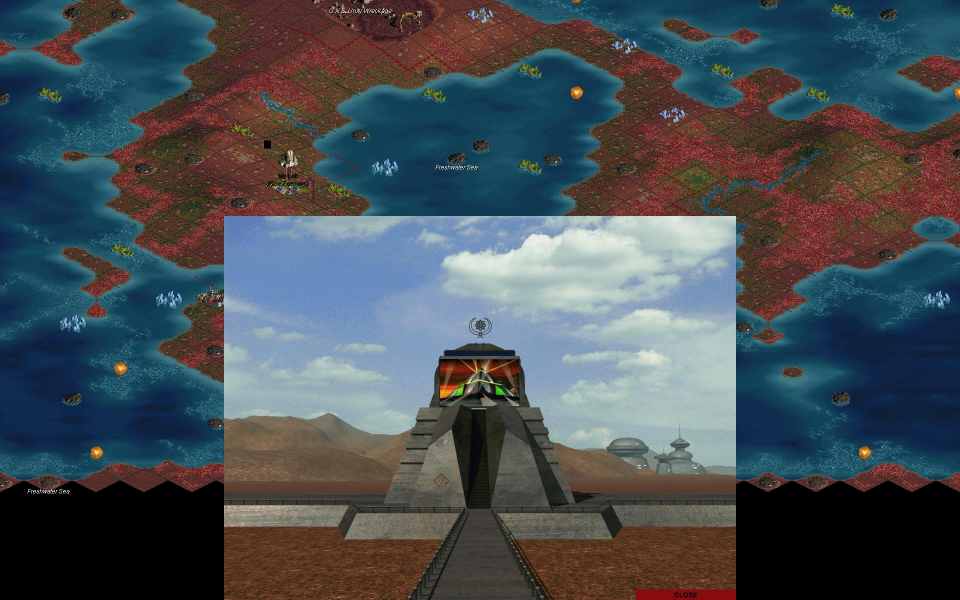
Also, the monument screen is no longer fullscreen, but a borderless 1024x768 window anchored at the bottom of the screen, with the game world visible behind it. All FMVs force your monitor into 640x480 mode, and most of them are letterboxed.
Gameplay Screenshots


FMV Cutscenes
Additional Screenshots