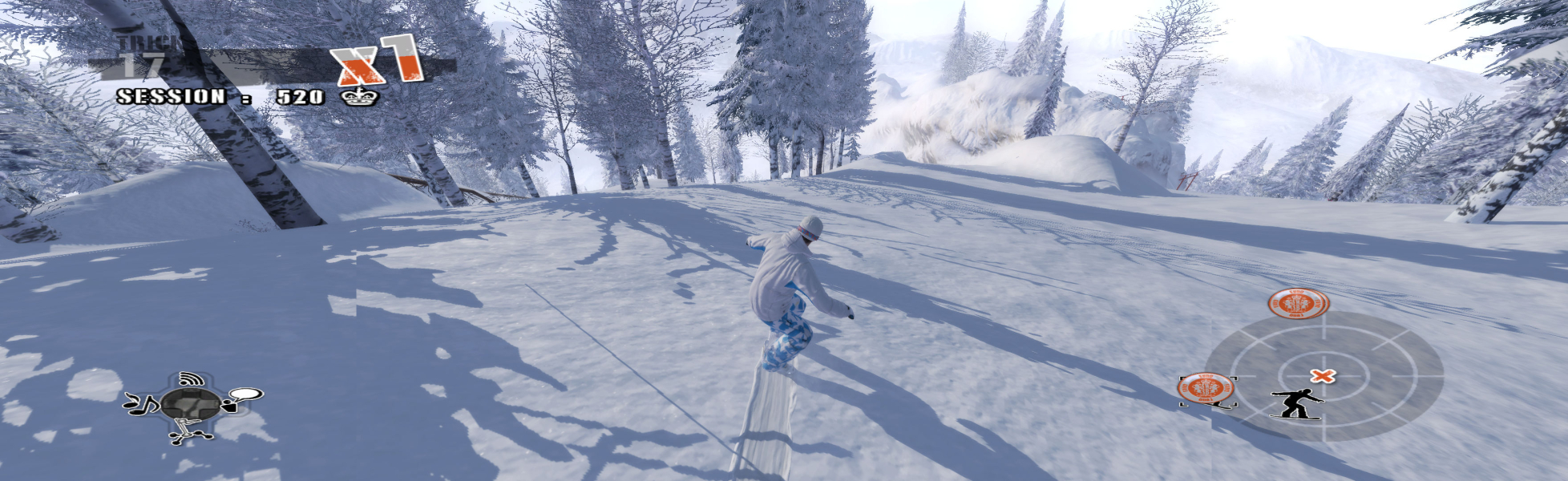


SW is a snowboard game with multiple challenges to choose from in open environments, not unlike the late Tony Hawk's Pro Skater series' most recent titles. The Scimitar engine (Assassin's Creed, Prince of Persia 2008) supposedly allows the gameplay to rely solely on physics whereas most "board" games are animation-based. A more obvious feature though is that you can control your avatar through some half-pipe fun during loading times, something AC's Altayr probably misses terribly.
Support Summary
Widescreen | Ultra/Super‑Wide | Multi-Monitor | 4K Ultra HD | |
Support | ||||
Method | ||||
HUD | ||||
Cutscenes | ||||
FMVs |
Game Information
Screenshots Comparison
Solutions & Issues
Depending on hardware limitations, the game's launcher may propose up to four resolutions : 800x600, 1024x768, 1280x720 and 1680x1050.
To play at any other resolution you must :
1) Set the desktop to your desired game res
2) Open regedit and navigate to HKEY_CURRENT_USER\Software\Ubisoft\ShaunWhiteSnowboarding\1.0\Engine
3)edit the decimal value (not hex) of both these keys :
ScreenResolutionHeight
ScreenResolutionWidth
4) The game tends to default to 1680x1050. Should the in-game aspect ratio or resolution not match your setting, try this :
set ScreenResolutionHeight and ScreenResolutionWidth to twice your desktop values, or any other superior resolution of the same aspect ratio.
i.e for a 1360x768 screen
ScreenResolutionHeight 1080
ScreenResolutionWidth 1920
(1920x1080 being a larger 16:9 res)
It seems you don't have to use larger registry values than your res though. (However for "faux triplehead" res 2560x683, I had to use ScreenResolutionHeight 1366 and ScreenResolutionWidth 5120 or the in-game res would be 1680x1050.)
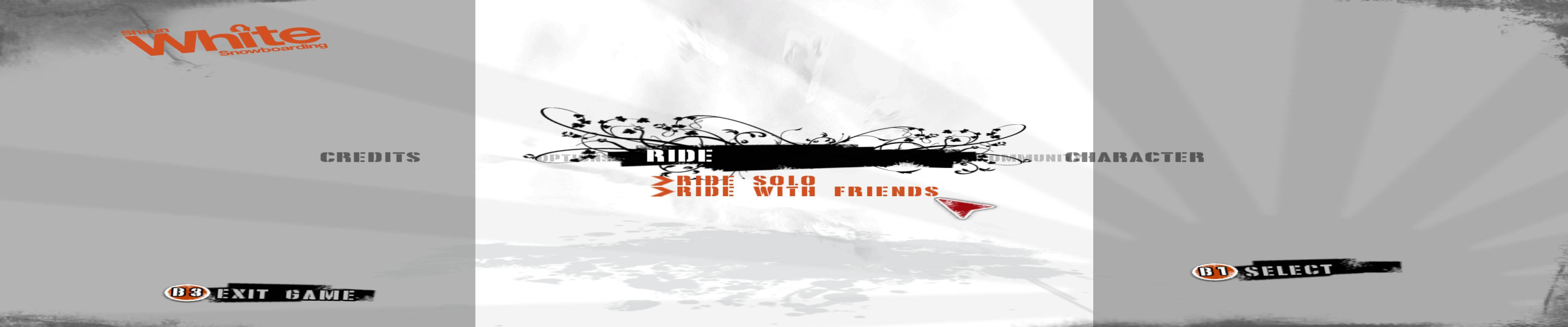
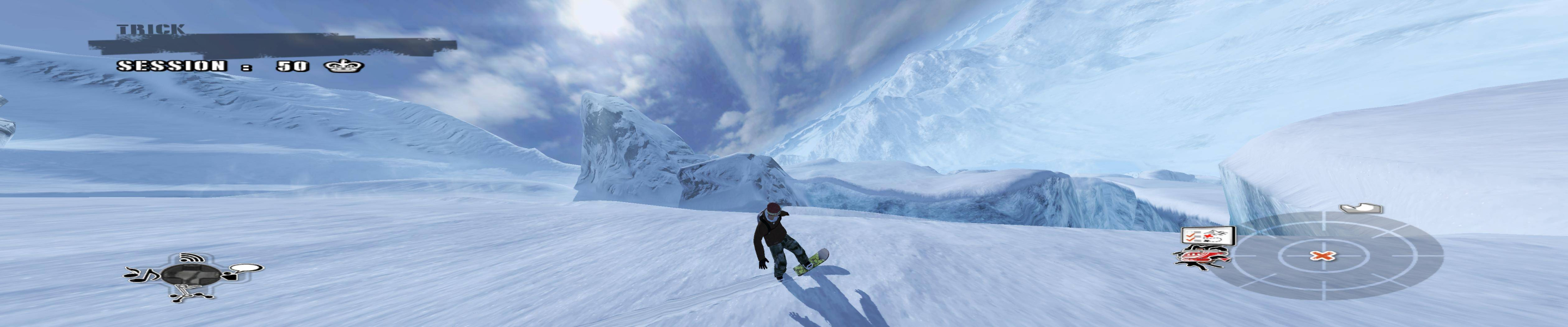
5040x1050@57Hz works ok.
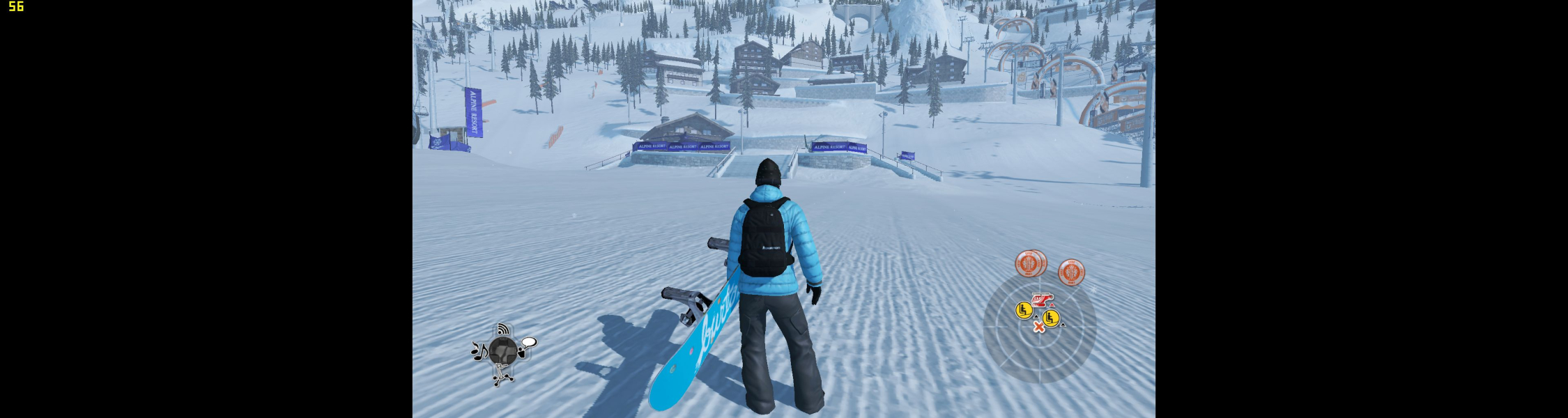
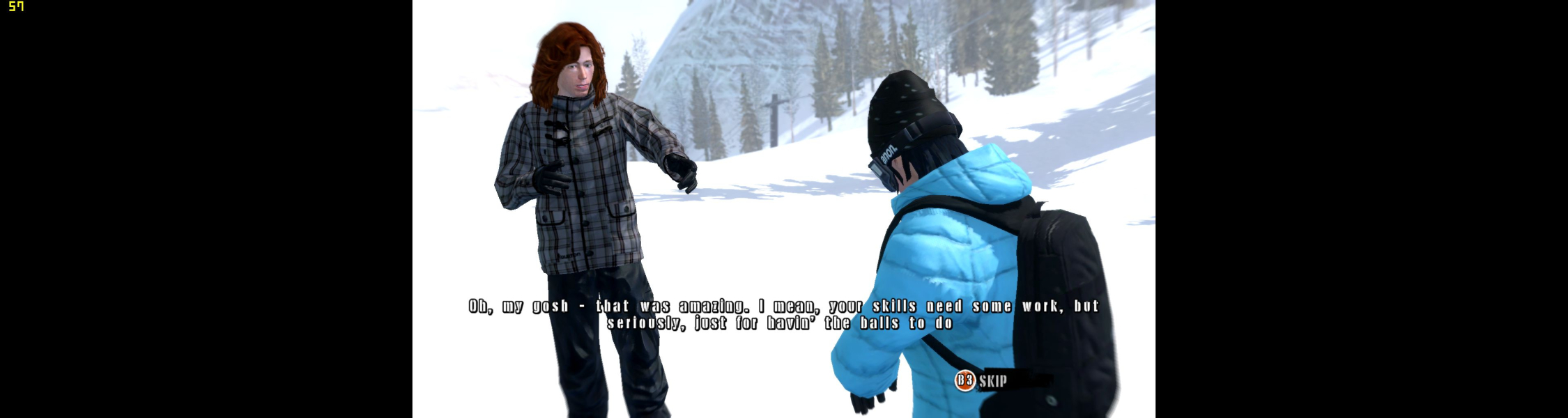
Screen change is still anamorphic so you'll get a full-height 16:9 picture pillarboxed into a TripleHead canvas.
For Hor+:
Simple custom resolution to 1680x1050 not in full screen and the game run at 5040x1050 full aspect ratio 4:8.
regedit :
aspectratiooverride 0x000000a0 (160)
fullscreen 0x00000000 (0 )
screenresolutionheight 0x0000041a (1050)
screenresolutionwidth 0x00000690 (1680)
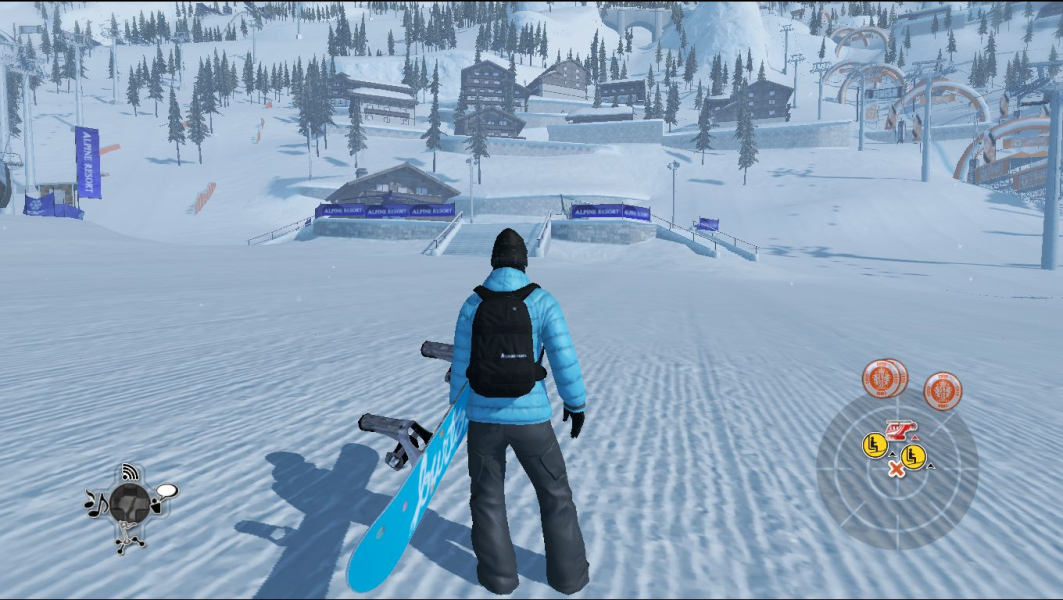
Gameplay Screenshots


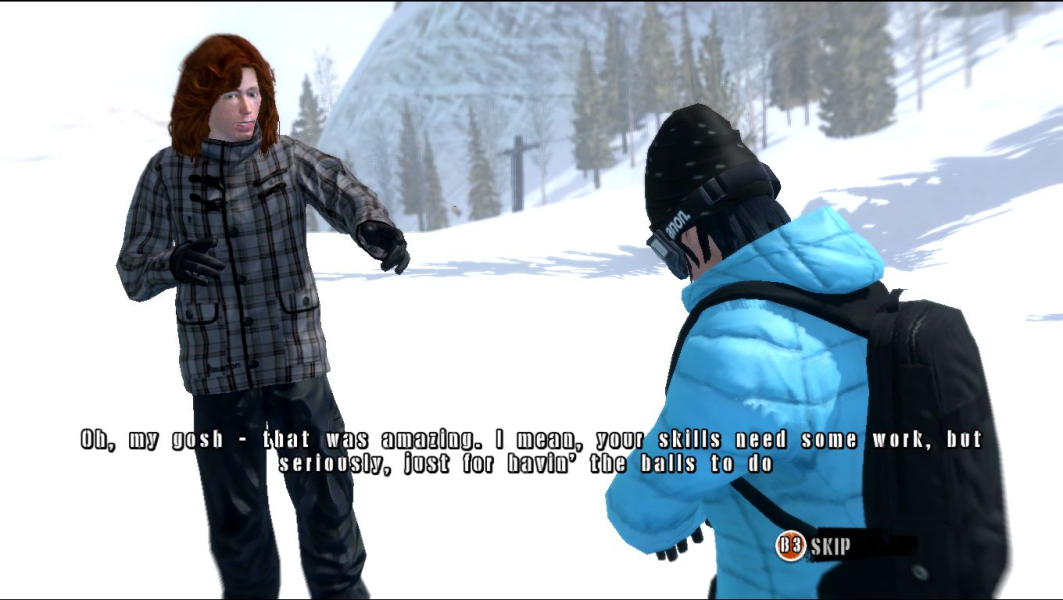
In-Game (Rendered) Cutscenes


FMV Cutscenes

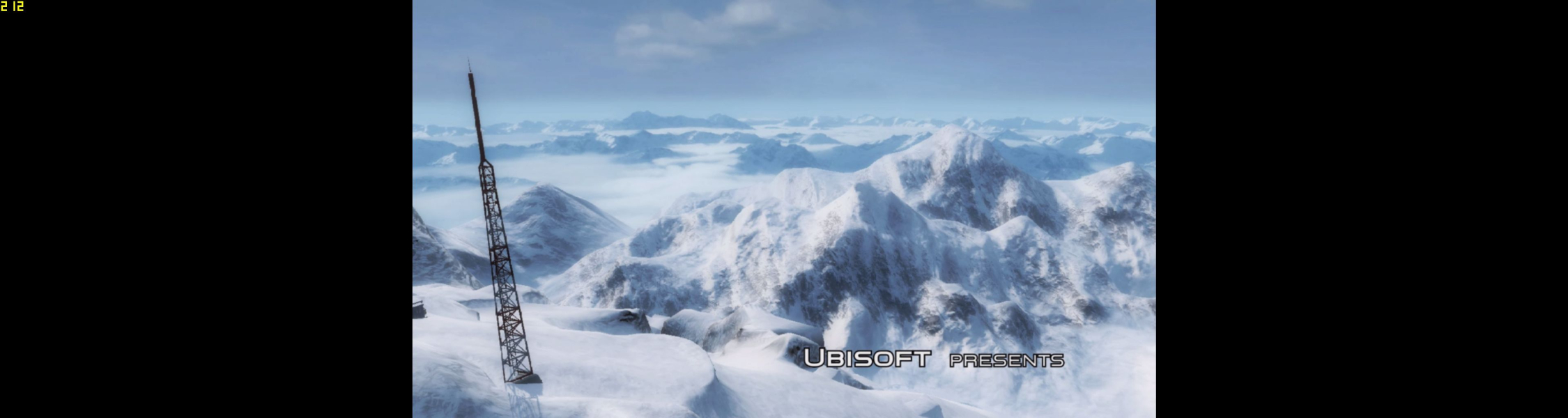
Menu Screenshots

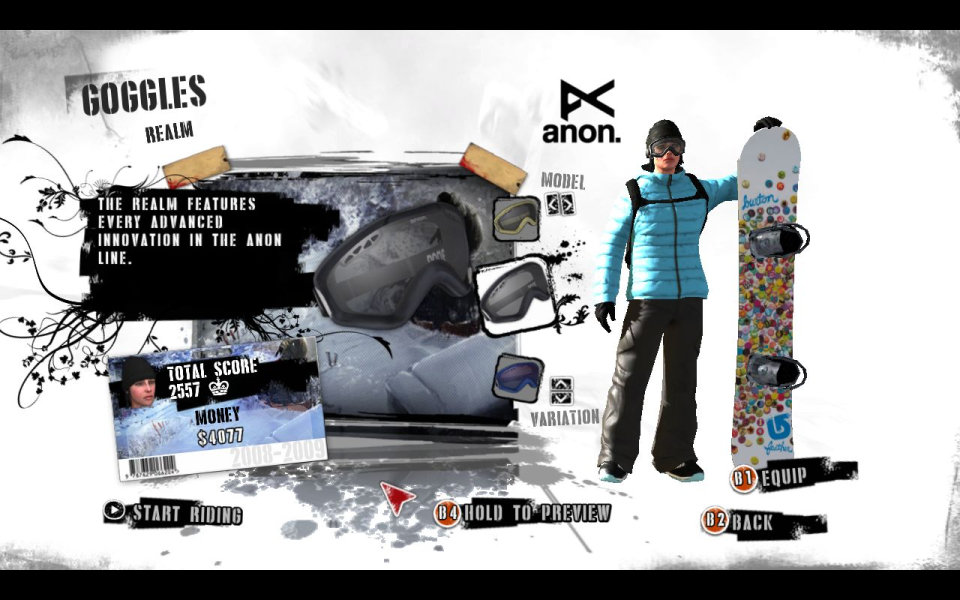


Additional Screenshots