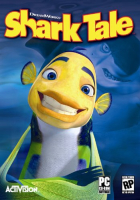


An action-adventure video game based on the 2004 movie "Shark Tale" released by Dreamworks and Activision.
Support Summary
Game Information
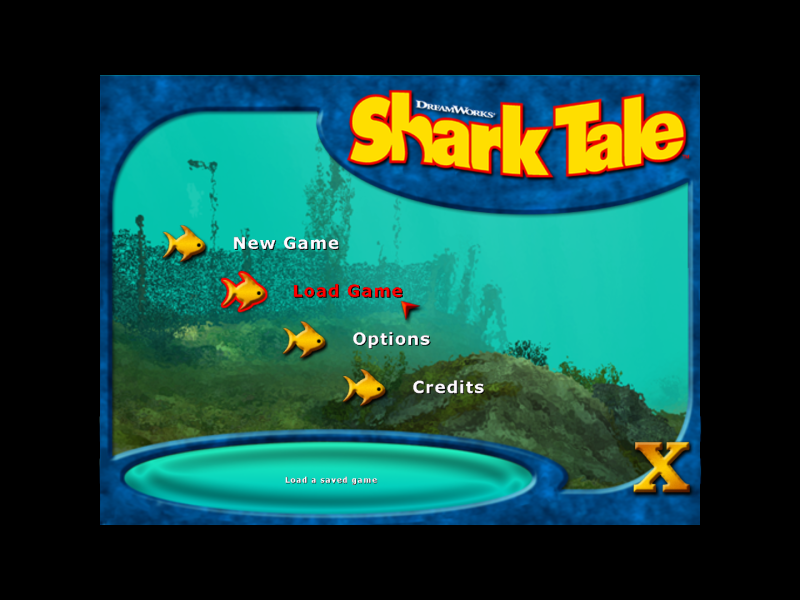
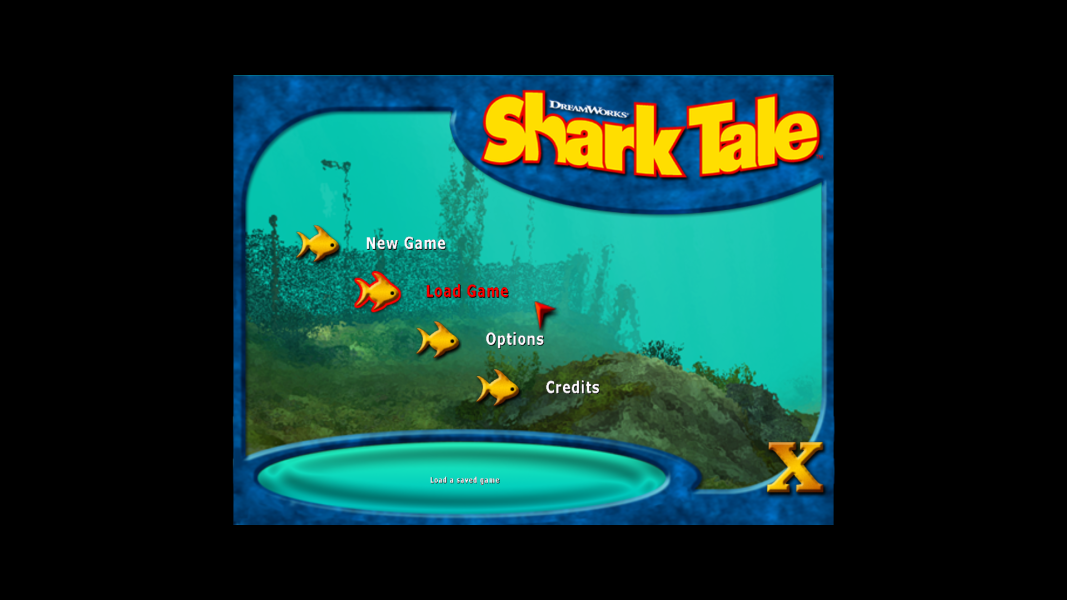
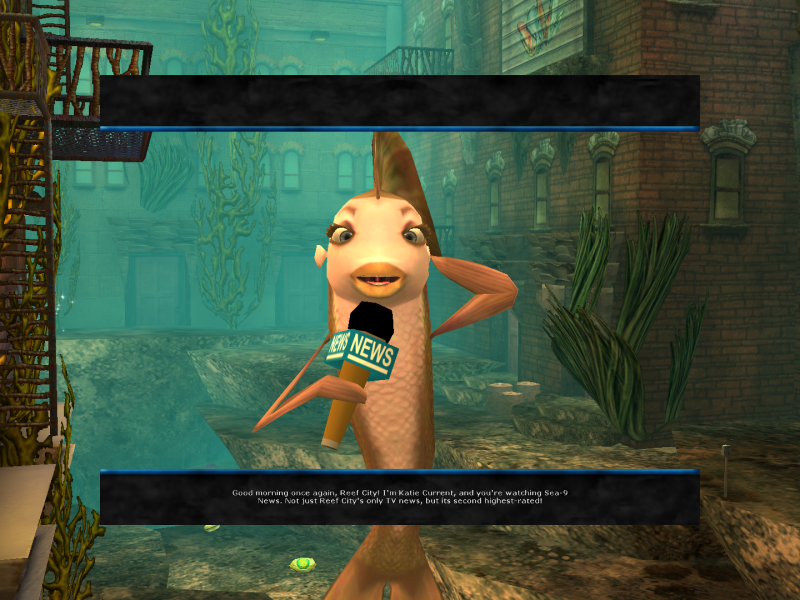
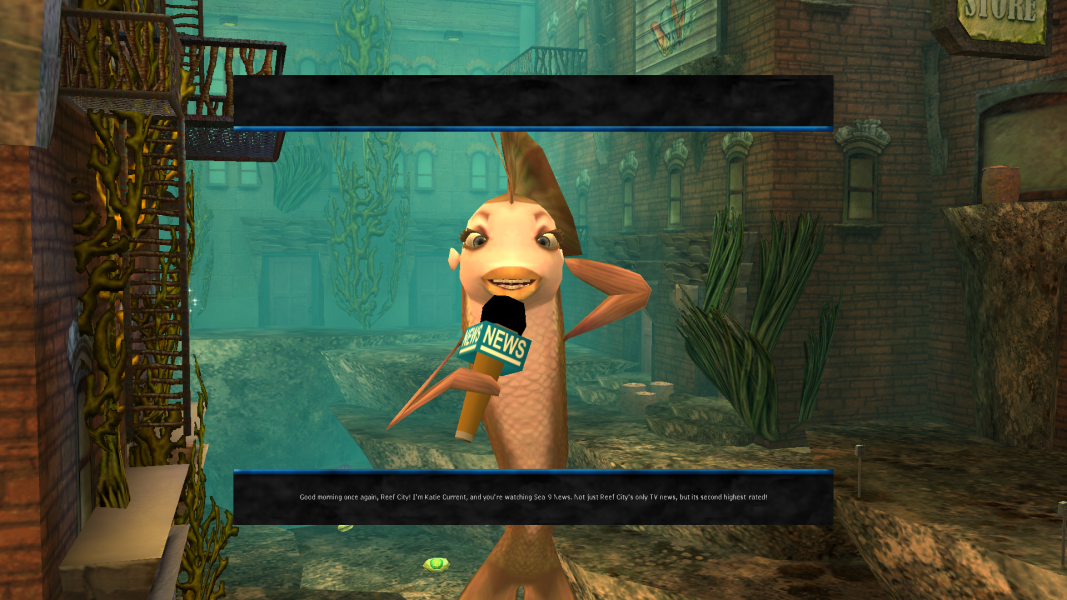
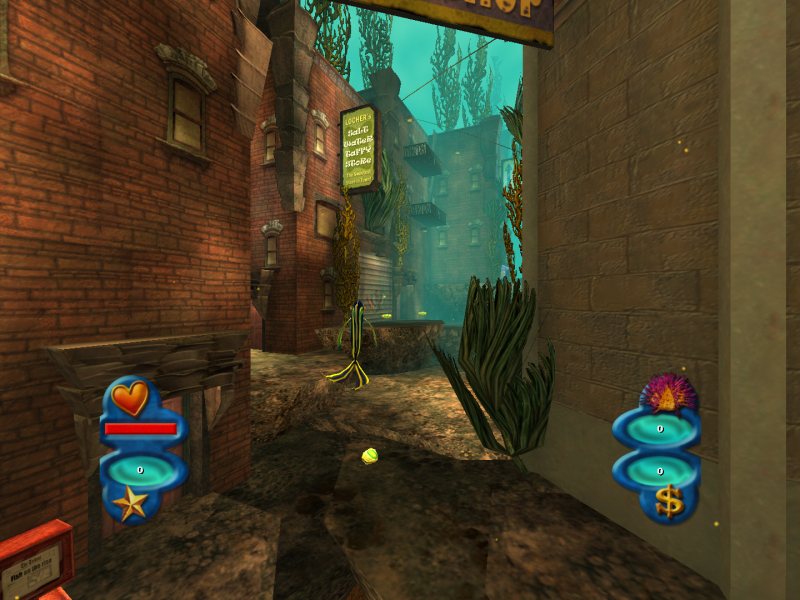
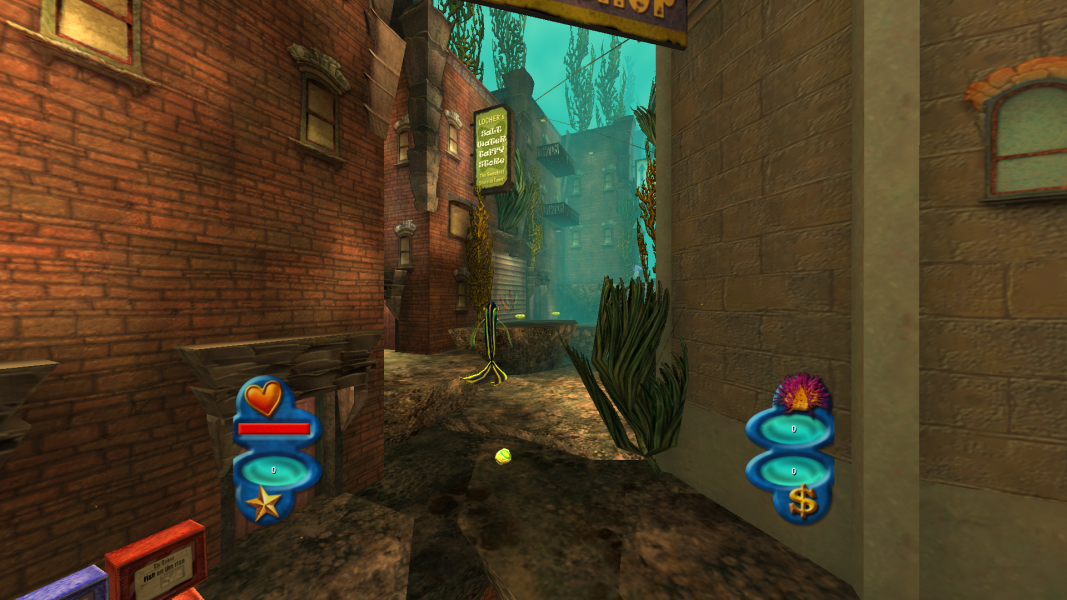
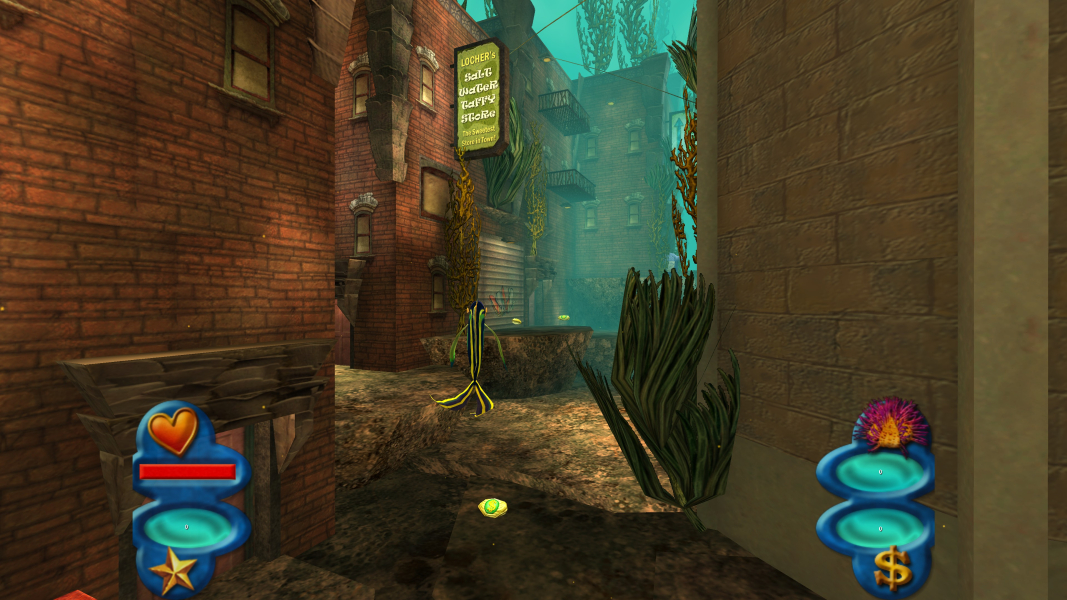
Screenshots Comparison
Solutions & Issues
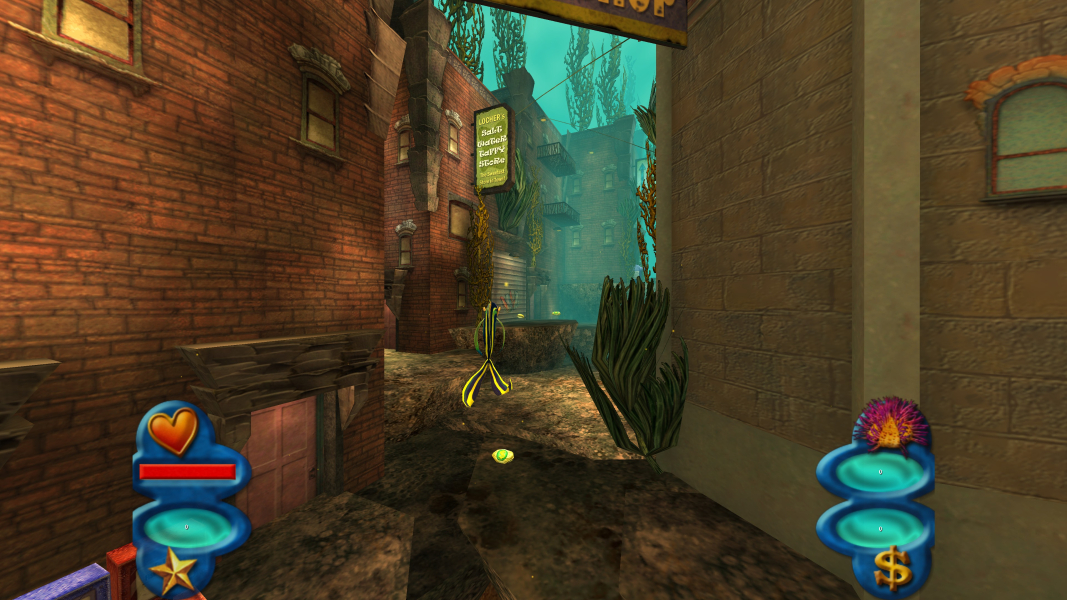
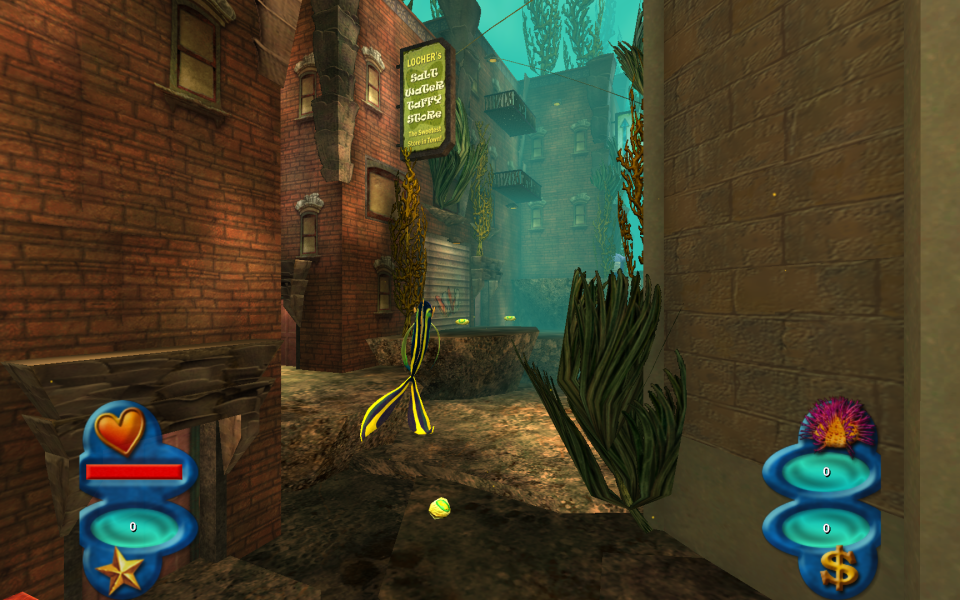
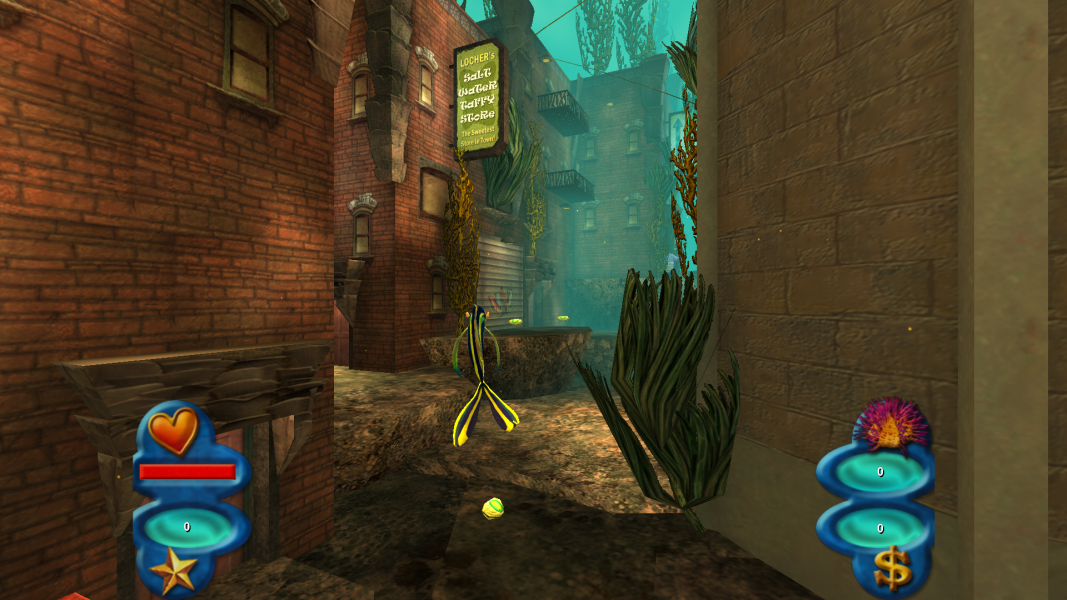
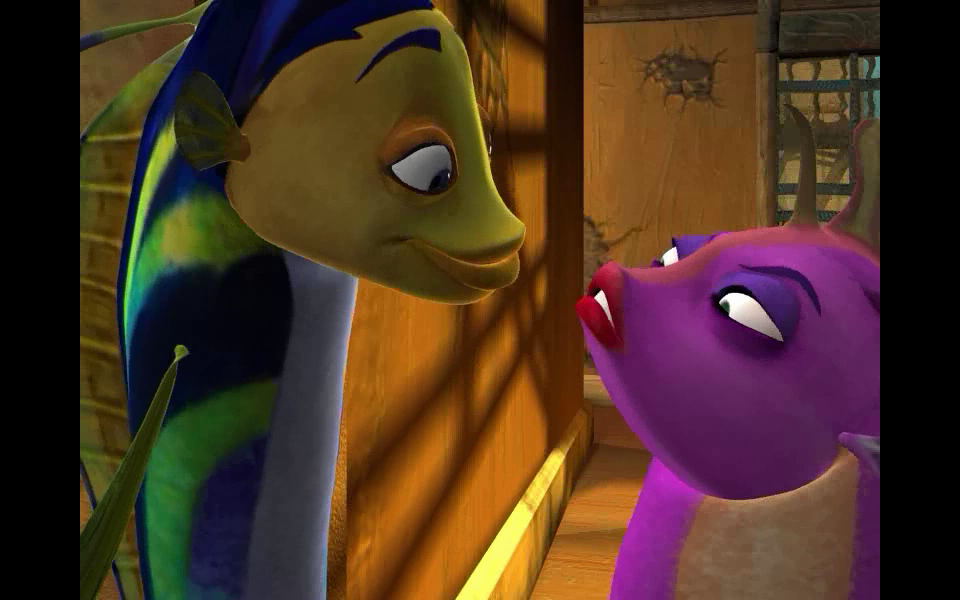
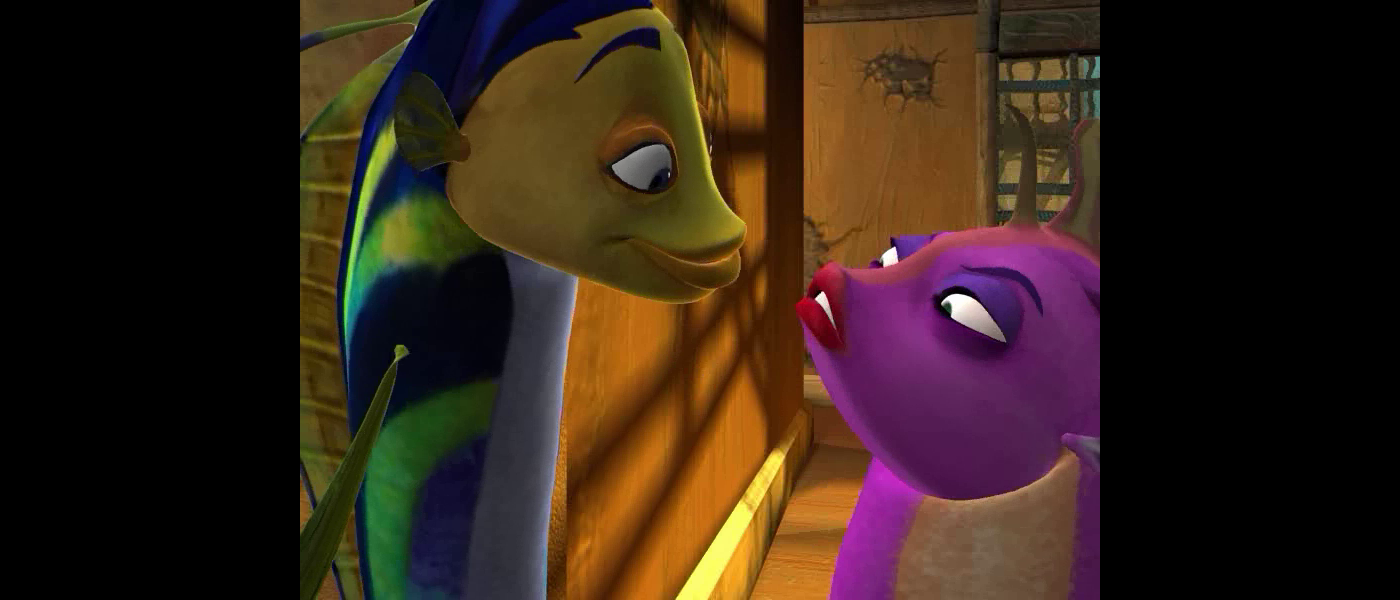
While widescreen is native, the screen change in gameplay and rendered cut-scenes are vert-. To make the game use hor+ in widescreen resolutions, follow these steps:
- Download the fix available from the PC Gaming Wiki Community Files (search there).
- Copy "Engine.dll" from one of the folders of a type of widescreen fix of your choice and paste them into the game directory located in "Program Files (x86)\Activision\Shark Tale\System".
- Go to your documents folder, go to "Shark Tale" and open up "game.ini" in any text editor and find "[WinDrv.WindowsClient]"
- From there, there are 6 entires for 3 different resolution viewports. For the menu viewport resolution, you don't need to alter the values there.
The entries represent the following things for windowed and full-screen modes:
WindowedViewportX=
WindowedViewportY=
FullscreenViewportX=
FullscreenViewportY=
Change the resolutions for these entries and then save it and launch the game to run at your desired resolution.
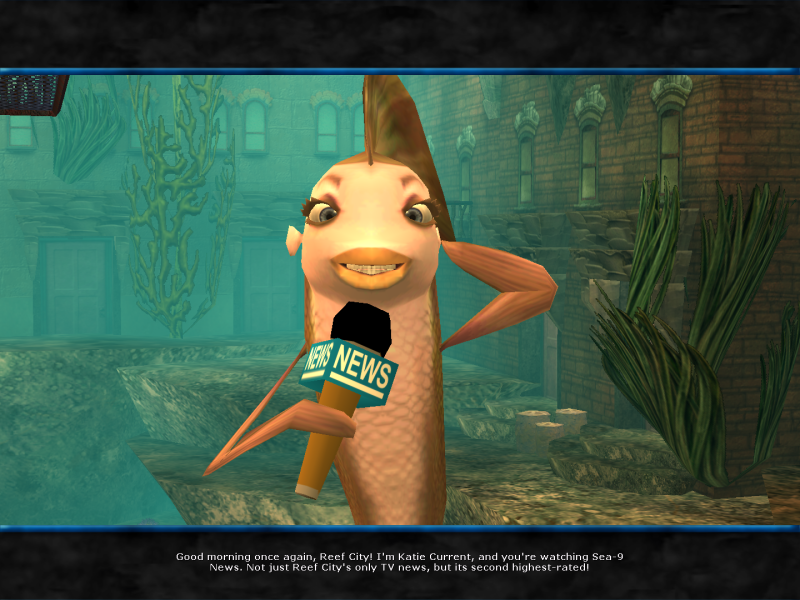
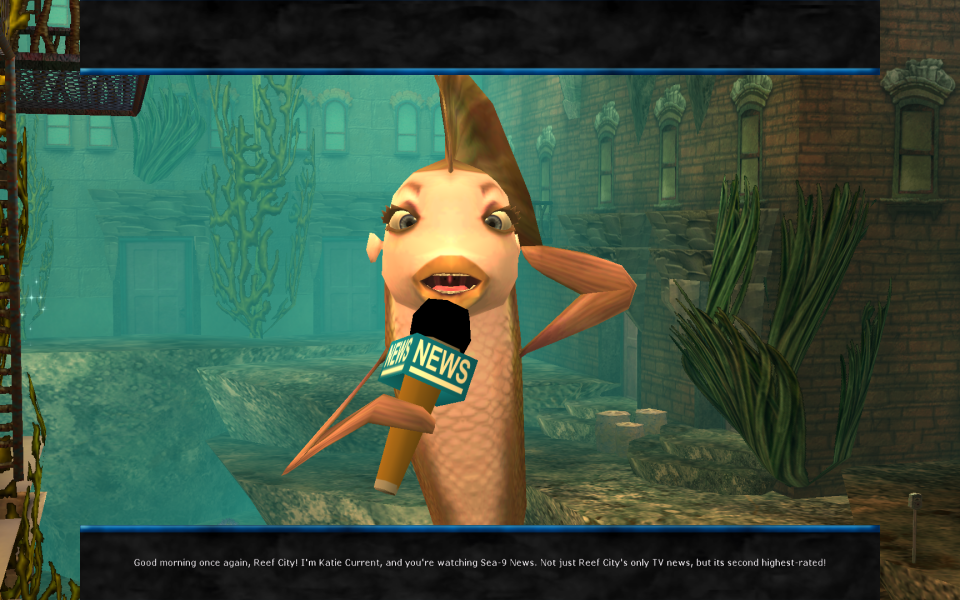
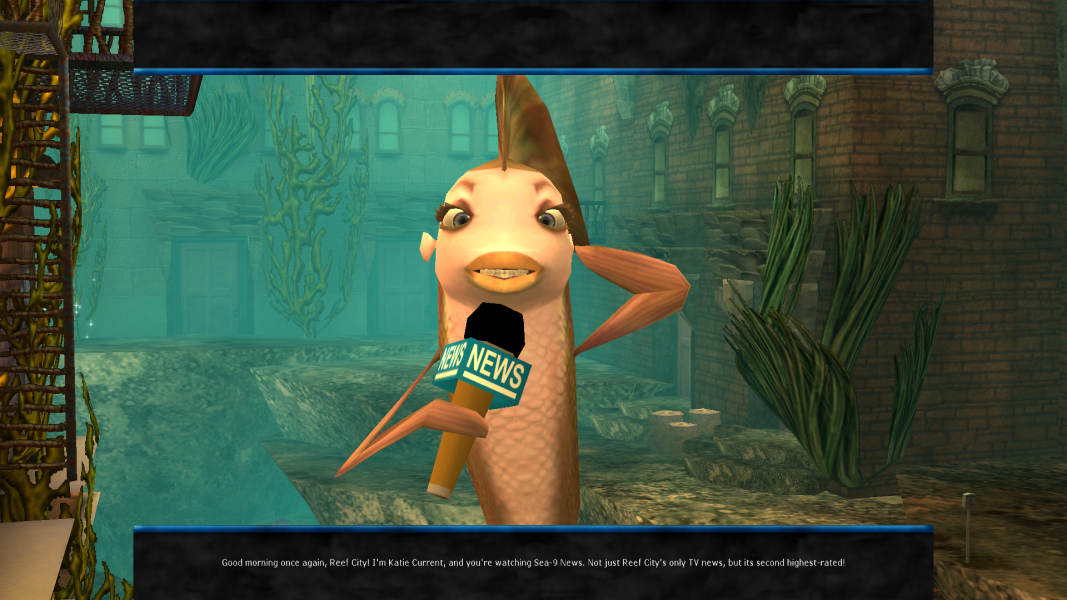
Notes: The text will stretch horizontally if you use a wider resolution than 4:3. Some elements maybe incorrectly positioned such as Katie Current misplaced from the TV screen.
----------------------------------
Optional FOV:
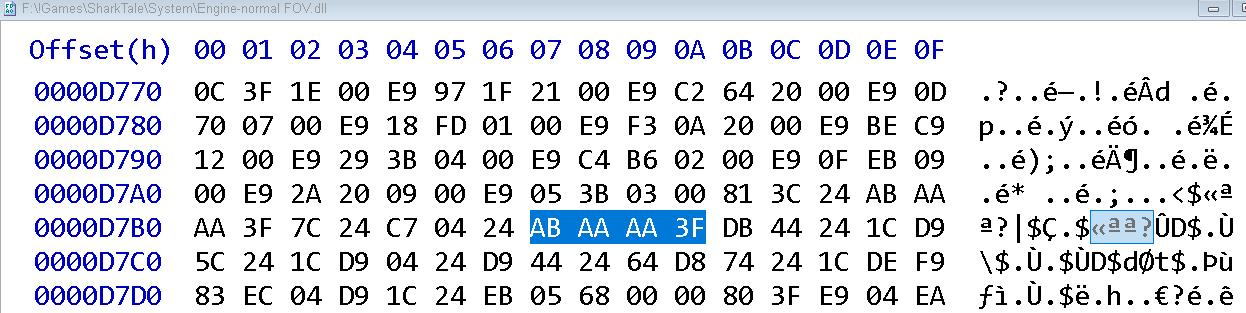
To get a higher FOV you need to HEX edit the Engine.dll in files available on PC Gaming Wiki
Go to Offset D89A and change AB AA AA 3F to a lower Number like 00 00 80 3F or 00 00 40 3F - see Additional Screenshots.
Same Solution as in Widescreen
Same Solution as in Widescreen
Same Solution as in Widescreen
Gameplay Screenshots




In-Game (Rendered) Cutscenes


FMV Cutscenes

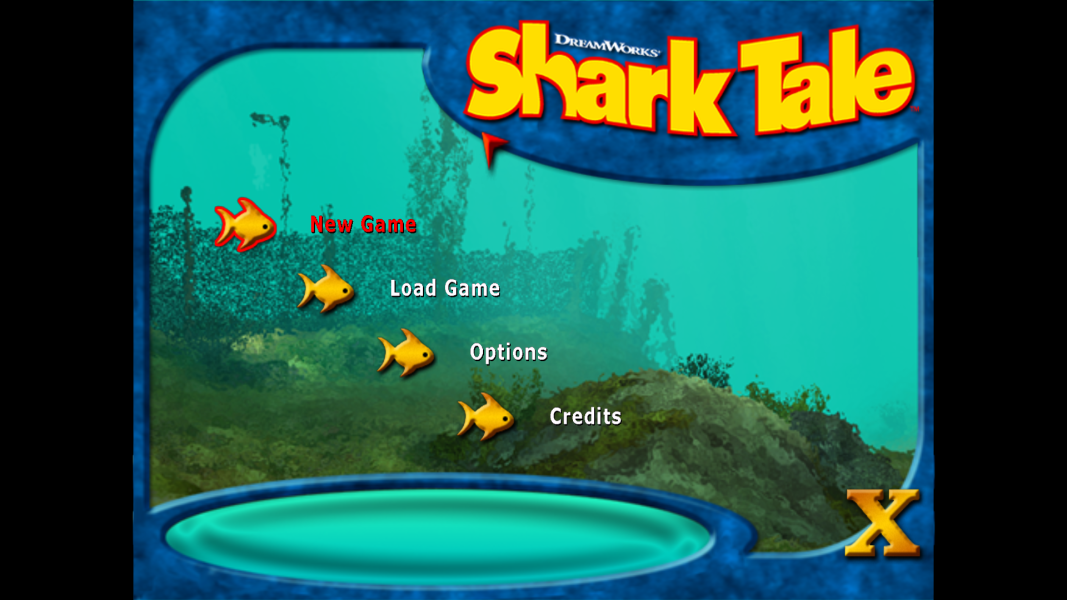
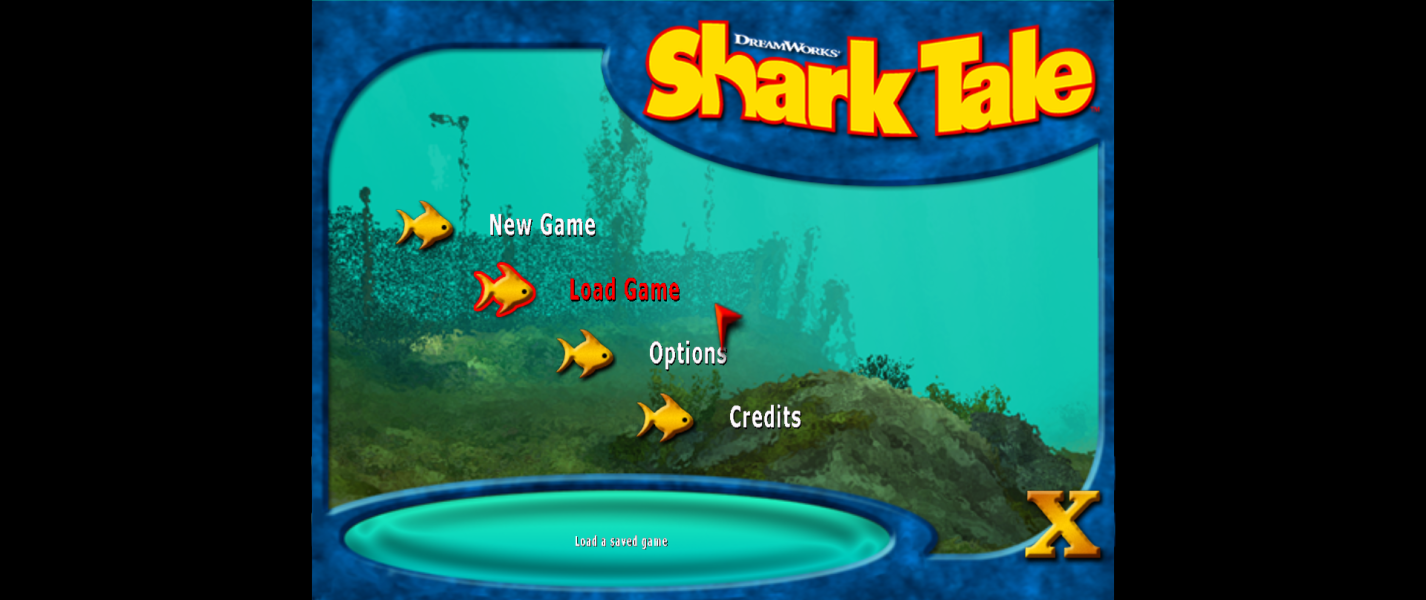
Menu Screenshots



4K UHD Screenshots
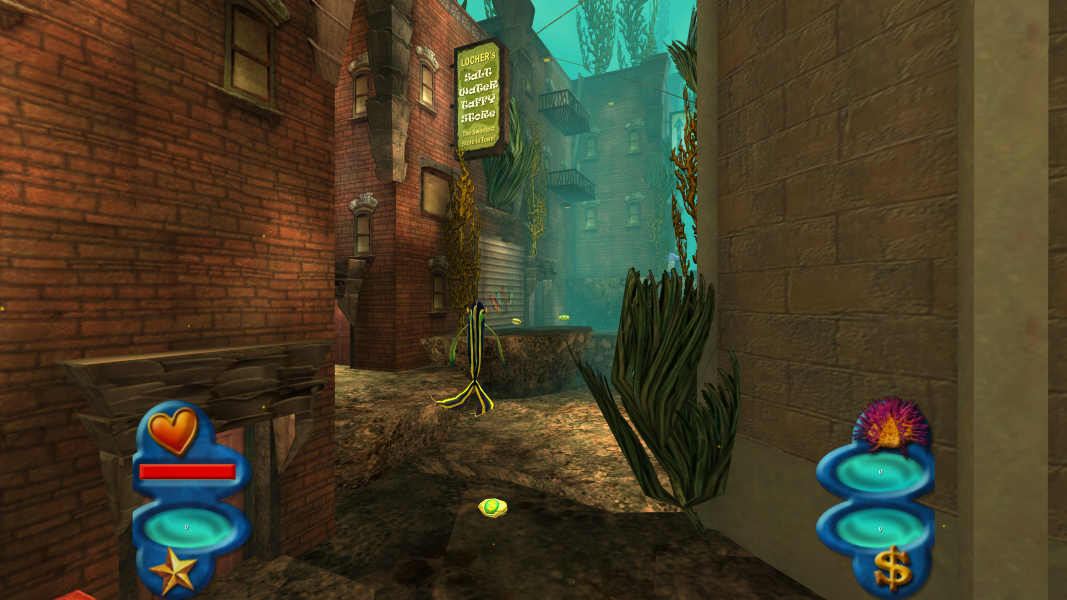
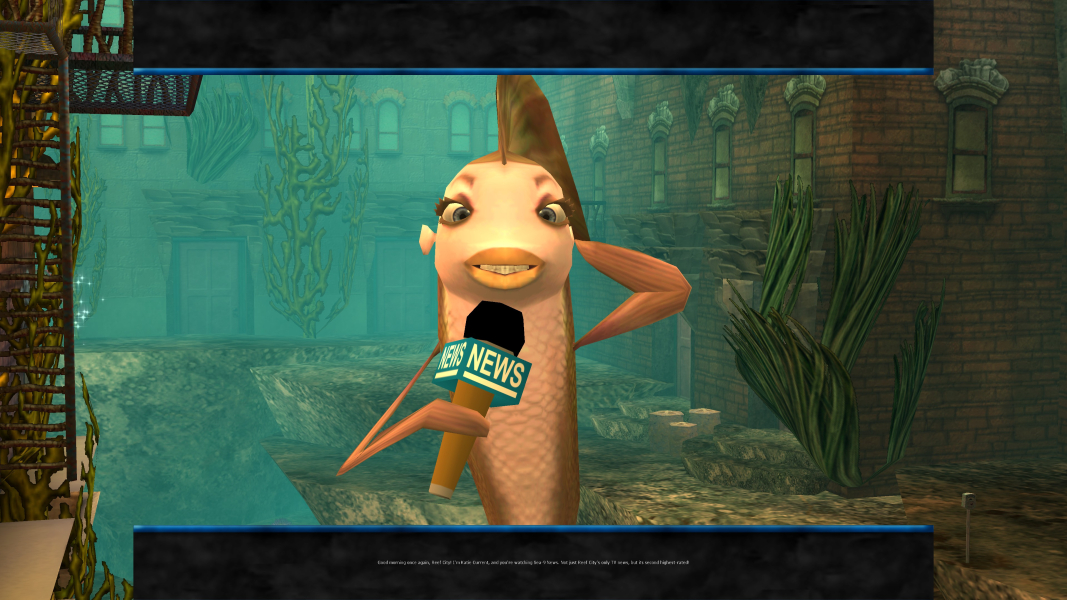

Additional Screenshots