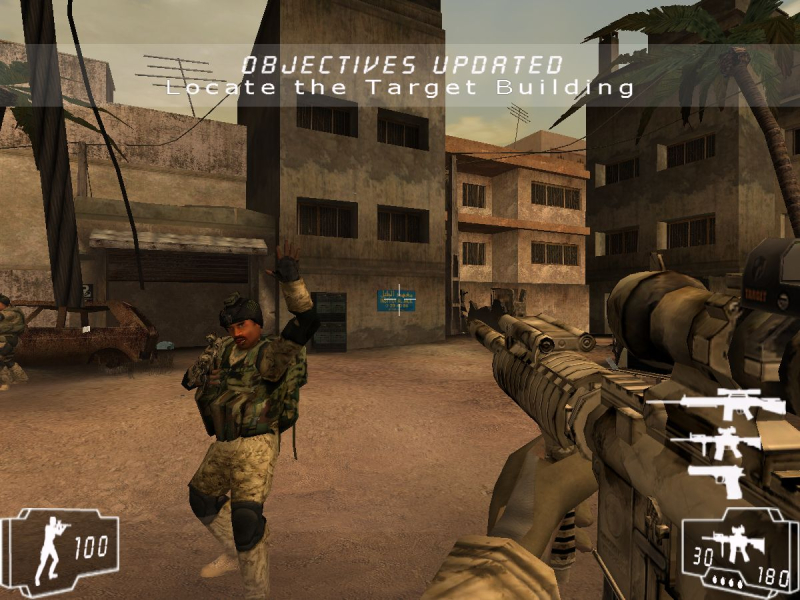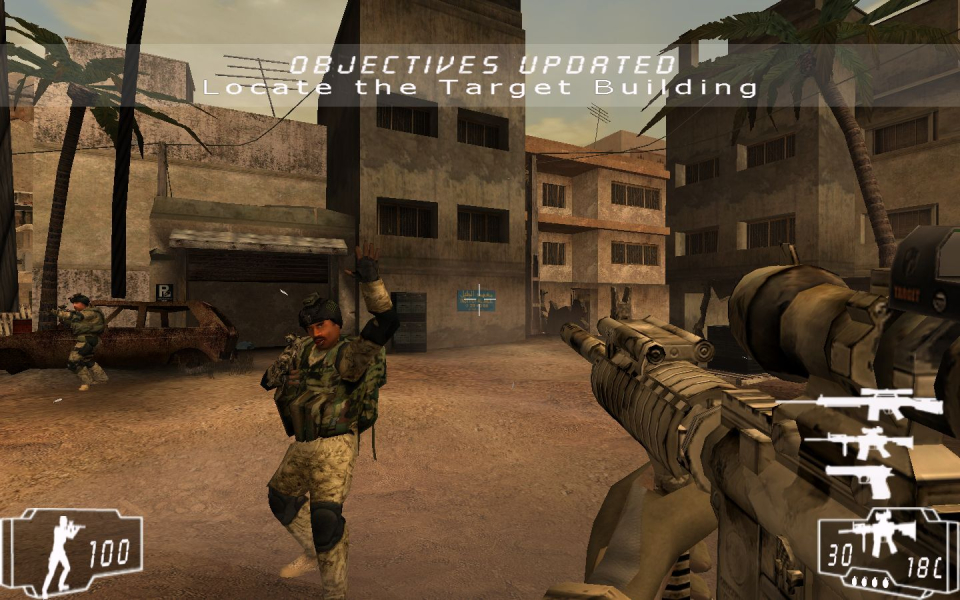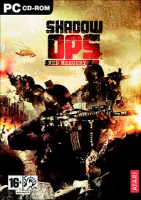


Shadow Ops: Red Mercury is a 2004 FPS that is available on the Xbox and Microsoft Windows platforms. You play as Captain Frank Hayden, an elite Delta Force operative. The first mission opens with Frank and other Delta Force operatives attempting to secure a briefcase nuclear bomb code named "Red Mercury" now in the possession of a terrorist known as Vlady the Vicious who is using a coast Syrian town as a base of operations.
Upon arriving in the town, the mission goes down hill when the Sea Hawk that inserted the team is shot down moments after inserting Frank and his team.
Support Summary
Game Information
Screenshots Comparison
Solutions & Issues
Go to the '\system' directory. Open the 'RM.ini' file. Find these lines:
FullscreenViewportX=xxxx
FullscreenViewportY=xxxx
Edit them to set your resolution.
Find the 'DefUser.ini' file. Open the file properties and uncheck the read-only attribute.
Open the file. Find these lines:
DesiredFOV=85.000000
DefaultFOV=85.000000
Edit the values to set your FOV to your preference. For resolutions with an aspect ratio of 16:10, I recommend using 95.437061.
Run the game.
Gameplay Screenshots