

Updated version of the Xbox 360 game by Epic Games.
Support Summary
Screenshots Comparison
Solutions & Issues
Native support for 4:3, 16:9, and 16:10 aspect ratios.
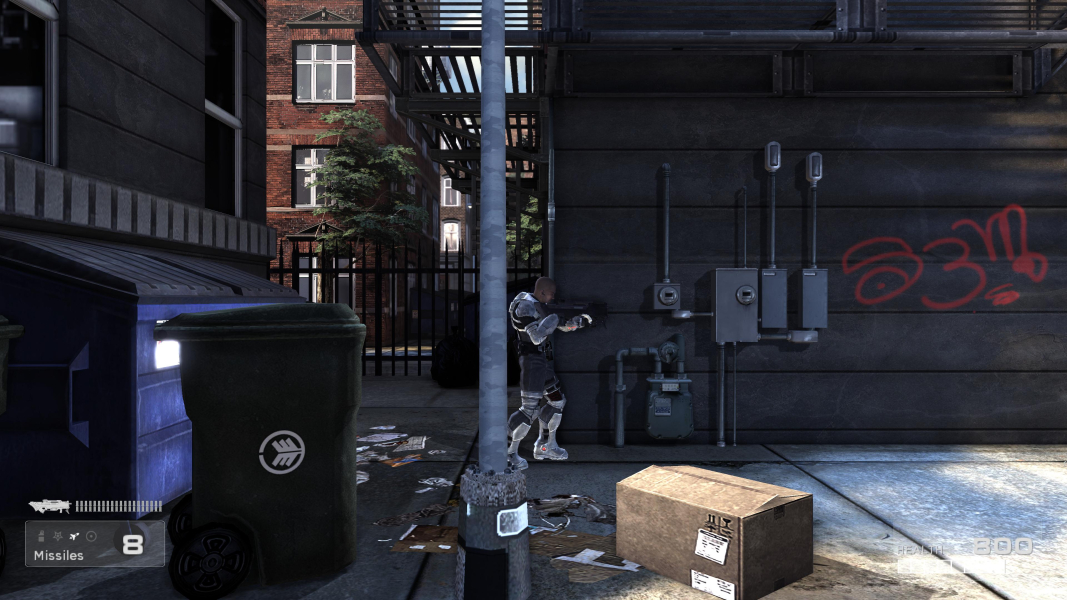
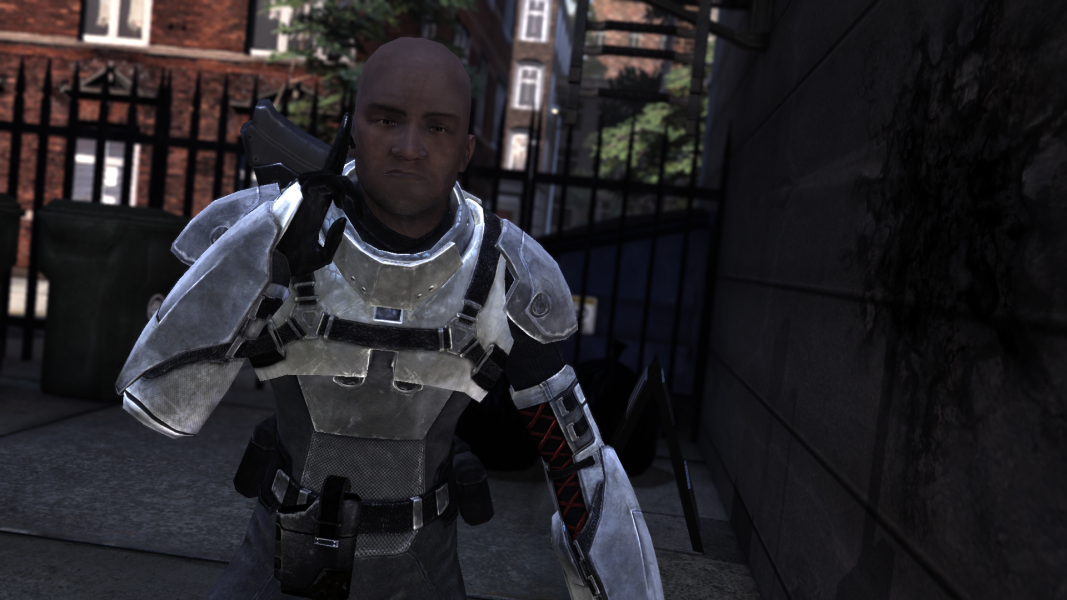
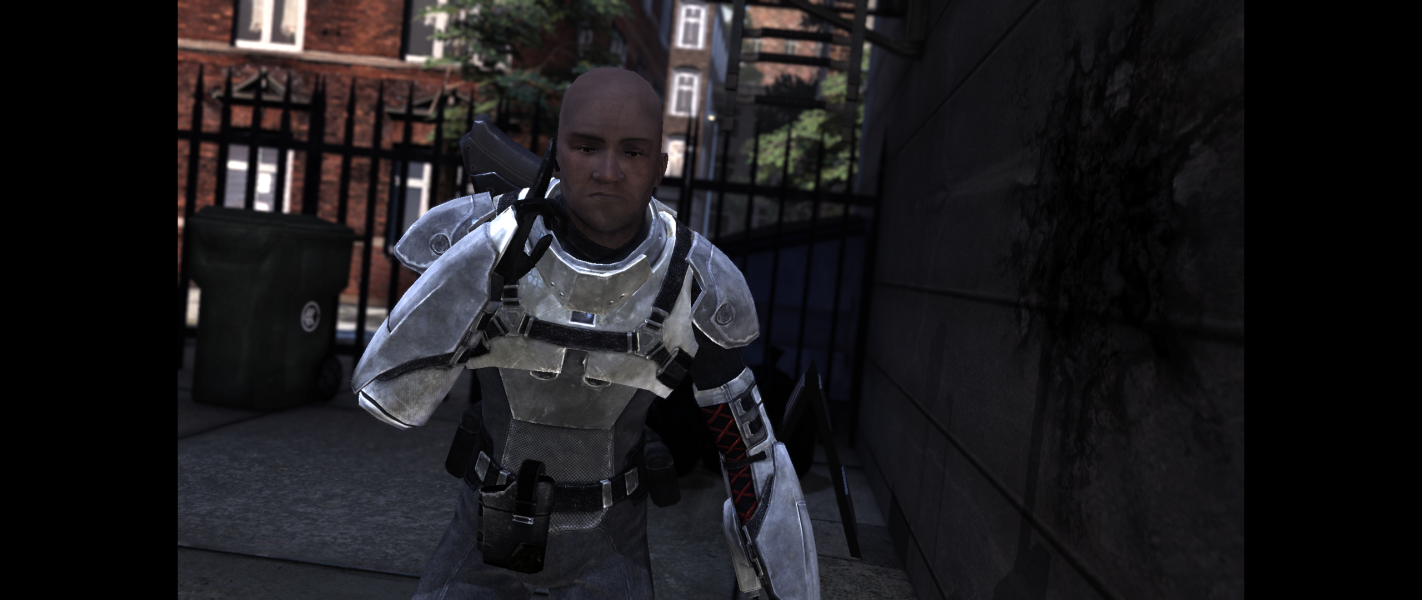
Aspect ratios narrower than 16:9 have a letterboxed 16:9 output with the HUD placed at the edges of the screen rather than within the 16:9 area.
Resolutions are detected in-game but gameplay stretches from 16:9 by default.
- Edit %USERPROFILE%\Documents\My Games\Shadow Complex\EmpireGame\Config\EmpireEngine.ini
- Change AspectRatioAxisConstraint=AspectRatio_MaintainXFOV to AspectRatioAxisConstraint=AspectRatio_MaintainYFOV
- Save your changes and close the file.
Menus and cutscenes already have the correct aspect ratio (pillarboxed 16:9) without this fix. Cutscene timestamp text displays to the far left while subtitles are centered.
Resolutions are detected in-game but gameplay stretches from 16:9 by default.
- Edit %USERPROFILE%\Documents\My Games\Shadow Complex\EmpireGame\Config\EmpireEngine.ini
- Change AspectRatioAxisConstraint=AspectRatio_MaintainXFOV to AspectRatioAxisConstraint=AspectRatio_MaintainYFOV
- Save your changes and close the file.
Menus and cutscenes already have the correct aspect ratio (pillarboxed 16:9) without this fix. Cutscene timestamp text displays to the far left while subtitles are centered.
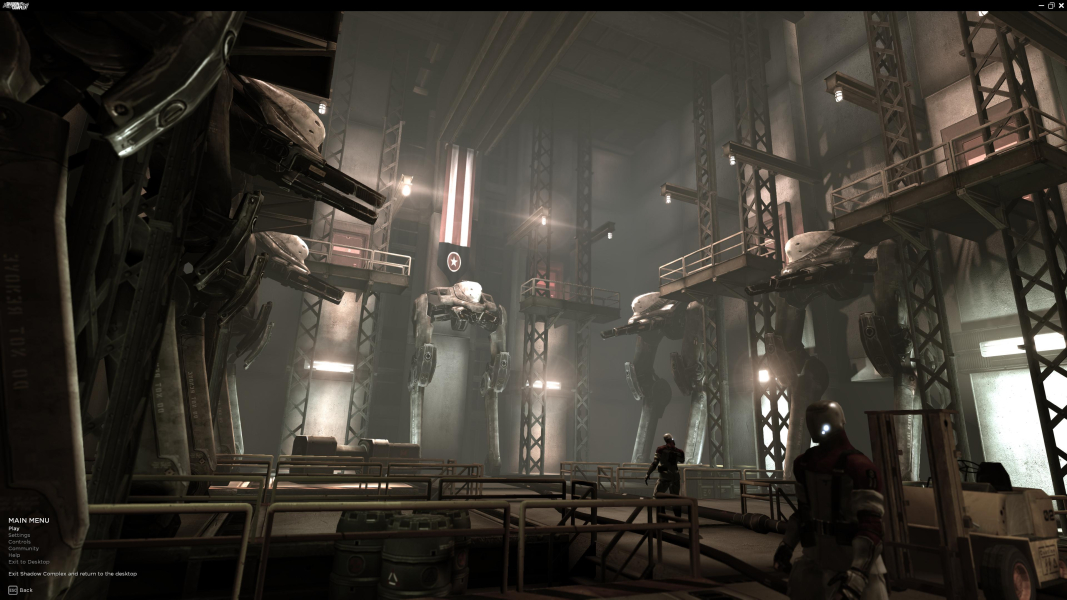
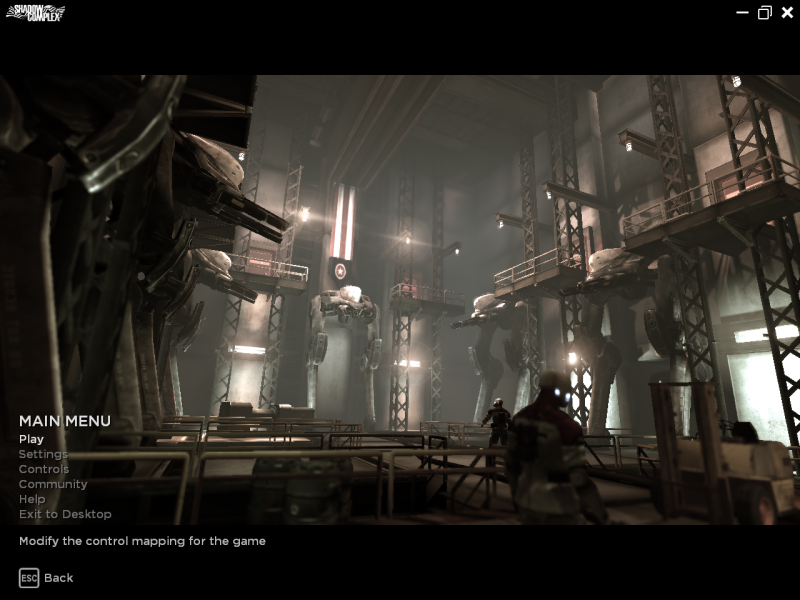
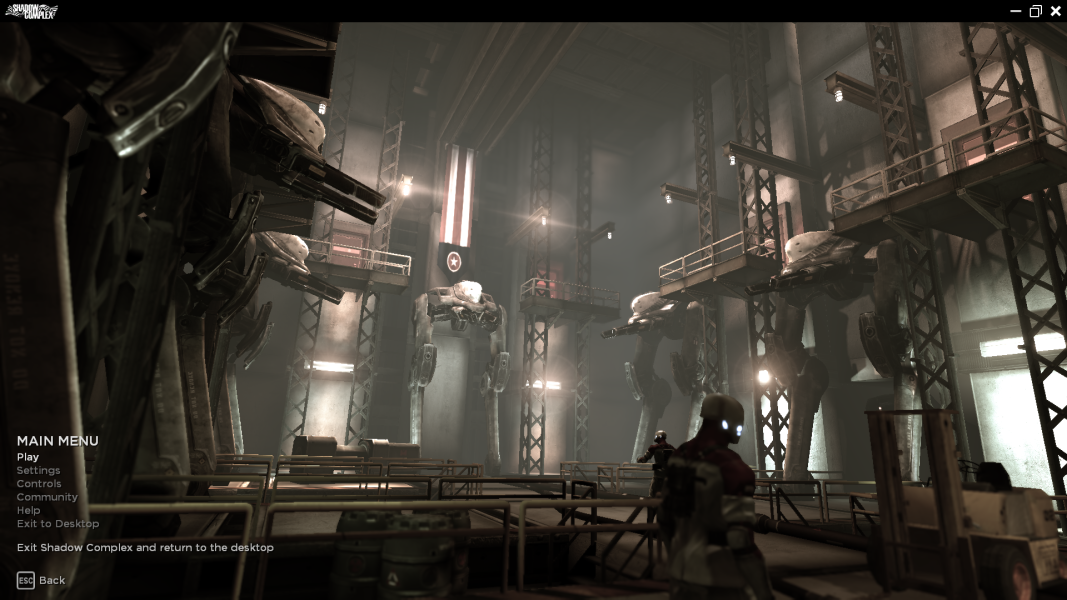
Native support. HUD scales correctly, menus are tiny.
Gameplay Screenshots

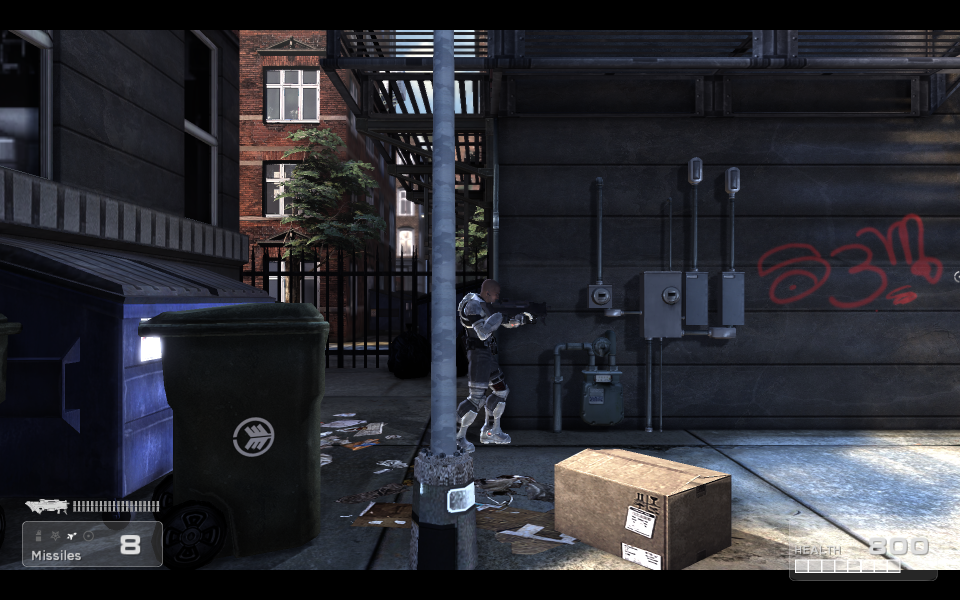
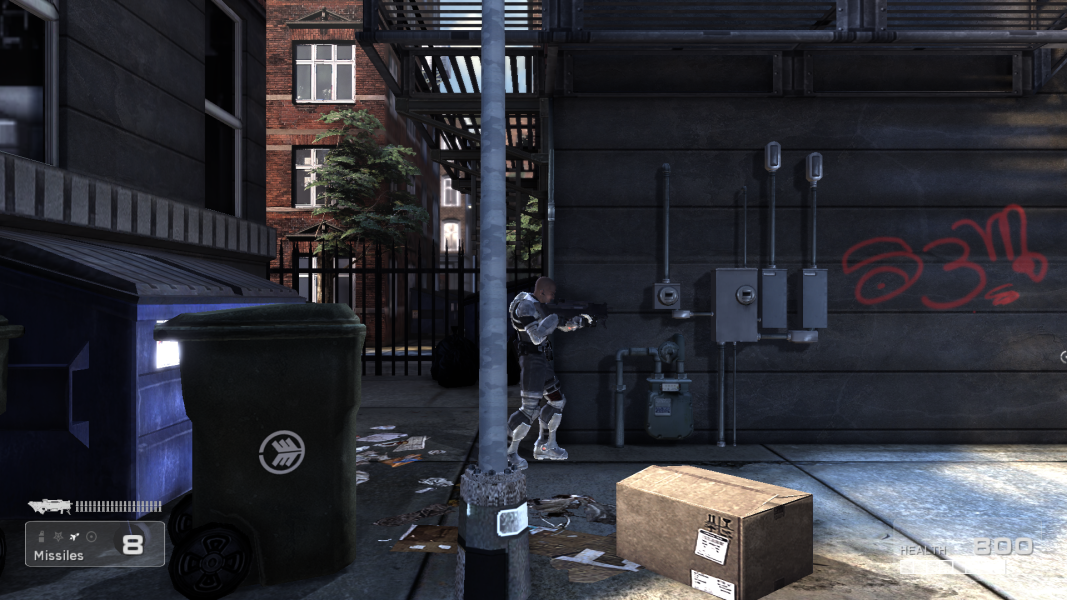
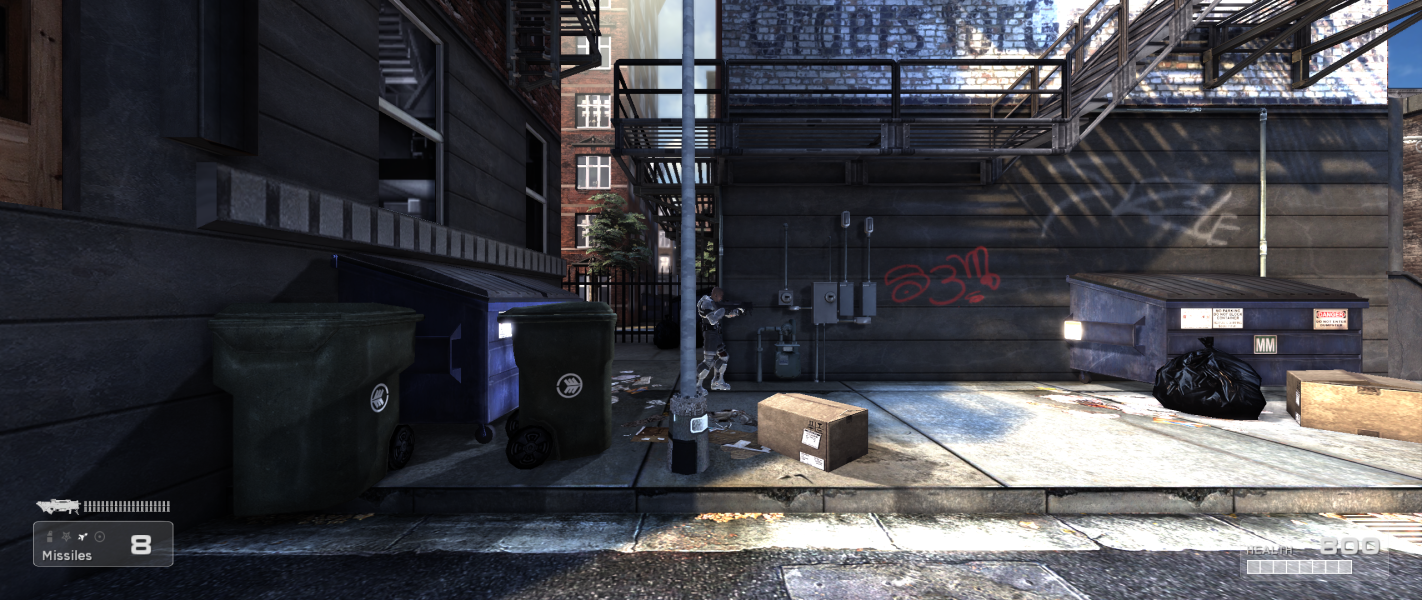


In-Game (Rendered) Cutscenes
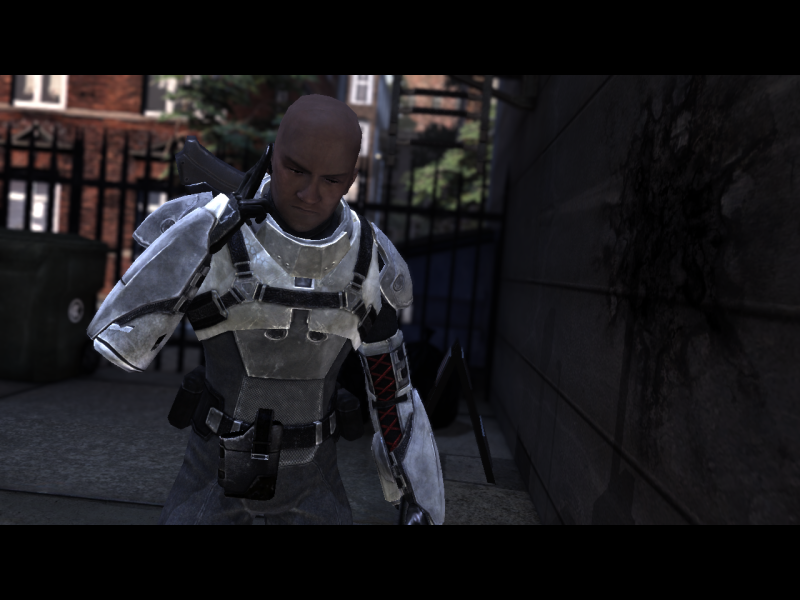


Menu Screenshots

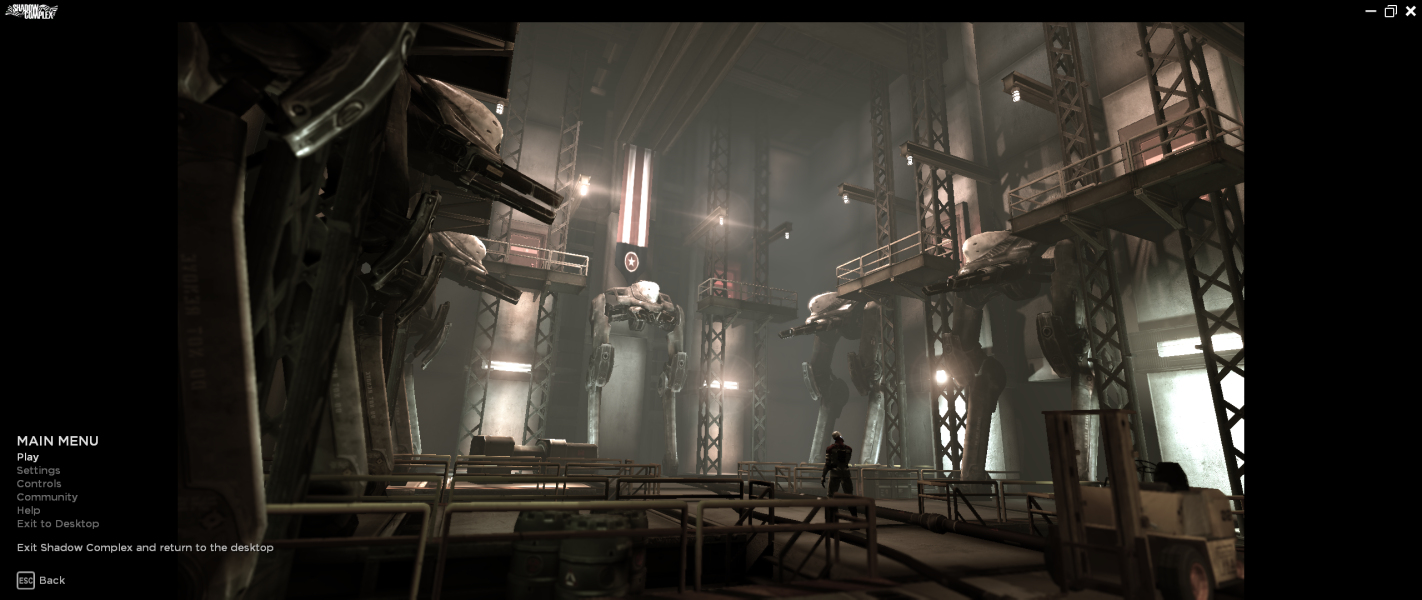

4K UHD Screenshots