

The best-selling, award-winning franchise is back – on your home PC in gorgeous HD for the first time.
Venture into a wide-open world where the most powerful tool is your imagination. Help Maxwell solve robust puzzles in seamless, free-roaming levels by summoning any object you can think of. Create your own original objects, assign unique properties, and share them with friends online using Steam Workshop – to be used in game or further modified as you like!
For the first time, learn the back-story about Maxwell's parents, 41 siblings (including his twin sister Lily), and how he got his magical notepad.
Support Summary
Game Information
Screenshots Comparison
Solutions & Issues
Resolutions thinner than 16:9 like 16:10, and 4:3 are letterboxed.
16:9> aspect ratios are Vert- by default.
Cheat Engine table for Hor+ by Margen67 (files available from the PC Gaming Wiki Community Files (search there)):
1. Get into gameplay.
2. Go to Options and make sure to choose a resolution with an aspect ratio of 16:9 that's the same height as your monitor.
3. In Cheat Engine load Scribble.ct and click "Advanced options"
4. Select all the addresses, right click them, and click "Replace with code that does nothing."
5. Freeze all the height addresses.
6. Change the resolution to your monitor's native resolution.
7. Set the width address in Cheat Engine to your monitor's native width.
You may have to go to another area or to the main menu and back to fix any visual bugs.
Issues:
World map and FMVs are stretched. (but usable)
HUD is still 16:9.
Certain menu elements like fade-outs, etc can be 16:9 in the middle, left, or right of the screen.
Tasks that restrict your camera can be Vert-. (no black bars, just lower FOV)
Launches at native resolution with no visible way to change. Results in zoomed-in main menu, have to alt+F4. Completely unplayable in multi-monitor. Could not test widescreen resolutions due to this error.
Untested: Change the resolution to something 16x9 before launching the game so the menus are usable, and then do the ultrawide method. It should also work for most 16:9> aspect ratios.
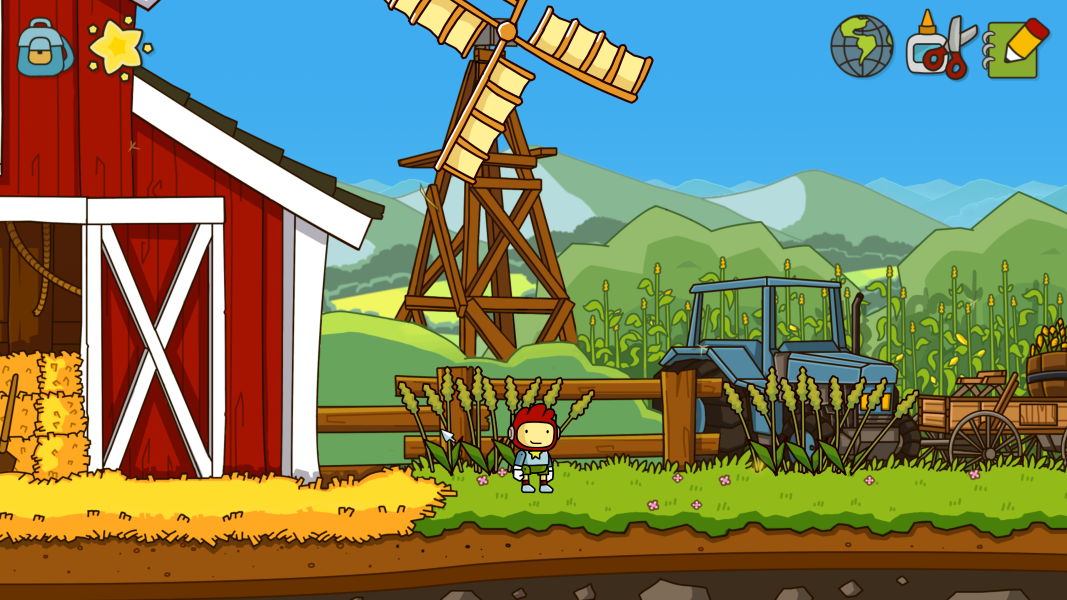
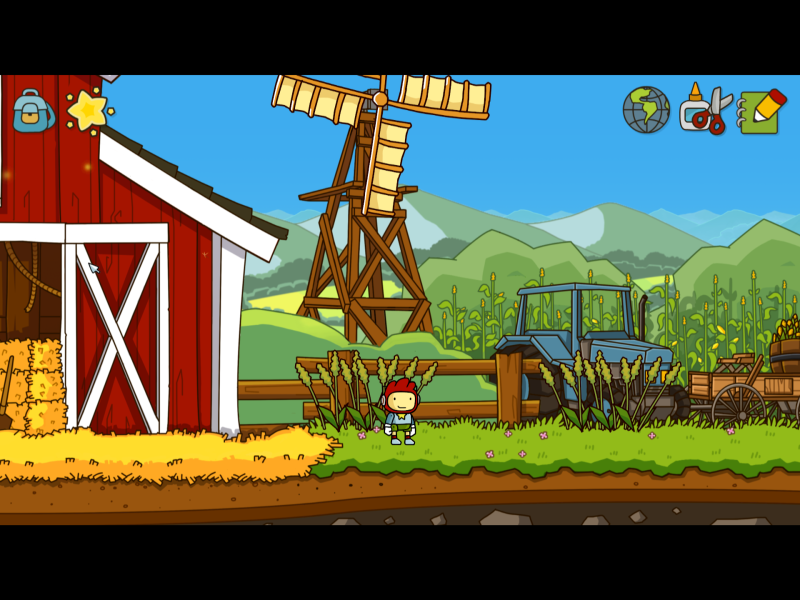
Gameplay Screenshots


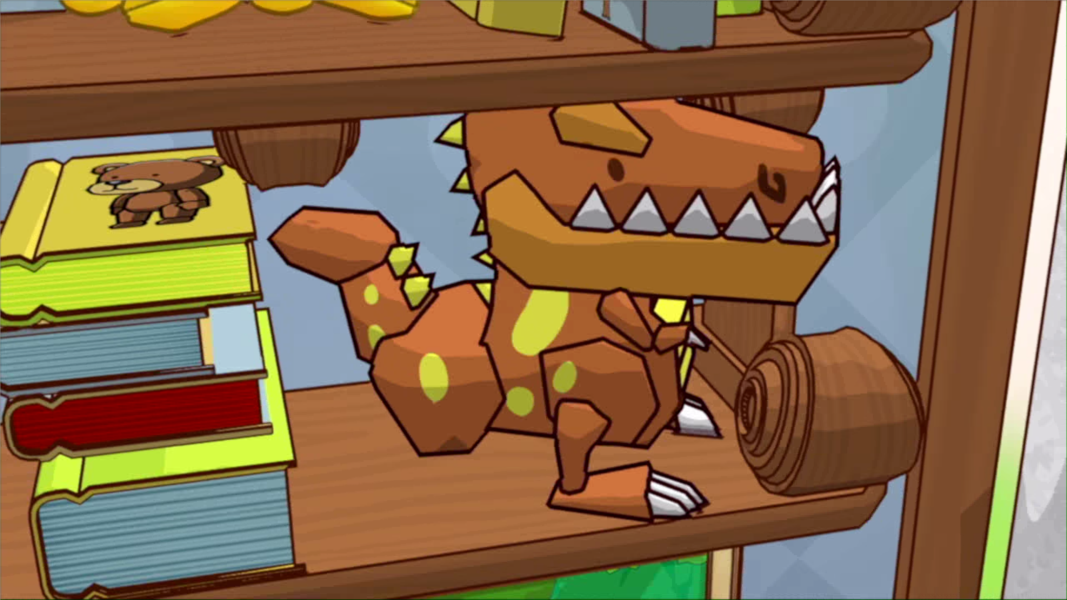
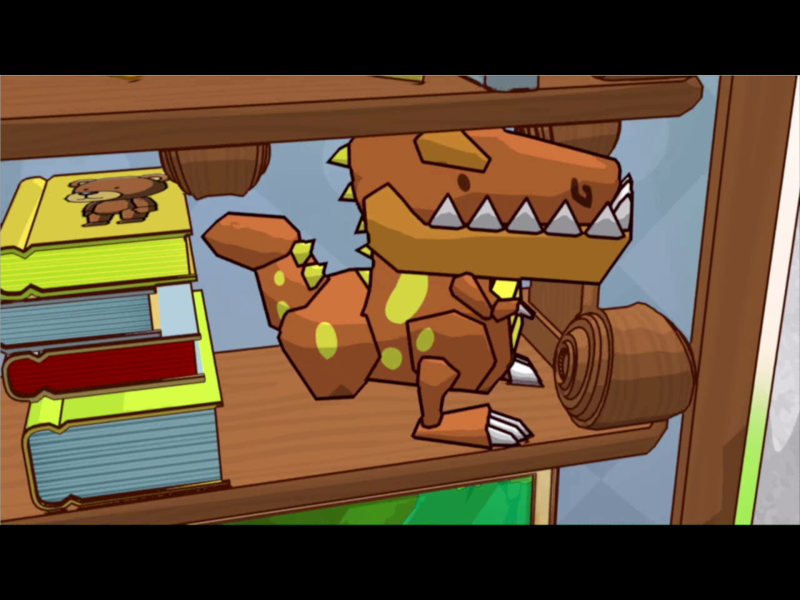
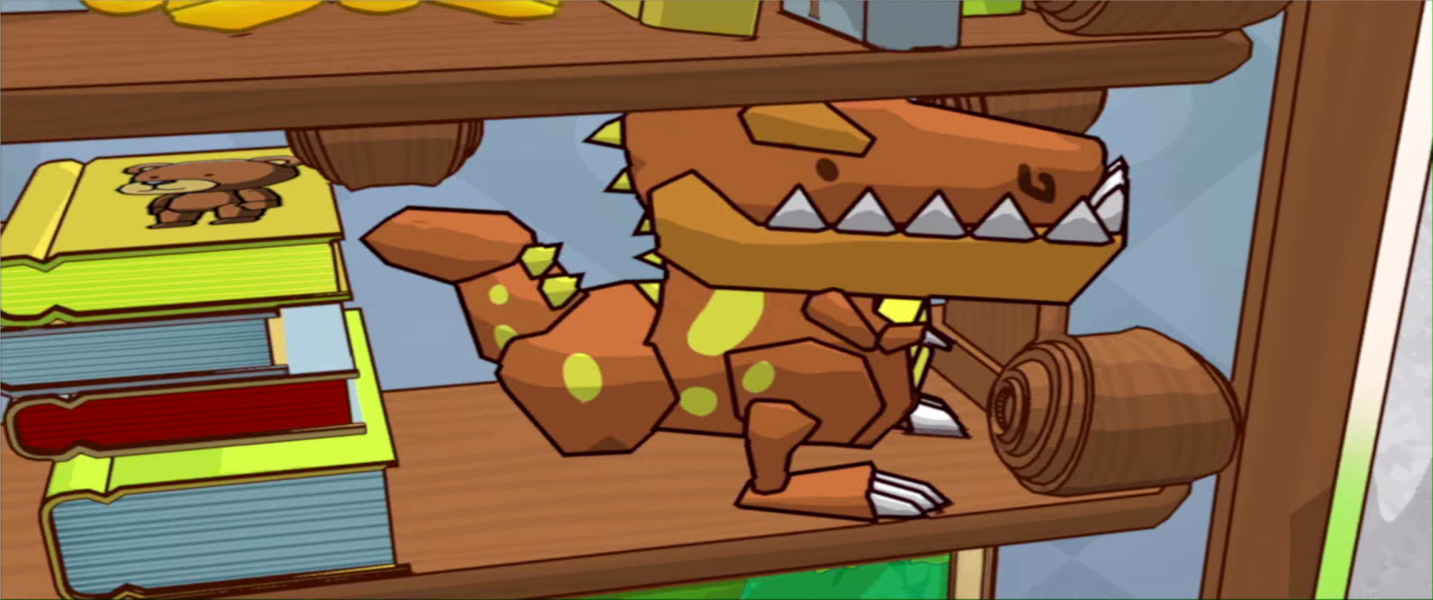
FMV Cutscenes

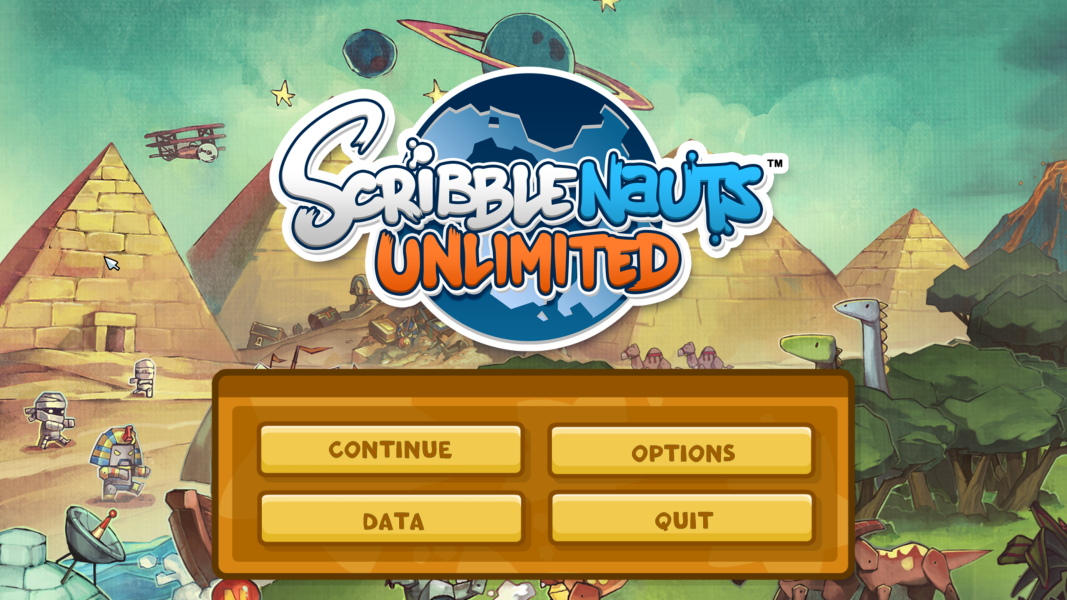
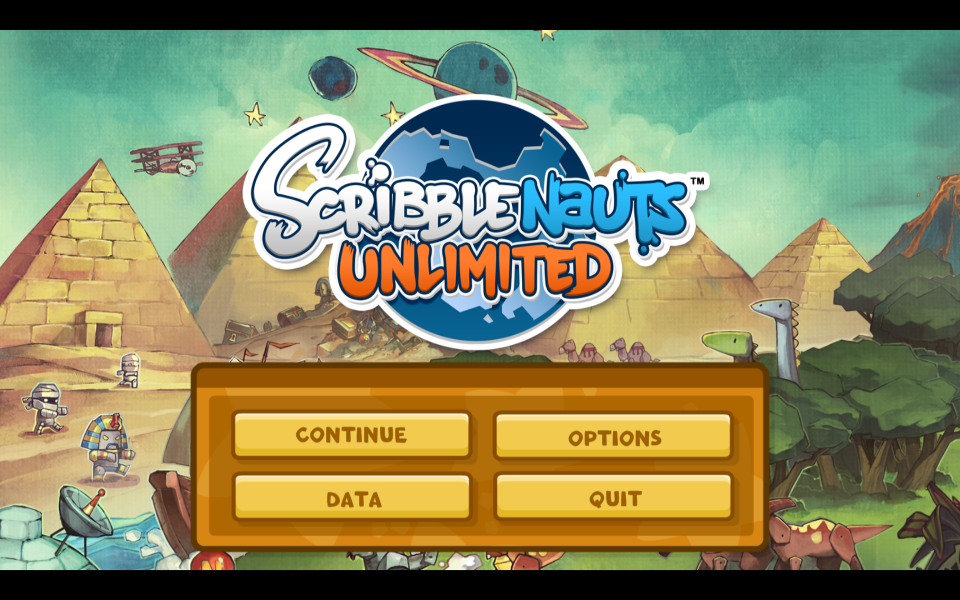
Menu Screenshots

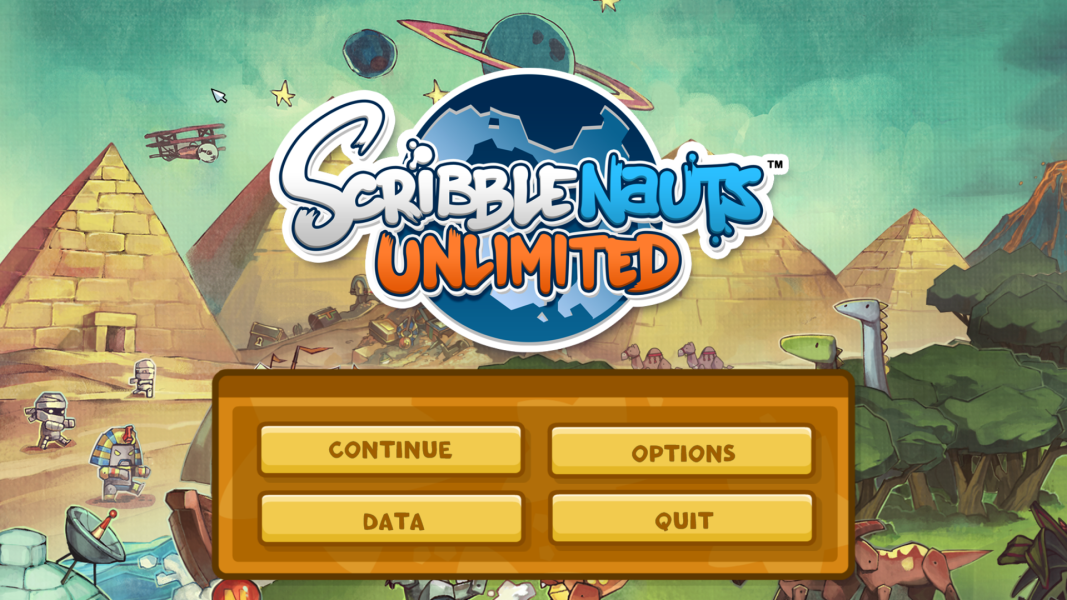
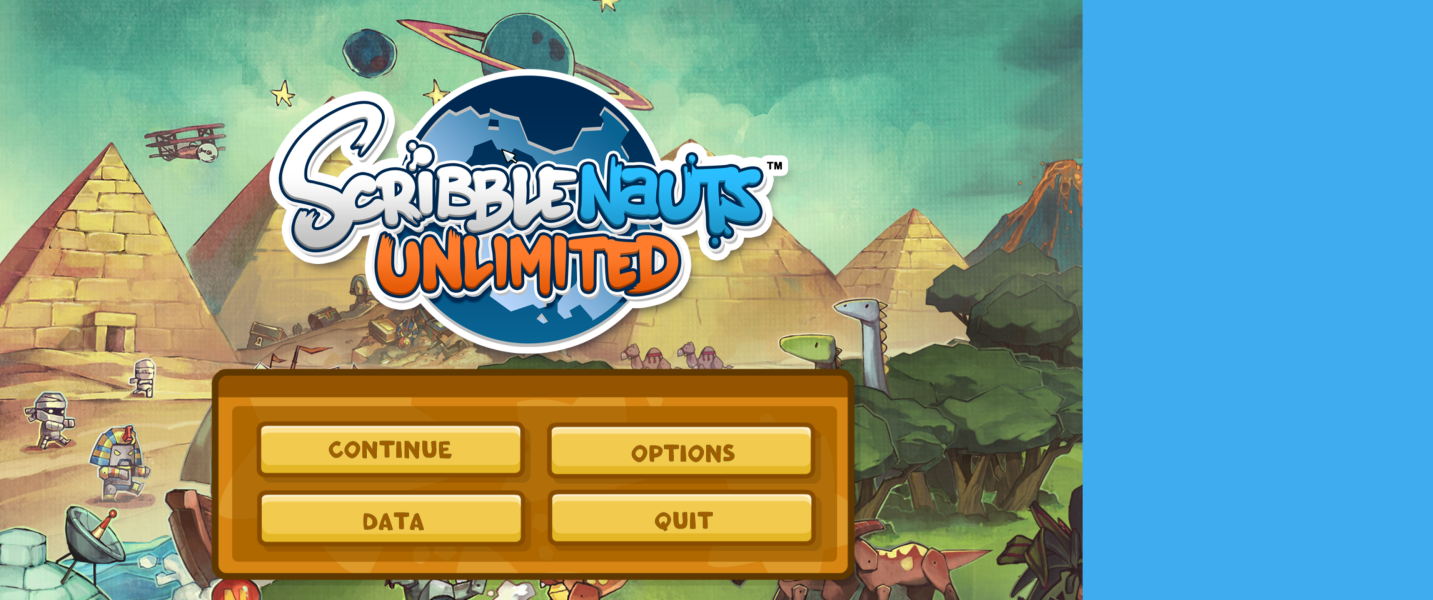
4K UHD Screenshots