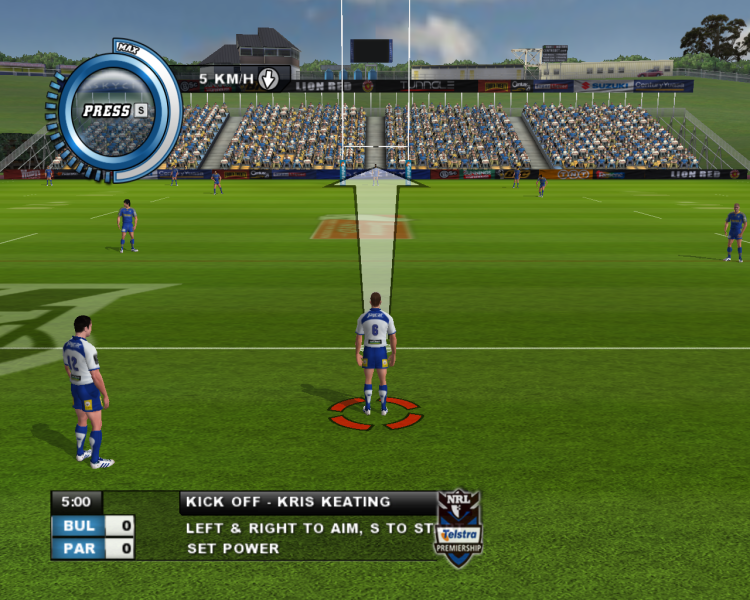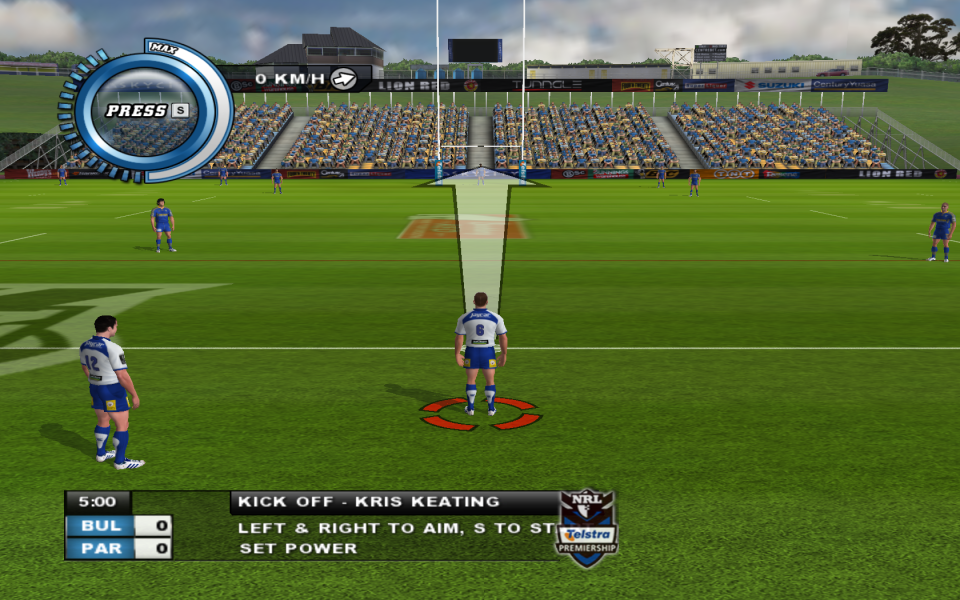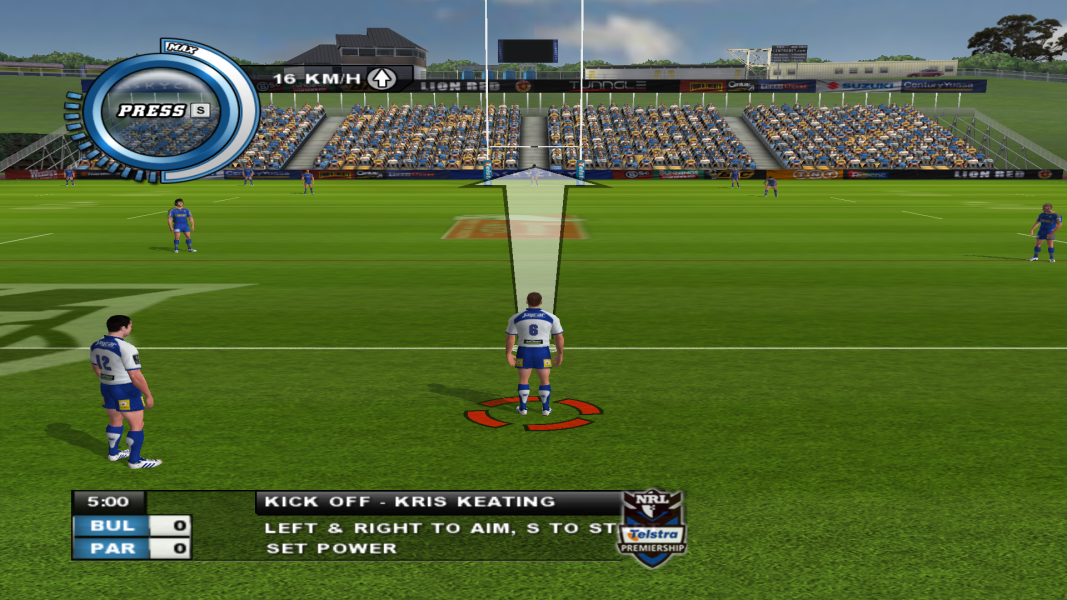


Rugby League 2 is the sequel to the highly successful NRL Rugby League, and was released on December 9, 2005 for PlayStation 2 and Microsoft Windows, and in June 2006 for Xbox. The sport is similar to rugby union, but features set tackles rather than rucks and mauls - once a player is successfully tackled he plays the ball back to a team-mate behind him, with the team losing possession if tackled 6 times.
The game features more teams, more stadiums and more competitions than the original, as well as extra graphic detail including motion capture and realistic player appearances. Also added is the franchise mode, allowing the player to control a team in the NRL or Super League for ten years, and online multiplayer.
2011 Unoffical Update
http://rugbyleaguemods.net/showthread.php?tid=19
Support Summary
Game Information
Screenshots Comparison
Solutions & Issues
The game natively supports 1680x1050 & 1280x800 but any other widescreen resolutions have to set by hex editing the rl.dat file
Solution
this solution is for 1920x1080
set game resolution to 800x600, once you do this save the changes then exit rugby league 2
Hex Edit rl.dat file (located in game root directory)
find the line 20 03 00 00 58 02 & change it to 80 07 00 00 38 04
you will need to setup RL2's ingame resolution to 800x600 once you do this save the changes then exit rugby league 2 & load your HEX editor & then use it to open your rl.dat file
the line your looking to change in the rl.dat file is 20 03 00 00 58 02 once you find this line you want to replace it with your chosen custom resolution
so as an example if i wanted to change it to 1920x1080 i would replace 20 03 00 00 58 02 with 80 07 00 00 38 04
Gameplay Screenshots