





Live the story of Georgio Manos, a true revolutionary.
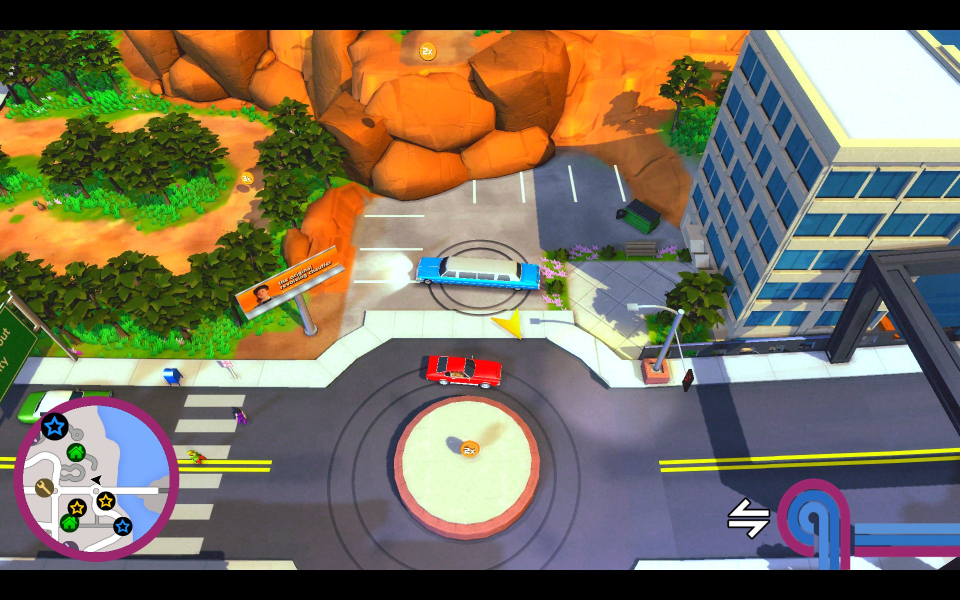
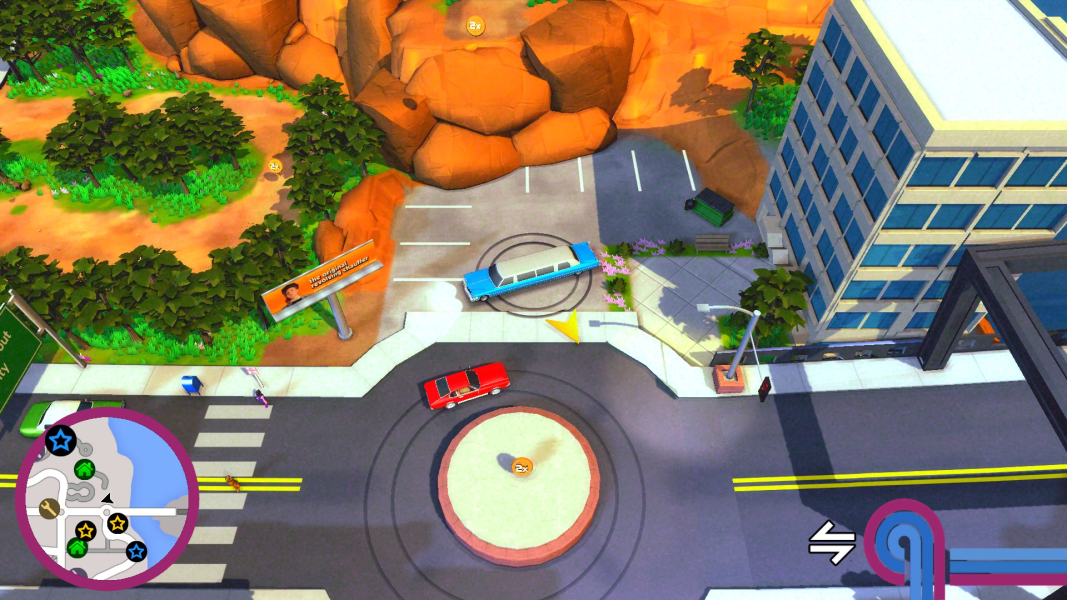
Roundabout is a top-down driving game with platform elements and an extra helping of silliness. As the chauffeur of a jumping, ever-spinning limousine, you take on missions and challenges scattered around the city. Use your unique driving style to taxi strange people around busy streets, atop building roofs and through exploding pedestrians in a quest for love, redemption and custom car hats.
Support Summary
Game Information
Screenshots Comparison
Solutions & Issues
Native 16:9 anamorphic support.
The game will use your native resolution in Borderless Window mode. True fullscreen is not 100% functional at the moment.
If the game fails to start properly after you've tinkered with display settings, simply edit or delete resolution.settings in the game's install folder.
If the file is not present, edit the registry: HKCU\Software\No Goblin\Roundabout\
Note that the Deluxe Edition Extras use individual launchers with limited display options. For instance the infamous Georgio Cam demo only supports 16:9 resolutions up to 1920x1080. These settings cannot be overridden.
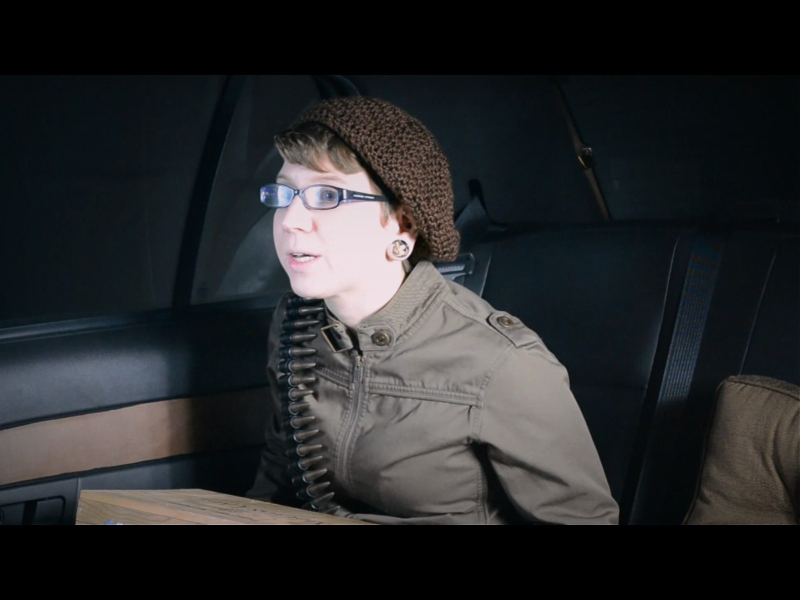
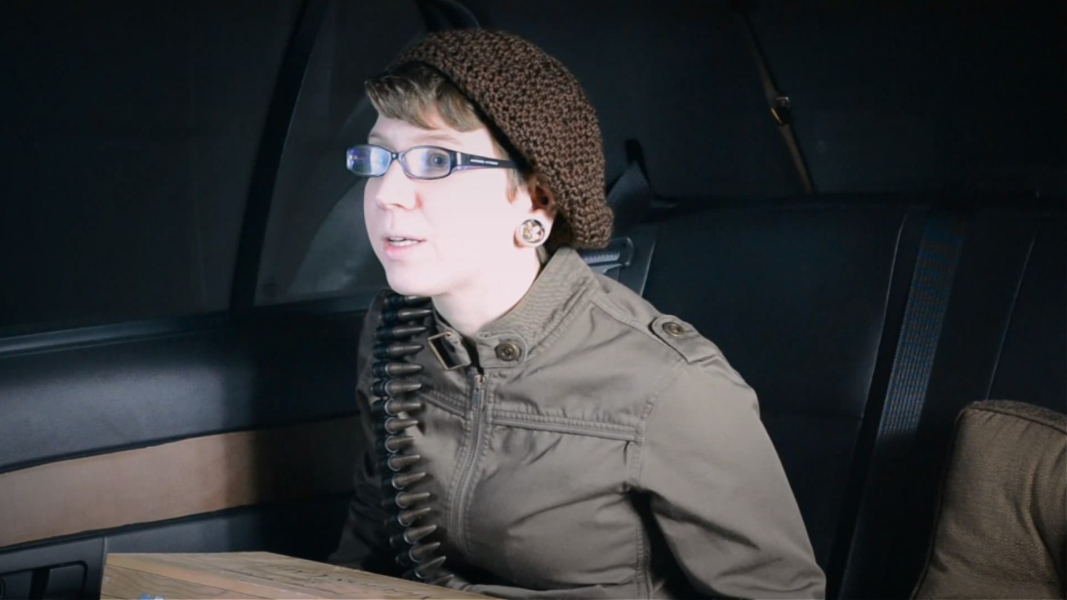
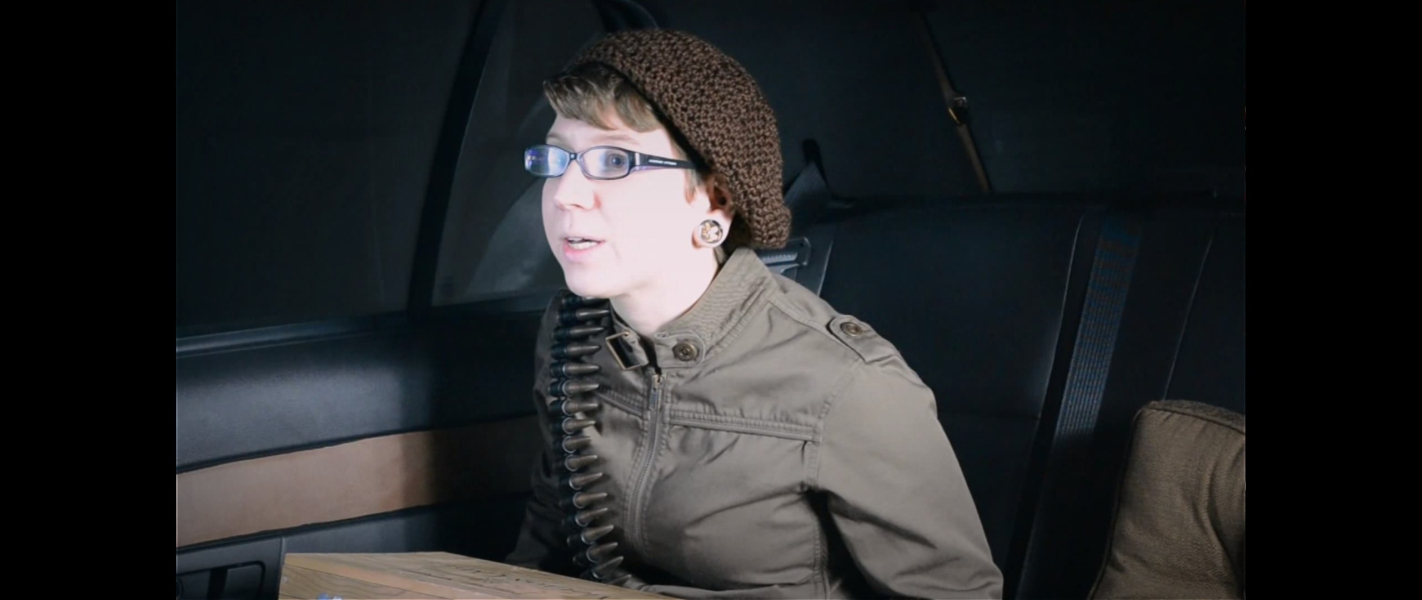
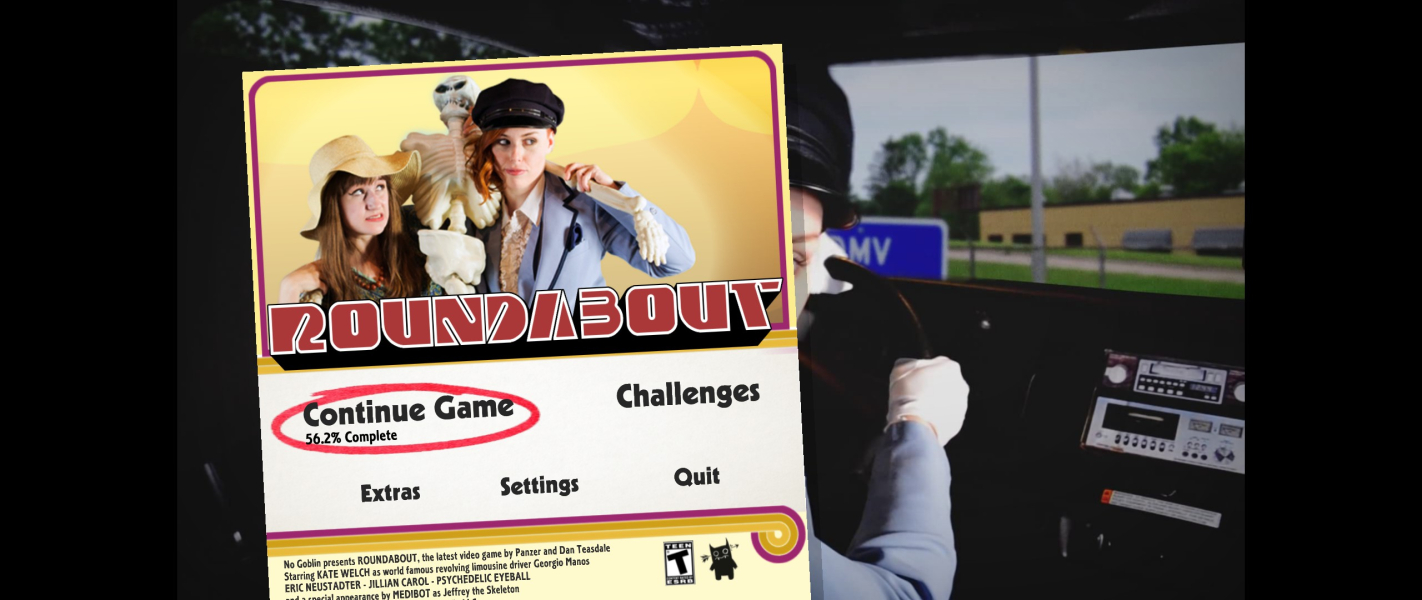
Native Hor+ support with pillarboxed FMVs.
Native Hor+ support with pillarboxed FMVs.
- '70s postprocessing (bokeh) is affected by extreme display widths: the wider the picture, the more pronounced the out-of-focus lens effect. It can be toggled at any time under Change System Settings.
- Noticeable object culling: buildings and trees tend to disappear from the edges of the picture and pop in as the limo gets closer.
- In TripleWide, a slice of pillarboxing is missing on the left during FMV playback.
Gameplay Screenshots




FMV Cutscenes


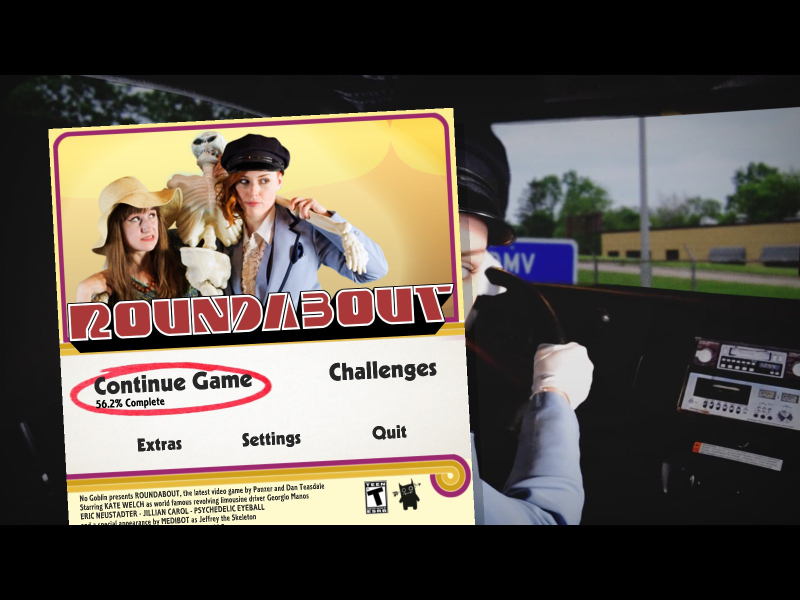
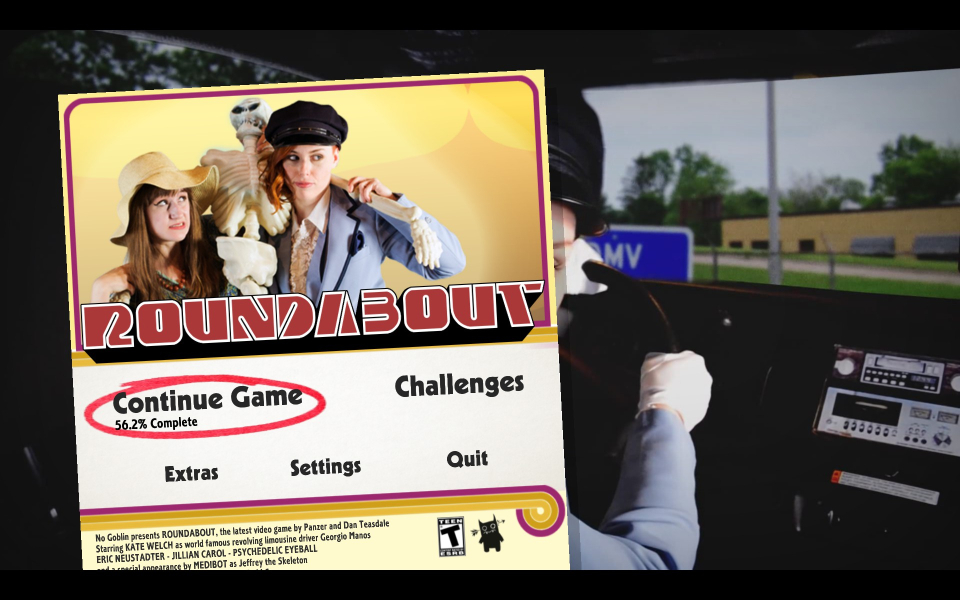
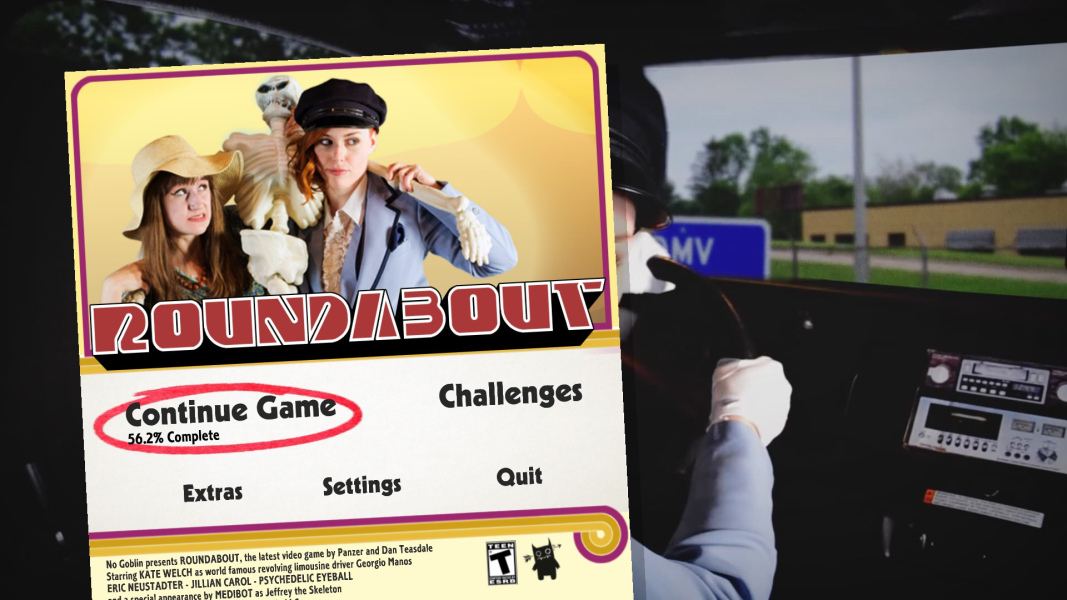
Menu Screenshots

Additional Screenshots


