

Risen is a single-player fantasy-themed action role-playing game by the German company Piranha Bytes, and published by Deep Silver. Piranha Bytes itself developed the Windows version, which was released on October 2, 2009.
Risen takes place in Faranga, a fictitious volcanic, mediterranean island with different sub-climates and vegetation zones. The island is inhabited by humans, as well as many fantastic creatures.
Recently, ancient temple ruins have risen from the ground, providing access to a network of interconnected underground areas such as catacombs and dungeons. As a result, the humans have put in place an Inquisition, forbidding anyone from exiting their city or the island.
The player character wakes up on the shores of Faranga in the midst of the storm, surrounded by dead bodies. Both he and Sara are unharmed.
Support Summary
Game Information
Screenshots Comparison
Solutions & Issues
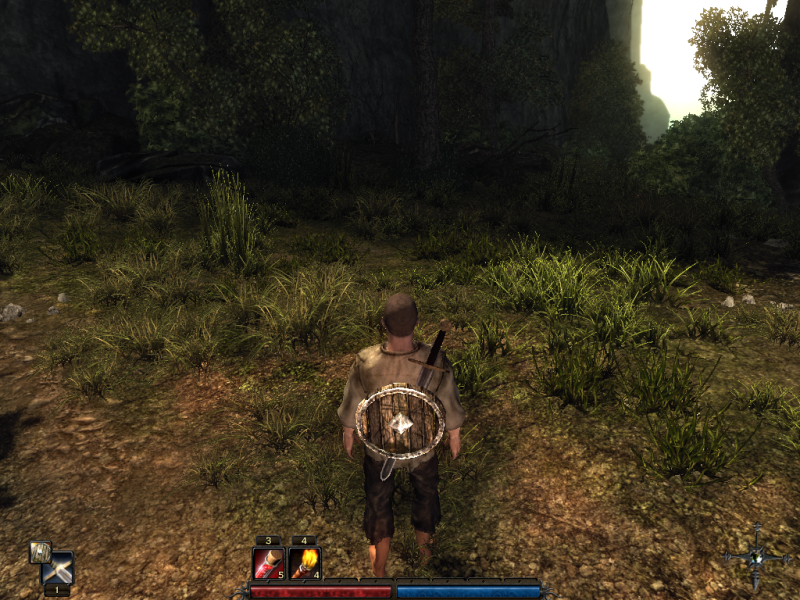
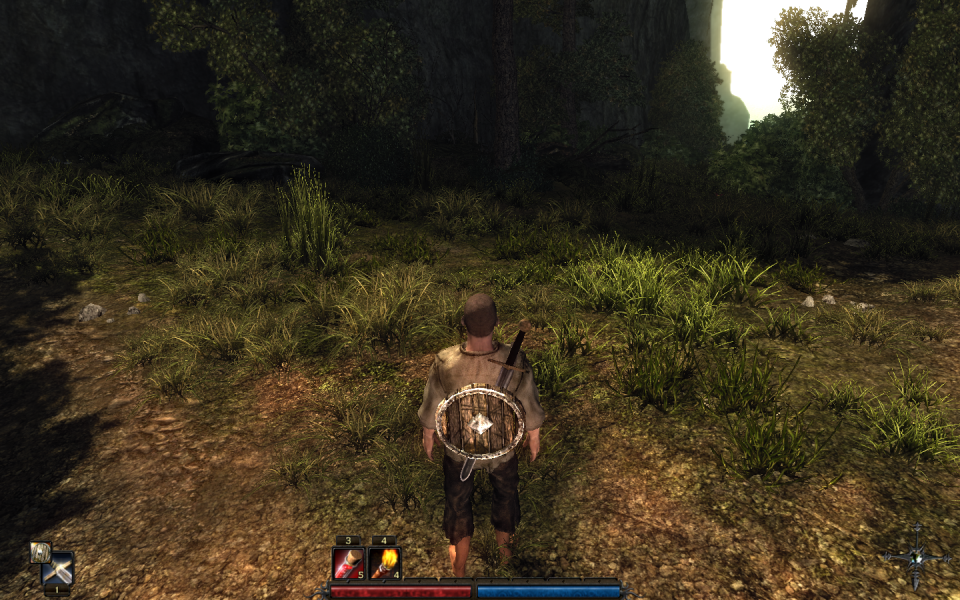
Native support. Aspect ratio is fully correct for 4:3 and 16:9 only. 16:10 resolutions are listed in-game but have some UI elements slightly squashed.
Correct 16:10 and other aspect ratios:
- Go to data\ini in the installation folder.
- Edit ConfigDefault.xml
- Under Aspect16x9 change VirtalWidth= to match the equivalent of your aspect ratio for a height of 768 pixels (e.g. use 1228 for 16:10).
- Go to %LOCALAPPDATA%\Risen
- Edit ConfigUser.xml
- Change Bottom= to the resolution's full height (not the scaled height set before).
- Change Right= to the resolution's full width.
Everything will then have the correct aspect ratio. Background images for menus and loading screens are stretched.
The font size for text labels shown above highlighted characters and objects in the game world does not increase at higher resolutions. All other text scales with the resolution.
The sizing of the HUD, fonts, and inventory/map/journal screens can be changed by adjusting the values for both VirtalWidth= and VirtalHeight= (use values that still equal a correct aspect ratio for the resolution you are using). Non-default settings will cause some minor positioning issues.
See widescreen fix. Use VirtalWidth=1820 to get the default UI size. Everything is perfect except for menu/loading backgrounds stretching.
FMV cutscenes are pillarboxed.
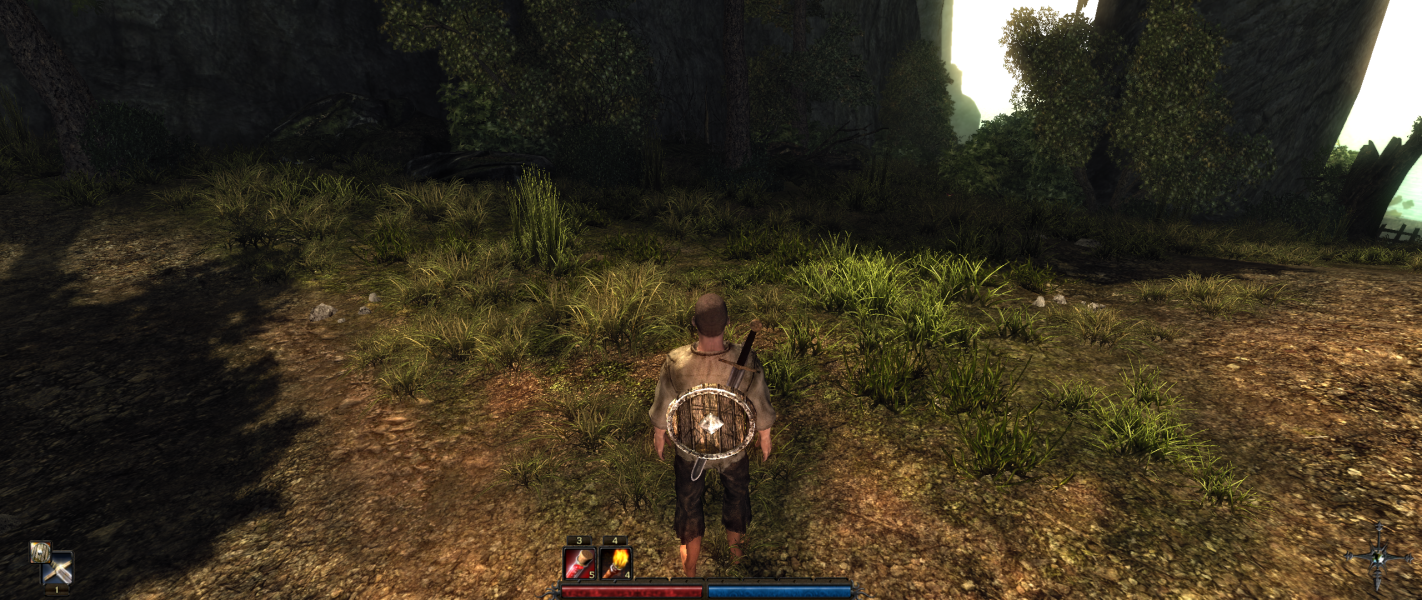
See widescreen fix, e.g. for 5760x1080 use VirtalWidth=4096 for the default UI size.
FMV cutscenes are pillarboxed.
Gameplay Screenshots



FMV Cutscenes