

Rise of the Argonauts is a 3rd person action RPG brought to you by Liquid Entertainment (who also made the nice warcraft clone, Battle Realms, in 2001) in the last month of 2008. Throughout the game you will meet other characters who will join you as argonauts. They will stay with you on your ship. When you leave the ship, you can pick who you want to accompany you. This is similar to games like KOTOR and Mass Effect. This game received above average review scores. Some people have complained that the game has way too many dialog and not enough action. I think that's not fair. While, there are some strange design choices (which works better on a console than PC) in the game but overall it's still enjoyable.
Support Summary
Game Information
Screenshots Comparison
Solutions & Issues
The Game is VERT- out of the BOX but it is easy managed to get HOR+ via ini edit:
Go to --> %USERPROFILE%\Documents\My Games\Rise of the Argonauts\LiquidGame\Config\LiquidInput.ini
Look for the line that starts with: "Bindings=(Name="F1",Command="PC_Pressed_F1 | FE_PC_Pressed_F1 | onrelease PC_Released_F1..."
Change the lines too:
Bindings=(Name="F1",Command="PC_Pressed_F1 | FE_PC_Pressed_F1 | onrelease PC_Released_F1 | onrelease FE_PC_Released_F1 | OnRelease FOV 80" )
Bindings=(Name="F2",Command="PC_Pressed_F2 | FE_PC_Pressed_F2 | onrelease PC_Released_F2 | onrelease FE_PC_Released_F2 | OnRelease FOV 90" )
Bindings=(Name="F3",Command="PC_Pressed_F3 | FE_PC_Pressed_F3 | onrelease PC_Released_F3 | onrelease FE_PC_Released_F3 | OnRelease FOV 96" )
Bindings=(Name="F4",Command="PC_Pressed_F4 | FE_PC_Pressed_F4 | onrelease PC_Released_F4 | onrelease FE_PC_Released_F4 | OnRelease FOV 112" )
I recommend to put your desired FOV in the running Button --> Bindings=(Name="Up",Command="PC_Pressed_Up | FE_PC_Pressed_Up | onrelease PC_Released_Up | onrelease FE_PC_Released_Upp | OnRelease FOV 112")
---------------
Manually resolution edit -> "%USERPROFILE%\Documents\My Games\Rise of the Argonauts\LiquidGame\Config\LiquidEngine.ini"
Go to 'SystemSettings' section: ResX=.... ResY=....
Like above ini edit:
I recommend to put your desired FOV in the running Button --> Bindings=(Name="Up",Command="PC_Pressed_Up | FE_PC_Pressed_Up | onrelease PC_Released_Up | onrelease FE_PC_Released_Upp | OnRelease FOV 112")
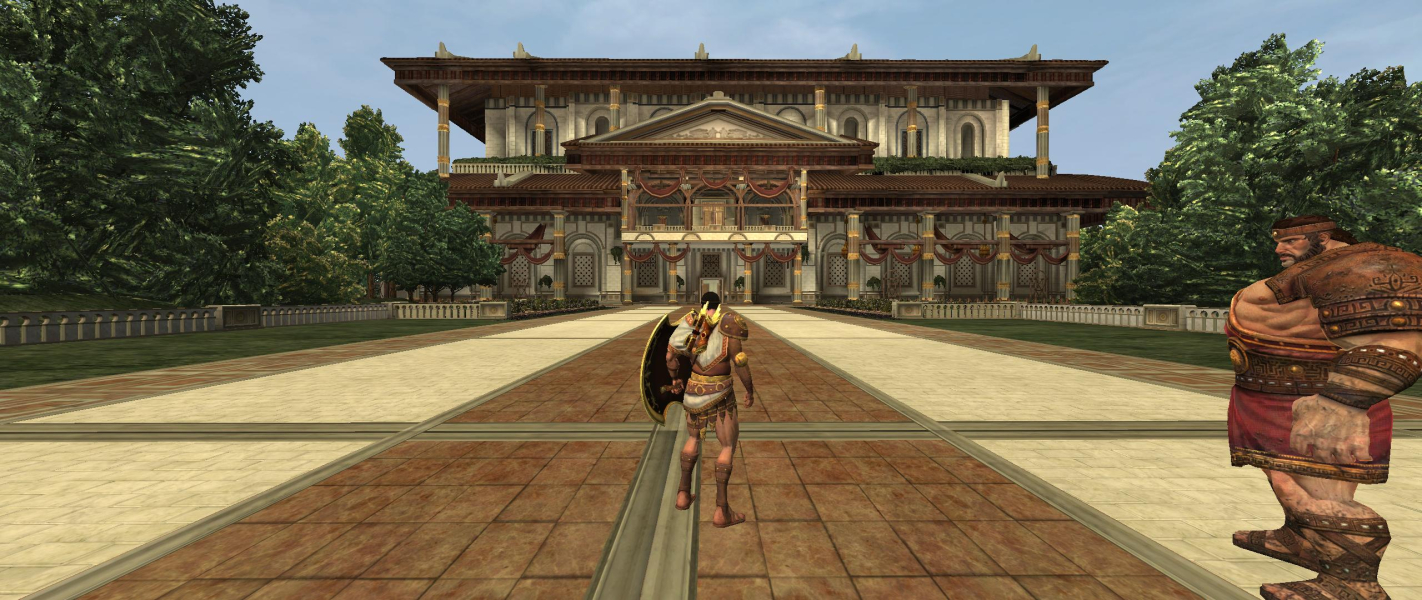
Gameplay Screenshots




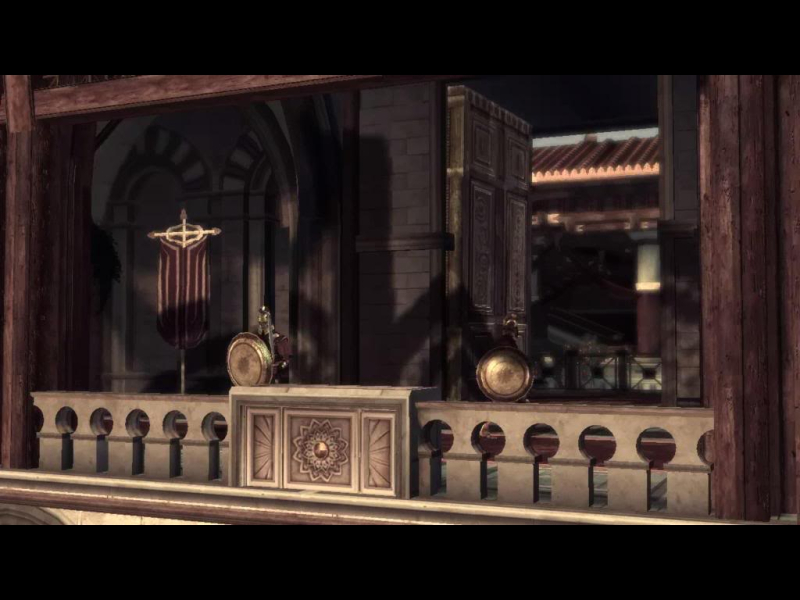
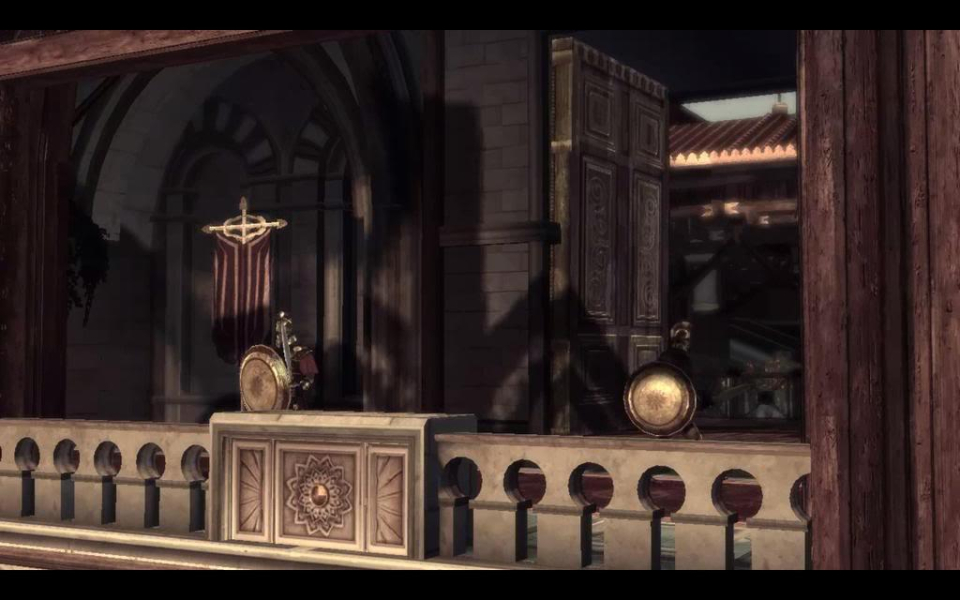
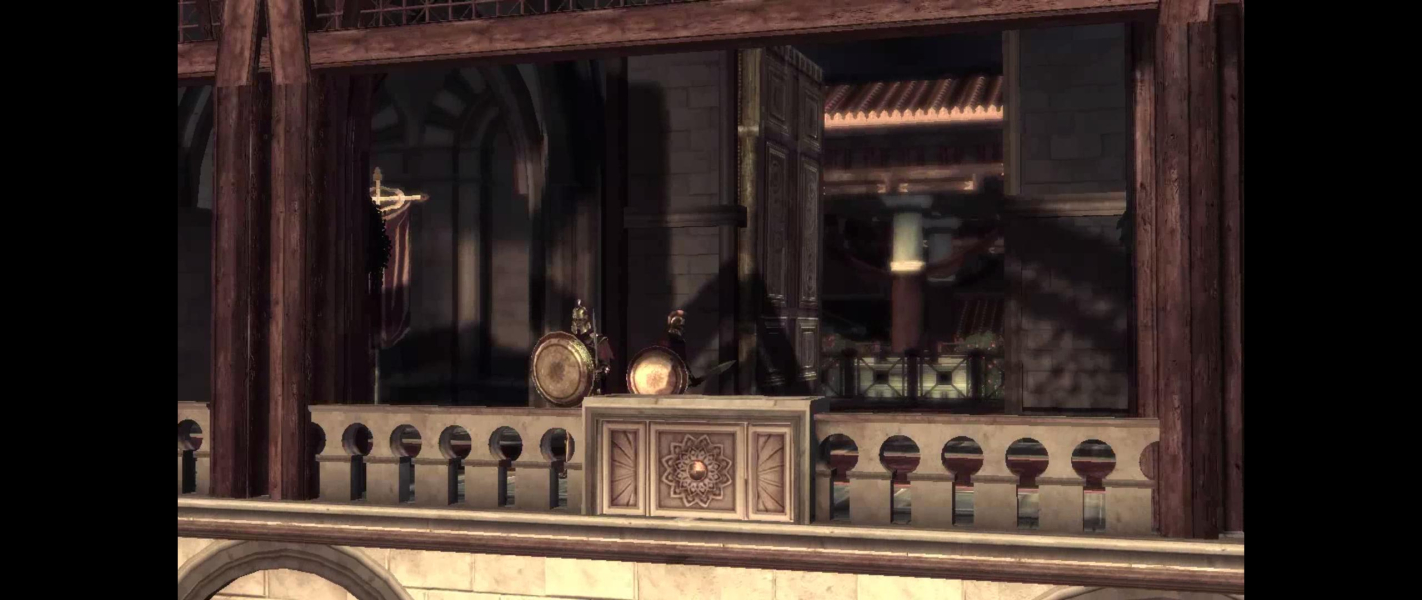
FMV Cutscenes

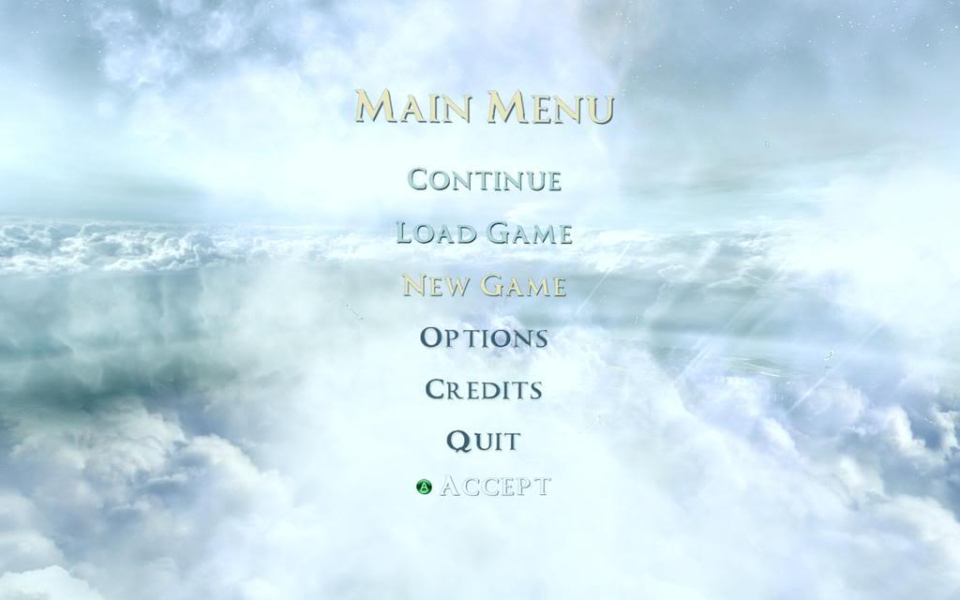
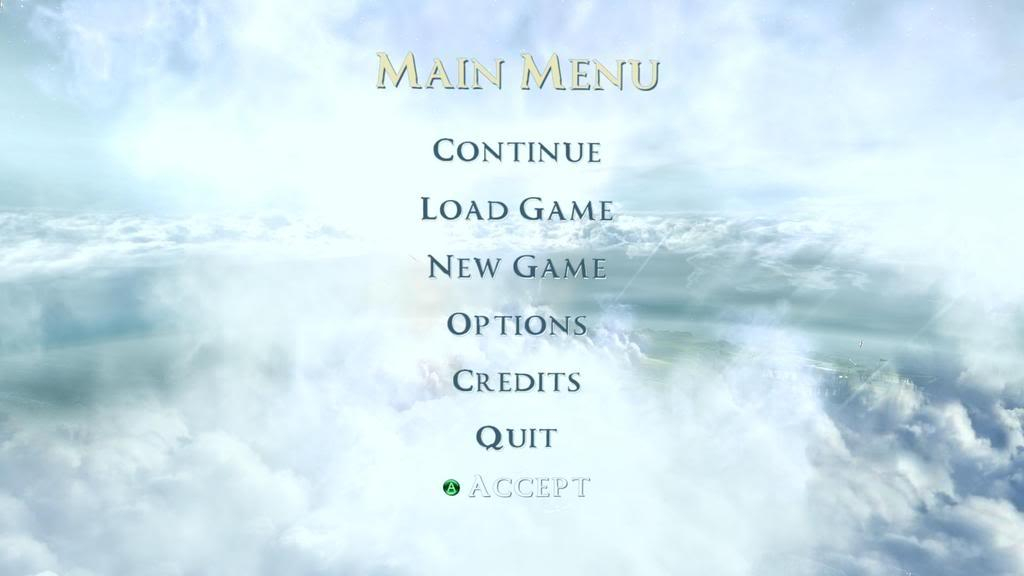
Menu Screenshots