




Rennsport is a sim racing video game jointly developed by Munich-based studio Competition Company and Polish video games developer Teyon.
Rennsport is an ultra-realistic racing simulation experience, combined with custom Unreal Engine 5 graphics. The game includes both real-world and community developed fictional tracks, alongside vehicles from numerous disciplines of motorsport. The game has both online and offline modes, allowing players to drive in single player, or against human competitors in an online multiplayer.
Rennsport is the host game for ESL R1 and the Porsche Esports Carrera Cup Deutschland 2024. On 3 April 2024 it was announced that Rennsport and ESL R1 would take part in the 2024 Esports World Cup.
(source: Wikipedia)
Support Summary
Game Information
Screenshots Comparison
Solutions & Issues
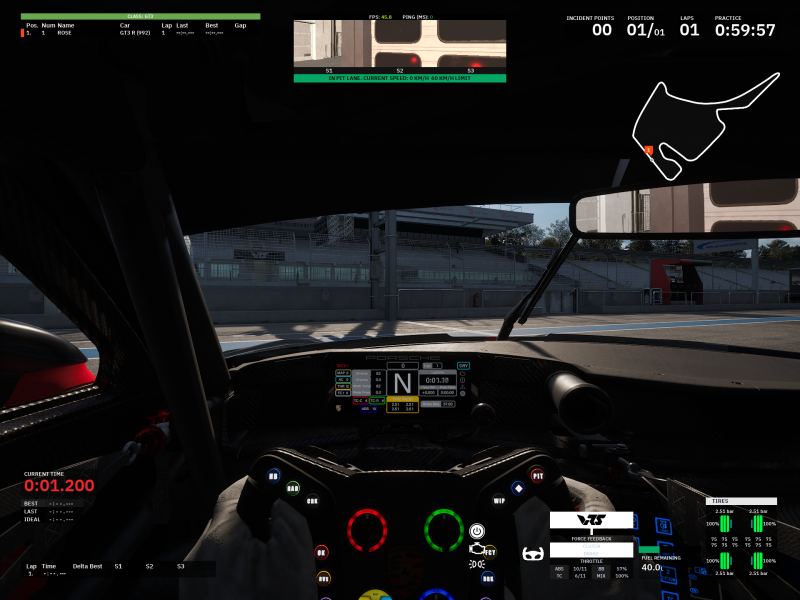
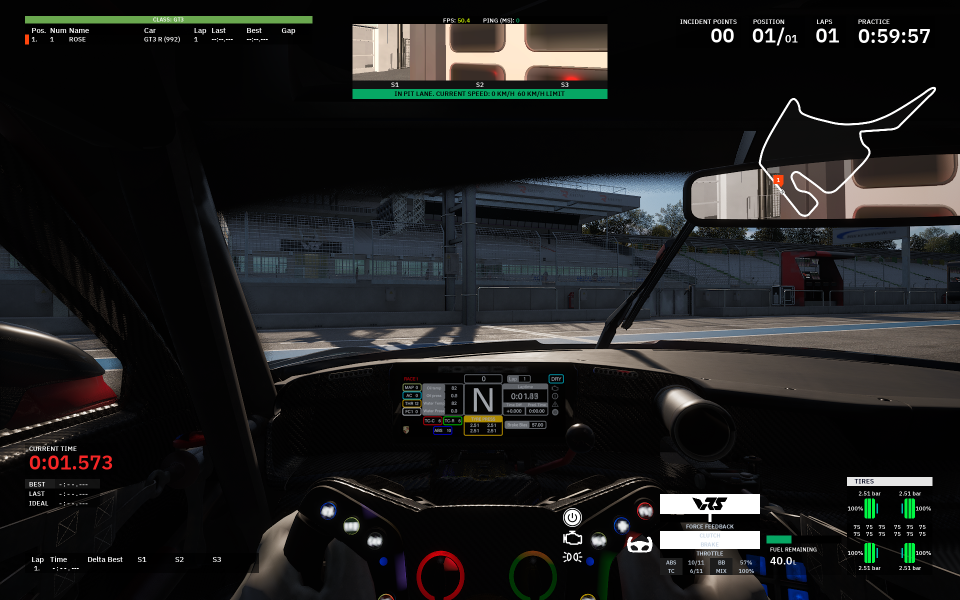
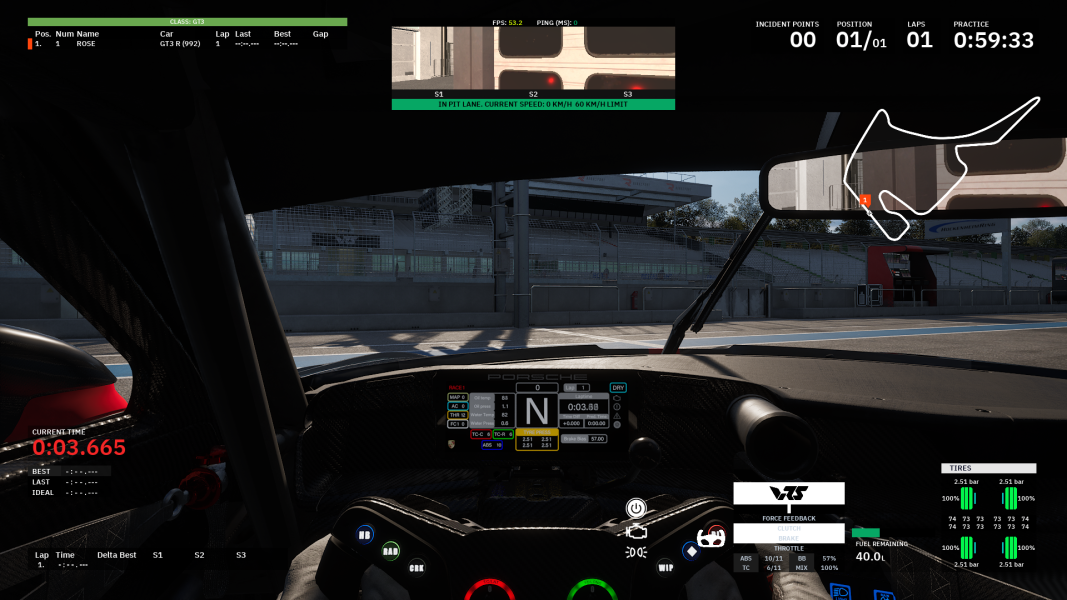
The native scaling is vert-, however, the game offers an FOV slider for each of its views. Use the WSGF FOV calculator to vertically match 16:9 via Options -> Gameplay when in a race (the options are not accessible otherwise).
Alternatively, to make the game hor+ without changing the FOV values, go to %LOCALAPPDATA%\Rennsport\Saved\Config\Windows and open Editor.ini, then add the following at the bottom:
[/Script/Engine.LocalPlayer]

AspectRatioAxisConstraint=AspectRatio_MaintainYFOV
Same issue as in ultra-wide, only exacerbated to the point of the current gear not being visible unless the FOV is changed. The FOV slider maximum of 170 horizontal provides more than enough room to compensate for the default FOV values of 90 and 99 (depending on the view).
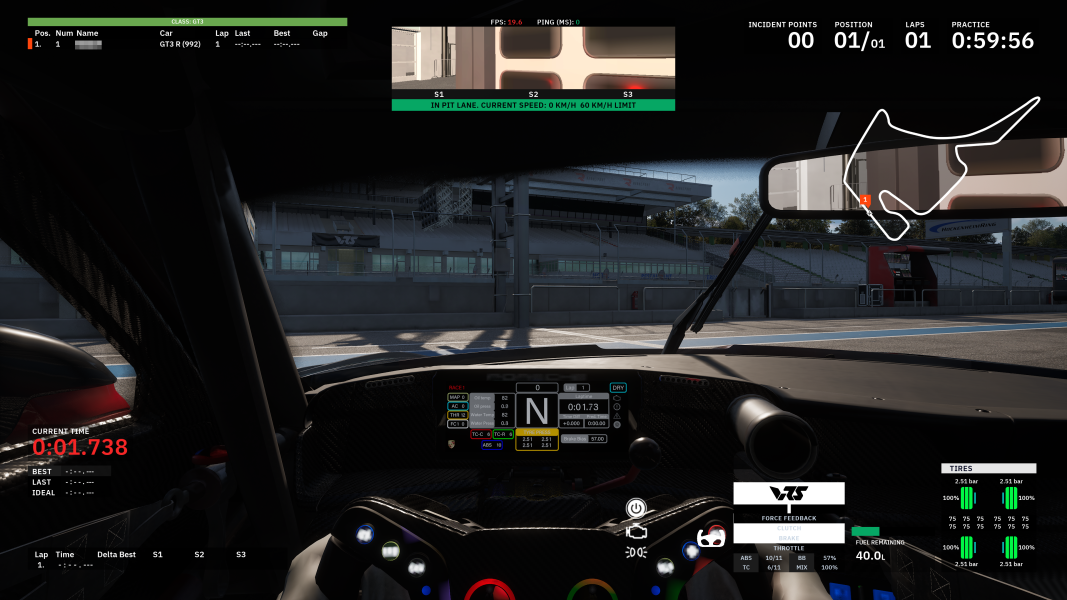
The HUD is spanned by default, however, the game allows to drag and drop its HUD elements to any position via Options -> Gameplay when in a race.
Additionally, the Projection Correction slider in Options -> Video -> Rendering allows to experiment with reducing the edge distortion.
Gameplay Screenshots
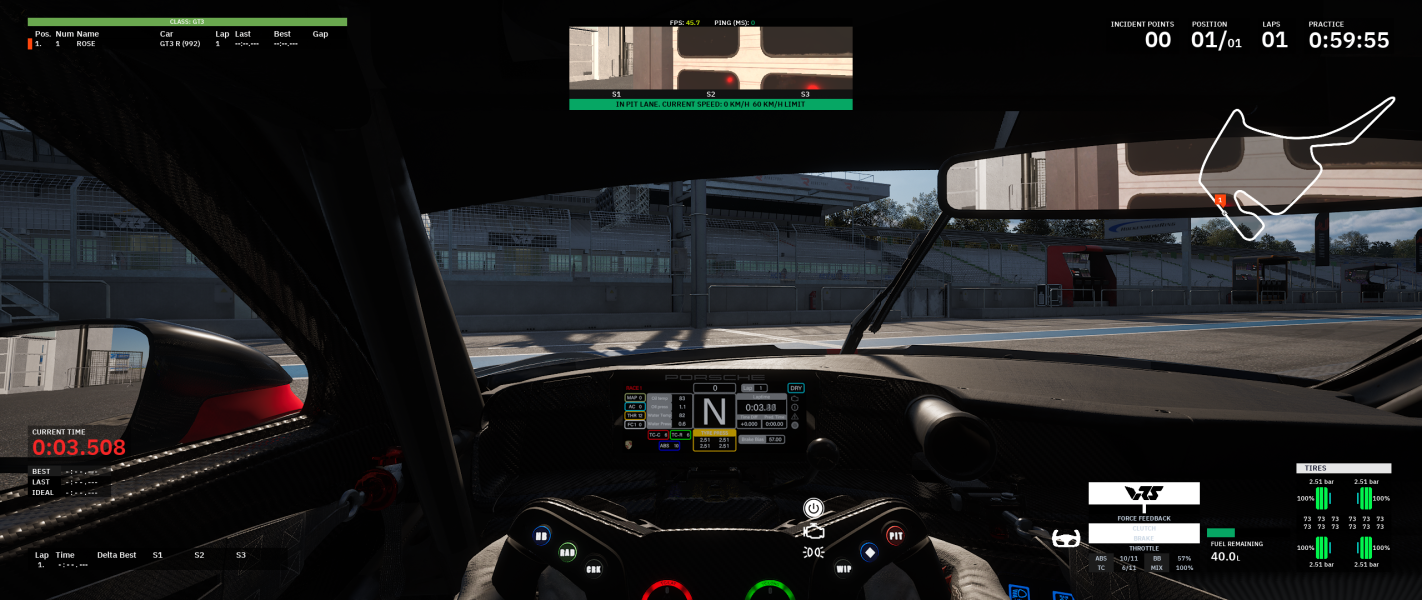
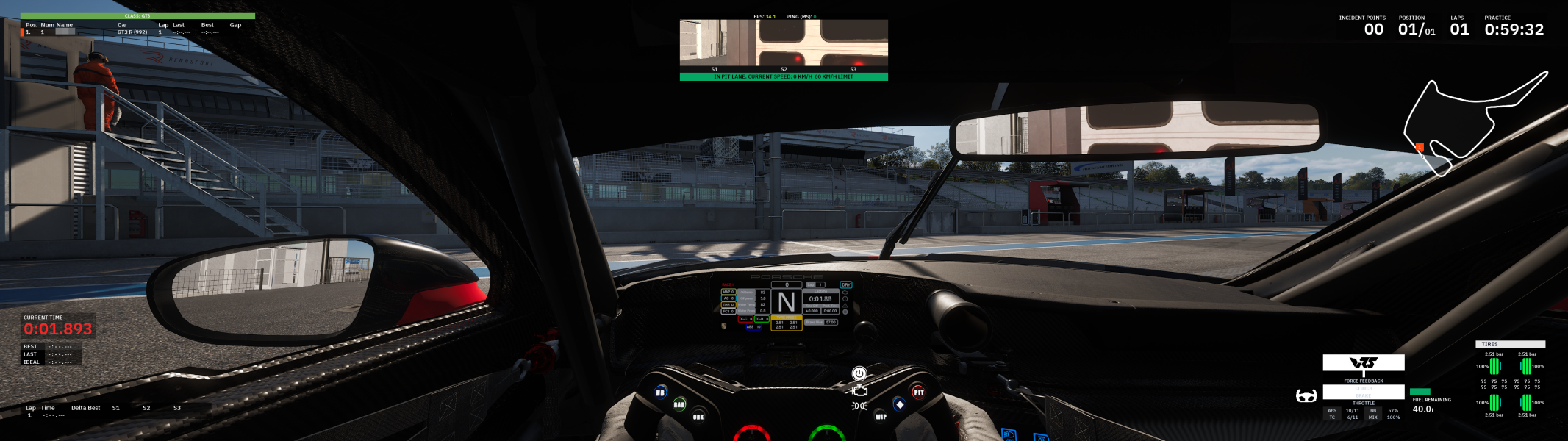

Menu Screenshots


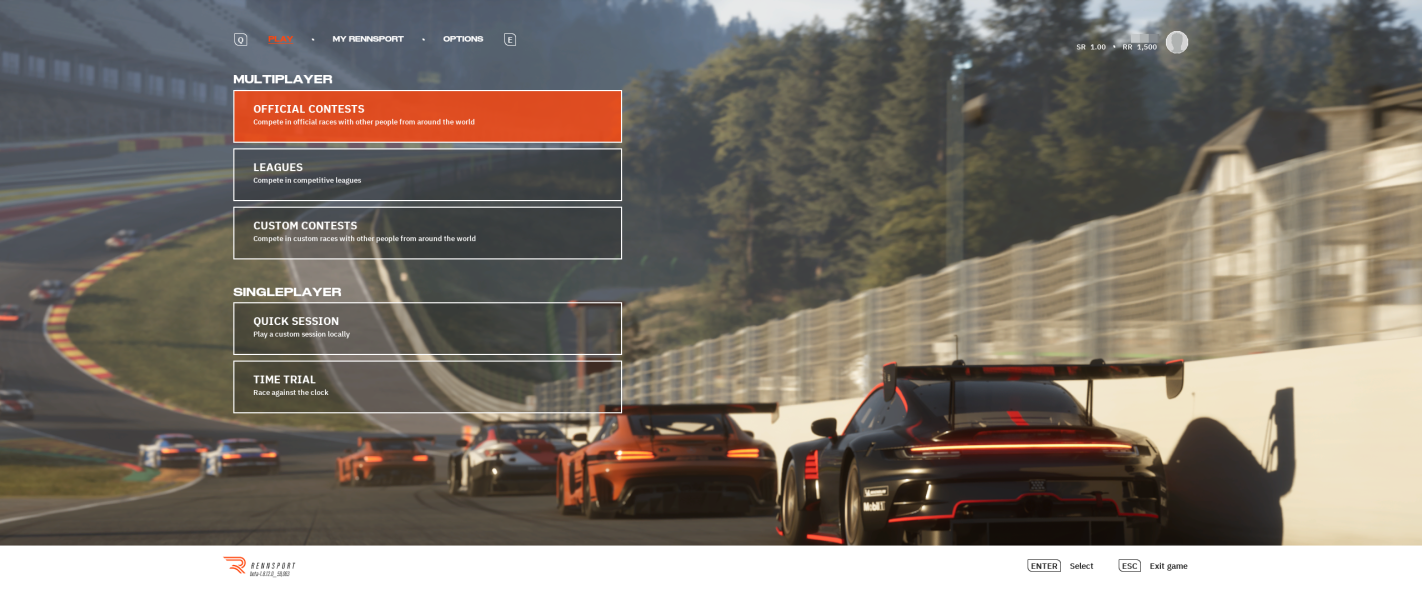
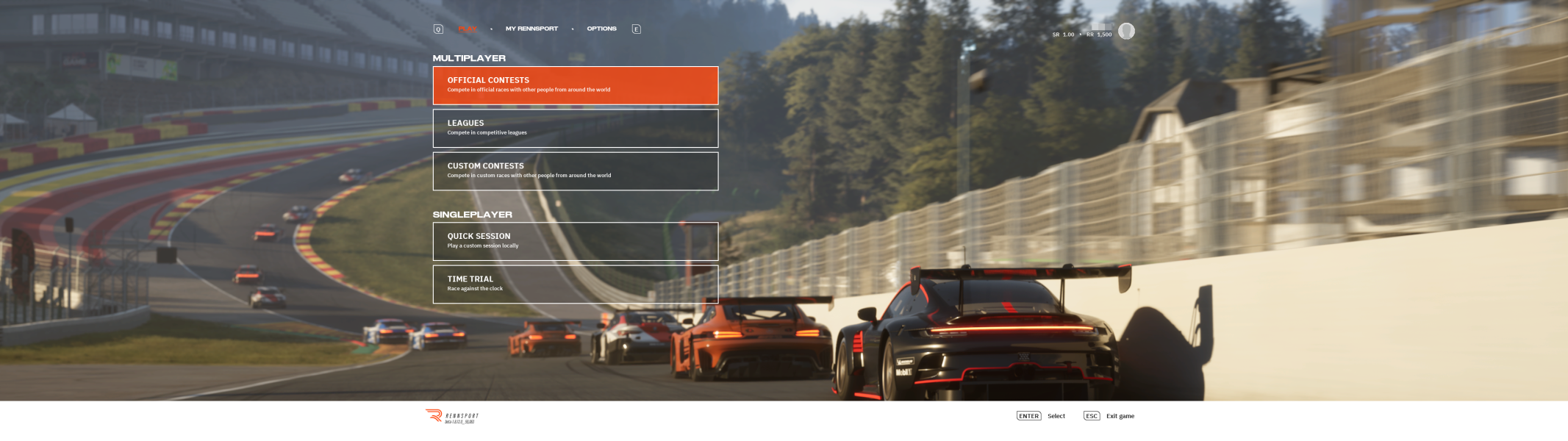

4K UHD Screenshots
Additional Screenshots


