Renegade Ops

DX-10 only, gamepad-friendly top-down vehicular shooter from the makers of Just Cause 2. Features 2-player splitscreen and 4-player online co-op.

Support Summary

Widescreen
Ultra/Super‑Wide
Multi-Monitor
4K Ultra HD
Support
Method
HUD
Cutscenes
FMVs

Game Information

Game Status:Released
Release Date:
Tested Version:Steam
Play Styles:
Setting:Modern
Genre:Shmup

Screenshots Comparison

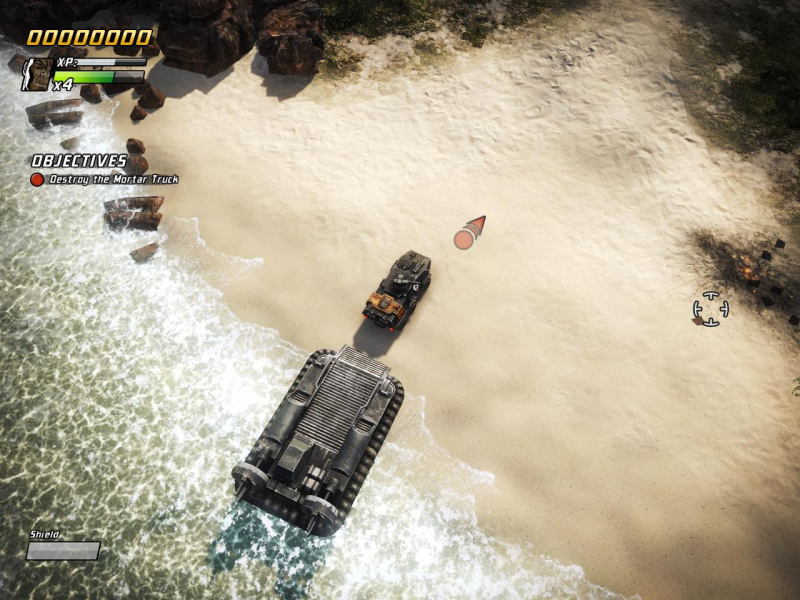
4:3 Screenshot
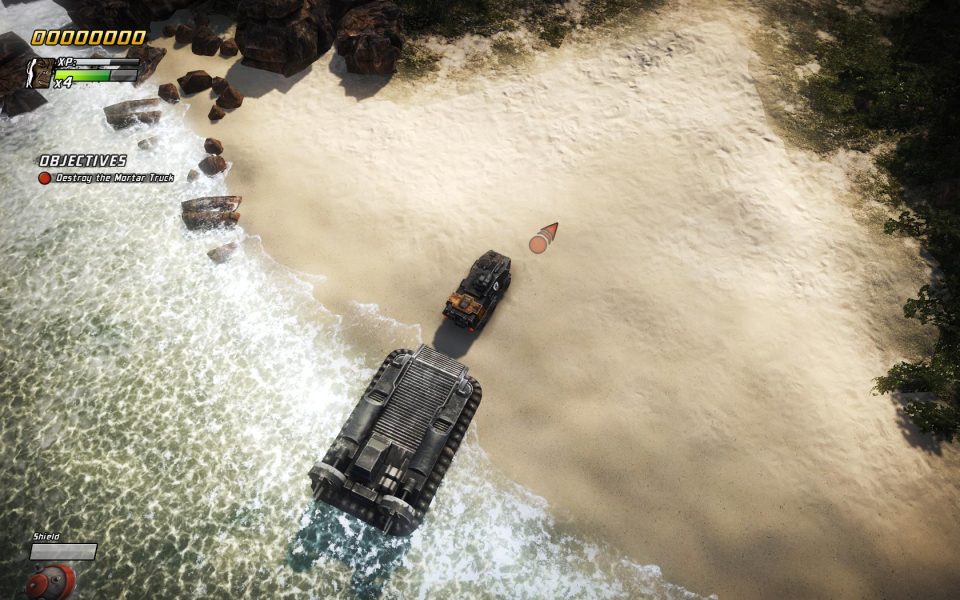
16:10 Screenshot
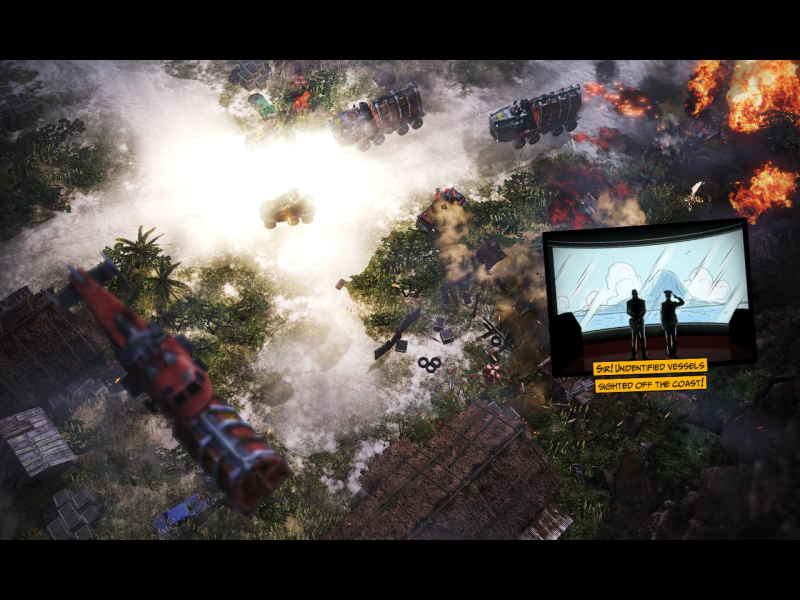
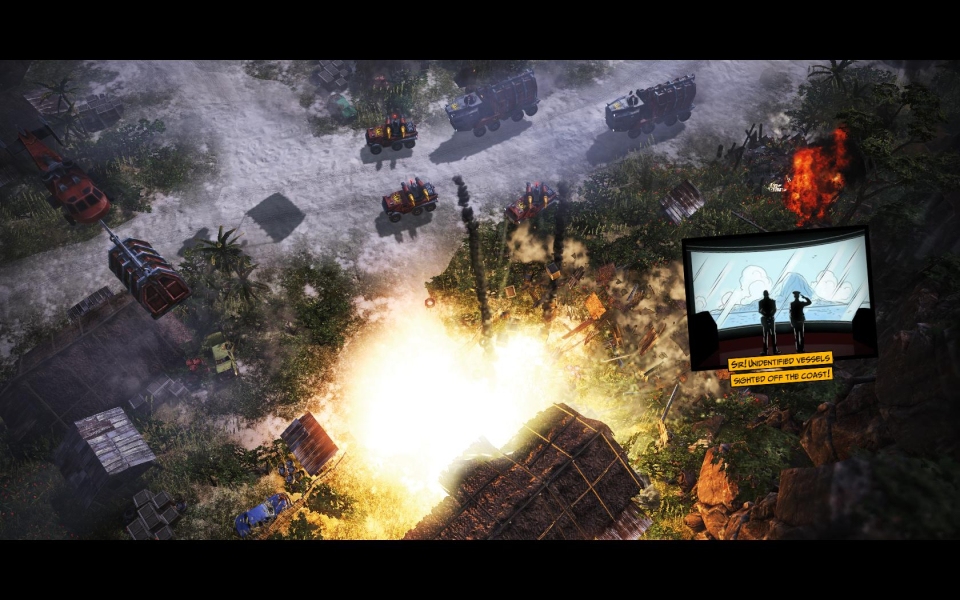
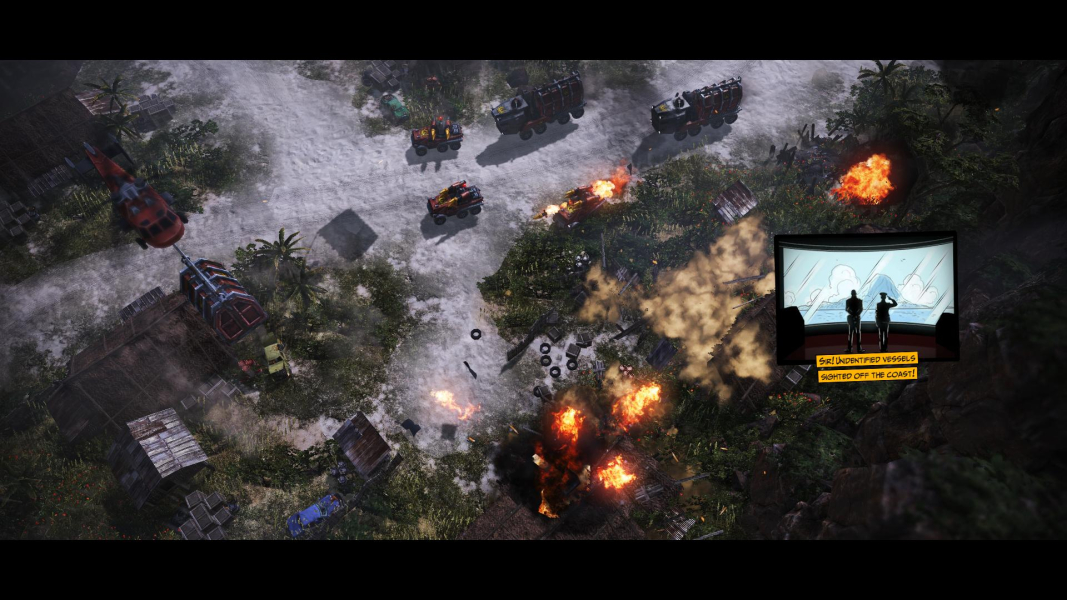
16:9 Screenshot
21:9 Screenshot
A monitor with a question mark on it. The text above it reads "There is currently no image uploaded for this field." There is a semi-transparent WSGF logo in the background, while the main background is white. The image aspect ratio is 21:9.
32:9 Screenshot
Eyefinity / Surround Screenshot
Solutions & Issues
Widescreen Solution & Issues:

Native support.
From the main menu, navigate to Help & Options, Settings, Screen settings to set your resolution.

Eyefinity / Surround Specific Solution & Issues:

Native support. In case you are running Nvidia Surround at a resolution wider than 4080 pixels and it doesnt work, please try the solution below...

1. Go to the settings file location --> C:\Users\[user name]\Documents\SEGA\Renegade Ops\Saves
2. Back up your Settings file
3. Open the Settings file in a Hex Editor such as HexEdit
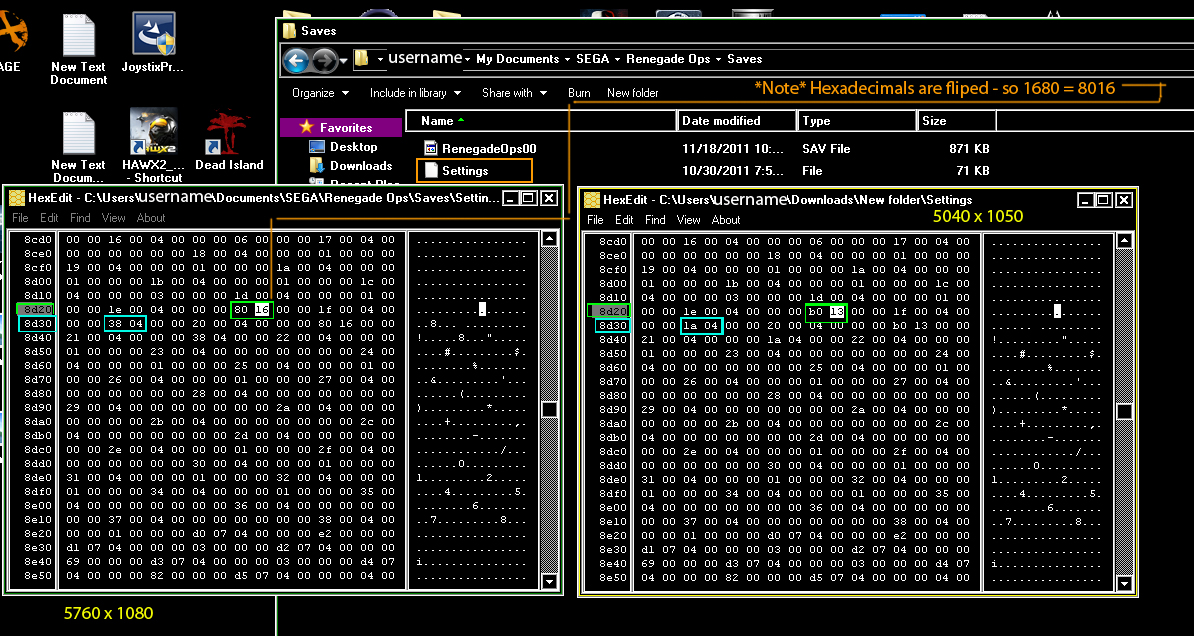
4. Find row 8d20 for the width and row 8930 for the height - refer to the attached image.
5. Use a Hex converter like http://www.mathsisfun.com/binary-decimal-hexadecimal-converter.html enter your width. 5760 = 1680 now flip the bits so = 80 16 if you get a number like 567 it would = 67 05
6. Enter that value right behind 8th column filling column 9 an 10
7. Do the same for the height on row 8930, but you enter you hex value flipped on the 3rd column filling column 3 and 4. Again, refer to the image.
8. Save As and over write the file
9. Fire up the game and enjoy multiscreen!
http://cdn2.wsgfmedia.com/f/u/RenegadeOpsMultiScreenFix.jpg

Note:
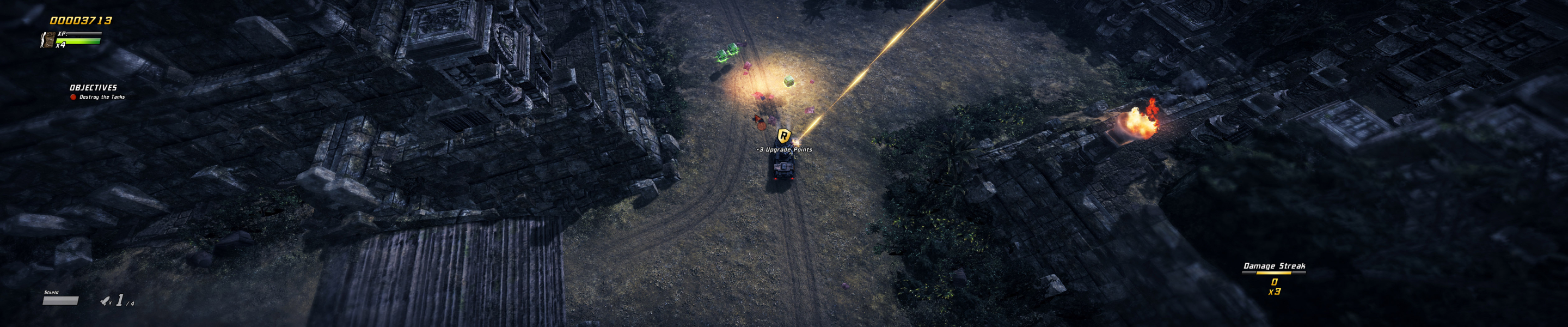
The point counter (popping over shot targets) stretches.
Split-screen: the screen separator breaks in multi-mon, in both Static and Dynamic modes; see Additional screenshots below.

4:3 Screenshot
16:10 Screenshot
16:9 Screenshot
21:9 Screenshot
A monitor with a question mark on it. The text above it reads "There is currently no image uploaded for this field." There is a semi-transparent WSGF logo in the background, while the main background is white. The image aspect ratio is 21:9.
32:9 Screenshot
Eyefinity / Surround Screenshot
4:3 Cutscene
16:10 Cutscene
16:9 Cutscene
Eyefinity / Surround Cutscene
4:3 FMV Cutscene
16:10 FMV Cutscene
16:9 FMV Cutscene
Eyefinity / Surround FMV Cutscene
4:3 Menu
16:10 Menu
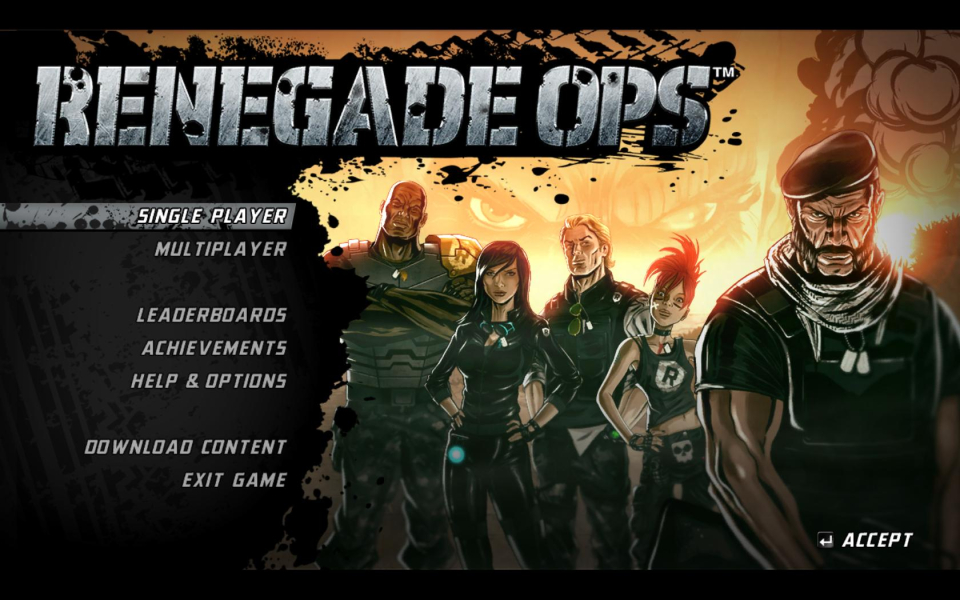
16:9 Menu
Eyefinity / Surround Menu
Uploaded by: skipclarke
Points counter, 4:3
Uploaded by: skipclarke
Points counter, 16:10
Uploaded by: skipclarke
Points counter, 16:9
Uploaded by: skipclarke
Points counter, 48:9
Uploaded by: skipclarke
Map overlay, 4:3
Uploaded by: skipclarke
Map overlay, 16:10
Uploaded by: skipclarke
Map overlay, 16:9
Uploaded by: skipclarke
Map overlay, 48:9
Uploaded by: skipclarke
Split-screen (Static), 1280x800
Uploaded by: skipclarke
Split-screen (Static), 3840x800
Uploaded by: skipclarke
AMD Gameplay, 5292x1050 (50:10-ish)
Uploaded by: skipclarke
Nvidia Surround, with fix. 5040x1050
Uploaded by: skipclarke
Nvidia Surround, with fix. 5760x1080
15:9 Resolutions:1280x768
Eyefinity / Surround Resolutions:
Multi-Monitor Layouts:3x1-L