

Red Faction is a first-person shooter video game released in 2001 by THQ and Volition for Playstation 2, PC, and Mac.
Set on Mars in the year 2075, Red Faction casts the player in the role of Parker: a miner working in the vast mining colony operated by the brutal and oppressive Ultor Corporation.
Red Faction's claim to fame is its destruction technology, named "Geo-Mod", which enables the player to dynamically alter the world around them with explosives. Red Faction was an early pioneer in destructible technology, and it's still widely admired today as one of the very few examples of truly dynamic destruction in video games.
Support Summary
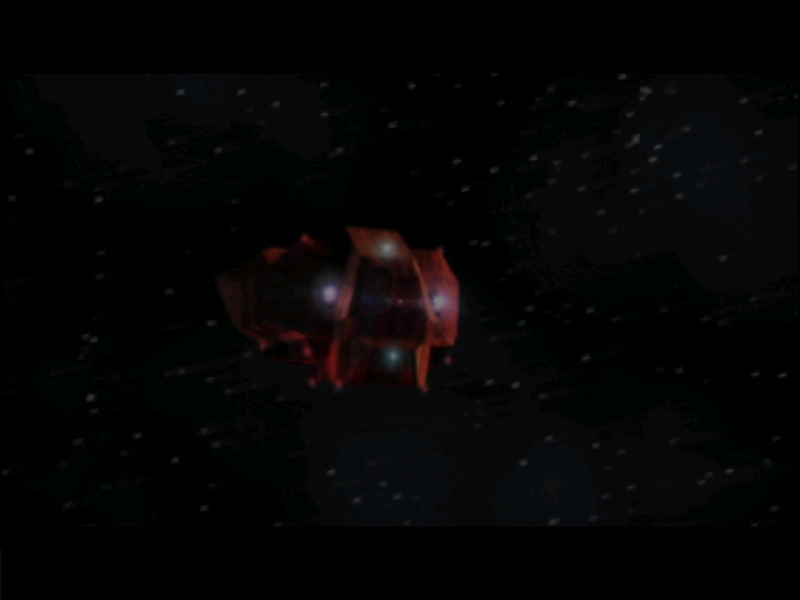
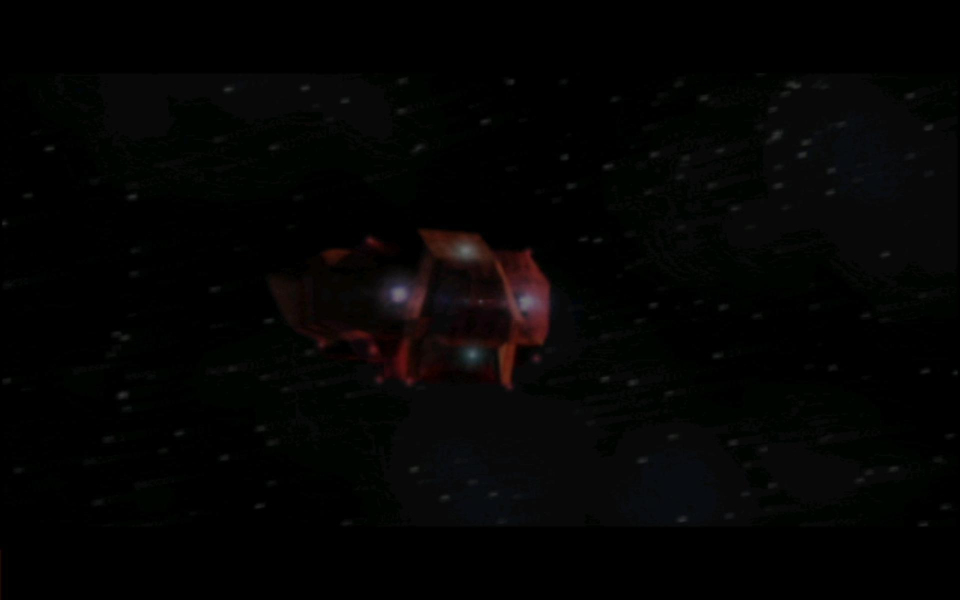
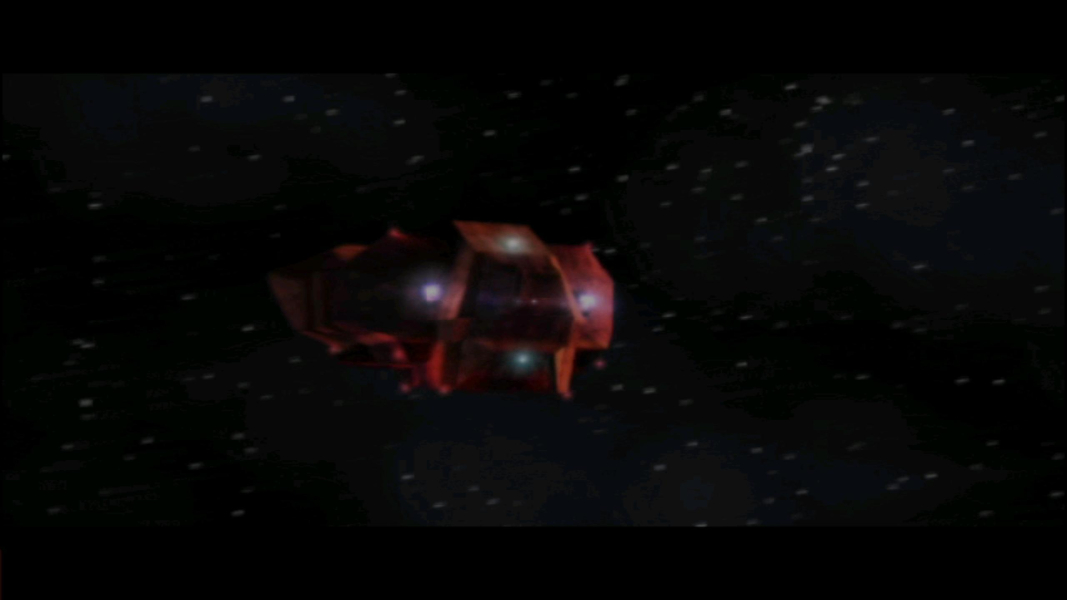
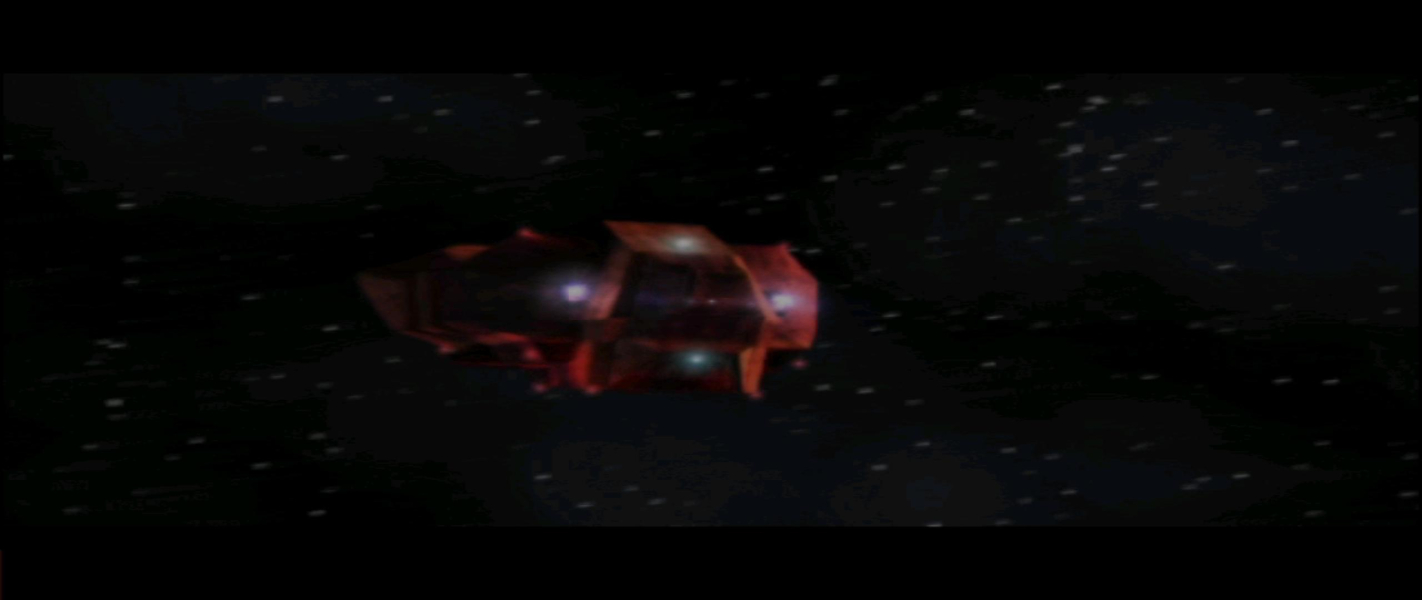
Screenshots Comparison
Solutions & Issues
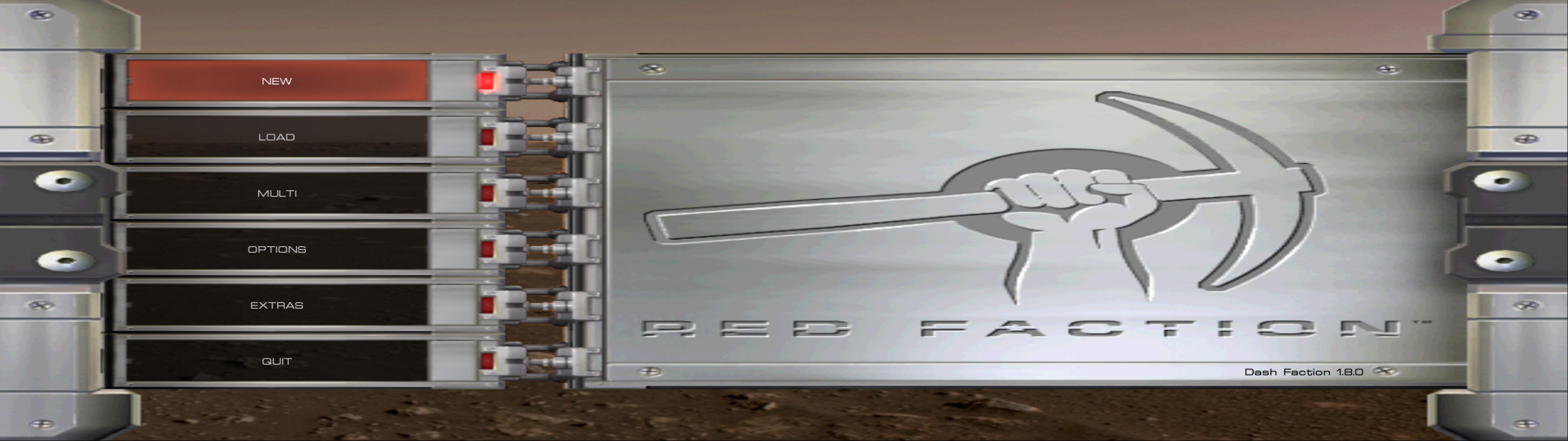
Download and install the Dash Faction patch. Once installed, go to "Options" in the Dash Faction launcher and select (or type) your desired resolution from the resolution dropdown.
To install Dash Faction, follow the instructions on either the Red Faction Wiki or PCGW.
For high resolutions, you will almost definitely want to select the "Big HUD" option (also in the Dash options panel) to increase the size of the HUD.
Dash Faction by default automatically scales horizontal FOV for your aspect ratio based on the standard of 90 degrees at 4:3. You can override this behaviour by instead setting a specific horizontal FOV (via console - fov {value} command). If you've manually configured a specific horizontal FOV and want to revert to proper scaling, simply enter fov 0 in console.
Same as widescreen section above: Install Dash Faction and select the desired resolution in the launcher.
Same as widescreen section above: Install Dash Faction and select the desired resolution in the launcher.
Same as widescreen section above: Install Dash Faction and select the desired resolution in the launcher.
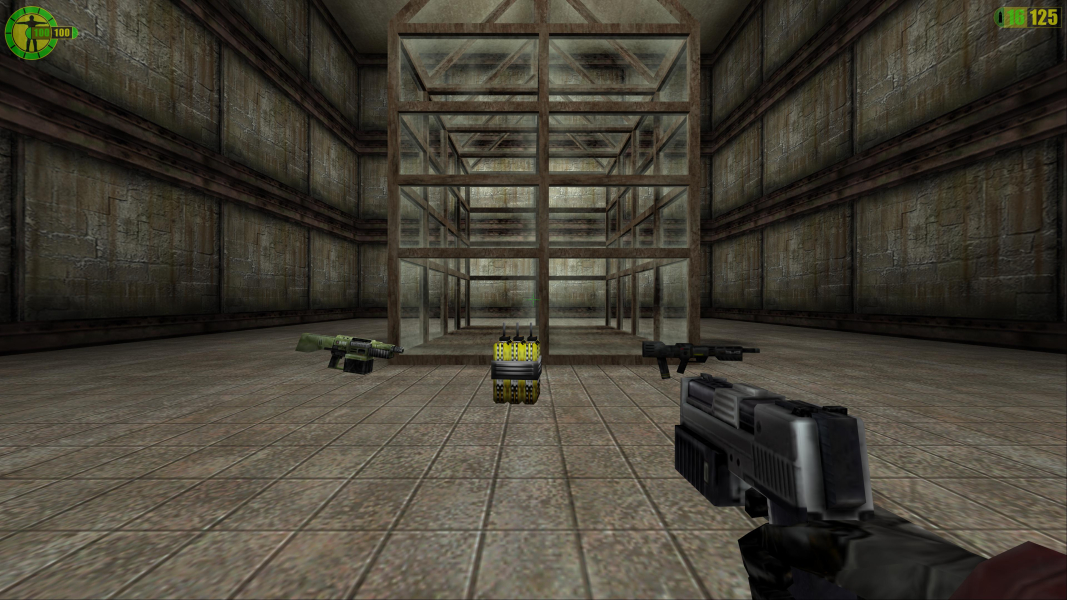
Gameplay Screenshots


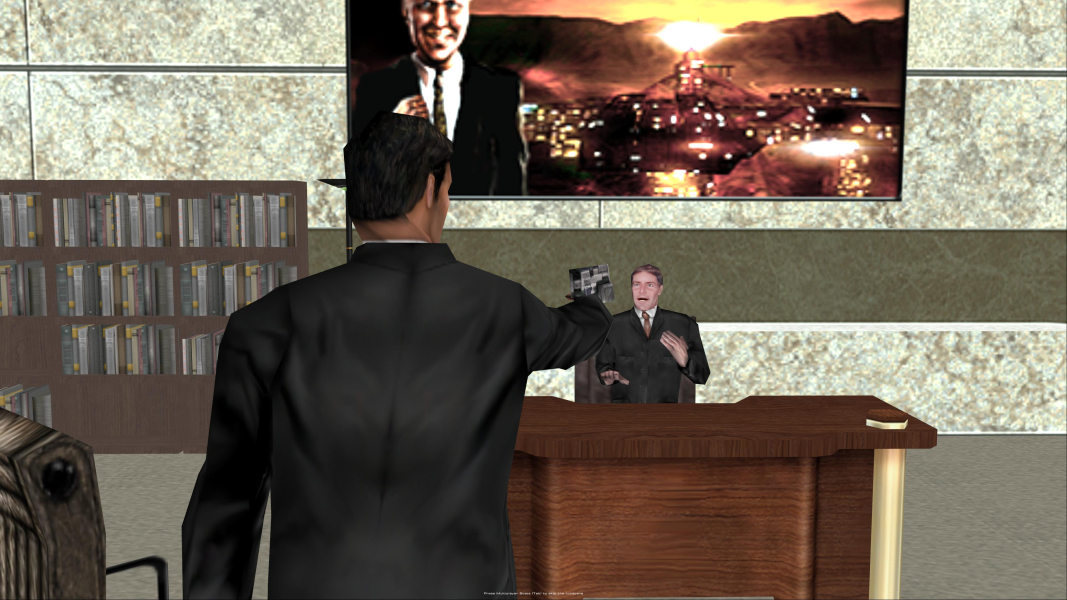
FMV Cutscenes
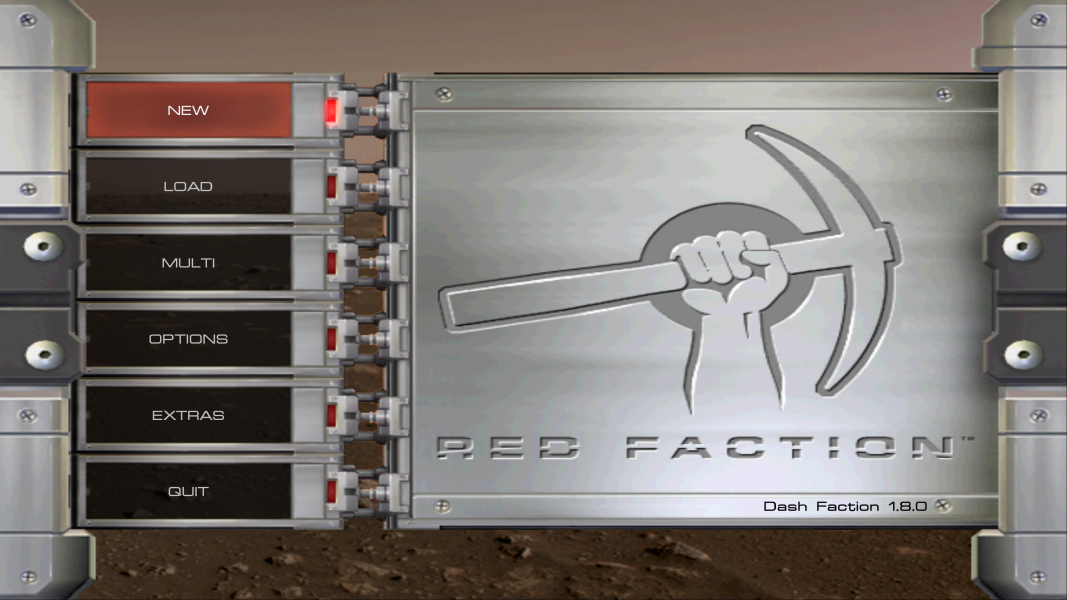
Menu Screenshots


4K UHD Screenshots