




Second game in the Ravensword series of RPGs, originally released for Android and iOS.
Support Summary
Game Information
Game Status:Released
Release Date:
Tested Version:4.2.2.78157 (Steam)
Play Styles:Single-Player
Setting:Fantasy
Genre:Action-RPG
Developer:Crescent Moon Games
Store Links:
Screenshots Comparison
Solutions & Issues
Widescreen Solution & Issues:
Native widescreen support. Size of some HUD elements varies between resolutions.
Gameplay is Hor+ for both the first- and third-person cameras.
Ultra/Super-Wide Specific Solution & Issues:
Ultra-widescreen resolutions are not listed in-game.
- Open the registry editor and go to HKEY_CURRENT_USER\Software\Crescent Moon Games LLC\Ravensword2
- Set Width and Height to your resolution in Decimal format
- Set Fullscreen to 0
- Run the game with the -popupwindow parameter to hide the window border.
There are some visual issues during cutscenes (seeing things that are meant to be off-screen) and with the far edges of some 2D menus. Changing the in-game video settings will reset the custom resolution.
Eyefinity / Surround Specific Solution & Issues:
Same workaround as ultra-widescreen. Menus stretch across the entire resolution. Cutscenes have even more visual issues.
Gameplay Screenshots
4:3 Screenshot
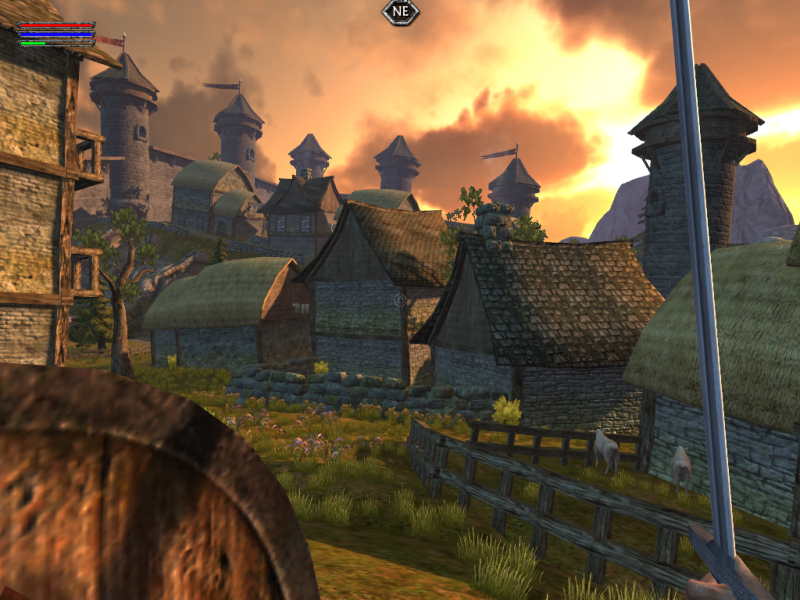
16:10 Screenshot
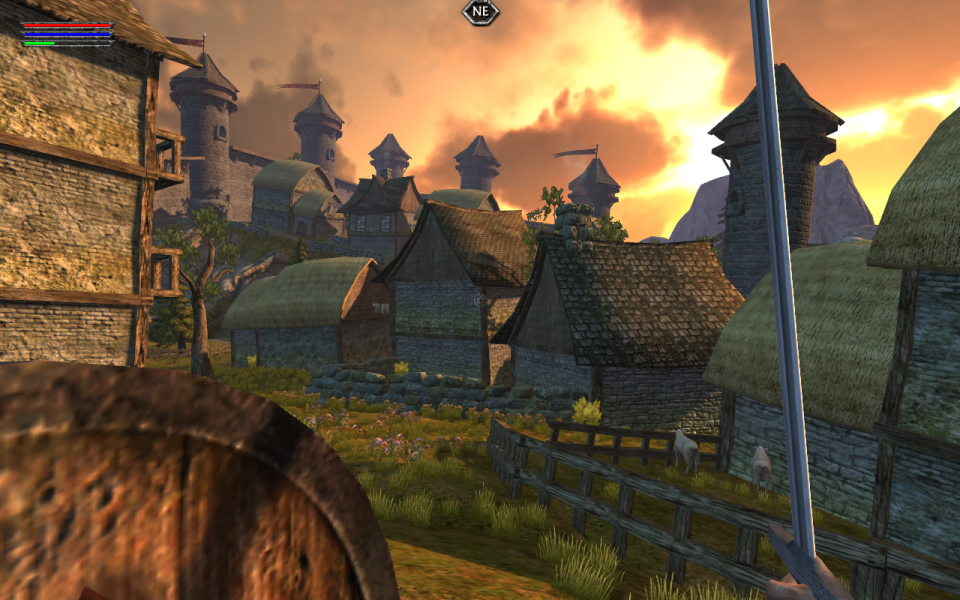
16:9 Screenshot

21:9 Screenshot
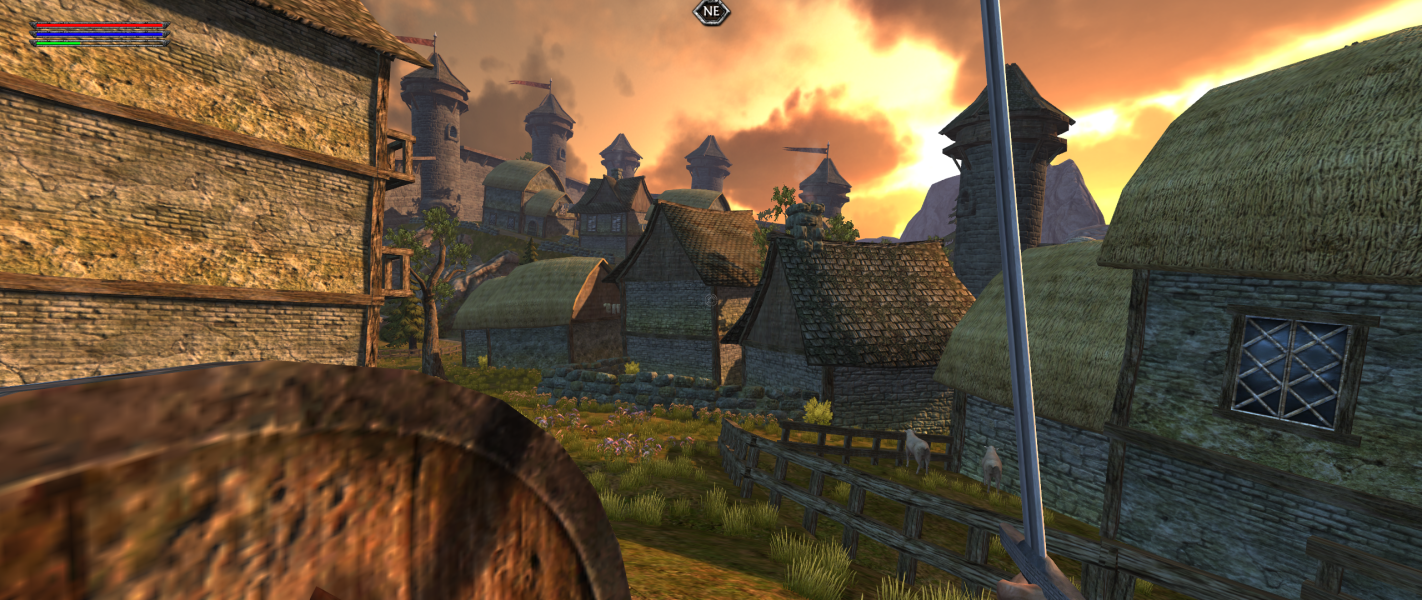
32:9 Screenshot

Eyefinity / Surround Screenshot

In-Game (Rendered) Cutscenes
4:3 Cutscene
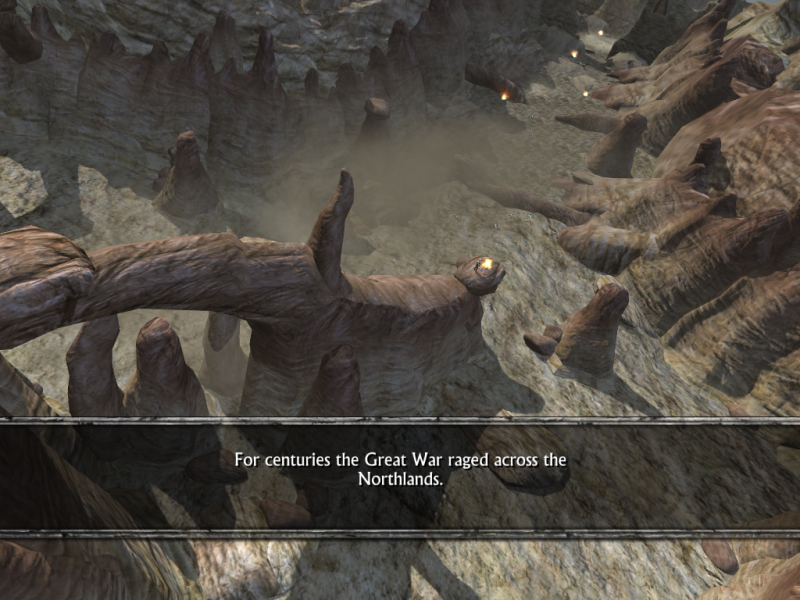
16:10 Cutscene
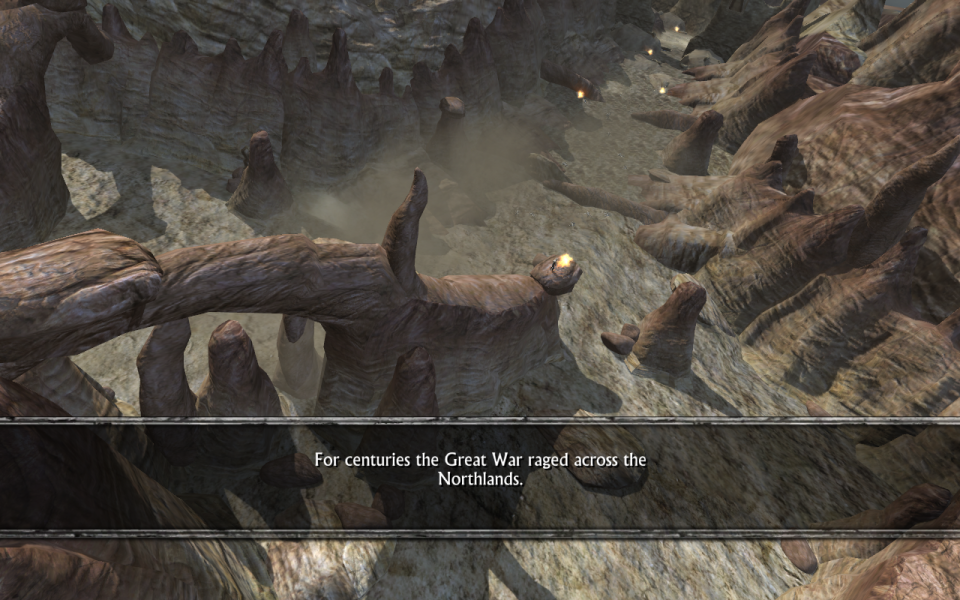
16:9 Cutscene
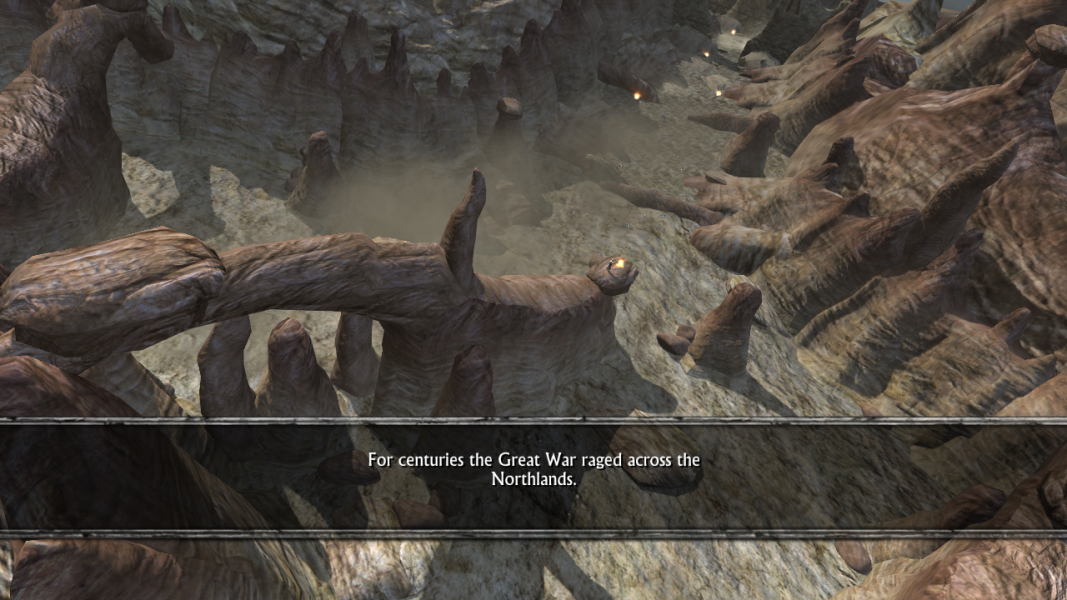
Additional Screenshots

4:3 third-person gameplay

16:10 third-person gameplay

16:9 third-person gameplay

21:9 third-person gameplay

Surround third-person gameplay


