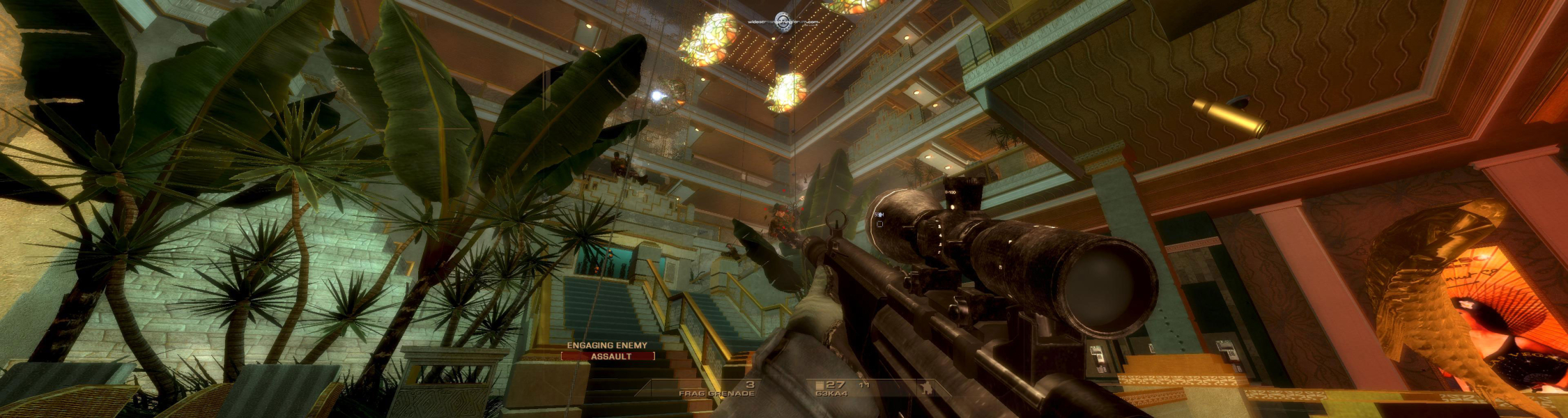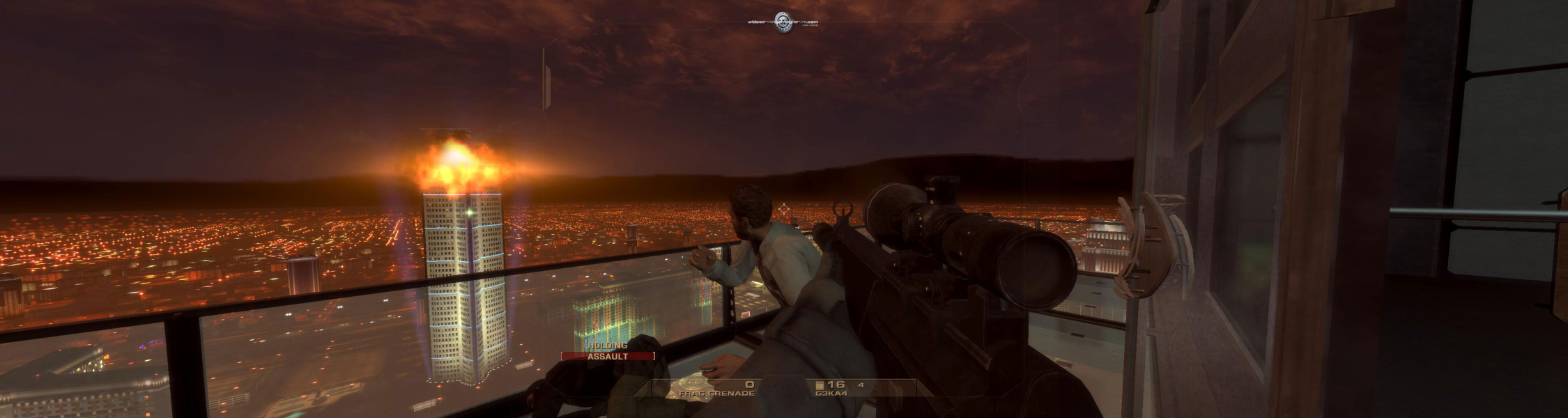


Tom Clancy's Rainbow Six: Vegas is the fifth game in the Rainbow Six series of video games. It changes the series with multiple new features, such as a new health system where the player regenerates health while not taking fire (it should be noted that the player may sometimes be killed instantly, without a chance to regenerate health; this usually happens from grenades, as well as taking close range fire from very powerful weapons, particularly to the head). The player's vision is greatly impaired while damaged, similar to the health system in Gears of War. Furthermore, a third-person view has been included for moments where players can blind-fire around corners to lay down suppression or covering fire.
Other changes include a larger enemy presence and much tougher artificial intelligence, a shift in focus to where kills will be much harder to obtain, a reincarnated aiming system similar to the aiming system of the old Rainbow Six games and a context-sensitive D-pad based command system for the player's squad and sections of gameplay where the player will scale buildings and cause environmental damage.
There is no mission planning feature or save system, instead the game uses a checkpoint system. The developers also opted to exclude cutscenes, telling the story through video feeds on a heads-up display. The player also has various skills, such as the ability to rappel up and down buildings while shooting and the ability to fast rope into an area.
Support Summary
Game Information
Screenshots Comparison
Solutions & Issues
Patch 1.05 only added support for 16:9 widescreen resolutions, so you have two options:
1) With great thanks to ... madmos5y , get the .bin files below
The files have been configured for ...
16:10
960x600, 1280x800, 1440x900, 1680x1050, 1920x1200 and 2560x1600
16:9
1920x1080, 1360x768 and 1280x720
Other resolutions
1280x1024 and 1280x768
or
2) With big thanks to ... squ1zzy ... who made a Resolution Patcher for the game ...
Instructions in the readme ...
Place the patcher in the folowing folder:
C:\Documents and Settings\%username%\My Documents\Ubisoft\R6Vegas
Open the patcher and select the resolution you want and press the 'patch' button.
It will make a copy of the original file before applying the patch.
squ1zzy
Close the Patcher before you run the game ...
Download the Patcher below
-------------
Tired of running R6:vegas in widescreen only to have the scope views, hud and cutscene text cramped in the middle of the screen. Try this.
1. Go to program files\Ubisoft\Tom Clancy's Rainblow Six Vegas\KellerGame\Content\MenusPC\
2. Rename or R6hud.mgb
3. Go to program files\Ubisoft\Tom Clancy's Rainblow Six Vegas\KellerGame\Content\MenusPC\Widescreen\
4. Copy r6hudwide.mgb to the .\MenusPC\ folder and rename it to r6hud.mgb
5. Run r6vegas.
Looks like the main HUD is still a little off (shifted to the left) but, the scopes and the rest of the overlays should be much better. Don't try to copy any of the other widescreen files or you will end up with a messed up HUD in game.
Found a problem with 16x10 resolutions. The overlays are squished vertically. Sorry. 16:9 res look okay though.
I first posted this at NVnews. Still waiting for feeback. So far, for me, everything looks okay.
For surround / eyefinity resolutions use one of the files attached below, either the TripleHead file from Paddy, or the set of files from GeneralAdmission. The file set from GA includes a number of Bezel Management/Compensation resolutions. Files available from the PC Gaming Wiki Community Files (search there)
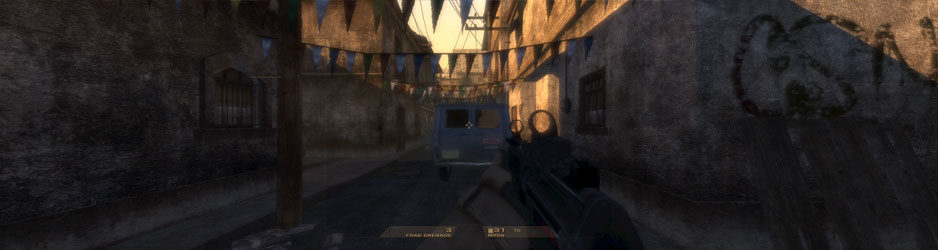
Gameplay Screenshots
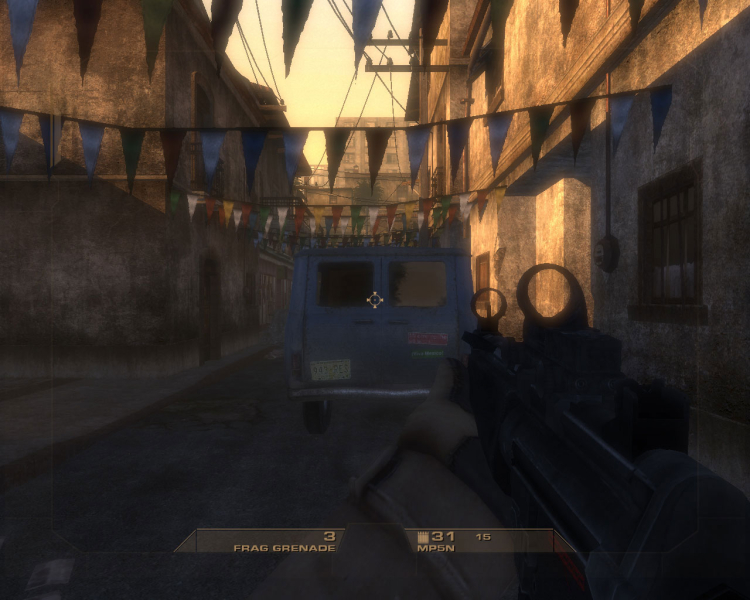


Additional Screenshots