

Latest PC entry in SimBin's series of licensed racing games.
Support Summary
Game Information
Screenshots Comparison
Solutions & Issues
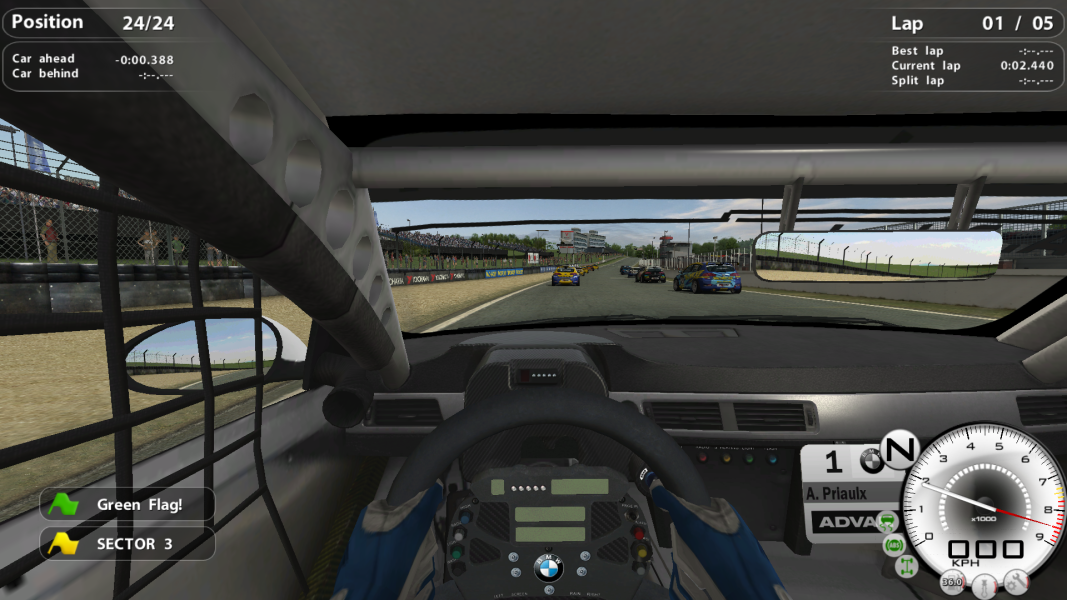
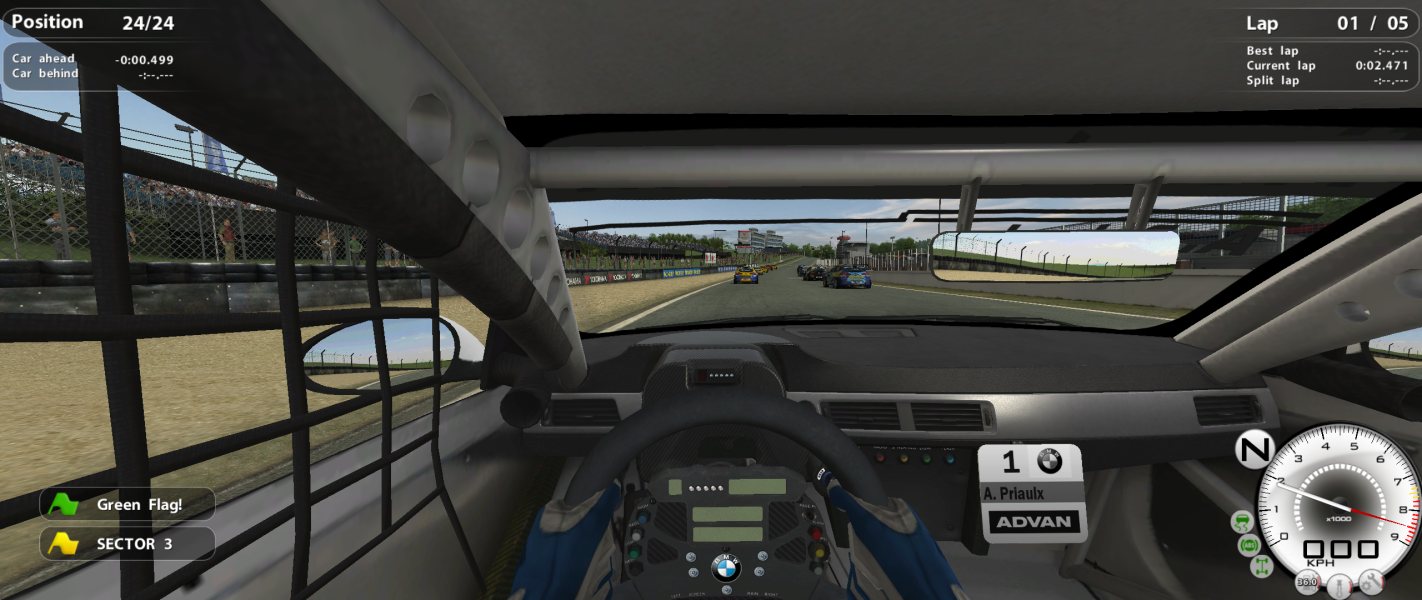
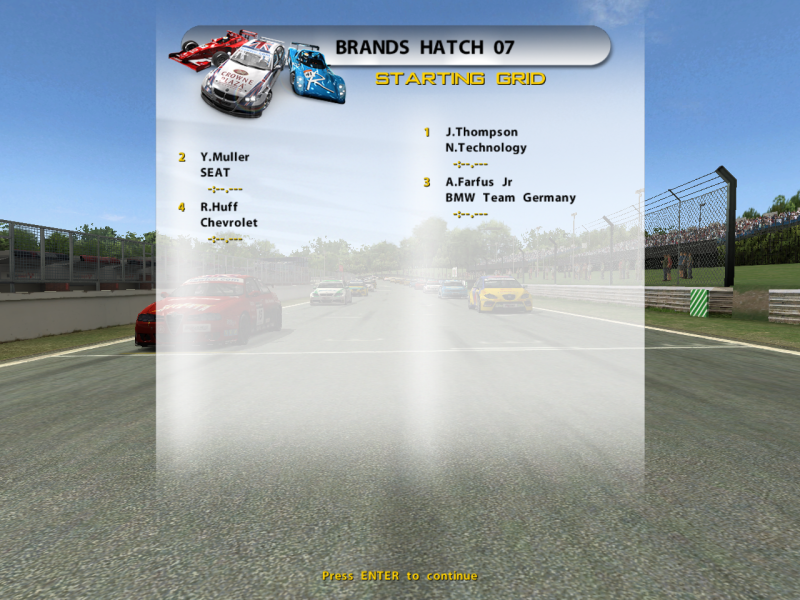
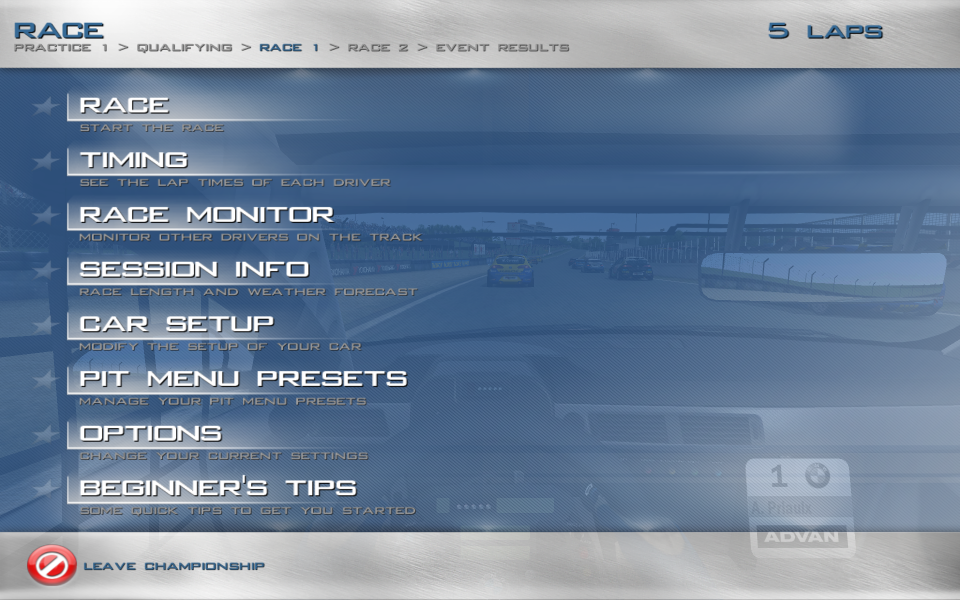
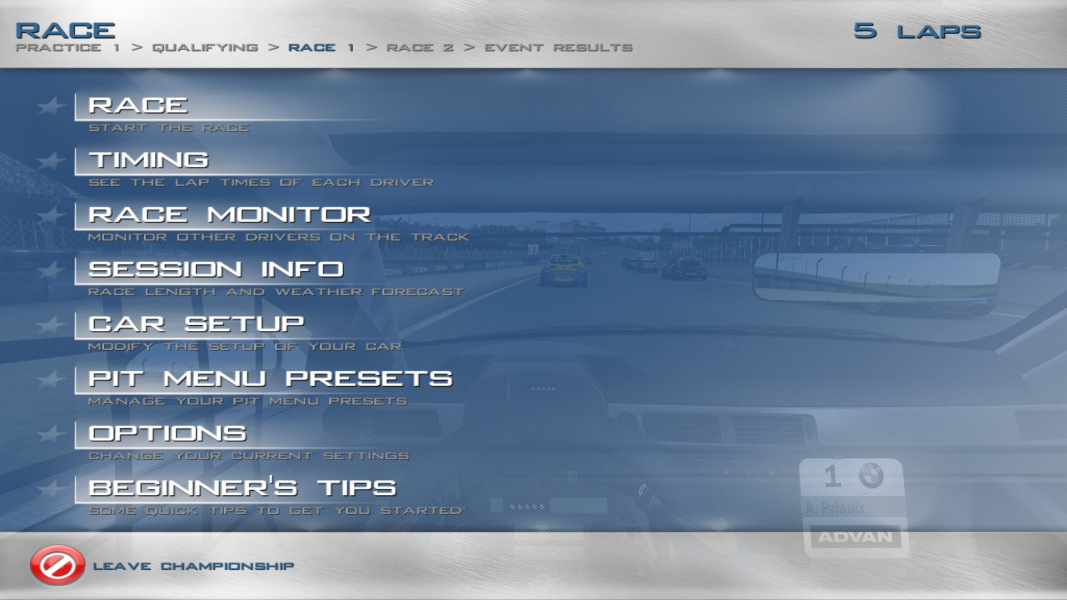
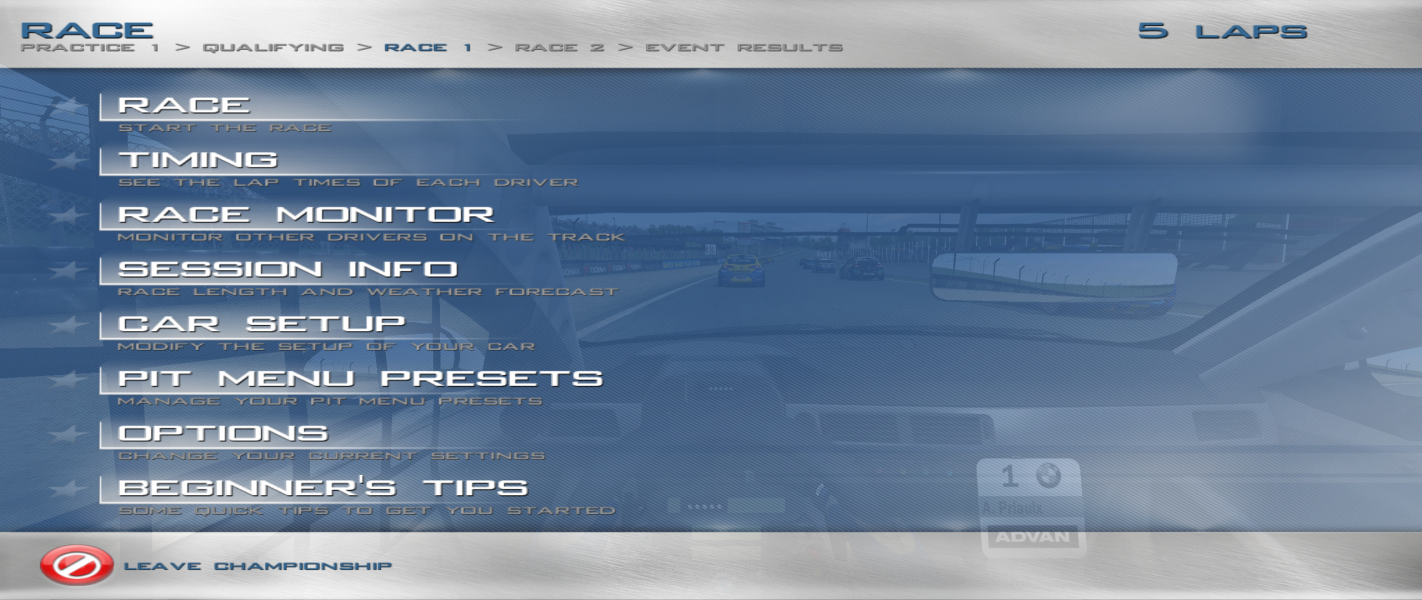
Full native support. HUD and other prompts during gameplay are scaled correctly while 2D elements in menus are stretched from 4:3 (3D elements in menus are displayed correctly).
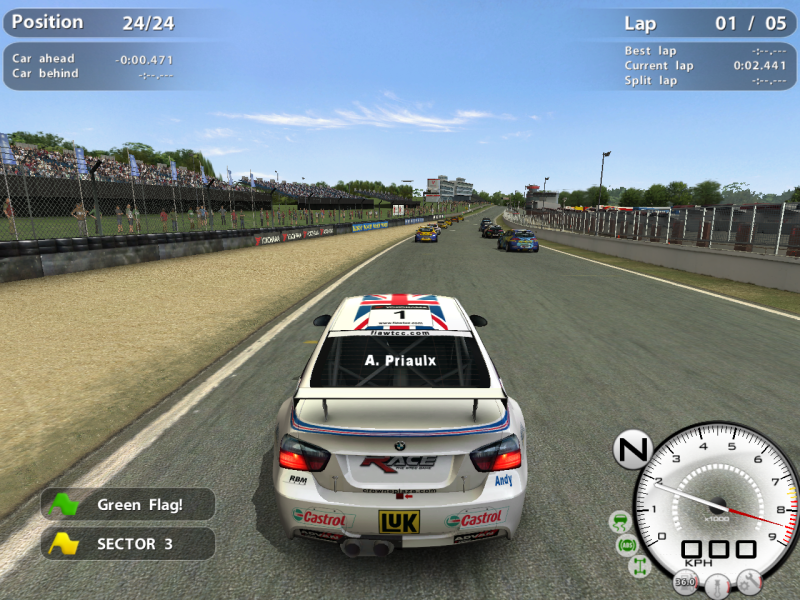
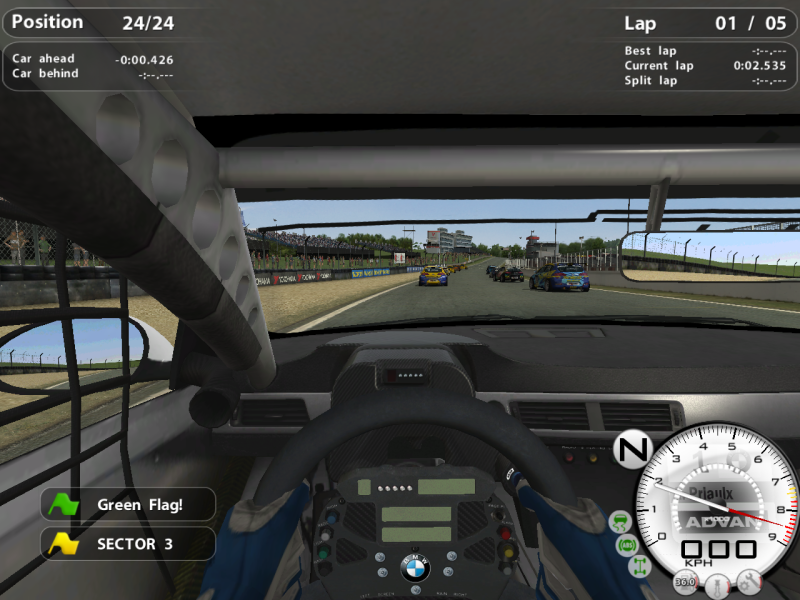
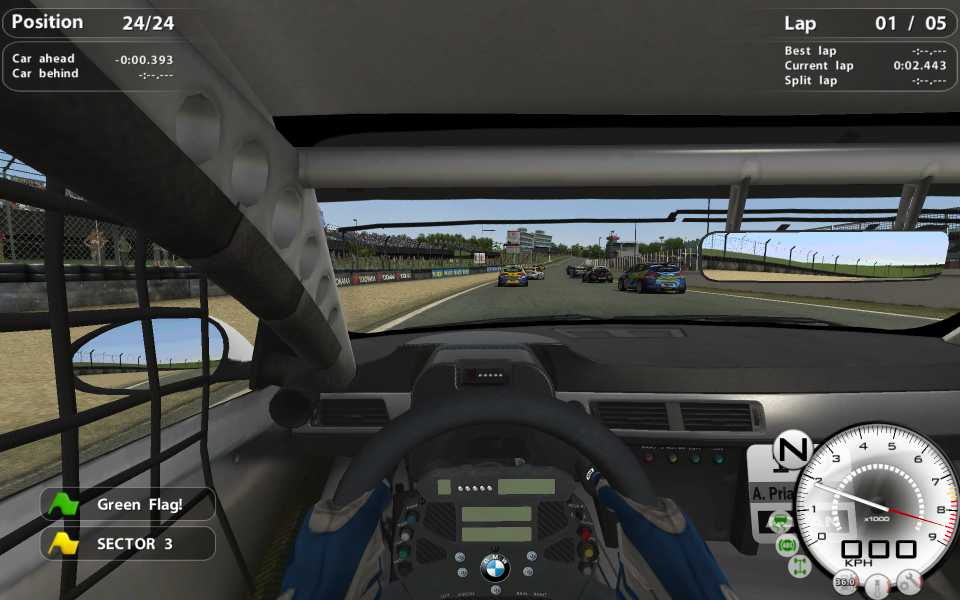
The FOV can be set in-game with a very wide FOV available (screenshots show the default FOV).
When using the cockpit camera looking left or right may show the end of the car model (more obvious with higher FOV settings).
Cockpit: Looking left or right may show the end of the car model (more obvious with higher FOV settings).
Native multi-monitor detection. All menus, HUD, text prompts, etc. are restricted to a centred area appropriate for the aspect ratio (16:9 for 3x16:9, 4:3 for 3x4:3).
When using the cockpit camera looking left or right will show the end of the car model.
Gameplay Screenshots


In-Game (Rendered) Cutscenes

Menu Screenshots


Additional Screenshots