


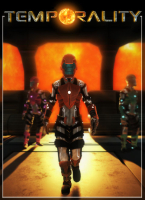


When in doubt, rewind and multiply. Use the fourth dimension to send a team of synchronized clones stand on and off pressure pads to control doors, elevators and platforms for you. But be prepared to face the terrible secrets that always lie beneath amazing scientific breakthroughs...
Project Temporality is a third-person sci-fi puzzle game with platformer elements. The gameplay revolves around singleplayer co-operative cloning. You go back in time to spawn a new you and let your former self redo your past actions (now in the future), while you go a different way. The game features 14 levels of increasing complexity that don't have to be unlocked and may be played in any order. A 3-star rating based on the efficiency of your timelines, i.e the absolute time to reach the exit, ensures lots of head-scratching, time-bending replayability.
Support Summary
Game Information
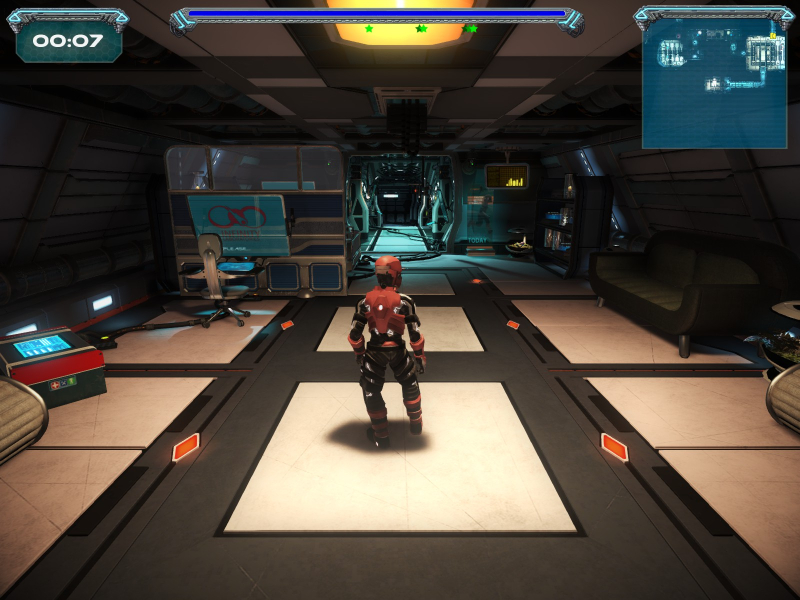
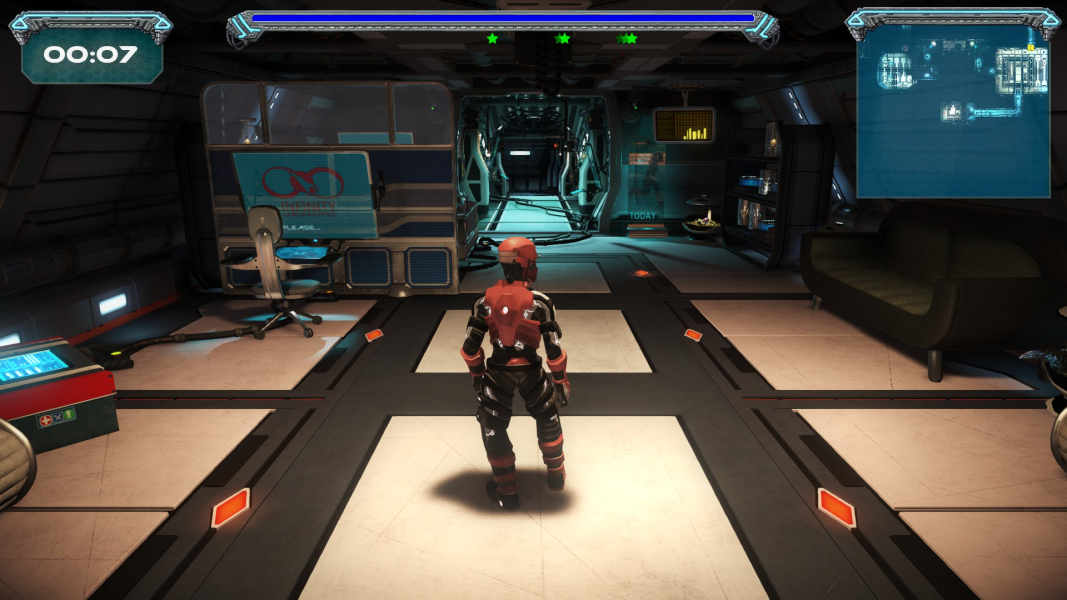
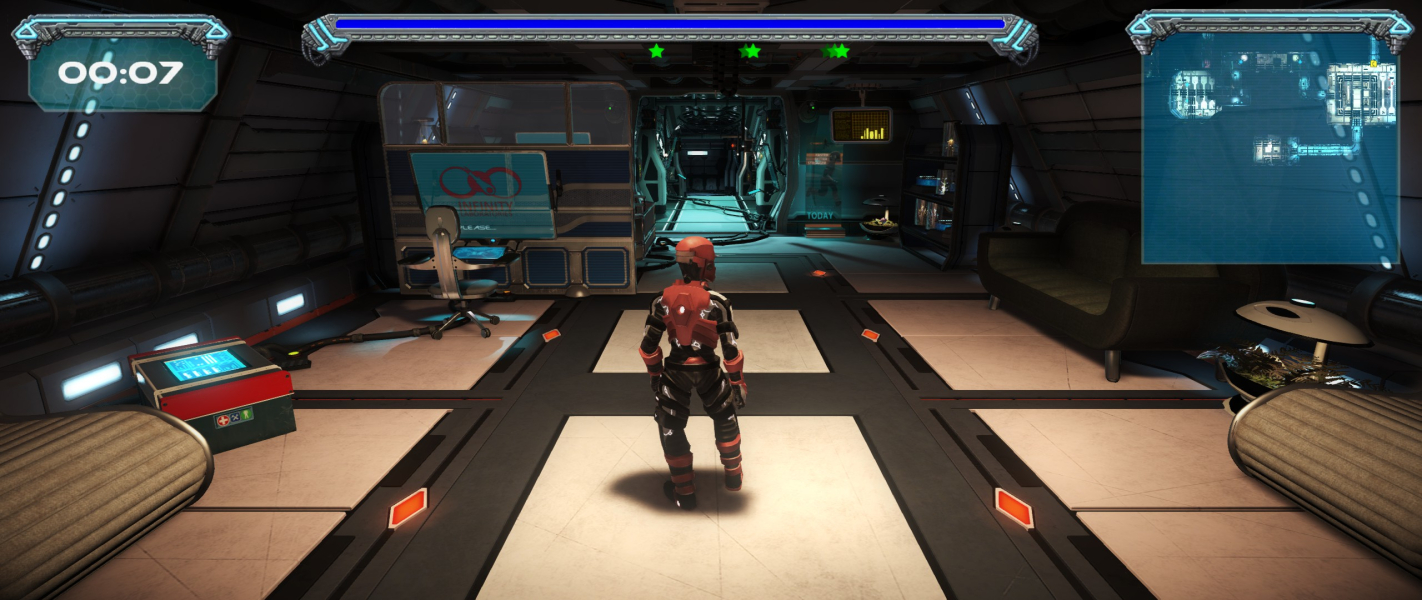
Screenshots Comparison
Solutions & Issues
Native "Vert+" support (FOV is actually both vastly Vert+ and slightly Hor+ in narrower resolutions).
Since patch 1.03 the FOV can be adjusted from the options menu (default: 90, range: 60-140, diagonal FOV).
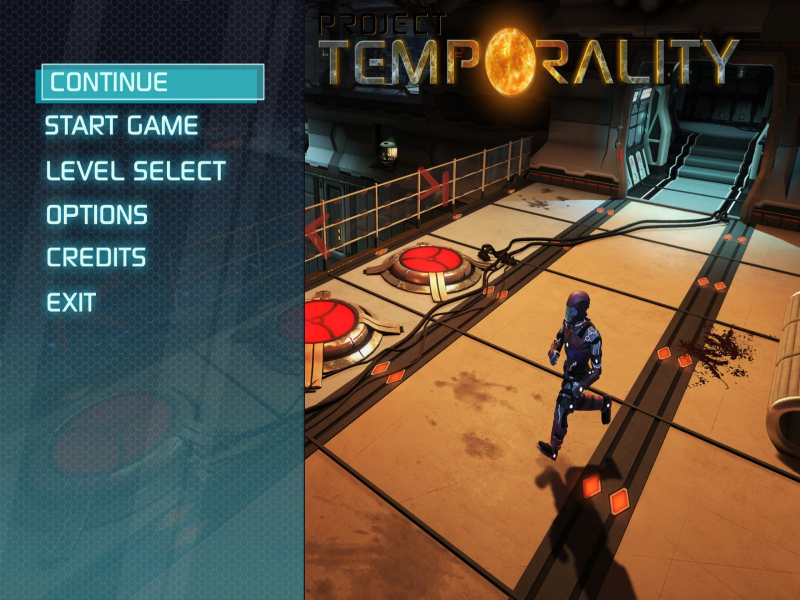
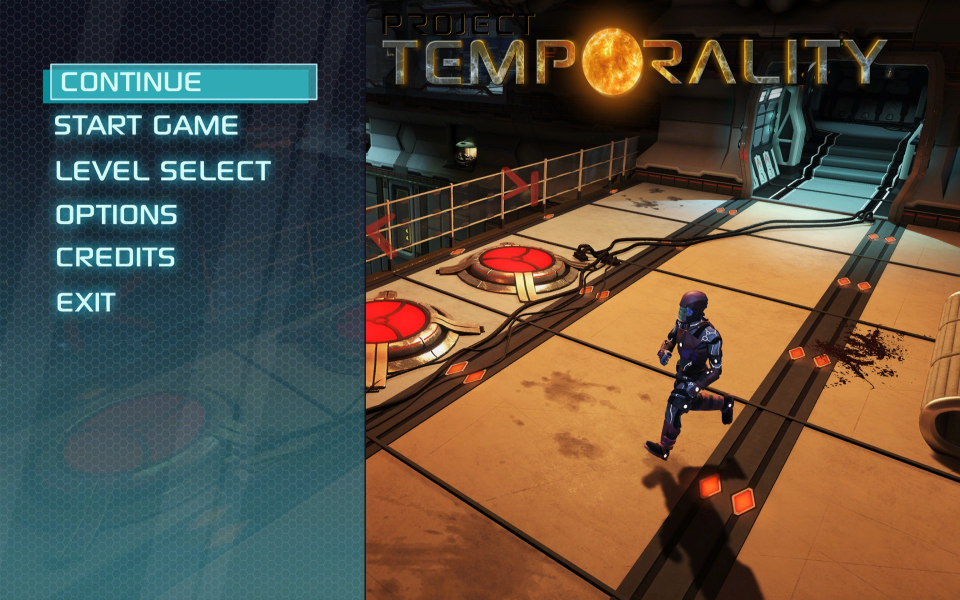
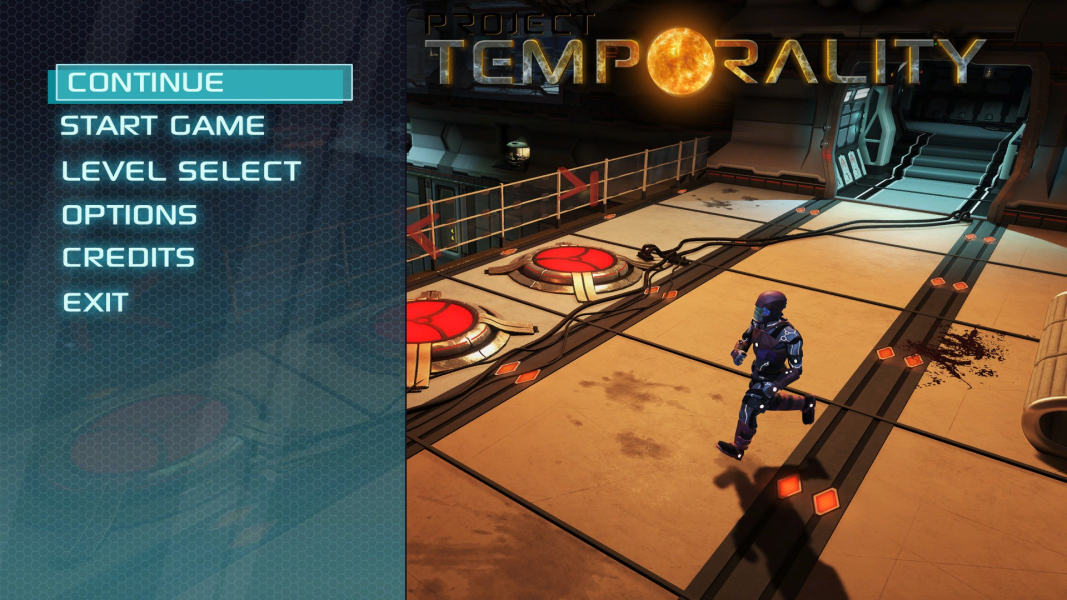
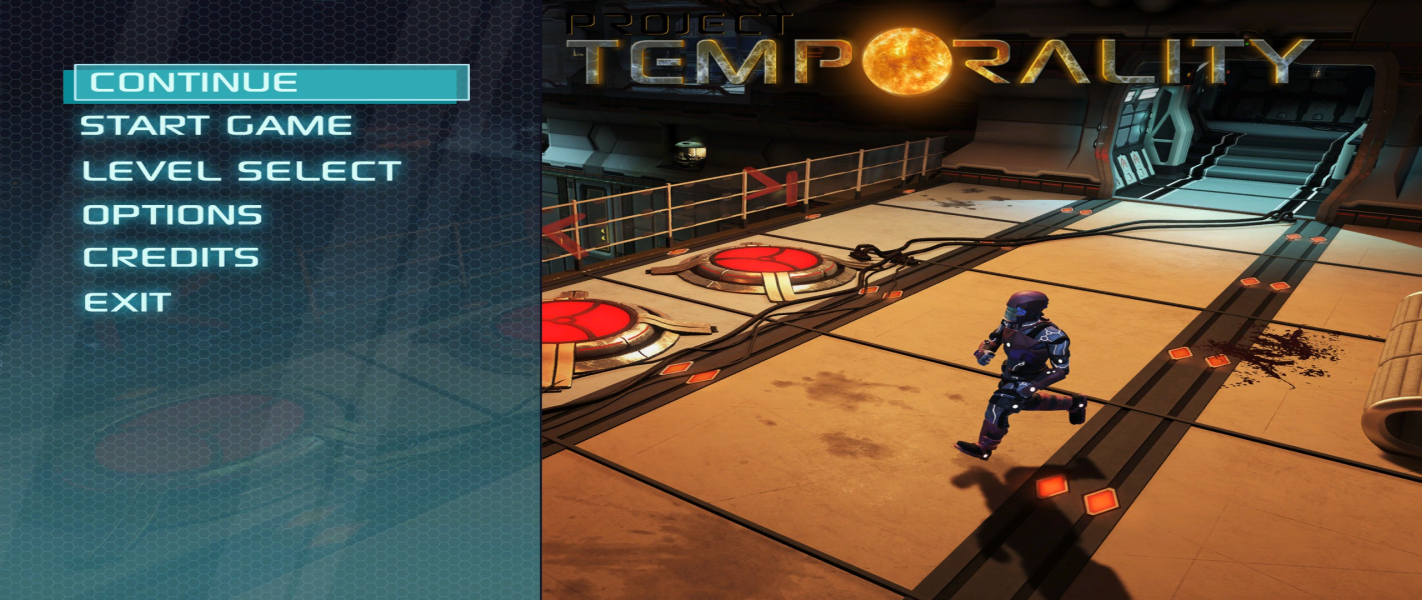
- Menu items & art are designed for 16:9 and squished in lower aspects.
- The HUD does not stretch but grows in size relatively to the aspect ratio.
Native support through the FOV setting. 21:9 w/FOV 118 is Hor+ compared to 16:9 w/ FOV 90.
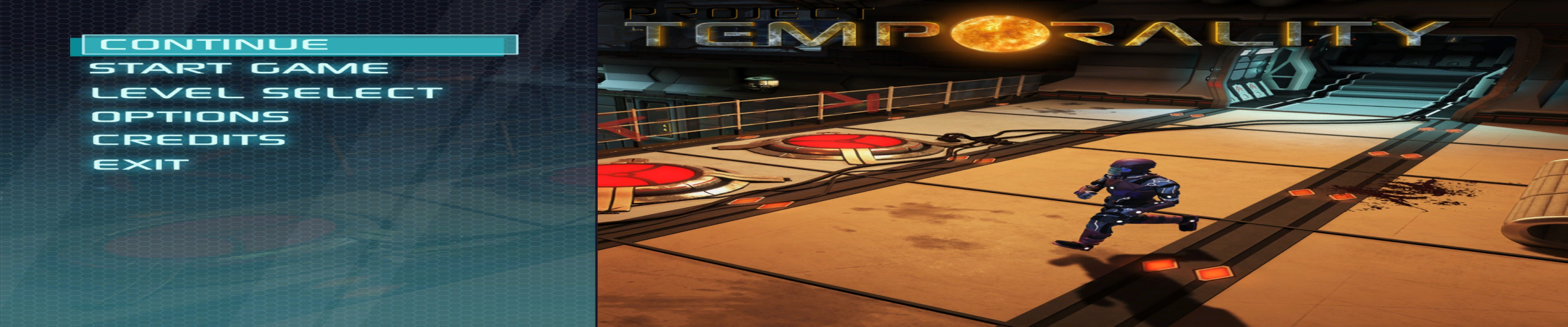
- Menu items & art stretch.
- The HUD is 1/3 bigger than in 16:9.
- Limited resolution support:
- Limited FOV support:
- Numerous UI issues:
Although available in-game, resolutions with a display width higher than 4096 are not supported and cause the game engine to crash.
Hard-coded max FOV value is too low, resulting in both Hor+ and Vert- screen change.
15:4 classic TripleHead would require a diagonal FOV of 165 to be strictly Hor+. 15:4 w/ FOV 110 would be Hor+ compared to 16:9 w/ FOV 60.
48:10 TripleWide would require a FOV of 244 to be strictly Hor+. 48:10 w/ FOV 140 is not even strictly Hor+ compared to 16:9 w/ FOV 60.
Main menu stretches, HUD is gigantic, dialogs and pause menu are cut-off, items in options menu overlap.
(Untested but should be A-OK at 3840x2160)
Gameplay Screenshots



Menu Screenshots
Additional Screenshots


