


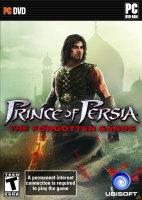


The Prince will be able to fight multiple enemies in one battle, up to 50 at once. An important part of the combat is "crowd control" and evading enemies, as well as combos. There is no blocking and there are no quick time events in the game.
Throughout the game the Prince learns new powers. The biggest new feature is the addition of elemental powers, which bring a new dimension to the core gameplay, because of the way these powers interact with each other and the Prince's other abilities. There are four core powers in the game: Fire, Ice, Wind and Earth. Each of them translates to a different power during combat, such as the ability to "solidify" water fountains and turn them into climbable columns.
Besides these core powers, there are also minor powers, that can be purchased to enhance the Prince's abilities from Razia. These minor powers include a shield and the power to summon small tornadoes. The combat in the game is similar to combat mechanics found in The Sands of Time.
Support Summary
Game Information
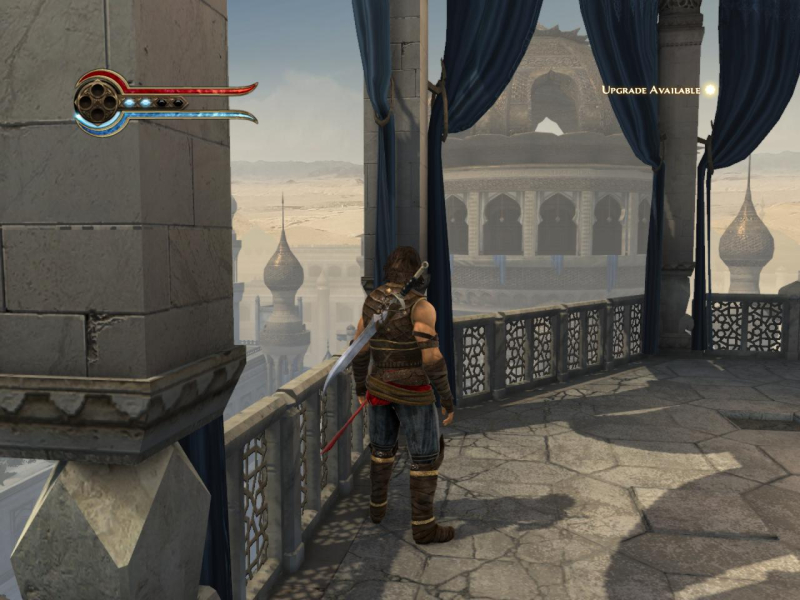
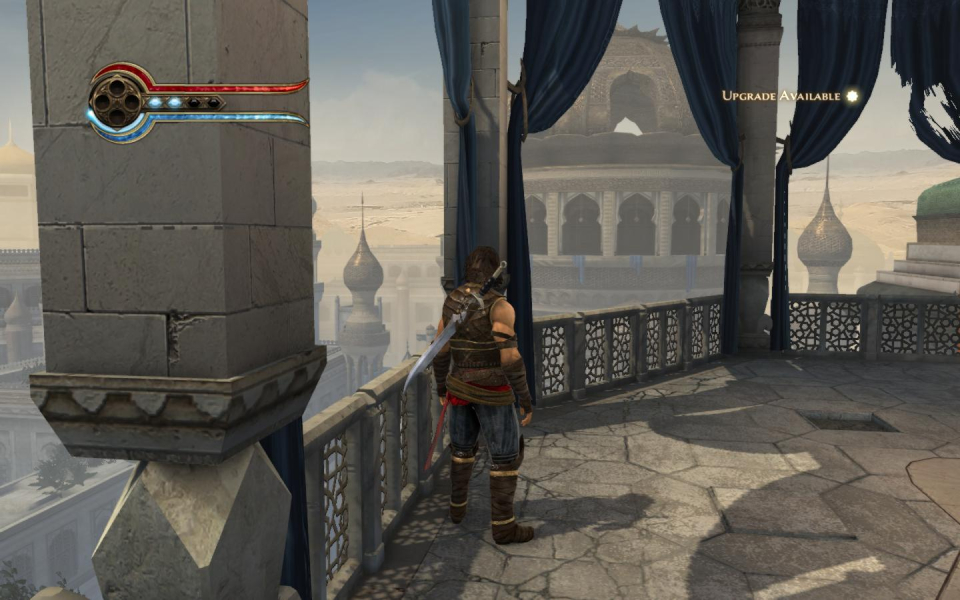
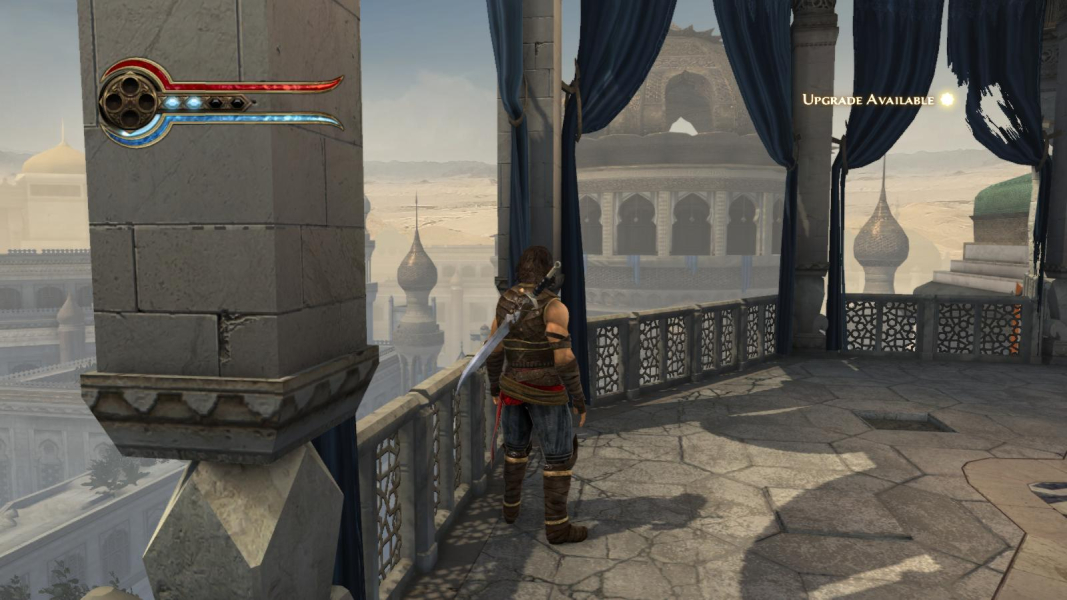
Screenshots Comparison
Solutions & Issues
From the Ubi launcher, enter Game Settings and simply select your desired resolution.
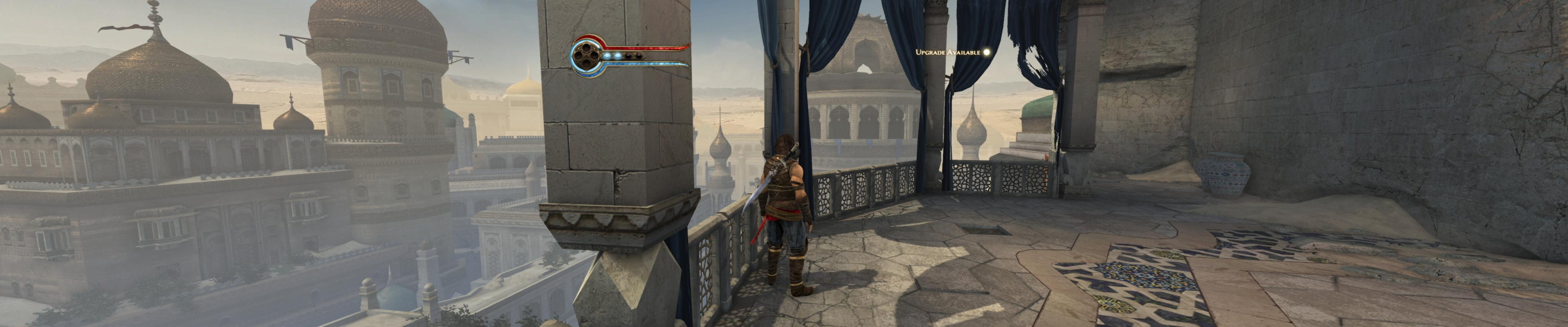
Multi-mon is supported out of the box with Hor+ gameplay.
Additional interface fixes (centered HUD, non-stretched subs) should be automatic for Eyefinity users, and can be easily enabled through the registry:
1) Windows Start menu / Execute... / regedit
2) On the left panel, navigate to: HKEY_CURRENT_USER\Software\Ubisoft\Prince of Persia - The Forgottent Sands\1.0\Engine\
3) On the right panel, double-click EyeFinity and change value to 1.
4) Thank fluxetreflux for the tip !
Gameplay Screenshots


Additional Screenshots


