

Police Quest 2: The Venegeance is the second game in the epic Police Quest series of games by Sierra. The game was released in 1988.
In this game, the player is recast as police officer Sonny Bonds, set after the Police Quest 1 storyline, and takes the player on an adventure fighting crime in the fictional city of Lytton.
This game is available on Good Old Games as part of the Police Quest 1-4 pack, and utilizes DOSBox to play on modern systems. In addition to the games, the buyer also gets the game manuals, maps, and reference cards in PDF format.
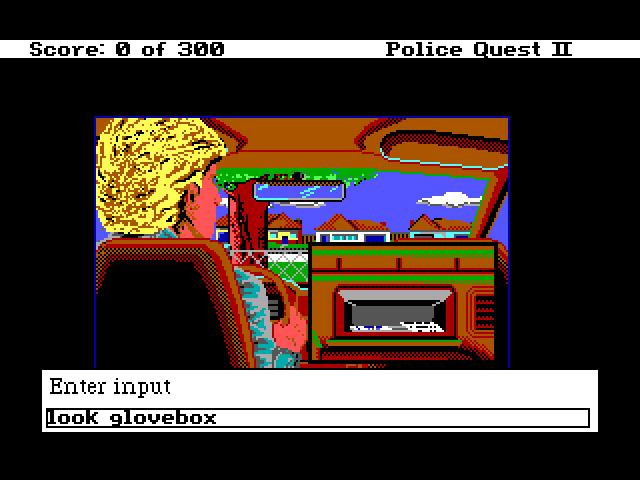
As the GOG version of this game is the 1988 original with no remake available, the game uses text-based actions.
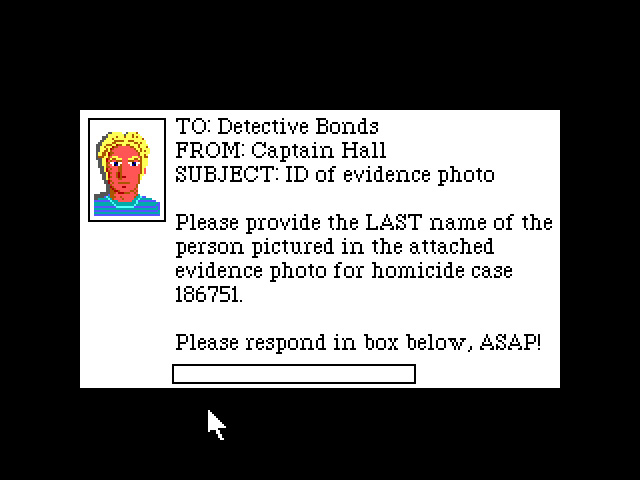
The only downside to this game is the DRM that requires the player to match the picture of a 'suspect' against some pictures in the game manual and enter the relevant surname, which gets annoying as this must be done every single time to game is run. A hot tip for new players: look in the GOG-provided combination manual that covers all games, not the individual manual for this game, to find the pictures with names.
Support Summary
Game Information
Screenshots Comparison
Solutions & Issues
The game runs in a set 4:3 resolution of 640x480. Widescreen is not supported.
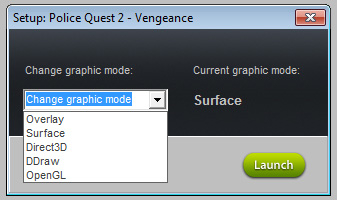
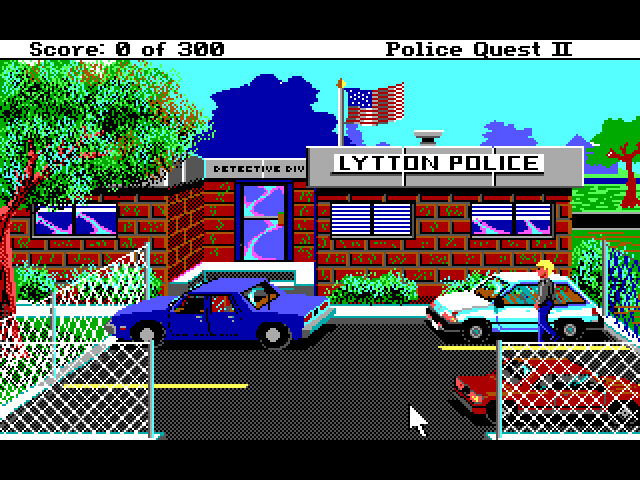
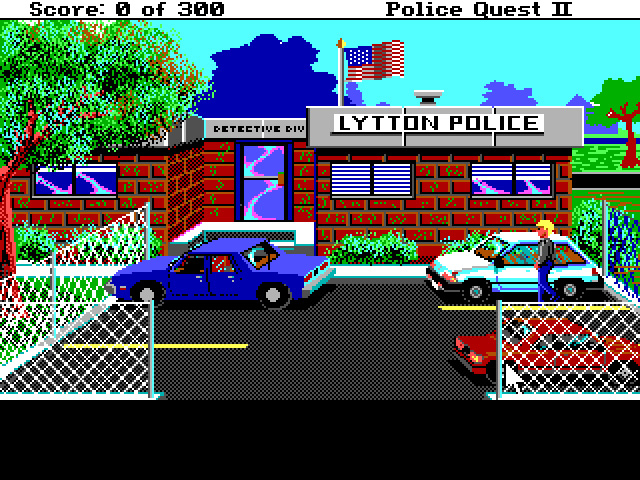
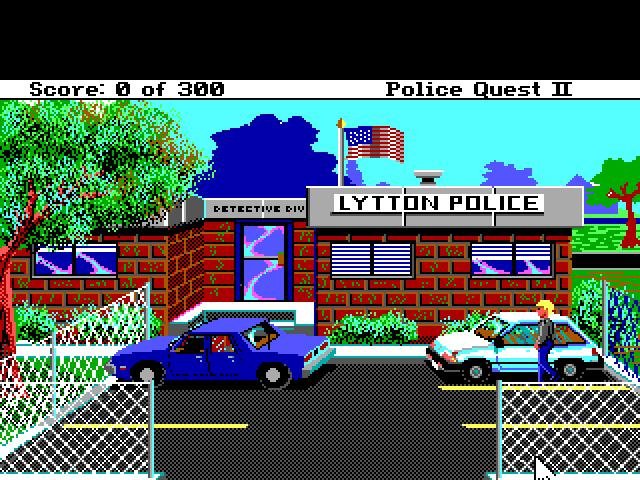
The game can be run in a variety of graphics modes. Refer to additional screenshots.
- Surface and Direct3D modes work with even black bars at top and bottom.
- DDraw and Overlay modes have a thick black bar at the bottom.
- OpenGL mode has a thick black bar at the top.
Not supported.
Not supported.
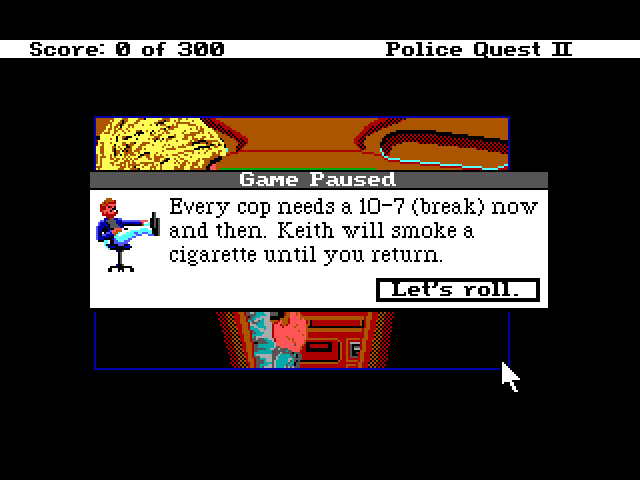
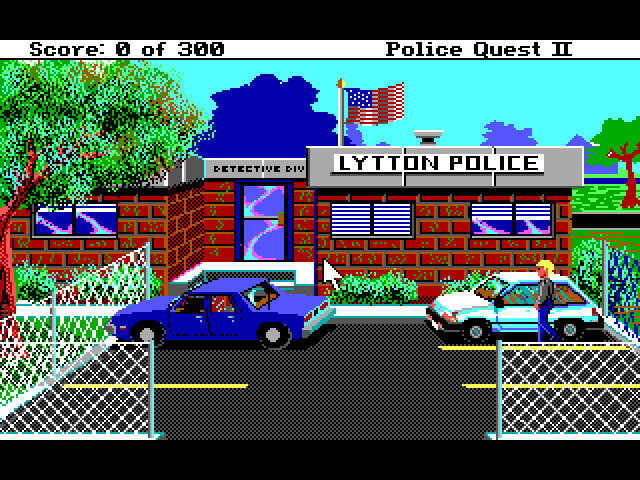
Gameplay Screenshots


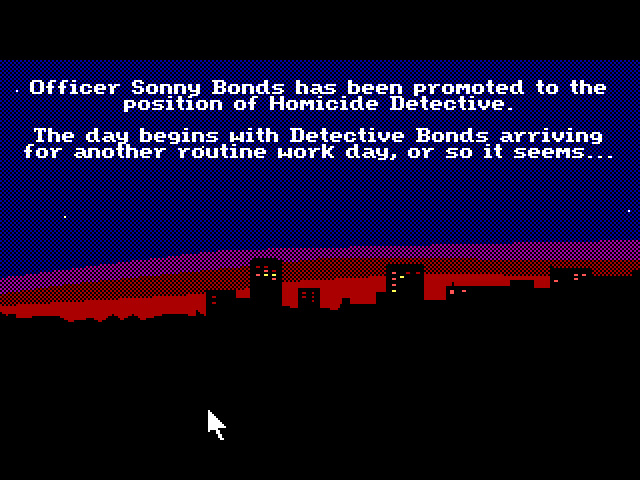
In-Game (Rendered) Cutscenes
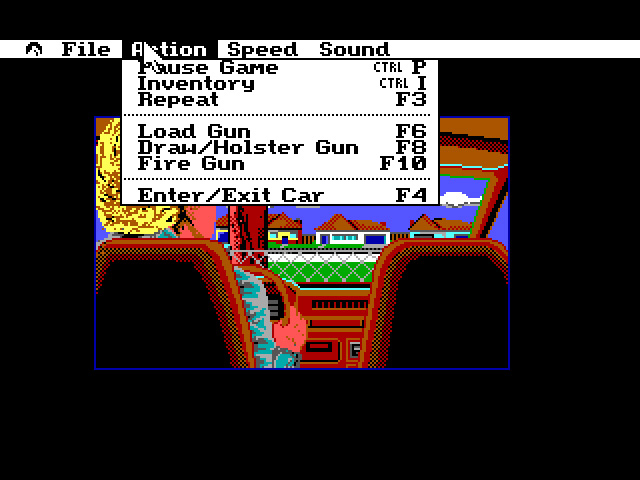
Menu Screenshots
Additional Screenshots