




A partial UE3-powered remake of the 2004 games.
Painkiller "HD" consists of a handful of levels from the original Painkiller and Battle Out Of Hell expansion arranged in a new story. Despite the obvious graphical overhaul, both the feel and gameplay of the original games are intact and include all the weapons, secrets and bunny hopping a fan of the old PK could hope for. The most notable entirely new feature is the Soul Catcher, a weapon capable of piercing mutliple enemies in one shot that can also be used to reel in souls from a distance or even make enemies fight by your side.
Multiplayer has also been reworked, the singleplayer campaign can be played co-operatively and a new Survival mode can be played solo or with up to 3 other players online.
Support Summary
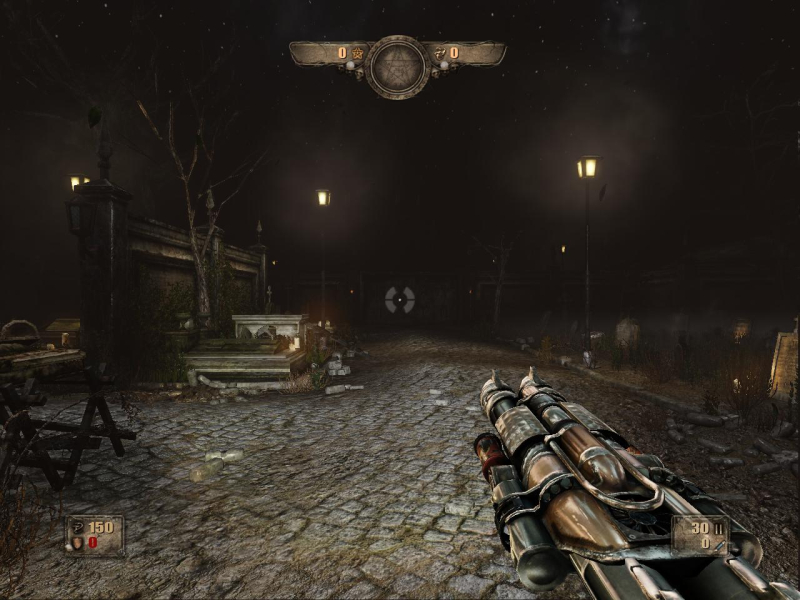
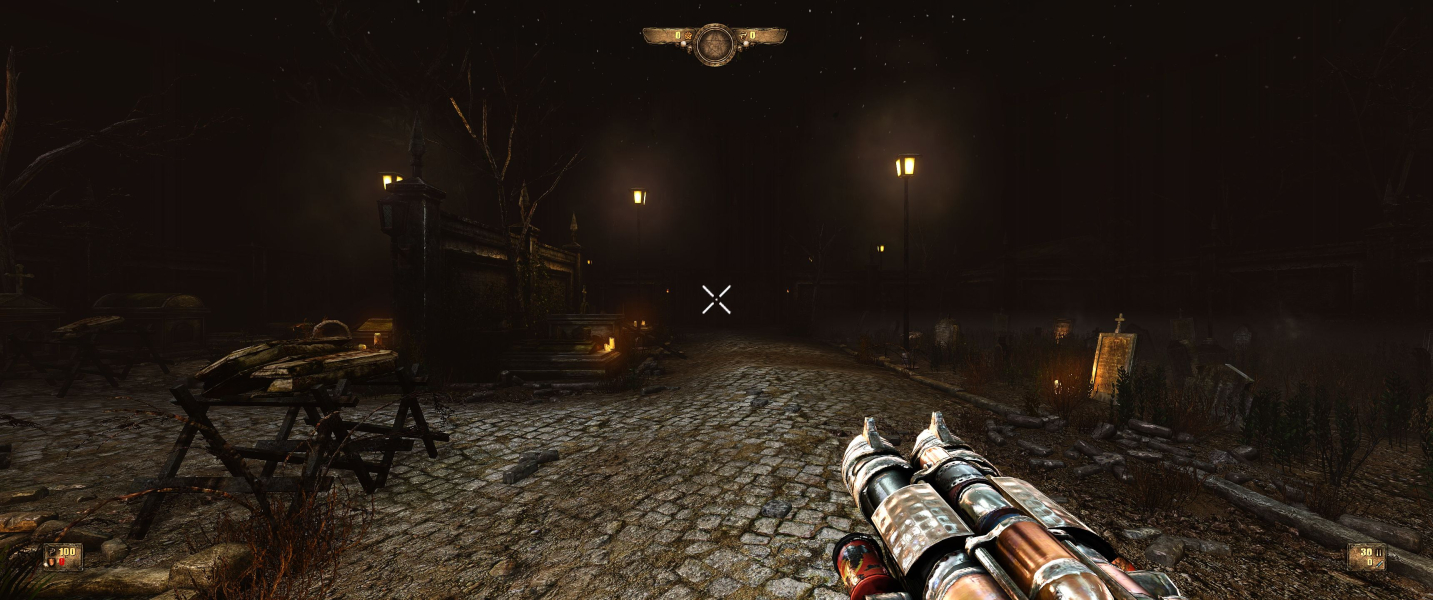
Screenshots Comparison
Solutions & Issues
By default the FOV is Vert- (although the baseline is probably 16:9) and the Vert loss can be compensated using the FOV slider under Gameplay Settings.
There is however a better method to ensure Hor+ screen change across the board:
Open Documents\my games\Painkiller Hell and Damnation\PKHDGame\Config\PKHDEngine.ini
Look for the line...
AspectRatioAxisConstraint=AspectRatio_MaintainXFOV
And change it to...
AspectRatioAxisConstraint=AspectRatio_MaintainYFOV
Now run the game and lower in-game FOV to 63, regardless of your aspect ratio. This is the newly-fixed Vert FOV, now applicable to all aspects.
(YFOV 63 = XFOV 95 in 16:9, which assumedly is the baseline. Feel free to fine-tune according to your personal taste.)
Same as Multi-Monitor Solution:
Open Documents\my games\Painkiller Hell and Damnation\PKHDGame\Config\PKHDEngine.ini
Look for the line...
AspectRatioAxisConstraint=AspectRatio_MaintainXFOV
And change it to...
AspectRatioAxisConstraint=AspectRatio_MaintainYFOV
Now run the game and lower in-game FOV to 63, regardless of your aspect ratio.
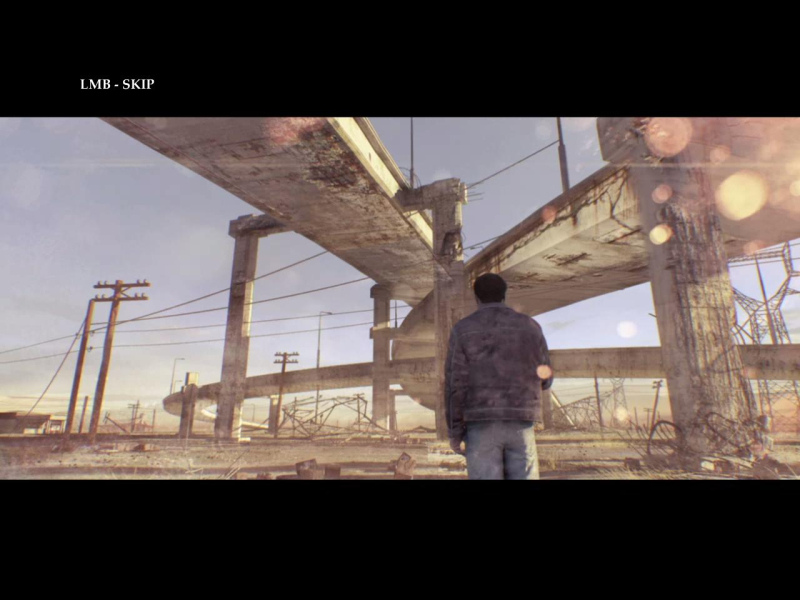
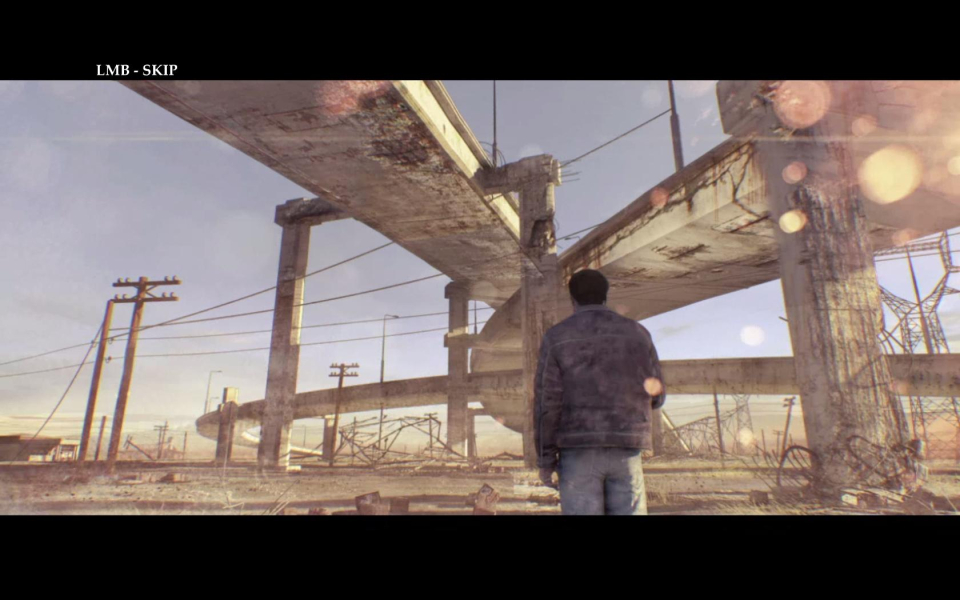
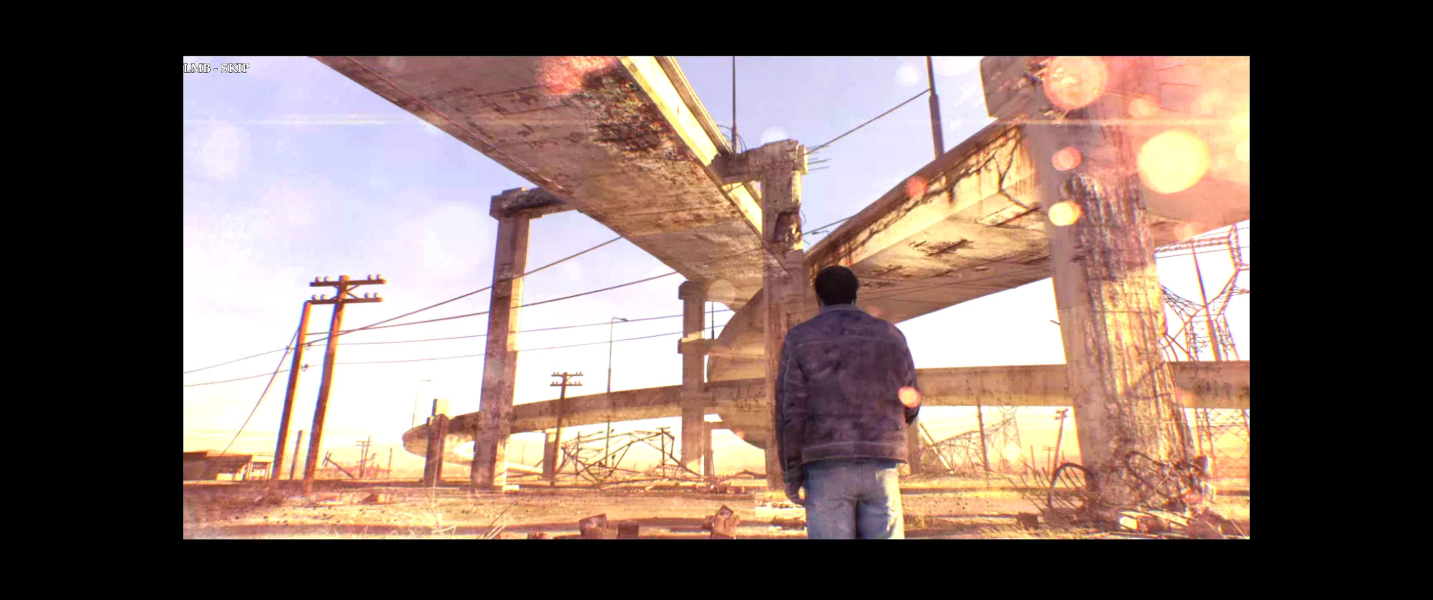
Alternative FIX for the BlackBars in Menu and Cutscenes --> Hex edit this File: ...\steamapps\common\Painkiller Hell & Damnation\PKHDGame\CookedPCConsole\Engine.upk
Look for 4C 8E E3 3F and change to CD 90 18 40 and in the same Line 00 00 B4 42 to 00 00 F2 42
I have this File ready in the files available on PC Gaming Wiki --> PKHD_21_9.zip
Same method.
Actually the manual edit is the only way to get a satisfactorily Hor+ FOV in multi-mon: max XFOV is 120 which is not enough even for 15:4. Using a fixed YFOV allows for higher XFOVs.
Held weapons are always Vert-, to the point of hurting gameplay in multi-mon.
Scope sights overlay is a 16:9 design that is squished in lower ARs and stretched in multi-mon.
Gameplay Screenshots




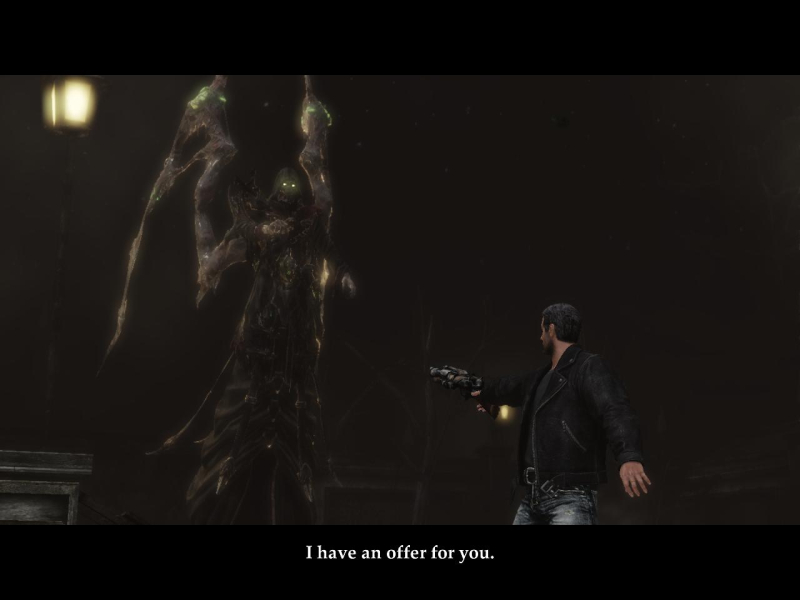
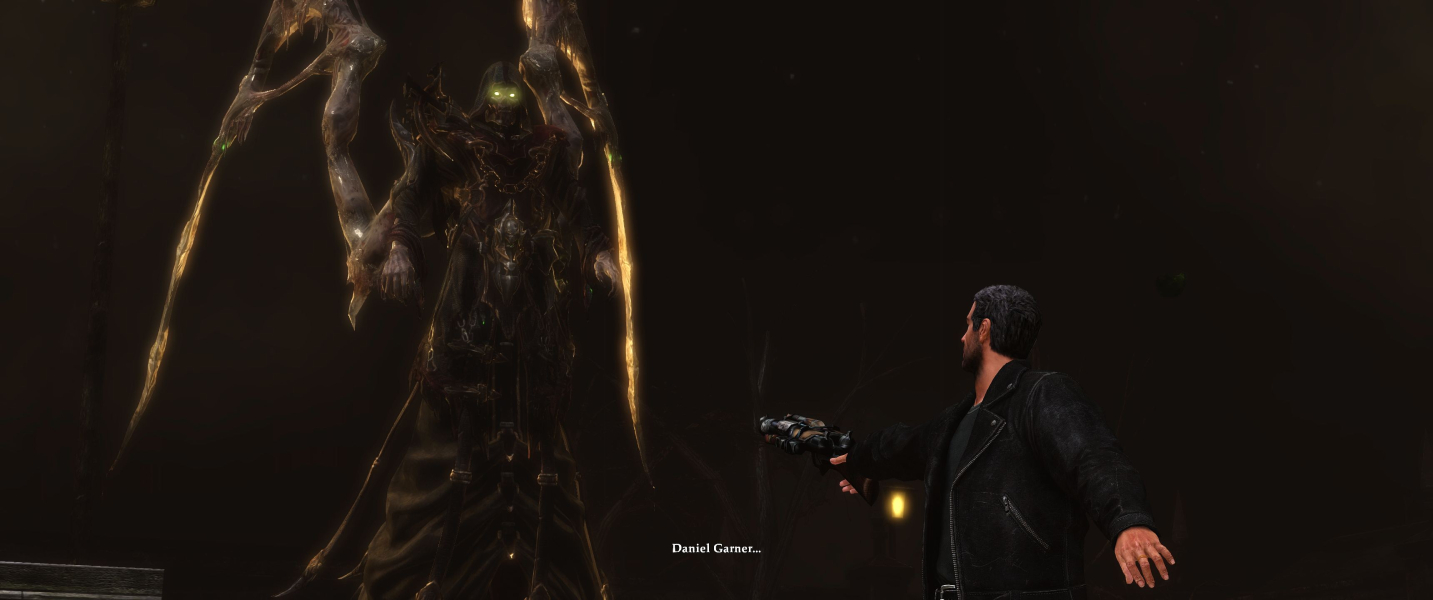
In-Game (Rendered) Cutscenes



FMV Cutscenes


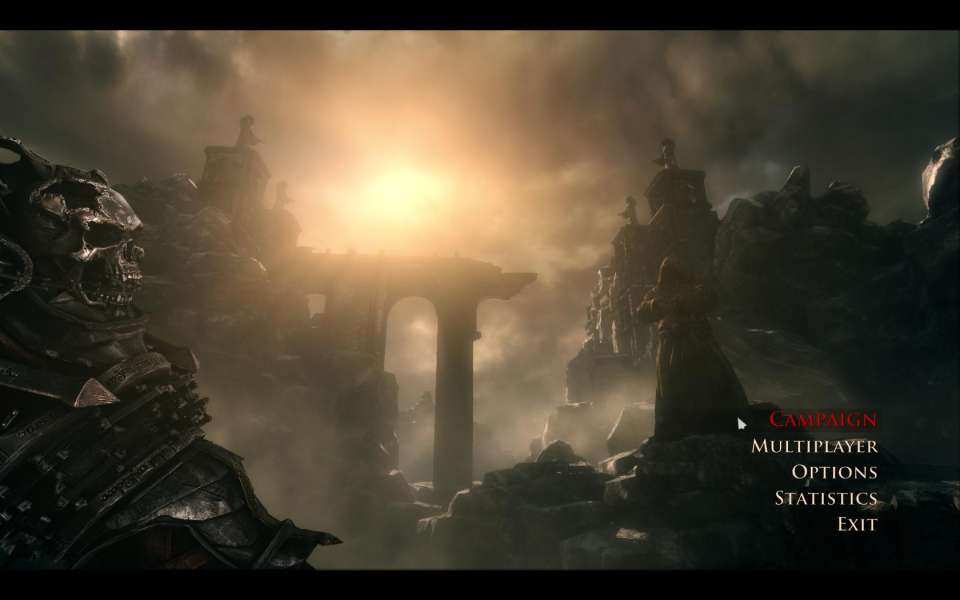
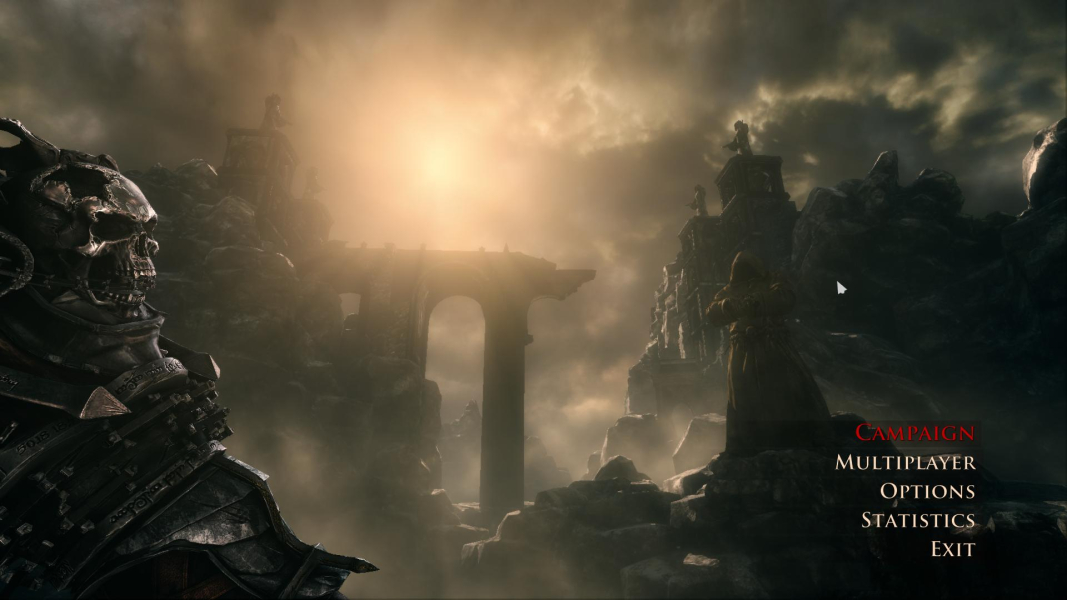
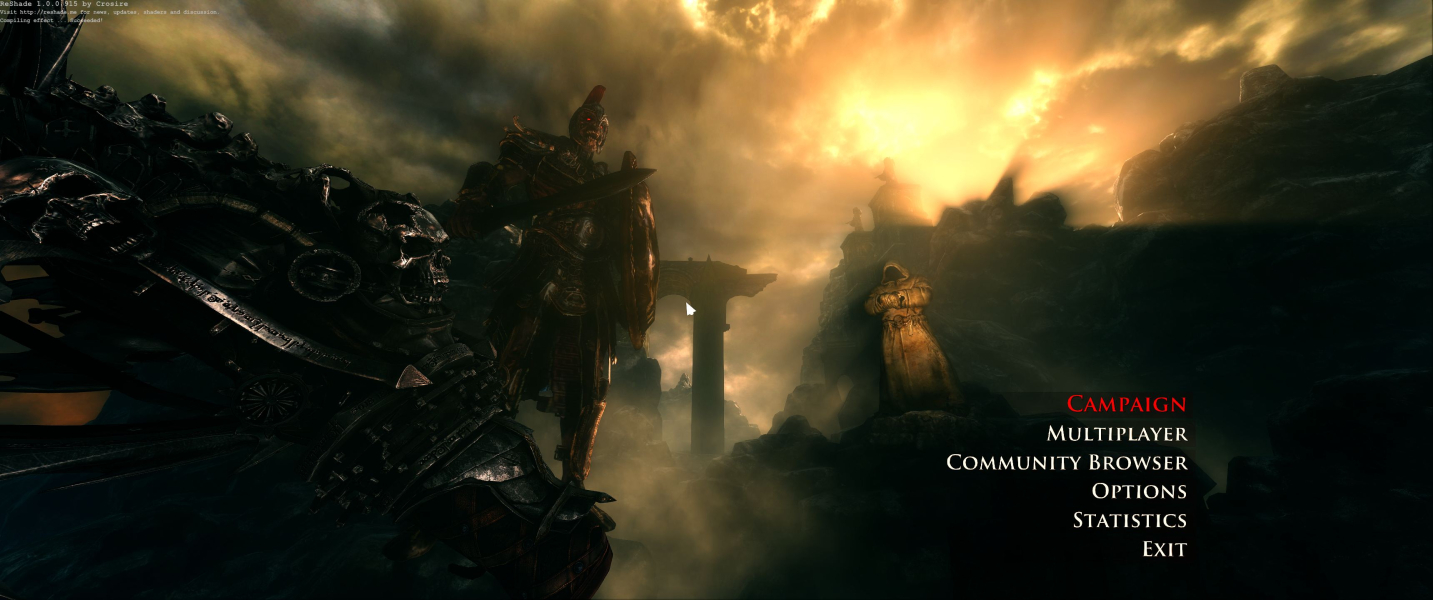
Menu Screenshots


Additional Screenshots


