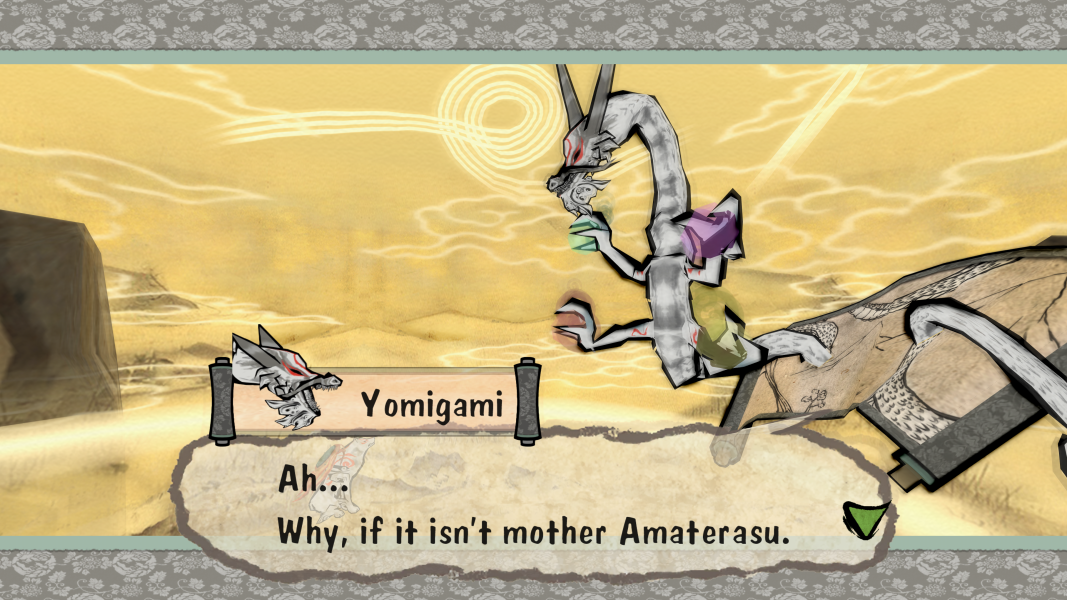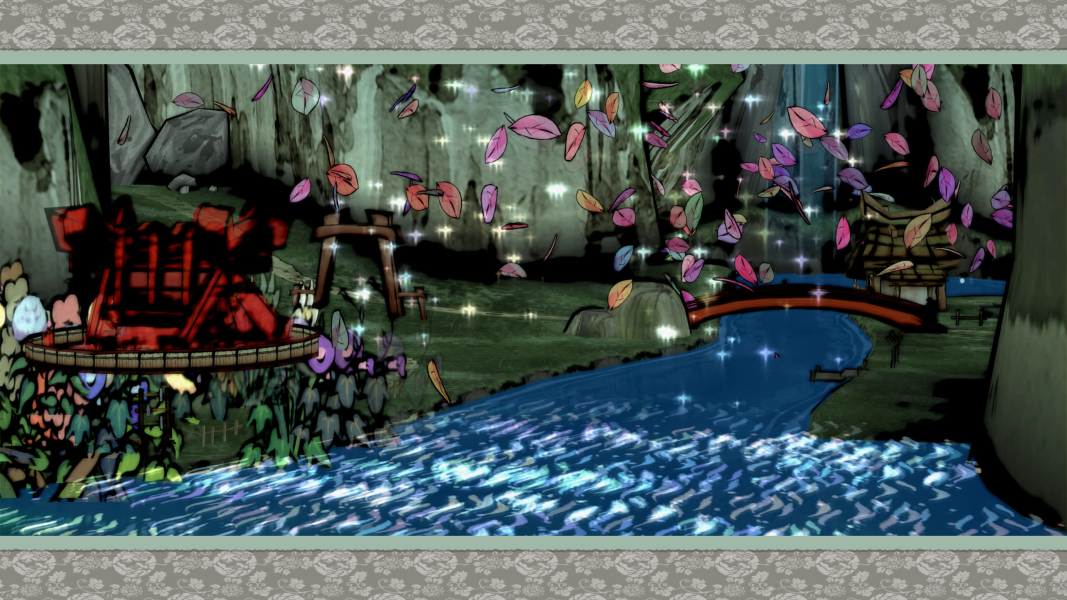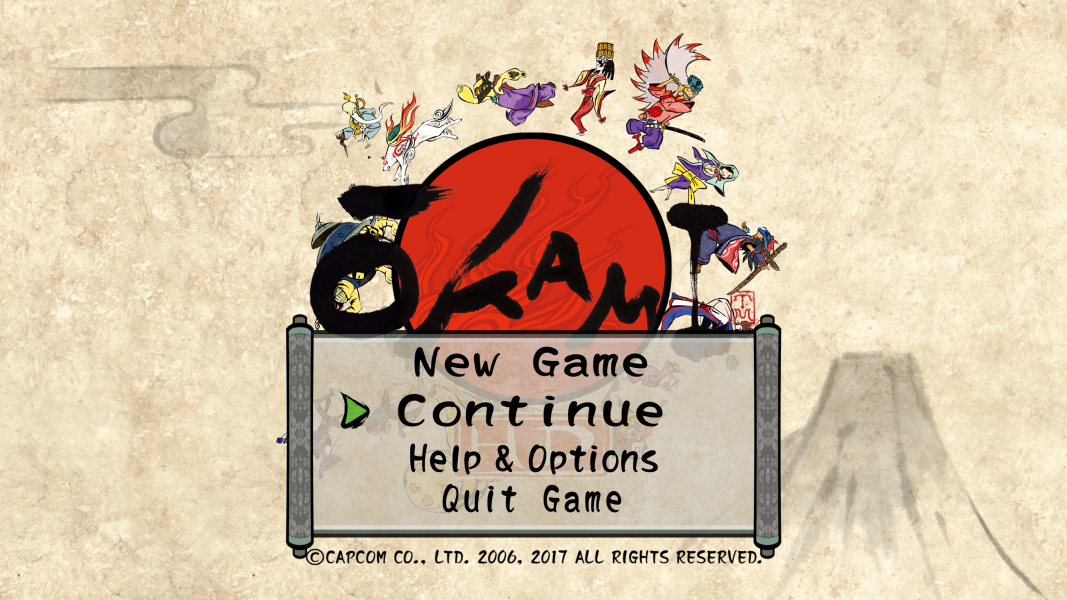


Ōkami tells the tale of a wolf-goddess named Amaterasu who must prevent an evil being known as Orochi from taking over the beautiful world of feudal Japan. Ōkami takes the already well established cell shading technique and turns it into a traditional Hokusai-style Japanese woodblock print visual.
To give the player a sense of being in a painting, Amaterasu is given a paint brush in which the player can cut enemies down with, create bridges or wind, and restore the forest to its natural beauty. With each defeated enemy, color returns and the natural life force slowly regenerates. While playing, players call up a canvas where they can draw with the celestial brush. New abilities and techniques are acquired as you progress.
Ōkami is filled with large worlds and dungeons to explore on your quest to restore the lush trees and wildlife to their former glory. Many monsters and large epic boss battles come between Amaterasu and her goal. To fulfill her objective there will be many people along the way that will help her if she helps them.
Support Summary
Game Information
Screenshots Comparison
Solutions & Issues
Replace main.dll in the game folder from this archive - available from the PC Gaming Wiki Community Files (search there) depending on the desired resolution.
Use uniws to create custom resolution, but only resolutions with the same aspect ratio is supported.
For example, after replacing main.dll for support 2560x1080, you can patch it using uniws to make 5120x2160.
Replace main.dll in the game folder from this archive - available from the PC Gaming Wiki Community Files (search there) depending on the desired resolution.
Use uniws to create custom resolution, but only resolutions with the same aspect ratio is supported.
For example, after replacing main.dll for support 5760x1080, you can patch it using uniws to make 11520x2160.
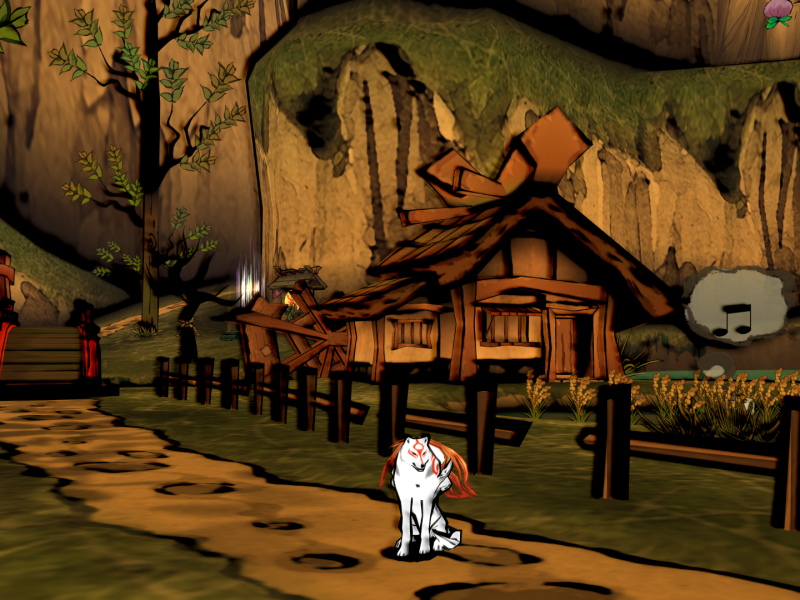
Gameplay Screenshots
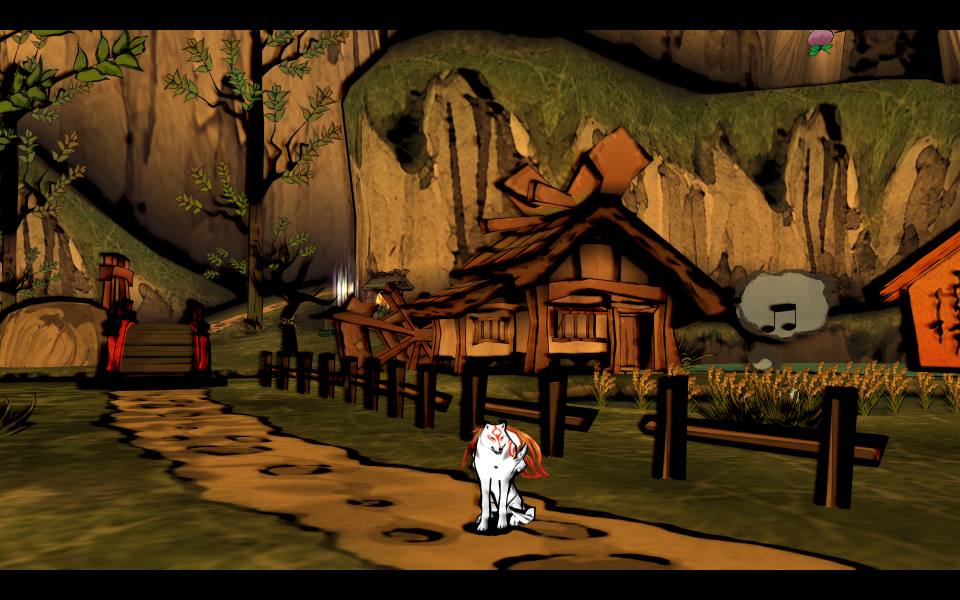


In-Game (Rendered) Cutscenes



FMV Cutscenes
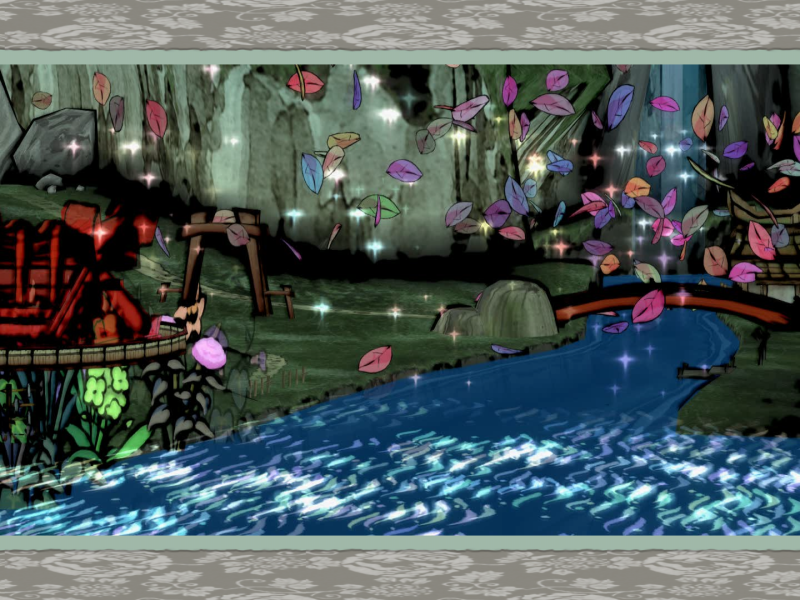
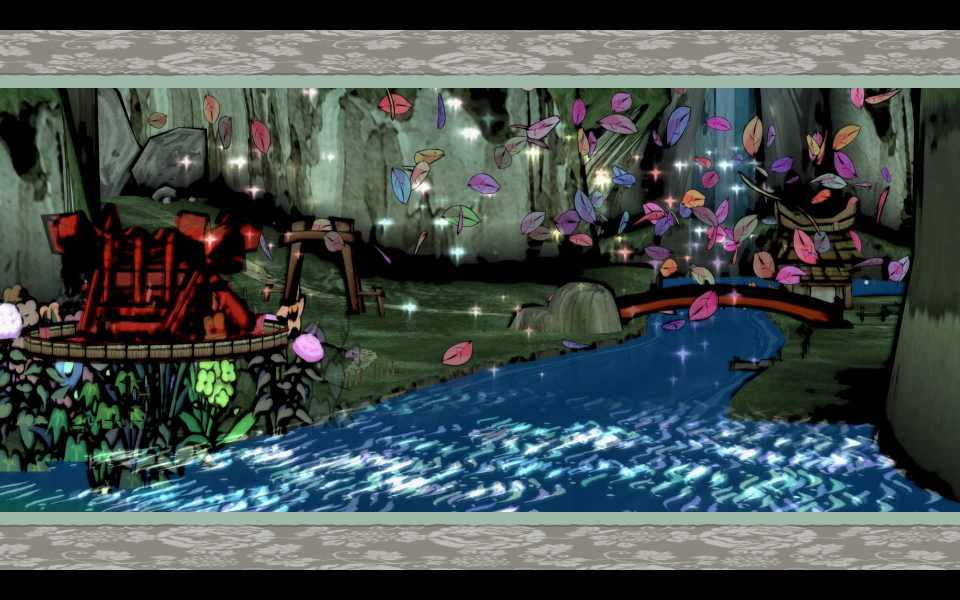

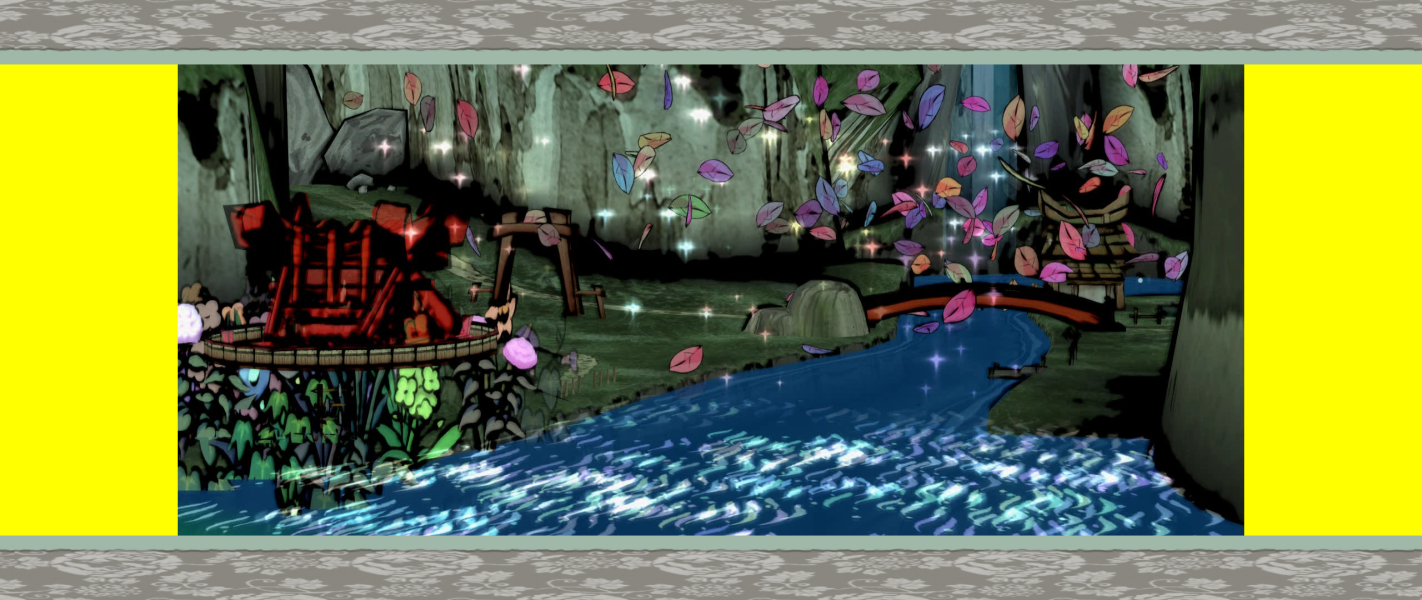

Menu Screenshots

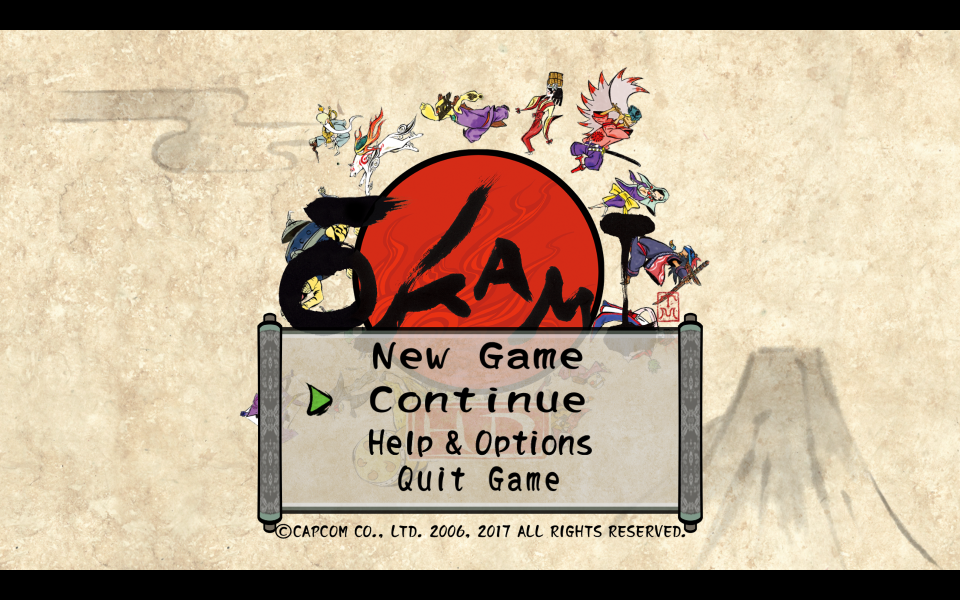
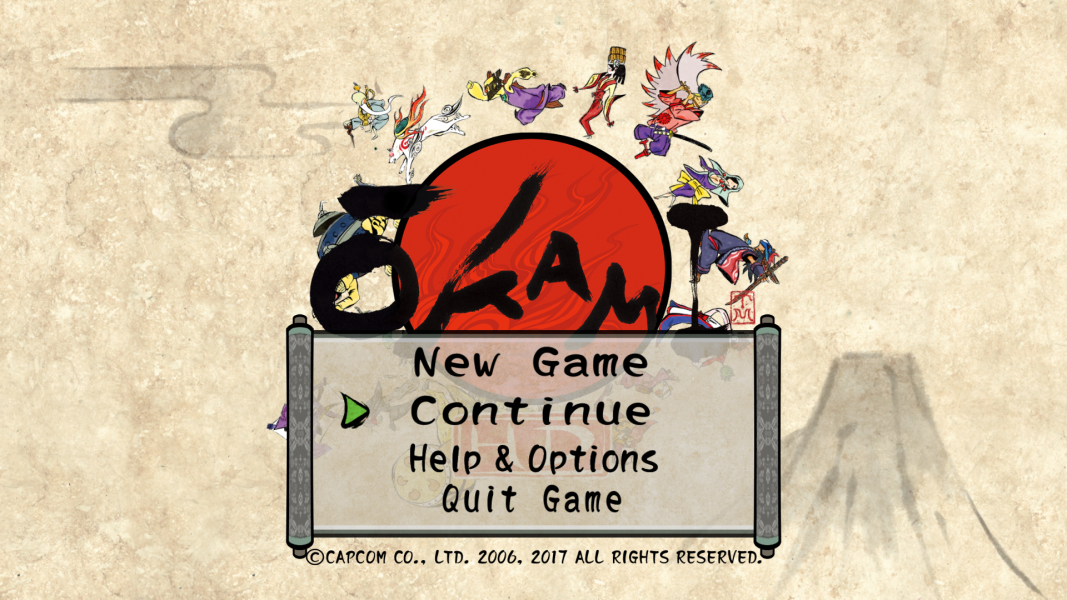
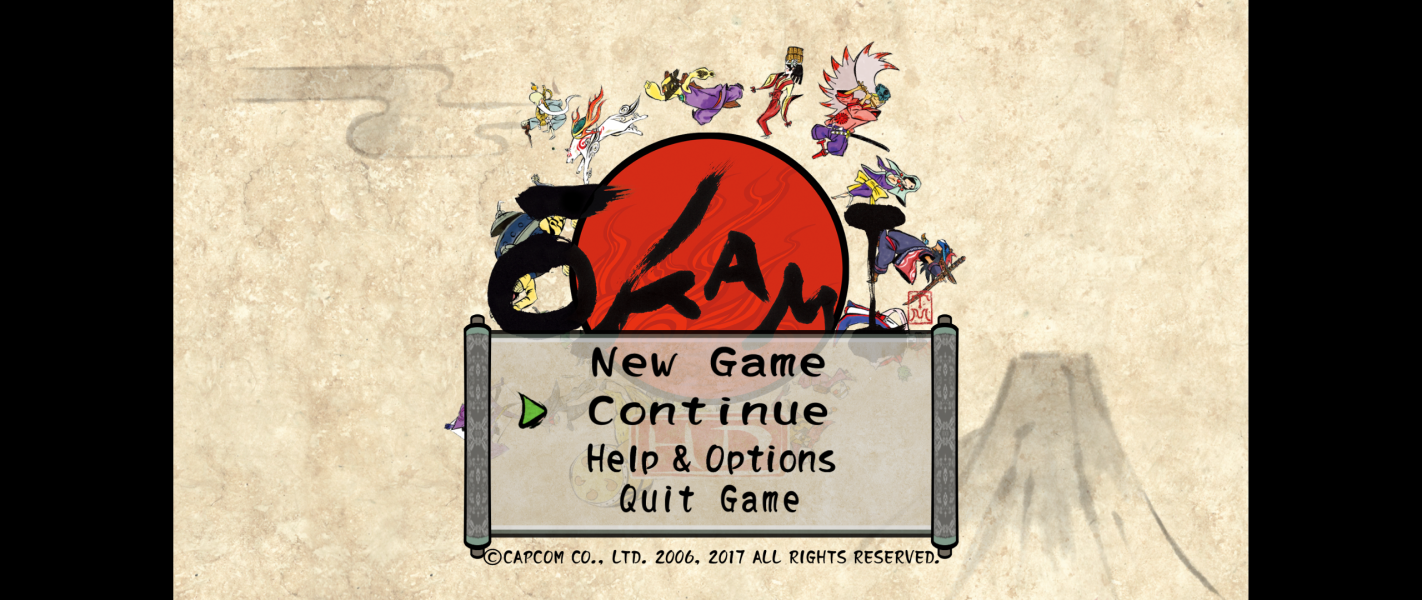

4K UHD Screenshots