


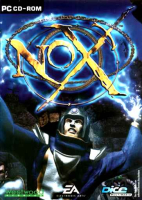


Save the mysterious world of Nox from an army of necromancers.
Support Summary
Game Information
Game Status:Released
Release Date:
Tested Version:1.2 (GOG.com)
Play Styles:
Setting:Fantasy
Genre:Action-RPG
Developer:Westwood Studios
Store Links:
Screenshots Comparison
Solutions & Issues
Widescreen Solution & Issues:
Nox has a hard-coded maximum resolution of 1024x768. To use a custom resolution within this limit go to the installation folder and set your resolution in both nox.cfg and default.cfg.
The 1024x768 resolution limit can be bypassed by patching Game.exe but higher resolutions cause visual issues or crash the game. See the WSGF topic for further details.
FMV cutscenes and pre-game menus are always 640x480 while gameplay runs at the chosen resolution.
Gameplay Screenshots
4:3 Screenshot

16:10 Screenshot
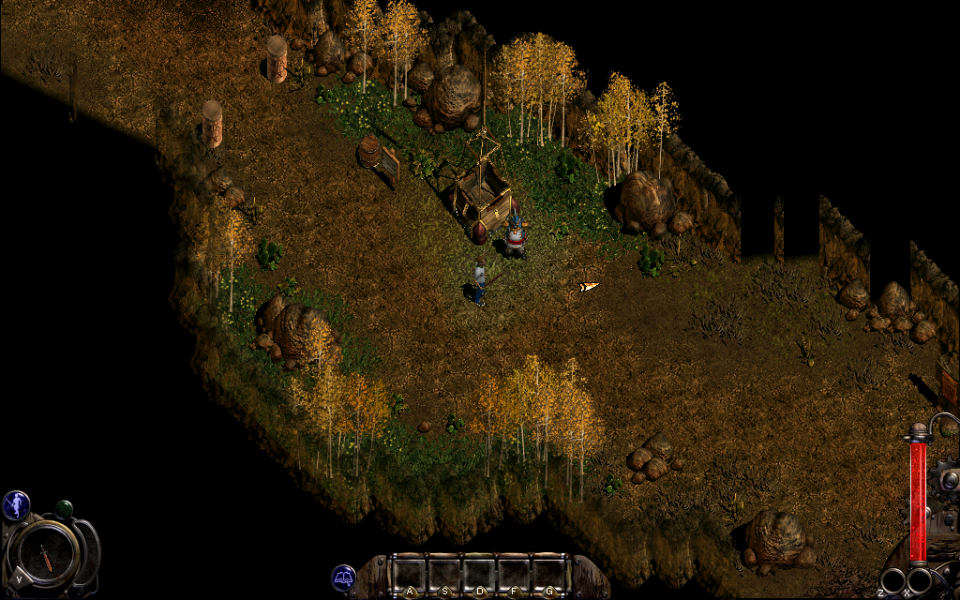
16:9 Screenshot

21:9 Screenshot

32:9 Screenshot

Eyefinity / Surround Screenshot

Resolutions & Configurations
16:10 Resolutions:1024x640


