


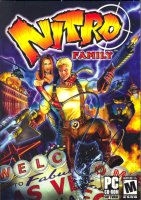


Nitro Family is a first person shooter in which you wield two weapons one in each hand while carrying your wife on your back. She wields a whip, which she will use automatically when an enemy gets to close decapitating them. She will also fly ahead on command and carpet bomb areas with hydrogen gas.
Support Summary
Game Information
Screenshots Comparison
Solutions & Issues
The Game is VERT- out of the BOX - you need to HEX & ini edit to get it HOR+
INI edit resolution: Go to --> ...\Game Root\Scripts\PersistentSymbols.ini
and put your resolution in here:
persistent extern INDEX sam_iScreenSizeI=(INDEX)2560;
persistent extern INDEX sam_iScreenSizeJ=(INDEX)1440;
Hex edit FOV: Go to --> ...\Game Root\Entities.dll
Go to Offset 215320 and look for 00 00 A2 42 and change it to CD CC B6 42 (16:10) or CD CC C2 42 (16:9)
Or use my FOV Fix in the files available from the PC Gaming Wiki Community Files (search there): Nitro - FOV Fix.7z
Same Solution as in Widescreen:
INI edit resolution: Go to --> ...\Game Root\Scripts\PersistentSymbols.ini
and put your resolution in here:
persistent extern INDEX sam_iScreenSizeI=(INDEX)3440;
persistent extern INDEX sam_iScreenSizeJ=(INDEX)1440;
Hex edit FOV: Go to --> ...\Game Root\Entities.dll
Go to Offset 215320 and look for 00 00 A2 42 and change it to 0A 57 E3 42 (21:9)
Same Solution as in Widescreen:
INI edit resolution: Go to --> ...\Game Root\Scripts\PersistentSymbols.ini
and put your resolution in here:
persistent extern INDEX sam_iScreenSizeI=(INDEX)5760;
persistent extern INDEX sam_iScreenSizeJ=(INDEX)1080;
Hex edit FOV: Go to --> ...\Game Root\Entities.dll
Go to Offset 215320 and look for 00 00 A2 42 and change it to B8 5E 13 43 (3x16:9)
Same Solution as in Widescreen.
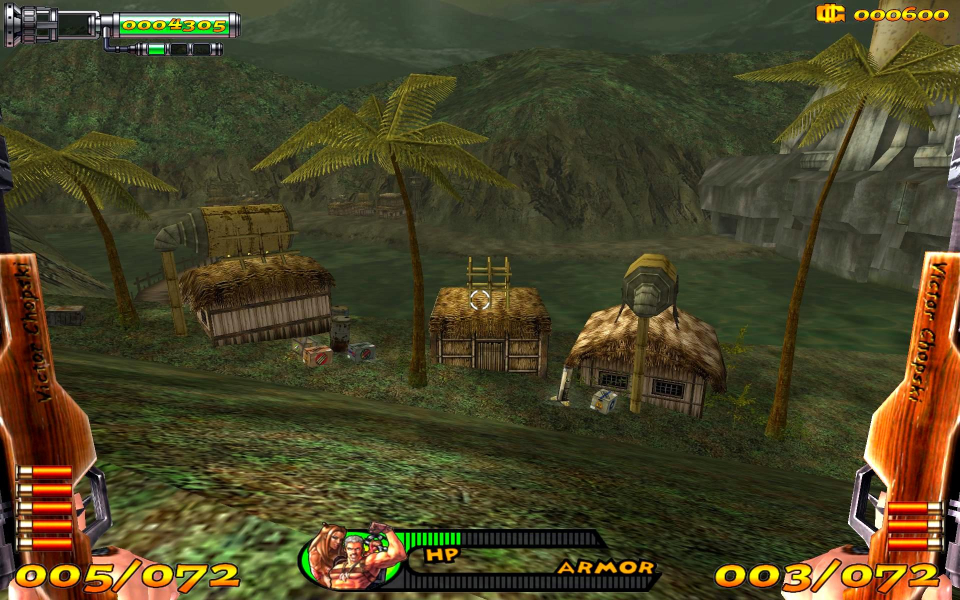
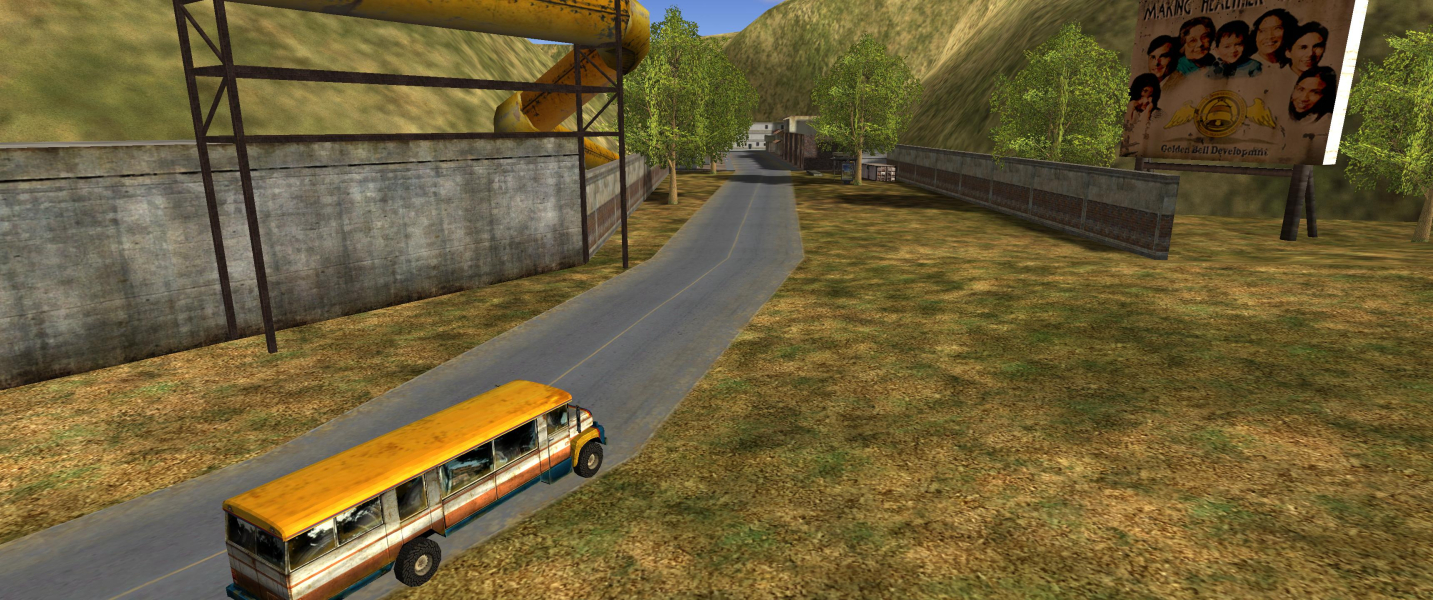
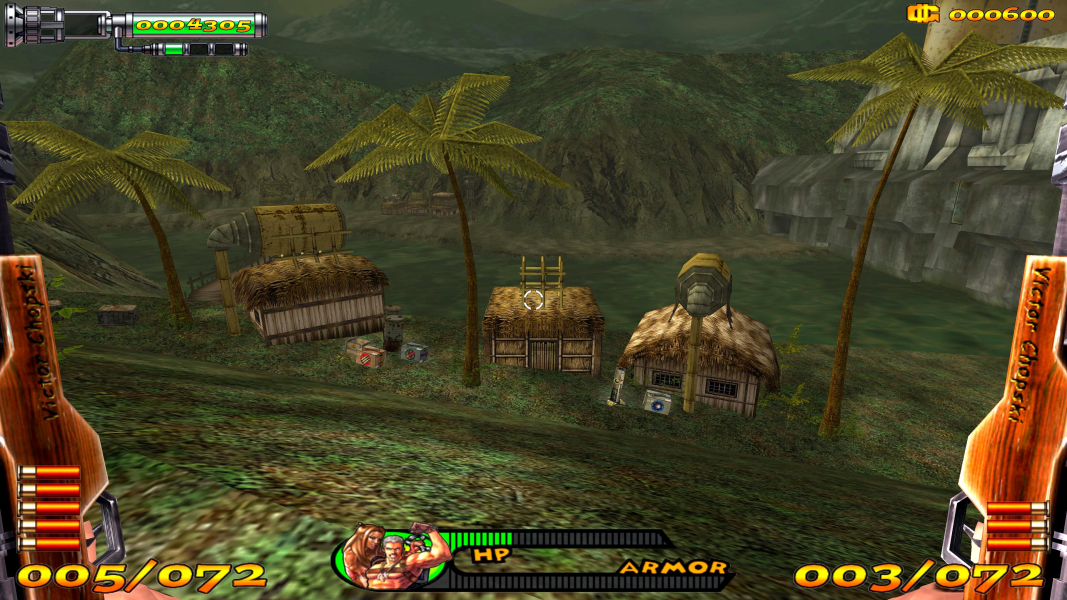
Gameplay Screenshots




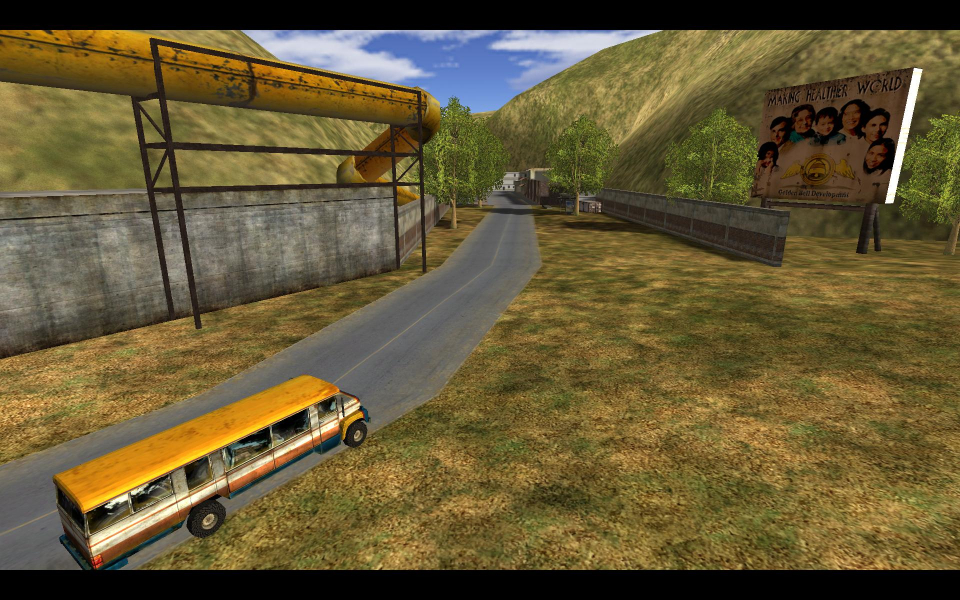
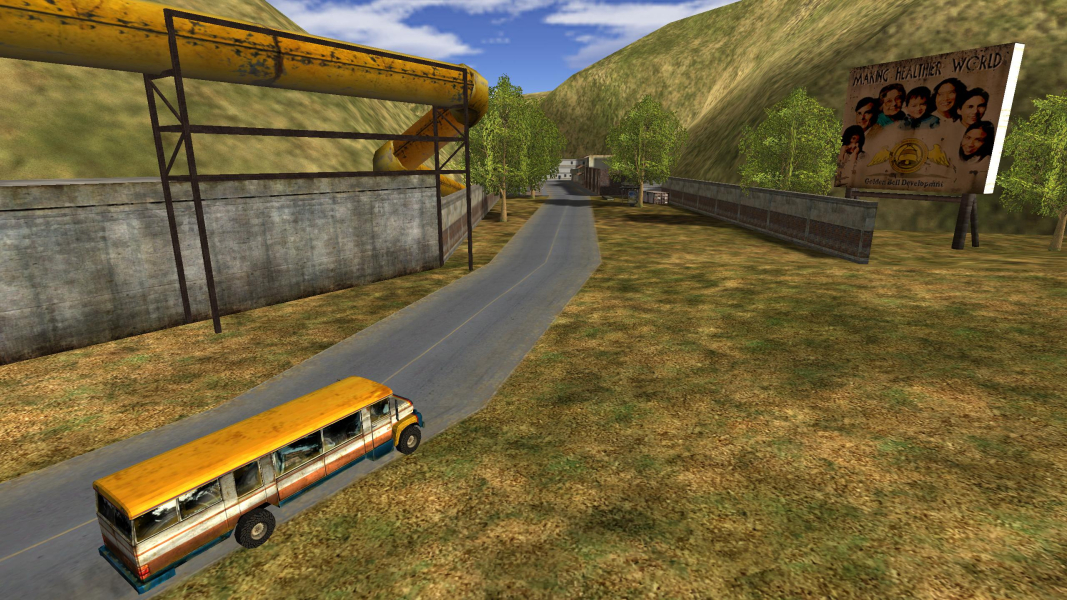
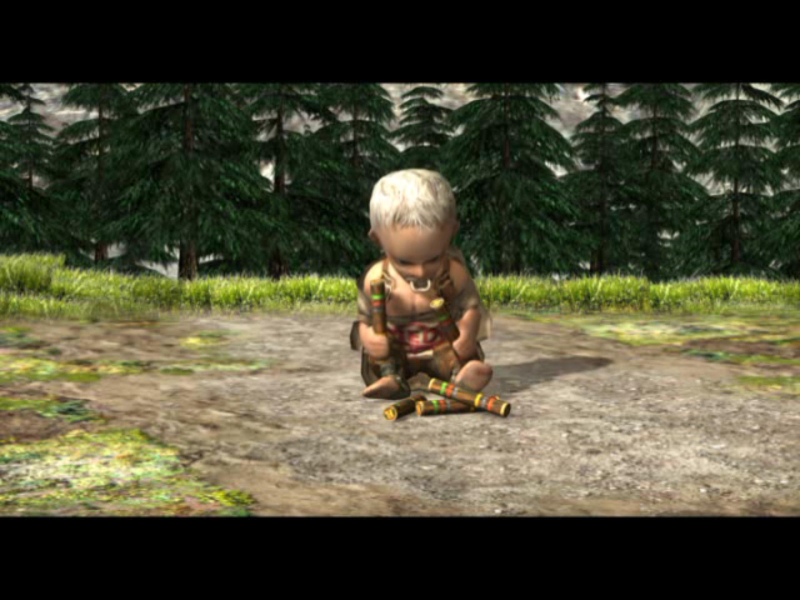
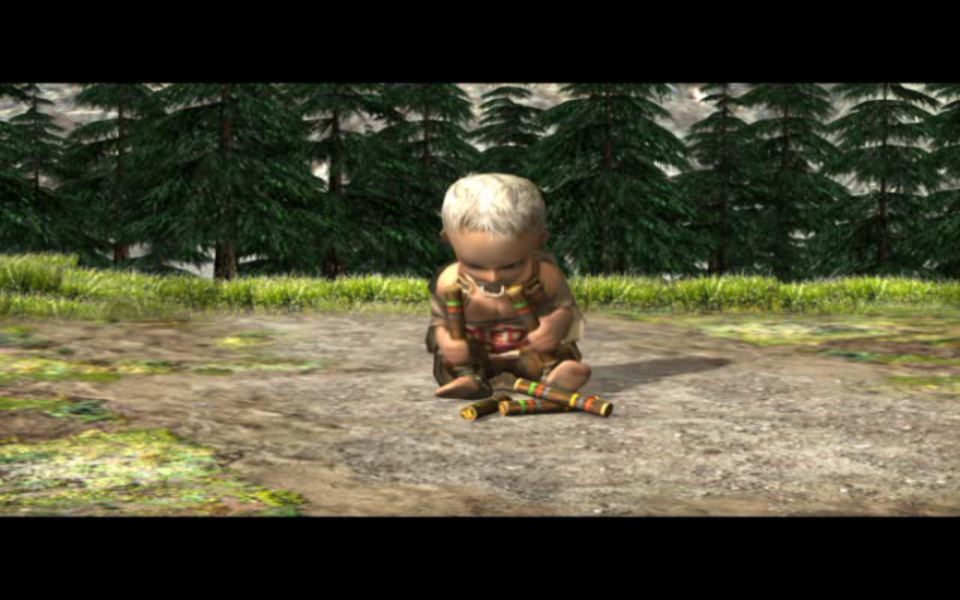
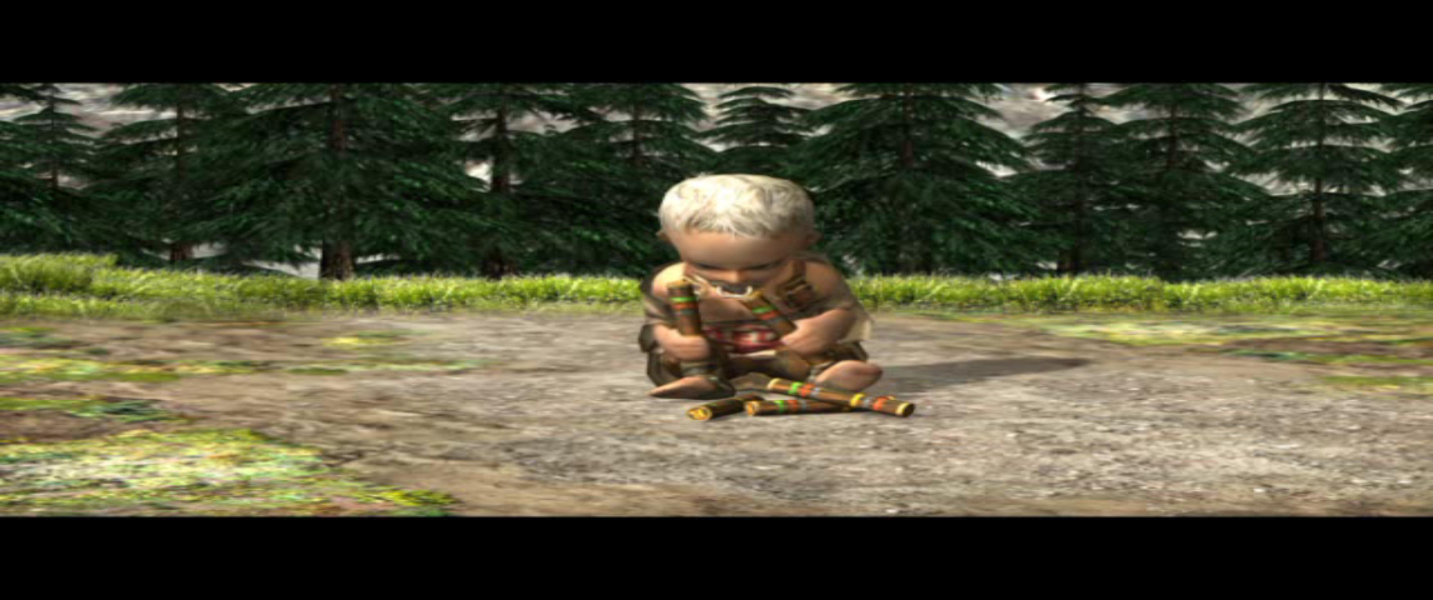
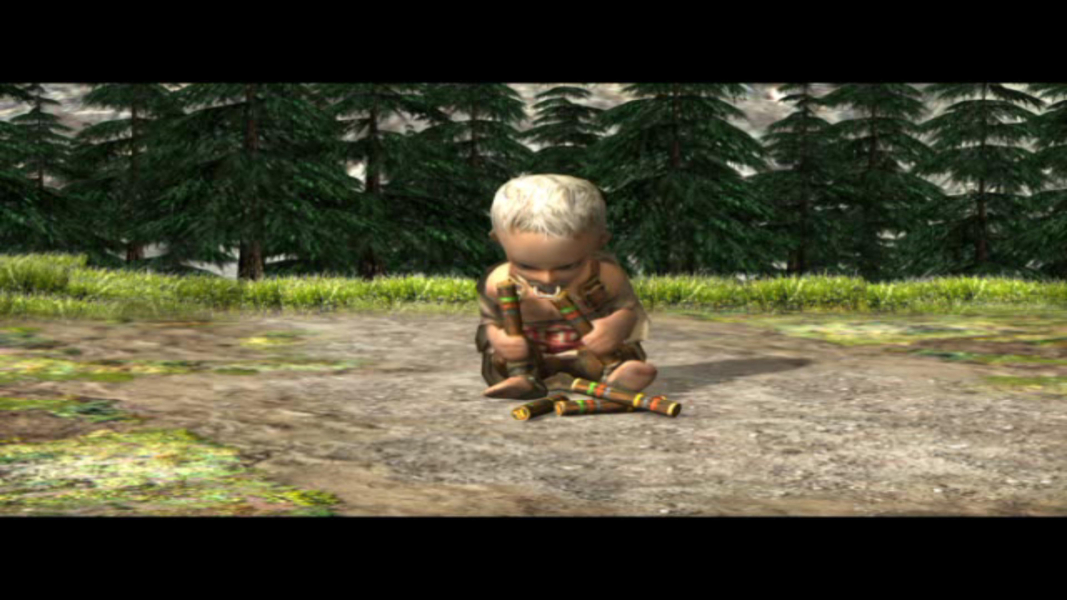
In-Game (Rendered) Cutscenes


FMV Cutscenes


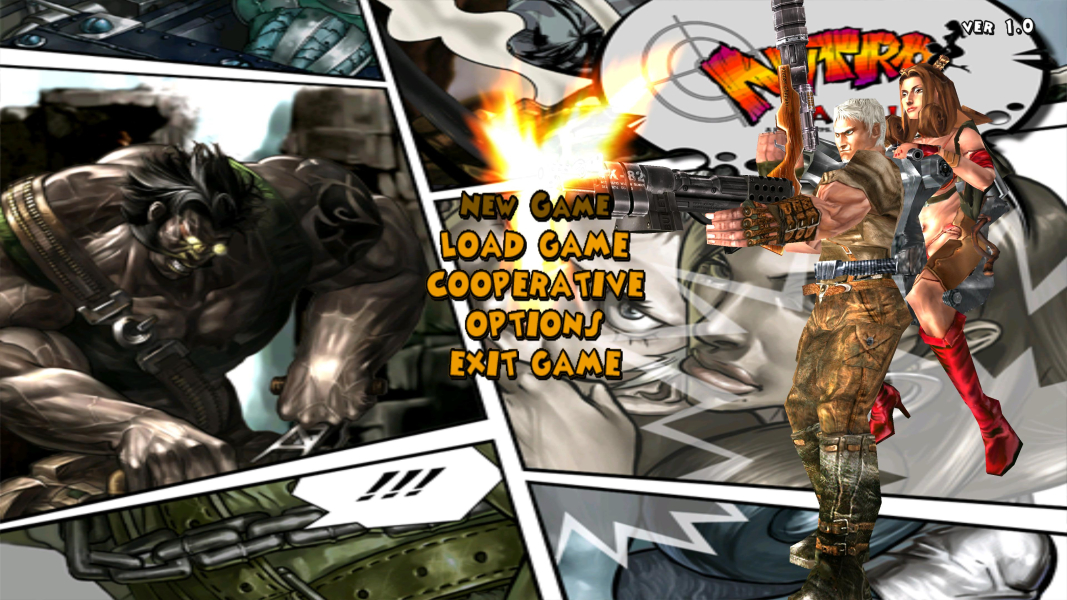
Menu Screenshots
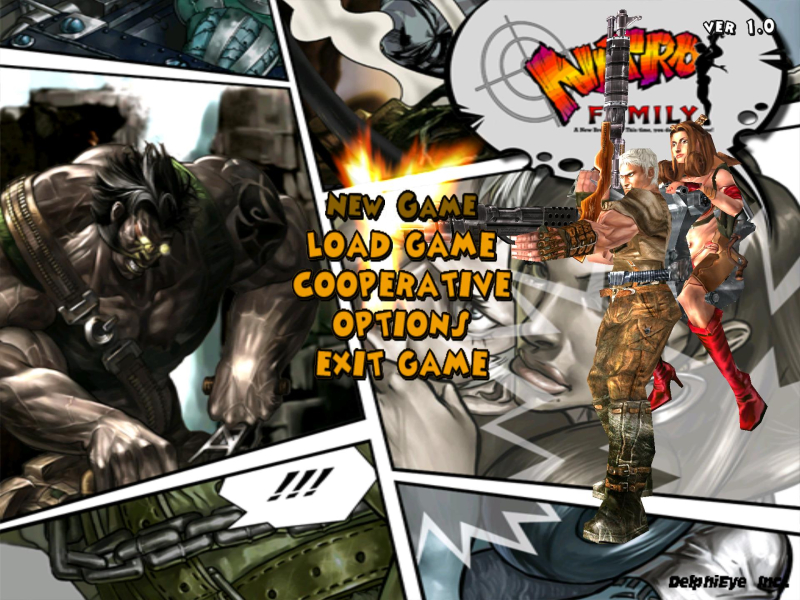
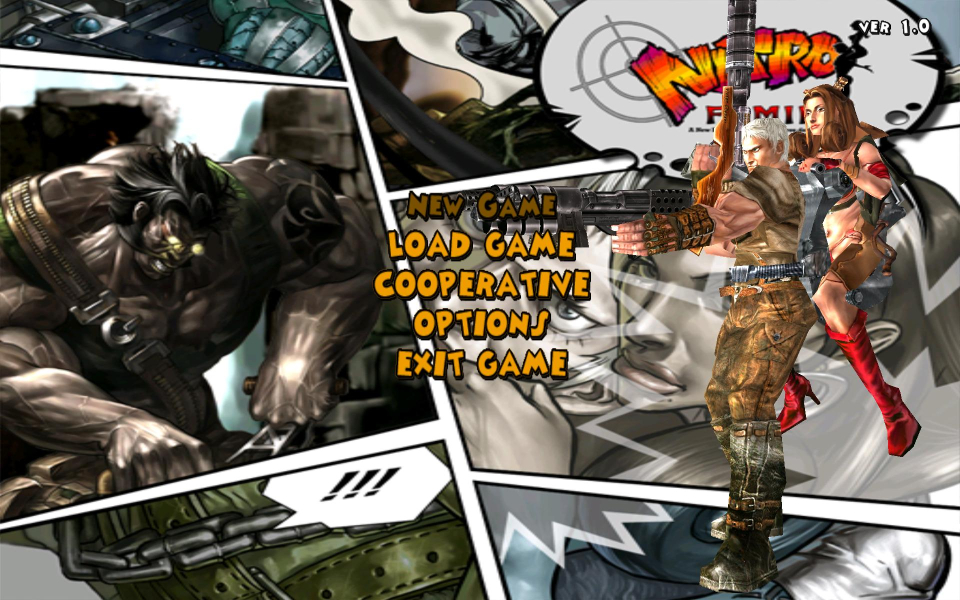
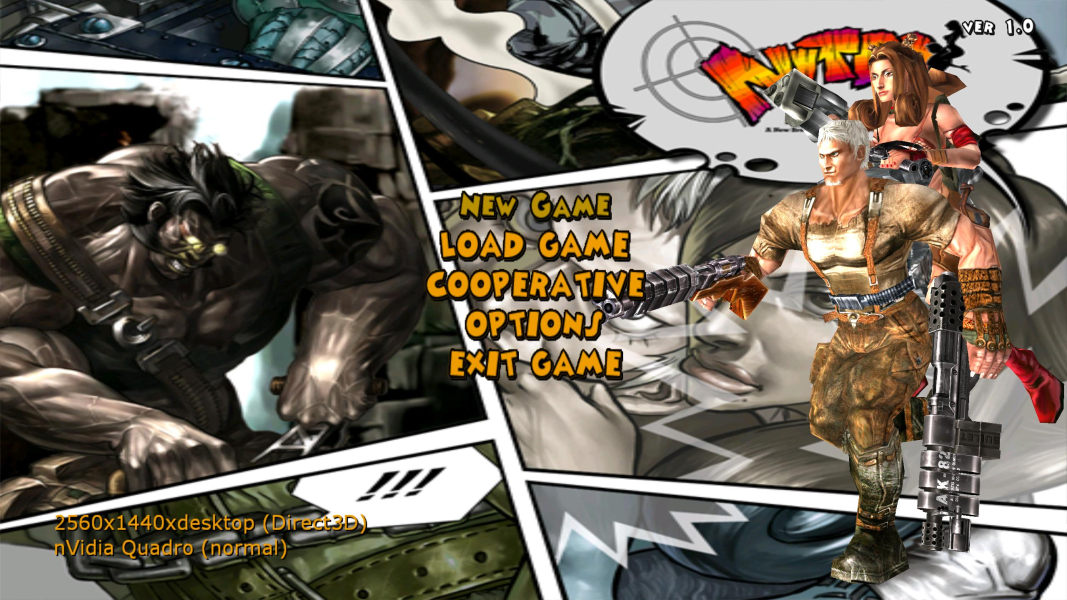
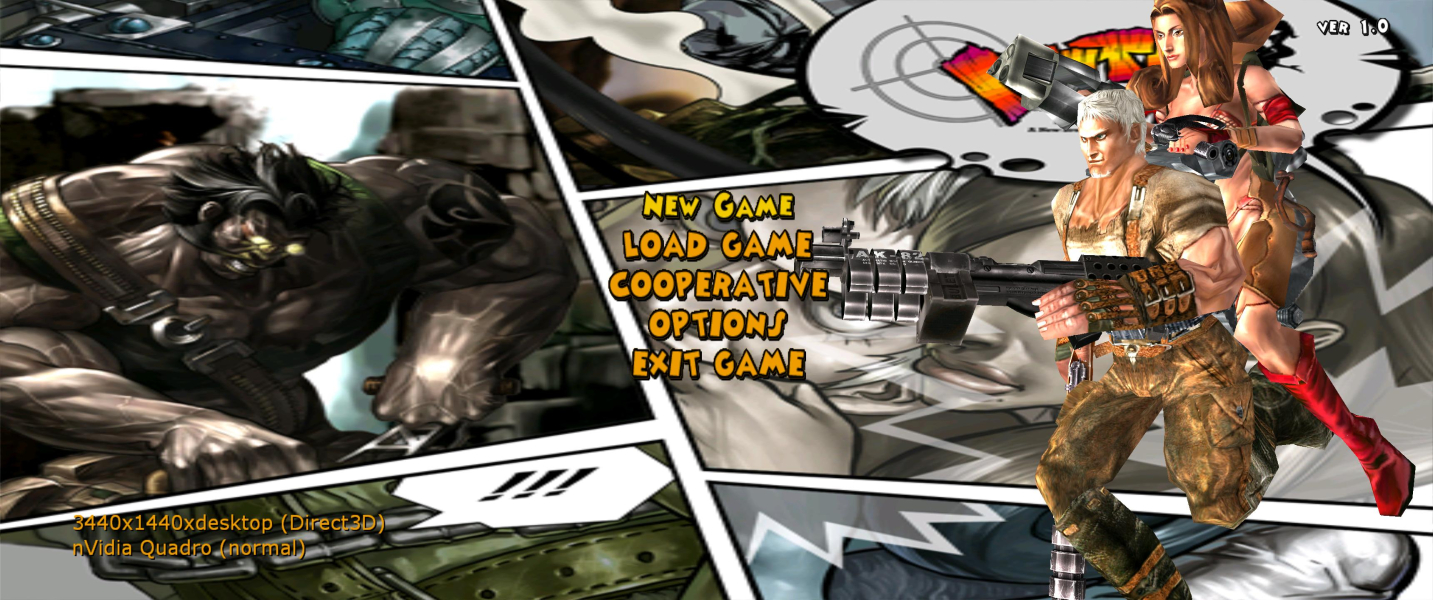

4K UHD Screenshots

Additional Screenshots



