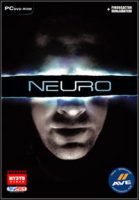


Neuro is a low-key crime drama with a futuristic backdrop that philosophizes on the devolution of humankind: Even though humans have spread themselves out amongst the stars and developed technology to improve and enrich their lives, they are still likely to exploit each other whenever possible. James Gravesen is a law officer who is attempting to arrest an elusive smuggler with government connections, Ramon, who is dealing in "Purple Death," a highly dangerous weaponized substance that can "blow a hole through a planet three times the size of Sorghum." James has biotechnology implanted in his brain that gives him a handful of psi-weapons: From 30 feet away and only using his mind, he can light enemies on fire, blow them off their feet and crush them, and make them go berserk and kill their allies. He can also see through walls to identify where enemies lurk, and he can heal himself. All of this takes a psi-energy which depletes with each use but resets over time. The enemies are mostly crooks trying to stop you from completing your various missions.
(Wikipedia)
Support Summary
Game Information
Screenshots Comparison
Solutions & Issues
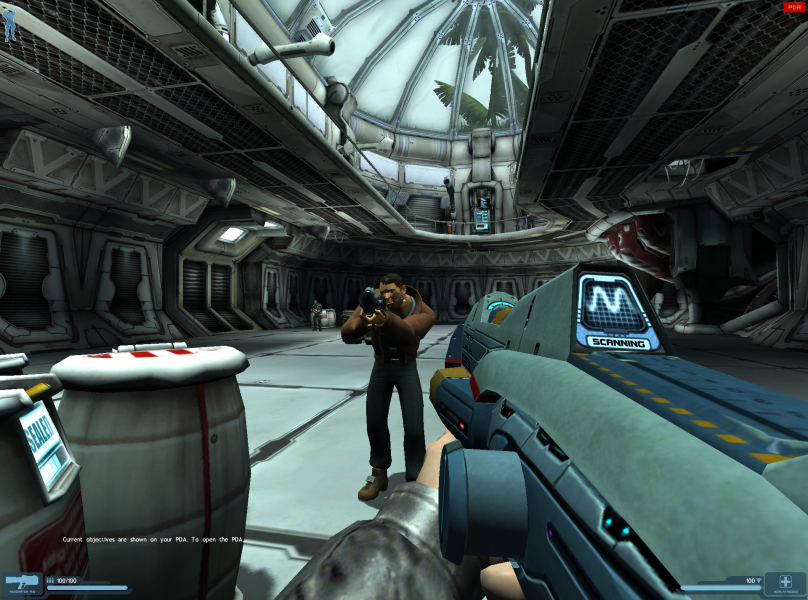
By default, only 4:3 resolutions are available in the menu. You can set the resolution yourself, however, in the profile\default\neuro.cfg file, where the relevant entries are r_width and r_height.
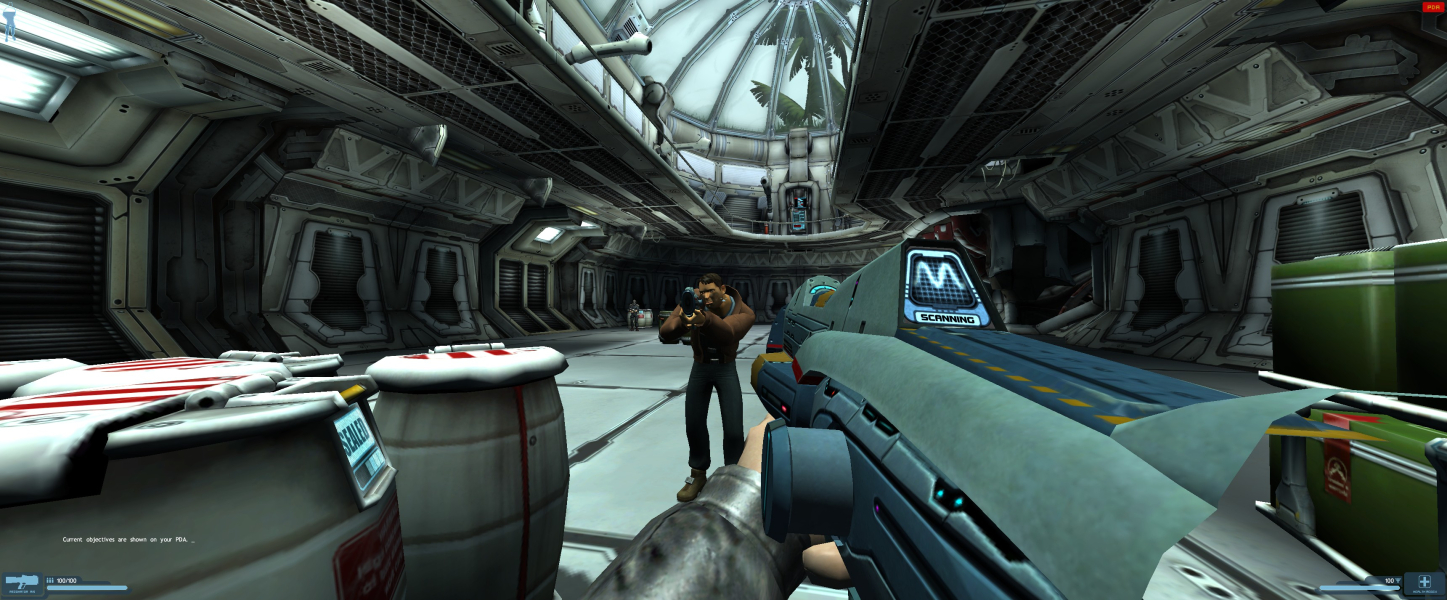
Widescreen resolutions are Hor+ by default. If you start a Game the FOV and Aspect will be saved as well and a later modified resolution in the Neuro.cfg will have the wrong aspect. As long you start always a new Game (before you change the resolution) it will be HOR+.
----------------------------------------------------------------------------------------------------------------------------------------------------------------------------------------------------------------------------------------
Optional: Change FOV and Aspect:
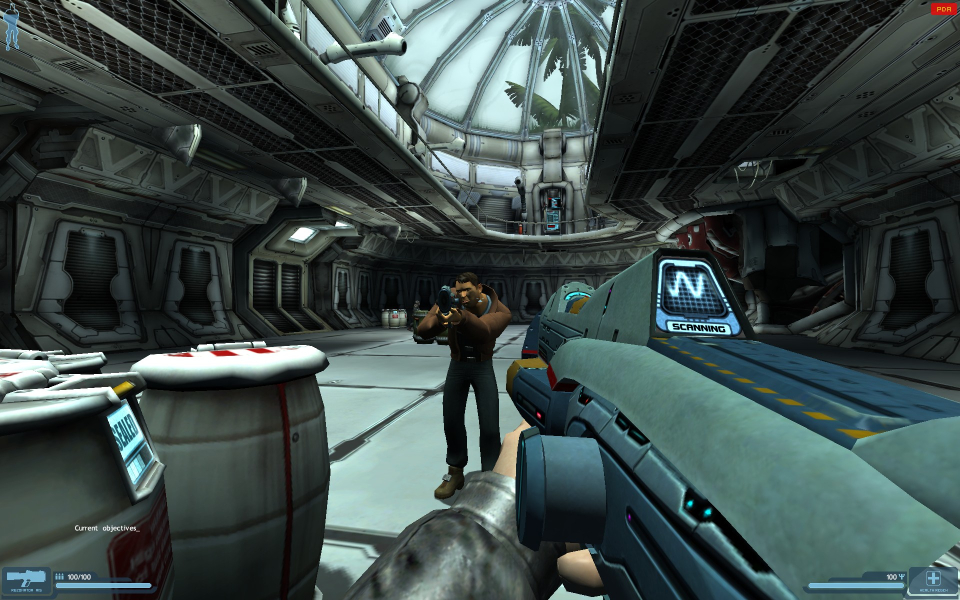
It can kinda be achieved by two console commands (r_fov and r_aspect), which can be added to the neuro.cfg file or entered in the console. The game environment is still stretched, and you will need to switch weapons or zoom in at least once to enable the new settings, but the field of view is correct. The HUD does not stretch, but scales correctly.
The values for r_fov and r_aspect for each resolution are below.
4x3
r_aspect = 1.33333
r_fov = 73
16x10
r_aspect = 1.600000
r_fov = 83
16x9
r_aspect = 1.777778
r_fov = 90
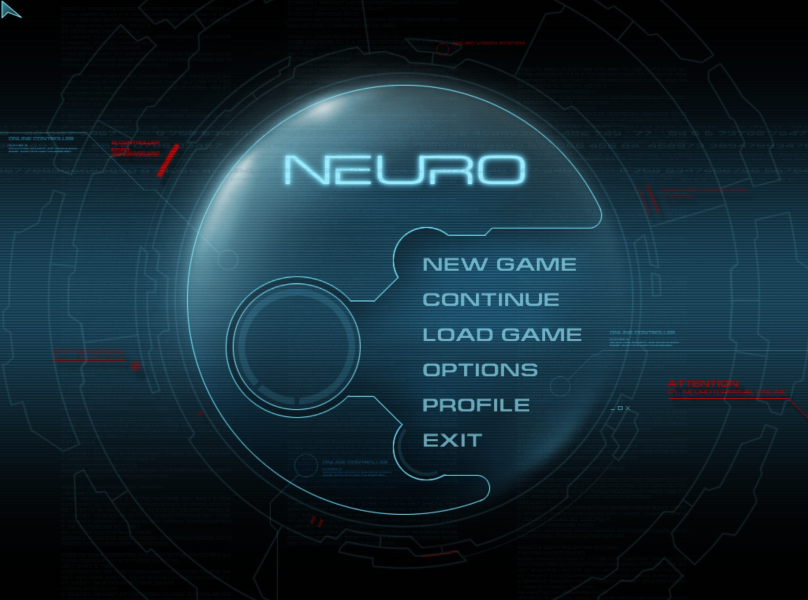
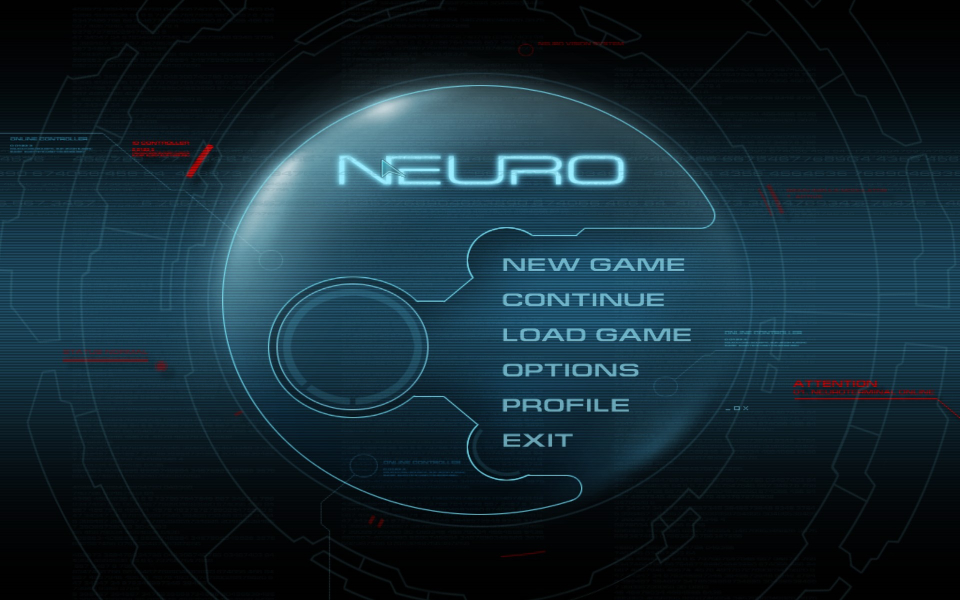
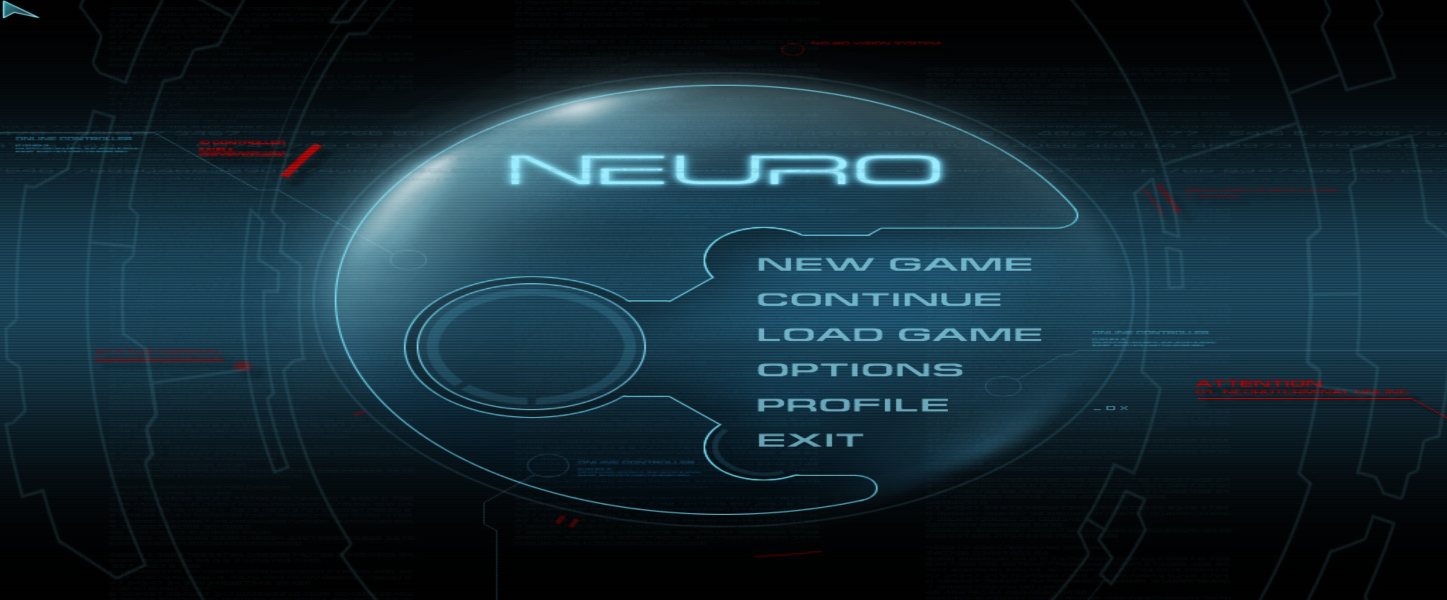
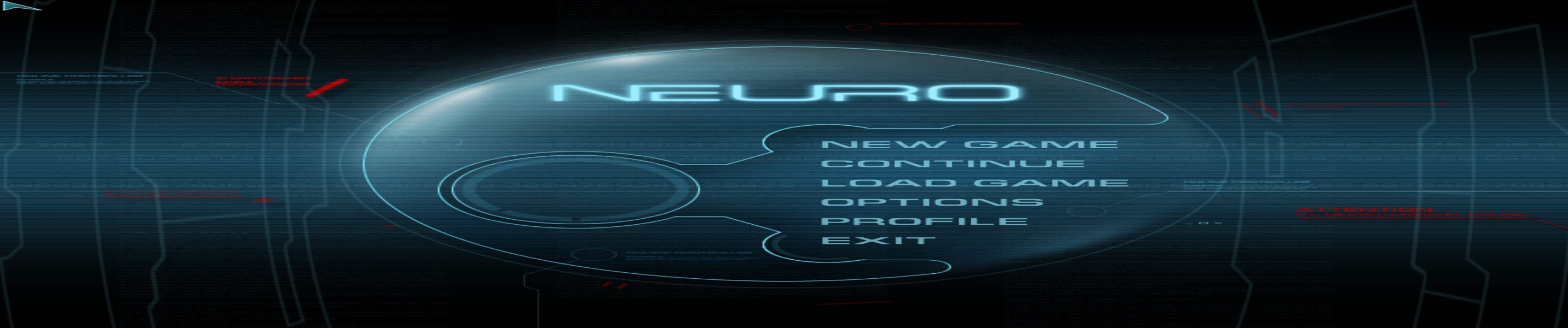
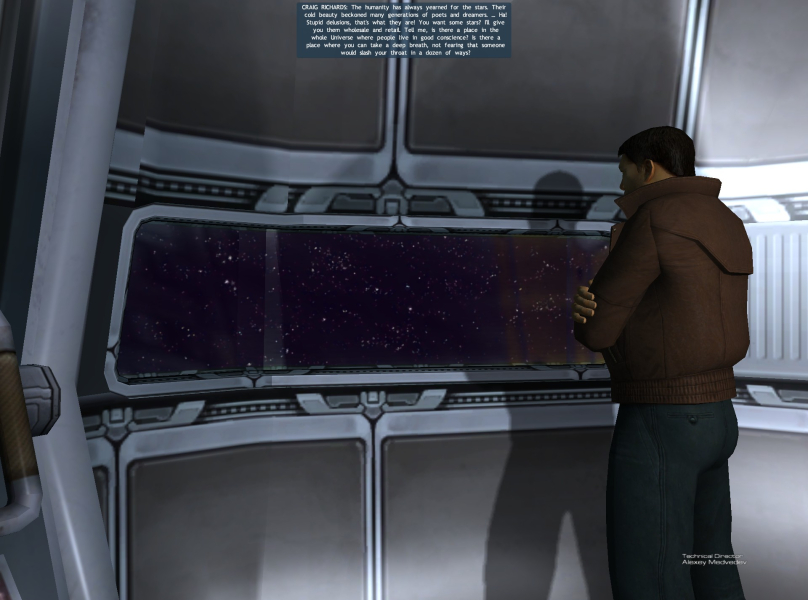
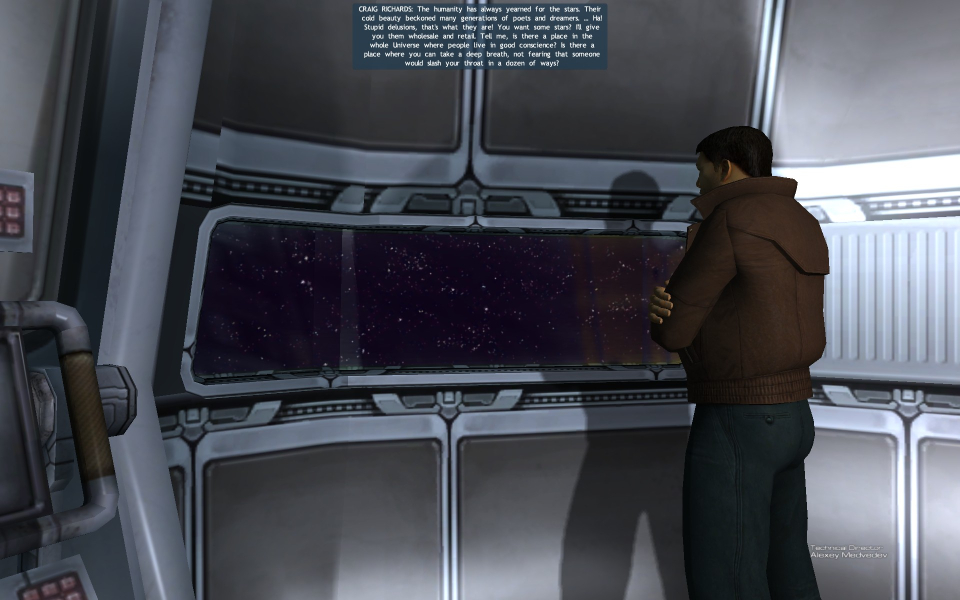
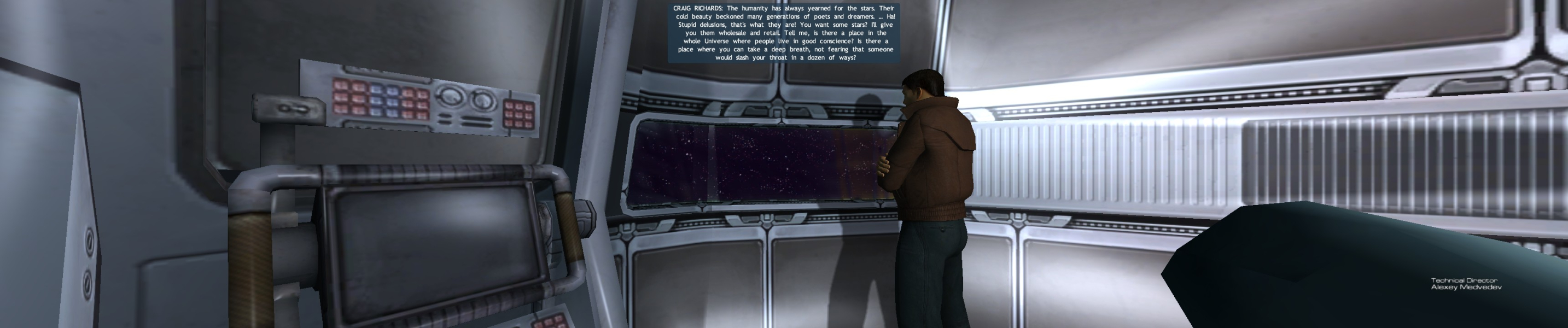
Menus are stretched, however the image shown before the menu as the game loads is not stretched. It does cut off at the bottom, however.
Native HOR+
Issues: Weapon not rendered correctly
Native HOR+
Issues: Weapon not rendered correctly
Gameplay Screenshots



In-Game (Rendered) Cutscenes


Menu Screenshots