


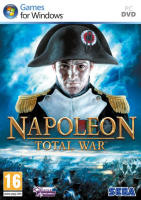


Napoleon: Total War combines turn-based army movement and empire management with real-time battles on land and sea. It features probably the most french accent-ridden dialogs ever recorded for a game.
Support Summary
Game Information
Screenshots Comparison
Solutions & Issues
Native.
The game should initially use your native resolution. You can also adjust Screen resolution at any time from the Options, Graphics menu.
Settings are saved in preferences.script.txt found under...
(7) C:\Users\\AppData\Roaming\The Creative Assembly\Napoleon\scripts\
(XP) C:\Documents and Settings\\Application Data\The Creative Assembly\Napoleon\scripts\
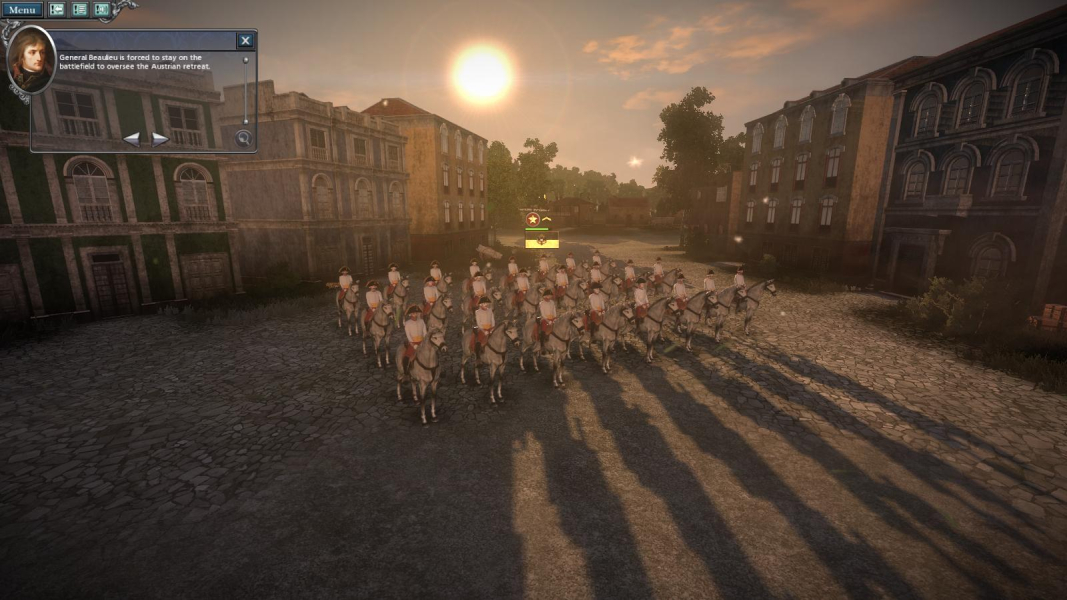
The new, optional and very murky picture-in-picture camera for "battle events" appears to use the same AR as the game and be Hor+, which would be ok - but its position is linked to both the pixel count and AR: the higher/wider the res, the further to the right it pops up.
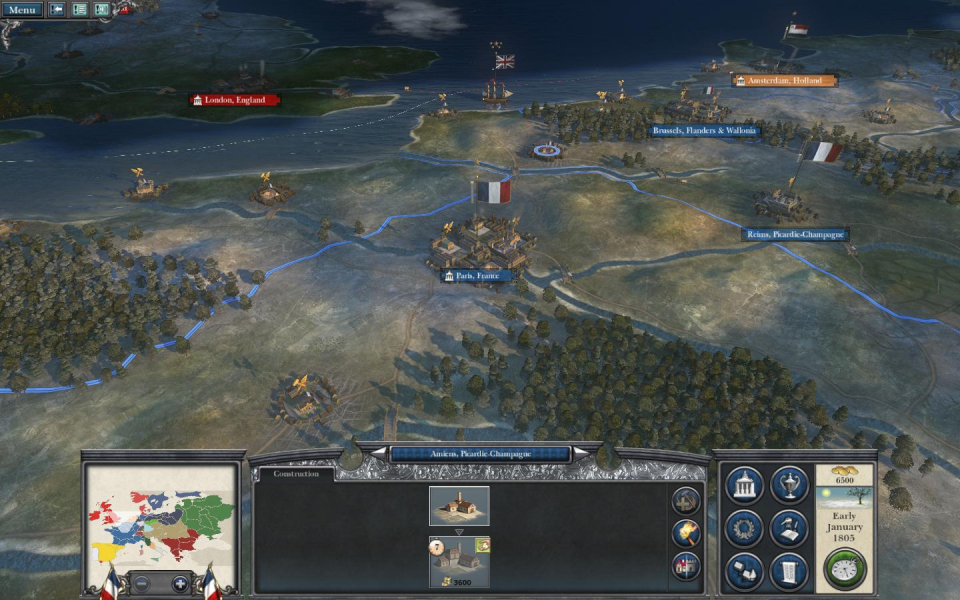
PiP camera oddity set aside, none - all 2D interface elements scale correctly to the sides of the display.
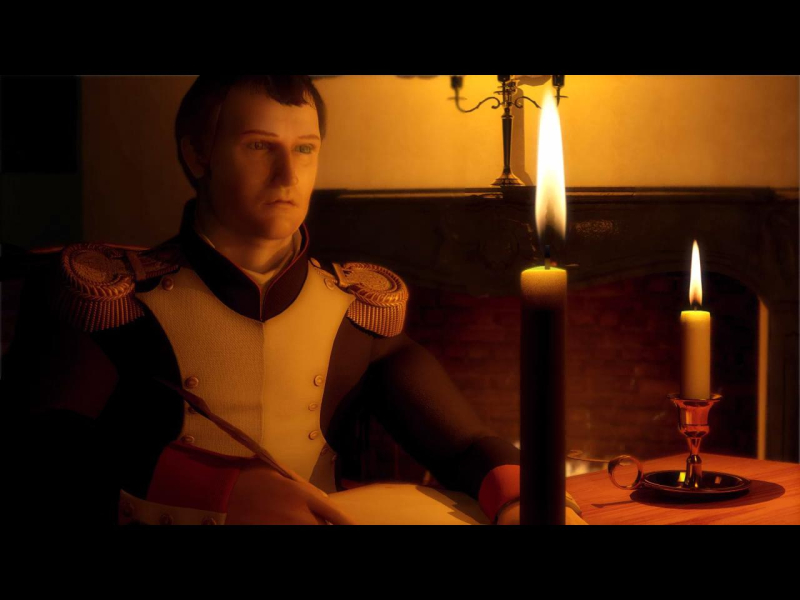
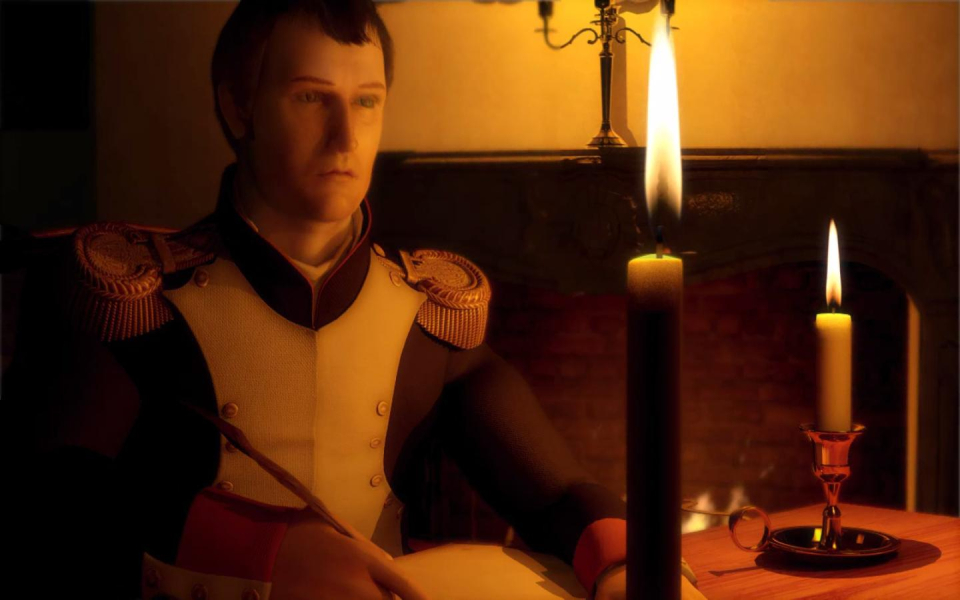
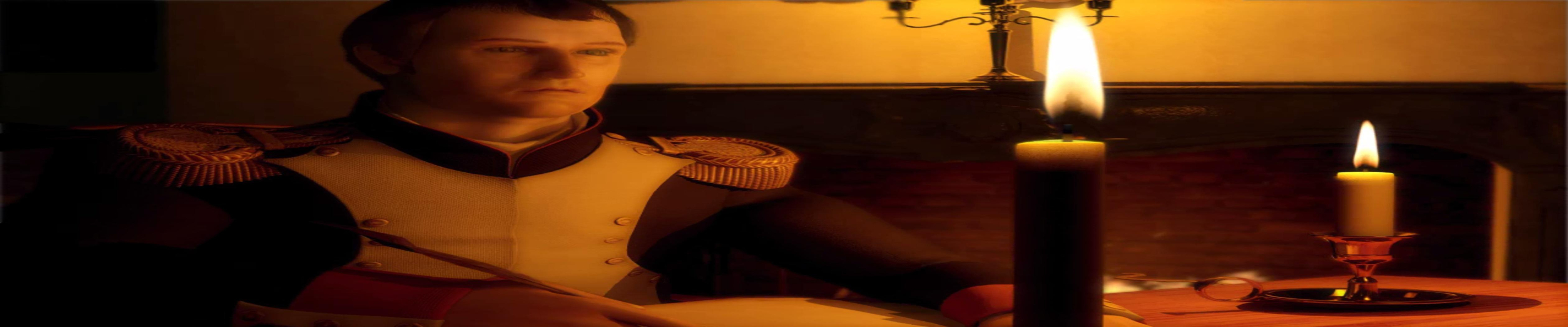
FMVs are anamorphic 16:9, but they also play full screen in non-16:9 widescreen, and thus are squished in 16:10 and 15:9. Anamorphism "works" in 5:4 and 4:3 though, so it's as if the game was expecting all wider ARs to be 16:9.
Real-time rendered cut-scenes are Hor+.
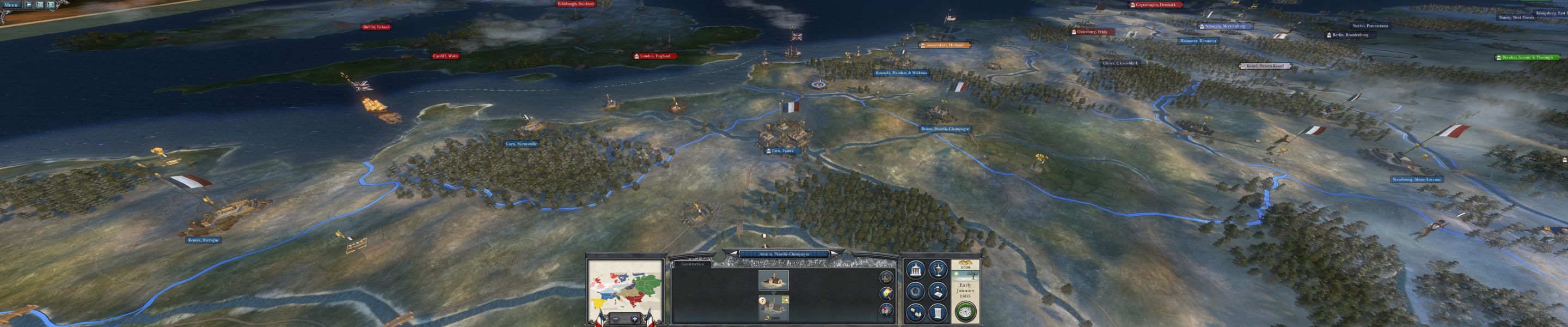
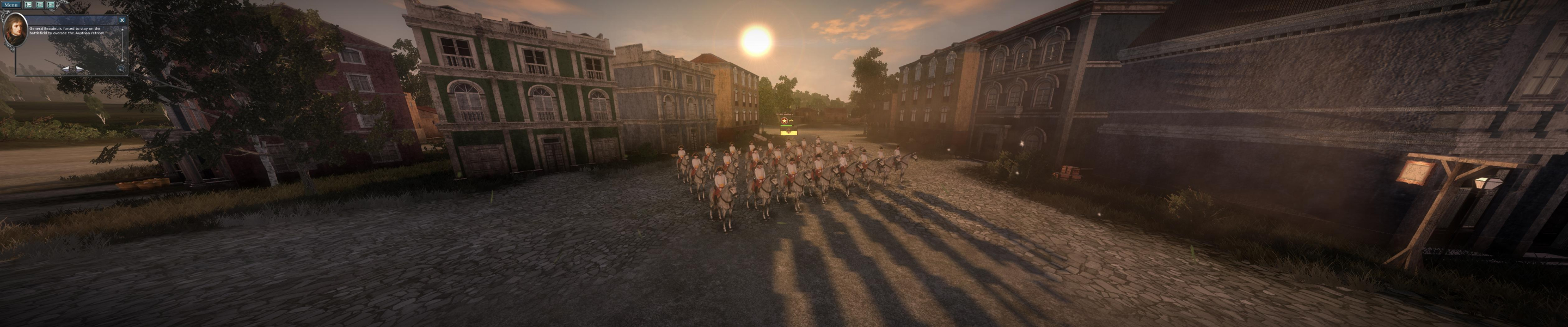
Native, Hor+ gameplay.
HUD: scales correctly to the sides of the display.
The PiP cam is Hor+ and pops up on the right-hand monitor; above 3840x800, it covers the minimap and gets cut-off, so it might be pushed completely off the screen at very high res's.
Gameplay Screenshots



In-Game (Rendered) Cutscenes


FMV Cutscenes

Menu Screenshots



Additional Screenshots


