


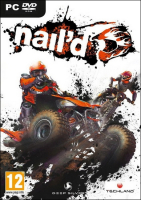


No tricks, all nitro: make no mistake, Nail'd is all about the racing. Take your quad or bike over crazy jumps and around obstacles through branching off-road tracks. Steer in mid-air and try to land on all wheels (or better yet on an unsuspecting opponent) for a boost bonus. Throw in mutators: infinite boost and/or Trackmania-like no-collision mode for even more hi-speed chaos. Nail'd features a solo championship, free race, LAN & online multiplayer, leaderboards and achievements.
Support Summary
Game Information
Screenshots Comparison
Solutions & Issues
Native. From the main menu, navigate to Options, Display and select your desired resolution.
The HUD scales correctly in widescreen but some elements are swollen and misaligned in multi-mon. Some 2D elements just plain stretch, though.
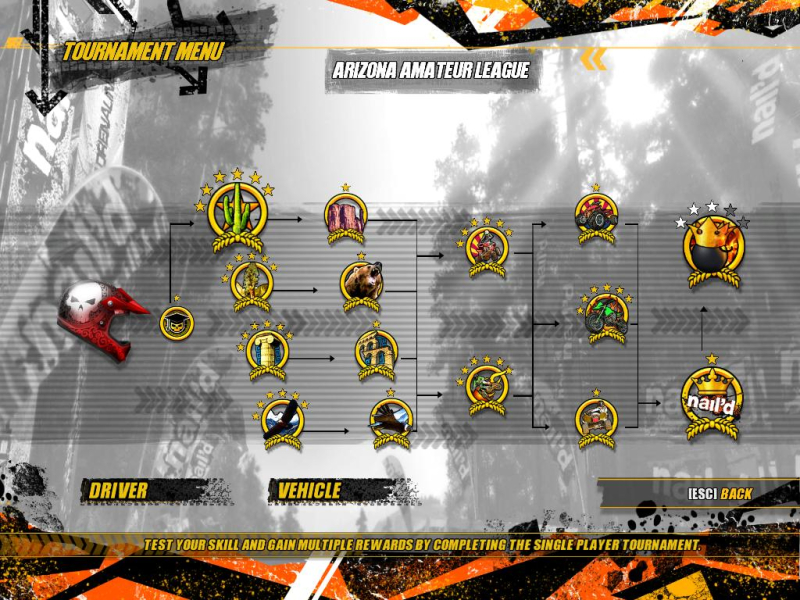
The top and bottom of the main menu gets cut-off, but it's not a problem thanks to keyboard/controller-friendly navigation and a line descripting even an invisible selected item. All submenus and other interface screens are neither cut-off... nor bezel-aware.
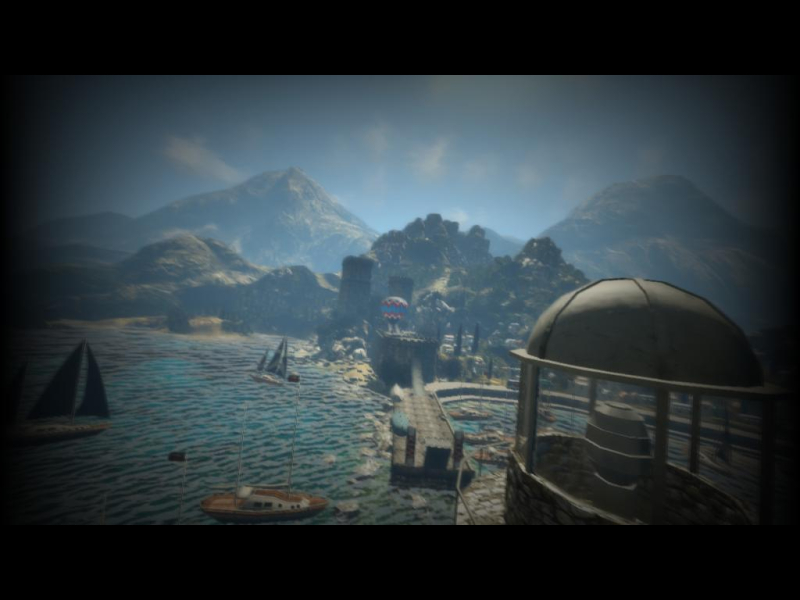
Pre-race real-time cut-scenes are anamorphic in widescreen and Vert- in multi-mon. Somehow the letterboxing got borked for the 4 new tracks of the Detonator DLC (16:9 is Vert-).
Some items on the main menu are offscreen. The description of every item remains visible so navigation with the keyboard or controller is not a problem.
Native, Hor+.
Performance tip: 'Normal' post-process FX eat the framerate alive at high resolutions. In multi-mon, switching post-process to 'Simple' results in a much smoother game (esp. when driving across water), at the expense of a lot of eye candy.
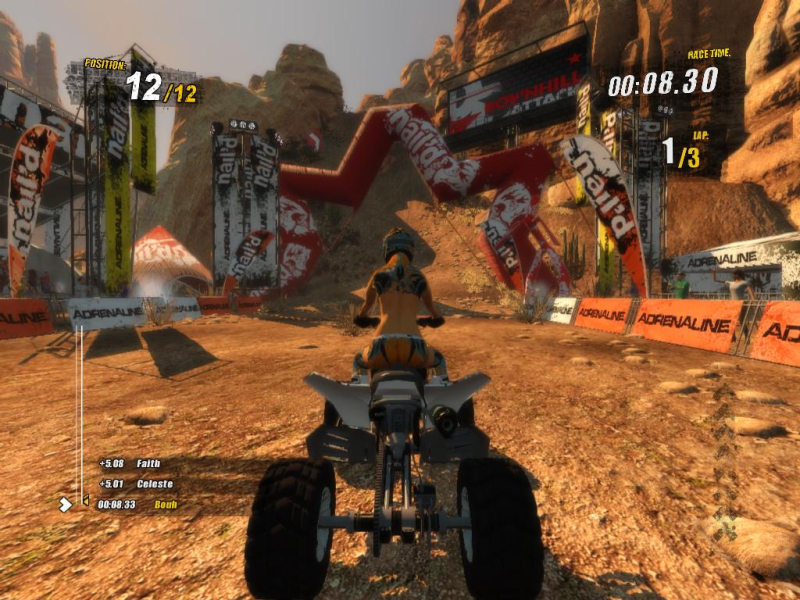
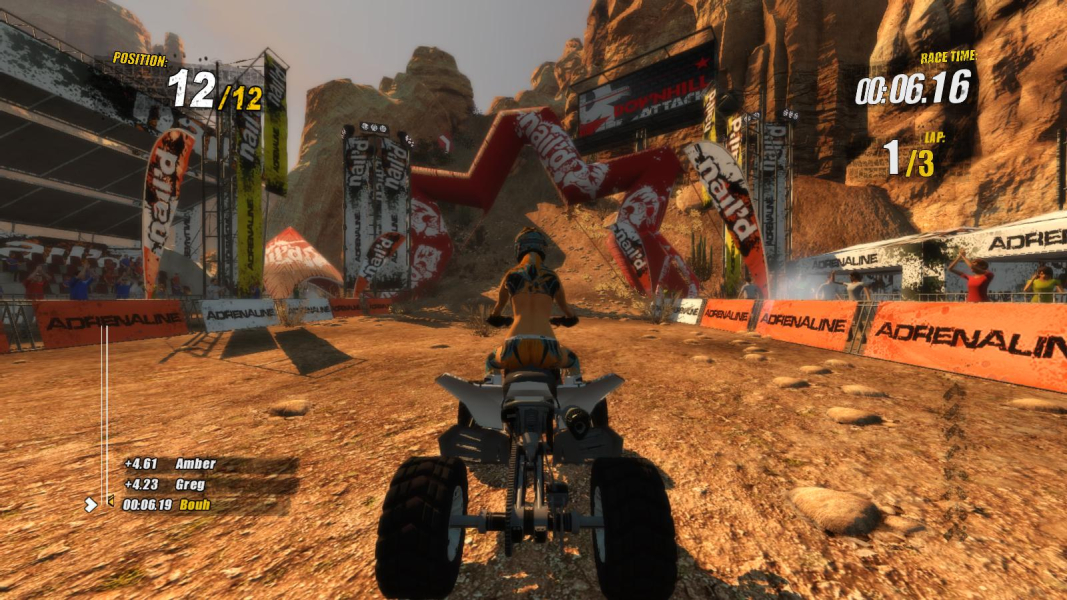
Gameplay Screenshots




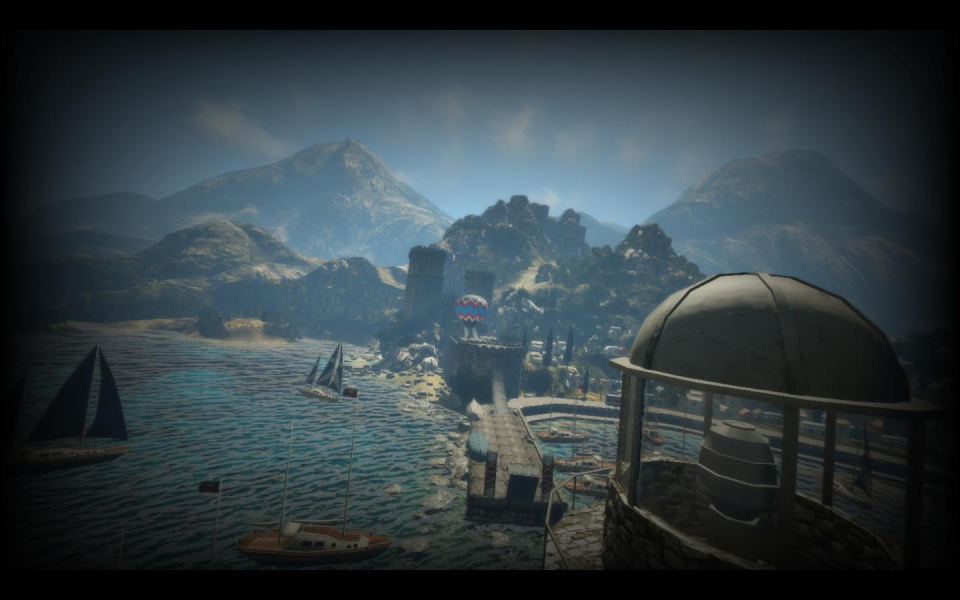
In-Game (Rendered) Cutscenes


Menu Screenshots

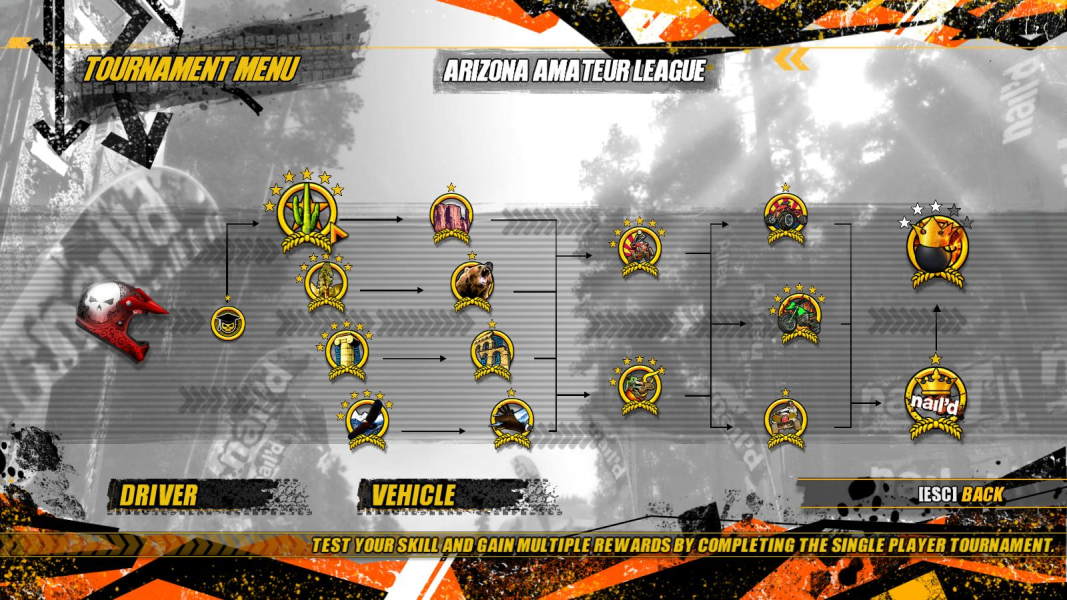

Additional Screenshots


