


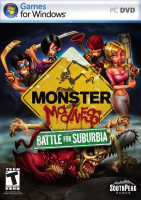


In four-player melee action, fight off the monster invasion in this top-down action/shooting game.
Support Summary
Game Information
Game Status:Released
Release Date:
Tested Version:Retail
Play Styles:
Setting:Horror
Developer:Artificial Studios
Links:
Screenshots Comparison
Solutions & Issues
Widescreen Solution & Issues:
Native HOR+
Ultra/Super-Wide Specific Solution & Issues:
Native HOR+
Alternative Hex edit FIX for Pillarboxed Cutscenes:
Go to --> ...\MonsterGame\CookedPC\Engine.xxx look for 39 8E E3 3F and change it to CD 90 18 40
Eyefinity / Surround Specific Solution & Issues:
Native HOR+ but way to much. You need to INI edit the FOV.
Go to --> C:\ProgramData\ArtificialStudios\MonsterMadness\MonsterInput.ini
Add these Lines: | OnRelease FOV 133 to the Fire Button or Move Forward Button.
Bindings=(Name="Fire",Command="Button bFire | StartFire | OnRelease StopFire | OnRelease FOV 133")
Alternative Resolution change via INI:
Go to --> C:\ProgramData\ArtificialStudios\MonsterMadness\MonsterEngine.ini
StartupResolutionX=5760
StartupResolutionY=1080
Gameplay Screenshots
4:3 Screenshot
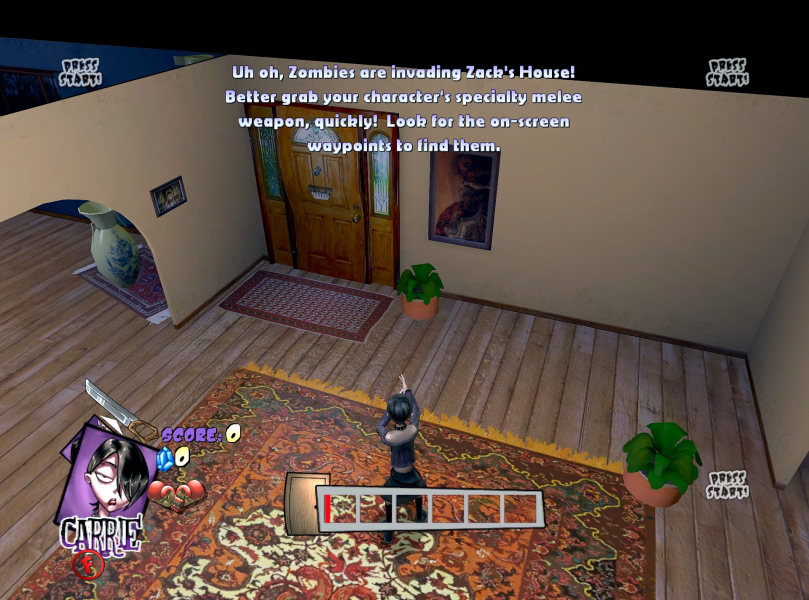
16:10 Screenshot
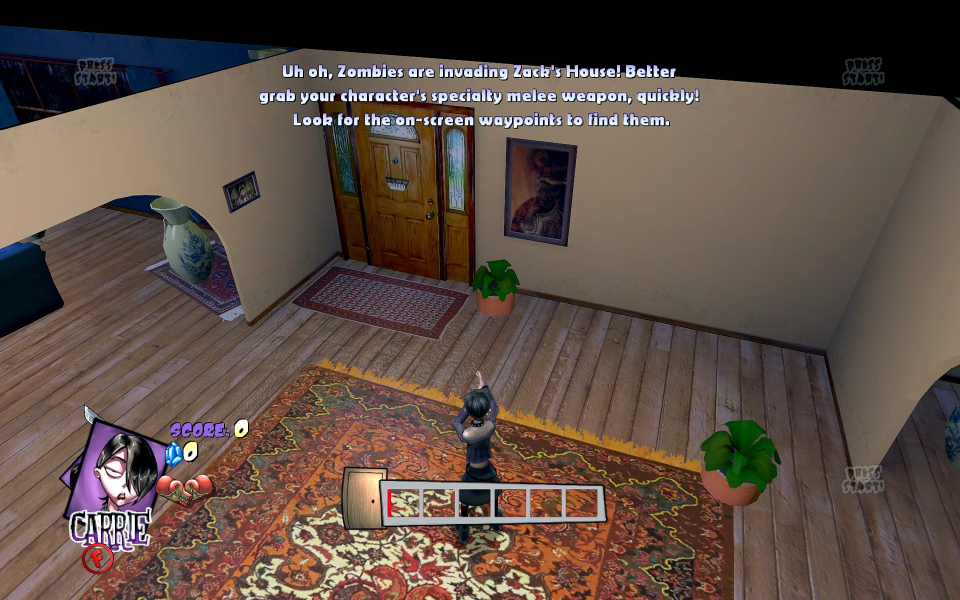
16:9 Screenshot
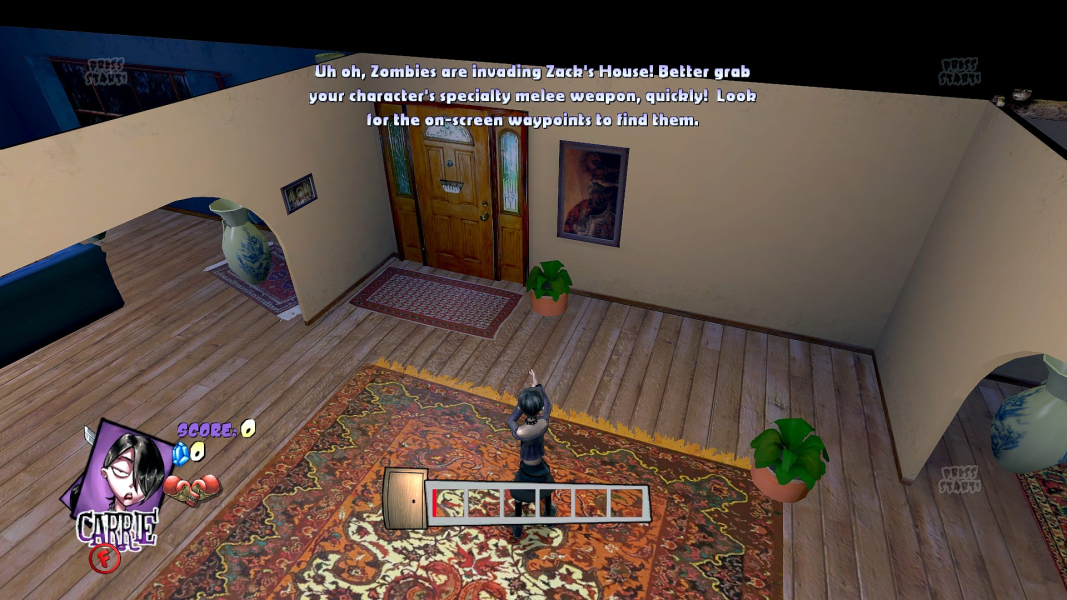
21:9 Screenshot
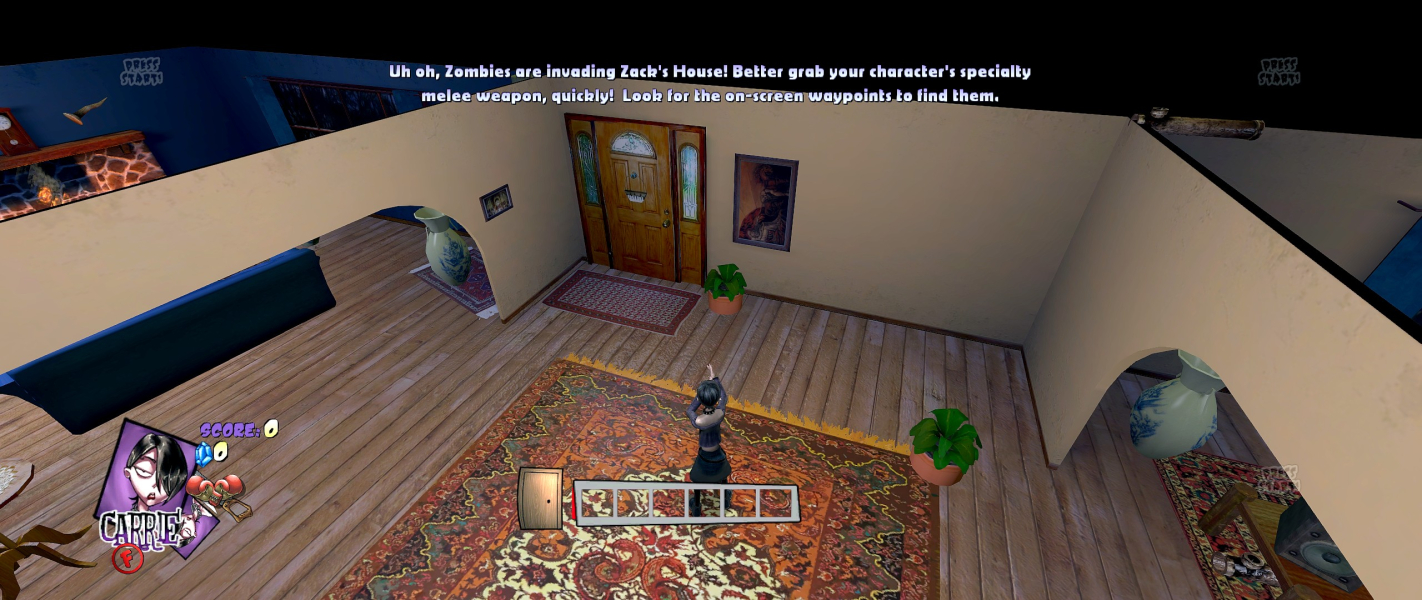
32:9 Screenshot

Eyefinity / Surround Screenshot
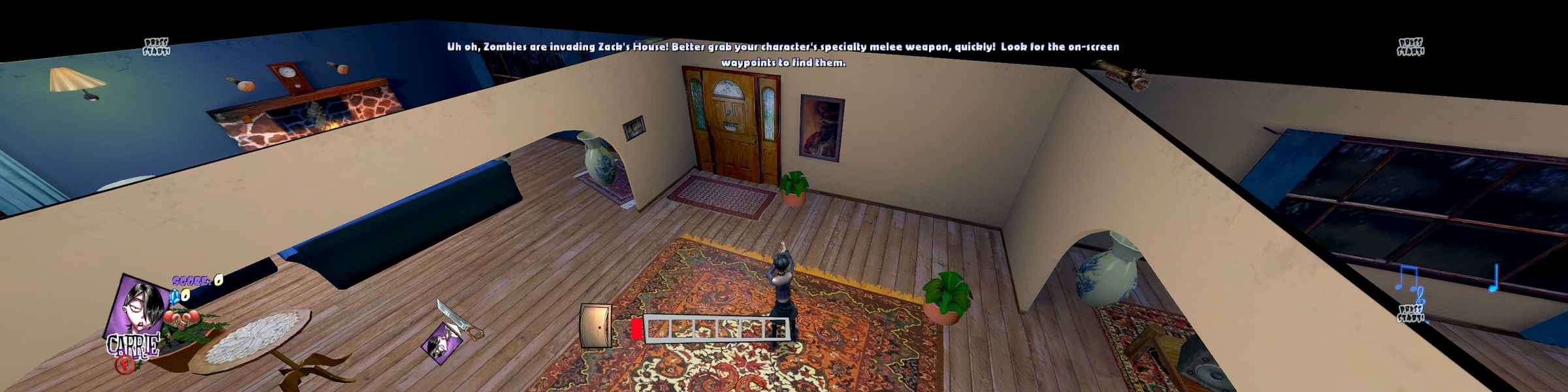
In-Game (Rendered) Cutscenes
4:3 Cutscene

16:10 Cutscene
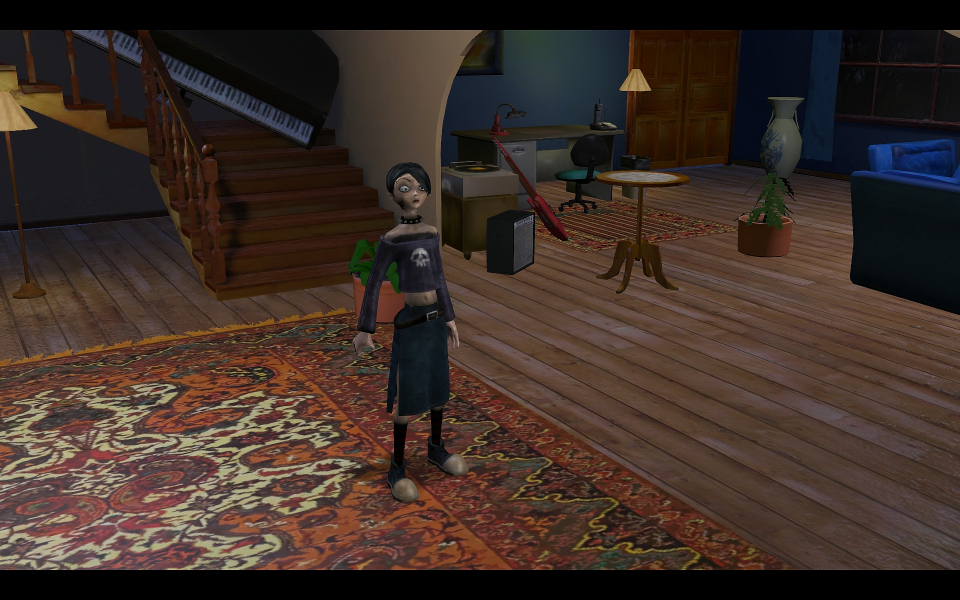
16:9 Cutscene

21:9 Cutscene
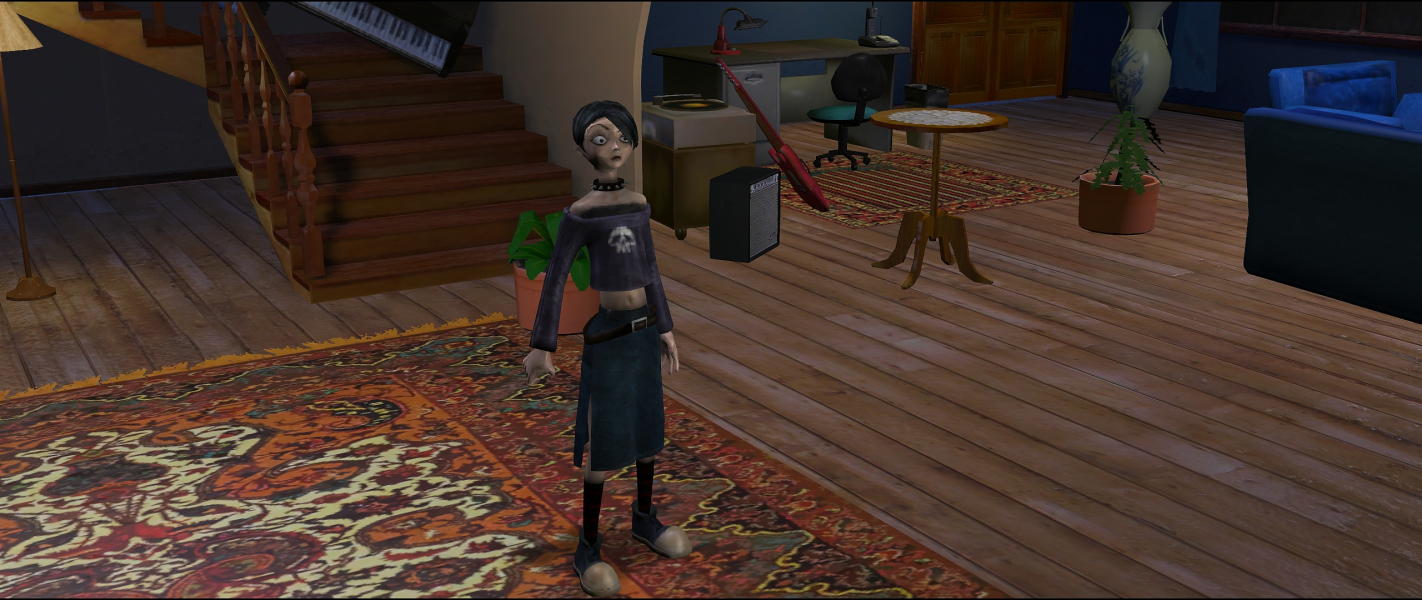
Eyefinity / Surround Cutscene

FMV Cutscenes
4:3 FMV Cutscene
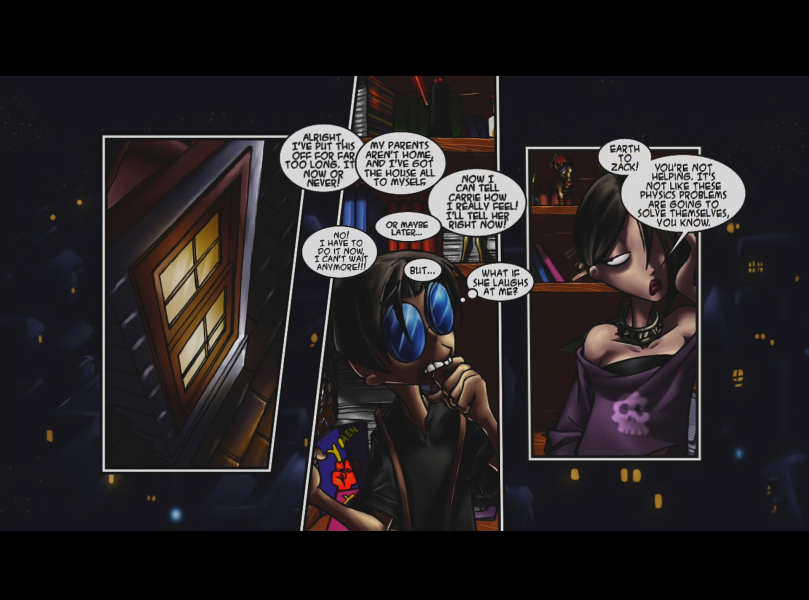
16:10 FMV Cutscene
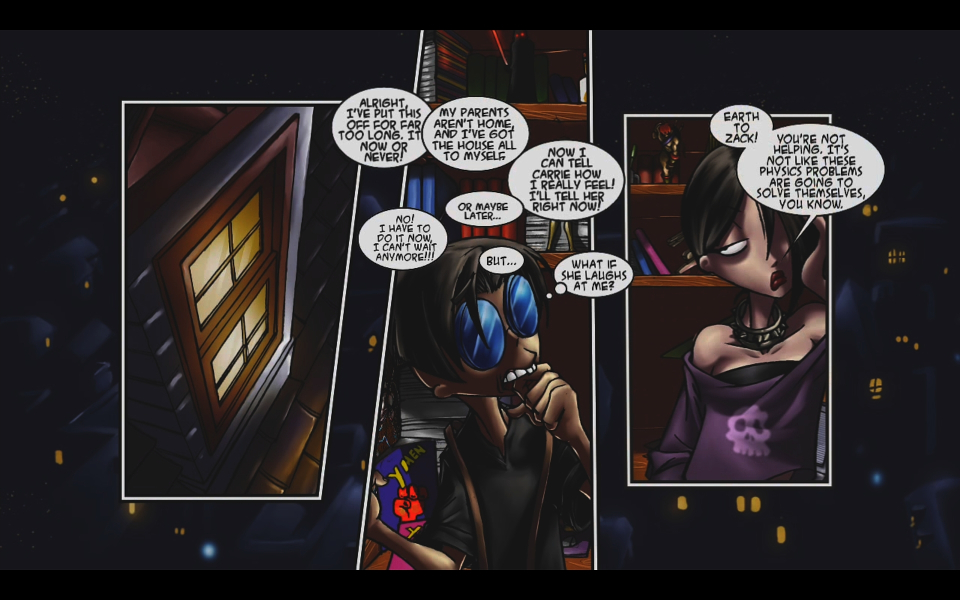
16:9 FMV Cutscene
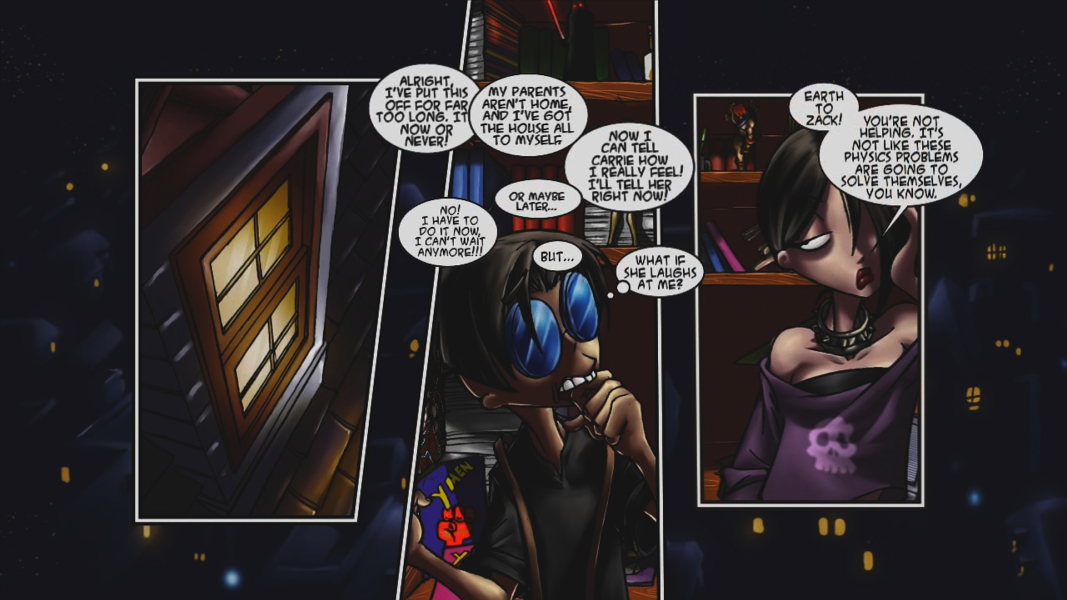
21:9 FMV Cutscene
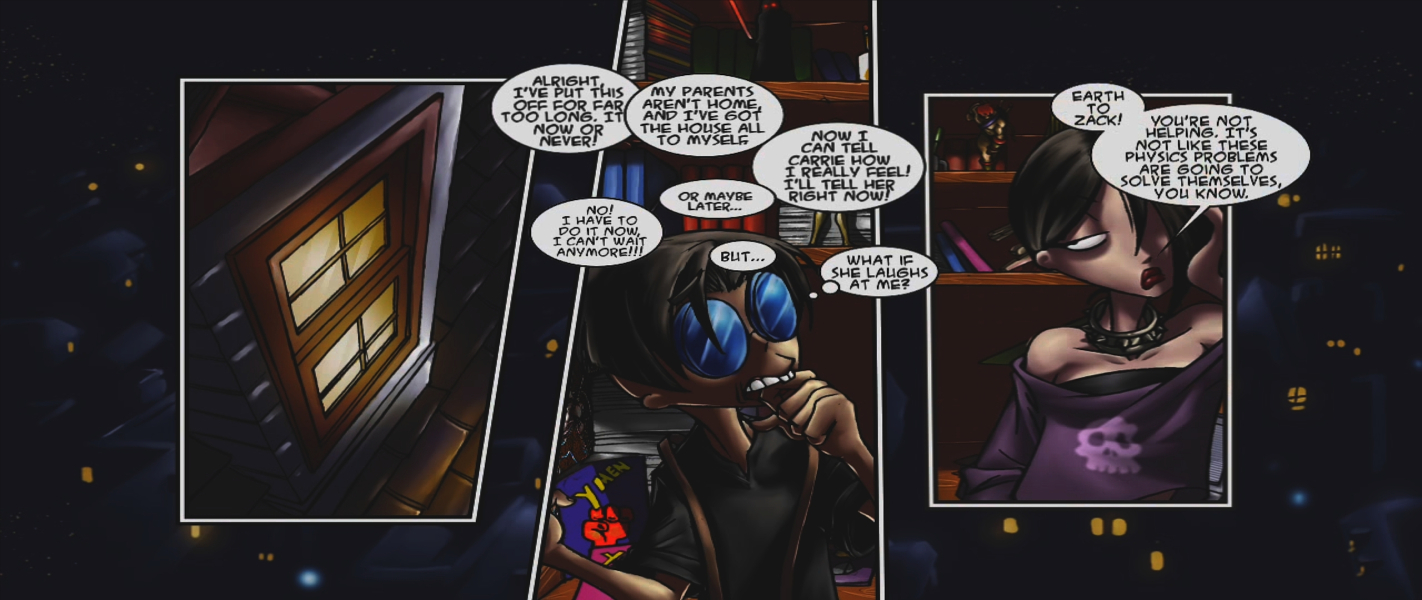
Eyefinity / Surround FMV Cutscene

Menu Screenshots
4:3 Menu
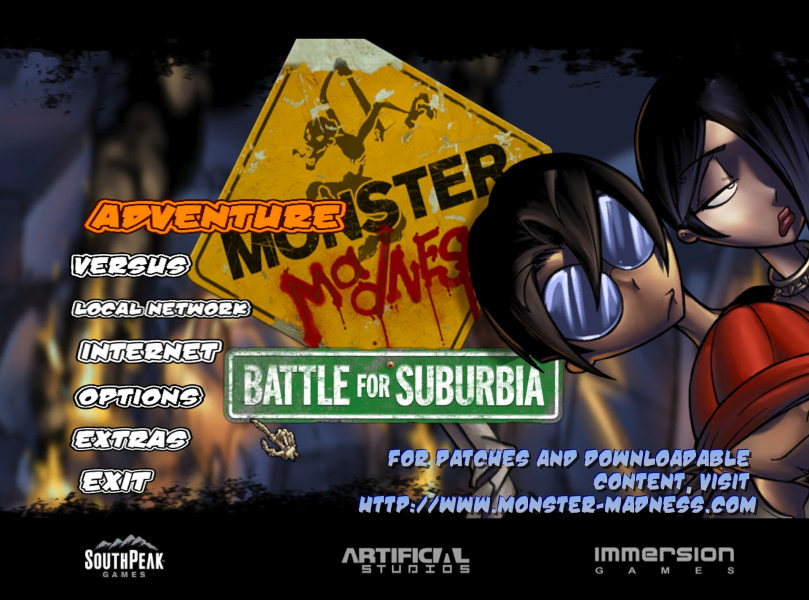
16:10 Menu

16:9 Menu
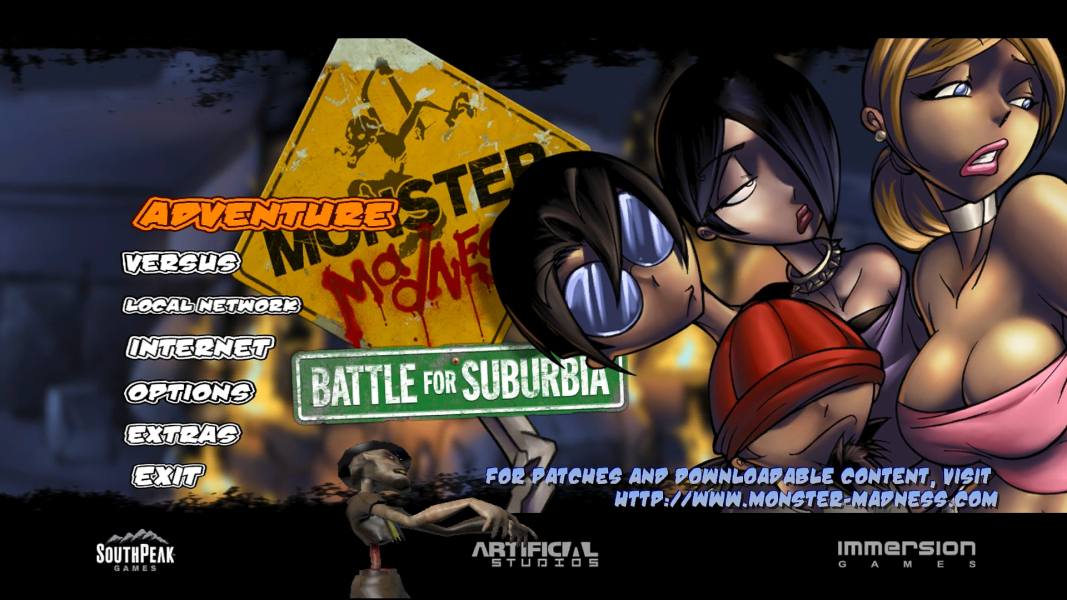
21:9 Menu
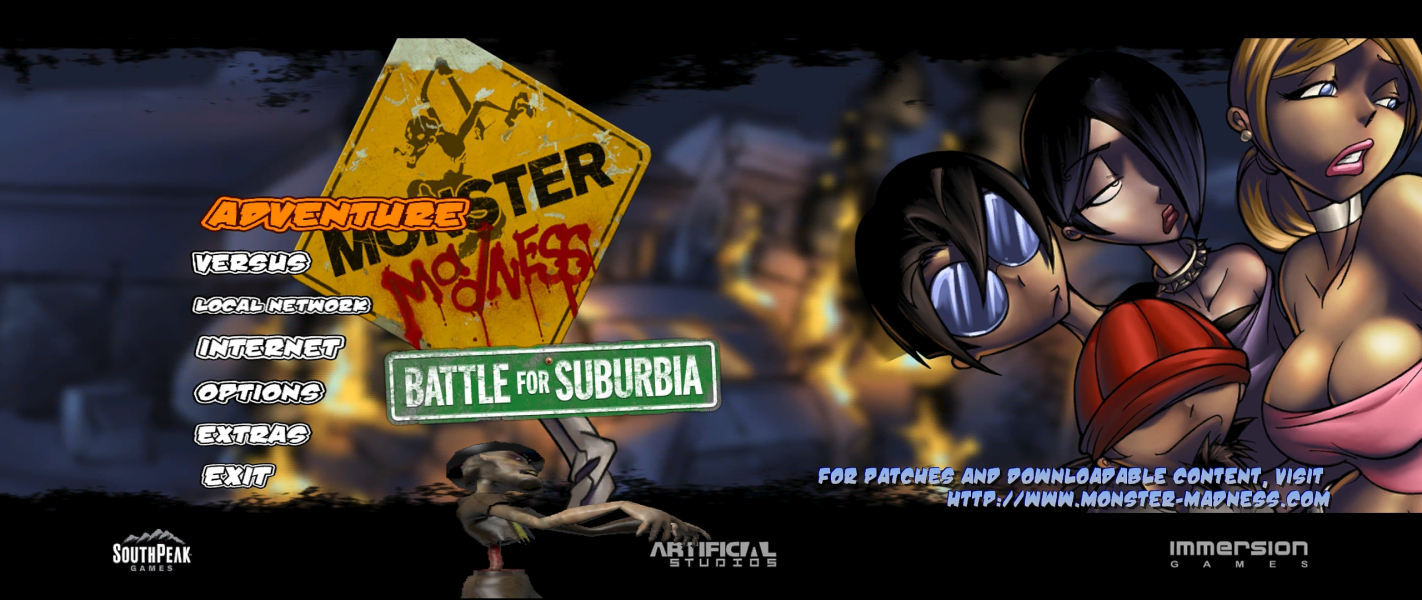
Eyefinity / Surround Menu
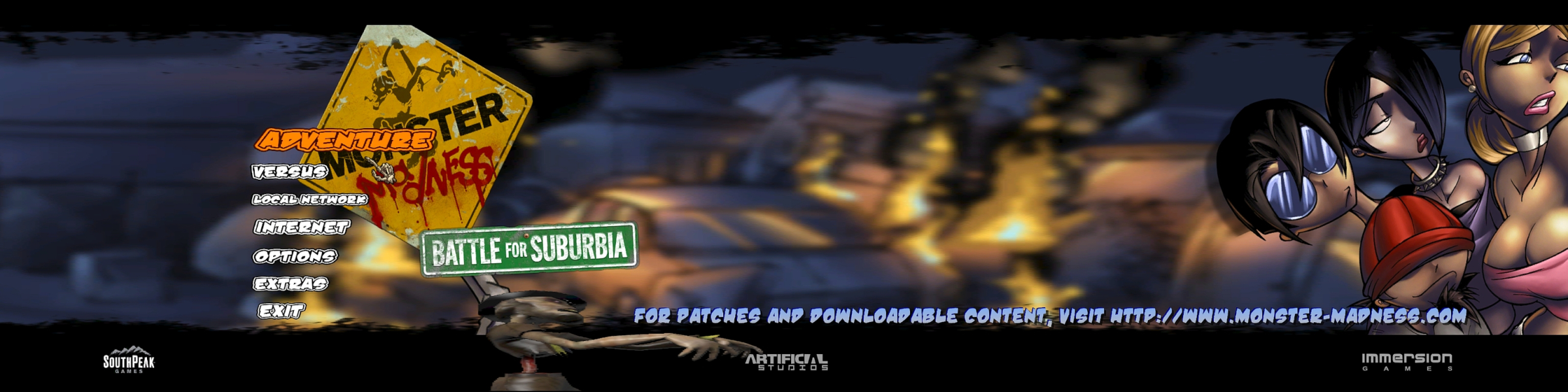
Additional Screenshots
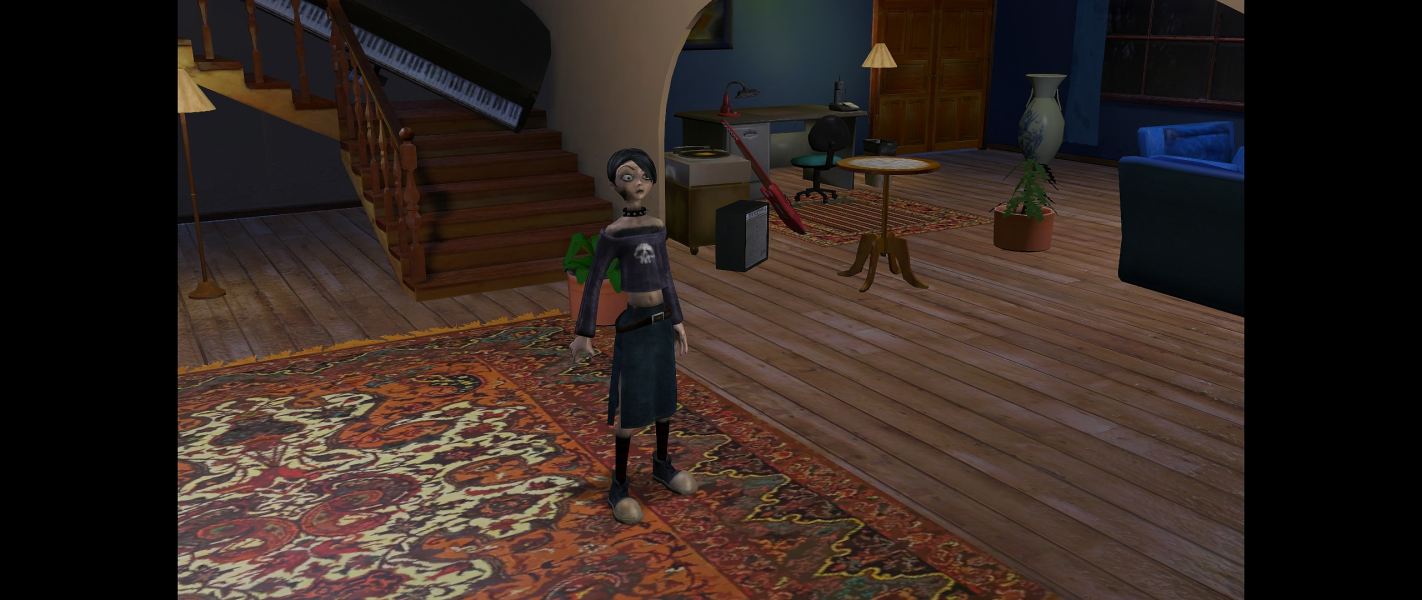
Cutscene 21:9 Original
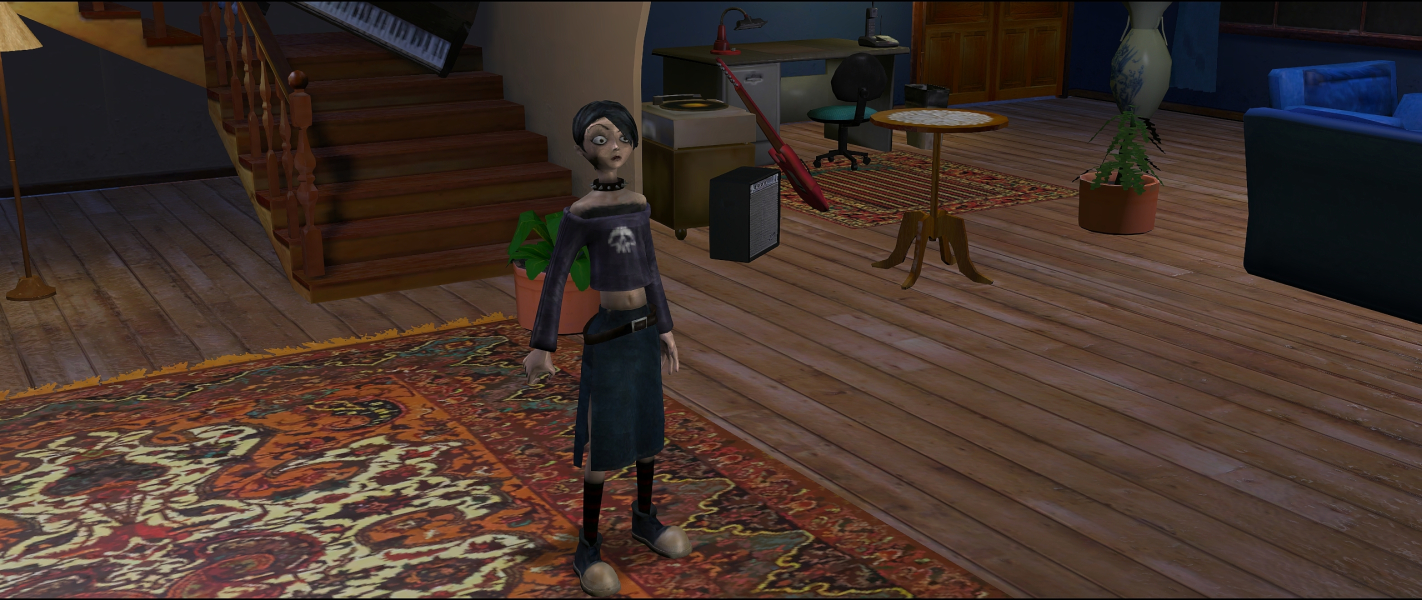
Cutscene 21:9 Hex edit fixed
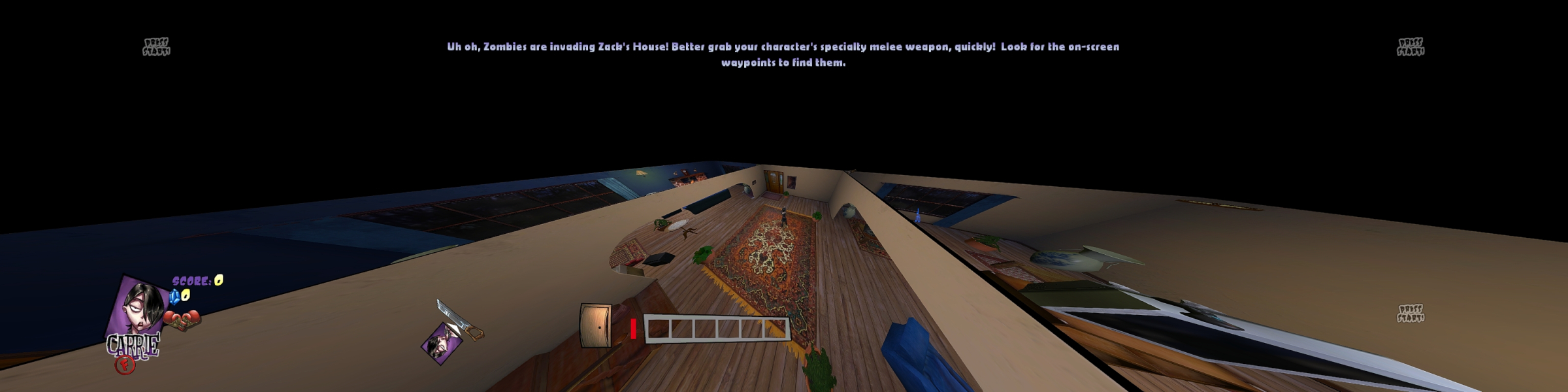
Surround FOV Original
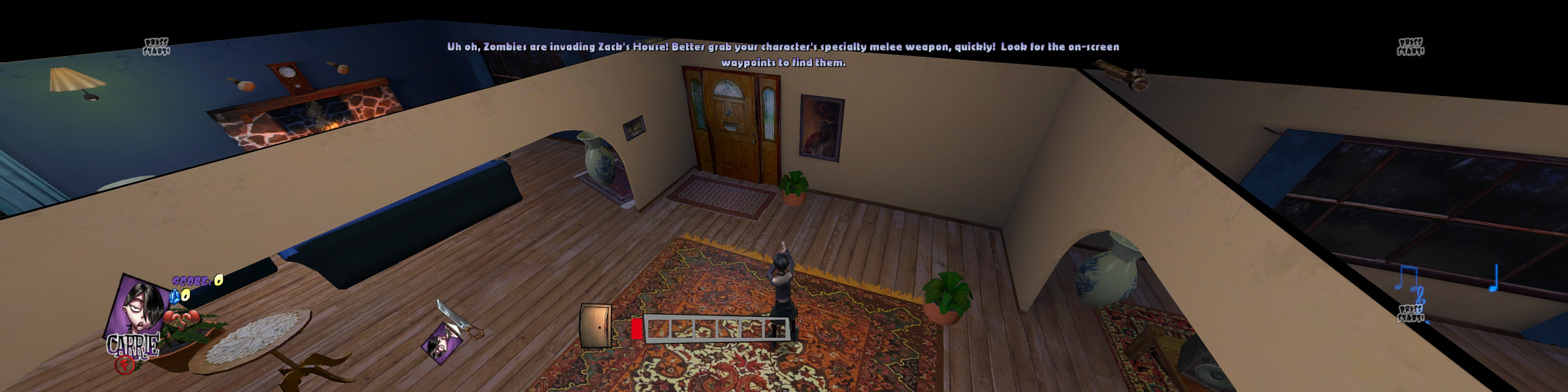
Surround FOV ini fixed


